blacksmith-450
Members
-
Joined
-
Last visited
Everything posted by blacksmith-450
-
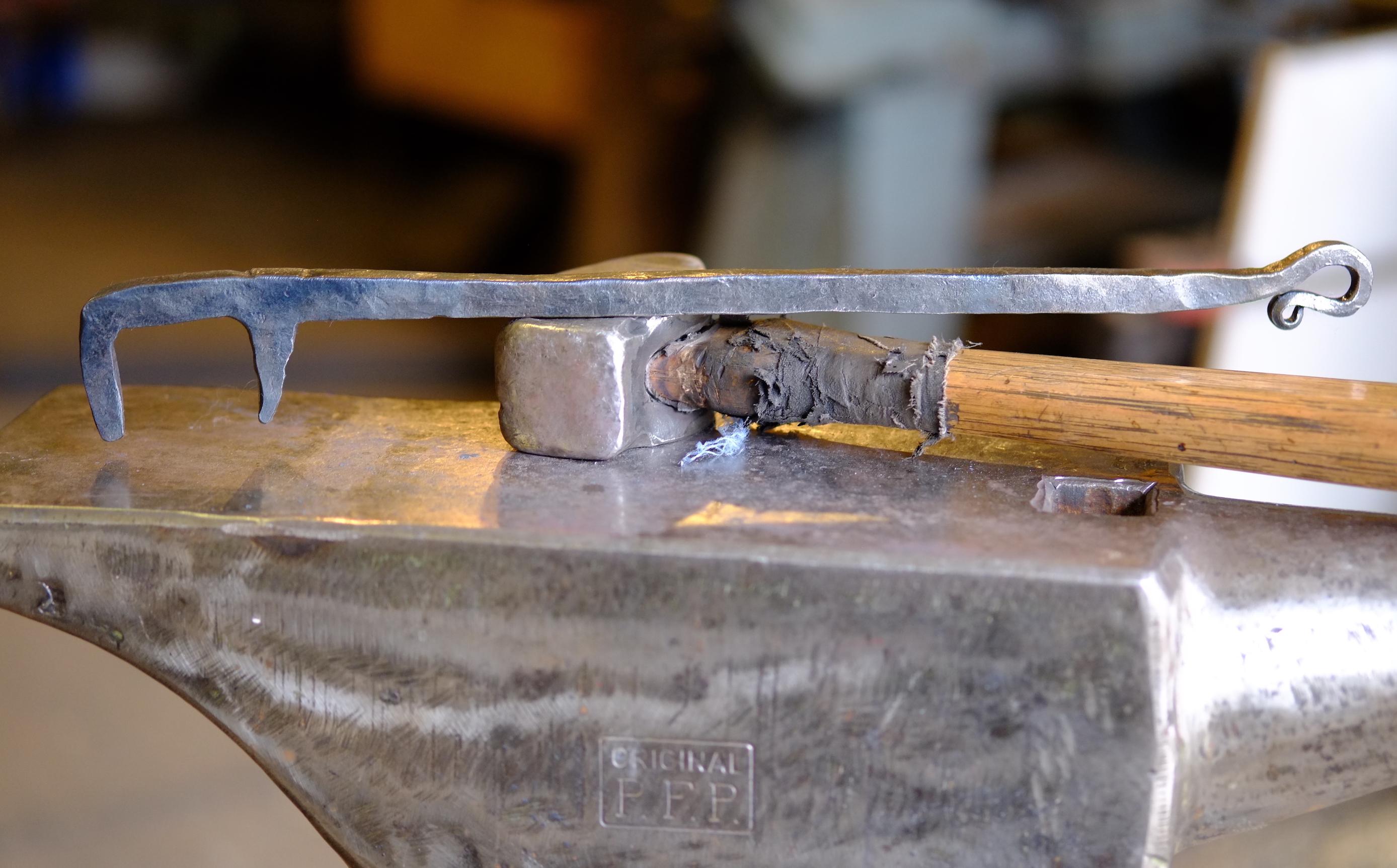
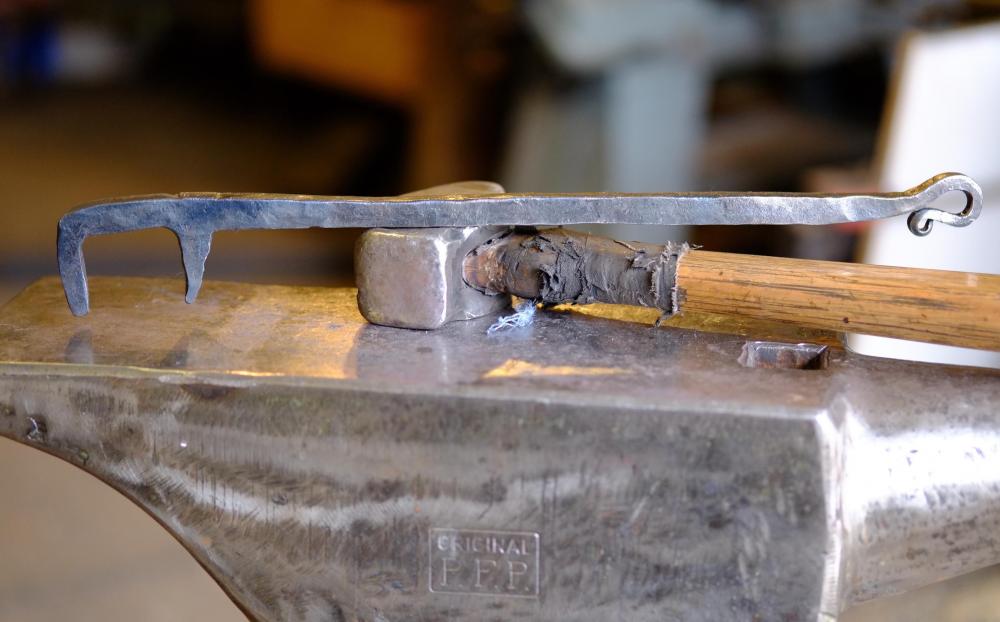
My first, little scroll wrench
-
JHCC , nice scrolling wrench !
-
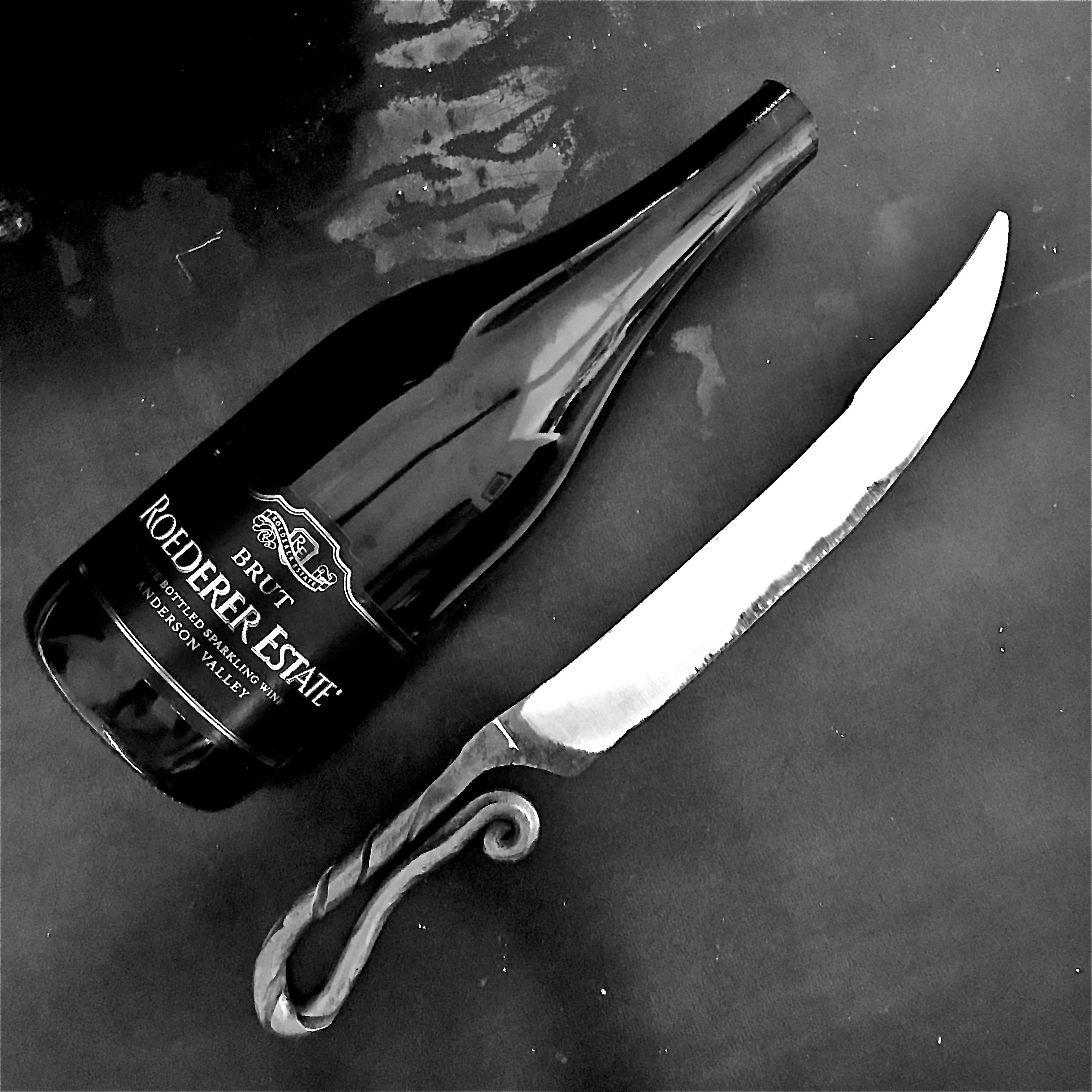
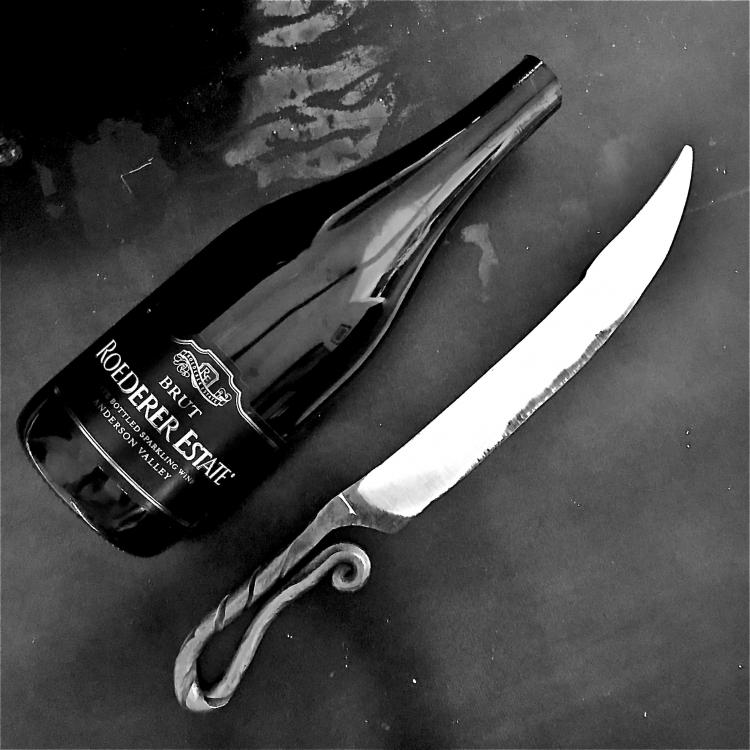
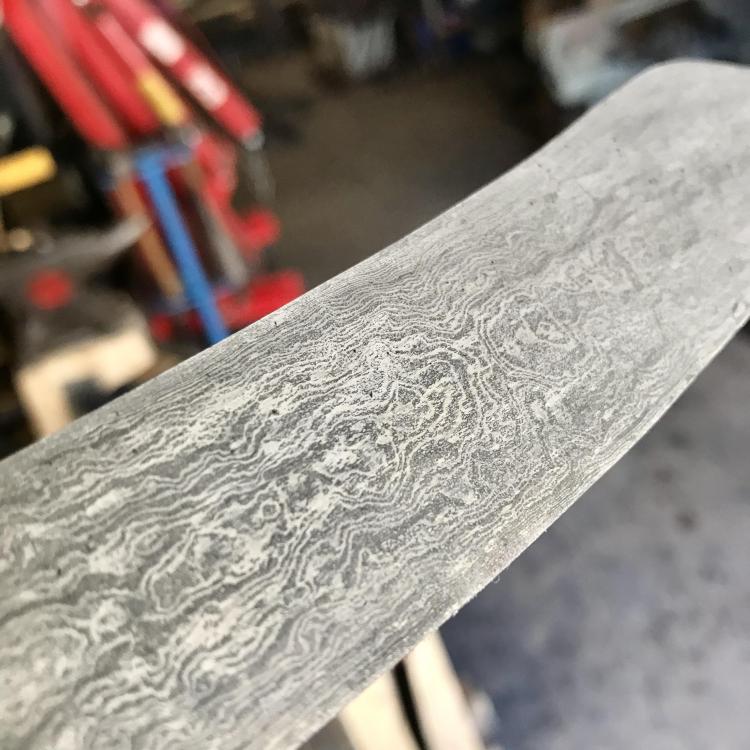
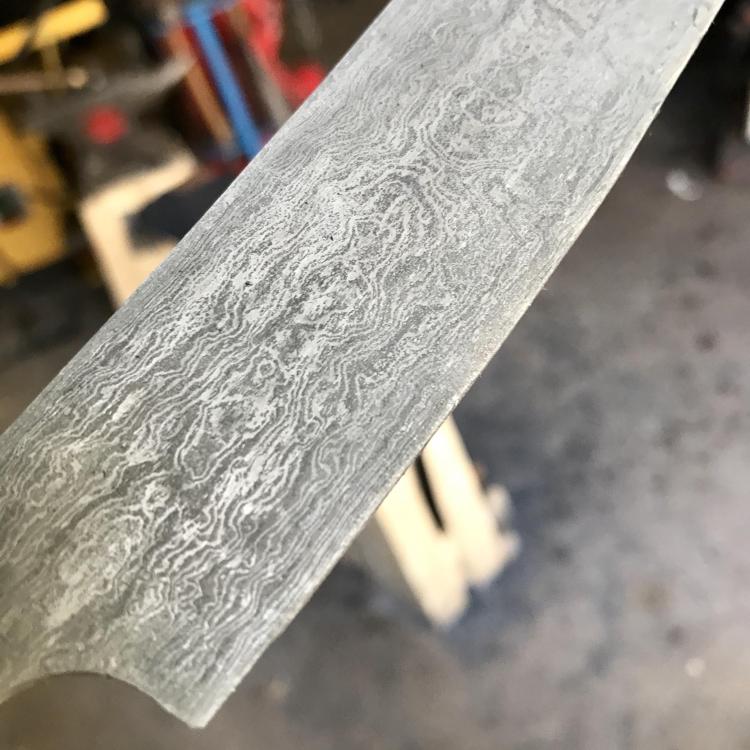
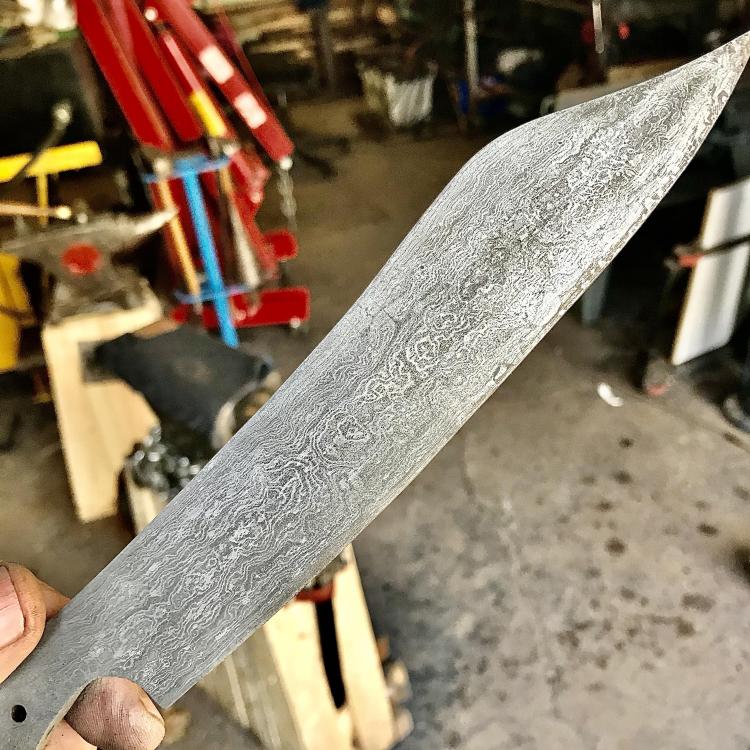
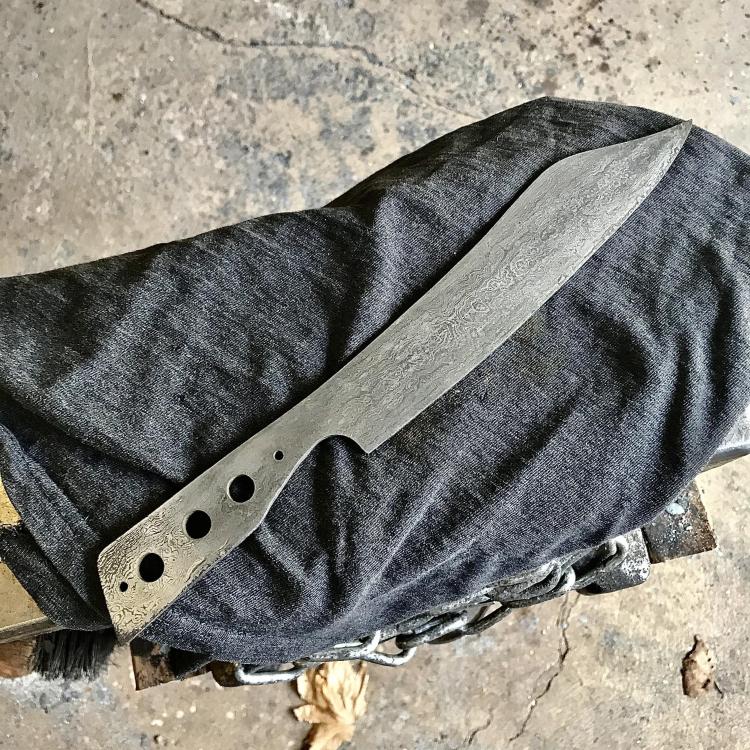
Champagne Saber from a V rail anchor (seems to be the «à la mode» material ). Tested it ! So... go to heat trait and final sanding.
-
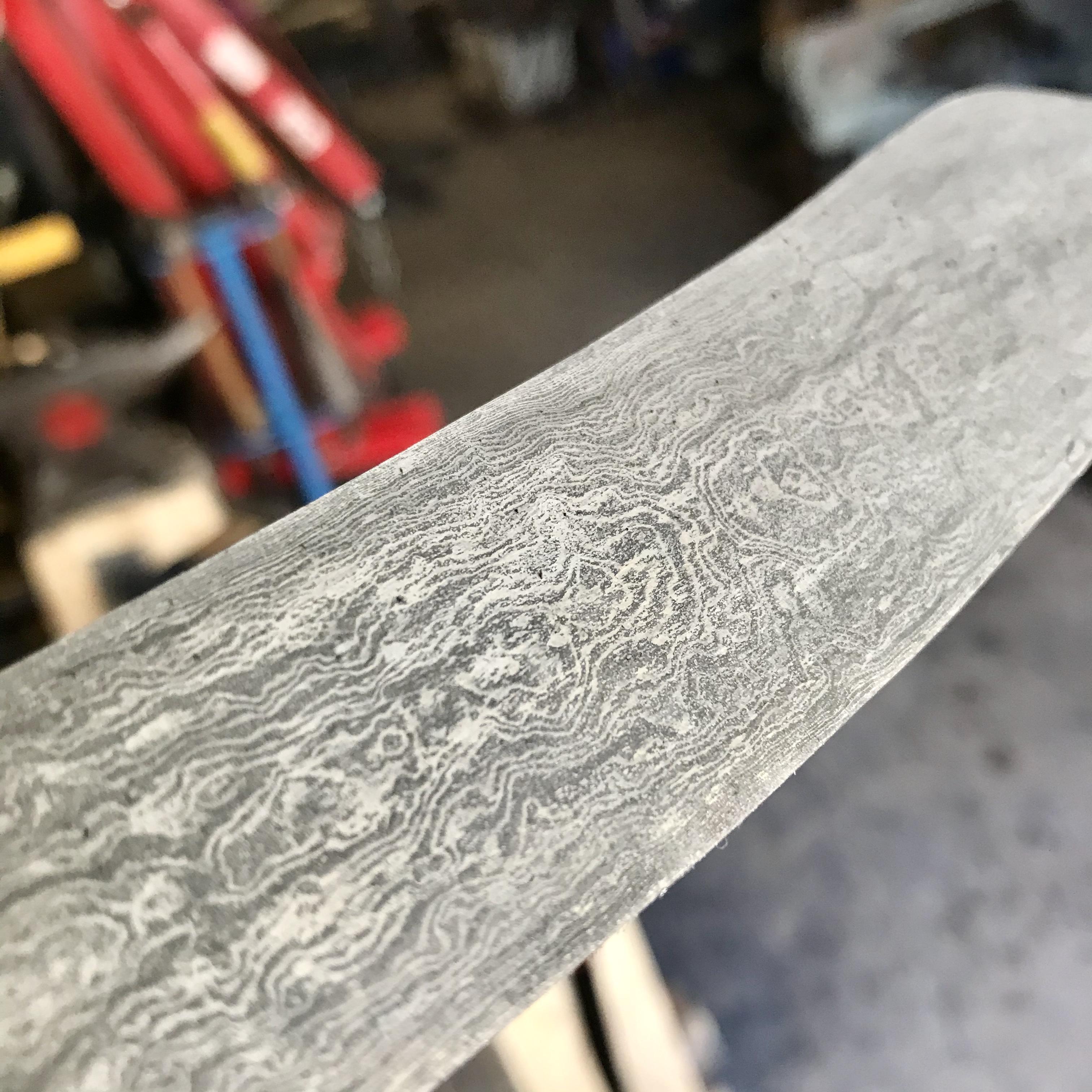
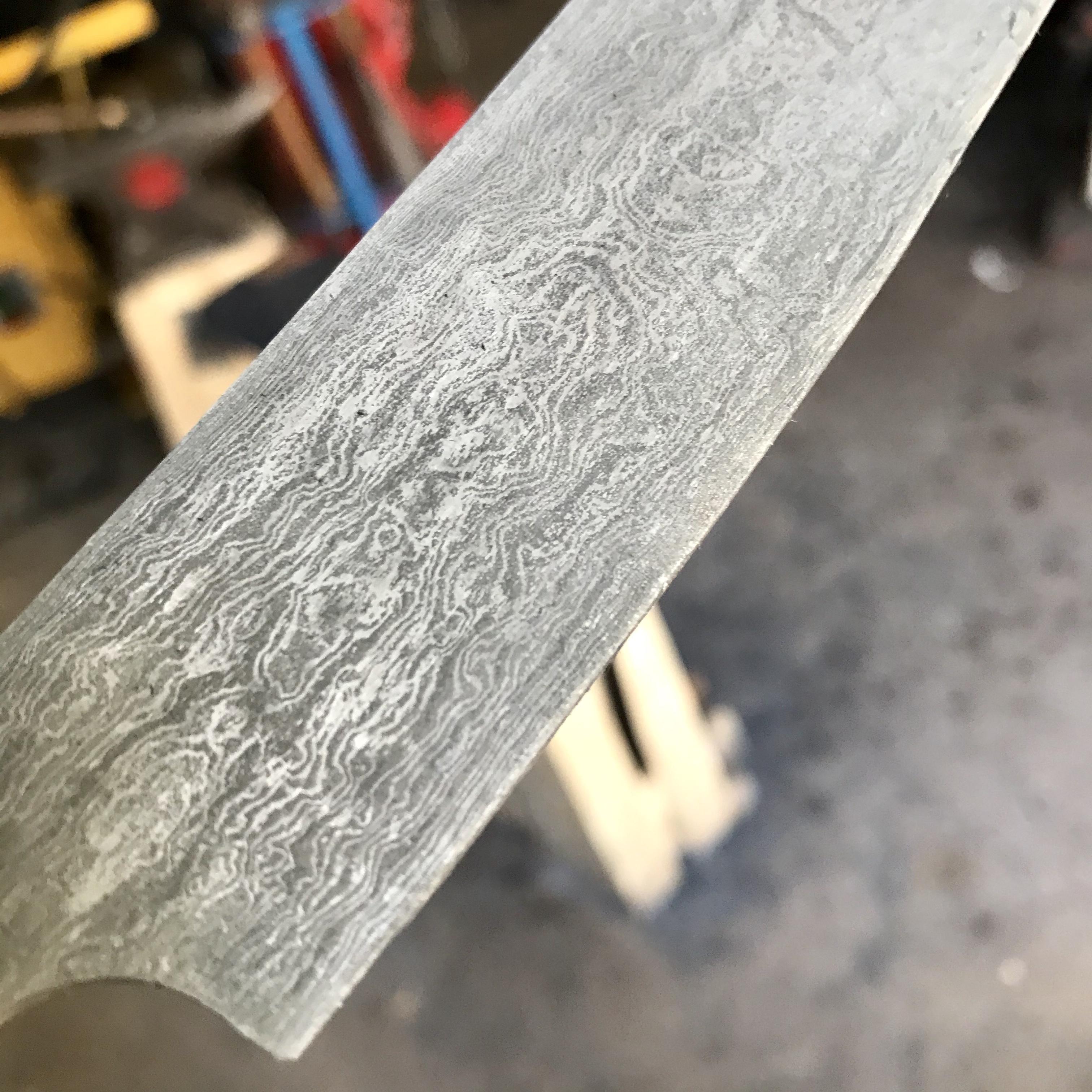
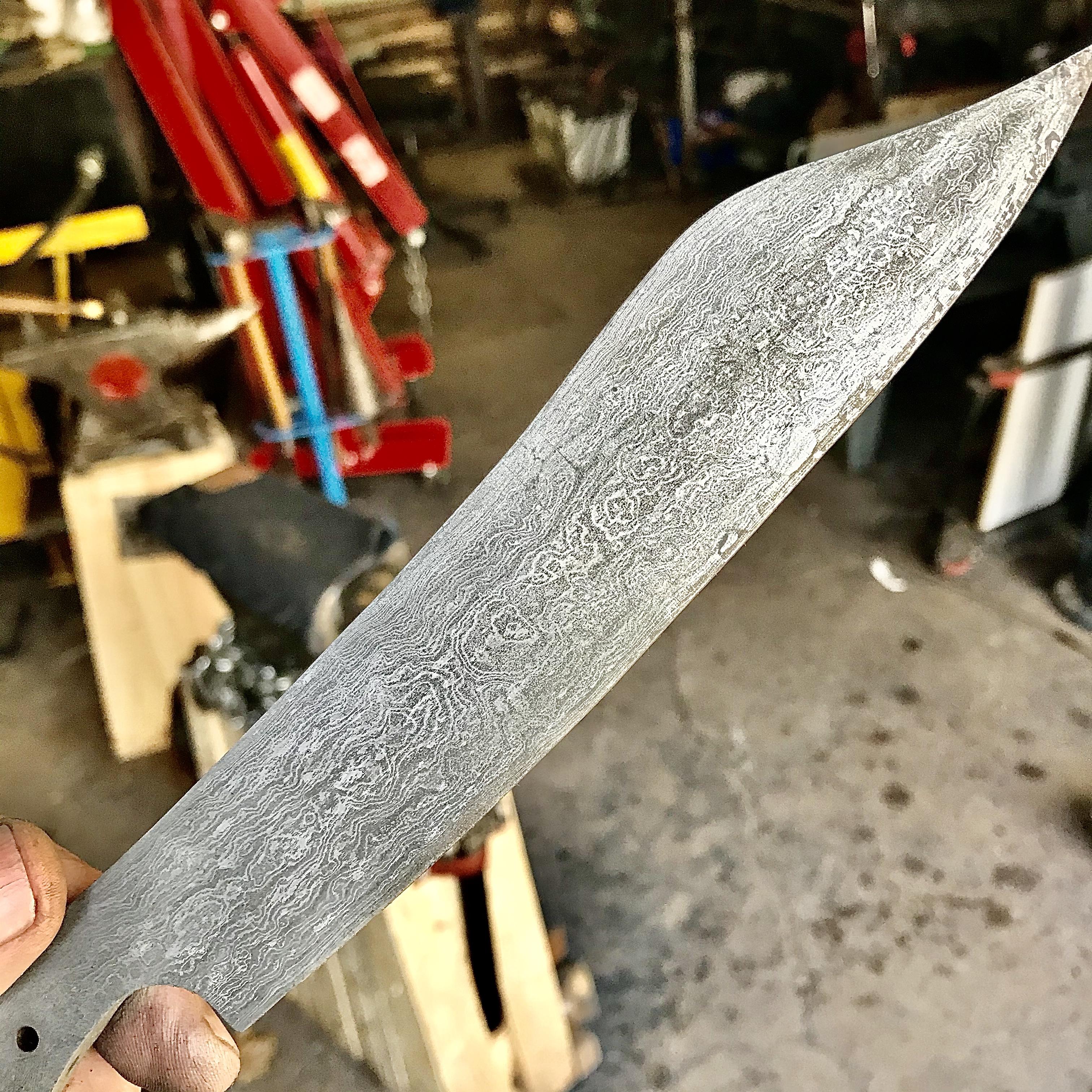
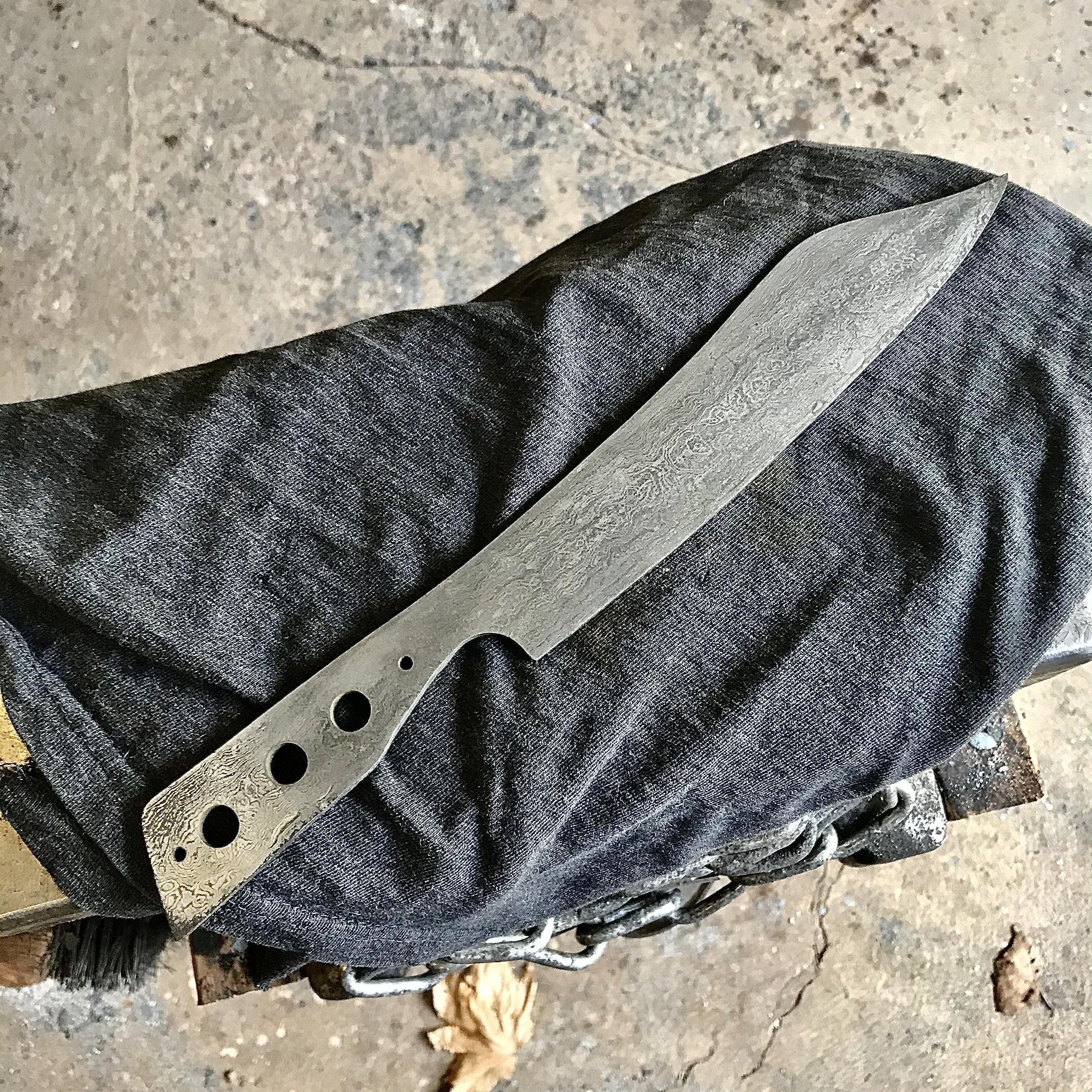
Small champagne saber ! 224 layers
-
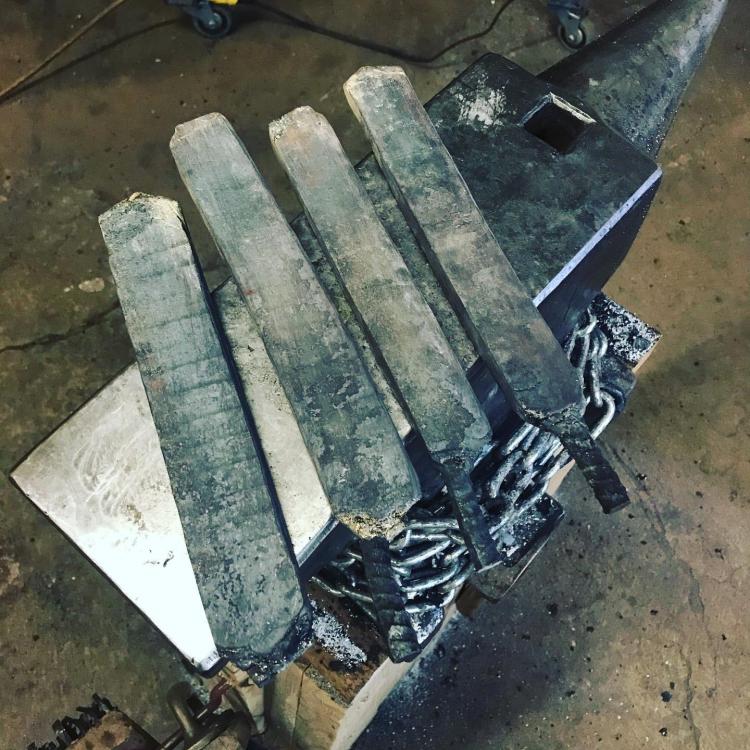
Some forgewelding
-
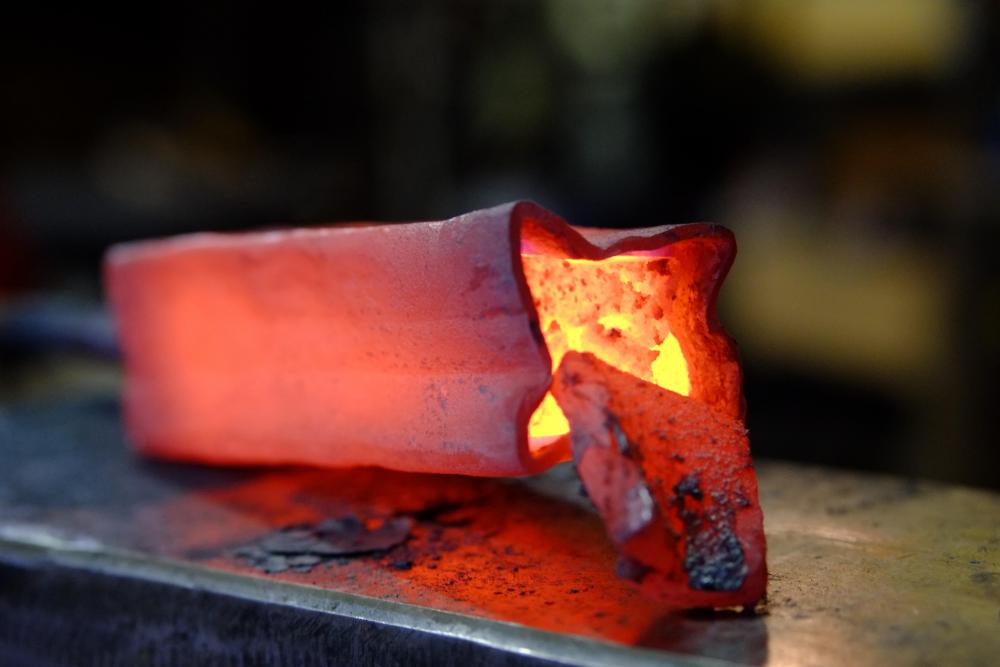
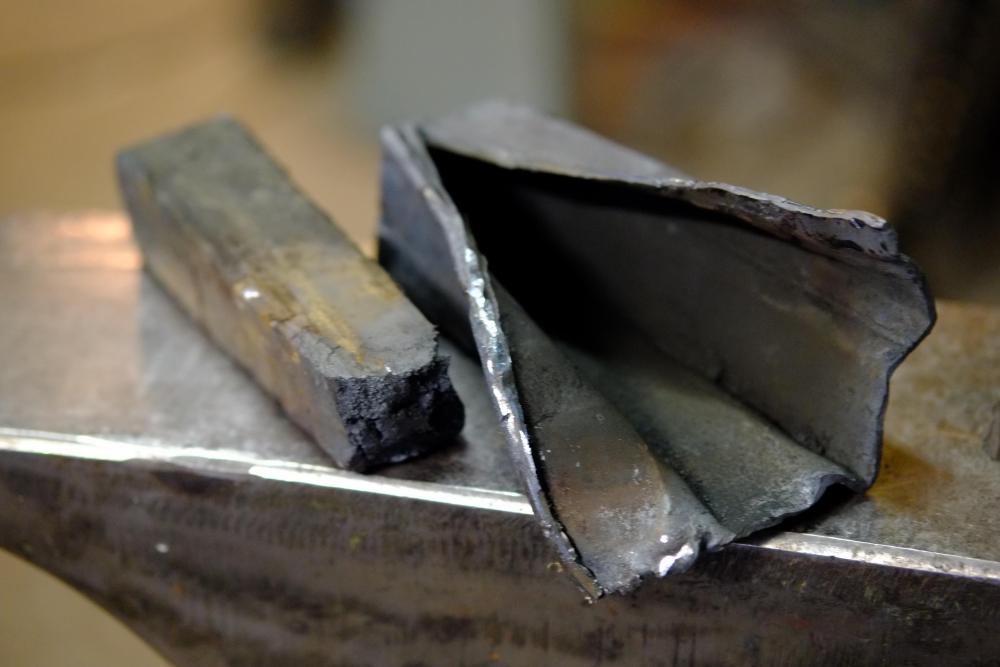
Today, chainsaw canister block !
-
@Arthur210 tu as acheté l'enclume de Stéphane ? Lui as tu pris d'autres outils ?
-
Good to know. Thanks Chris C
-
For now, I will try it as is. It's a first for me, I always prefer to try and understand the tool before modifying it
-
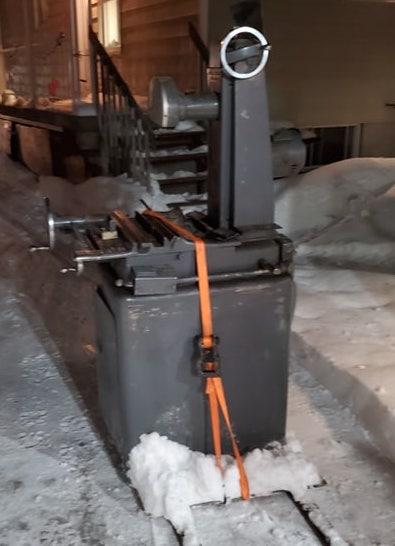
In the truck... Unload it alone isn't an easy job ! @CtG yes !
-
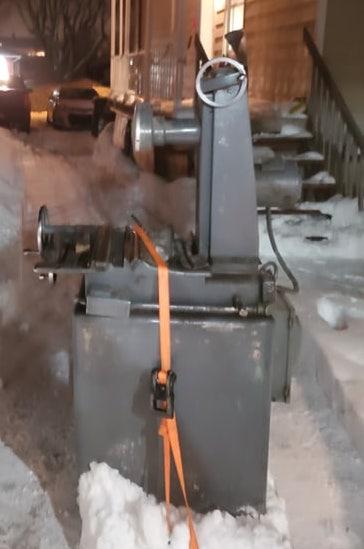
Sometime, I feel really lucky !
-
Thanks Savage11
-
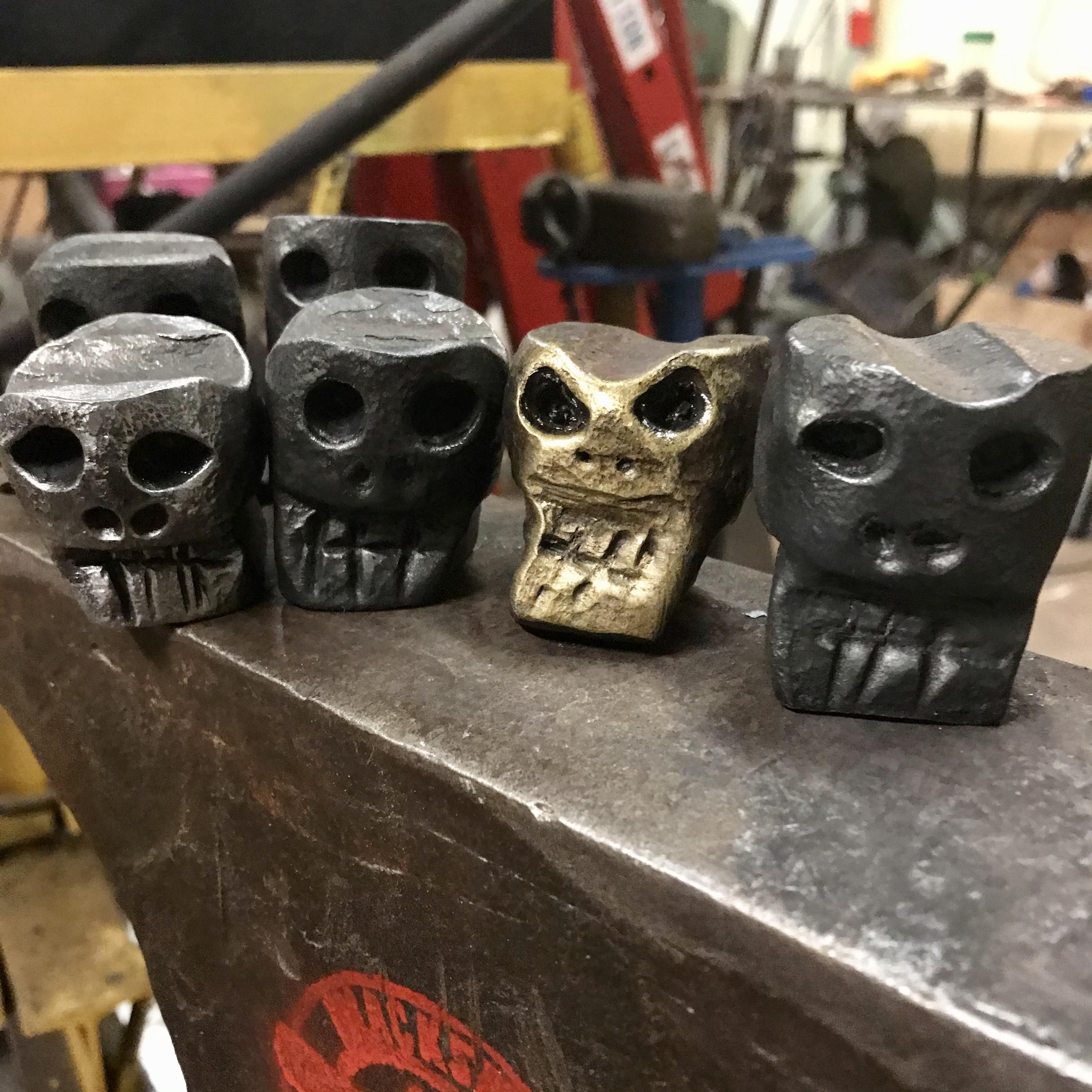
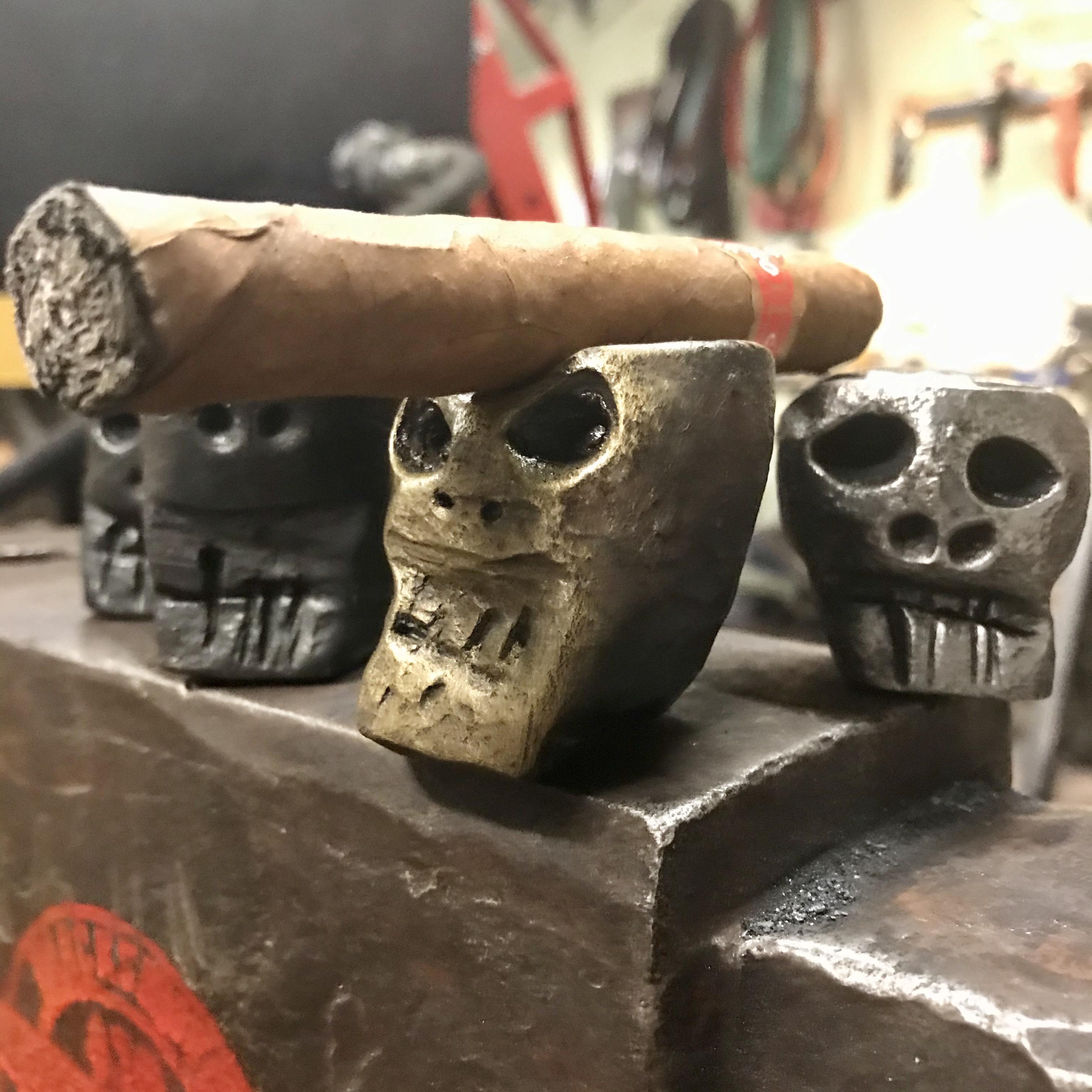
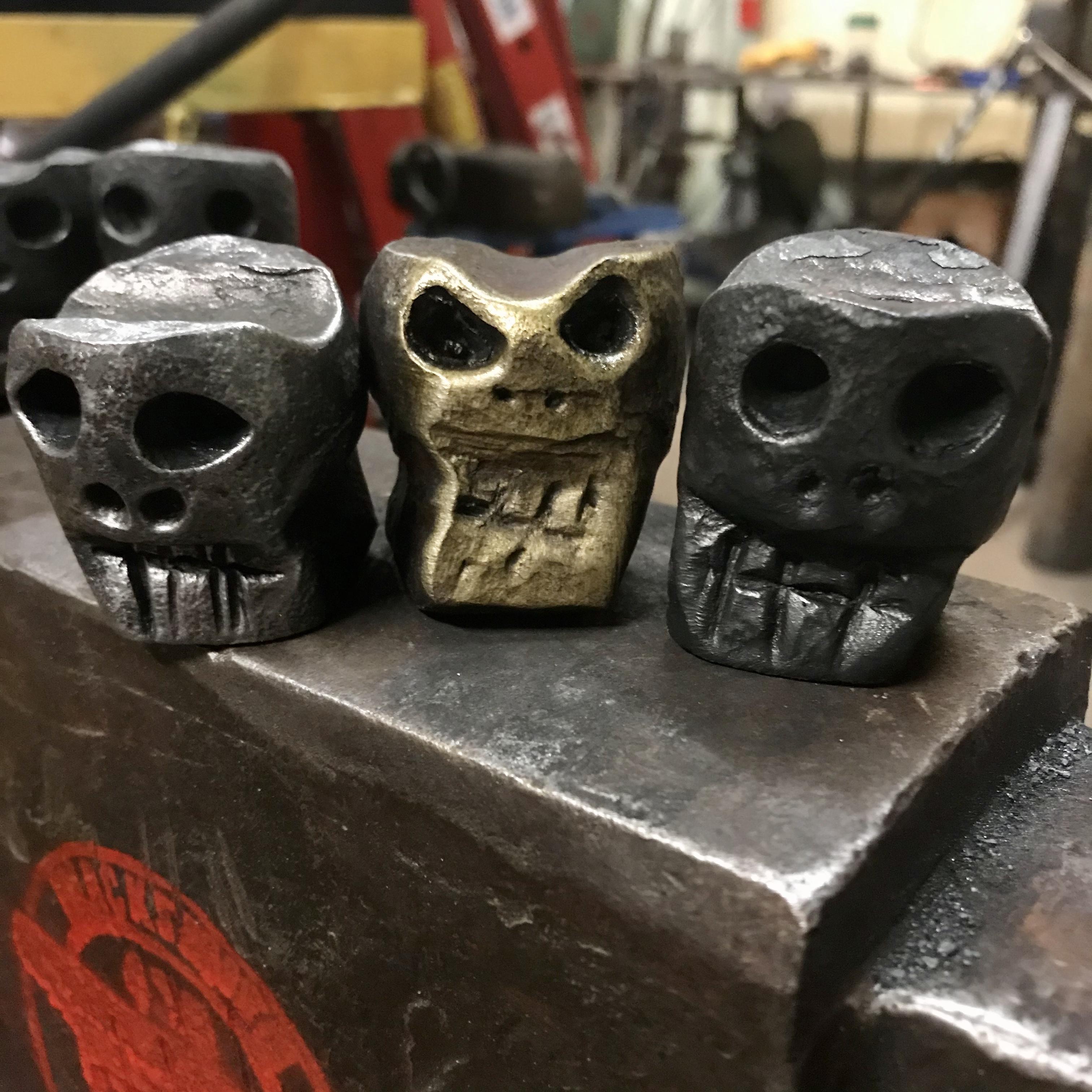
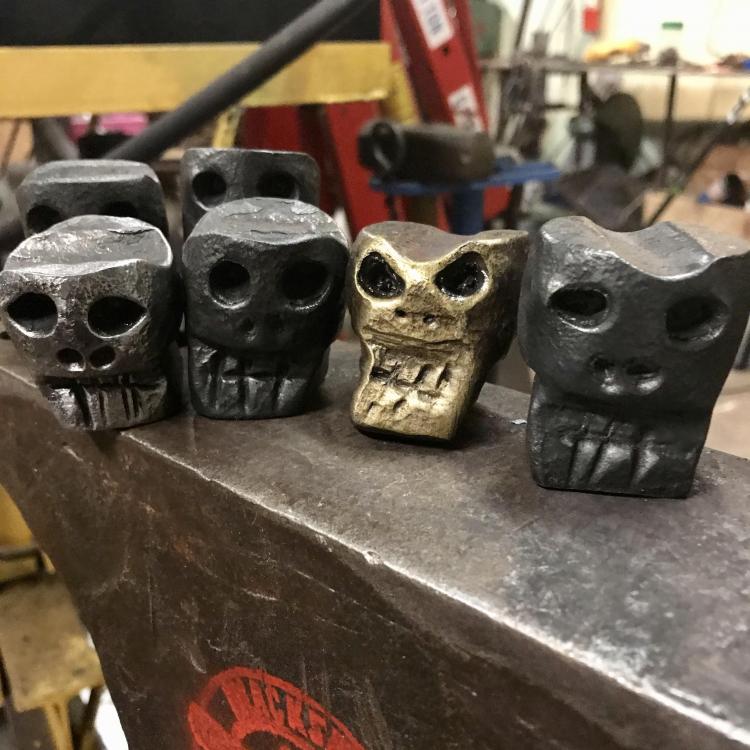
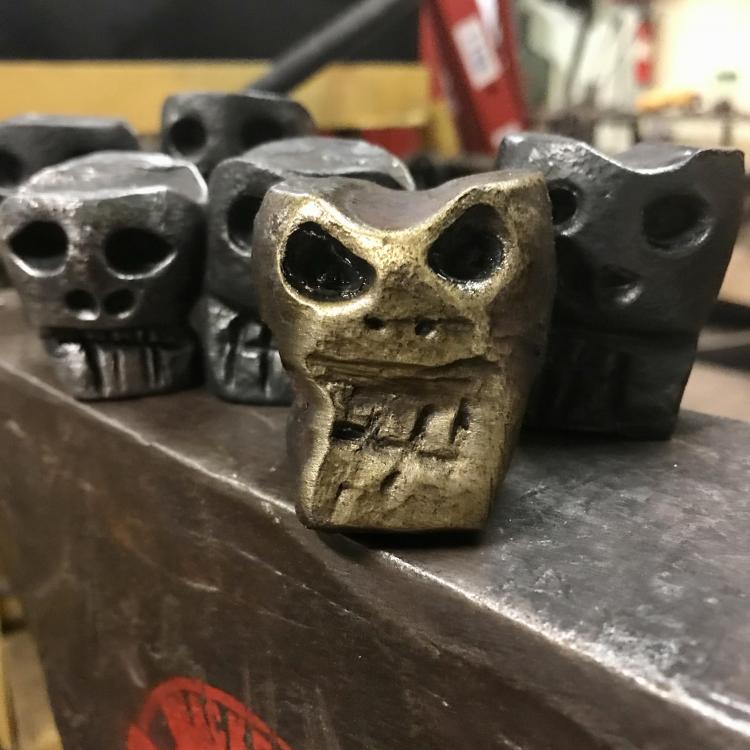
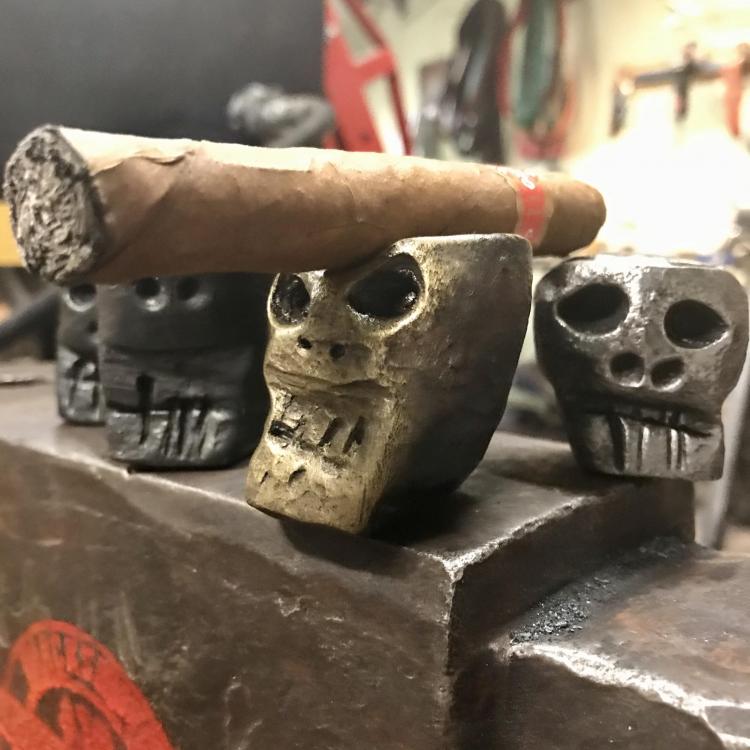
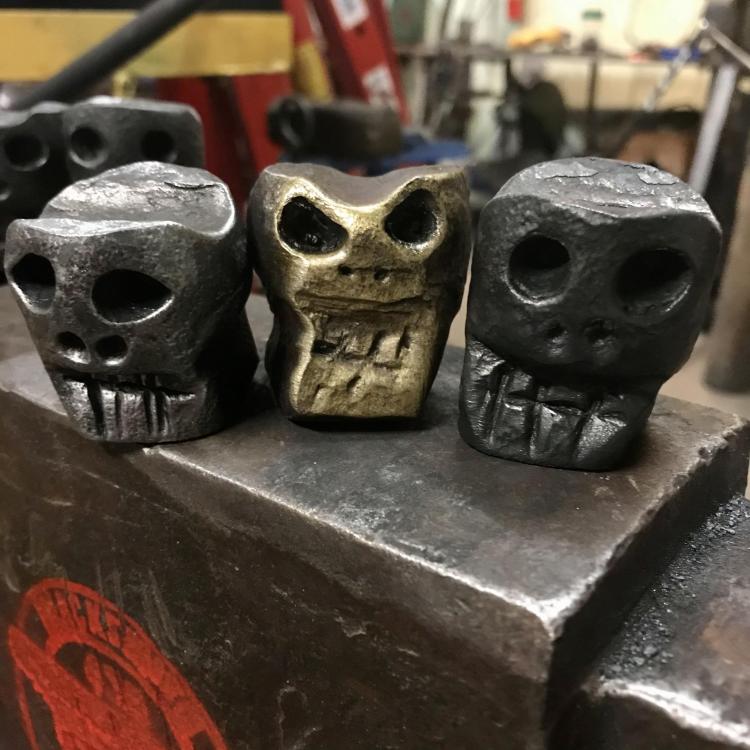
I made some cigar holder. The gold one looks like Eddy (Iron Maiden)
-
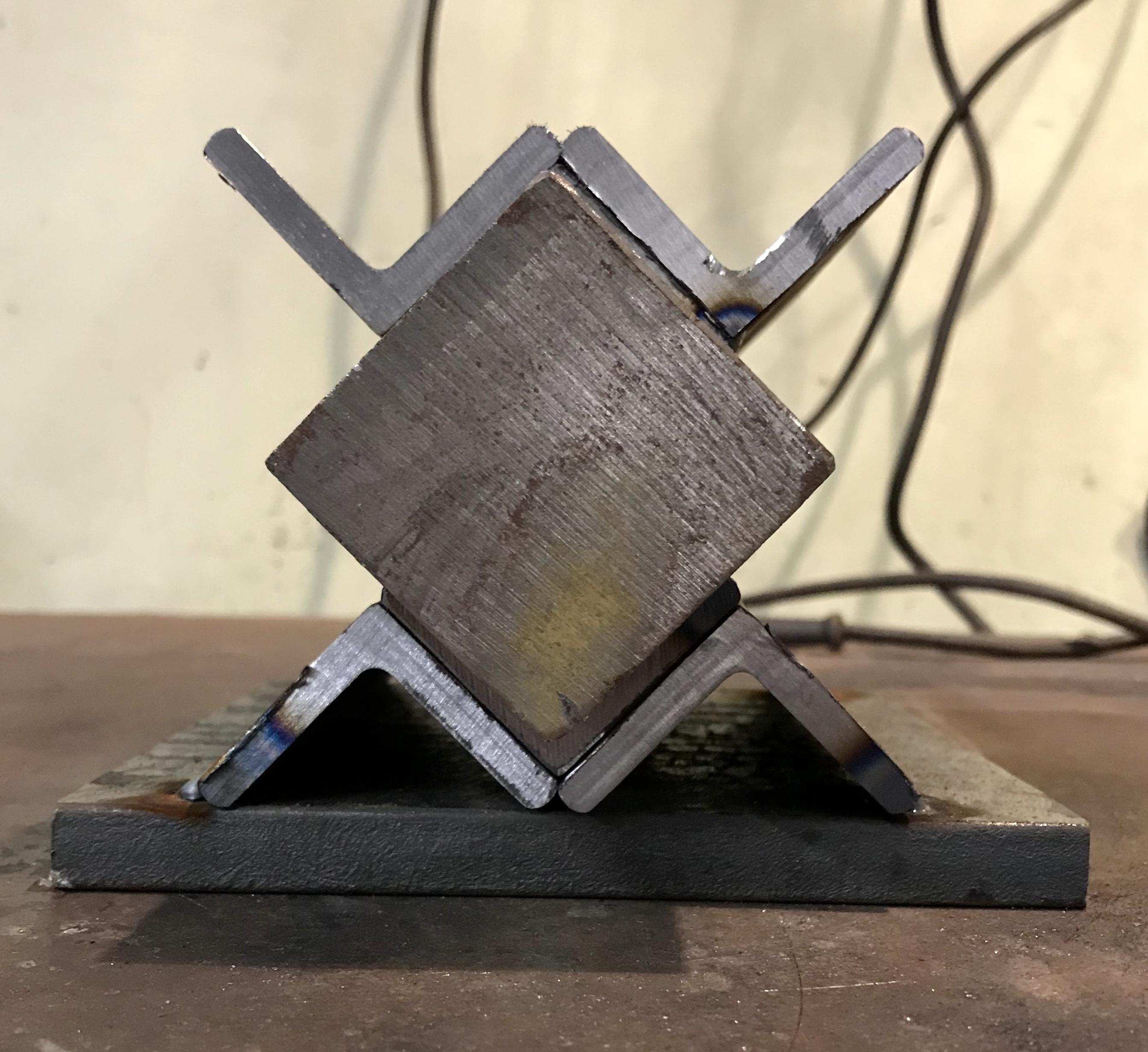
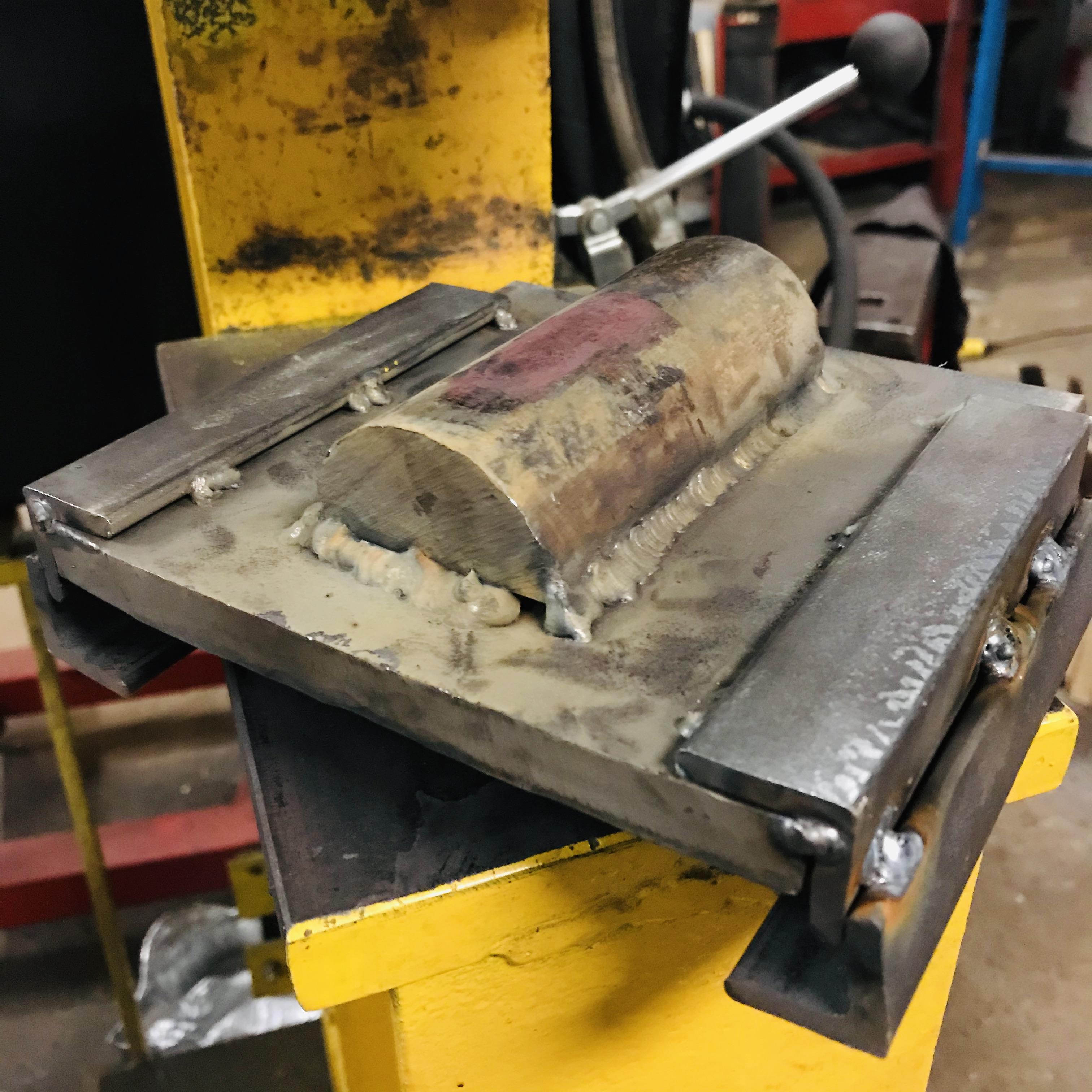
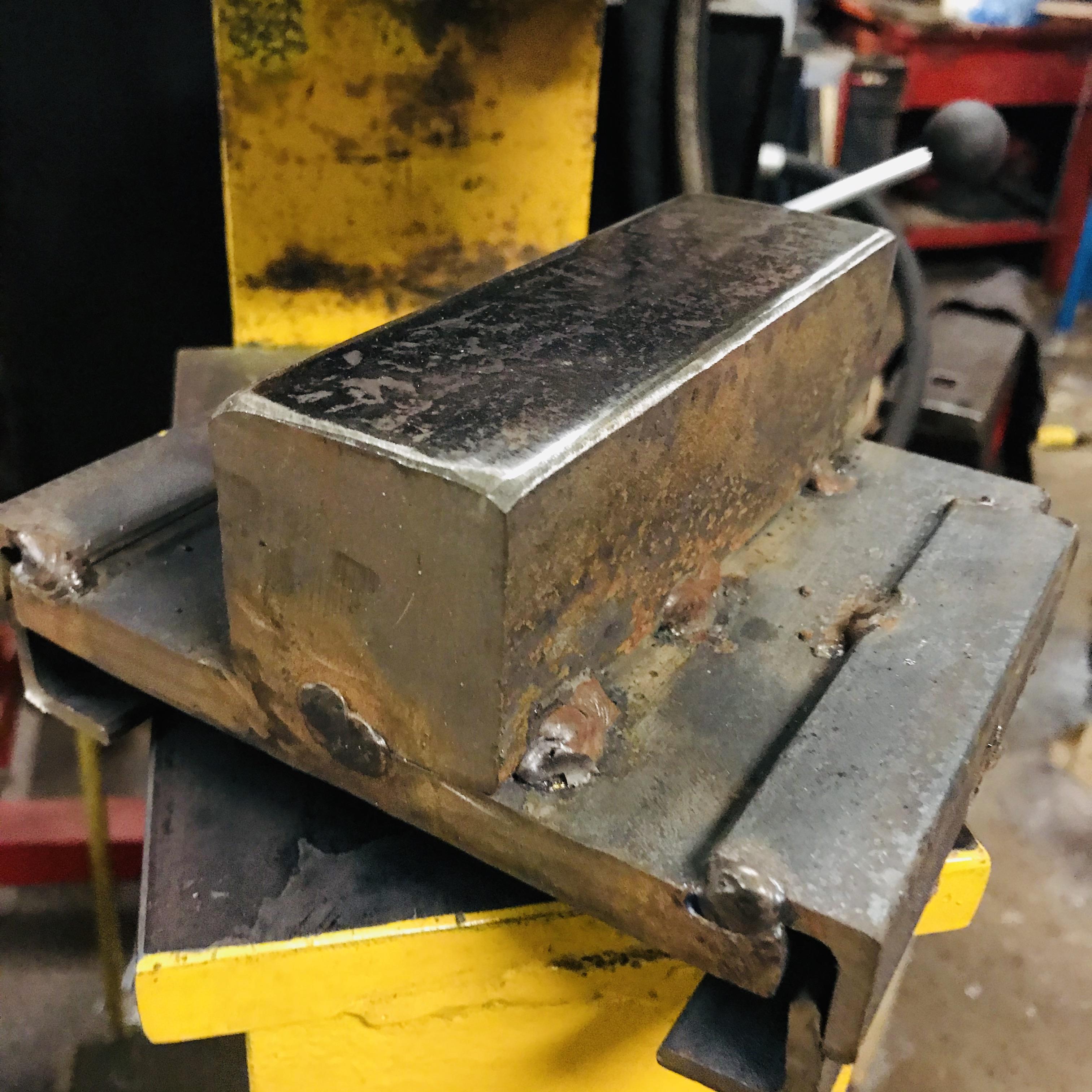
I have finally finish the dies
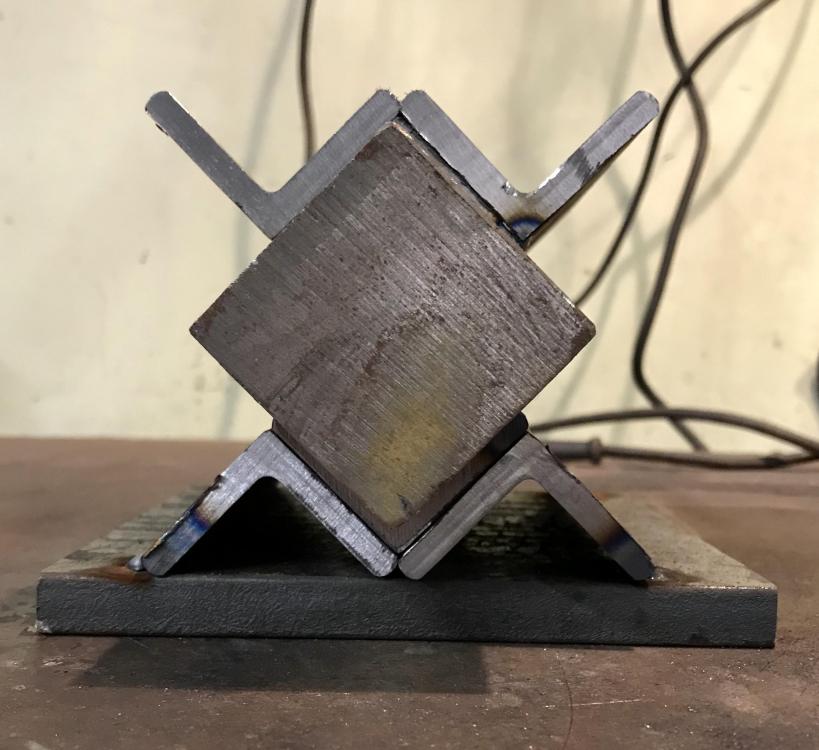
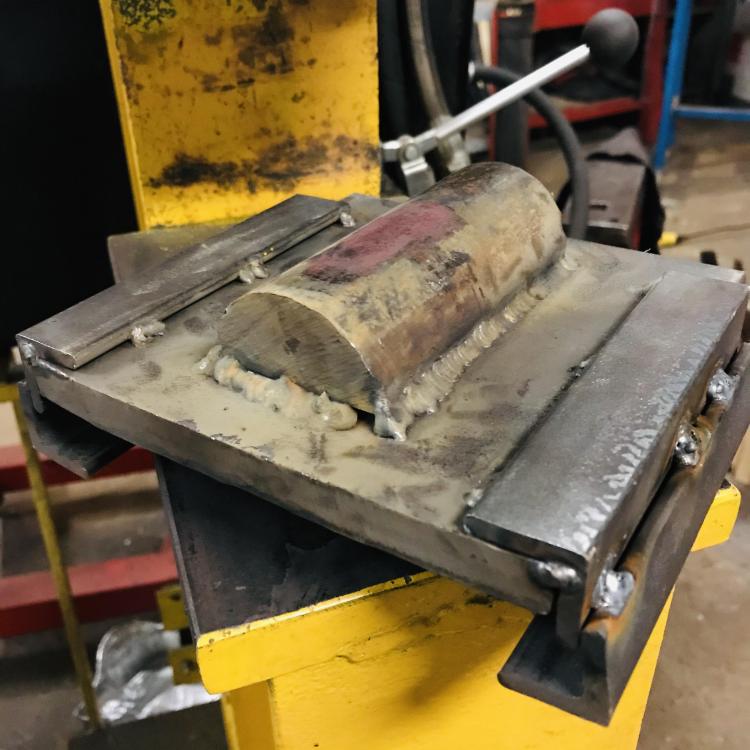
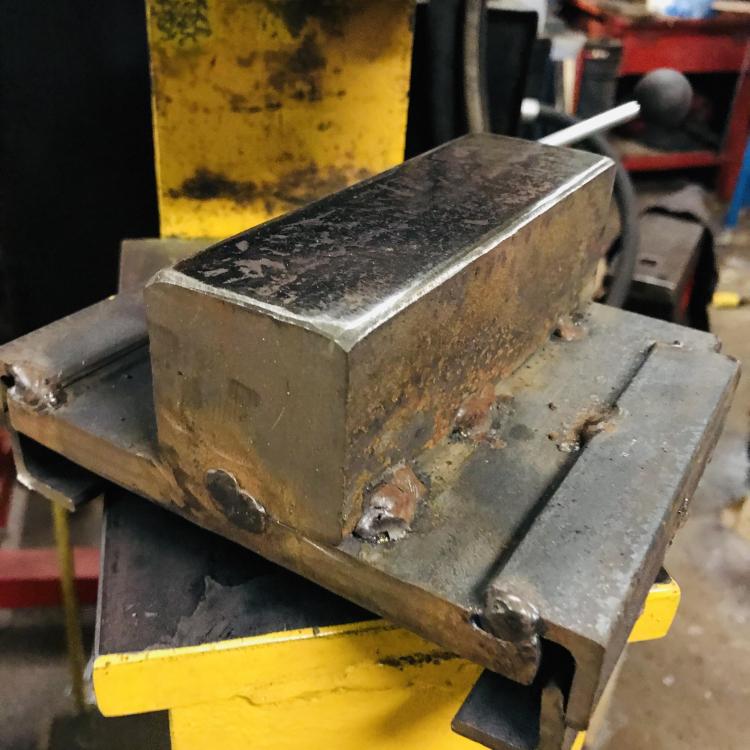
-
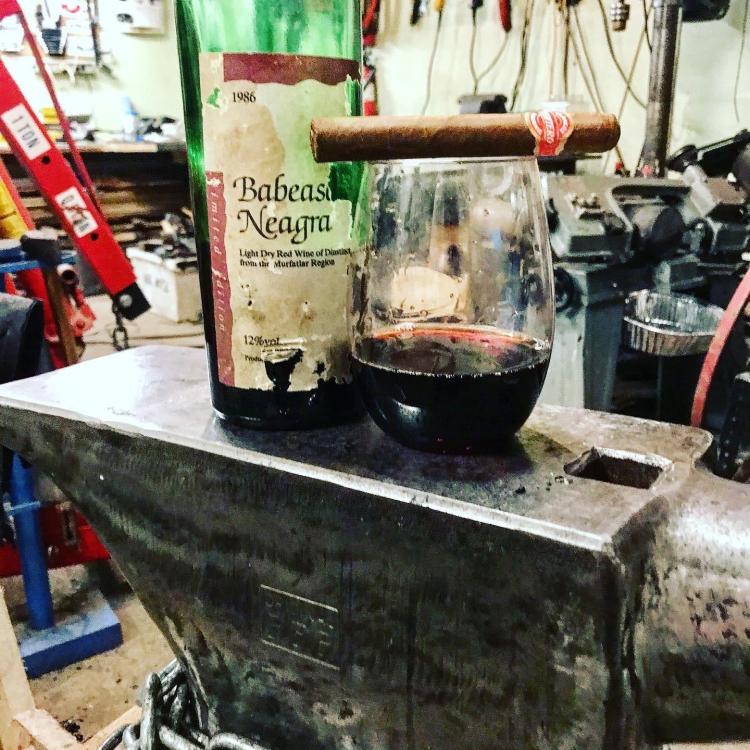
What I did in the shop today? Relax a little...
-
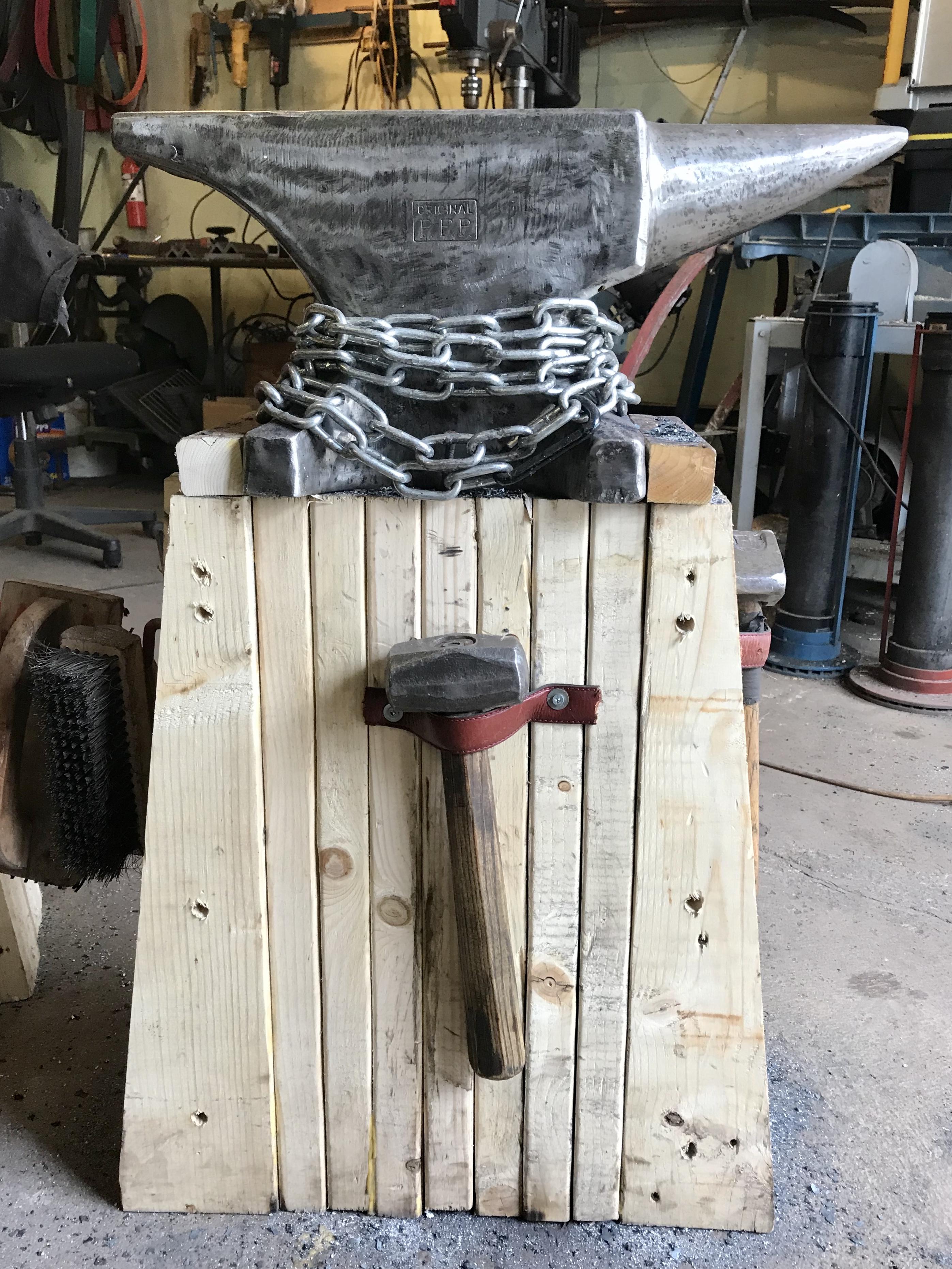
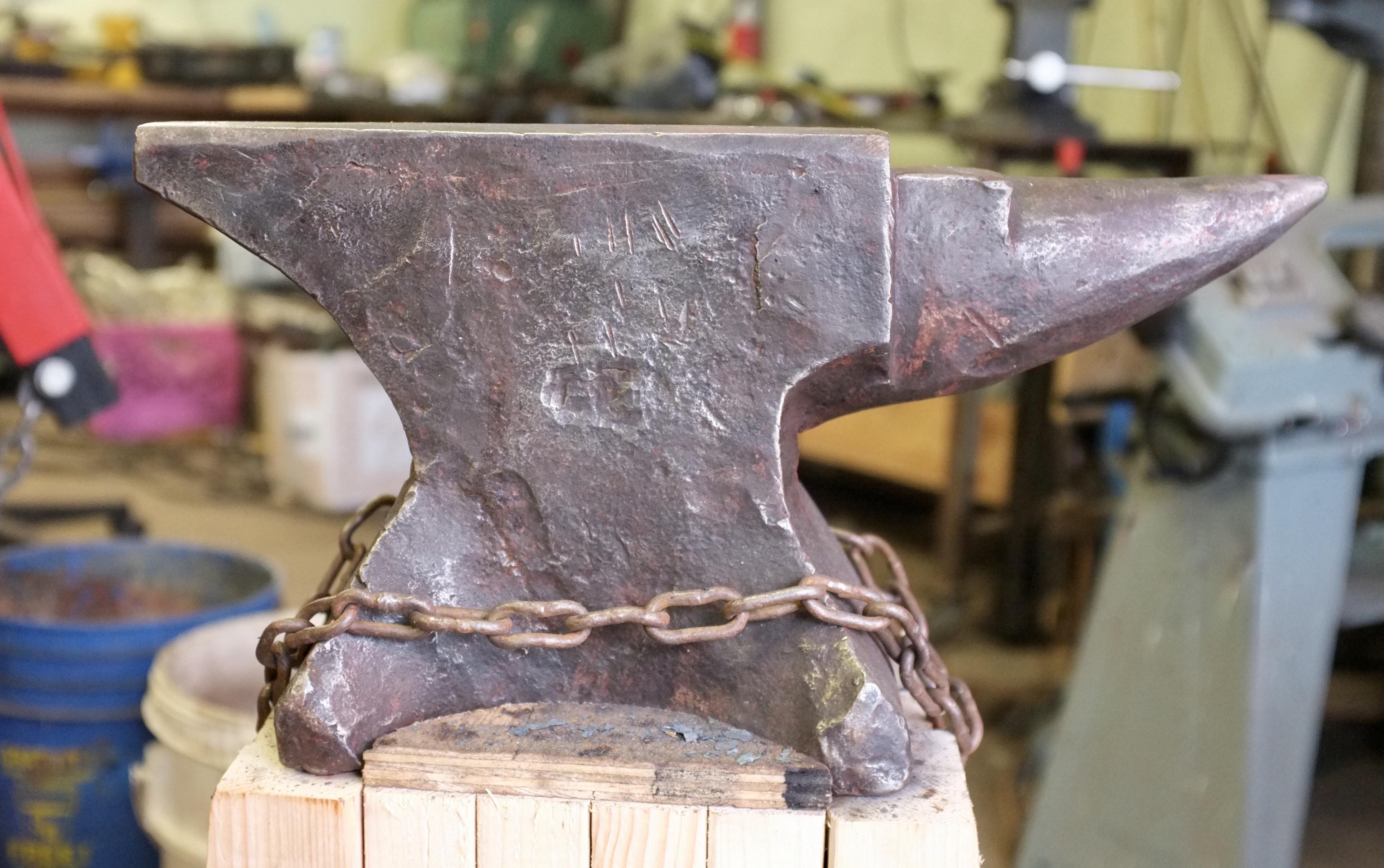
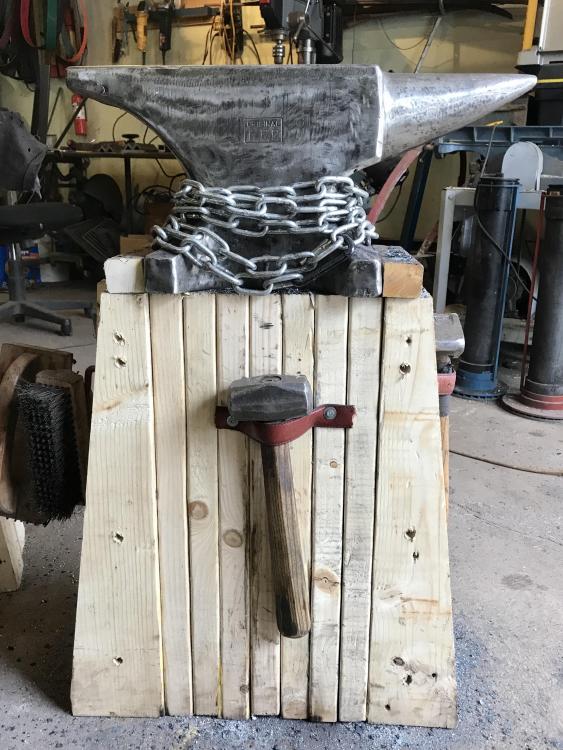
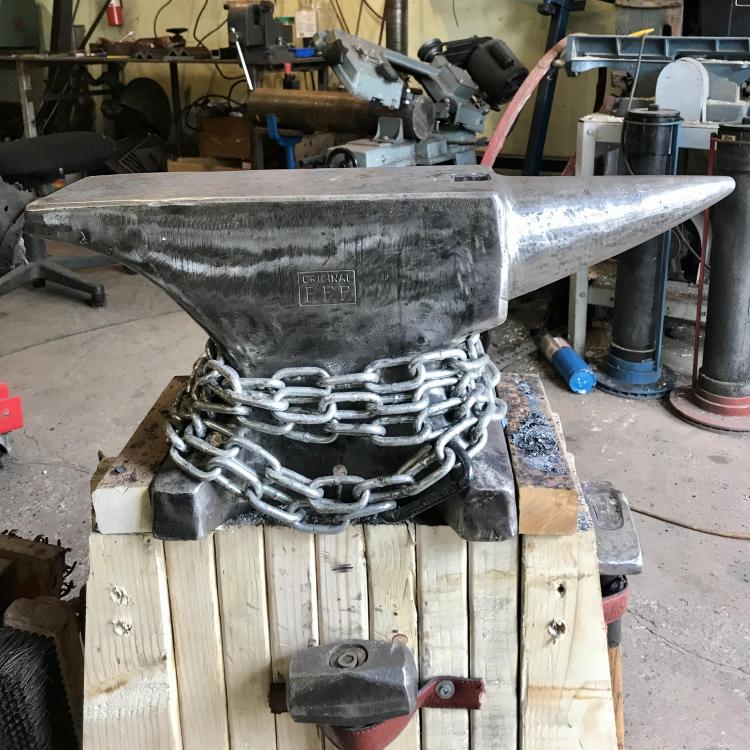
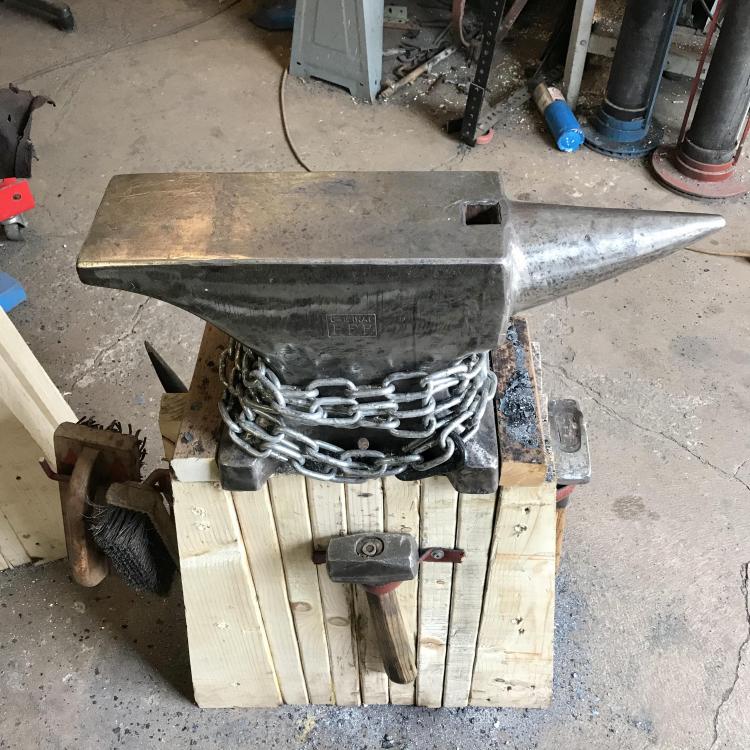
Most recent and should be the last one I buy. It weights 150#.
-
My last one... I love it !
-
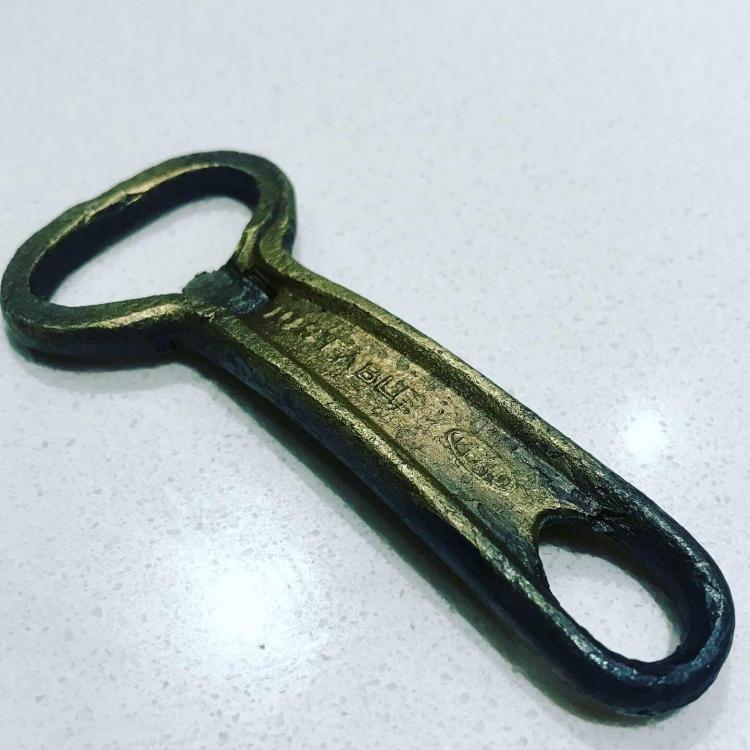
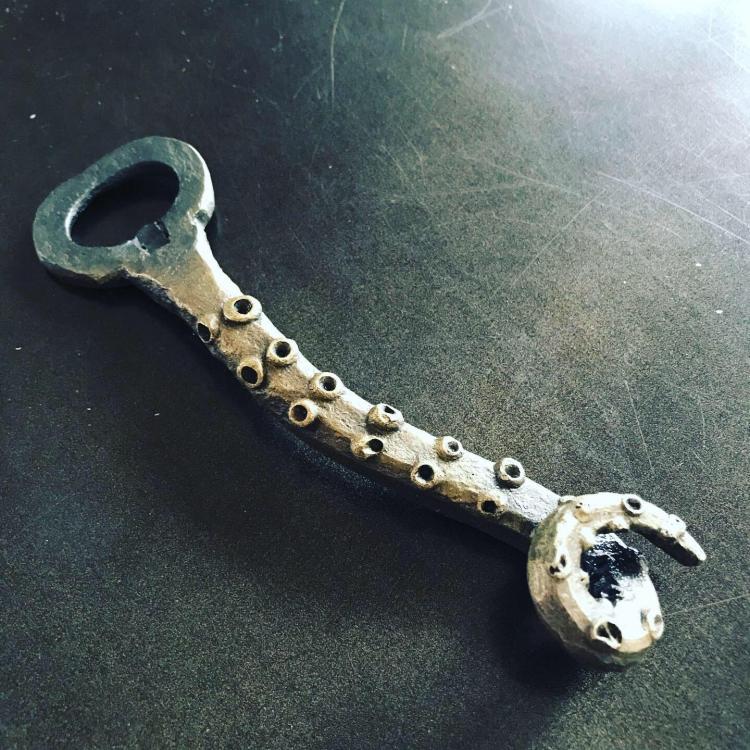
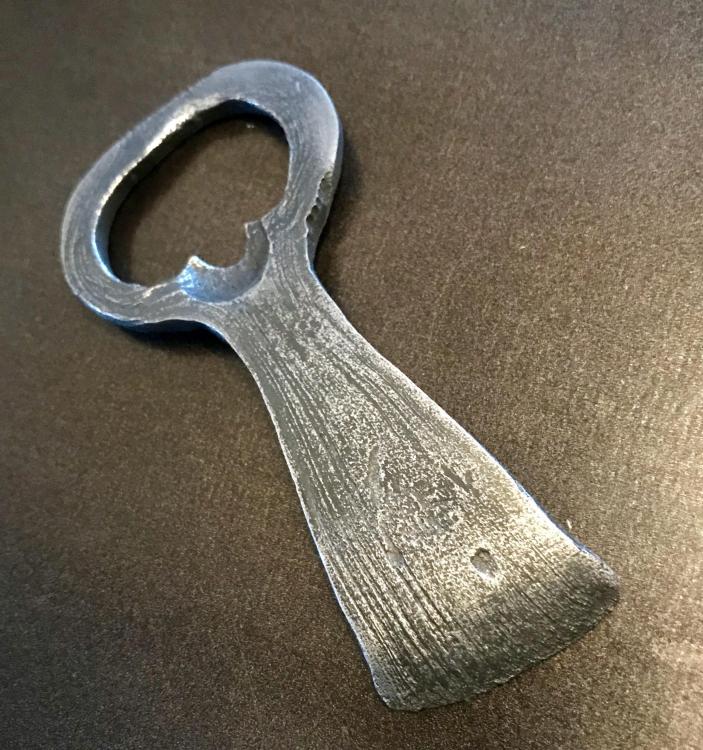
Always a fun project...
-
More expensive than vinegar, but liquid Lysol removes zinc in just a few minutes. Very effective.
-
exact
-
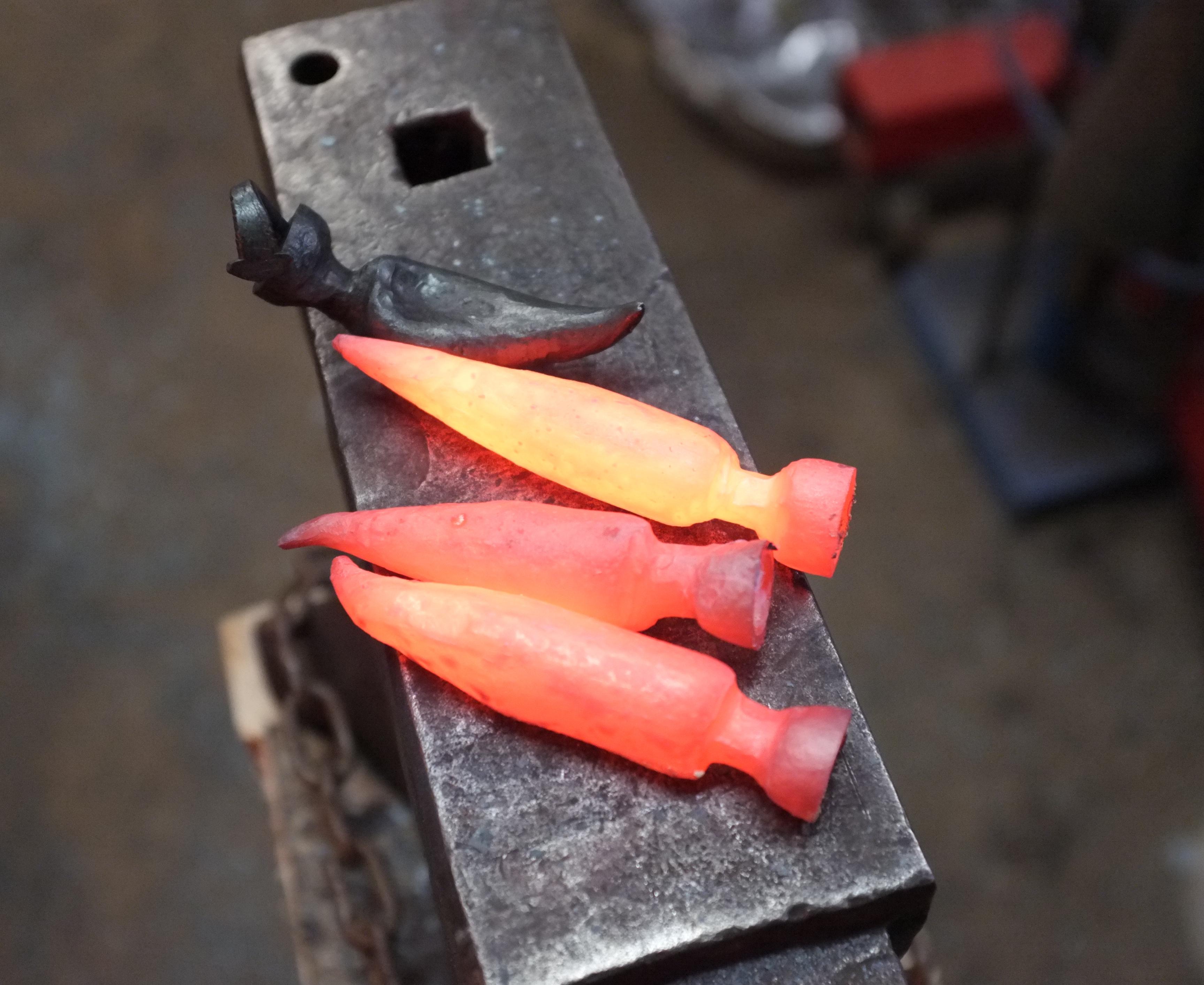
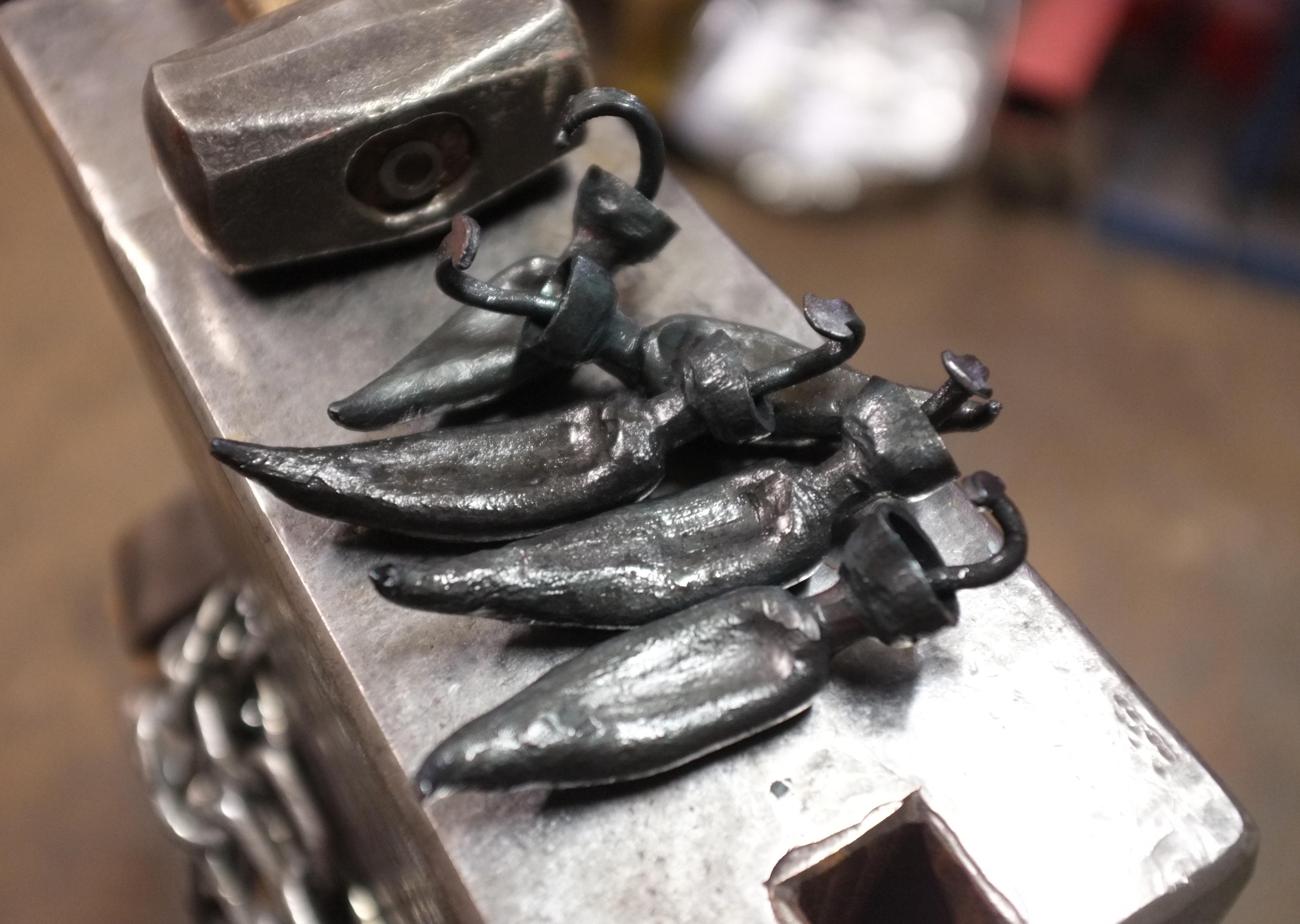
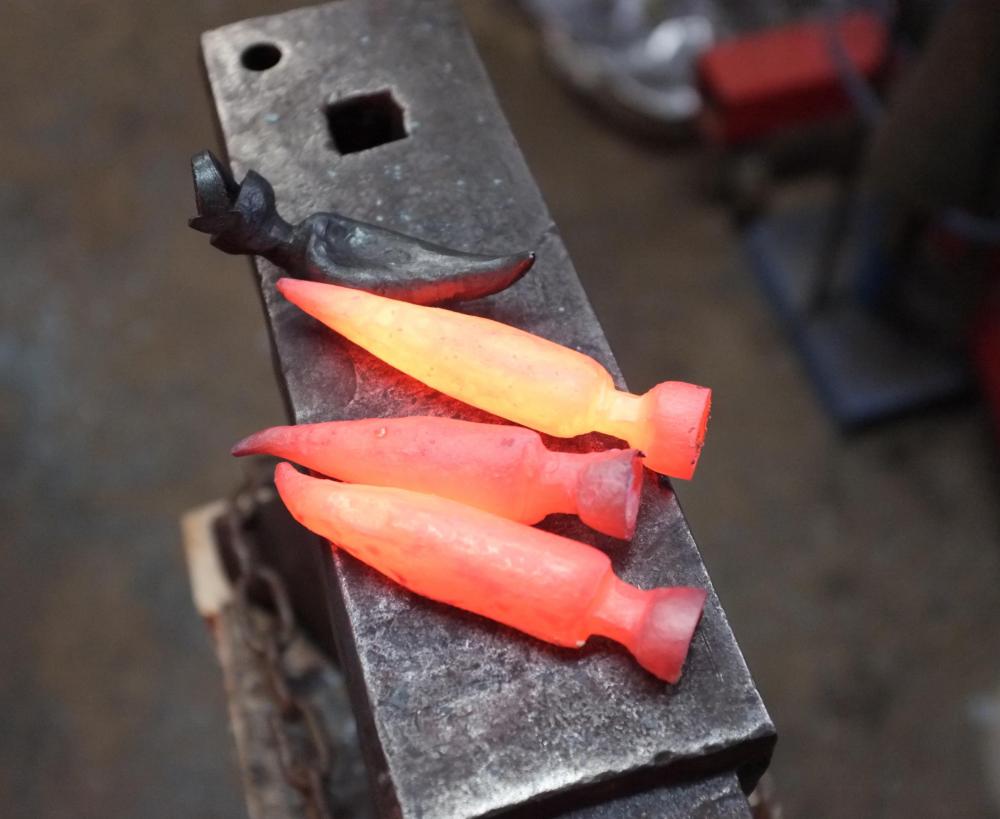
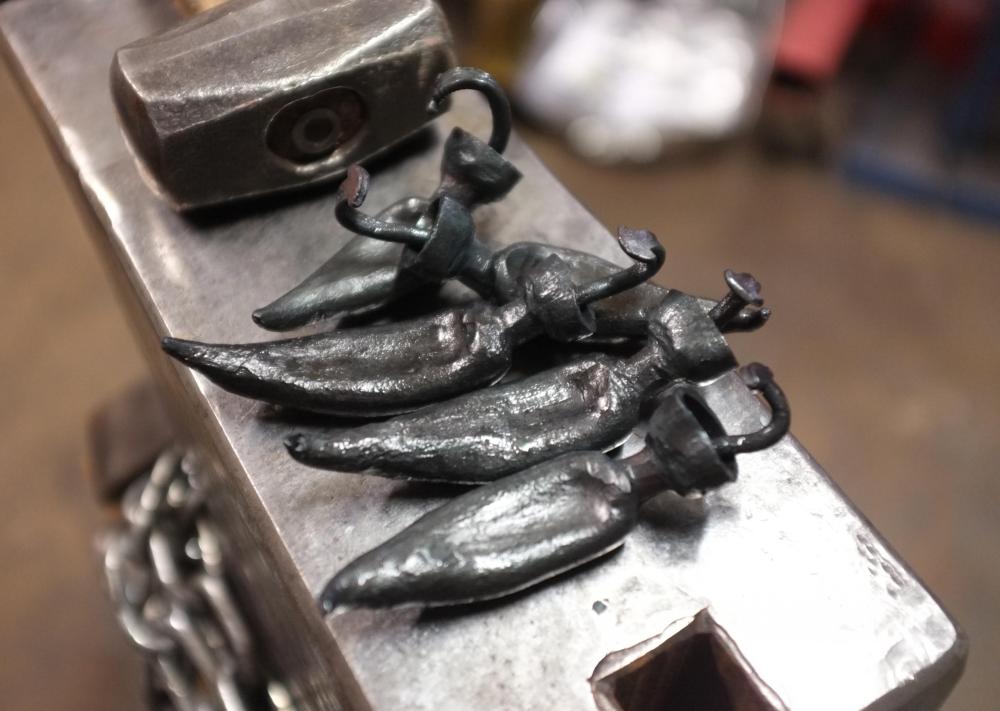
The REAL Red Hot Chili Peppers
-
No, IFC was right... there's no free lunch !
-