Skip to content
View in the app

A better way to browse. Learn more.

I Forge Iron

A full-screen app on your home screen with push notifications, badges and more.

To install this app on iOS and iPadOS
  1. Tap the Share icon in Safari
  2. Scroll the menu and tap Add to Home Screen.
  3. Tap Add in the top-right corner.
To install this app on Android
  1. Tap the 3-dot menu (⋮) in the top-right corner of the browser.
  2. Tap Add to Home screen or Install app.
  3. Confirm by tapping Install.

seb leney

Members
  • Joined

  • Last visited

  1. love the handle on those knives. keep up the good work
  2. Are you planning on using snare wires? It gives a rather nice sound. seb.
  3. thanks frosty. I have been using this burner design for about A year now and its doing very well. I had A bit of trouble with tuning it but its all going good now.
  4. amazing knife
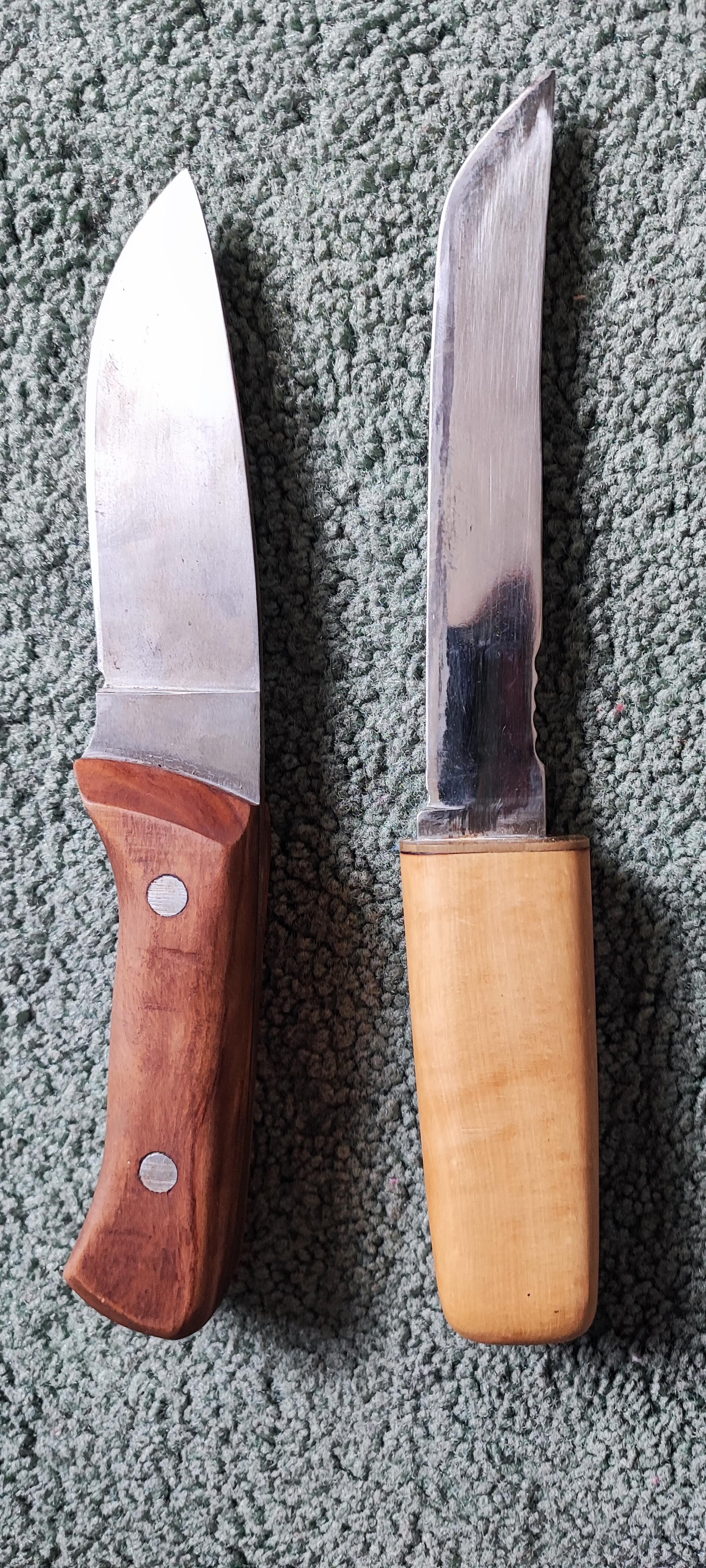
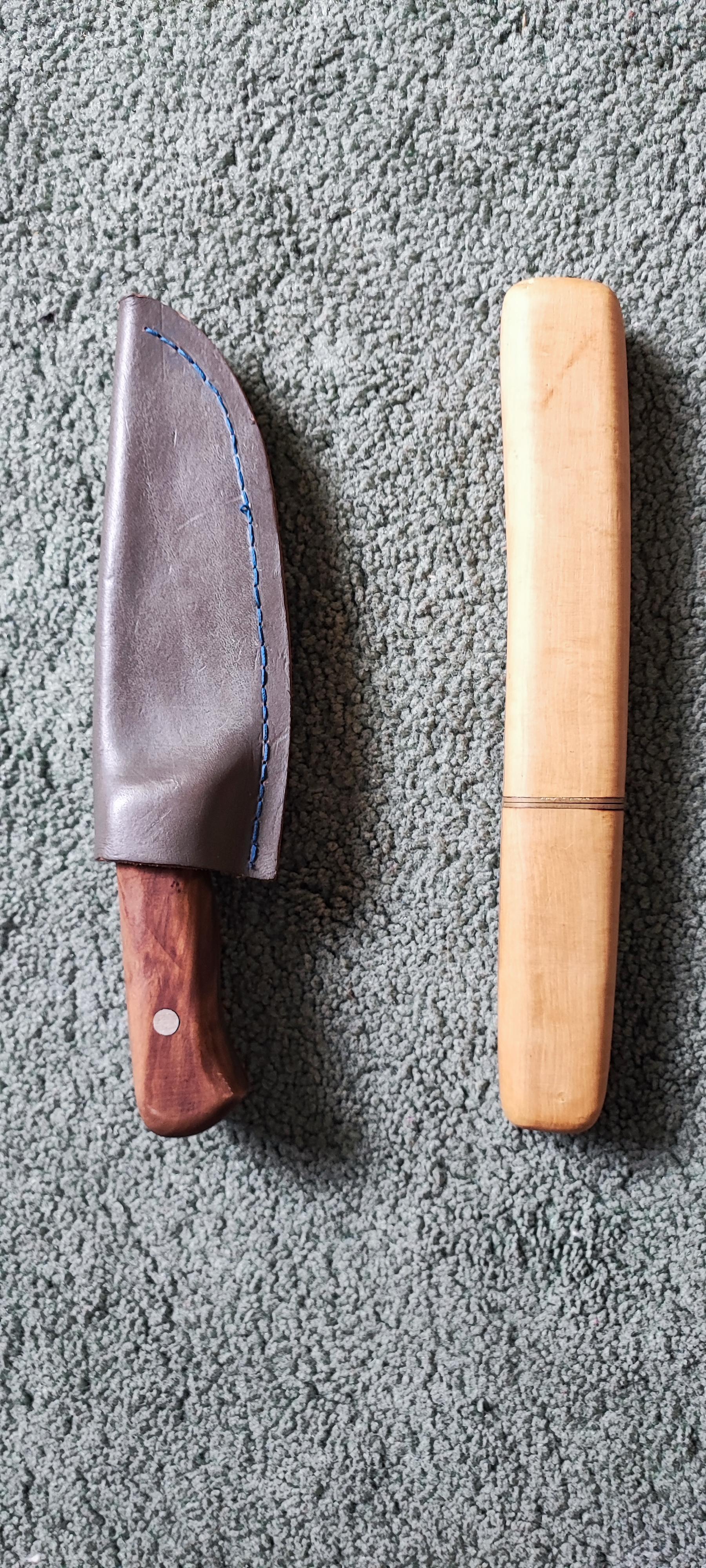
  5. the last 2 knives i have made the one on the left is a 1084 bushcraft knife with an olive handle one on the right is an o1 tool steel tanto style knife with box wood handle an sheath
Account

Navigation

Search

Search

Configure browser push notifications

Chrome (Android)
  1. Tap the lock icon next to the address bar.
  2. Tap Permissions → Notifications.
  3. Adjust your preference.
Chrome (Desktop)
  1. Click the padlock icon in the address bar.
  2. Select Site settings.
  3. Find Notifications and adjust your preference.