oakwoodforge
Members
-
Joined
-
Last visited
-
-
-
 Very elegant, love the lines, great composition.
 -
-
-
-
-
-
-
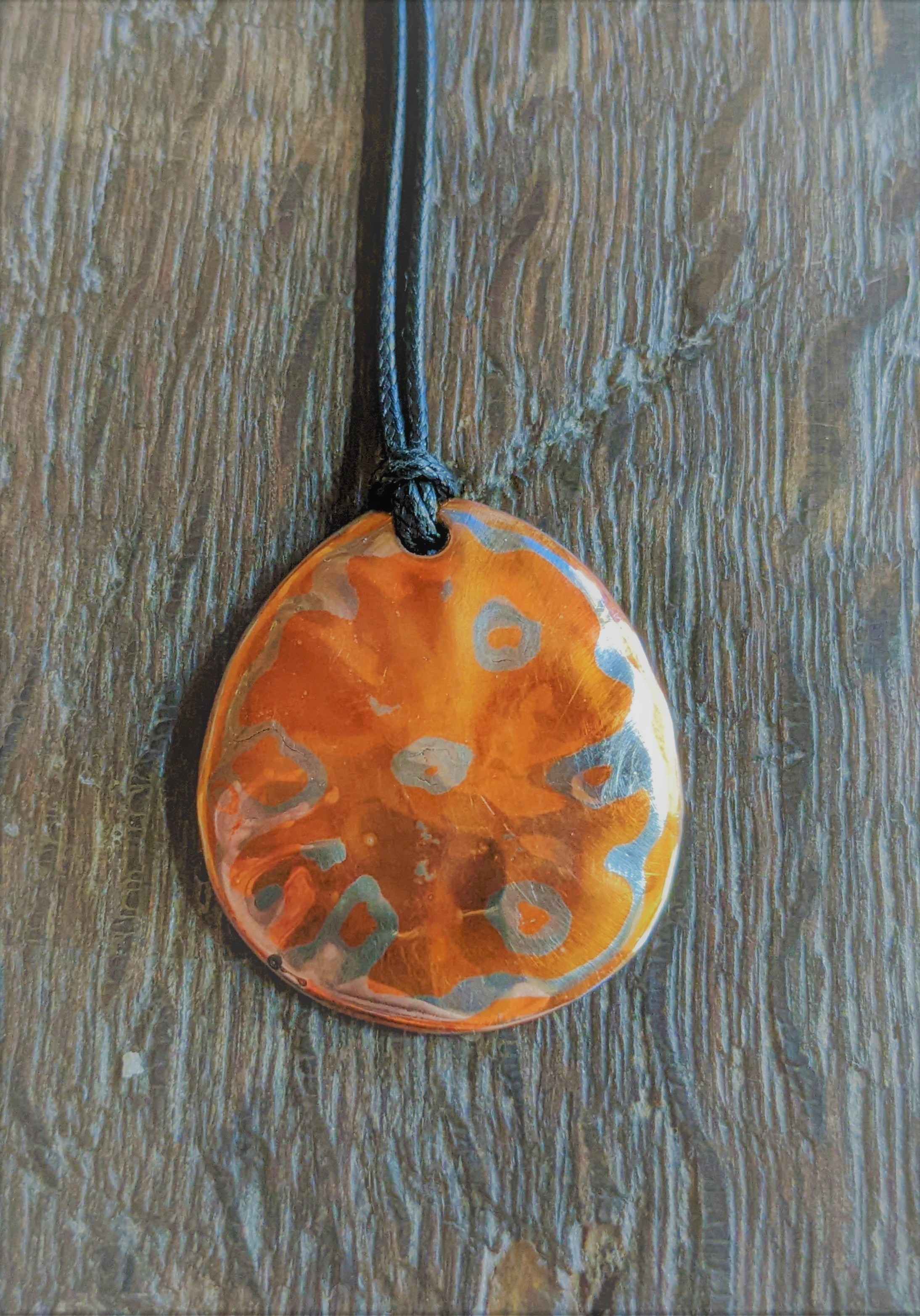
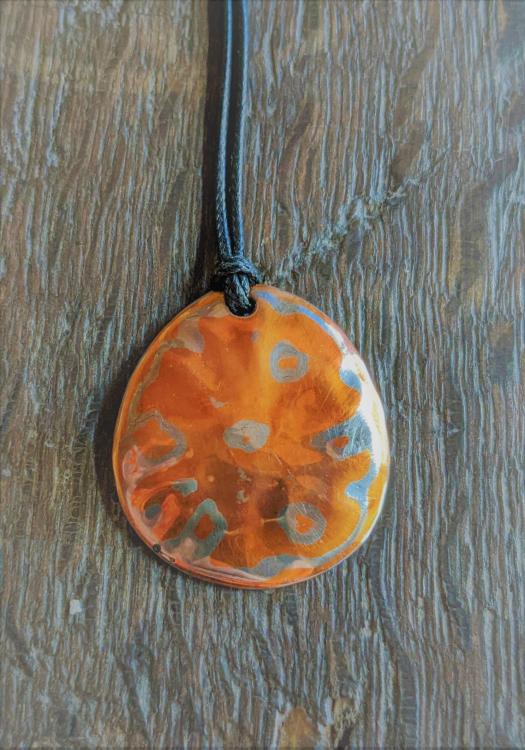
Just for grins, and because I hadn't tried the quarter thing in a while I spent a dollar on making this little guy yesterday for my wife. Took the time to sand the quarters flat & smooth to 220 grit before doing the usual cleaning, I used a little borax paste for flux and a slightly rich adjustment to the gas forge, worked a treat.
-
Can you post some pictures of the de lamination ? A couple things that help me are cleaning the stock really really well, to remove all oxidation I scrub with dawn dish soap/ hot water with a white 3m scotchbrite pad then wearing nirtile gloves I wash again with acetone before stacking the billet. The other thing is to make sure all the pieces are cut clean and square with no waves or fish-hooks at the edges, any voids in the edges tend to be a spot for a de-lam failure to begin. I did try the stacked coin thing a few times with some success but have better luck with new, clean nickle silver, copper & brass. I haven't been brave or rich enough to try gold or silver yet.
-
oakwoodforge changed their profile photo
-
2 more anvils, a 128# lakeside and a 95# no name cast iron anvil with a steel top.
-
Our new addition to the family, baby Charles, 9 lbs 8.5 oz of pure blacksmith. Sure it may be a few years till I can get him in the shop...
-
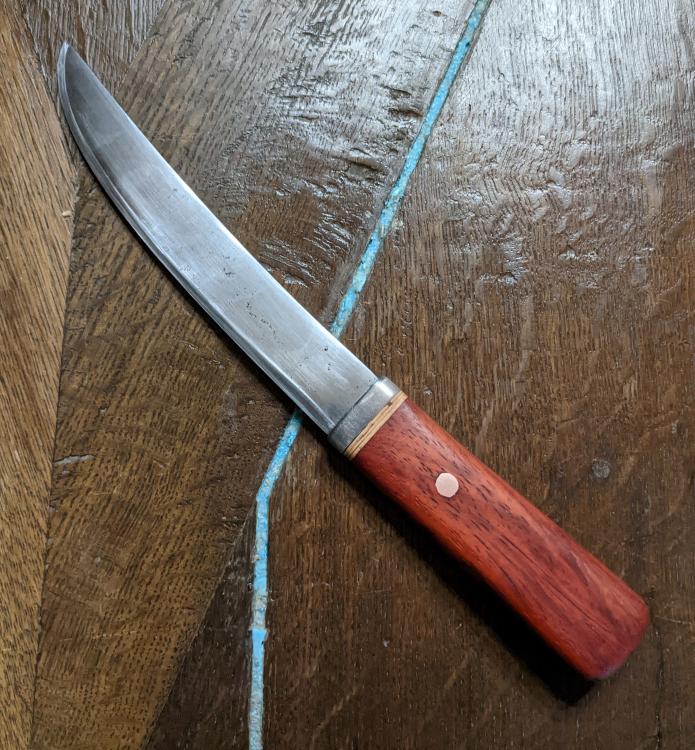
Lookin good flintlock , wish my first blades looked 1/2 that good ! Keep Hammering ! Jens
-
IMHO --- Carve one in balsa wood and paint it ...