Max pywell
Members
-
Joined
-
Last visited
-
Yeah was thinking about that I'll keep that in mind for my next one thanks
-
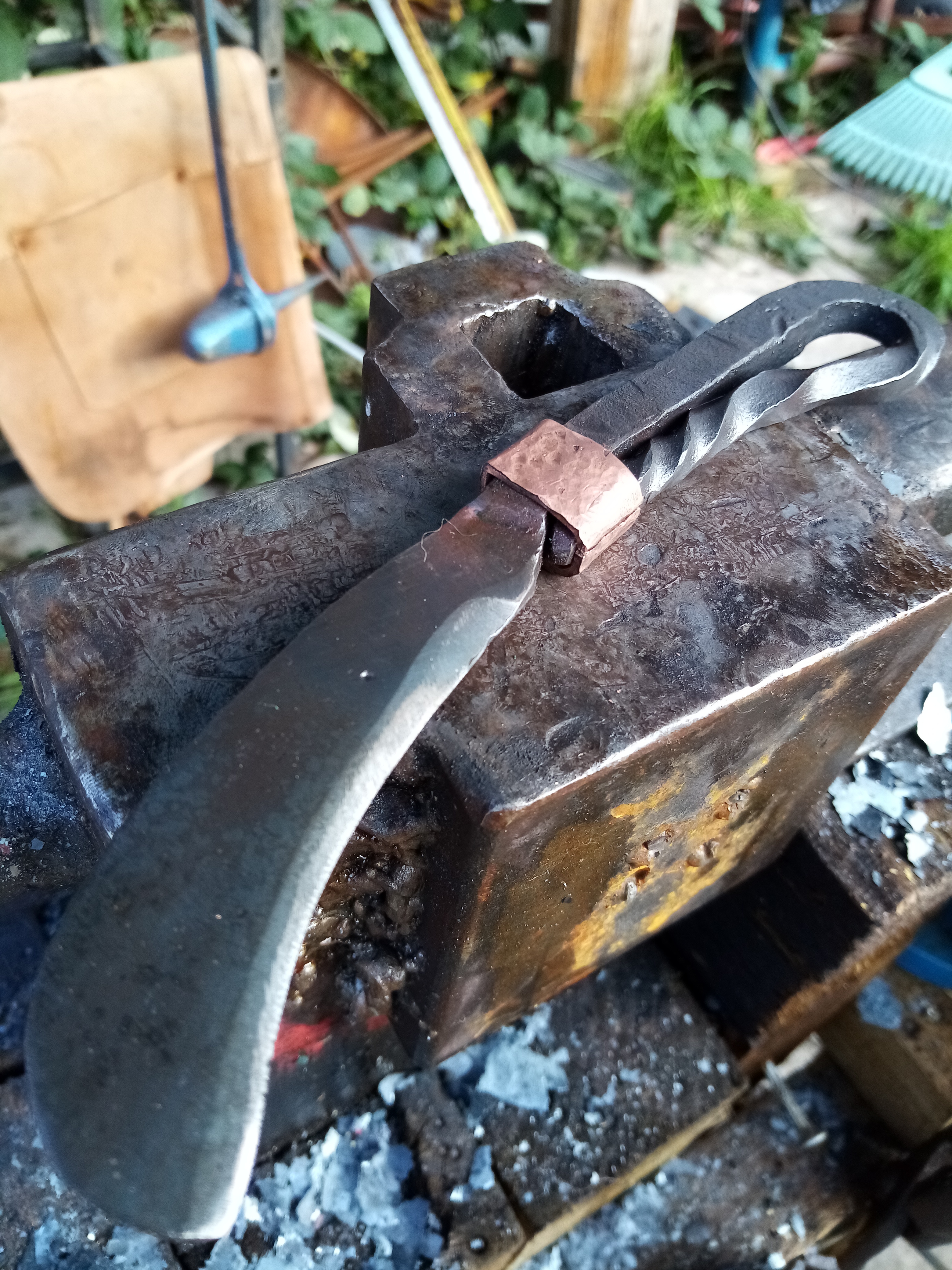
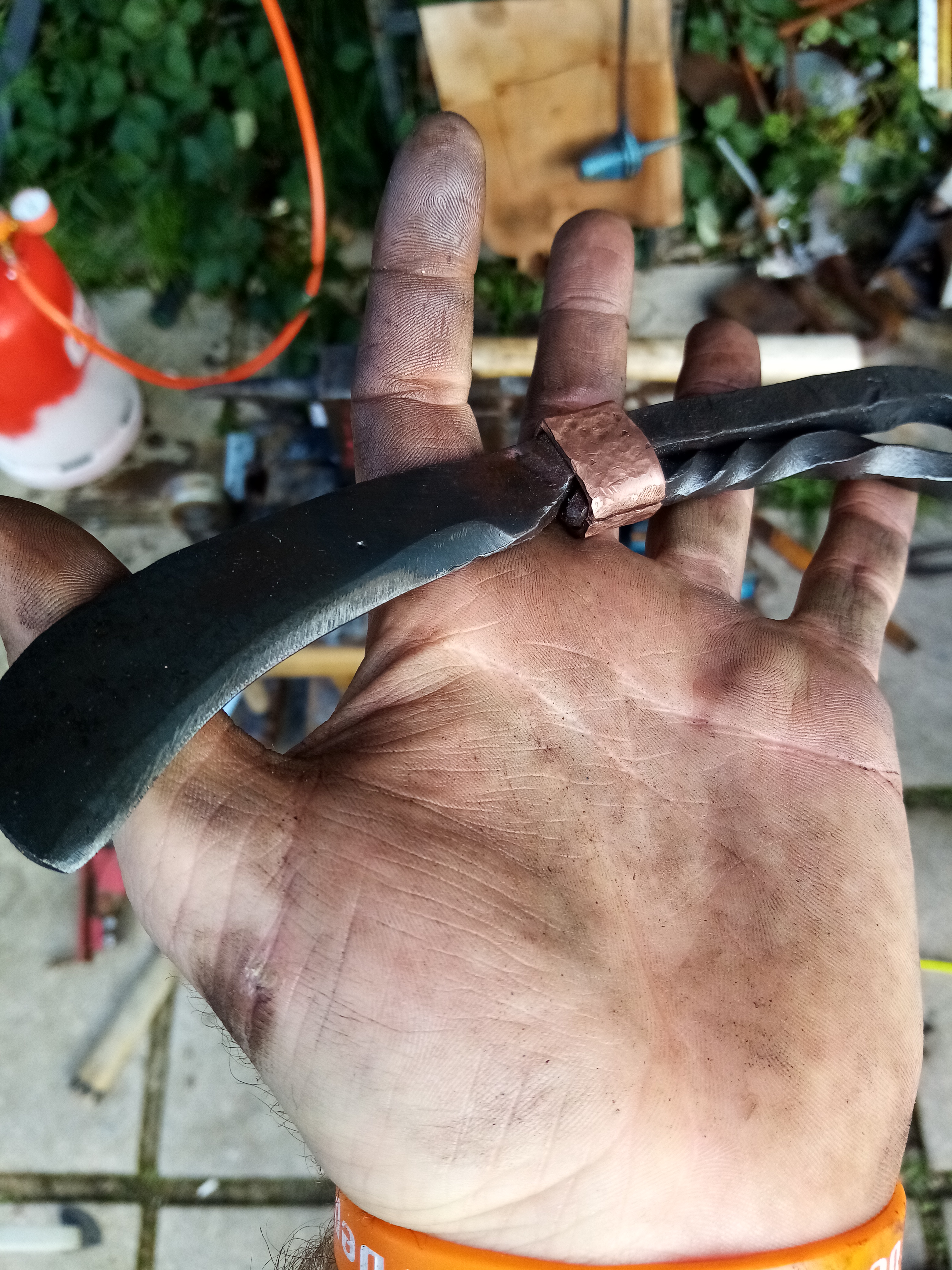
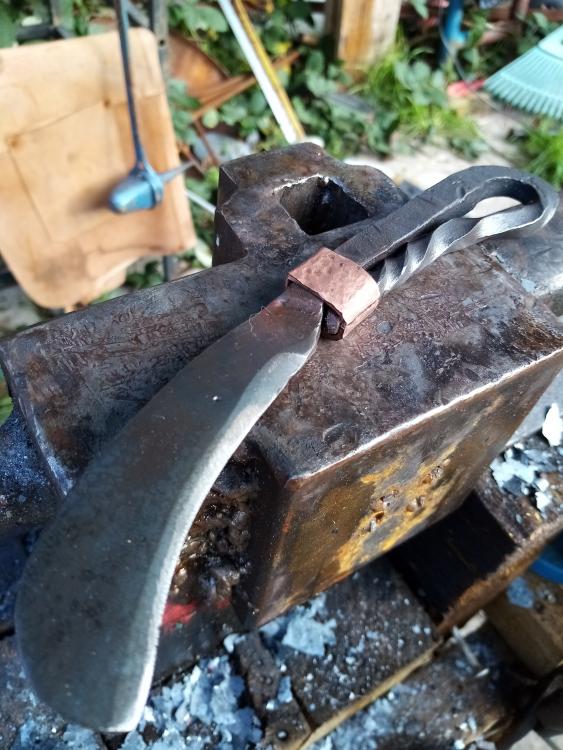
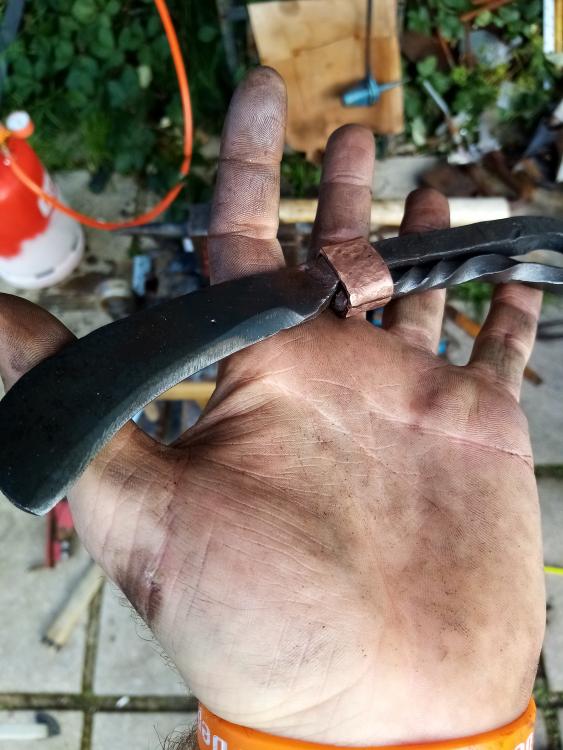
Made an Xmas present for my dad nice little pruning knife
-
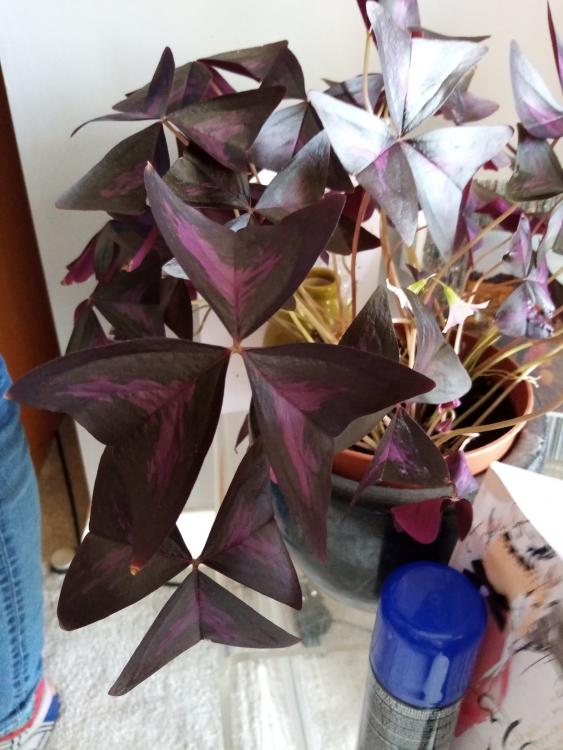
Thought these would make a good project
-
Didn't know if that was just buying an anvil or his first,
-
How long have you been doing iron work?
-
Haha I see it as more brownie points for time at the forge, but yeah you've got to give to take
-
no I haven't ill check it out tonight, and no the amount of times iv been to the science museum I can't belive iv missed it Haha quick Google and yes iv seen the amazing steem engines there
-
Hi Iv been playing around in my back yard for a few years on and off now but it's hard with a full time job and 3 kiddies. Recently had a talk with my partner and she understands a bit more and I'm not just hitting things with a hammer hahaha. Always thinking about the next project, and love talking about it but I don't personly know anyone around here that does this extraordinary hobby
-
Oh sorry, my bad ill get the hang of this at somepoint hahaha
-
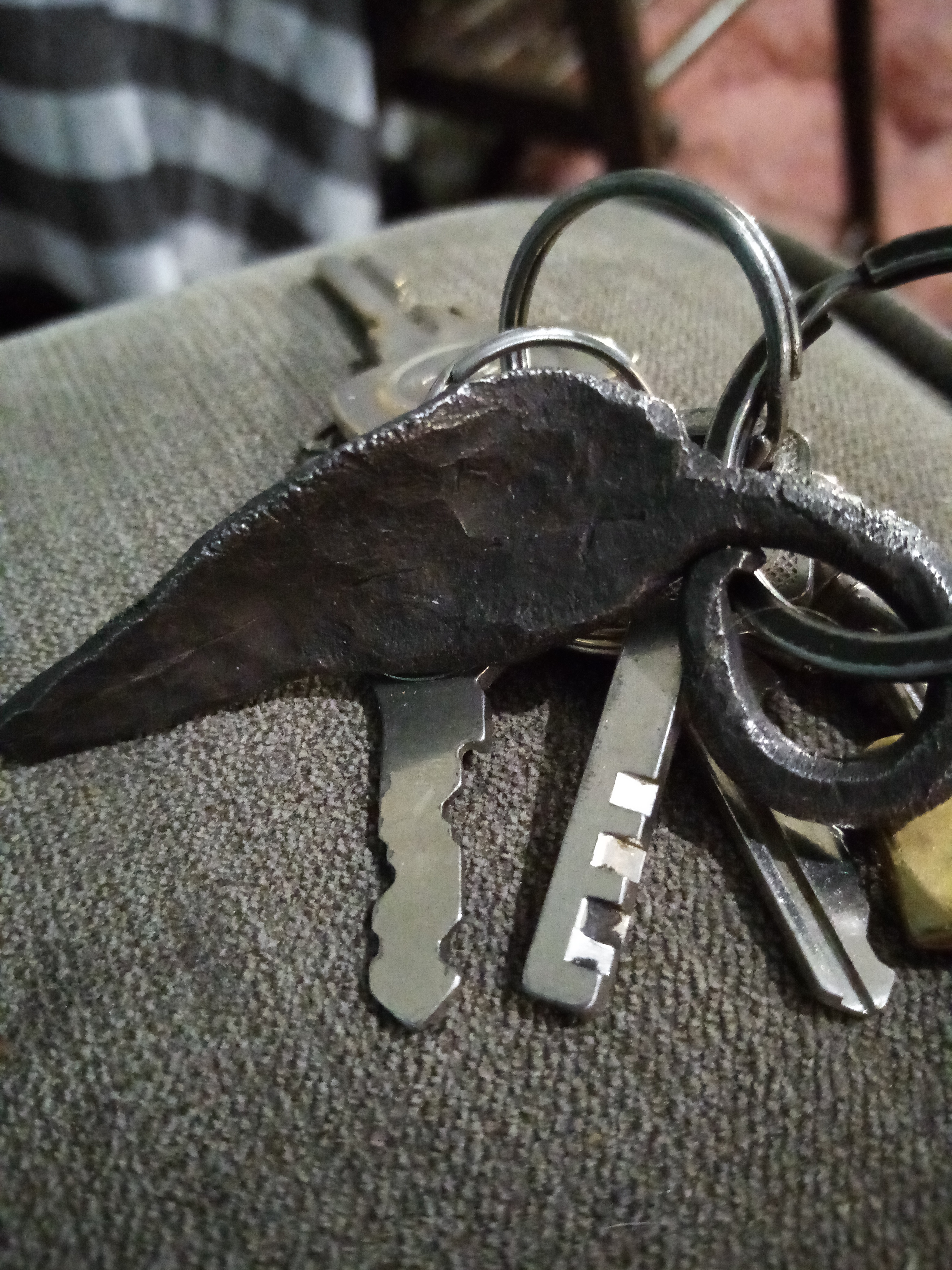
Haha no just a cheep padlock key What size stock does everyone use for a standard leaf
-
Looks great man, love how many styles there are when doing leafs I removed the quote, please read this... The quote feature
-
Hahaha my bad!
-
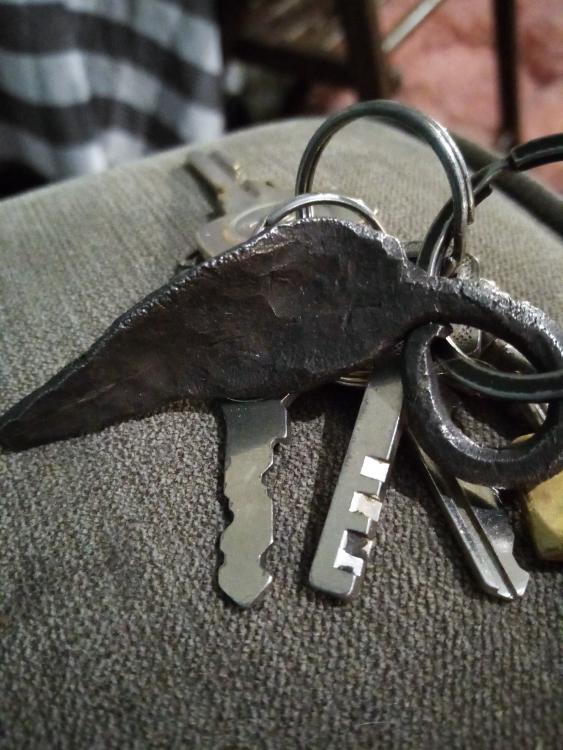
Every one has a style can I see yours
-
Oh sweet steel it is then
-
What's the best way to find out if its iorn or steel