TwoCreative Forge
Members
-
Joined
-
Last visited
Everything posted by TwoCreative Forge
-
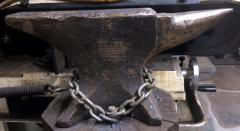
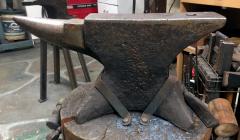
This is one of two I have. It is my largest.
-
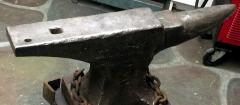 This was a $35 farm find in Oregon.
 -
-
-
-
-
-
-
-
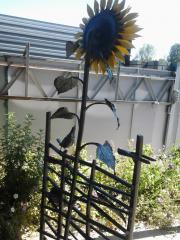 Always good for a smile. My favorite flower.
 -
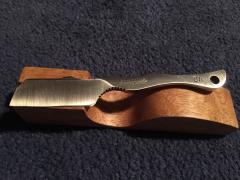 Very nice!
 -
I have a lot of tools and jigs around that I made just for one specific job to catch an angle or reach a shape that I need. When I die and they sort it out the person tasked with this will have no idea. A few of those may be like that?
-
Holy cow! Jeremy K That is beautiful work.
-
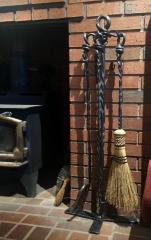 I just finished this fireplace set that I started two years ago, prior to my PD diagnosis. I built the broom handle and mailed it to a third generation broom maker to weave the broom around my handle. It took him months due to age and illness but he got it back to me. I can relate. It's good to be back at the forge, even on a smaller scale.
 -
-
Irondragon Forge and Clay, Sorry, Corrected. I typed that in the first time but must not have saved it.
-
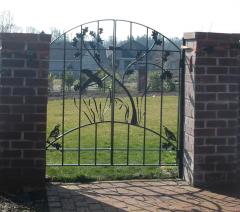 Thanks Marc1.
 -
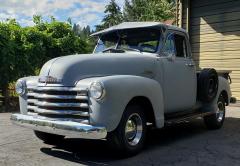 My shop truck in the making.
 -
-
 Wonderful!
 -
-
-
-
-