.jpg.270d18a1c2f6cd1a20e42a16e68e3af1.jpg)
neophite
Members
-
Joined
-
Last visited
-
-
-
-
-
-
-
-
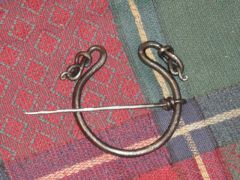 that's very nice
 -
hey, how does the box stay shut? does it tilt enough to let gravity do it or is it held up with friction or a magnet even?
-
wow. i have never seen anything like it before. that's a beautiful piece of work!
-
thanks, thats all the info i needed! i'm not used to posting things
-
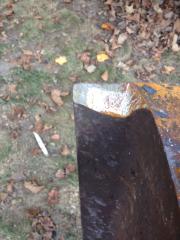
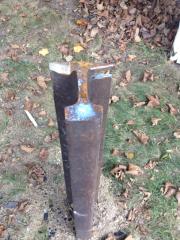
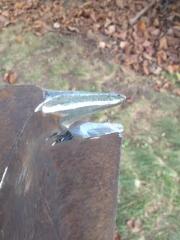
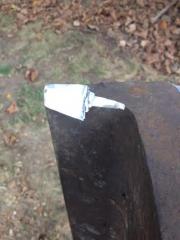
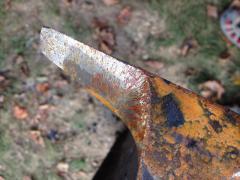
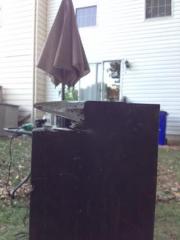 Made the hot cutter a little bigger, cleaned up under the horn and hit the whole top portion with a flapper disc after i took the pictures. more to come
 -
-
-
.jpg.270d18a1c2f6cd1a20e42a16e68e3af1.thumb.jpg.6e55b8eb3be20097a82108aa5550186a.jpg)
.JPG.81449315113ce218a914f8d06f7c151b.JPG)