Skip to content
View in the app

A better way to browse. Learn more.

I Forge Iron

A full-screen app on your home screen with push notifications, badges and more.

To install this app on iOS and iPadOS
  1. Tap the Share icon in Safari
  2. Scroll the menu and tap Add to Home Screen.
  3. Tap Add in the top-right corner.
To install this app on Android
  1. Tap the 3-dot menu (⋮) in the top-right corner of the browser.
  2. Tap Add to Home screen or Install app.
  3. Confirm by tapping Install.

JHCC

2023 Donor
  • Joined

  • Last visited

About Me

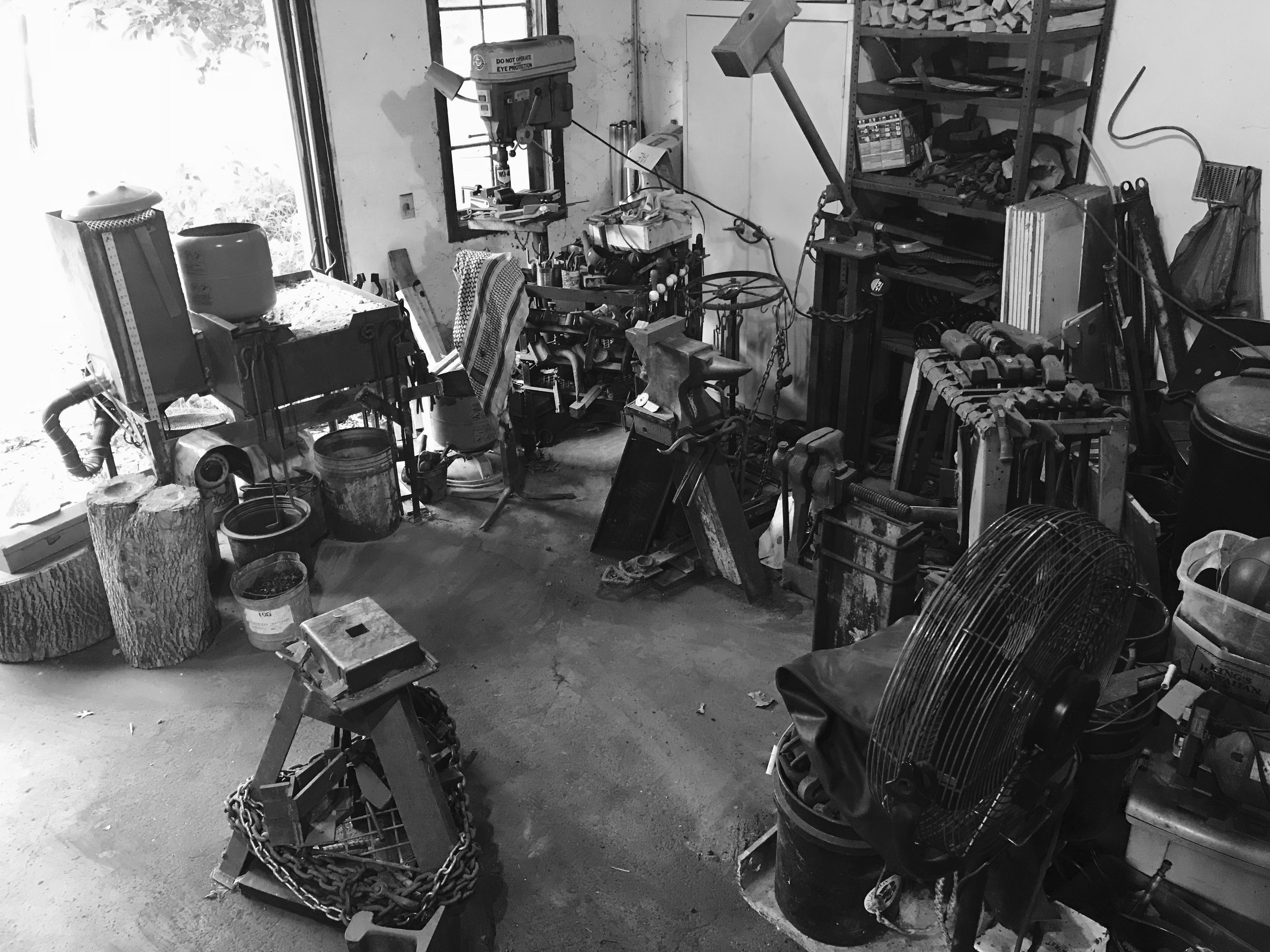
Did a lot of hobby blacksmithing when I was a teenager. Lost, sold, or gave away most of my gear except for my anvil and a couple of hammers. After twenty-three years, I mounted the anvil back up to give it another go and to have something my autistic son and I can do together. Although he doesn't join me too often these days, I've been having a lot of fun solidifying old skills, developing new ones, trying new projects, occasionally selling enough stuff to pay for my steel and fuel, and contributing what I can to the shared knowledge of the broader smithing community.

Account

Navigation

Search

Search

Configure browser push notifications

Chrome (Android)
  1. Tap the lock icon next to the address bar.
  2. Tap Permissions → Notifications.
  3. Adjust your preference.
Chrome (Desktop)
  1. Click the padlock icon in the address bar.
  2. Select Site settings.
  3. Find Notifications and adjust your preference.