sdalcher
Members
-
Joined
-
Last visited
Everything posted by sdalcher
-
The dumbest one yet, I was taking a finishing cut on the lathe after numerous heavy cuts... I was admiring the mirror-like finish and you guessed, I had to touch it... Regained feeling in my fingertips a few months later, you can bet I'll never do that one again!!:D
-
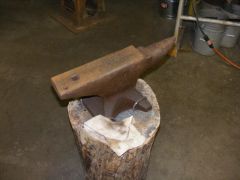
Yup, I was going to dress up the horn on my 140 lb PW. Thankfully I didn't I was moving some steel in and caught the blunted horn in the middle of my thigh. Softball sized bruise and plenty of unpleasant words. I have bumbed into the same place about 3 times now, so no dressing of the horn for me:D
-
WOW! That is beautifully simplistic! I love it!
-
RR Spike knives for the men, RR roses for the women Cheap and fun:o
-
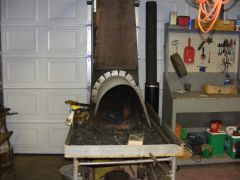
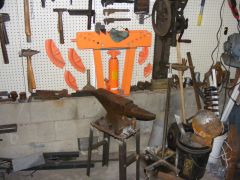
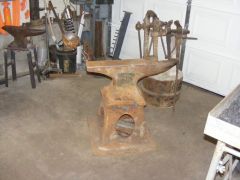
I move around the anvil as I work and having three anvils at different orientations only a few steps away from the forge makes it real easy to find a comfortable position to work.
-
-
-
-
-
-
-
-
-
-
-
-
-
-
-
-
I made a throwing hawk from a RR spike a few days ago, turned out pretty well except I got the drift a little off center. It would have been functional, it just didn't look "right", my oldest boy claimed it. I will probably do another one in the next few days just for giggles. Thanks Steve
-
Looks like a Peter Wright
-
Congrats Karl!:D
-
Looks like you're having fun:D and that is what it is all about!
-
HWooldridge, ahhhh you are making me envious. Must have more tools.... Hmmm, off to the fleamarket:)