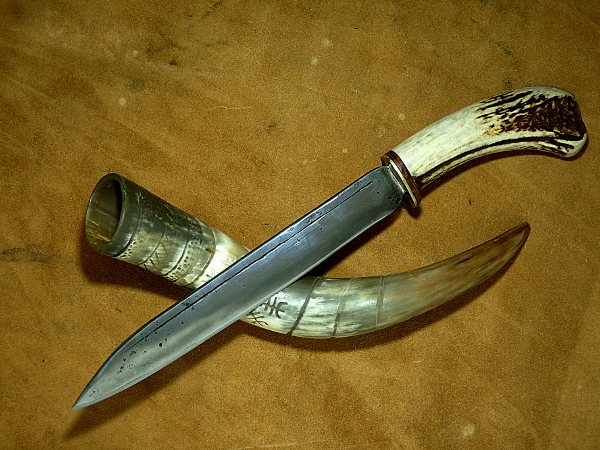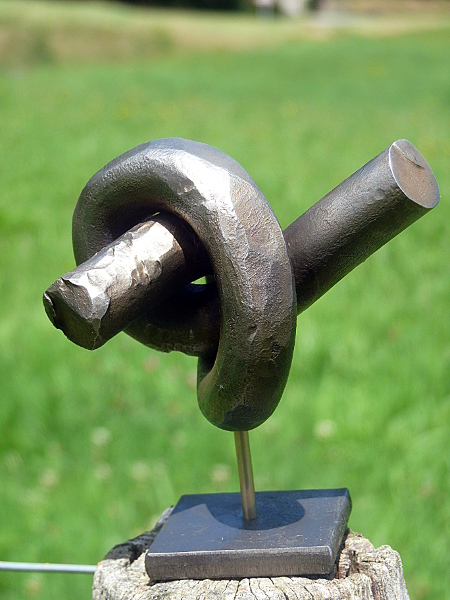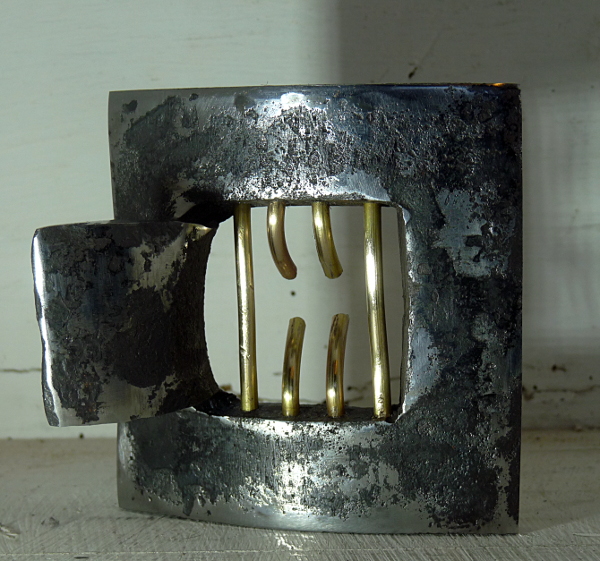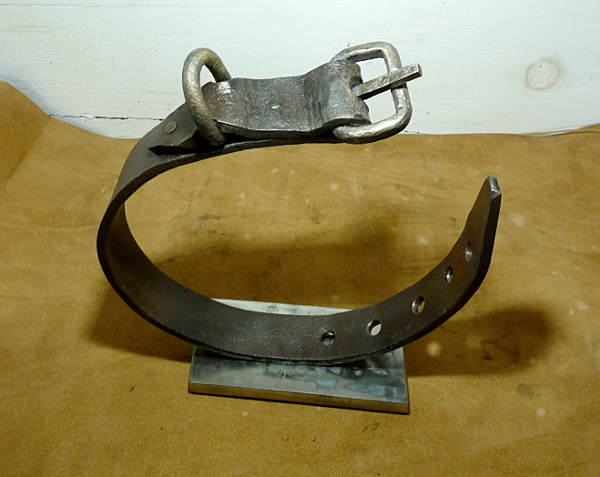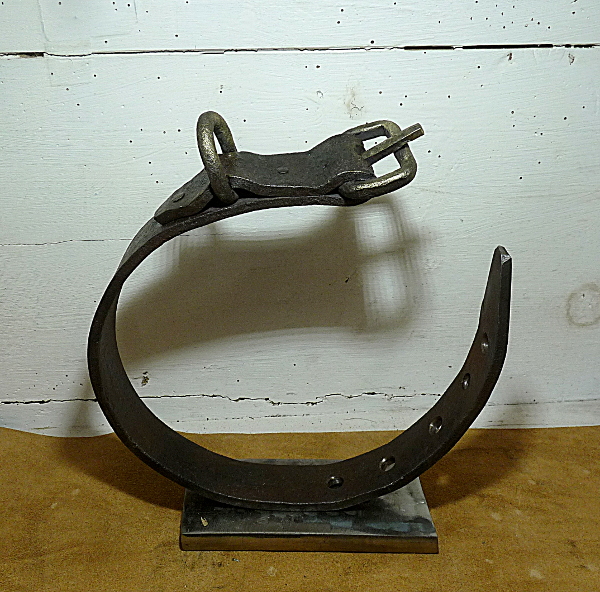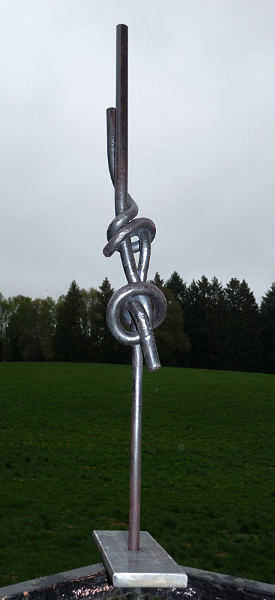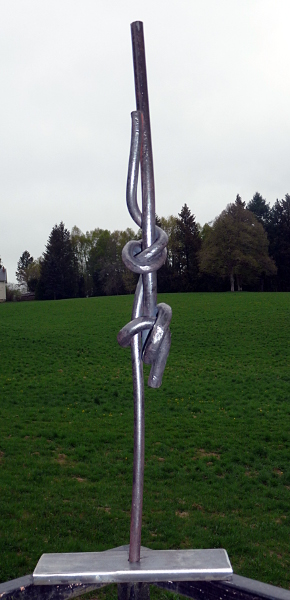
- bit of fun ..
-
j-v changed their profile photo
-
friendship ..
go for it !! get busy !!
-
bit of fun ..
thanks , no problems copying it/getting inspiration from it ..thats what our hobby/job it's made of , sharing and friendliness !!
-
bit of fun ..
thanks , for your comments !! it motivate me !!
-
saxe
- Bevy of bush swords
-
friendship ..
-
Something for fun
i like making knot , nice work !!
- Celtic cross
-
stone bird
like that kind of work , great !!
-
bit of fun ..
- friendship ..
16mm if i'm not mistaken , i offered it to a friend ..- freedom
- friendship ..
- just because i like making knots
thanks !! - friendship ..
Account
Navigation
Search
Configure browser push notifications
Chrome (Android)
- Tap the lock icon next to the address bar.
- Tap Permissions → Notifications.
- Adjust your preference.
Chrome (Desktop)
- Click the padlock icon in the address bar.
- Select Site settings.
- Find Notifications and adjust your preference.
Safari (iOS 16.4+)
- Ensure the site is installed via Add to Home Screen.
- Open Settings App → Notifications.
- Find your app name and adjust your preference.
Safari (macOS)
- Go to Safari → Preferences.
- Click the Websites tab.
- Select Notifications in the sidebar.
- Find this website and adjust your preference.
Edge (Android)
- Tap the lock icon next to the address bar.
- Tap Permissions.
- Find Notifications and adjust your preference.
Edge (Desktop)
- Click the padlock icon in the address bar.
- Click Permissions for this site.
- Find Notifications and adjust your preference.
Firefox (Android)
- Go to Settings → Site permissions.
- Tap Notifications.
- Find this site in the list and adjust your preference.
Firefox (Desktop)
- Open Firefox Settings.
- Search for Notifications.
- Find this site in the list and adjust your preference.