MilwaukeeJon
Members
-
Joined
-
Last visited
-
Certainly the use of carcinogenic liners.
-
Thanks. I'm intrigued....
-
Sorry if this topic has been covered or is the wrong place. I've been away from I Forge Iron for a while. The Quantum Nargesa forge is expensive but also said to be safer than most. Does anyone have any experience with these? Comments (other than it is very high priced....that is obvious).
-
Beautiful work. I've been off the site for a while and what a nice treat to see these blades. Great work.
-
And thanks Daswulf
-
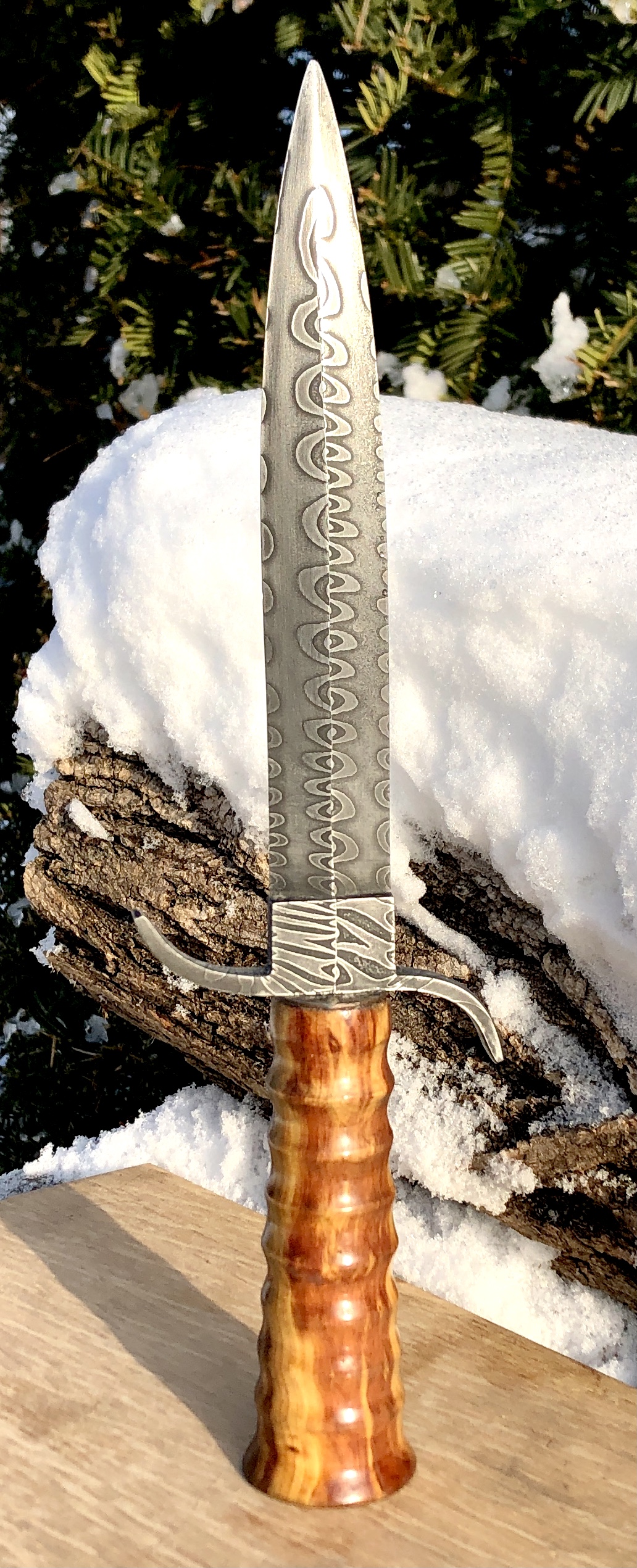
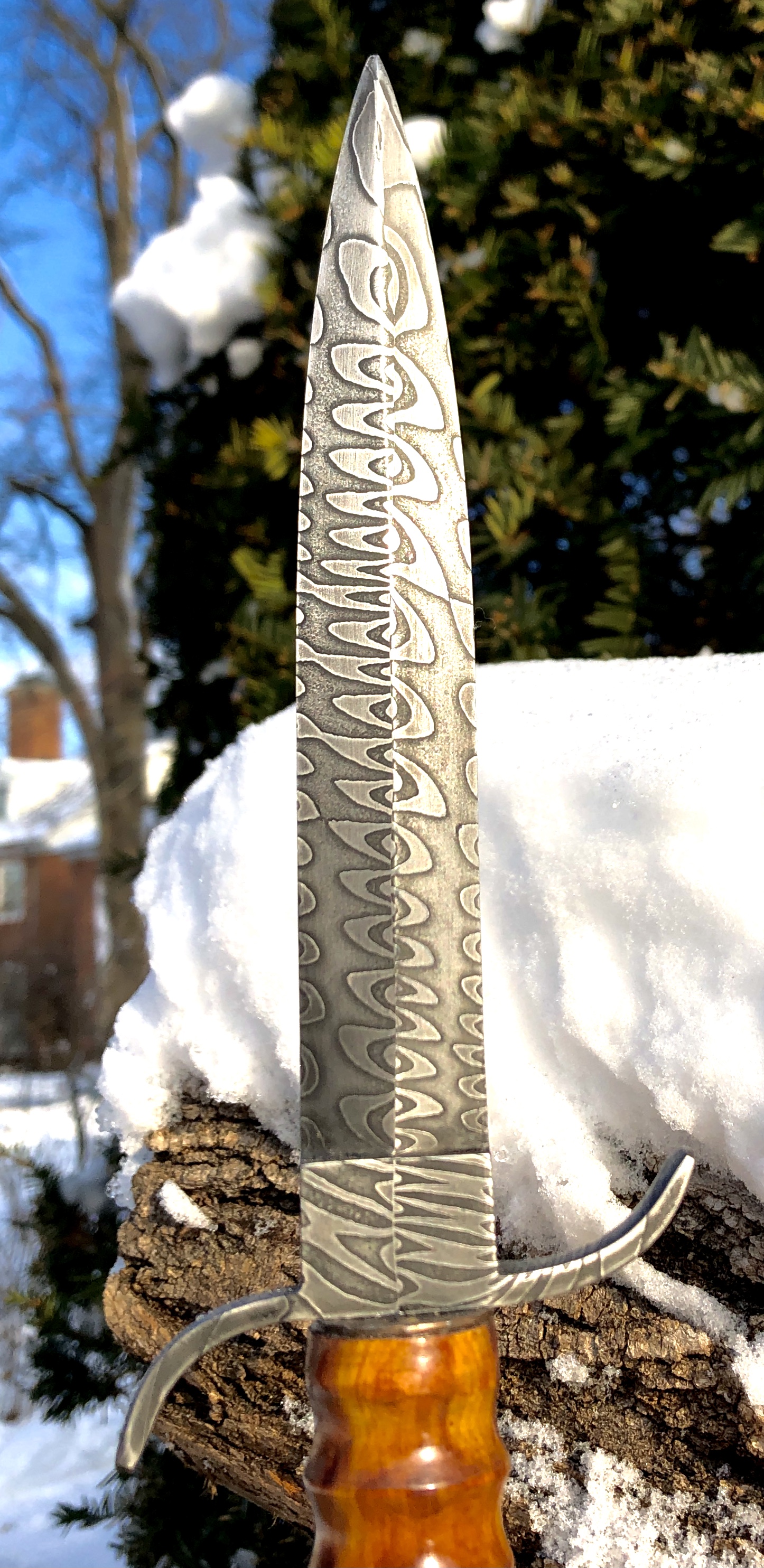
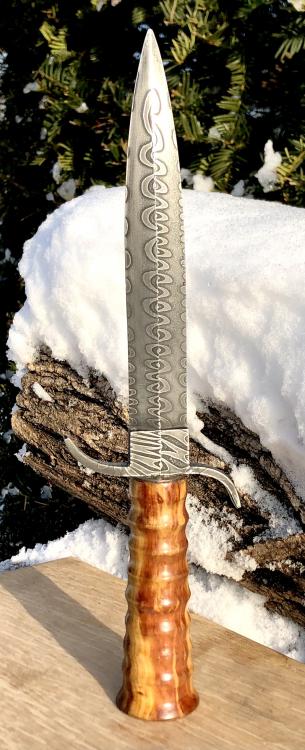
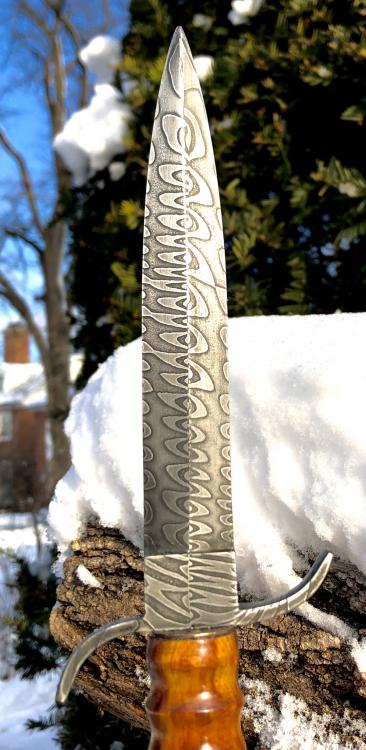
Juniper handle. Old Chinese coin for the guard.
-
Thank you. I’m really interested in low layer forge welding....simple but bold patterns.
-
Perfect. One thing I learned on this project is that the finer grit grinding can lead to small delaminations if you aren't careful. These small flaws were easy to remove with slower/cooler grinding but it did make me take notice about being more careful in the future.
-
Very nice indeed....is that pattern on both sides or just the front?
-
Very cool. What was your folding/design approach here....some twisting and channels cuts involved?
-
Who knew this little thing would generate such a discussion!
-
Wow, that is a beauty!
-
This anvil is not "hollow"....it simply is "solidity challenged".
-
Awww....the poor old thing! If nothing else, it can hold up my coffee cup out in the shop.
-
Thanks Thomas....its a freebie so I'll find some use for it.