Skip to content
View in the app

A better way to browse. Learn more.

I Forge Iron

A full-screen app on your home screen with push notifications, badges and more.

To install this app on iOS and iPadOS
  1. Tap the Share icon in Safari
  2. Scroll the menu and tap Add to Home Screen.
  3. Tap Add in the top-right corner.
To install this app on Android
  1. Tap the 3-dot menu (⋮) in the top-right corner of the browser.
  2. Tap Add to Home screen or Install app.
  3. Confirm by tapping Install.

Boedie32

Members
  • Joined

  • Last visited

  1. Ok, and yea considering I hit my first peice of hot steel less than 3 months ago I think I'm doing alright
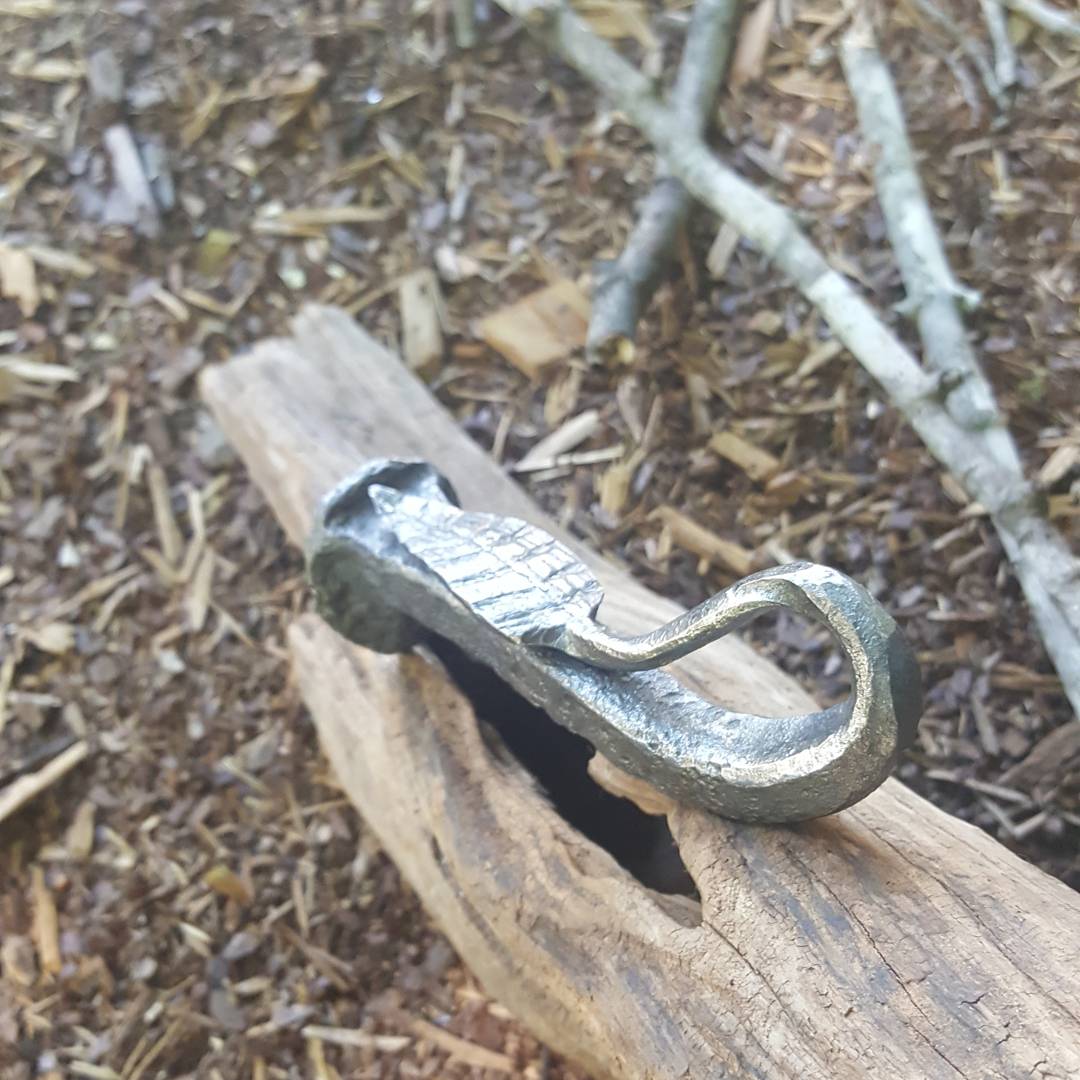
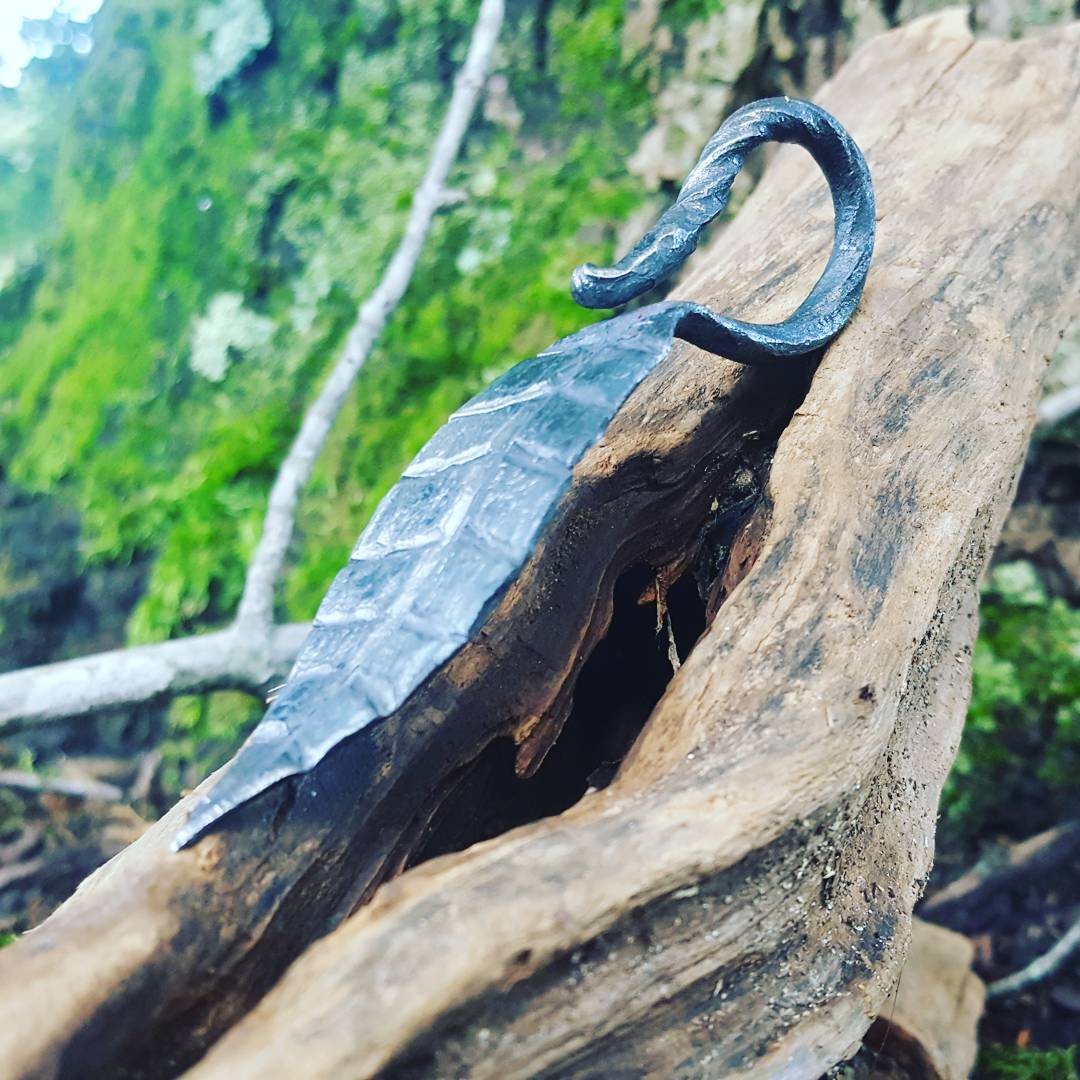
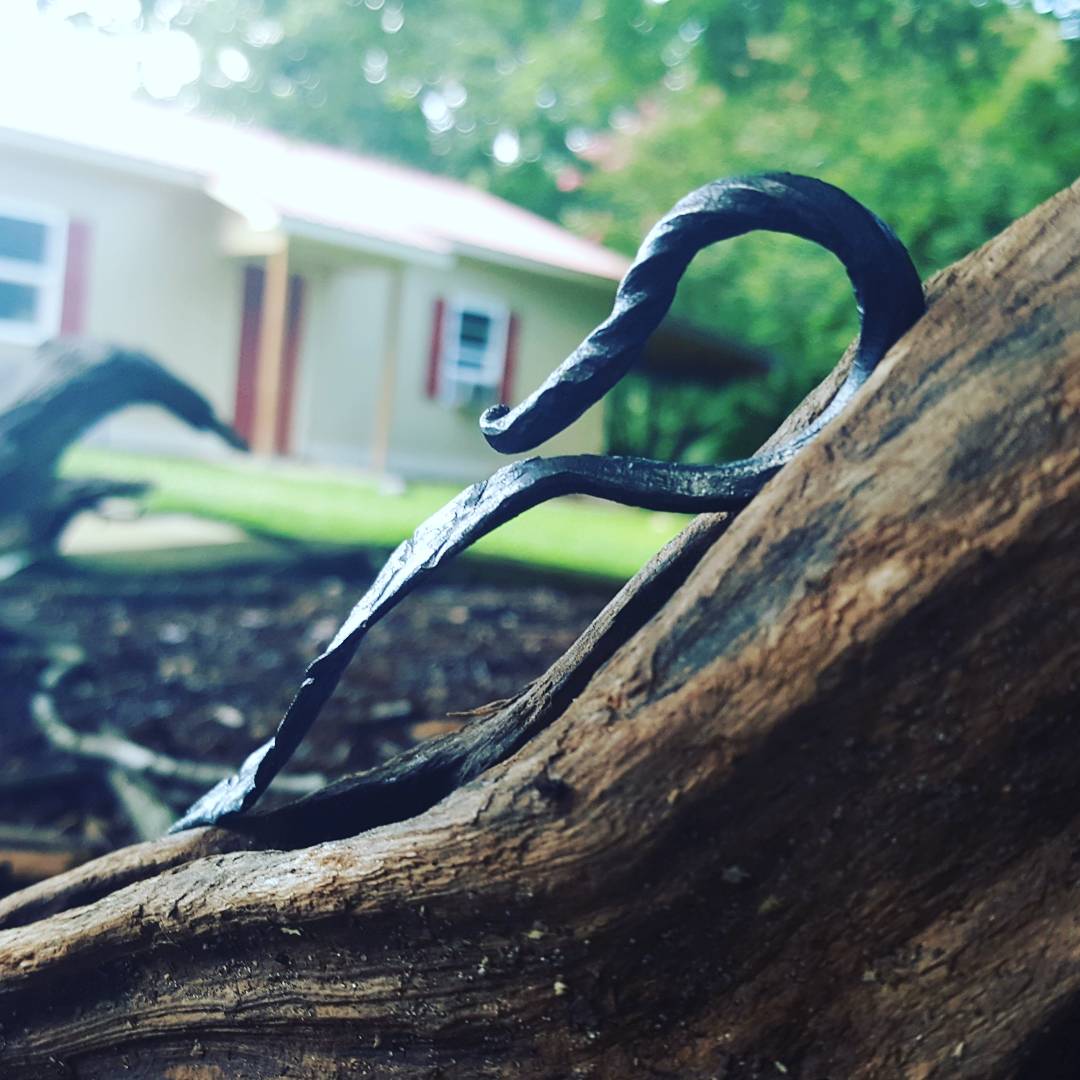
  2. Oh ok sorry I do to And what do you think of the leafs? that one is from a railroad spike if you couldn't tell
  3. Snapchat-777834701.mp420170625_133151.mp420170625_133151.mp420170625_133151.mp4 can you see these probably not
  4. My forge is stupid simple it took 30 mins to make and does that sparks mean I was reaching welding temps? 20170627_120340.mp4
Account

Navigation

Search

Search

Configure browser push notifications

Chrome (Android)
  1. Tap the lock icon next to the address bar.
  2. Tap Permissions → Notifications.
  3. Adjust your preference.
Chrome (Desktop)
  1. Click the padlock icon in the address bar.
  2. Select Site settings.
  3. Find Notifications and adjust your preference.