Jasent
Members
-
Joined
-
Last visited
-
Looking forward to seeing slag on the floor. Is that a papa rhino anvil I see?
-
Only clinker I ever found in my charcoal forge looked like tiny pea size pebbles
-
It’s looking great Jennifer. You should be proud
-
Wow you’ve been busy this summer! Very nice work! Things are just starting to slow down for me enough I can get some forging in. Cleaned up my smithy this morning. Looking forward to being able to get back in the shop!
-
Simple and effective
-
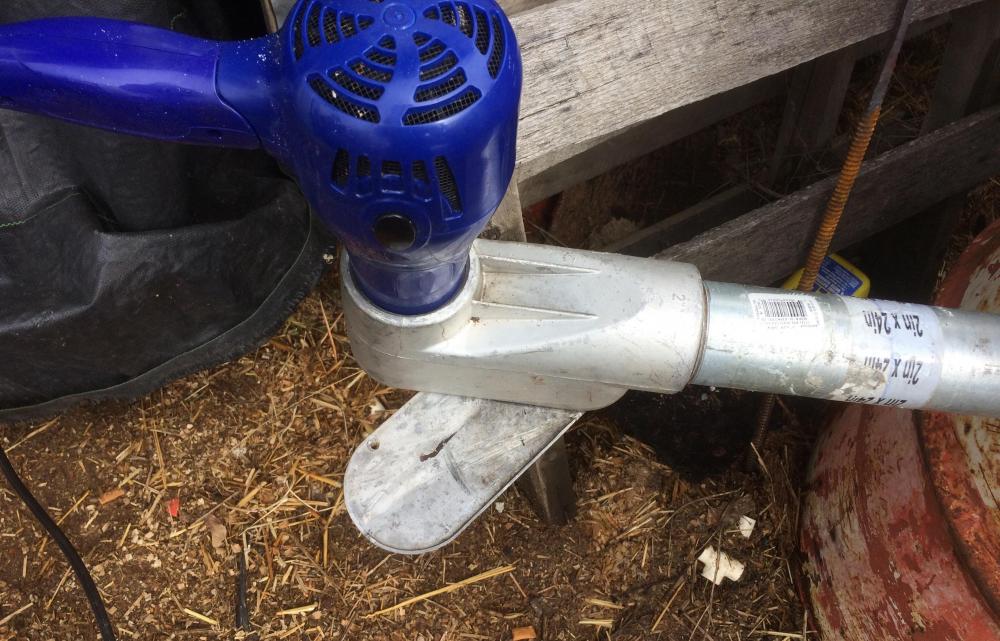
I just used this shear the other day to cut 1/8” aluminum plate cold. Was like cutting flashing with tin snips. But the main support bar got in the way after few bites. Had to flip sides and cut fro the other side. A pressure screw would definitely help with cutting the leafspring! this shear has come in handy several times in the last few months even with my limited shop time lately. Spring time on the farm is busy and working full time makes it worse.
-
Awesome
-
Wow Justin your really pumping out the work. Everything looks great. I’m back to work full time and it’s eating up all my forge time
-
Your getting good at those cgl
-
I like that rake
-
I figure if the socks are about the same length they are a pair
-
Nice stand
-
Very inspired. Thank you all for sharing
-
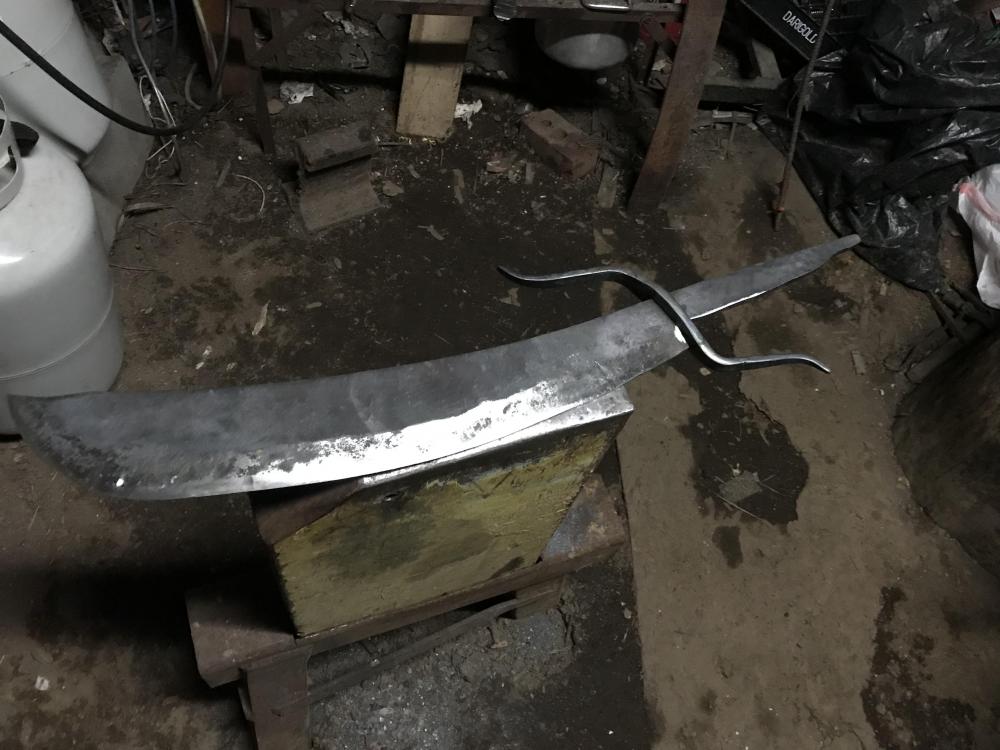
May as well just make a smaller one since I have the tooling now. Still working on the pomel ran out of fuel about half way through drifting it to size. Going to have to make some wood chisel’s to finish the handle. Thank you Jennifer and John
-
Finished fitting the hand guard. Seems a bit long now that’s its mounted