Skip to content
View in the app

A better way to browse. Learn more.

I Forge Iron

A full-screen app on your home screen with push notifications, badges and more.

To install this app on iOS and iPadOS
  1. Tap the Share icon in Safari
  2. Scroll the menu and tap Add to Home Screen.
  3. Tap Add in the top-right corner.
To install this app on Android
  1. Tap the 3-dot menu (⋮) in the top-right corner of the browser.
  2. Tap Add to Home screen or Install app.
  3. Confirm by tapping Install.
  • Joined

  • Last visited

  1. That is one b@d @$$ anvil! How much did you get this baby for?
  2. Score! Beautiful anvil! How much you pay for her if you don't mind me asking?
  3. [email protected] changed their profile photo
  4. [email protected] replied to JME's topic in Tongs
    Awesome!
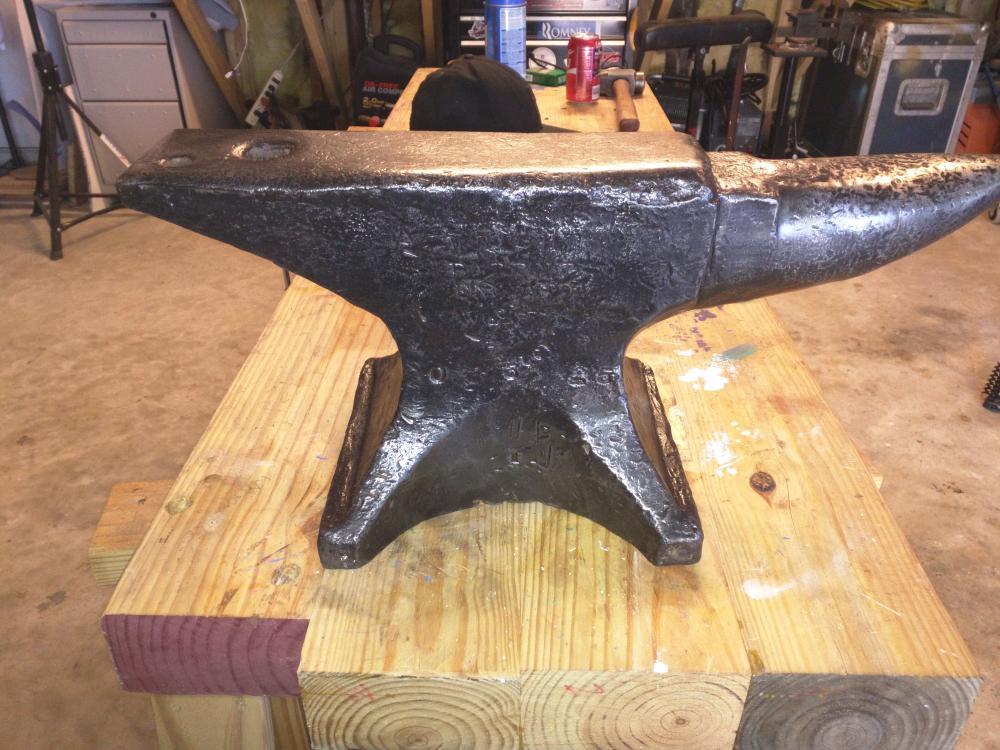
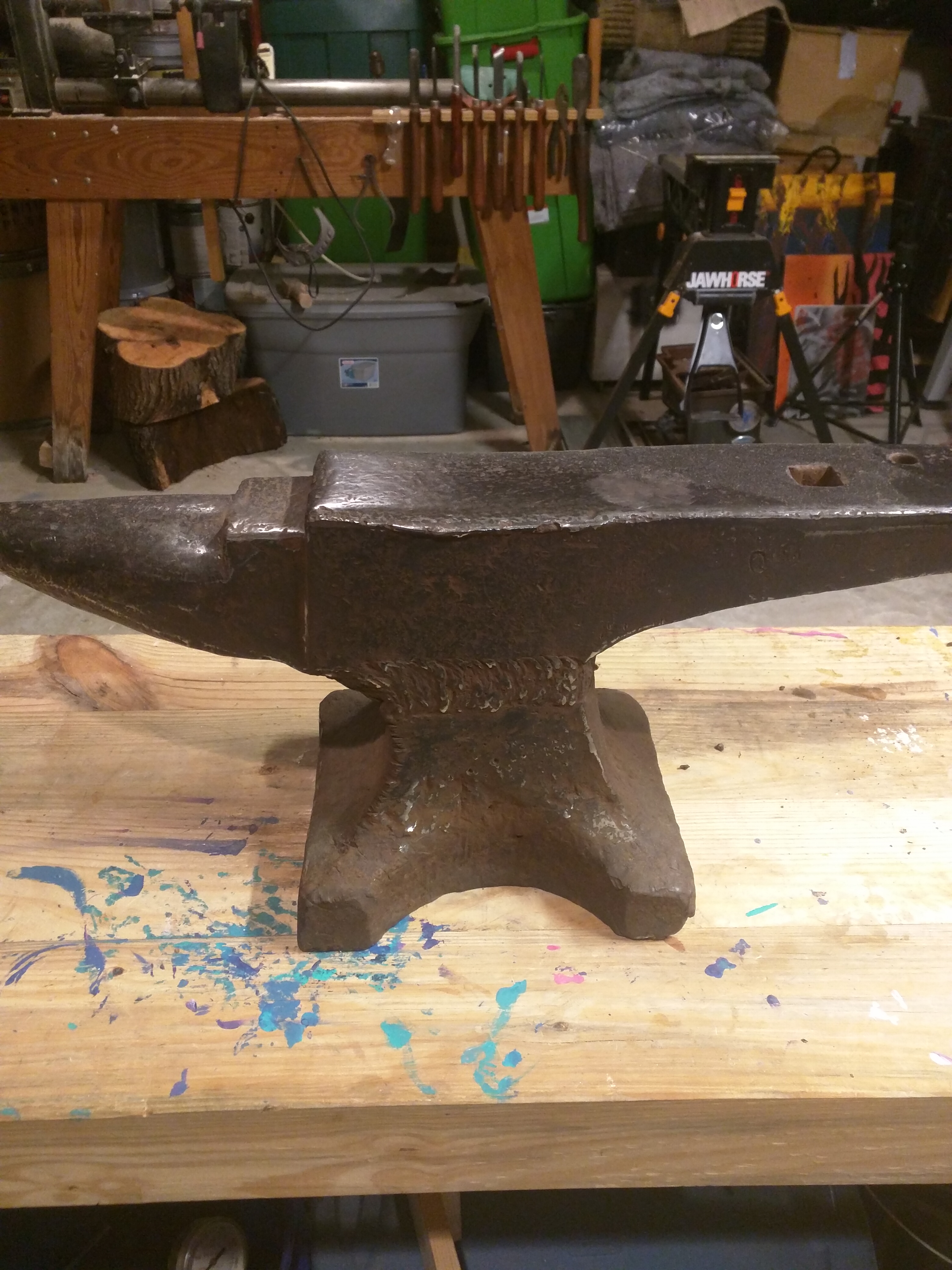
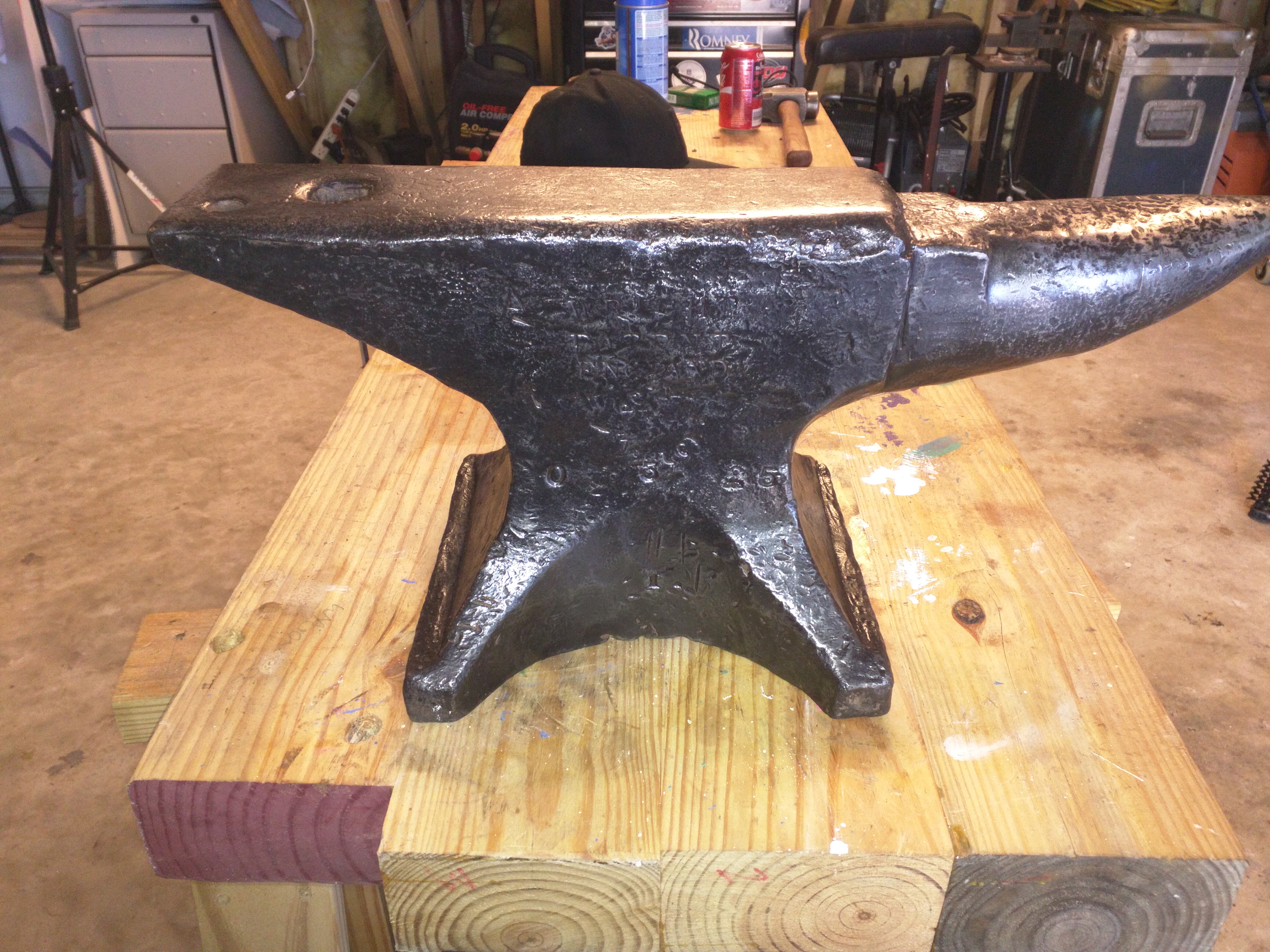
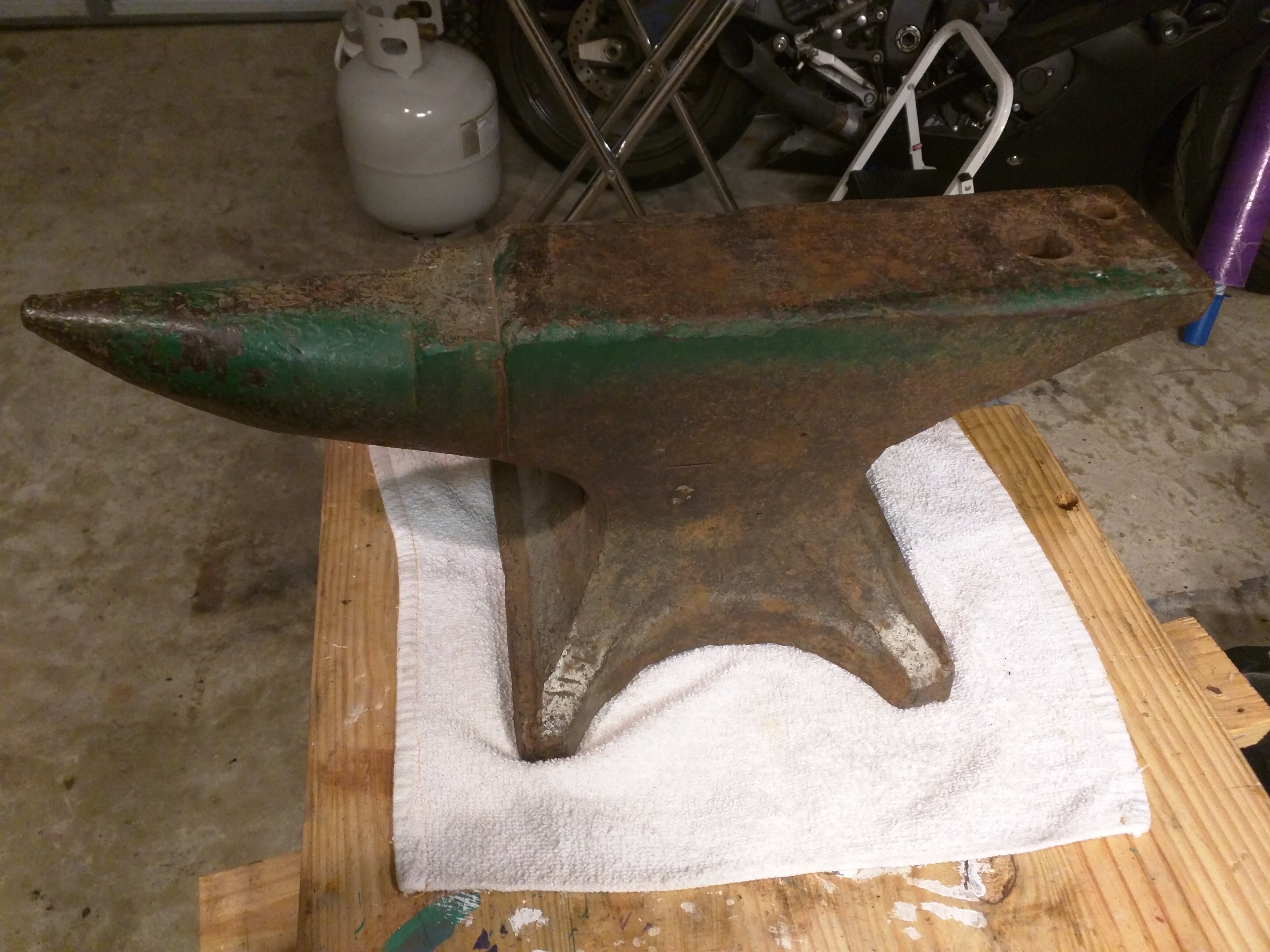
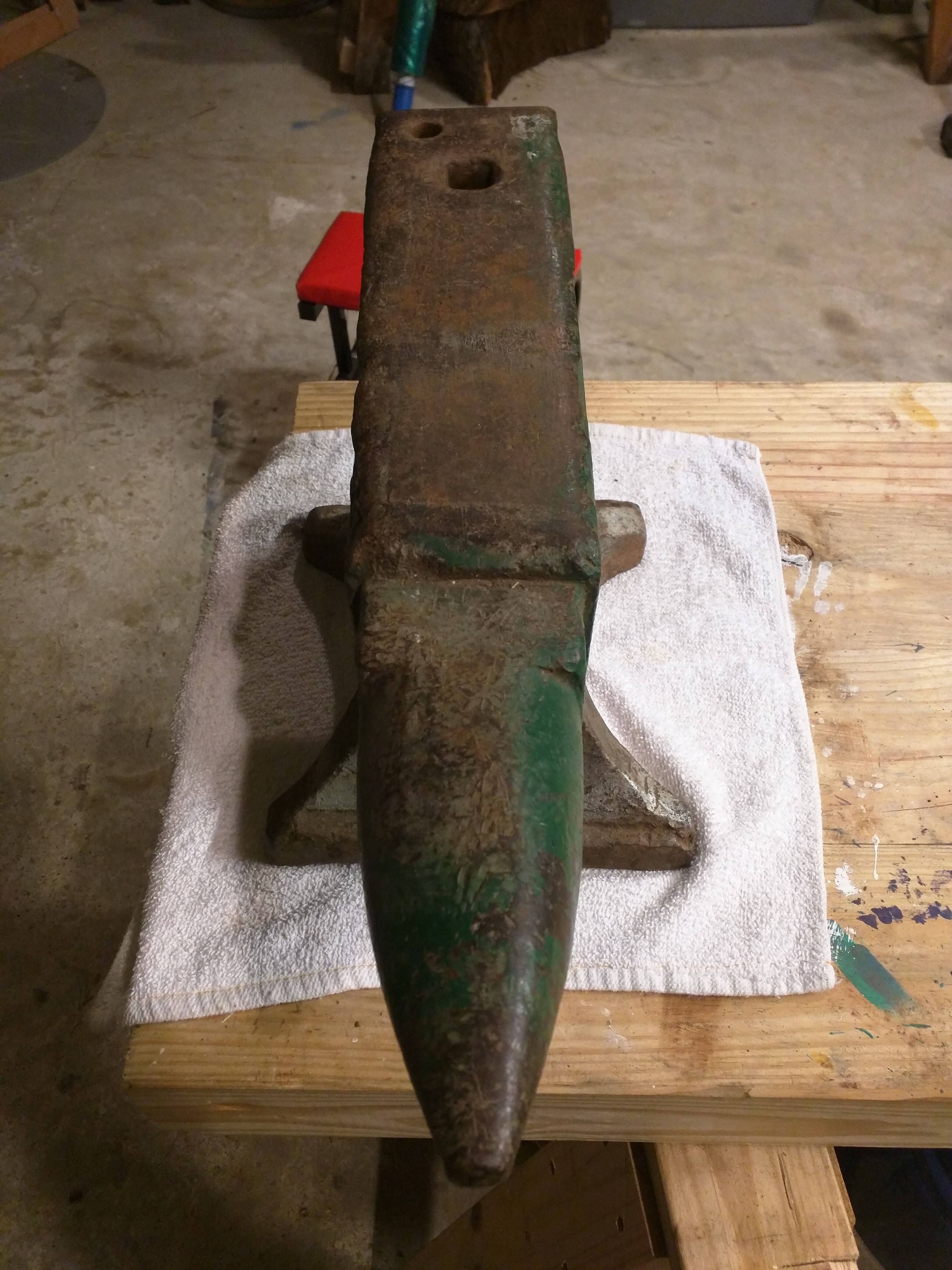
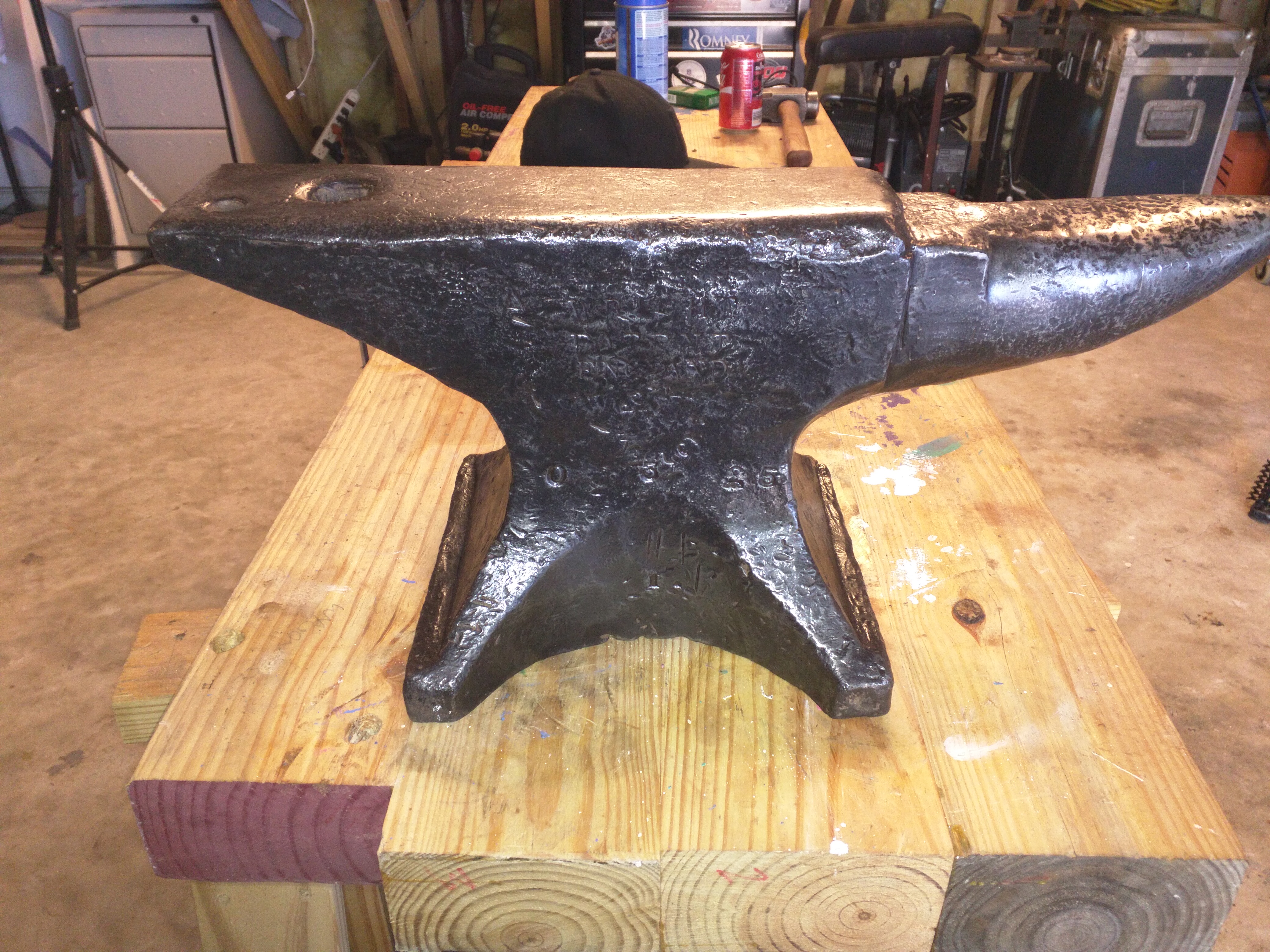
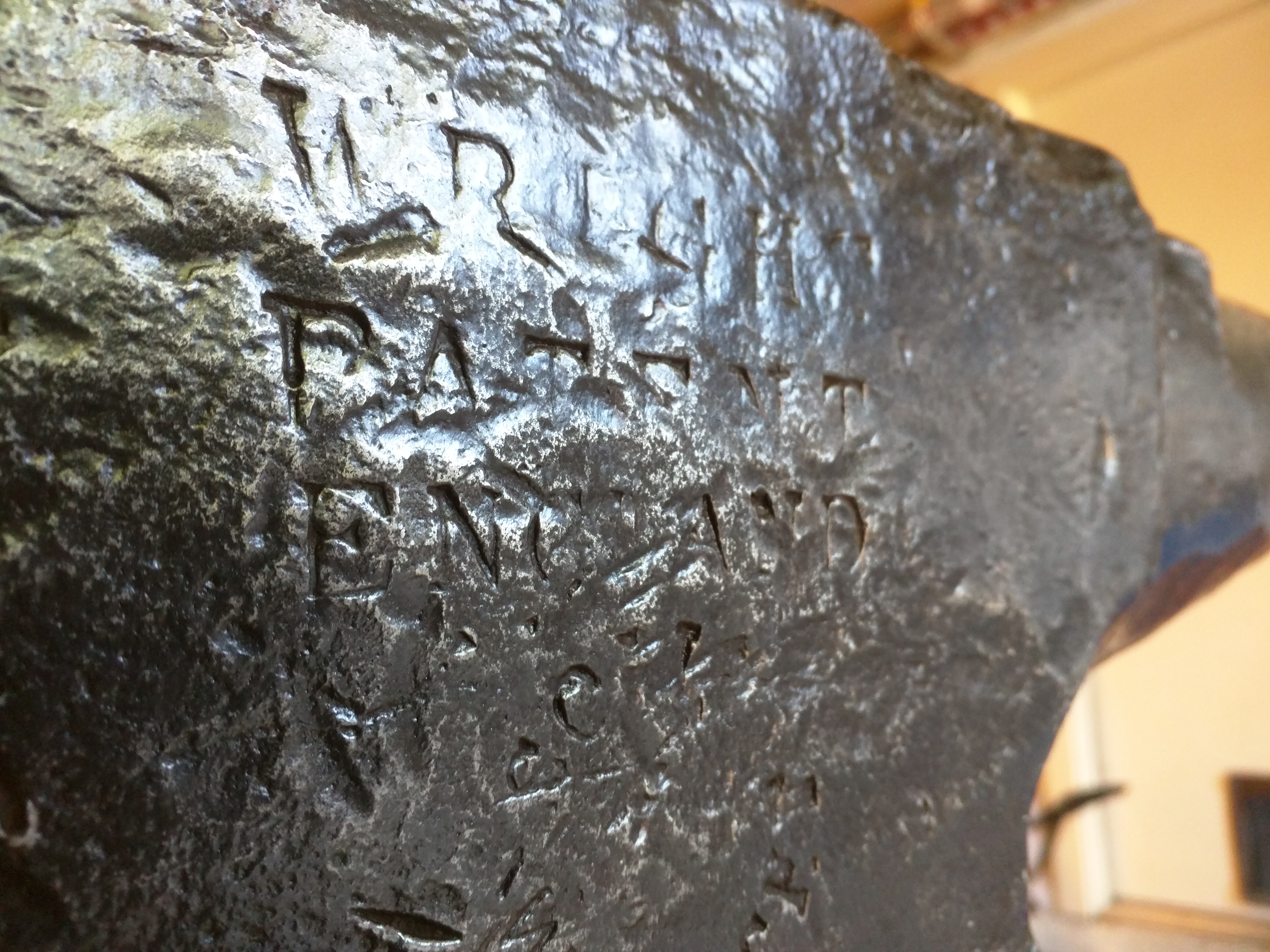
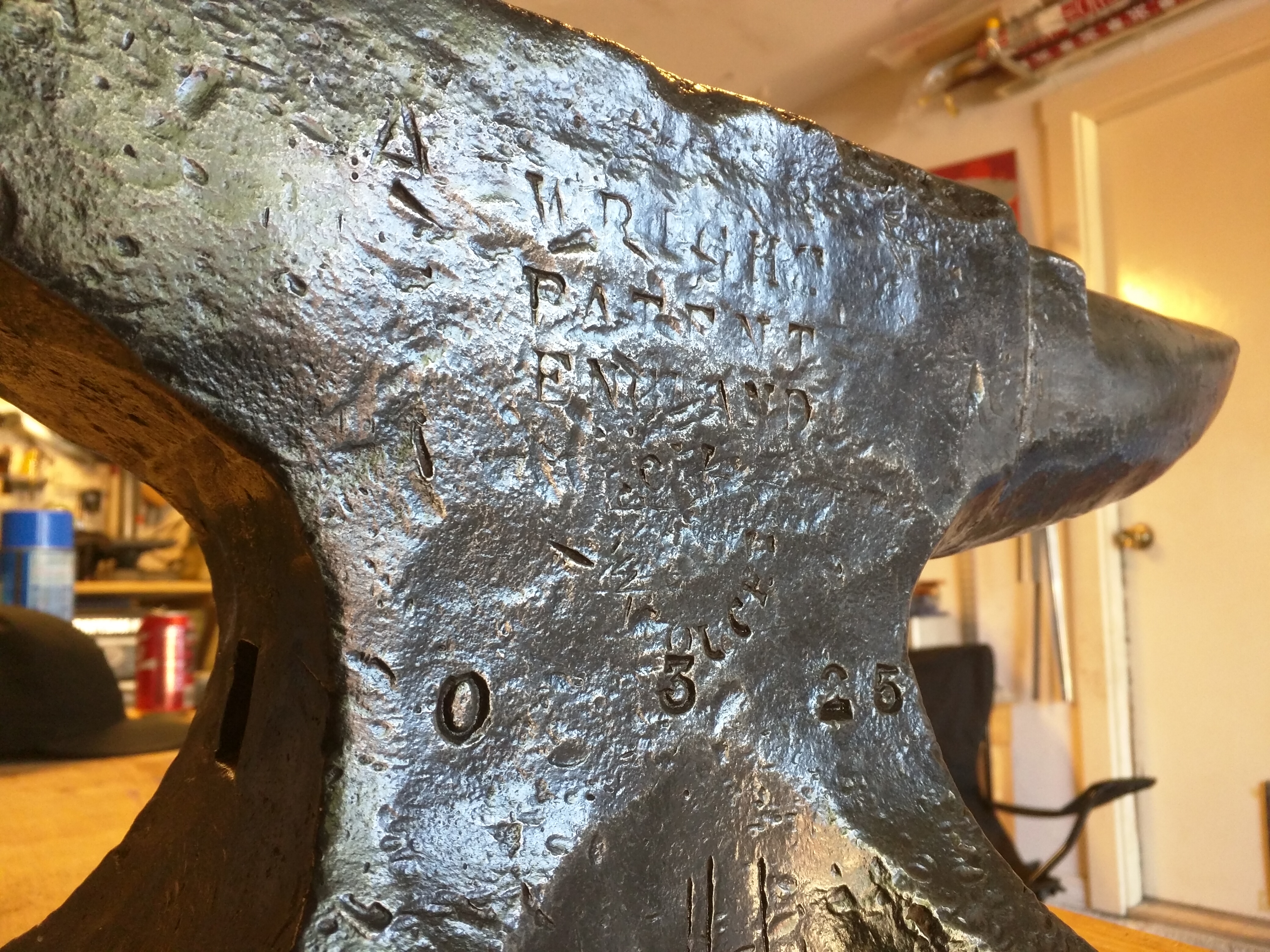
  5. Hay Budden 150lb And...my Peter Wright 109lb
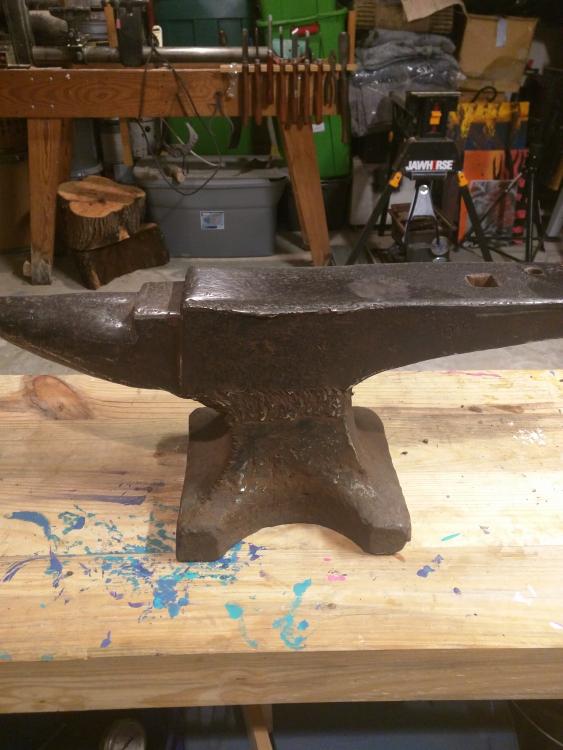
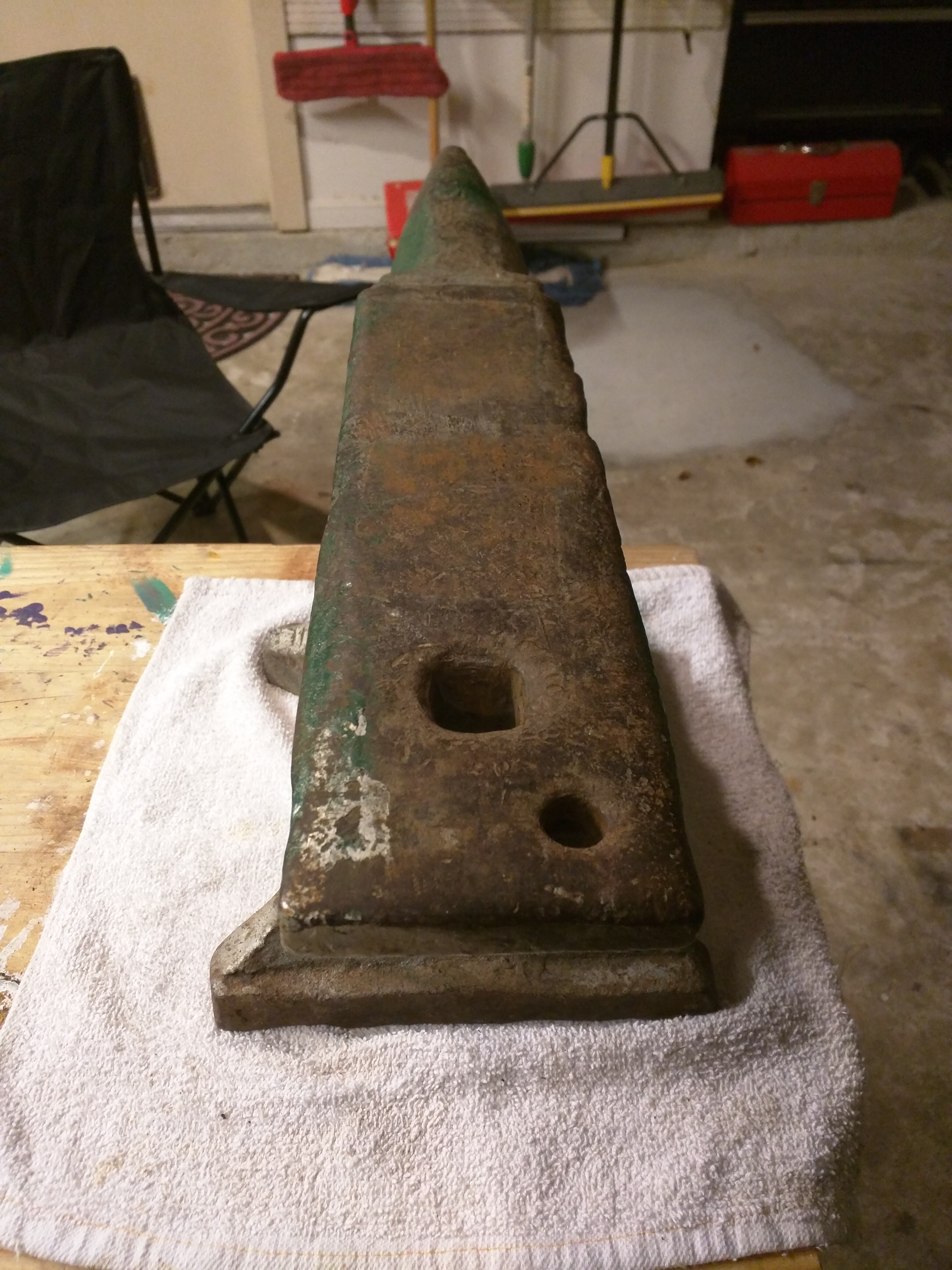
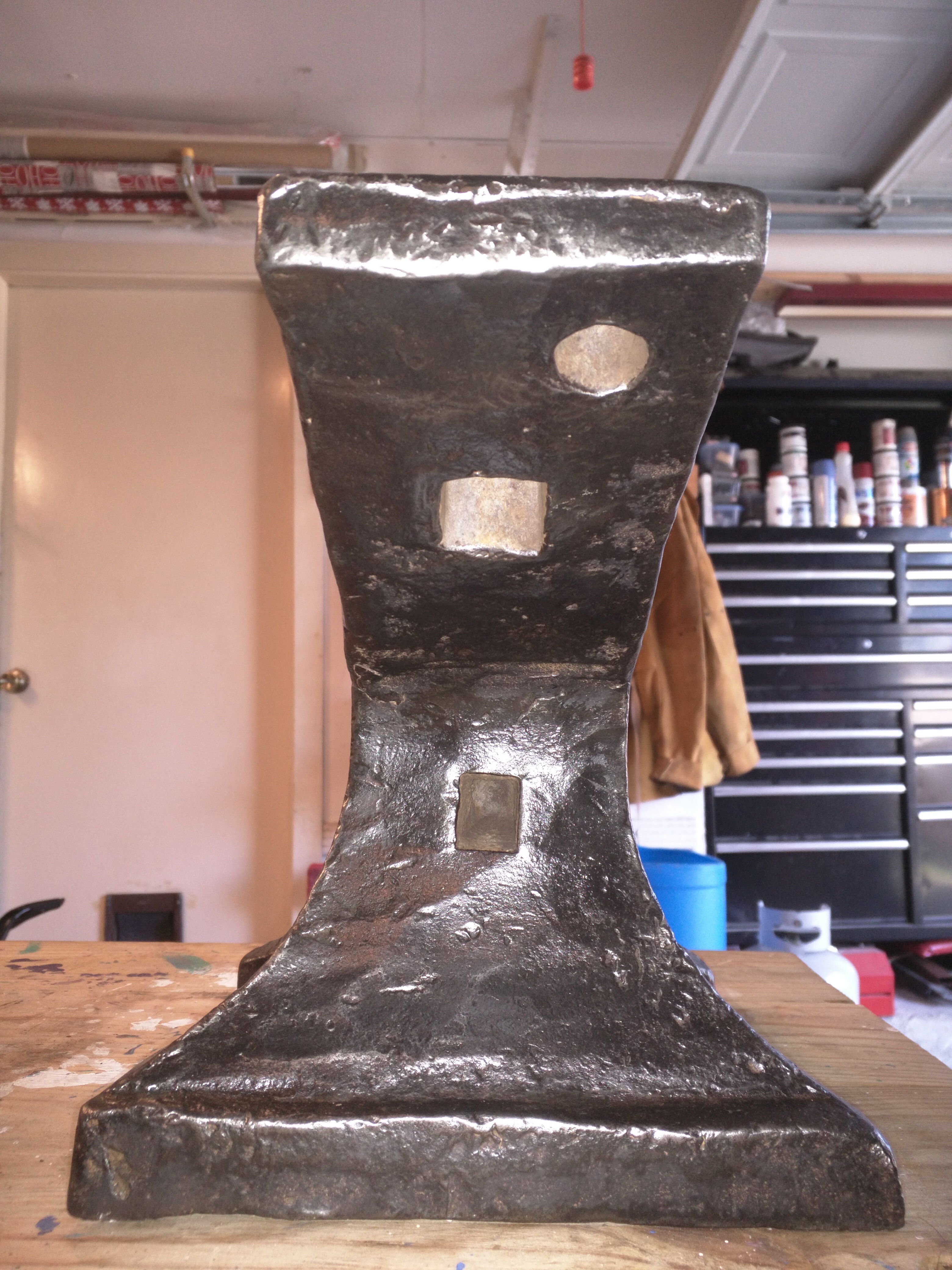
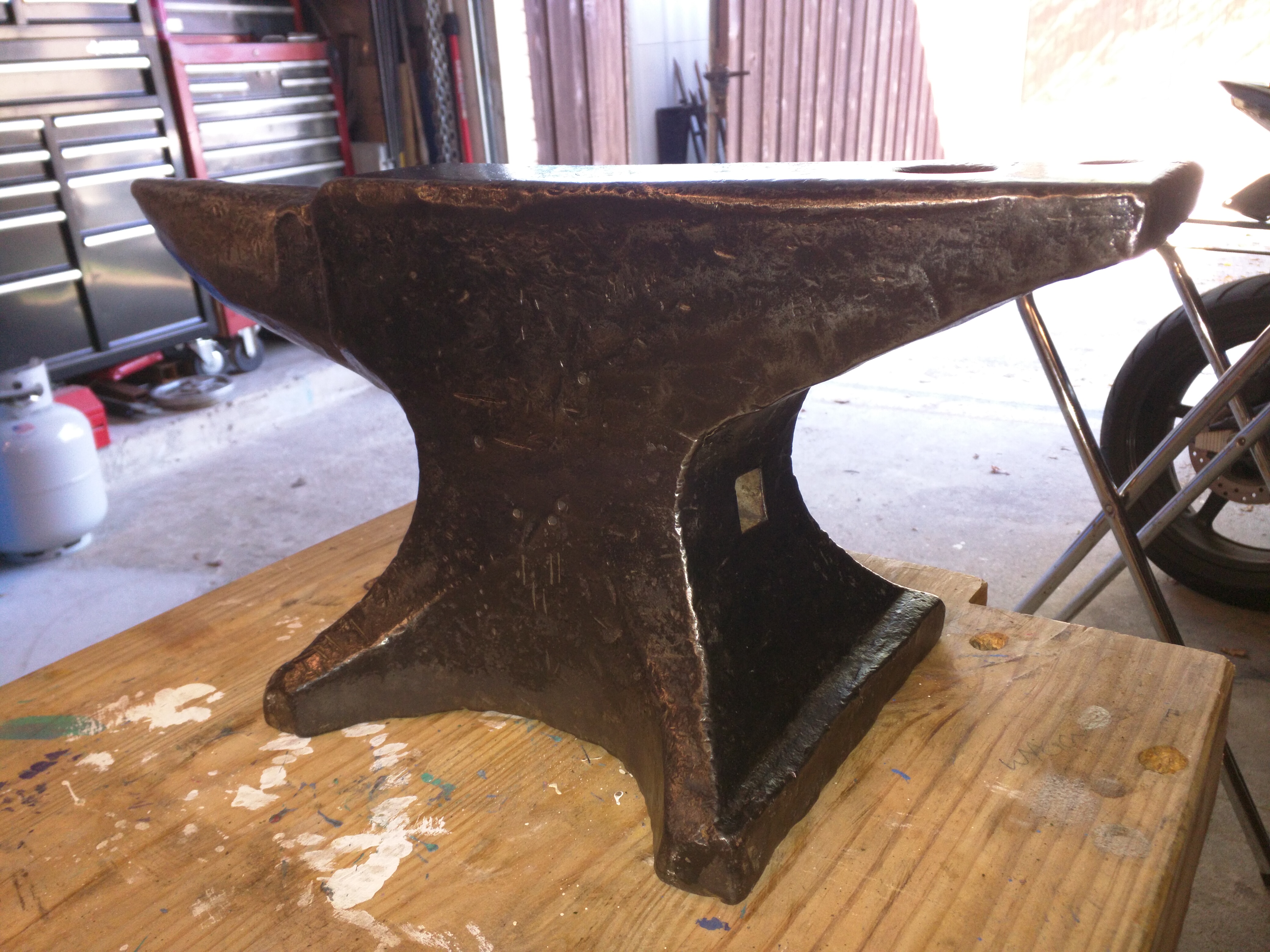
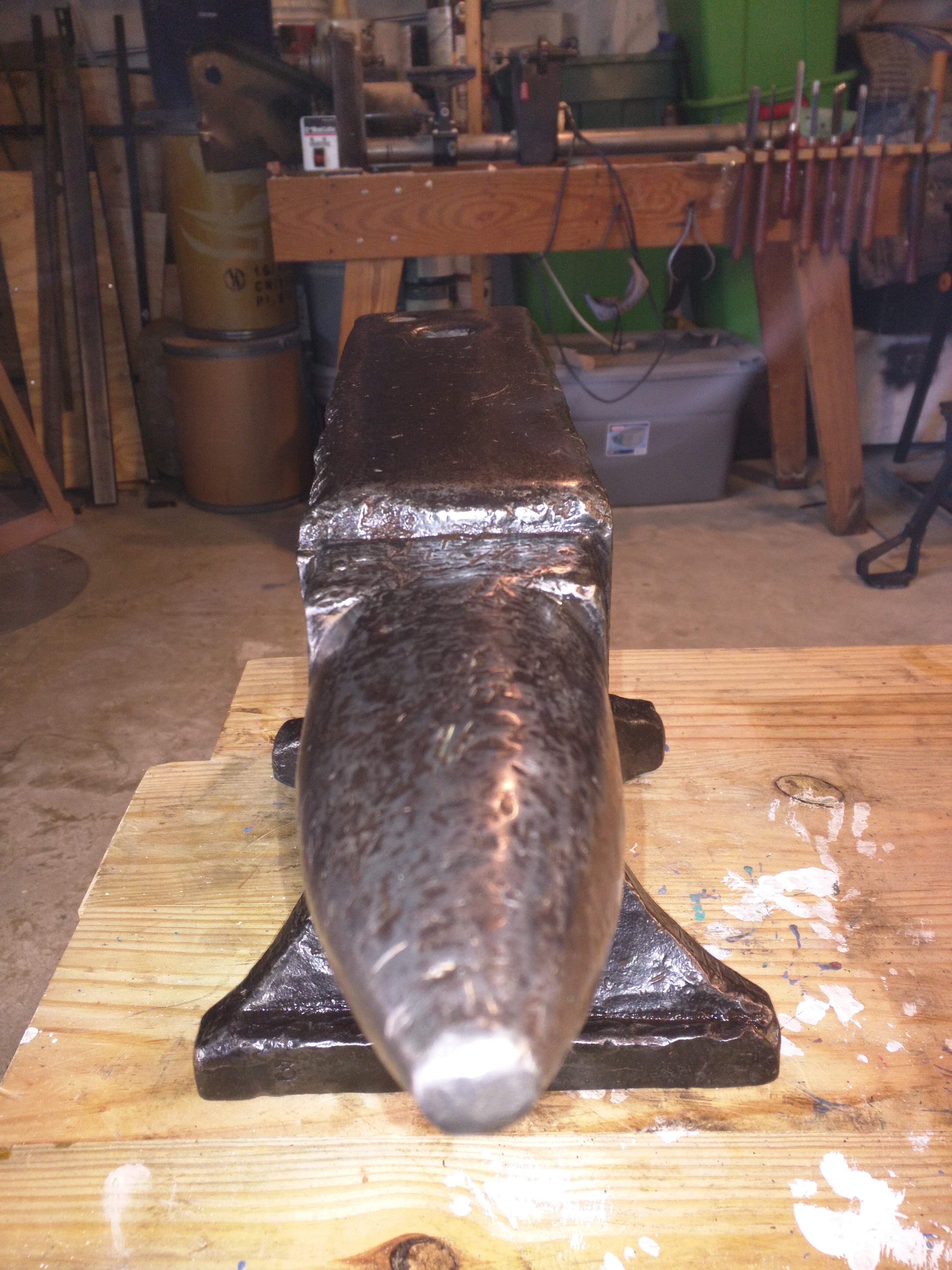
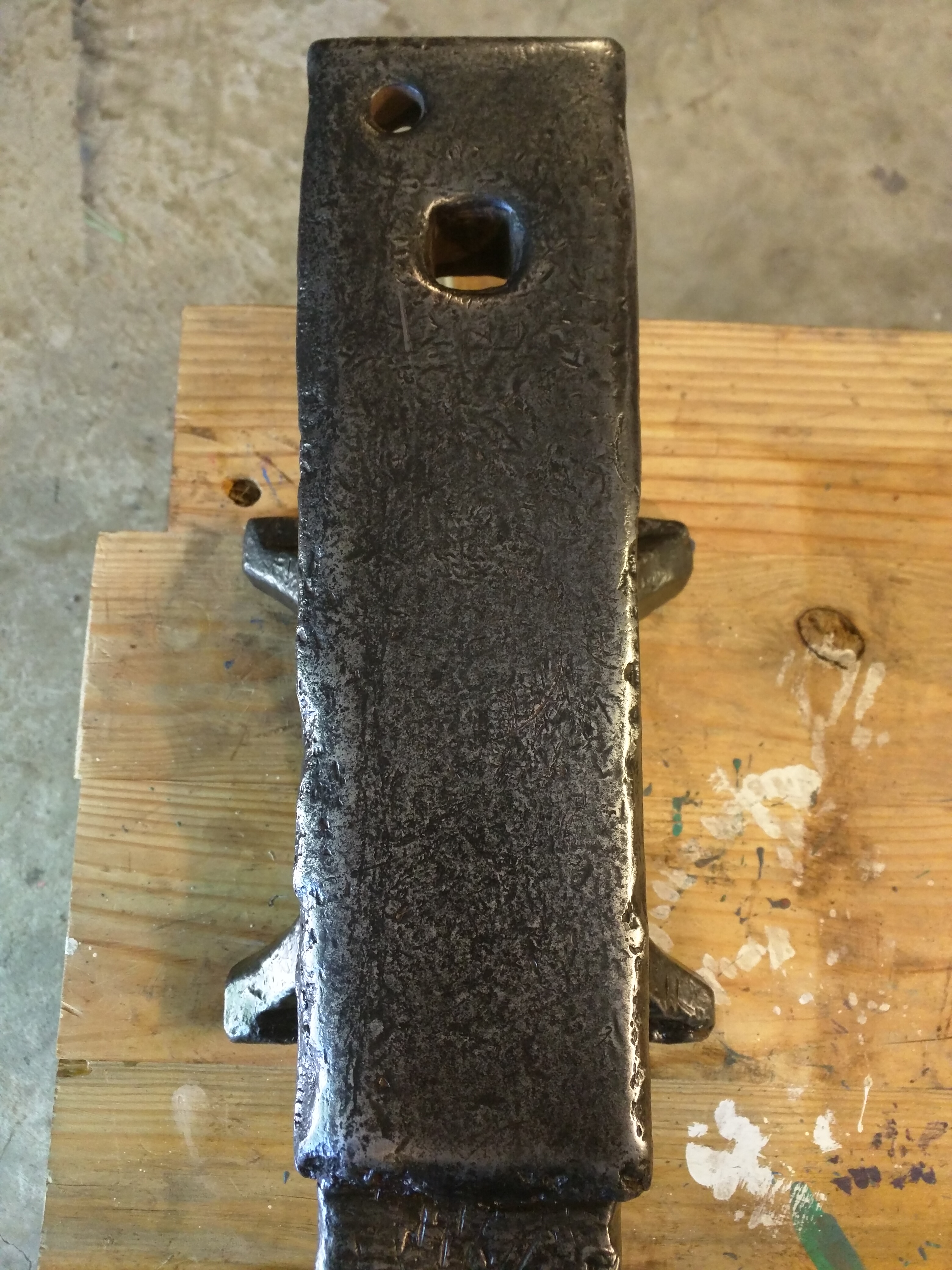
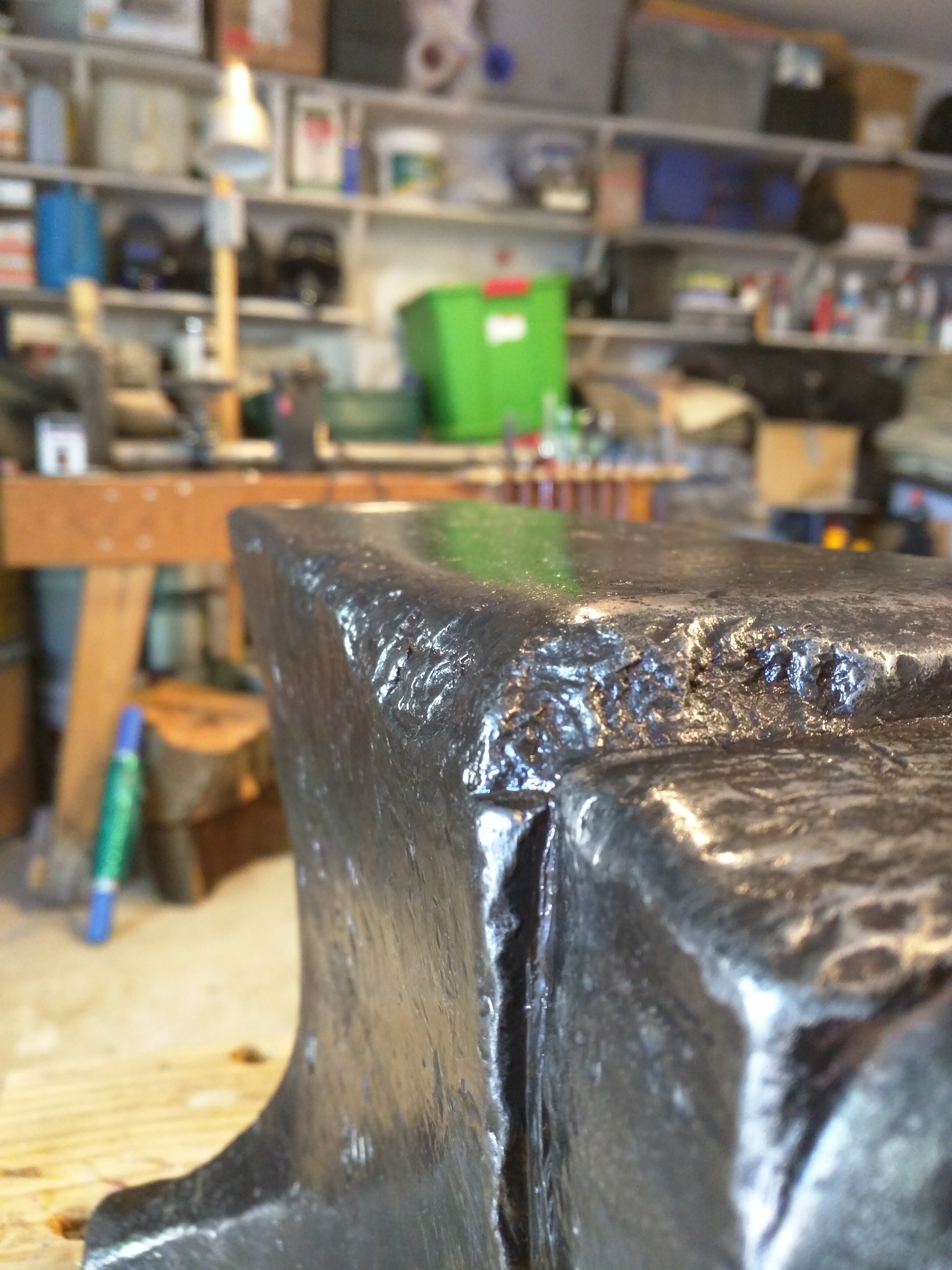
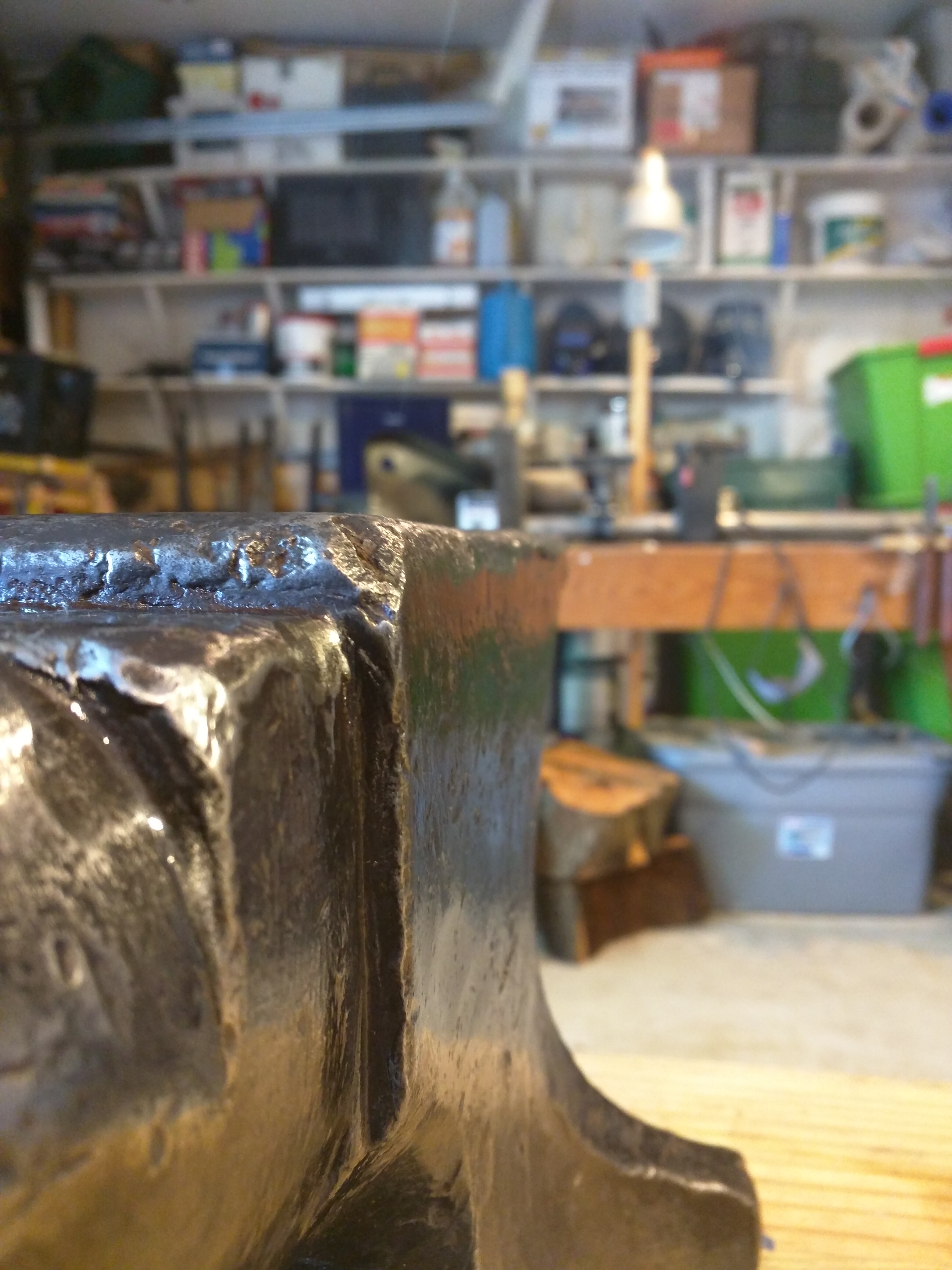
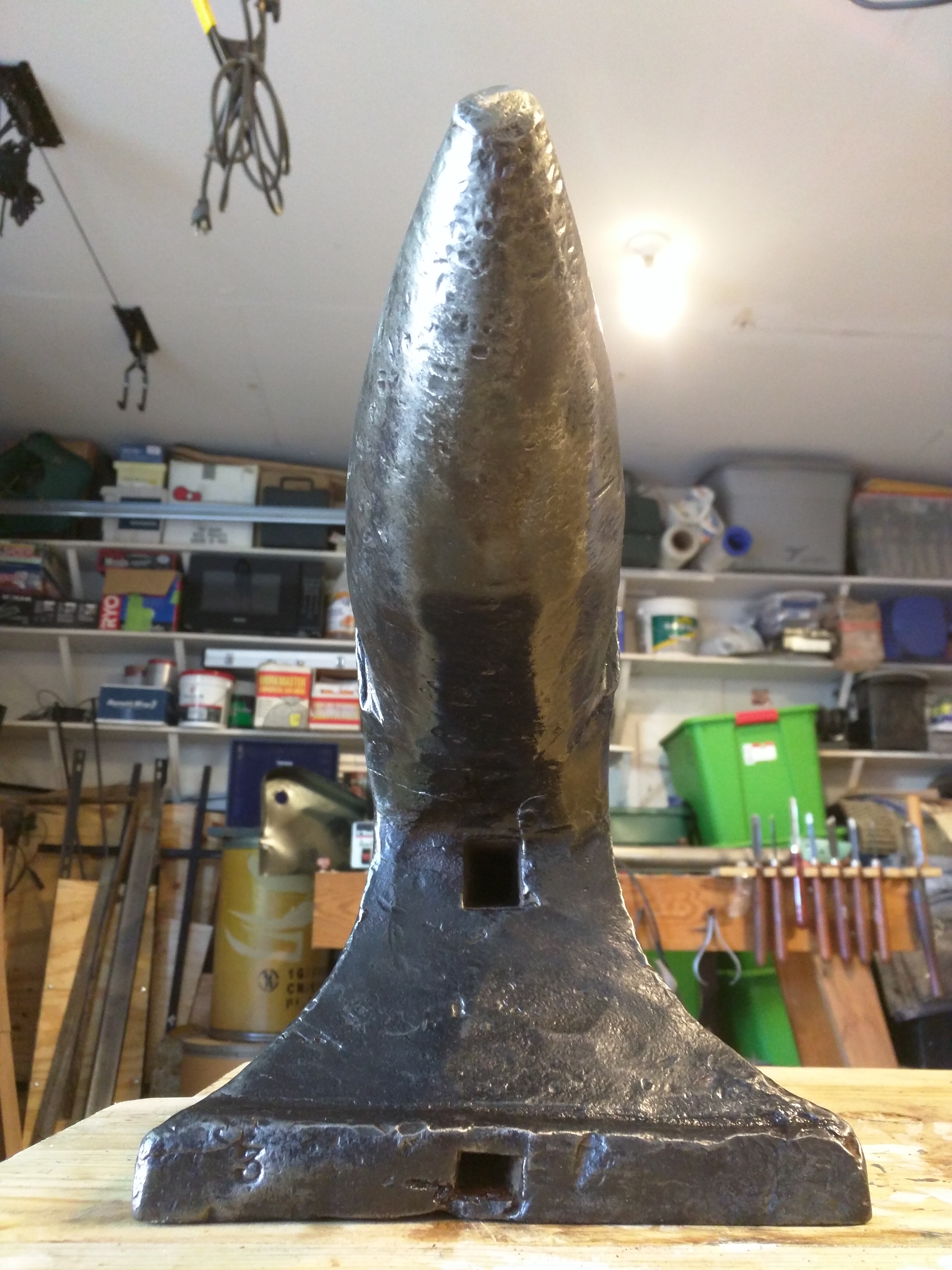
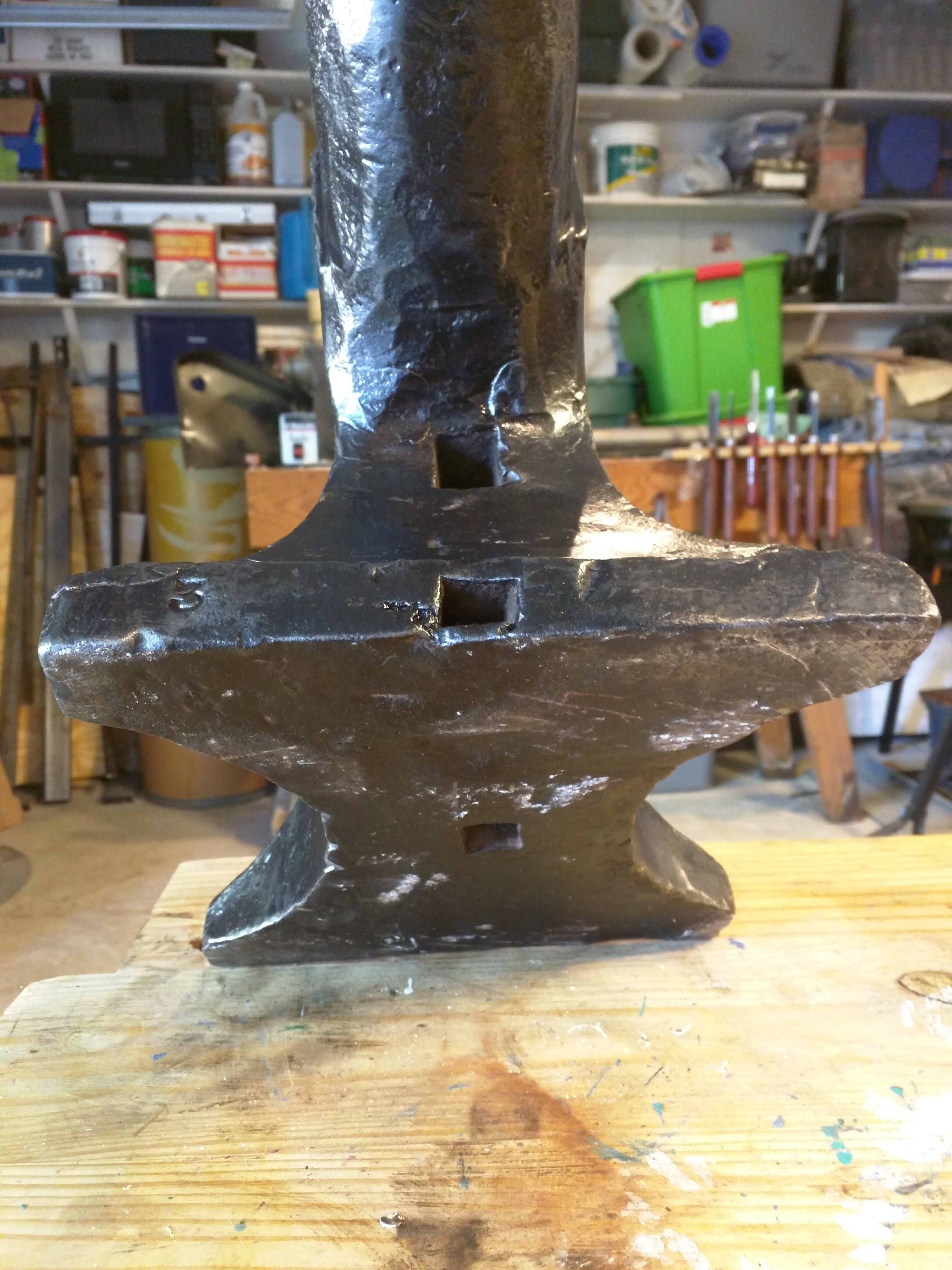
  6. It was an highly satisfying journey.... Paint removal, hours of wire brushing and finally some oil. She sings loud and gives 90% rebound. Aside from beat up edges near the table, she's xxxx near perfect.
  7. Thank you everyone for the support and answers I appreciate it!
  8. Great to hear! Any advice on best way to clean her up? I was planning on wire brush [on my angle grinder] then metal polish on the face and horn.... thoughts?
  9. Thanks for all the input. I feel even happier about my find! My first anvil was a Vulcan. I found a buyer after 7 months and moved up the food chain. Can't wait to use her

Account

Navigation

Search

Search

Configure browser push notifications

Chrome (Android)
  1. Tap the lock icon next to the address bar.
  2. Tap Permissions → Notifications.
  3. Adjust your preference.
Chrome (Desktop)
  1. Click the padlock icon in the address bar.
  2. Select Site settings.
  3. Find Notifications and adjust your preference.