
Skip to content
View in the app

A better way to browse. Learn more.

I Forge Iron

A full-screen app on your home screen with push notifications, badges and more.

To install this app on iOS and iPadOS
  1. Tap the Share icon in Safari
  2. Scroll the menu and tap Add to Home Screen.
  3. Tap Add in the top-right corner.
To install this app on Android
  1. Tap the 3-dot menu (⋮) in the top-right corner of the browser.
  2. Tap Add to Home screen or Install app.
  3. Confirm by tapping Install.

Dwight Snow

Members
  • Joined

  • Last visited

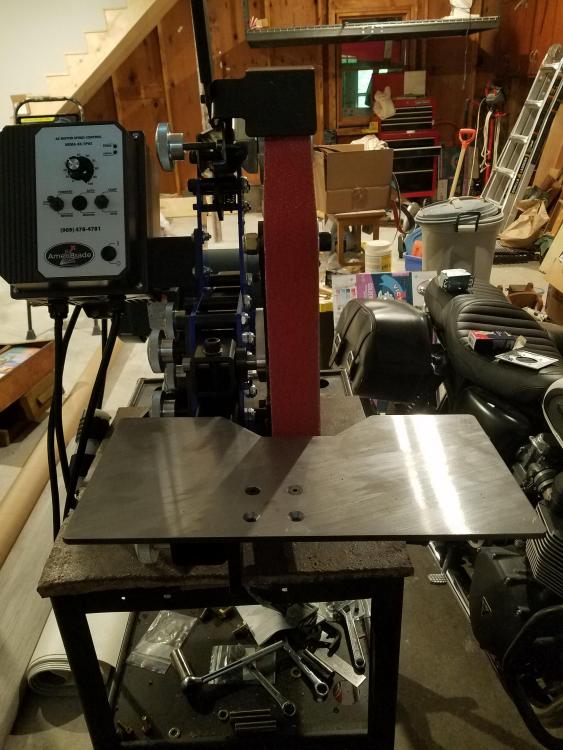
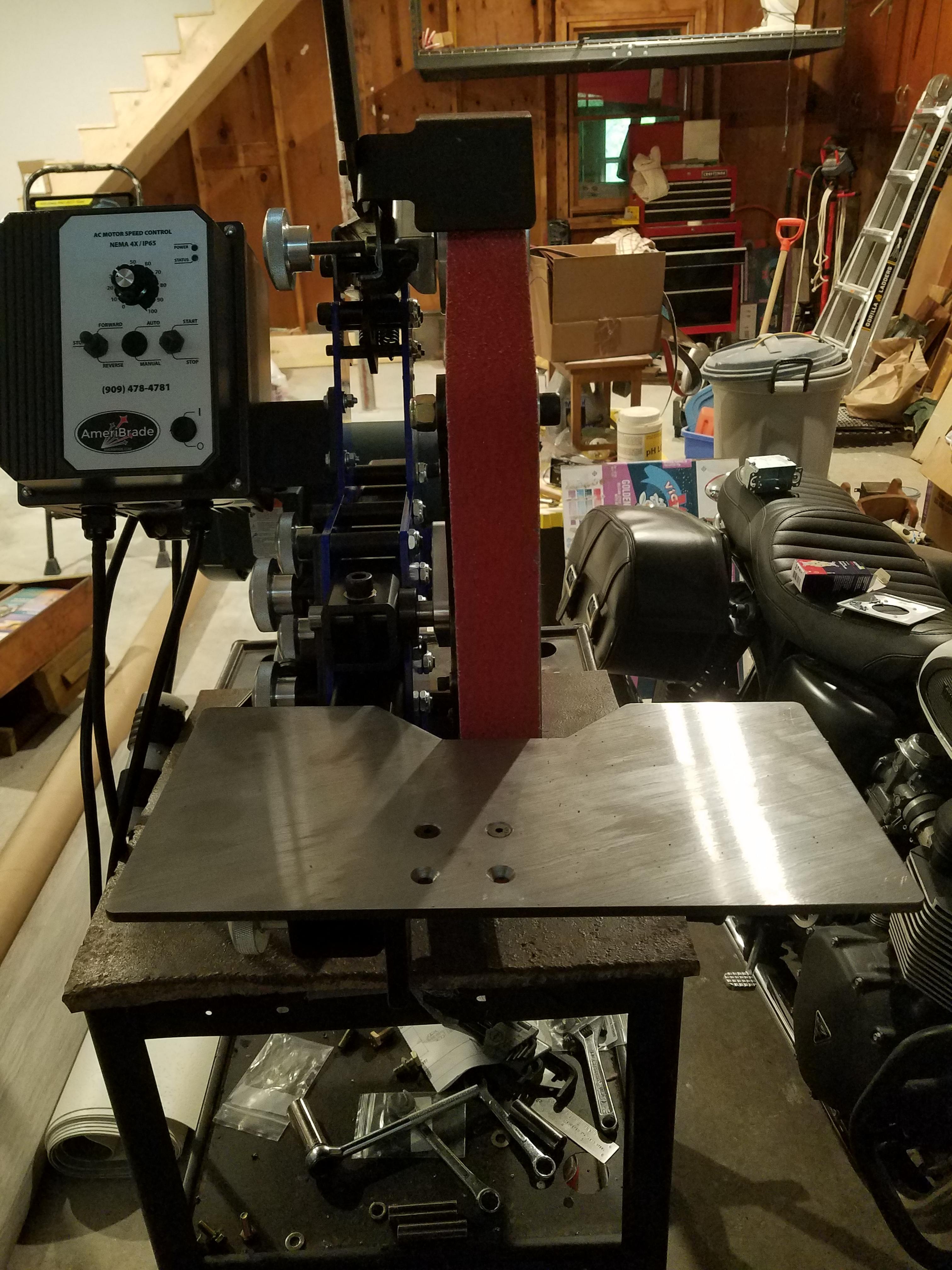
  1. I recently purchased an Ameribrade. It was less expensive than the Brodbeck. I am still getting used to it but so far I am very happy with it.
  2. Dwight Snow changed their profile photo
  3. Dwight Snow joined the community
  4. Sorry to hear about the anvil DHarris. You were smart to invest that stimulus money. I saved mine and bought an Ameribrade 2x72 grinder. I put some serious use on it for the first time tonight. If I had invested the money I may have been able to get more accessories. The Ameribrade is my first one but I am very happy with it.

Account

Navigation

Search

Search

Configure browser push notifications

Chrome (Android)
  1. Tap the lock icon next to the address bar.
  2. Tap Permissions → Notifications.
  3. Adjust your preference.
Chrome (Desktop)
  1. Click the padlock icon in the address bar.
  2. Select Site settings.
  3. Find Notifications and adjust your preference.