Skip to content
View in the app

A better way to browse. Learn more.

I Forge Iron

A full-screen app on your home screen with push notifications, badges and more.

To install this app on iOS and iPadOS
  1. Tap the Share icon in Safari
  2. Scroll the menu and tap Add to Home Screen.
  3. Tap Add in the top-right corner.
To install this app on Android
  1. Tap the 3-dot menu (⋮) in the top-right corner of the browser.
  2. Tap Add to Home screen or Install app.
  3. Confirm by tapping Install.

Shalev Zohar

Members
  • Joined

  • Last visited

About Me

Aku is my nickname, it's a weird manipulation of my real name. Shouldn't've signed up with Facebook.


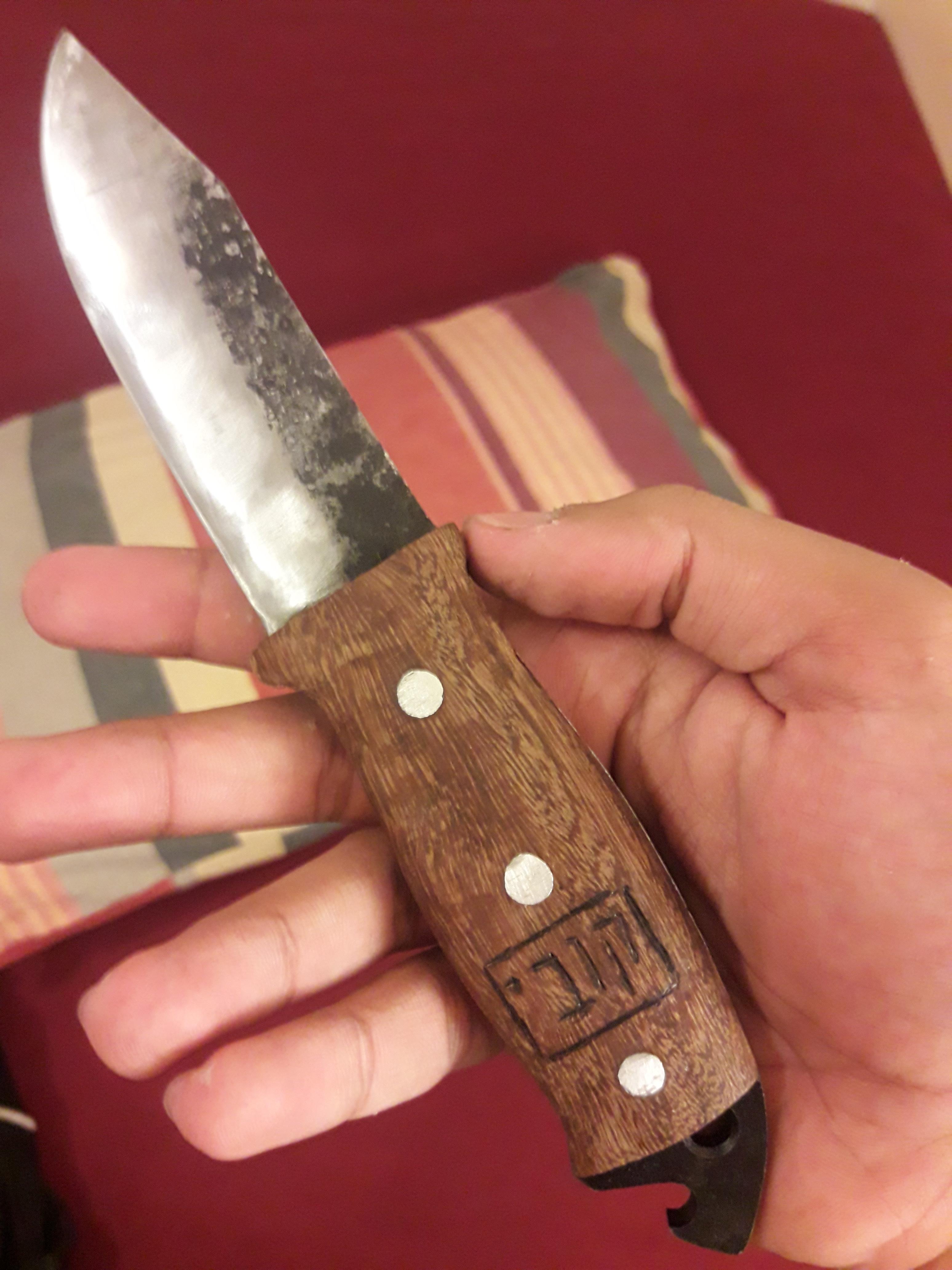
Born in 1999, I always loved drawing and weapons, did some big projects and one day I figured why not try blacksmithing. it was surprisingly simple with limited tools, and of all my interests this was the one I could most easily dive into.

I'm not a native English speaker and I still make mistakes, feel free to correct me, just not nitpicks like capital letters.

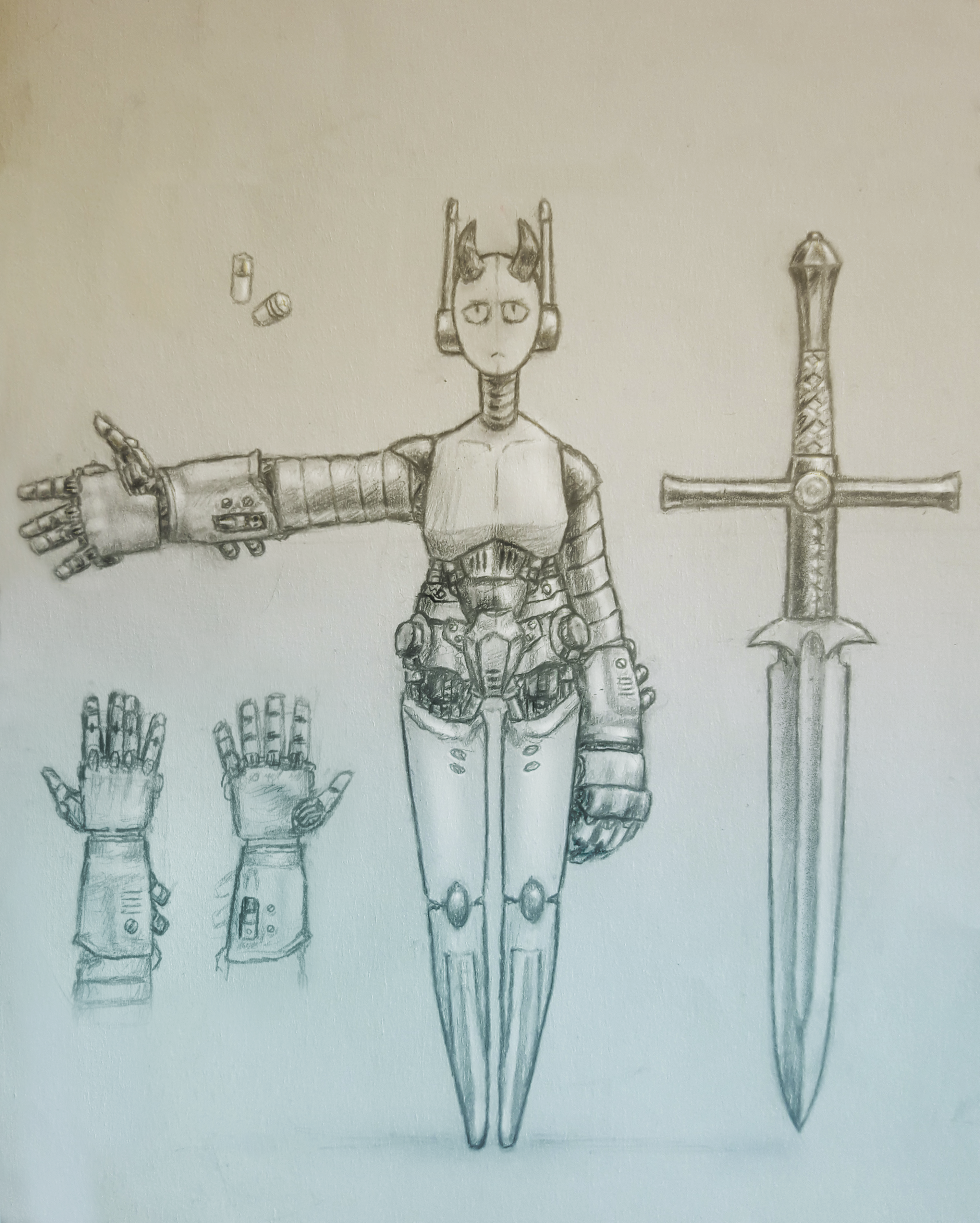
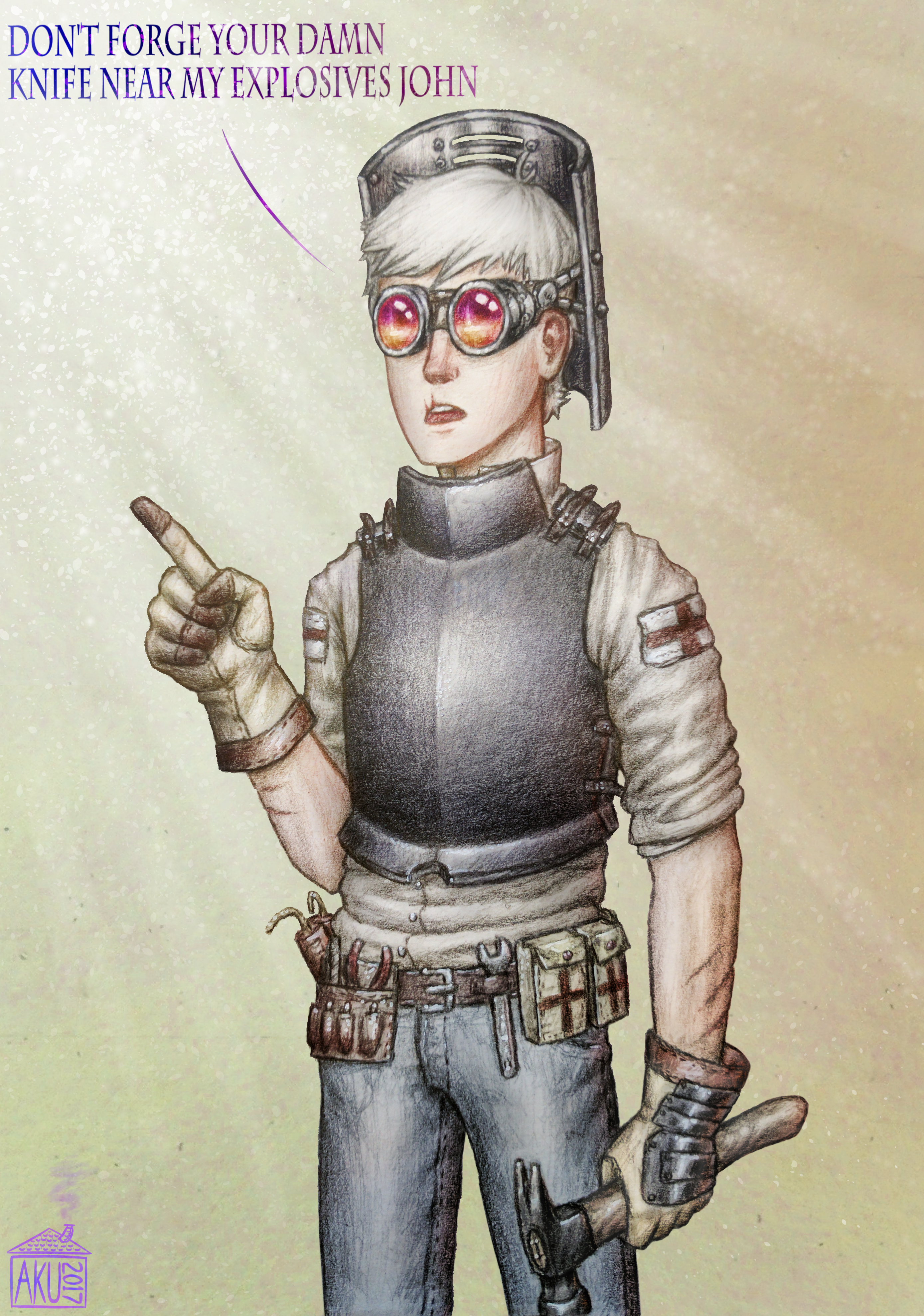
I think I can safely say I'm a real deal mostly digital hobby illustrator, it helps me alot with designing the weapons. My art can be found HERE or below.


Now I'm a mediocre hobbyist smith who can make his stuff (knives, knives, more knives and maybe axes) look better than they really are through his artistic talent. Join me in my journey to create a shiney sword and make all the mistakes there are!


Gallery:
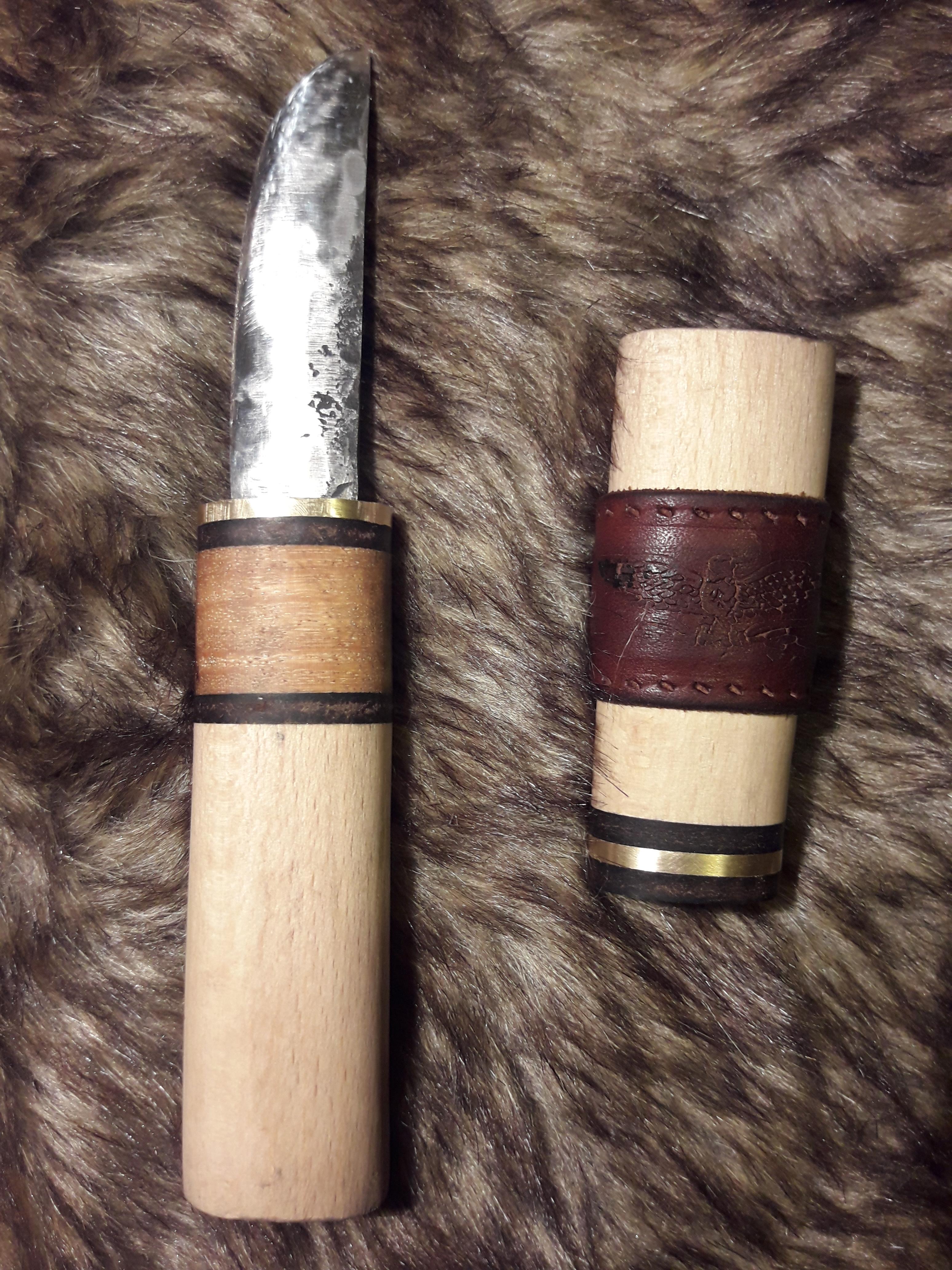
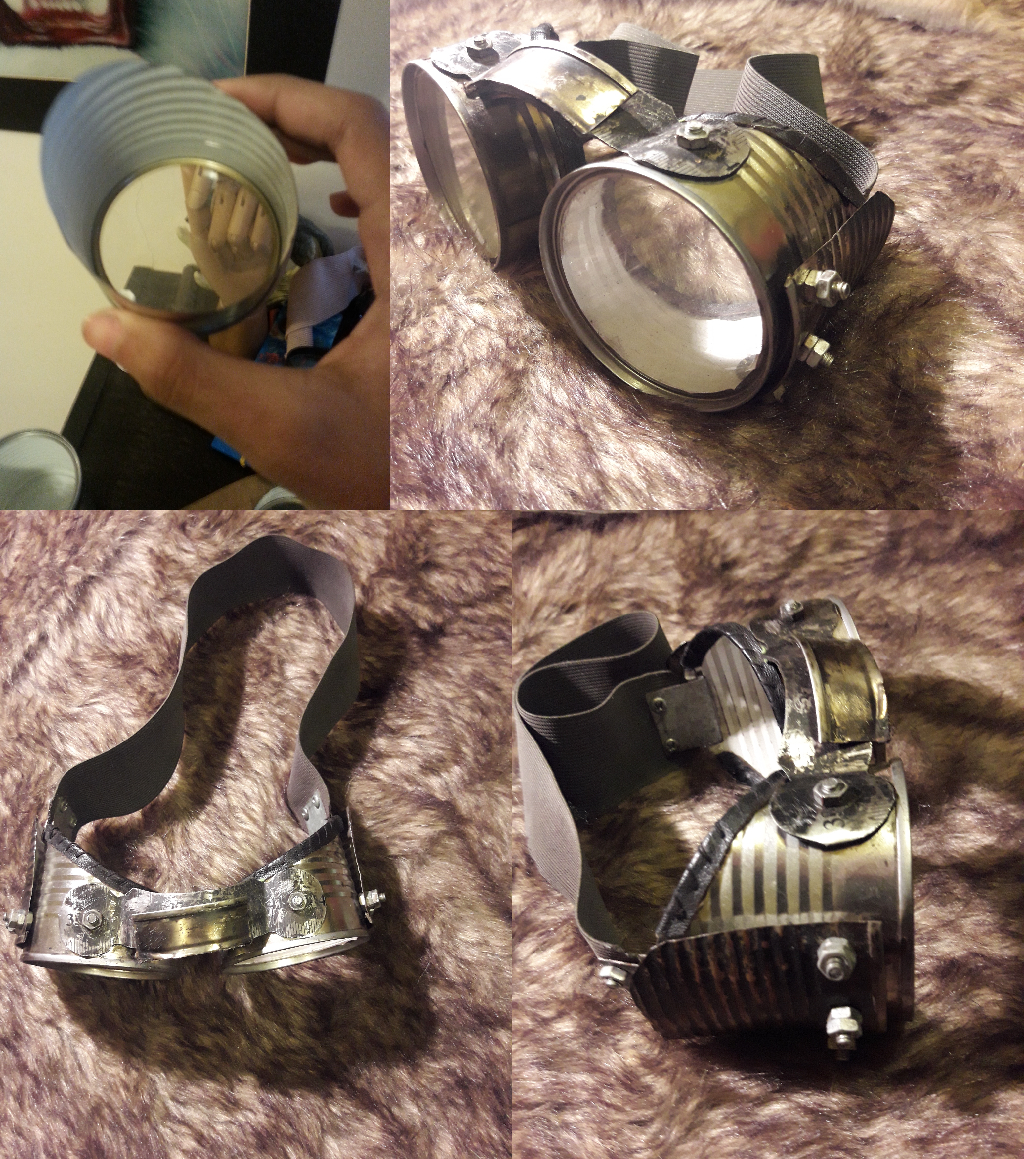
20171104_233701.thumb.jpg.dc768035c5a9f14f6397d5c58d2b3901.jpg20170815_000501.thumb.jpg.2dfcbf9b0632daef430d33adc0ab1a9b.jpg20171104_233547.thumb.jpg.e33a6fa17ca6f945a17c973d9e90cb6d.jpg20170812_193734_Richtone(HDR).thumb.jpg.ab21ebd24e6dcd78ee804e2b06e340c7.jpg49ggoogles.thumb.jpg.7257cfe9e4b3340f793ca44dfd61dd63.jpg

5ae8e13e3b037_ShpitzP.L.Y_Rmk2.thumb.png.ba0baed17a75aabdea569858375b7dd7.png

5aad8ebec43b6_TichoBrache.thumb.png.9ecddbb382d6a6cddb813f80f1edb989.png


Account

Navigation

Search

Search

Configure browser push notifications

Chrome (Android)
  1. Tap the lock icon next to the address bar.
  2. Tap Permissions → Notifications.
  3. Adjust your preference.
Chrome (Desktop)
  1. Click the padlock icon in the address bar.
  2. Select Site settings.
  3. Find Notifications and adjust your preference.