Biker Bo
Members
-
Joined
-
Last visited
Everything posted by Biker Bo
-
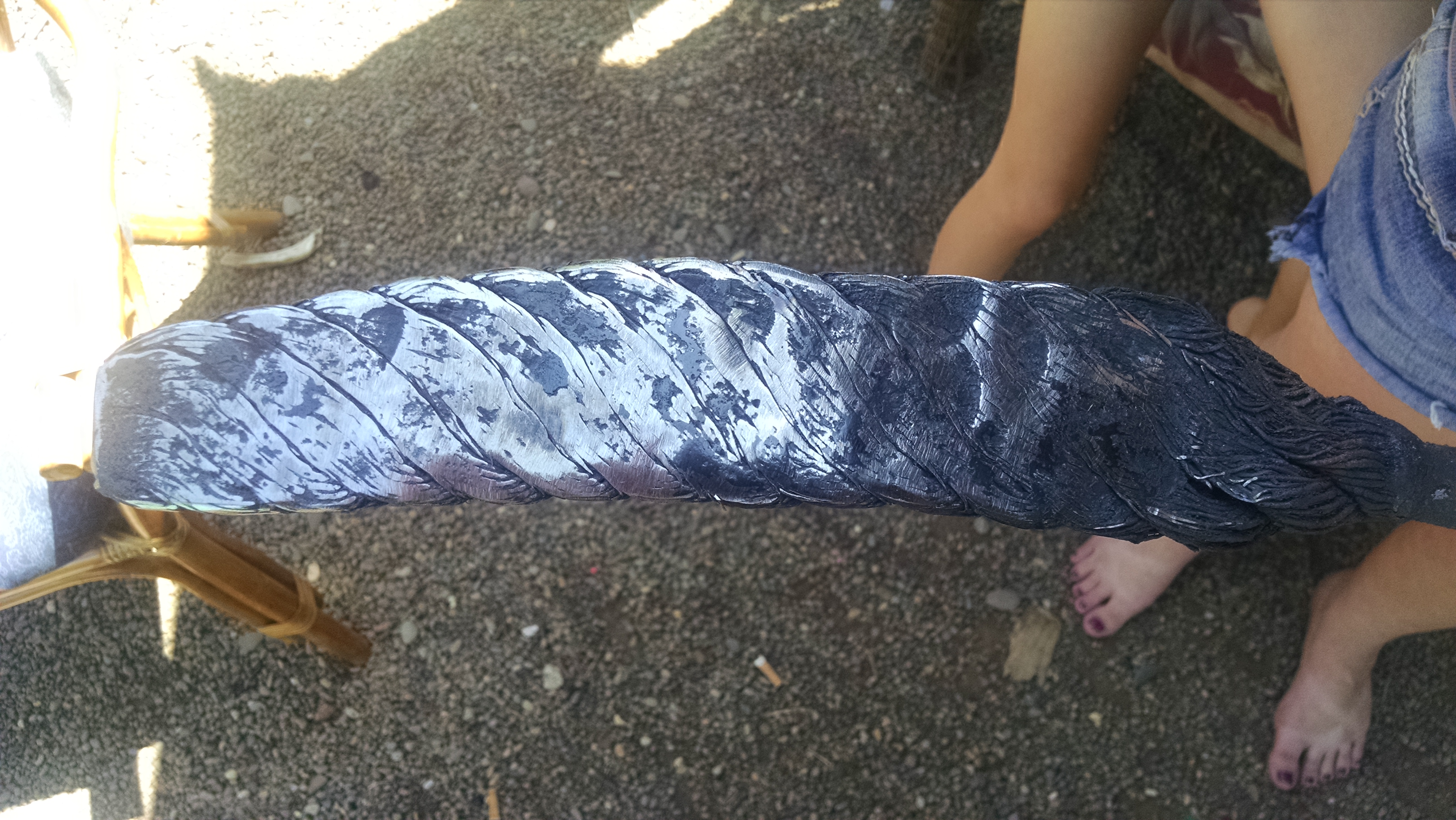
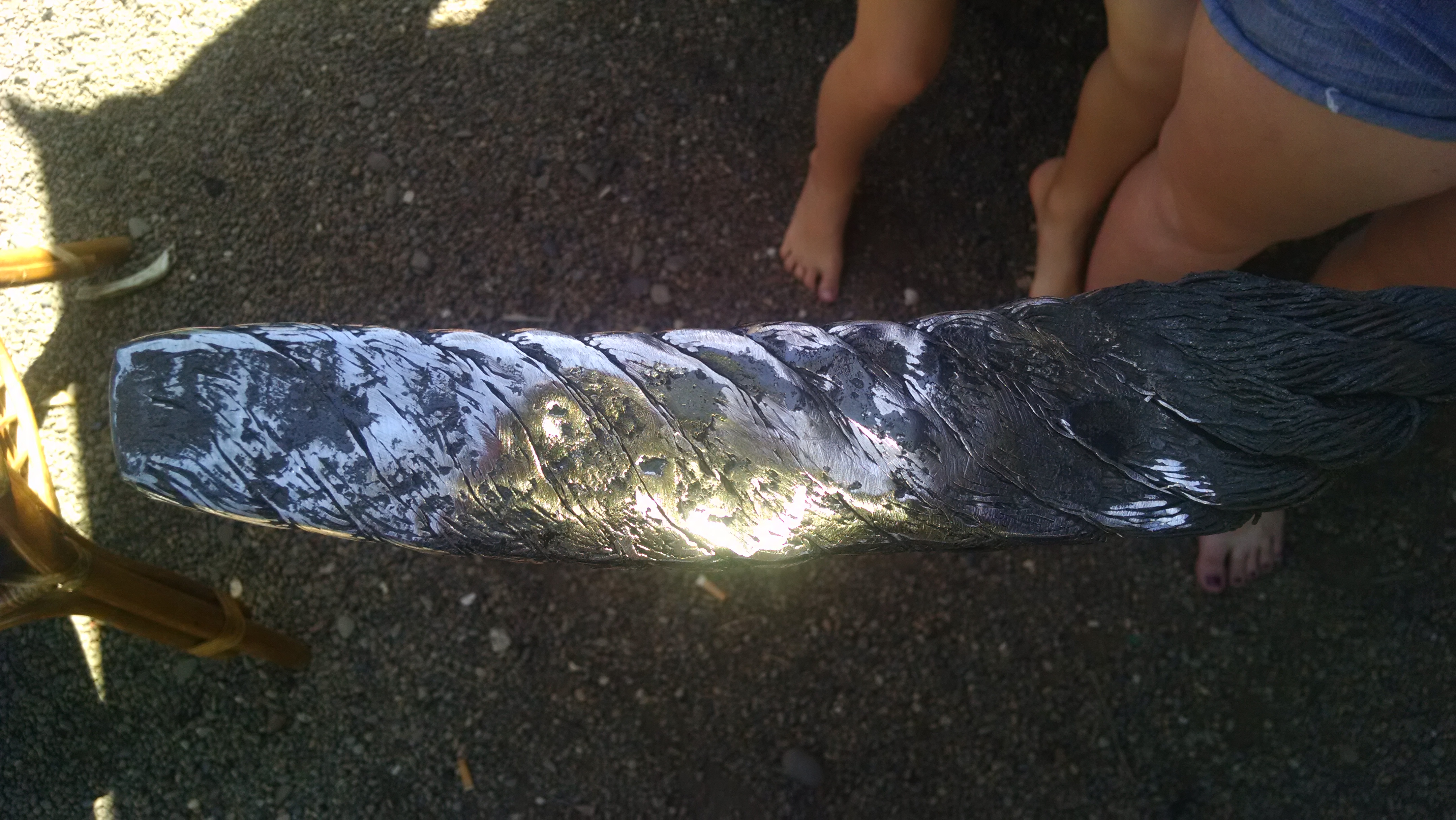
Any advice from what you see. Did I hammer it too much ? Thanks .
-
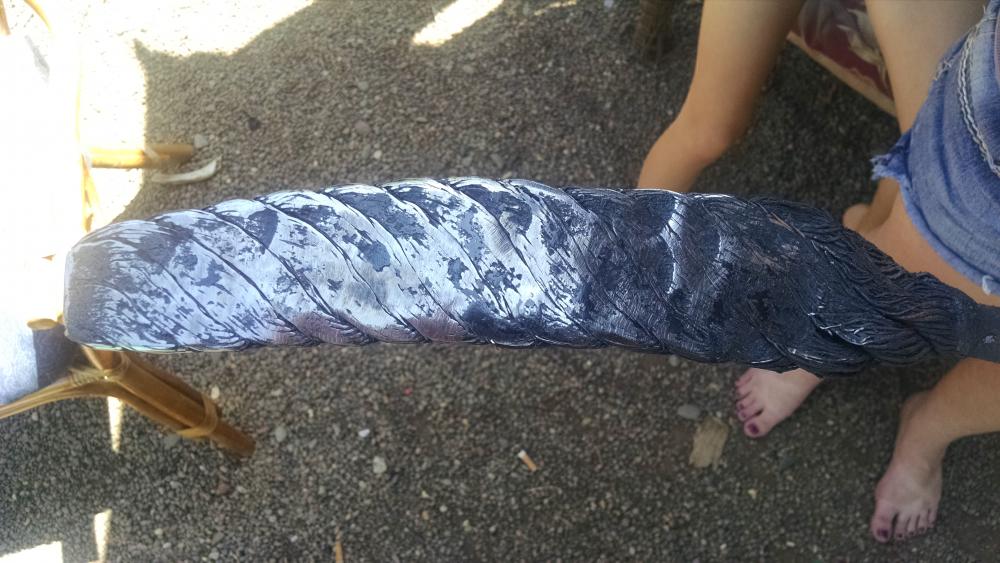
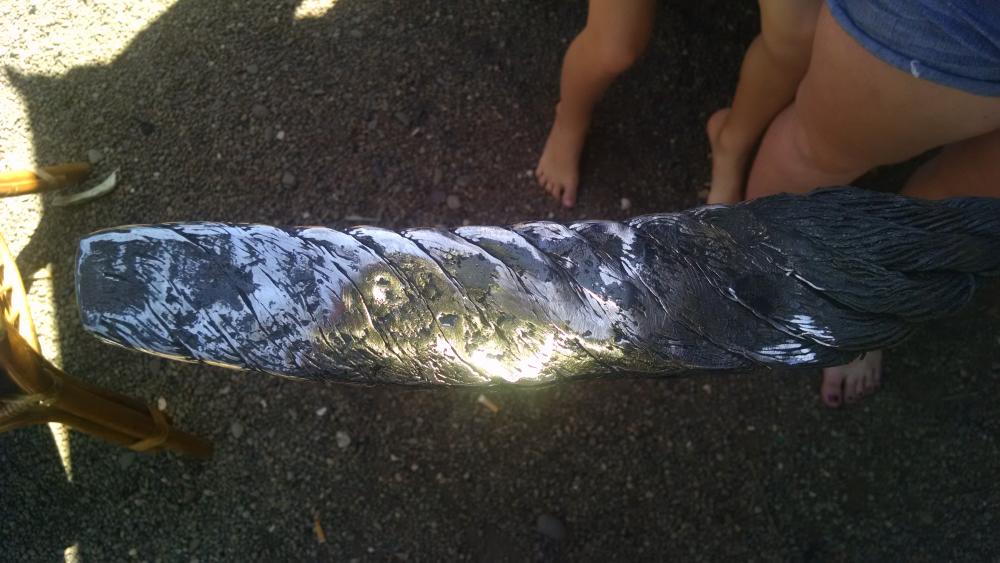
Hey all. This is my first attempt at forge welding. It was an old chocker cable and thanks to information on this and other sites I think it came pretty good. I made my forge using a frosty t burner .it took a while but I finally got it to 1960° at 13 PSI. Any can't wait to start making a knife out of it . Thanks for all the great information .
-
I just H.T. a rasp Bowie last weekend. Normalize 3 x. 1600 cool in front of fan. 1500 cool to black in still air 1425 cool to black in still air. Heat treat Put it in the forge at 1425 and moved in and out to bring up to temp while forge temp was rising. Let it soak from 1450 until temp reached 1500 then did an interrupted quench. Quench in 130° canola oil for 4 seconds pulled out for 3 then back for 4. Clamped between two aluminum plates while still smoking. It's still warm enough to pull any warp out without breaking at this point. Then two temper cycles at 425. I have a gas forge with a muffle pipe and type K thermocouple. Took a good edge but I need to test more before finishing it up. This was a stock removal knife. I followed the steps as if it were 1095. Hope this helps.