.jpg.270d18a1c2f6cd1a20e42a16e68e3af1.jpg)
neophite
Members
-
Joined
-
Last visited
Everything posted by neophite
-
-
-
-
-
-
-
-
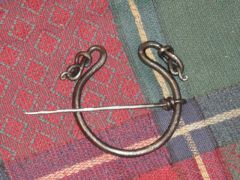 that's very nice
 -
hey, how does the box stay shut? does it tilt enough to let gravity do it or is it held up with friction or a magnet even?
-
wow. i have never seen anything like it before. that's a beautiful piece of work!
-
thanks, thats all the info i needed! i'm not used to posting things
-
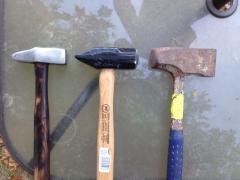
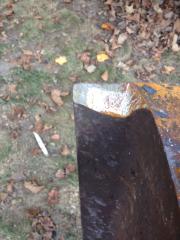
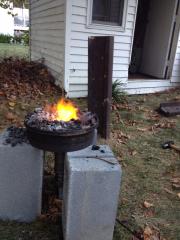
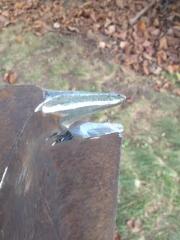
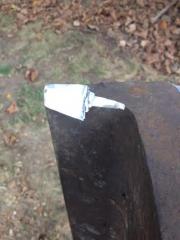
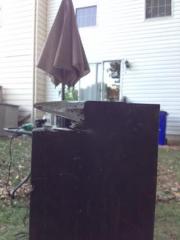 Made the hot cutter a little bigger, cleaned up under the horn and hit the whole top portion with a flapper disc after i took the pictures. more to come
 -
-
-
-
Ya i ran into that with some fellas in the chat. I wonder if the images need to be approved by a admin. first? I saved them from my email to my desktop then added them with the choose files option. i don't know why it has failed. thank's for the heads up just the same
-
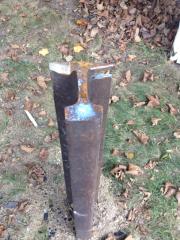
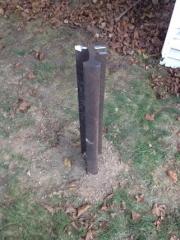
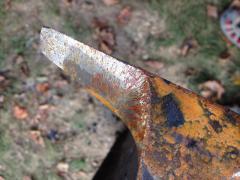
Additional note: The rail is from 1950 and is some of the hardest steel I've ever tried to cut with a cut off wheel. I think I've put 4 discs into the 2.5 footer and I'm still only about 1/4" into the top of the track where I'm removing material for the horn.
-
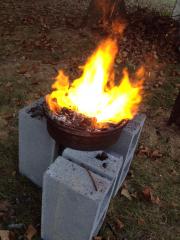
Hot cutter I cleaned up all the cuts and made the hot cutter bigger and hit the whole top and horn with a flapper disc to smooth things out after taking these pics. I'll add some shots of the 2.5 footer once i get the horn cut into it.
-
where is this. i live in laurel and am interested in attending.
.jpg.270d18a1c2f6cd1a20e42a16e68e3af1.thumb.jpg.6e55b8eb3be20097a82108aa5550186a.jpg)
.JPG.81449315113ce218a914f8d06f7c151b.JPG)