Locksmithjoe
Members
-
Joined
-
Last visited
Everything posted by Locksmithjoe
-
Coarser grit sandpaper to remove stock coupled with shorter grinding times and longer cooling or quench the piece in between grind. Then move to finer grit. I prefer to file pin stock down by hand until it's close to the wood then finish by hand with sandpaper on a flat surface. Varying coarse to fine.
-
-
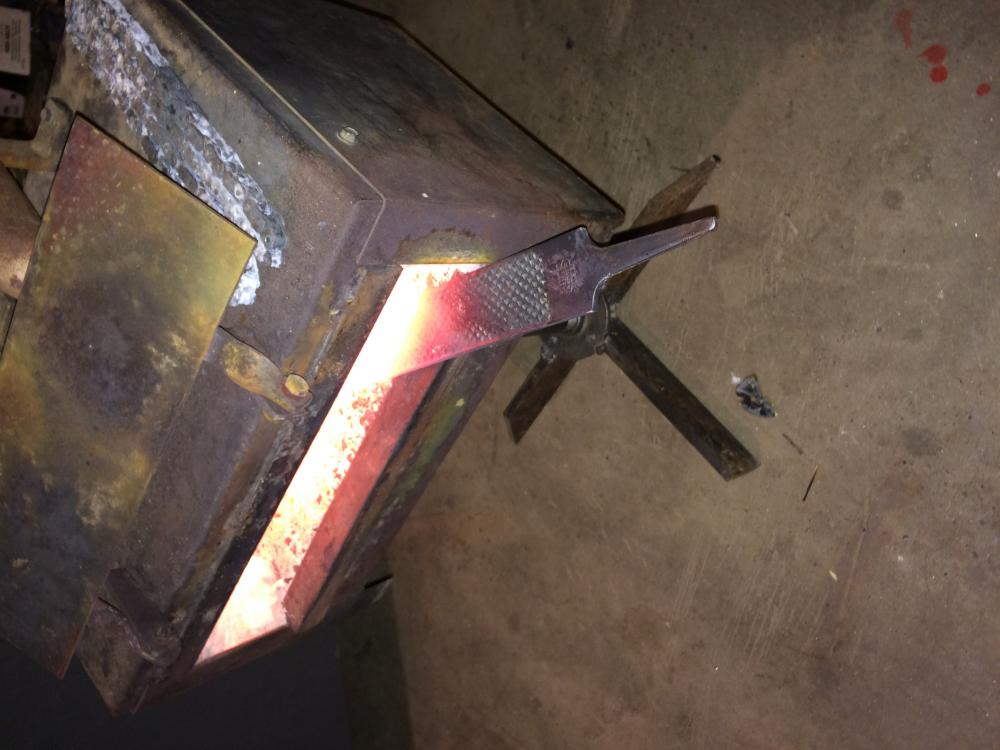
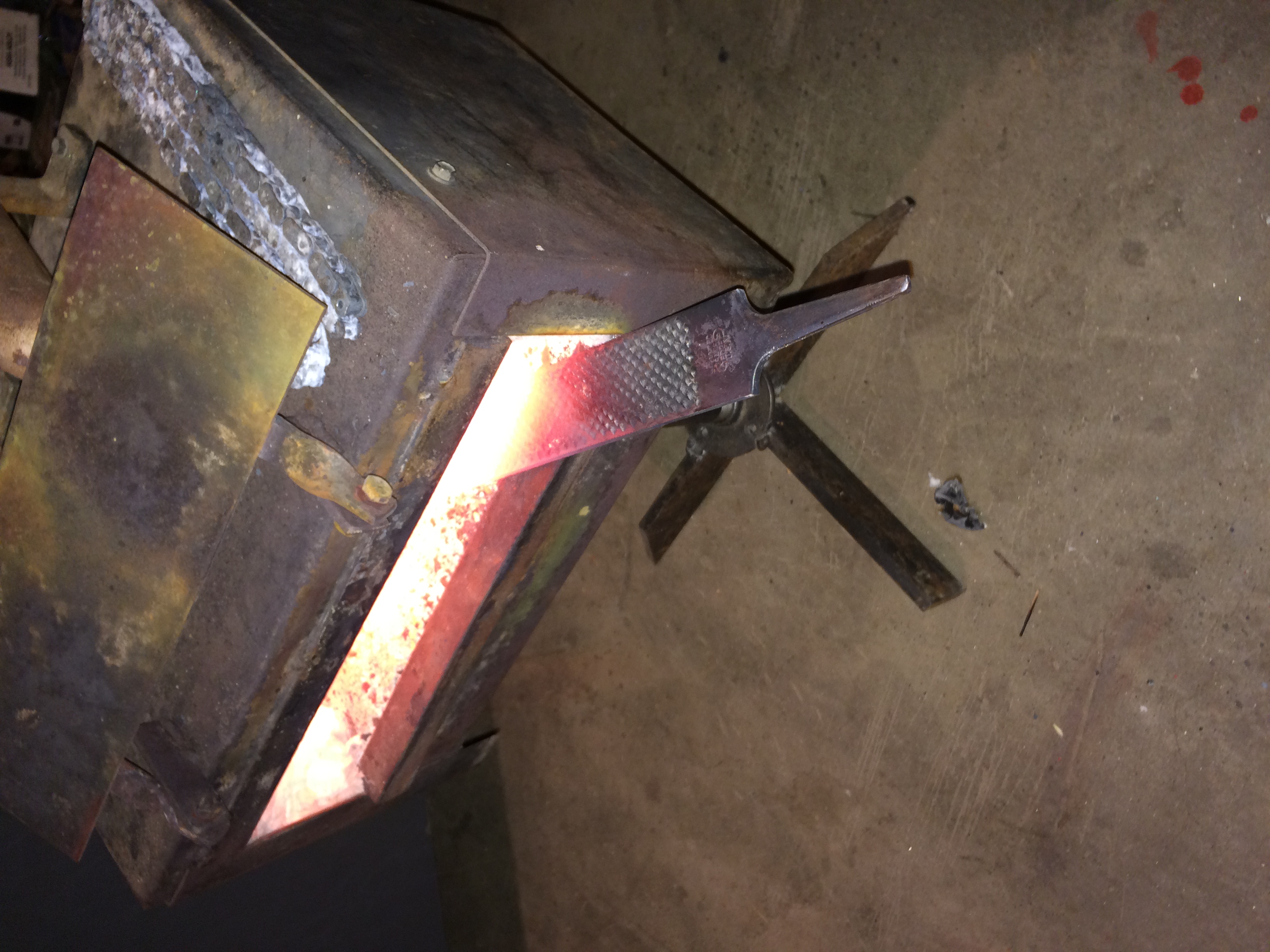
Building a new forge is not an option at this moment. Luckily it is quite efficient at keeping the garage warm. It also brings the metal I'm using up to non magnetic so I can not complain too much. I probably need a better regulator on it, yhe one I'm using was from the hardware store in the bbq section. I'll get some better pictures in the morning.
-
I was wondering how I can make my two burner forge more efficient and maybe add side holes for longer pieces? I don't know the brand but the burners are cast and have about an 1.5" opening inside the forge and all of the fittings 90 down at the rear of the air intake. Any ideas or thoughts please. Not a great pic but better than none. I was thinking of cutting a 4"x5" square on each side with a flap cover to increase my size usage