DRoeder
Members
-
Joined
-
Last visited
-
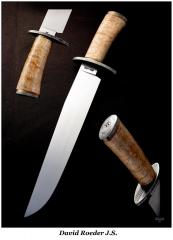
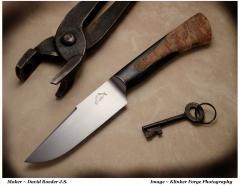
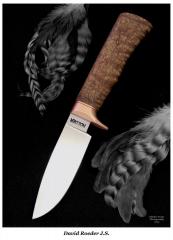
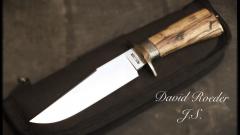 5160 Hunter. Heat colored double guard and aged collar. Stabilized spalted Birch wood handle.
 -
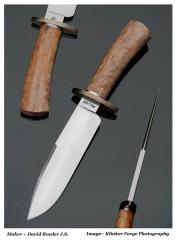
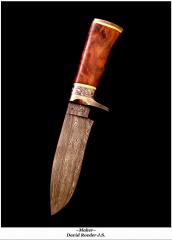 336 Layer, Random pattern Damascus Hunter for Eddie Farms in Grandview WA Heat colored fittings, with Apple themed engraving on both collar, and buttplate.
 -
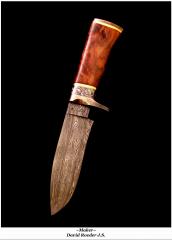 Damascus investment piece for a local orchard owner.
 -
-
-
-
-
-
-
-
-
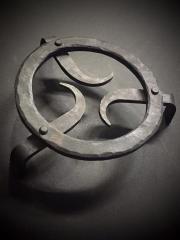 This was the main project for the Spring 2016 I.N.B.A Hammer in Hosted in Finley WA.
 -
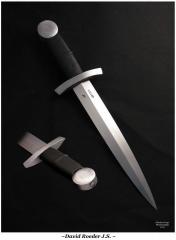
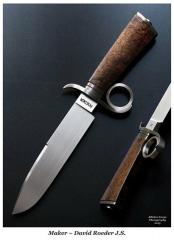
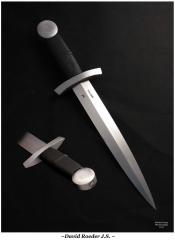 9 7/8", 5160 blade. 15 1/4" O.A.L. Crusades Dagger. This is elegance at its finest !
 -
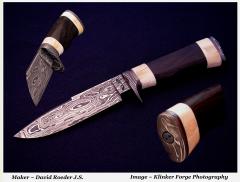
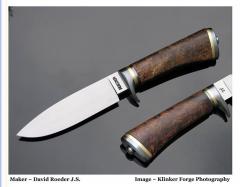
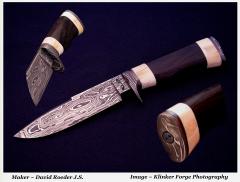 5 1/4" Damascus Hunter. 210 layer Damascus with fossilized walrus ivory, and Bog Oak. Damascus fittings. This was built as a take down knife.
 -
Well for myself it was 8 days of filming. All final contestants are 8 days. The first two removed happen within three days.