
Wanakablacksmith
Members
-
Joined
-
Last visited
Everything posted by Wanakablacksmith
-
Thanks guys :)
-
Hello, I have been forging and fabricating for 10 years, but haven't really done any heat treating other than annealing and case hardening when I first started. It has come to my attention that there are some terms that I just don't know or was never taught. These are magnetic and non-magnetic heats and normalising. Would be thankful if someone could enlighten me. Thanks and forgive my ignorance!
-
Sell all of your equipment for about $3000 and take the money to Zimbabwe, easy!! ;)
-
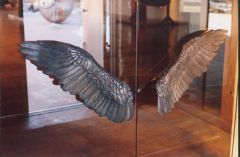 Very cool
 -
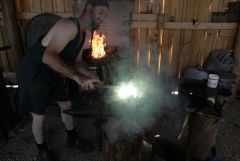 Hope you drunk plenty of milk before this!
 -
This is truly amazing and inspirational, thanks for sharing.
-
These are really great. Personally I prefer the galv one but maybe that's because the backdrop looks like my home in the Southern Alps. Keep up the good work