
siggibess
Members
-
Joined
-
Last visited
-
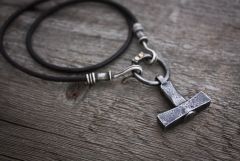 amazing, i wear one every day but this one is just amazing
- 17 comments
-
- Thors hammer
- Mjolnir
- Mjollnir
- Steel
-
Tagged with:
-
Hello there, well finally I finished my first knife. Hoping for tons of comments to help me make them more beautyful and better in the future. I have to say though that i did not make the blade, it's bought from dealer. but i made the rest. The black is buffalo horn and the wood is called Masur Birch, natural finsh. The blade is Brusletto from Norway.
-
the blade is amazing and so is the handle. I also liked the shape of the whole thing. Is there any chance too get more info abput the blade? I'm a total newbie with a thing for damaskus steel and your's is very nice.
-
Just wanted to say hello, just found out about this site and already liking it alot. Don't know xxxx about forging iron or blacksmithing but willing to learn and hope this is the place. (i'll start to excuse my bad spelling and grammar) Siggi Bess