November 4, 20178 yr Reshaped an old flat bastard Nicholson (20-40 years old). And specific thoughts on heat treating/tempering?
November 4, 20178 yr 12 minutes ago, MilwaukeeJon said: Reshaped an old flat bastard Nicholson (20-40 years old). And specific thoughts on heat treating/tempering? I say, Go for it!
November 4, 20178 yr There are threads dedicated to answering that question: https://www.iforgeiron.com/topic/22426-new-knife-maker/ https://www.iforgeiron.com/forum/143-knife-making-classes/
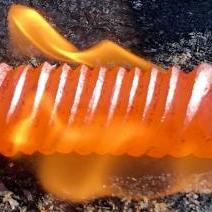
November 5, 20178 yr Author Read a lot online about working with 1095, which seems to be what many Nicholson files are made from. Ended up doing a three cycle normalization, then quenched the blade in heated canola oil, and then a 2 hour temper at 400 degrees. Sharpened up beautifully and careful sanding highlights the pattern nicely.
Join the conversation
You can post now and register later. If you have an account, sign in now to post with your account.