Skip to content
View in the app

A better way to browse. Learn more.

I Forge Iron

A full-screen app on your home screen with push notifications, badges and more.

To install this app on iOS and iPadOS
  1. Tap the Share icon in Safari
  2. Scroll the menu and tap Add to Home Screen.
  3. Tap Add in the top-right corner.
To install this app on Android
  1. Tap the 3-dot menu (⋮) in the top-right corner of the browser.
  2. Tap Add to Home screen or Install app.
  3. Confirm by tapping Install.

Cory nichols

Members
  • Joined

  • Last visited

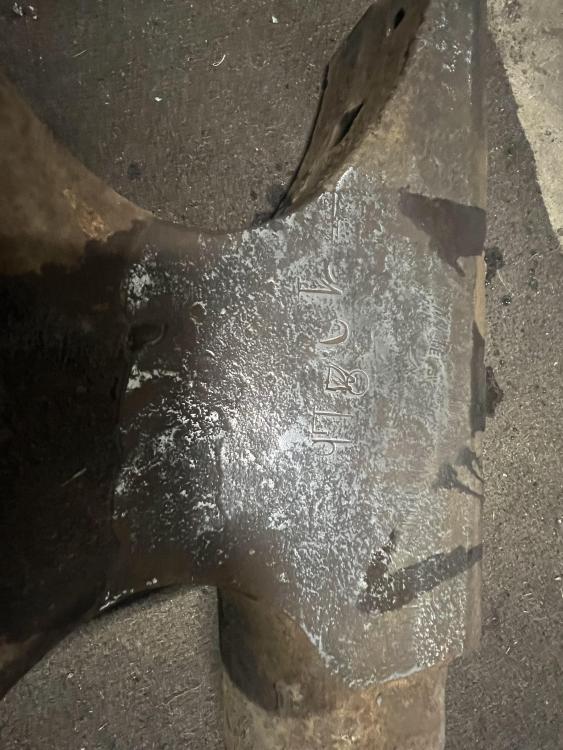
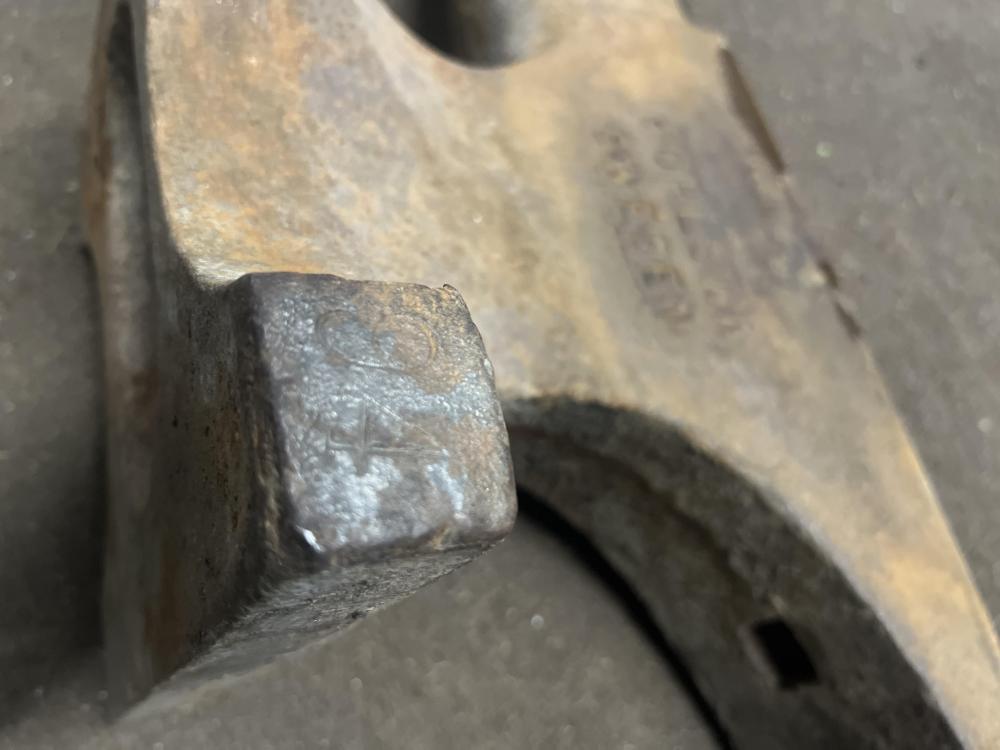
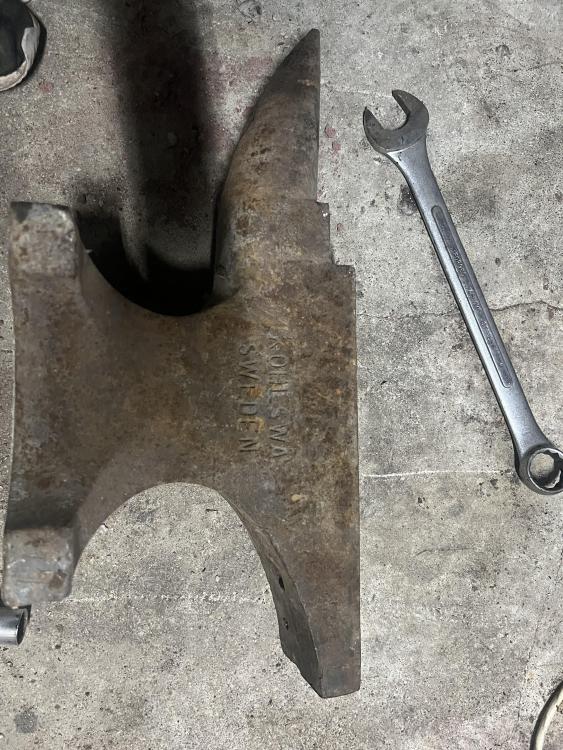
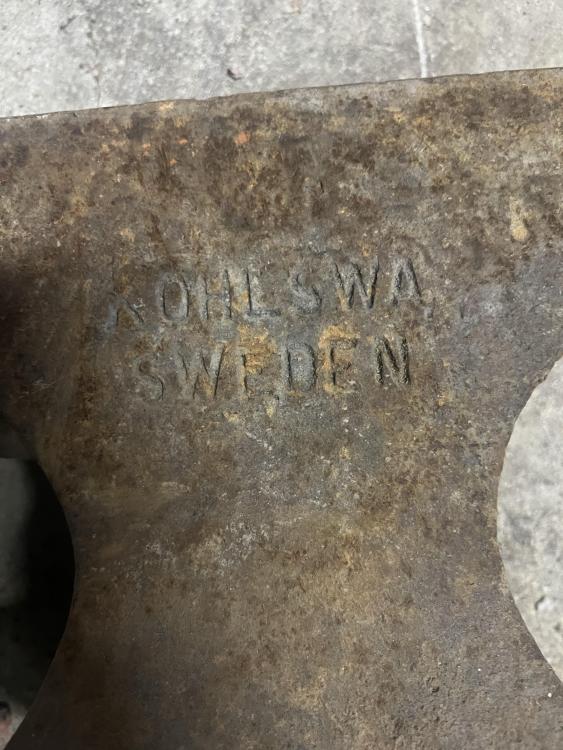
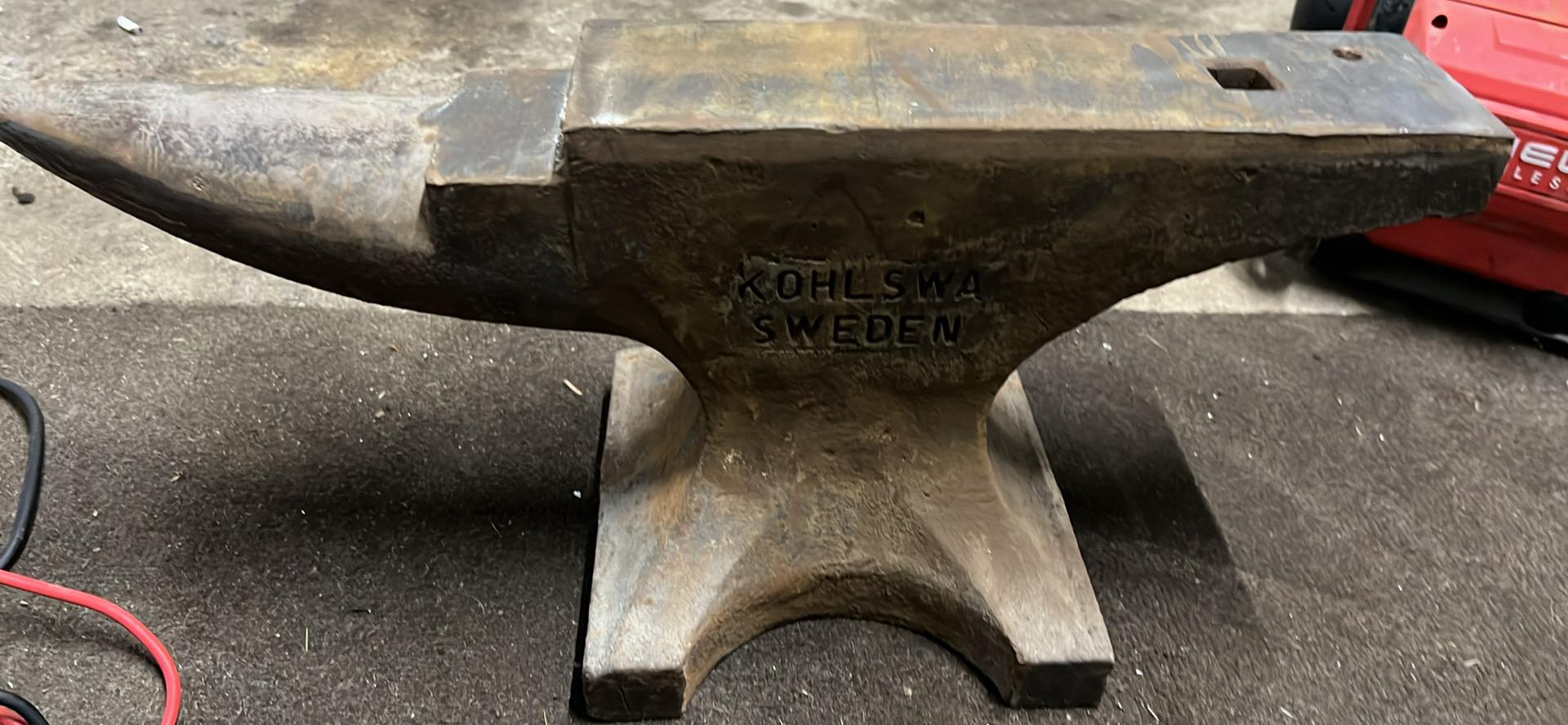
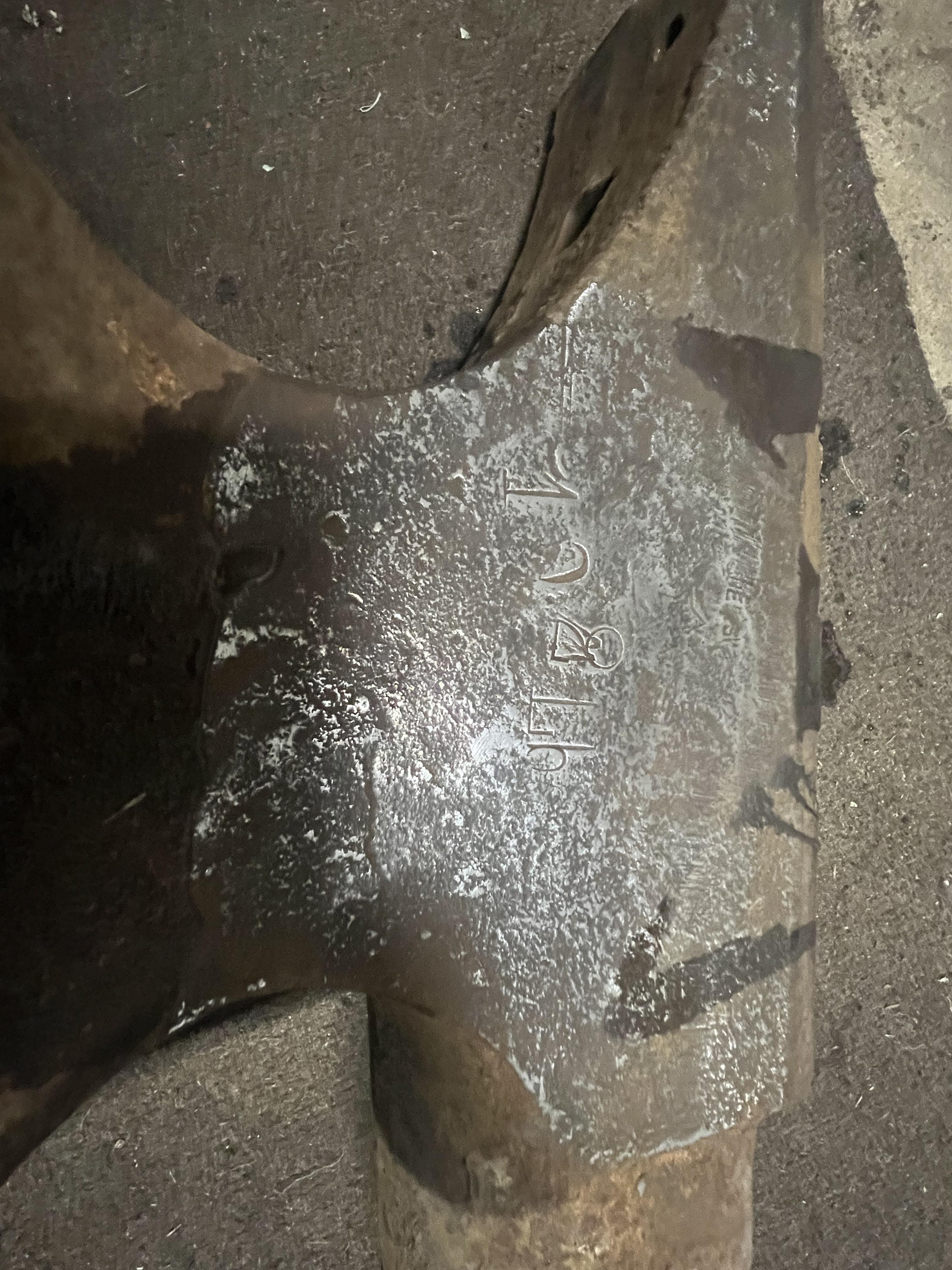
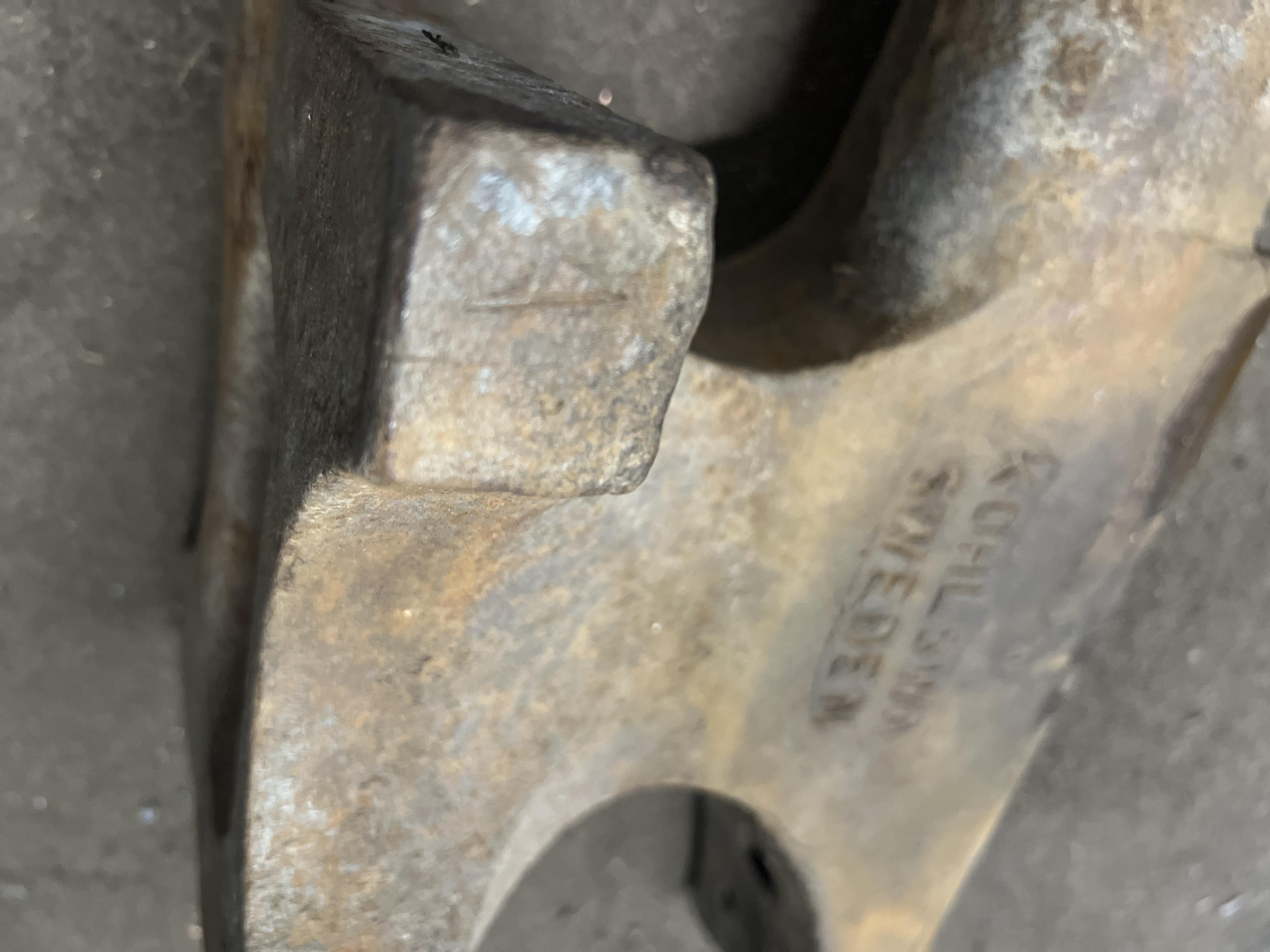
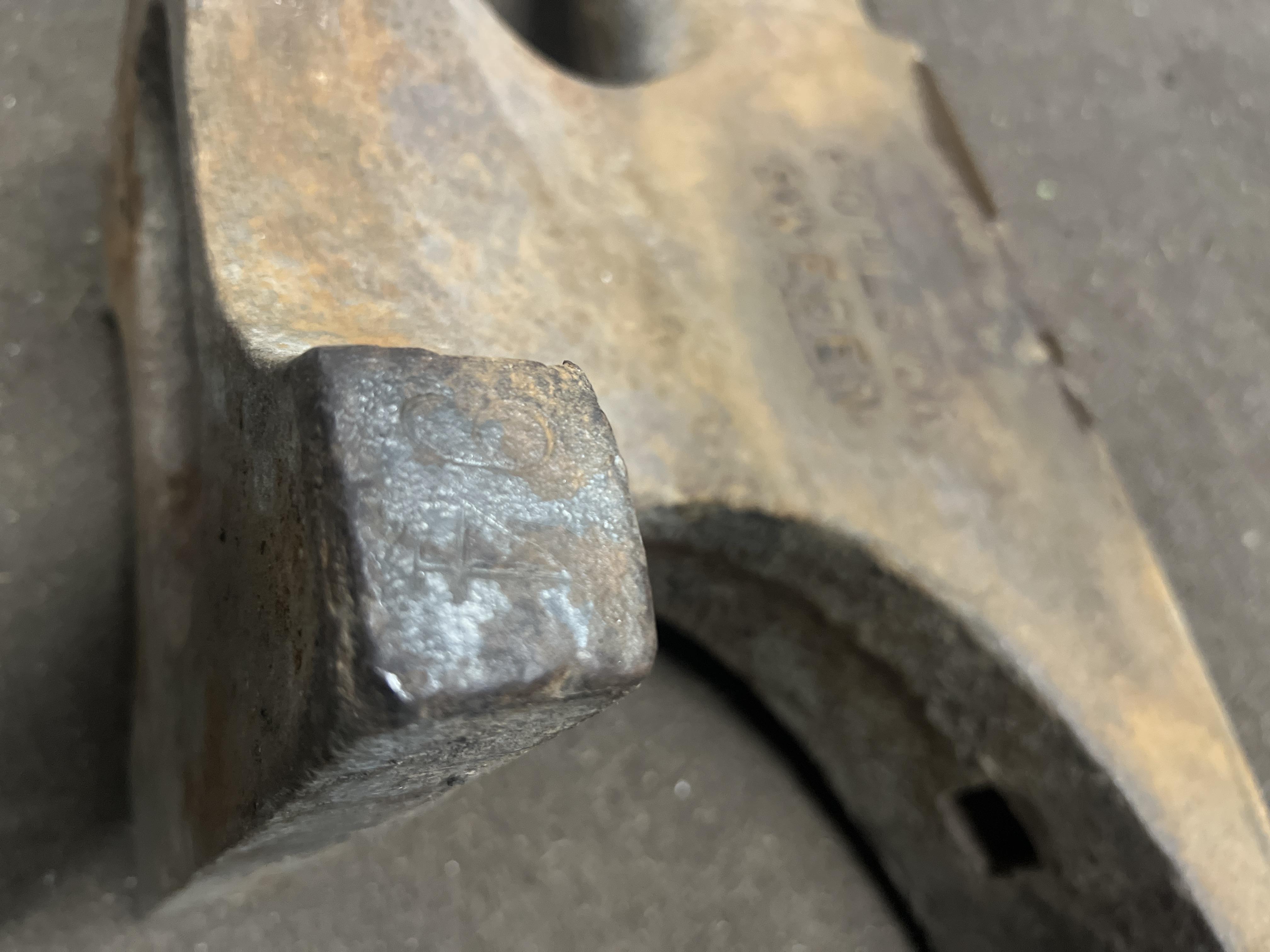
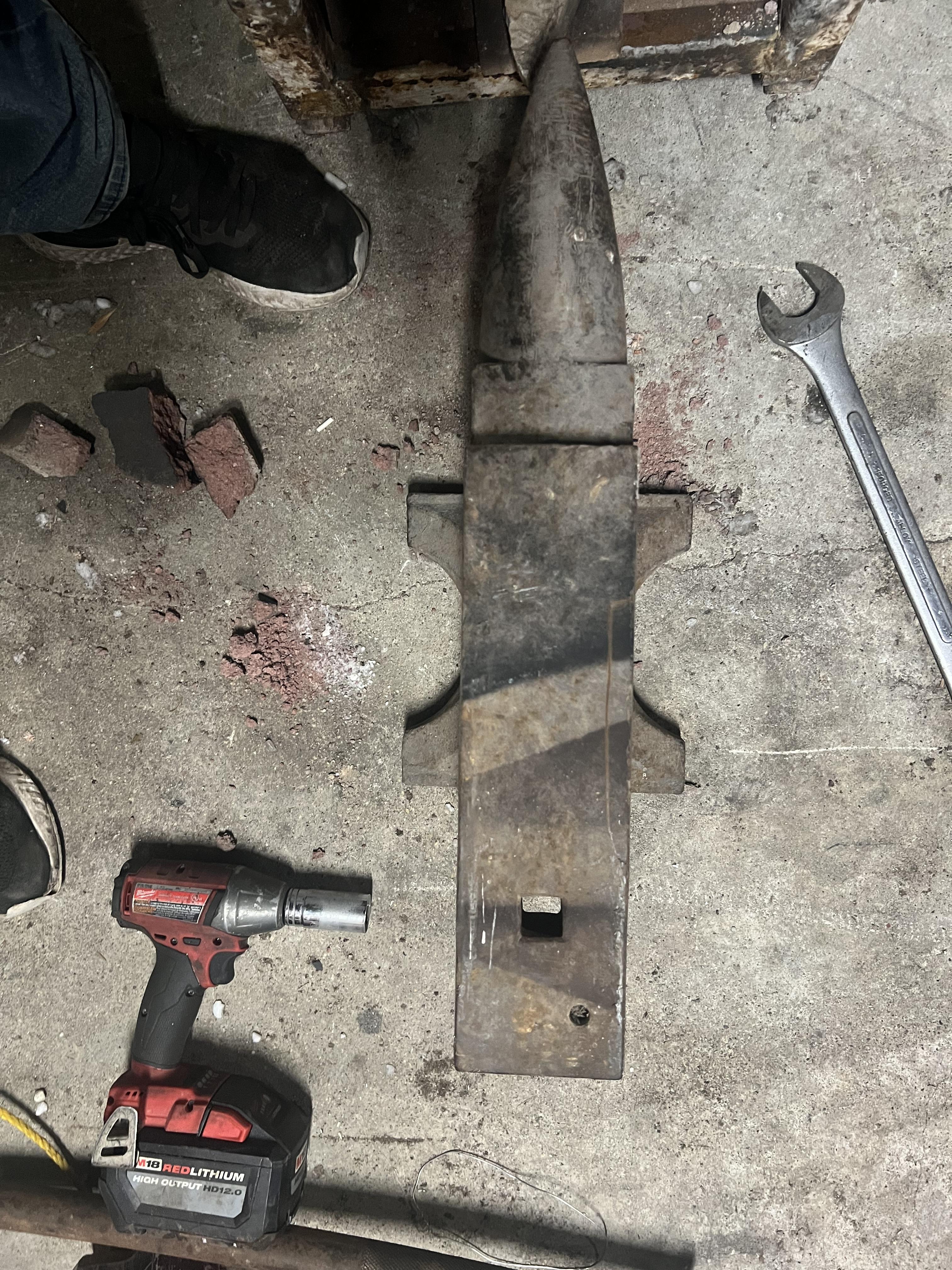
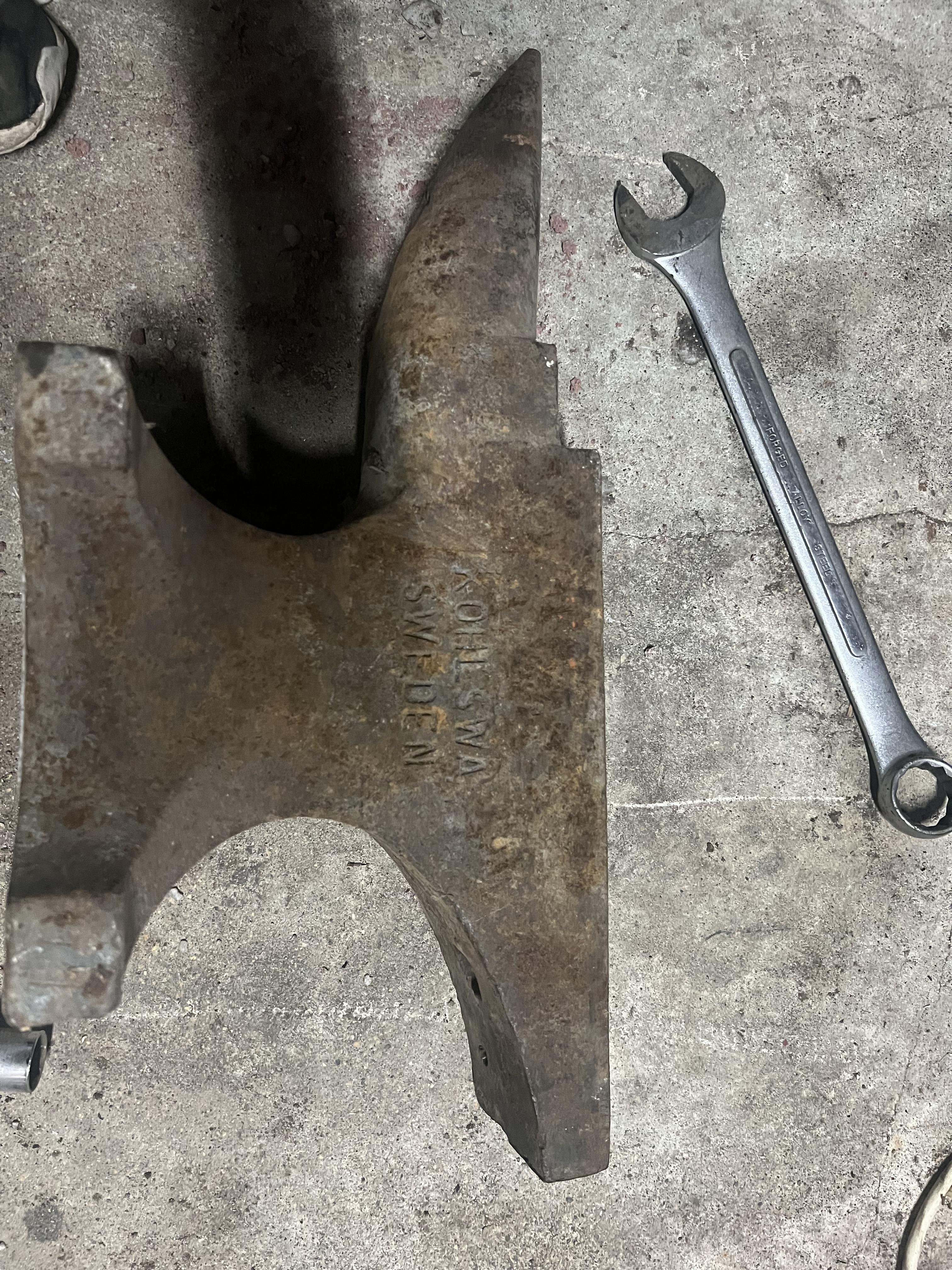
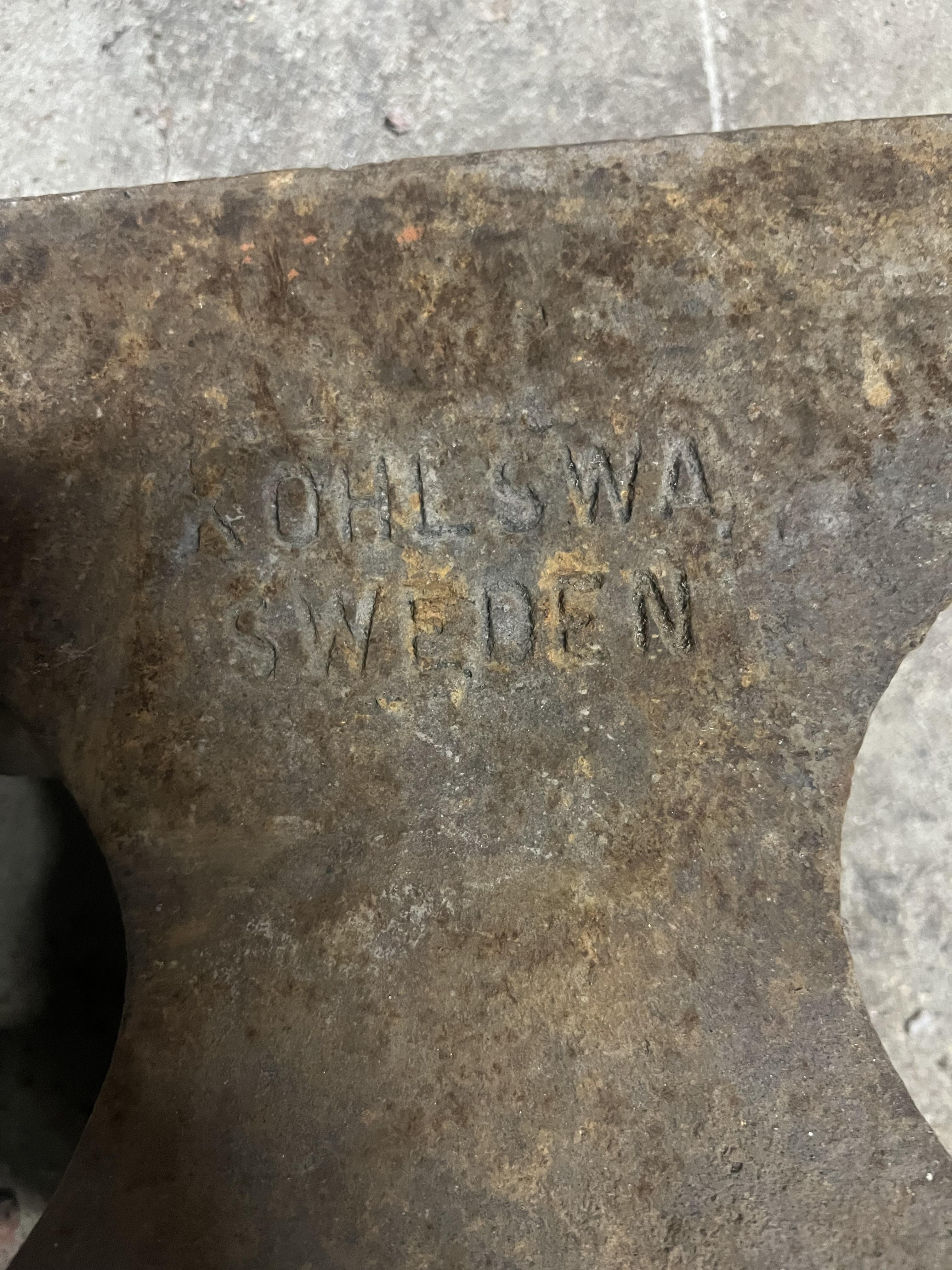
  1. No sanding discs and haven’t touched the face solely the 90 degree and the wire wheel that is it and I have uncovered these new markings on the anvil aswell I am from Manitoba canada
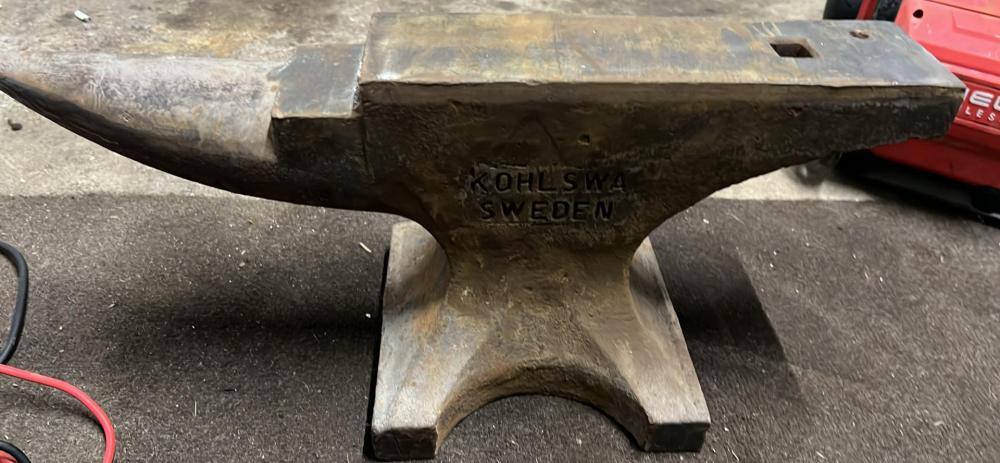
  2. I am located in Manitoba Canada It’s stamped with A94 on it I’ve found these parking I’m not sure what they mean
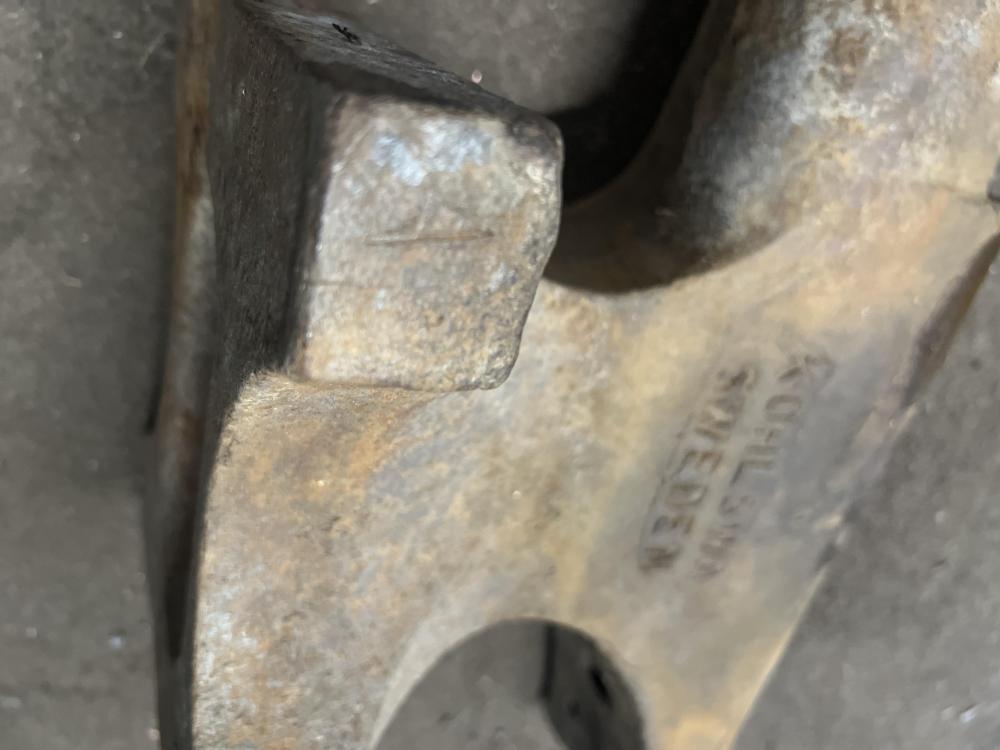
  3. I am located in Manitoba Canada
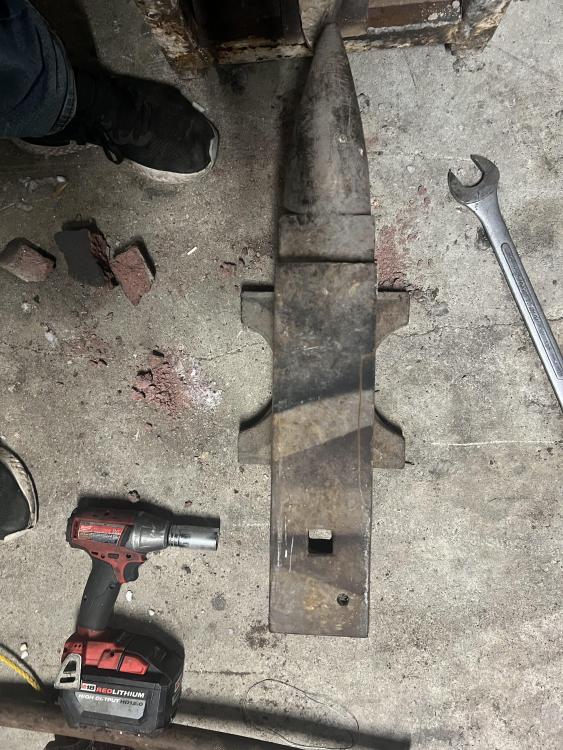
  4. Would anyone know what this anvil may be worth I think I got a great deal on it myself at 50$
Account

Navigation

Search

Search

Configure browser push notifications

Chrome (Android)
  1. Tap the lock icon next to the address bar.
  2. Tap Permissions → Notifications.
  3. Adjust your preference.
Chrome (Desktop)
  1. Click the padlock icon in the address bar.
  2. Select Site settings.
  3. Find Notifications and adjust your preference.