Holloman
Members
-
Joined
-
Last visited
-
Oh it did. Once I got a pipe under it it went flying and nearly tore my trailer door off haha
-
Thanks everyone, I bought an auto darkening helmet and it’s day and night (literally)
-
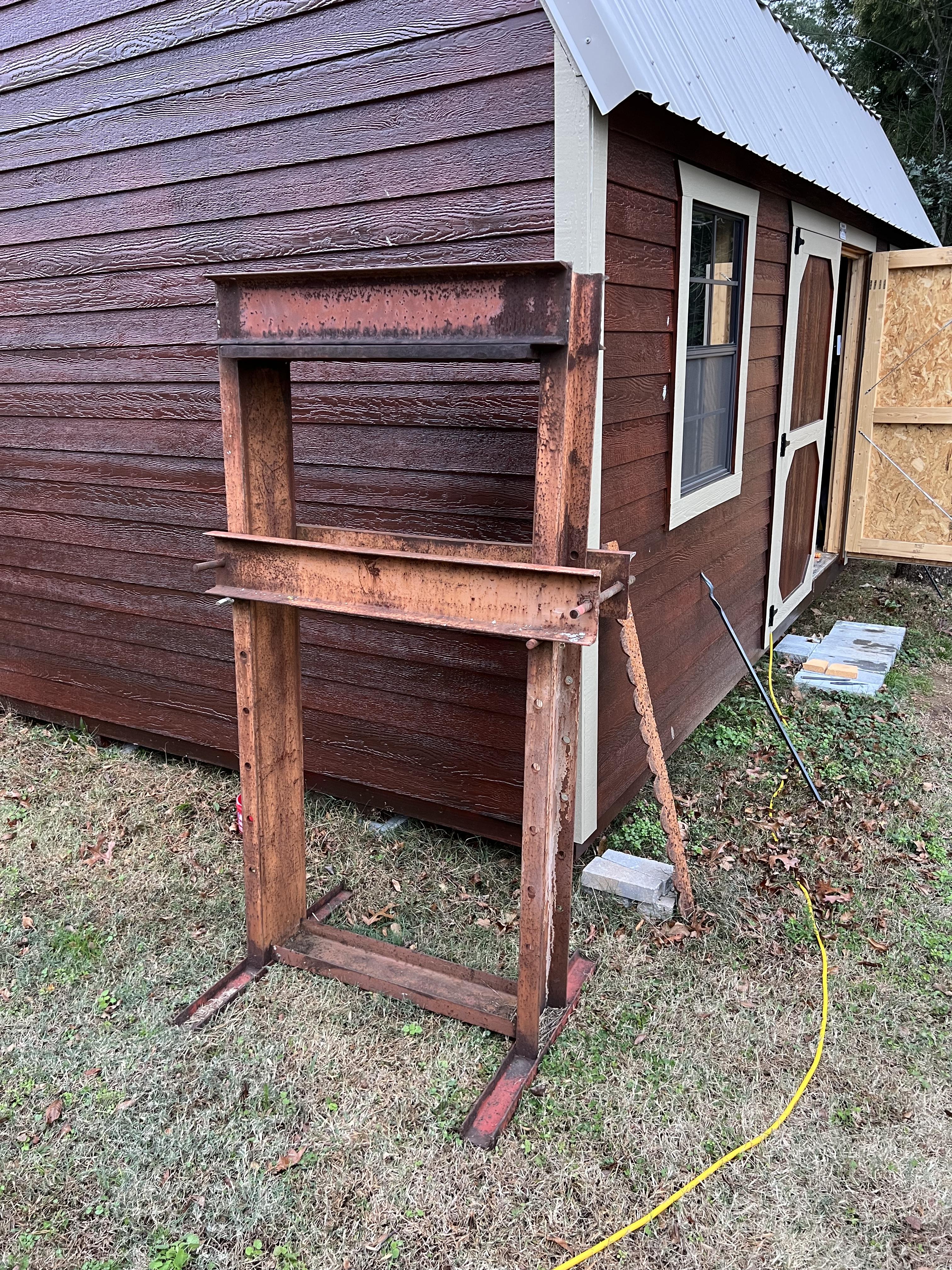
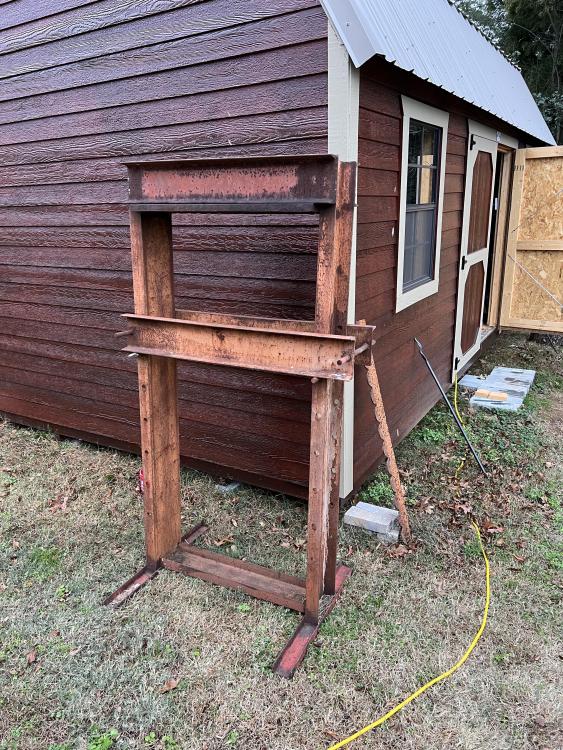
Fortunately, it should last longer than me. Found locally, traded some ammo for it. I just have to fabricate a stabilizer bar, attach my air powered jack, and I’m more or less good to go!
-
If it will allow me to actually see the metal I’m trying to weld, I am all about it. Currently I’m about to throw my $200 welder through a window.
-
-
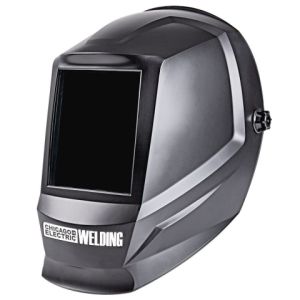
Whatever the cheapest one from Harbor freight is. I think this one. Shade 10
-
Am I just not using enough lighting? Do I need to upgrade from the cheapest harbor freight visor to something better? I can’t see anything until the arc and I have no idea if that’s normal or not.
-
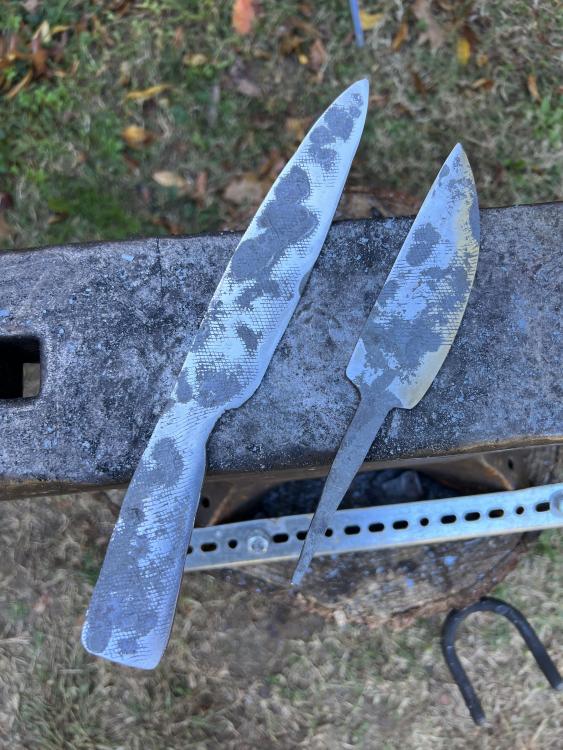
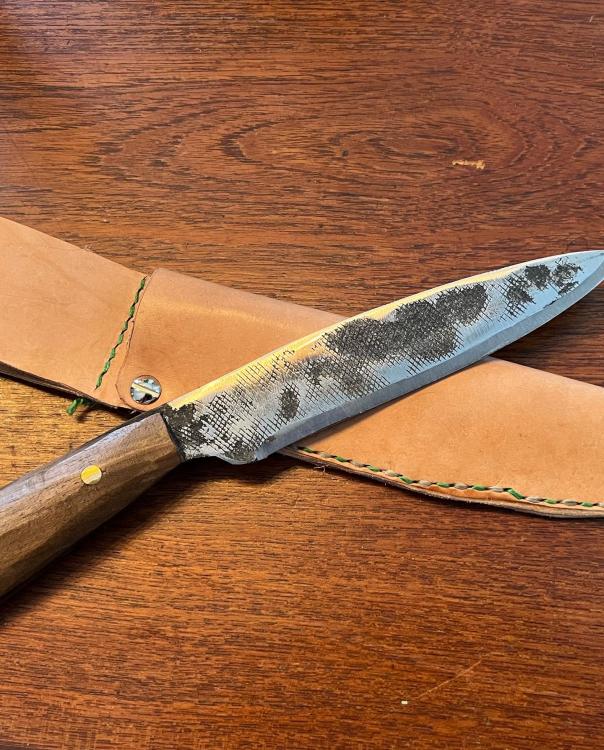
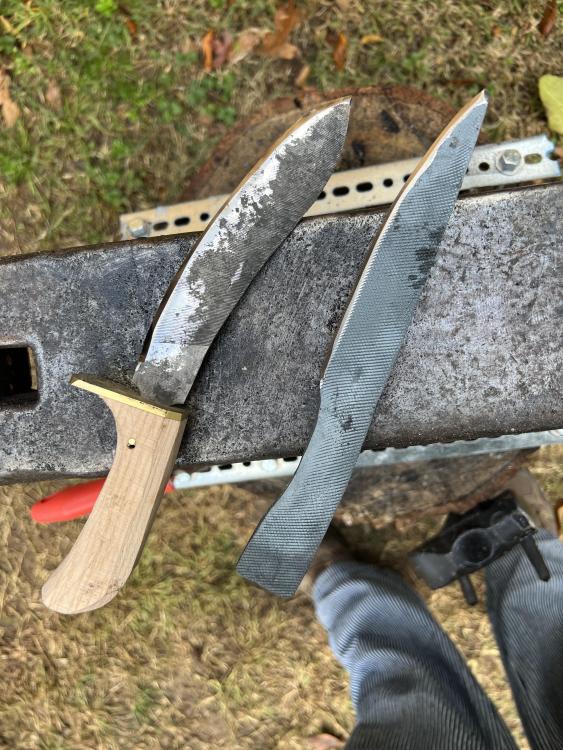
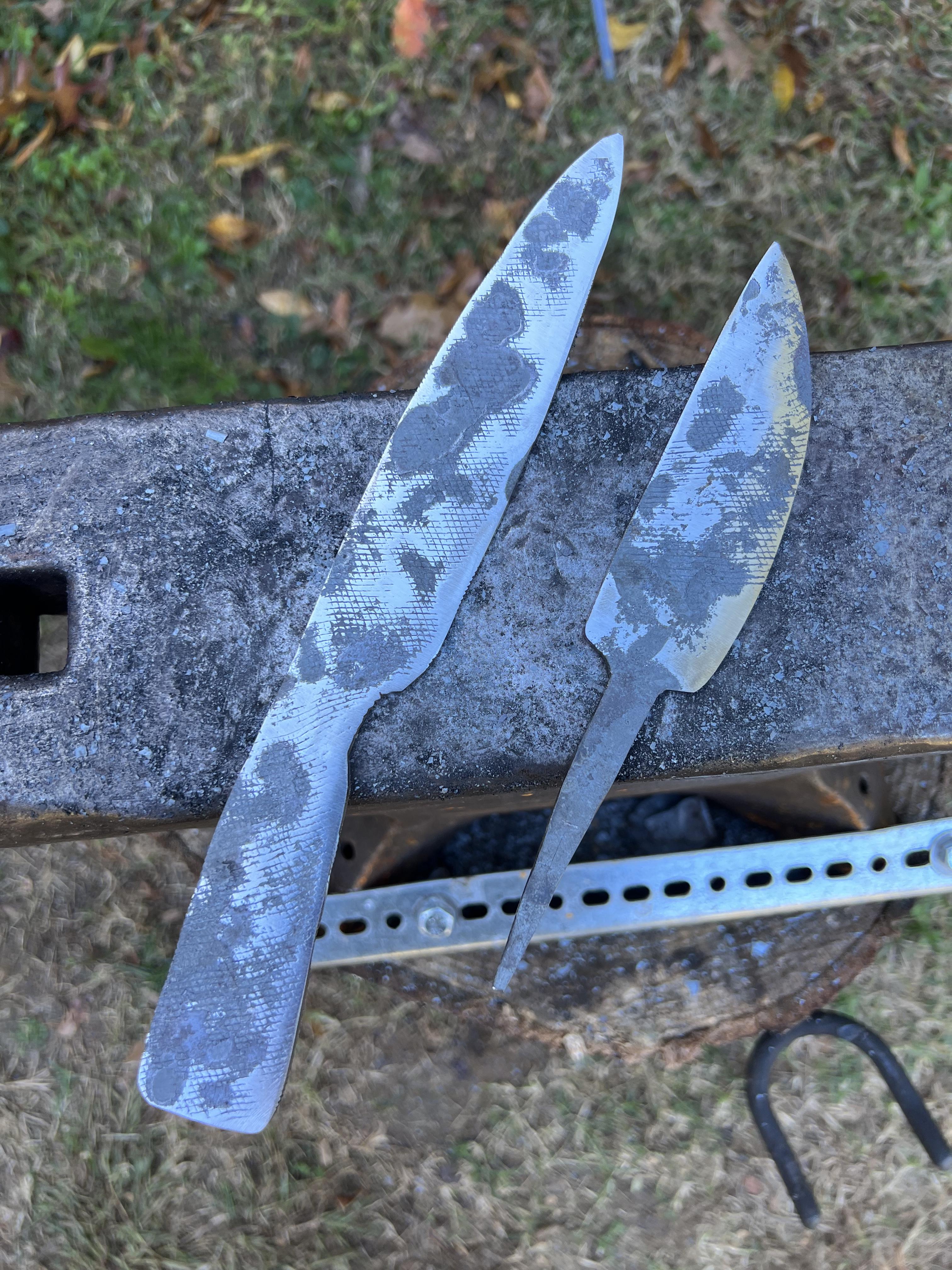
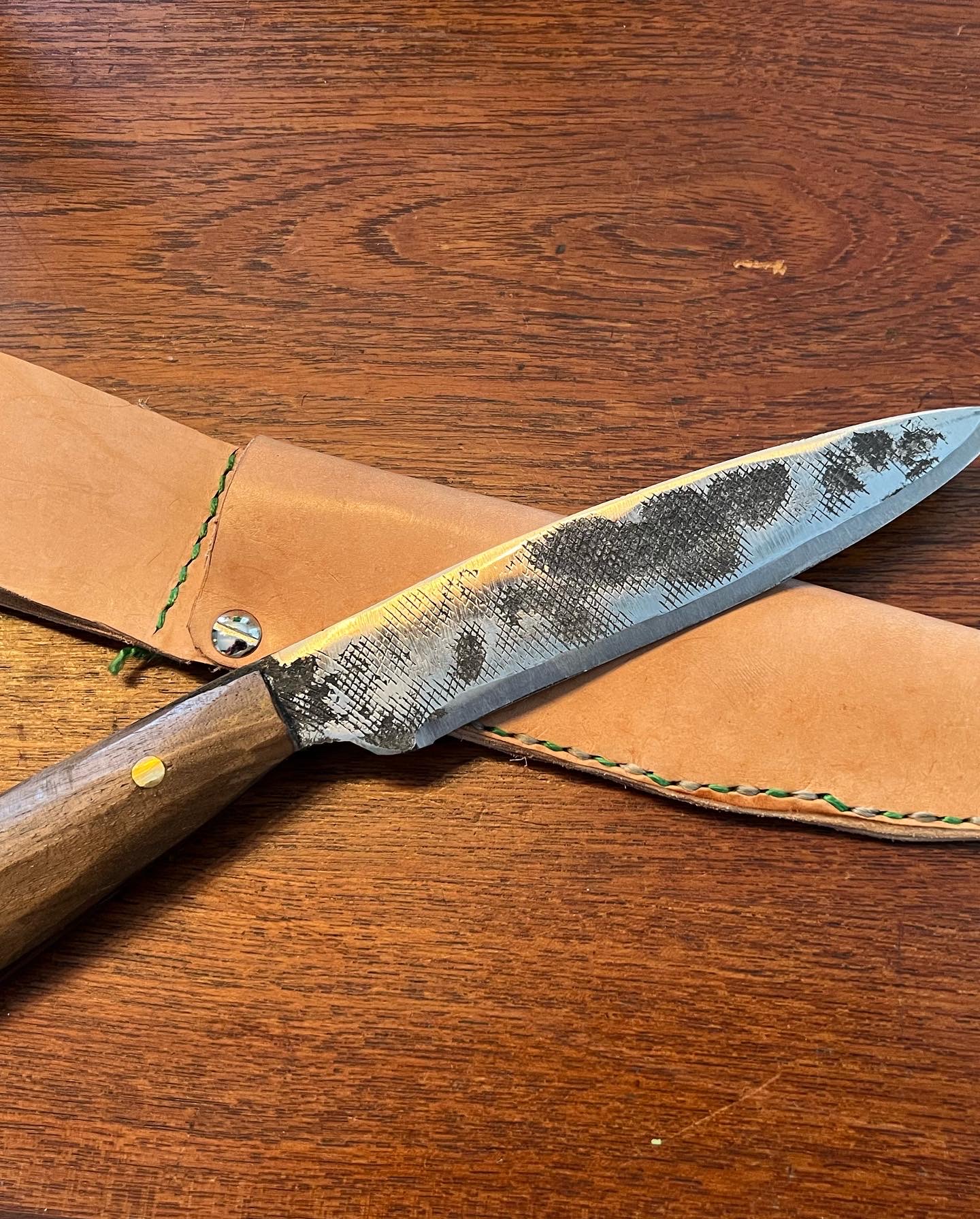
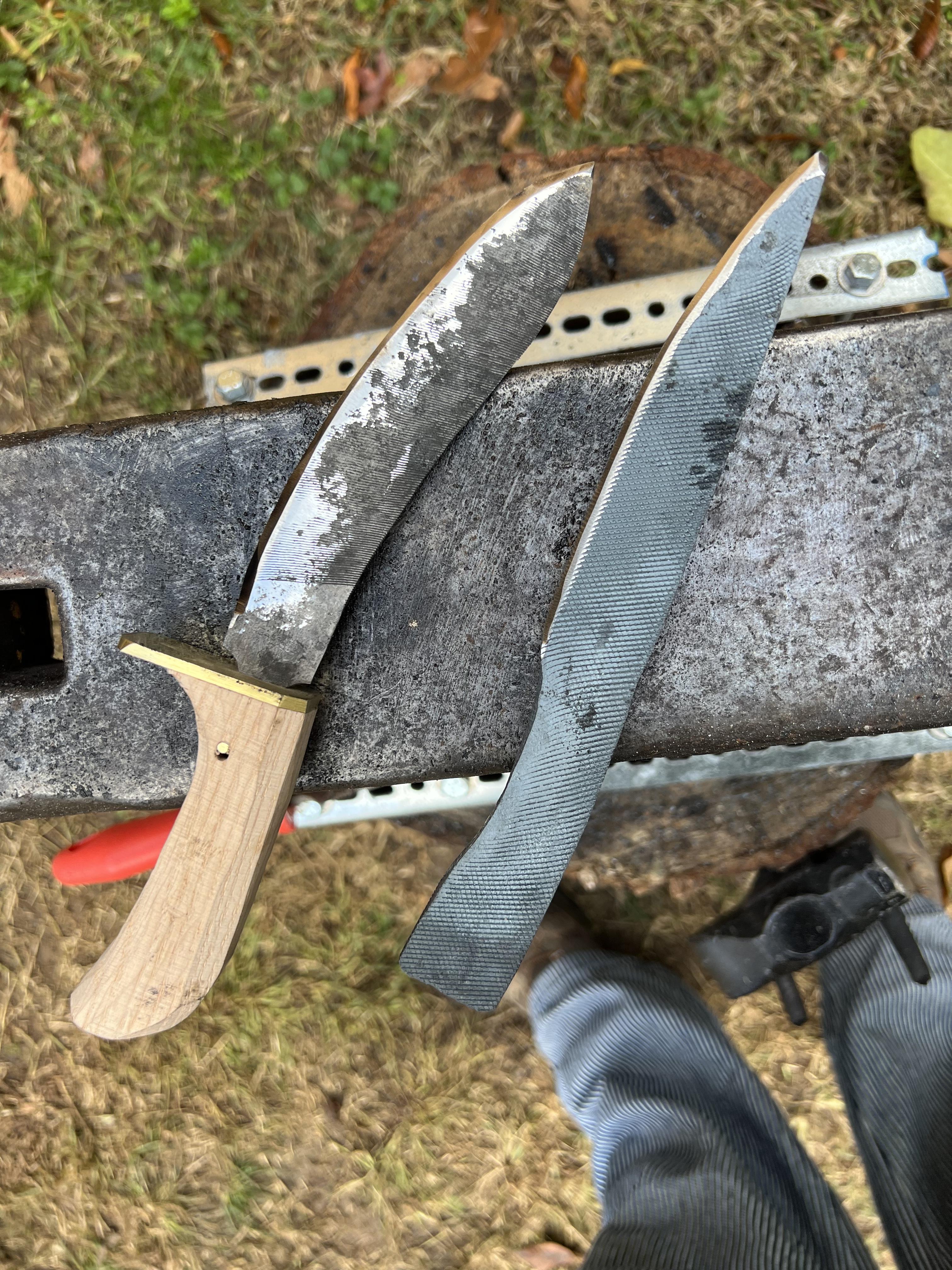
Long time collector of hobbies who finally dropped some cash and got a basic forge setup. Used to be a reenactor, currently a leather worker, cosplayer, general nerd. I’ve made a handful of knives and I want to branch out a bit. Wouldn’t mind making some friends in the hobby either. I’m also learning welding. Rocking a 163lb British anvil, an Amazon propane forge, and a 20’ shop (forging extension is in the works).