Seth21
Members
-
Joined
-
Last visited
-
I couldn't find anything in inches so I was forced to stick with millimetres. By my calculations the rebound was around 54% I have attached a video so I can be pu Bounce test.mp4 t straight if I'm in error
-
I am grabbing a ball bearing from work tomorrow to find out. It is an improvement on the block of mild steel I have been using.
-
Thanks for the info guys, I will grab a ball bearing from work and test it. Is there a preffered range of rebound? Is more better?
-
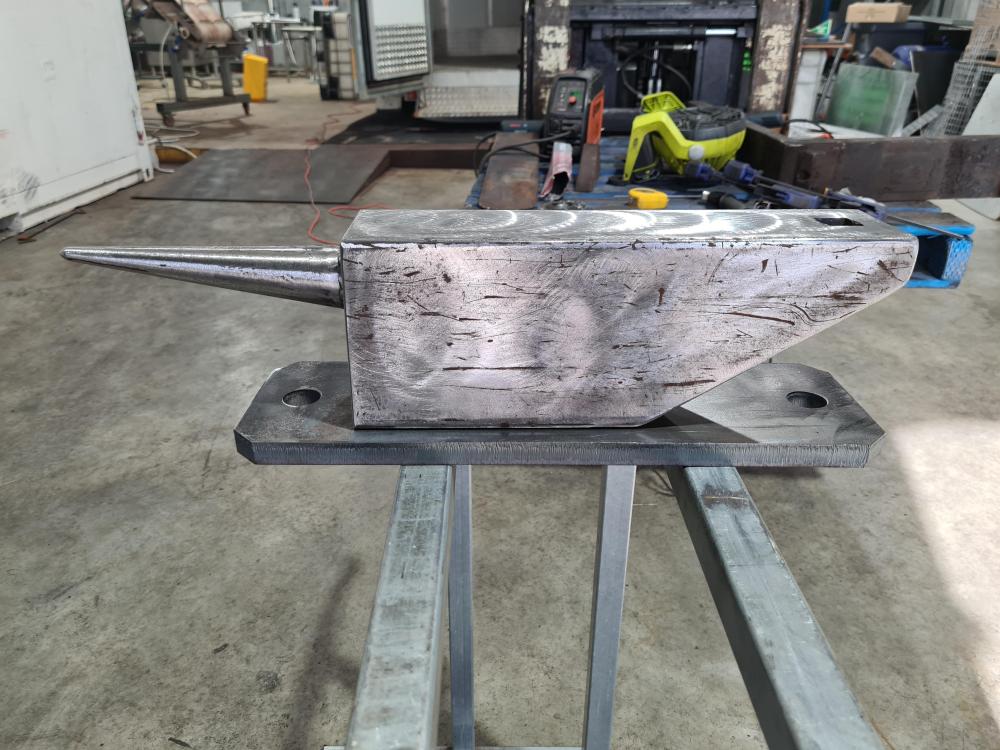
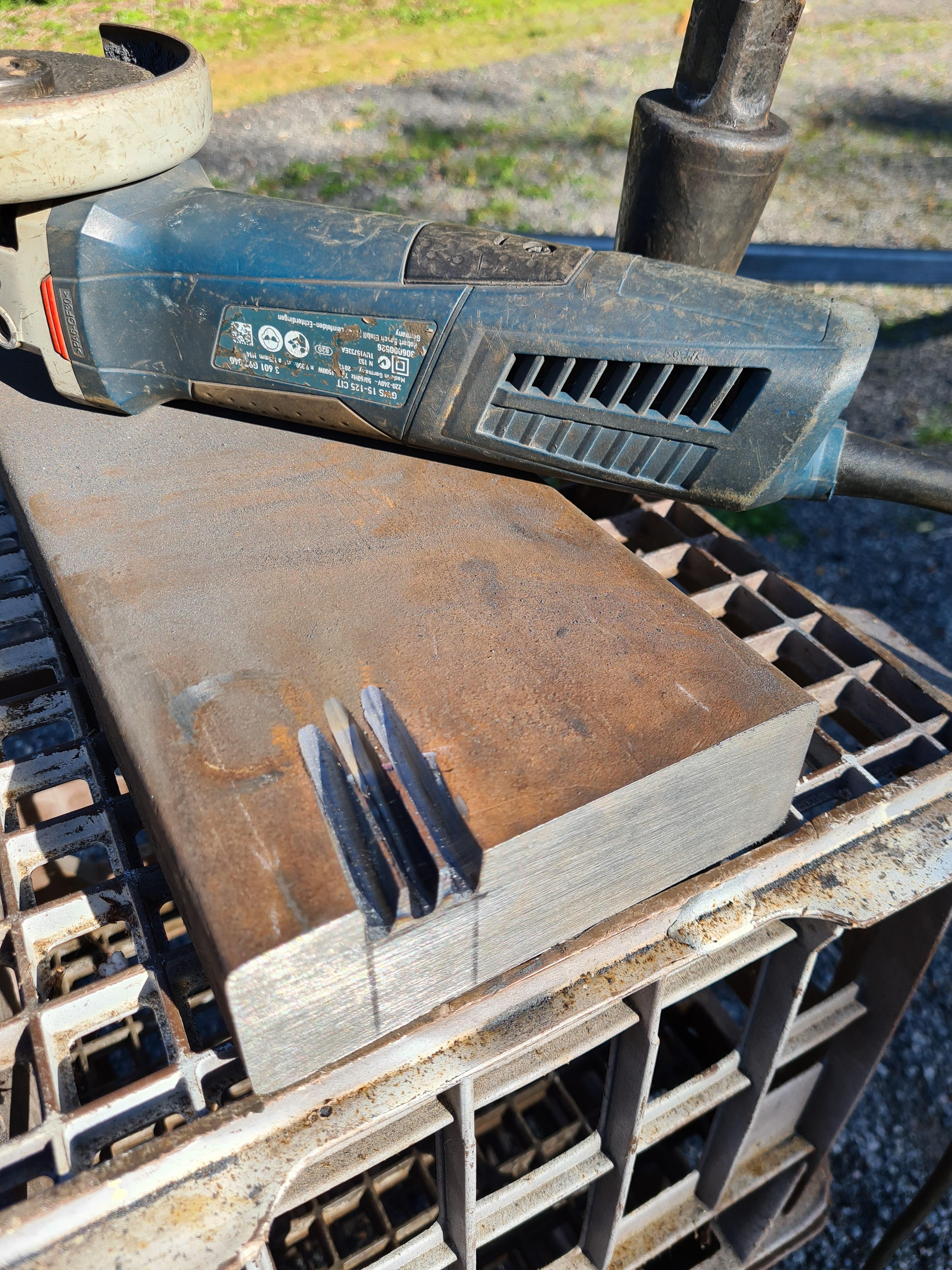
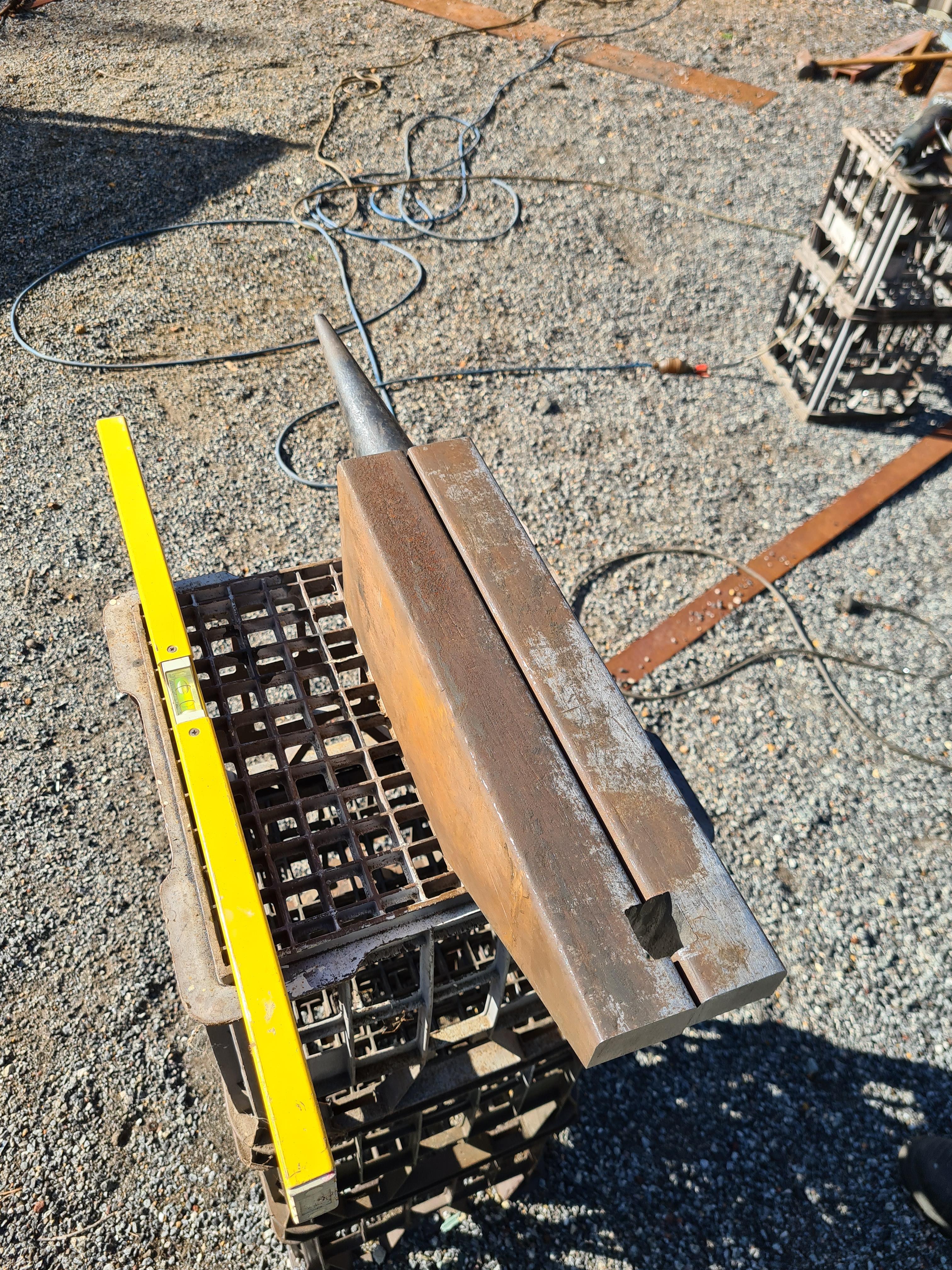
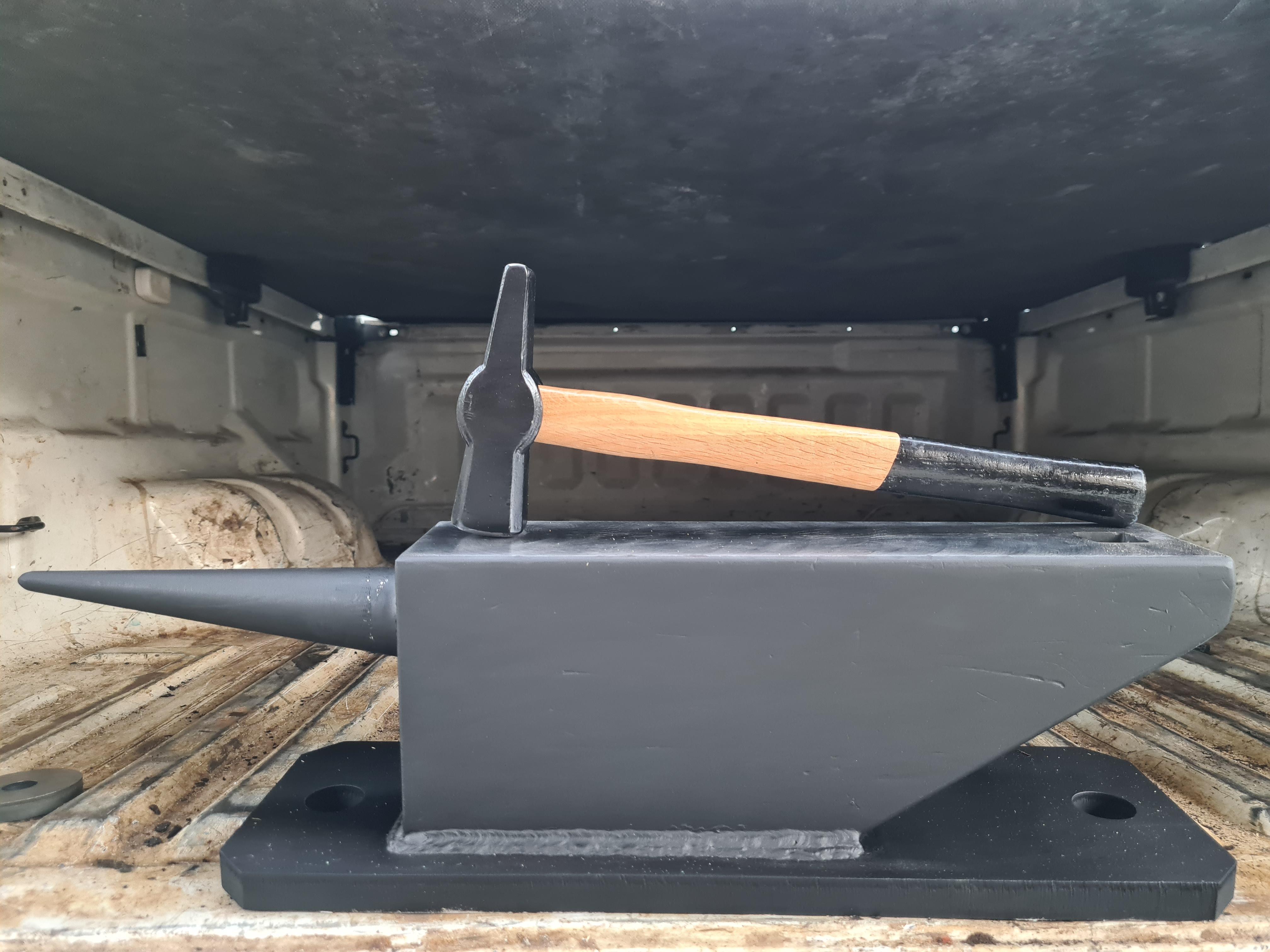
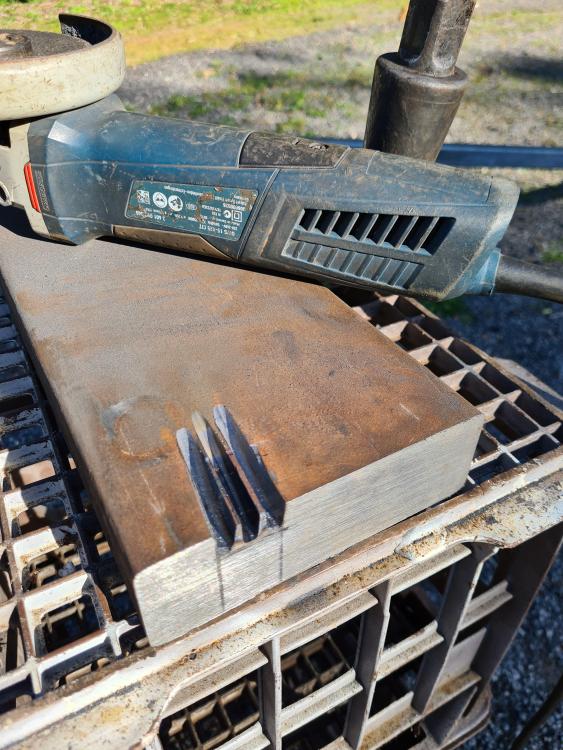
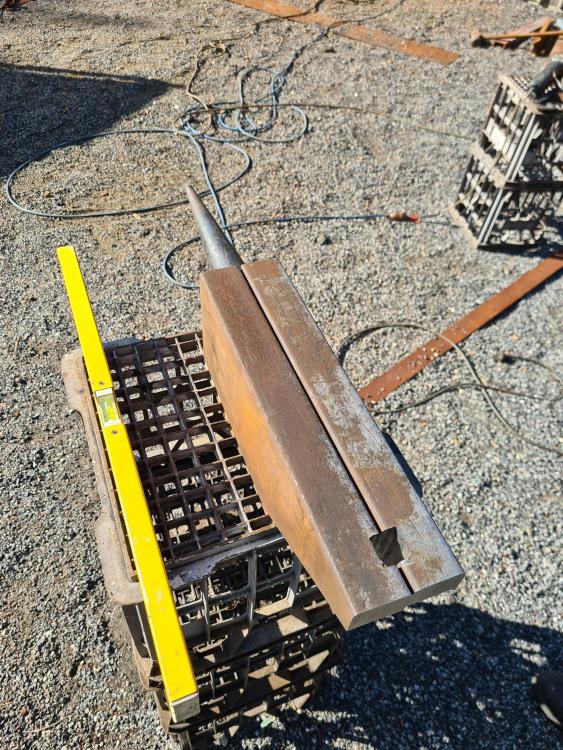
Thanks for welcoming me. I haven't used it yet so can't say how it is to forge on. Final weight is 49.6kg I don't know how to test rebound? The hammer certainly bounces 3 or 4 times when dropped from about an inch or so. Let me know how to test rebound and I will certainly find out. The heel angle was for two reasons, 1. To gain access to the underside of the hardy hole. 2. Reduce the amount of grinding required to create the hardy hole. As a newbie I can't really justify any action I take at this stage as I simply don't know enough to recognise the difference between practical and impractical. Thanks for all your input, I look forward to rebound testing when I have learnt how. ATB
-
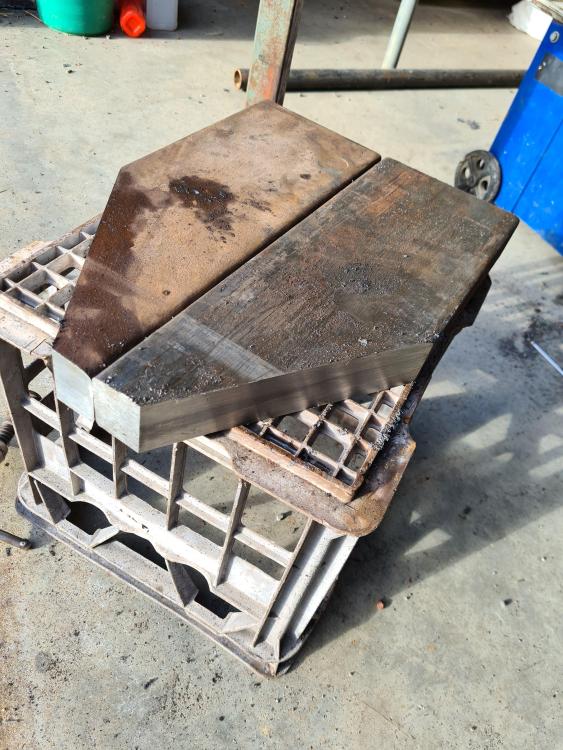
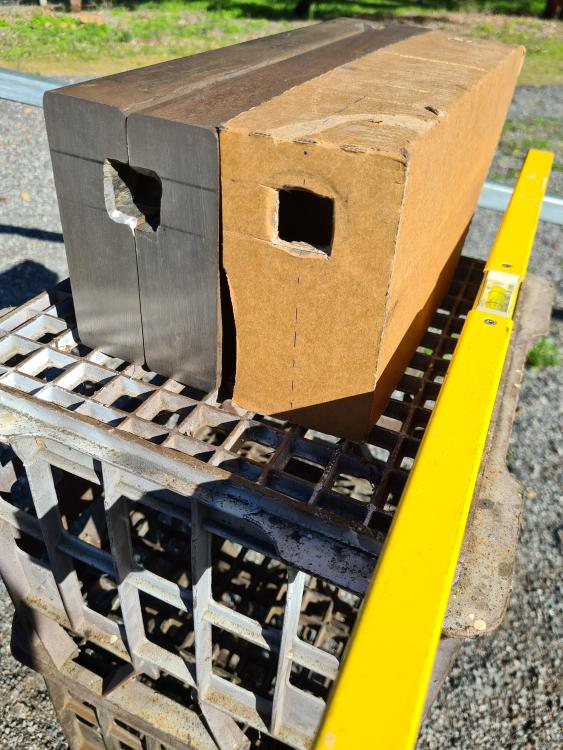
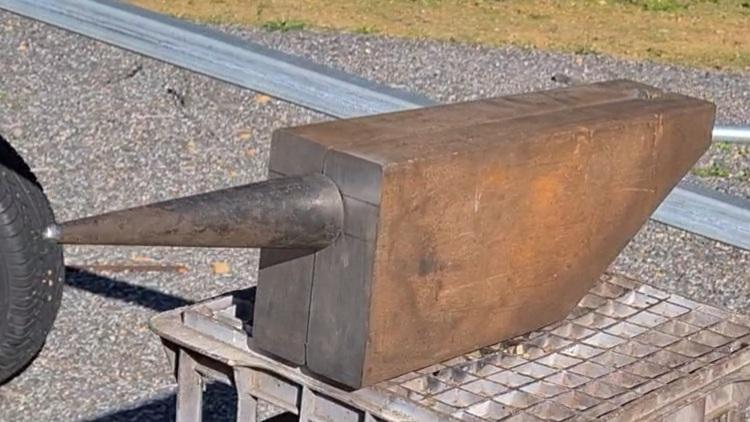
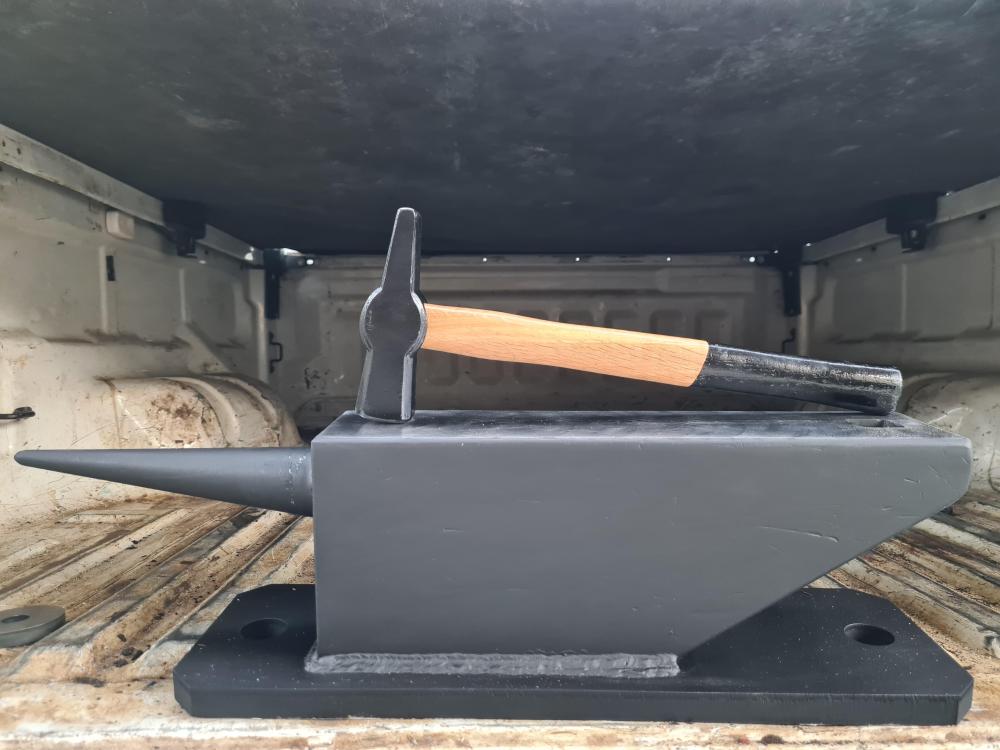
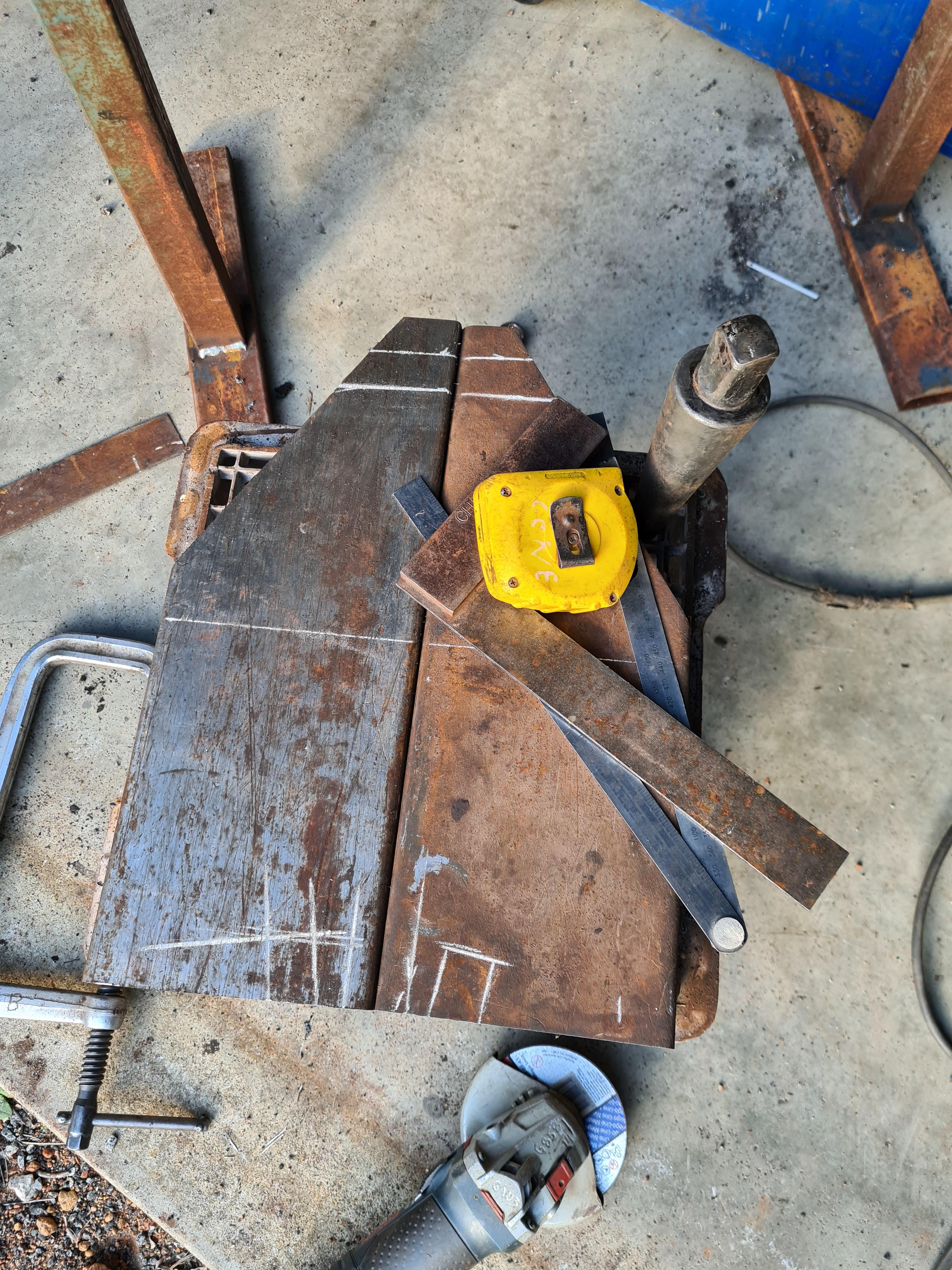
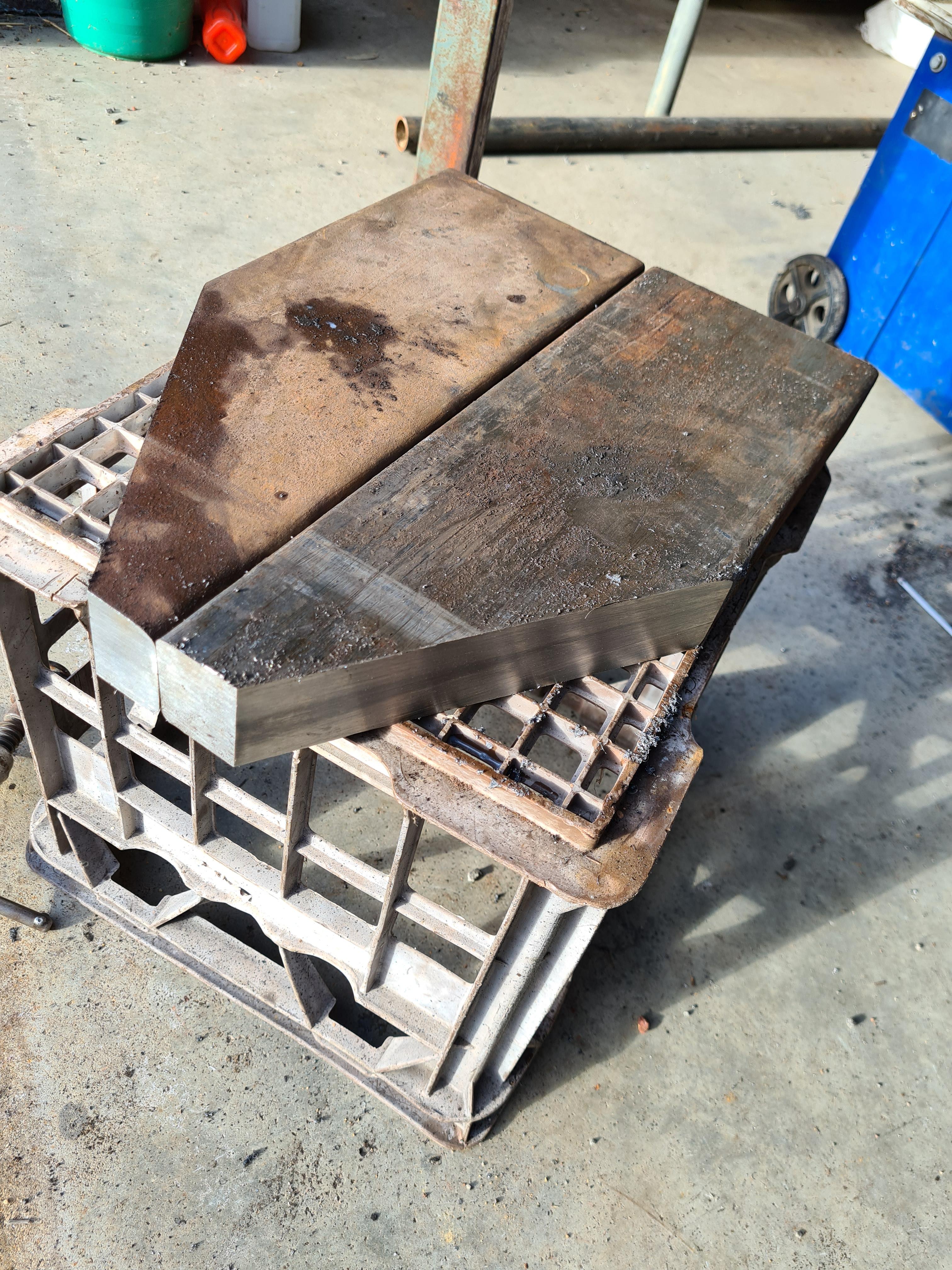
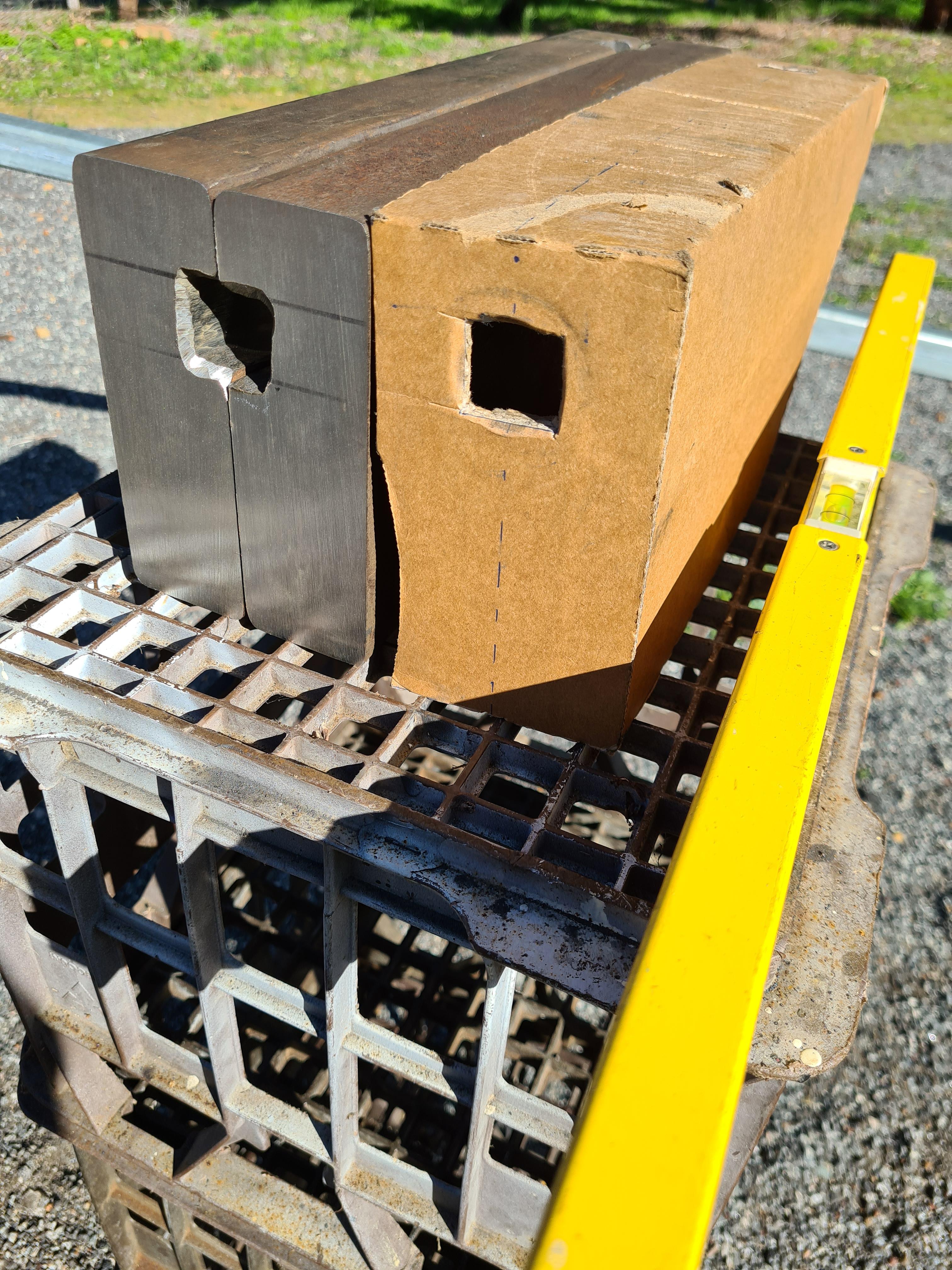
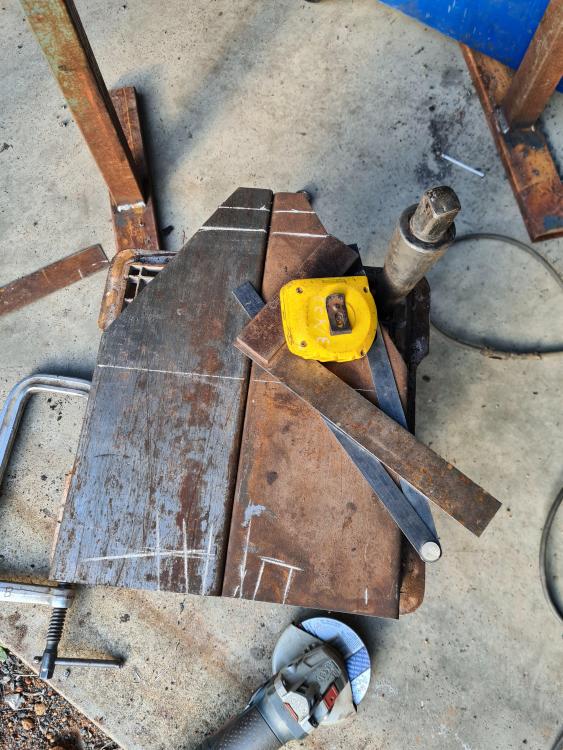
Hi everyone. https://youtu.be/K6Fsqj5ecjE I'm new here. I made an ASO out of a 4140 mandrel and a 4140 forklift tyne. Just thought I would share some pics and hopefully this is a suitable place to post. Regards Seth