Goblin_Smithy
Members
-
Joined
-
Last visited
-
Always welcome to drop by my place and check out my propane forge. It's a Devil Forge.
-
Brecht! I knew it, so great to hear from you!
-
Hello Brecht, are/were you by any chance once a member of the PRF forum? If so, I think we know each other!
-
Thank you all so much for the tips and kind words. I was able to acquire a tree stump of roughly 50 kg as an anvil stand and my small propane forge has arrived too. Currently installing everything in a well ventilated area that is not attached to the house. I hope to be able to post my first attempt at blacksmithing this weekend! Many greetings, Philip
-
Goblin_Smithy changed their profile photo
-
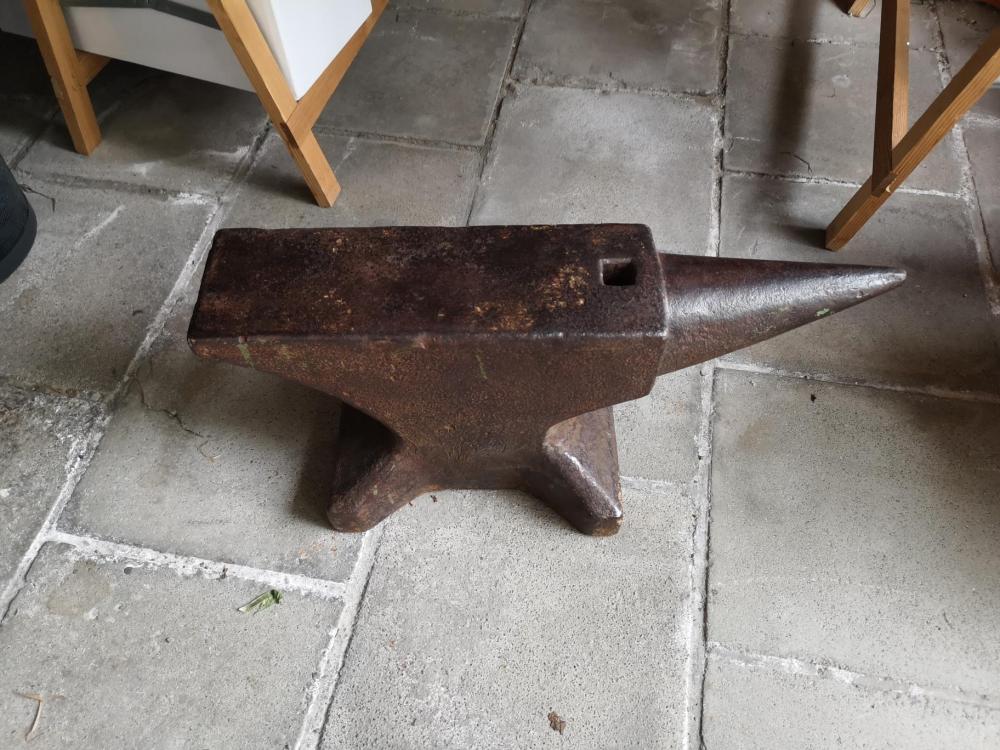
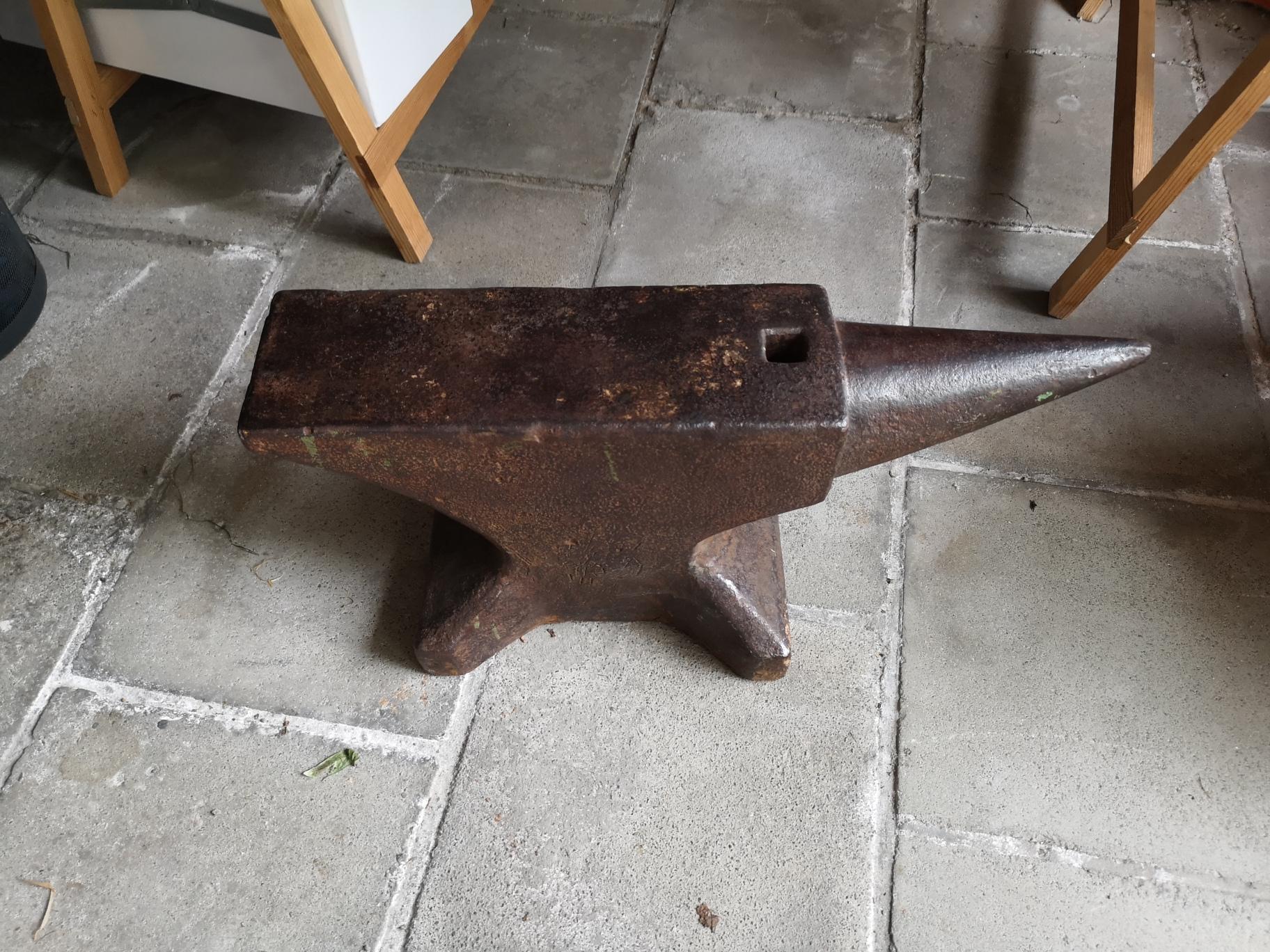
Hello everyone, My name is Philip, 38y old and hailing from Belgium. I have been thinking of picking up blacksmithing for quite a while and I took 2 lessons a few years ago. I recently decided to finally go for it and have been researching the internet, books and youtube ever since. Last week I picked up an old anvil which looked perfect for a beginner. As I live in a suburban area I have decided to pick-up a propane forge to get started and normally it should arrive in the next couple of days. I also pick-up some square stock and am going to assemble a wooden anvil stand. So hopefully I can start forging this weekend. Planning on practicing tapers, shoulders and so on first before moving forward to nails, leaves, .... I already browsed around the forum a bit and I'm sure I will be able to learn a lot from everyone here. Greetings, Philip