Kilothezero
Members
-
Joined
-
Last visited
-
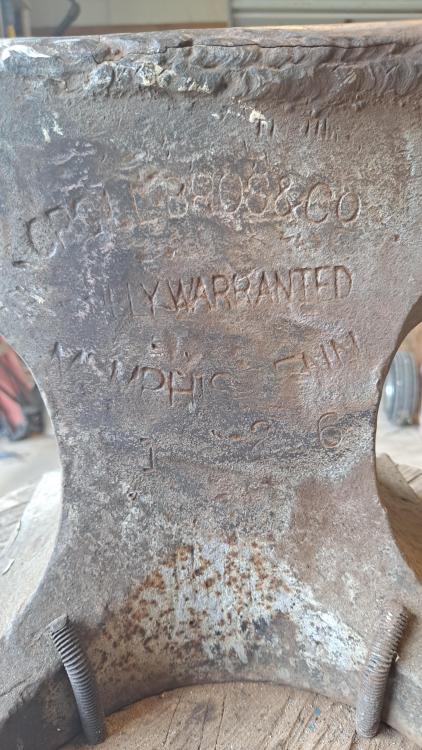
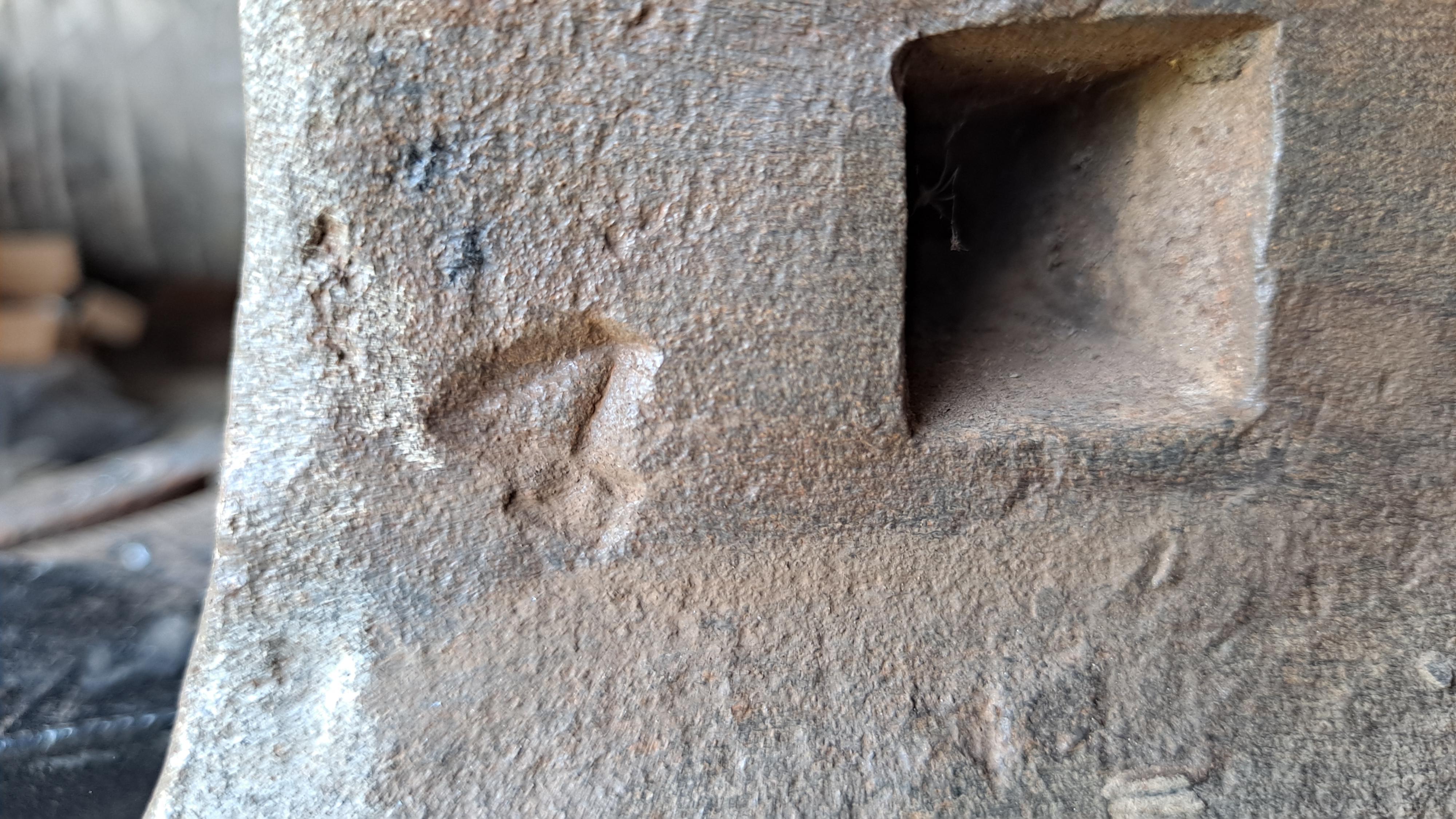
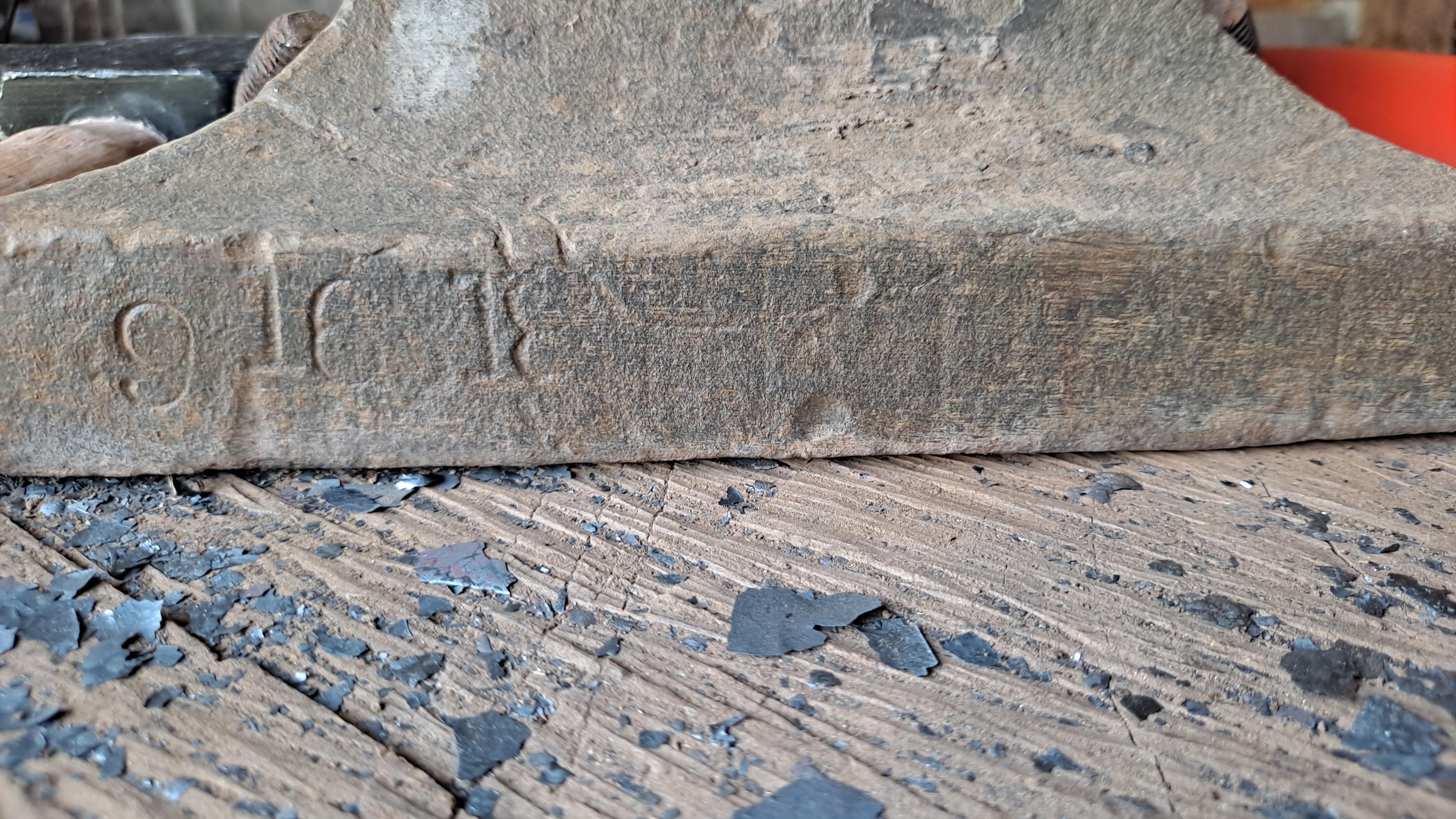
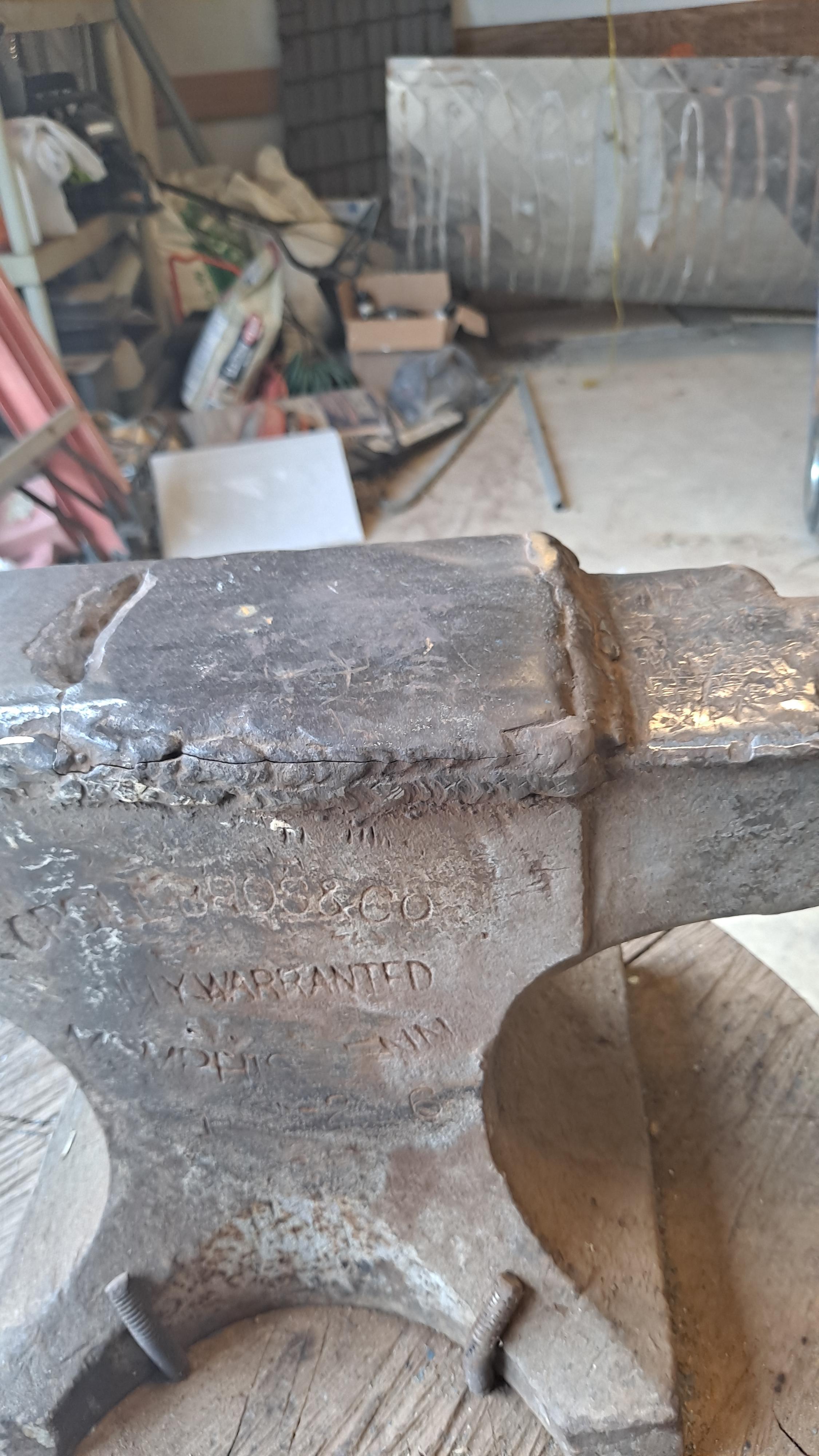
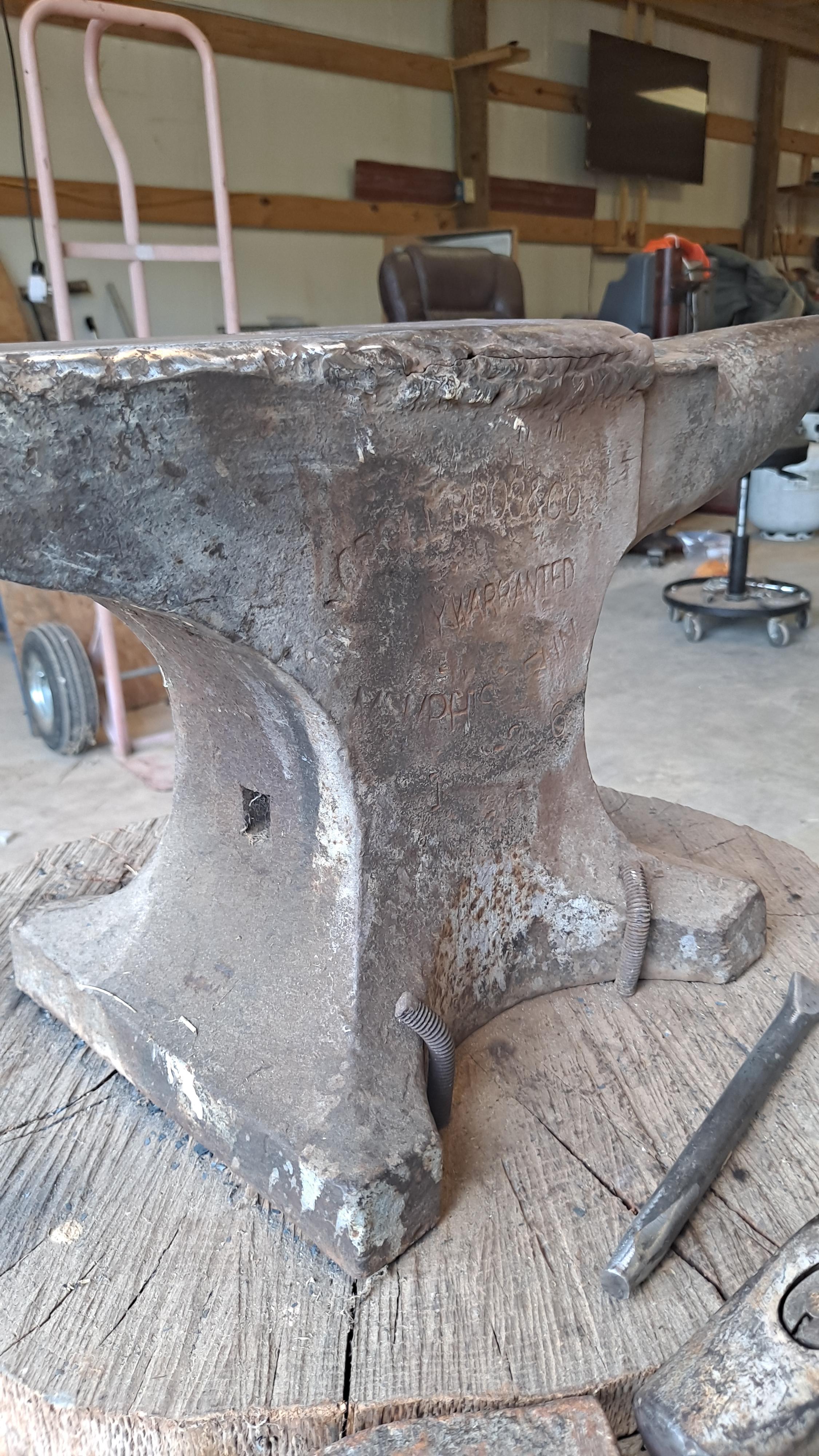
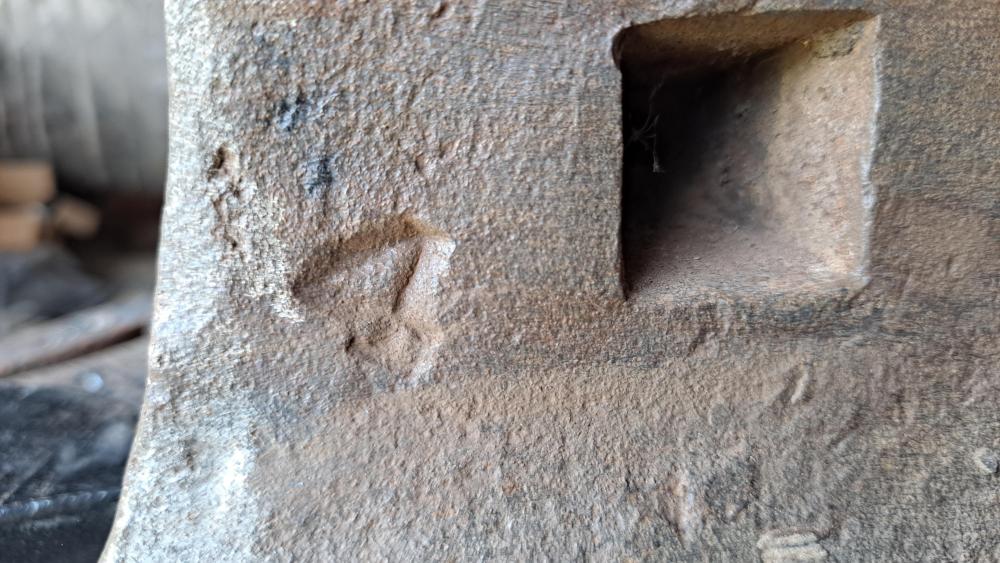
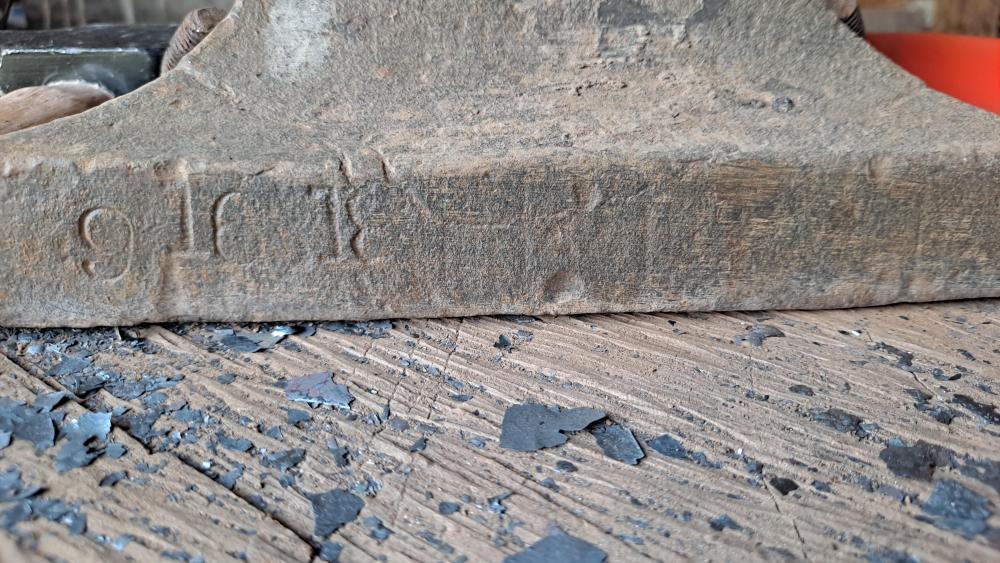
So this is the stamp under the horn and some numbers on the feet. Any ideas?
-
I'm not sure. I'll check tomorrow and get back to ya though.
-
My plan was to keep using it as long as I could and try to find something else while I do that. I've looked at that welding method before but I'm not much of a welder if at all so I'm hesitant. As far as the underside of anvil. I'm not sure pretty sure it's been attached to that log as long as I've been alive. I'll look it over tomorrow though
-
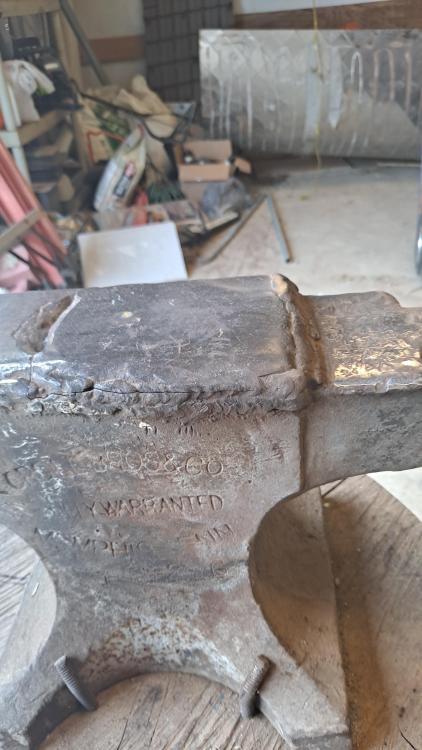
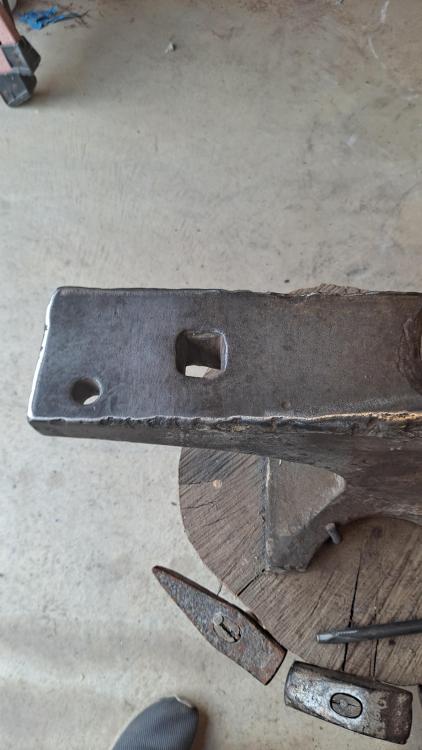
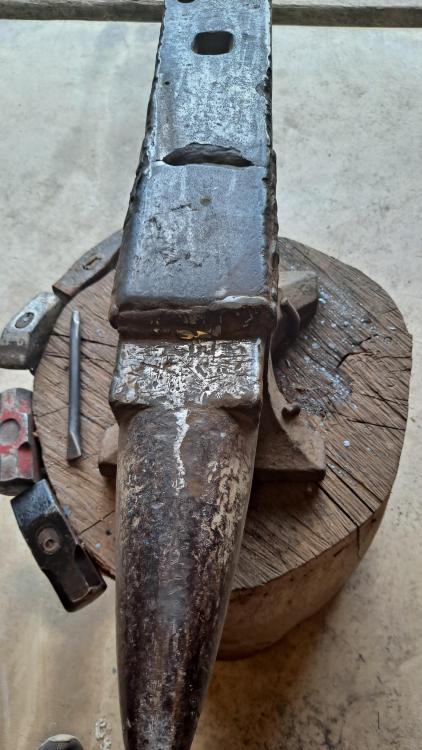
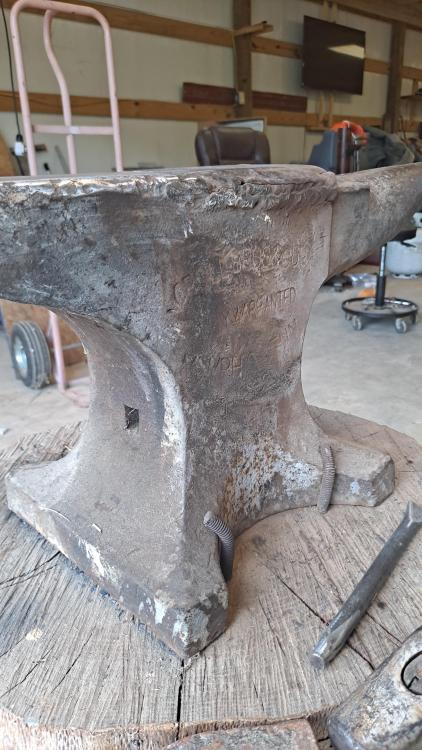
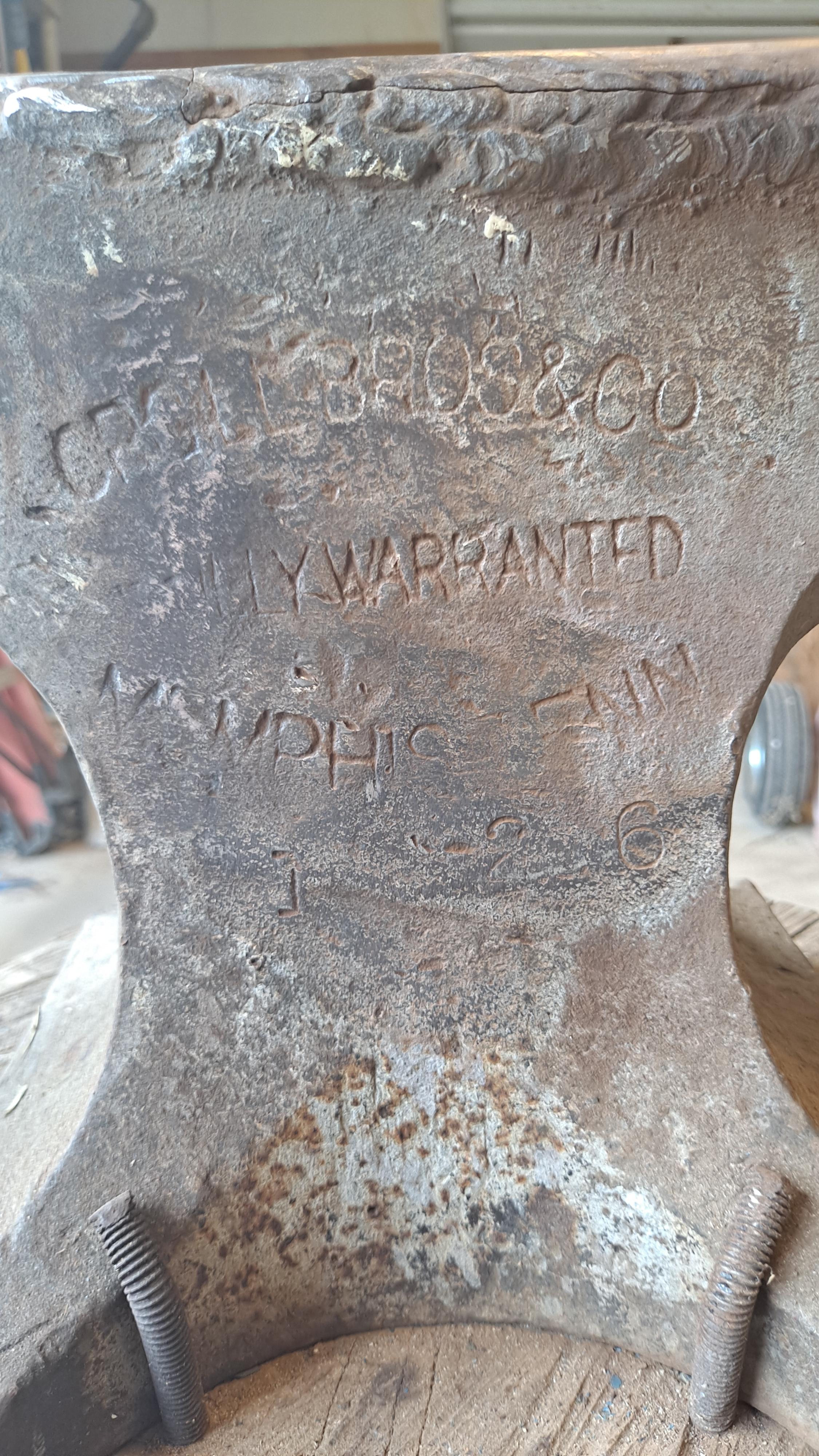
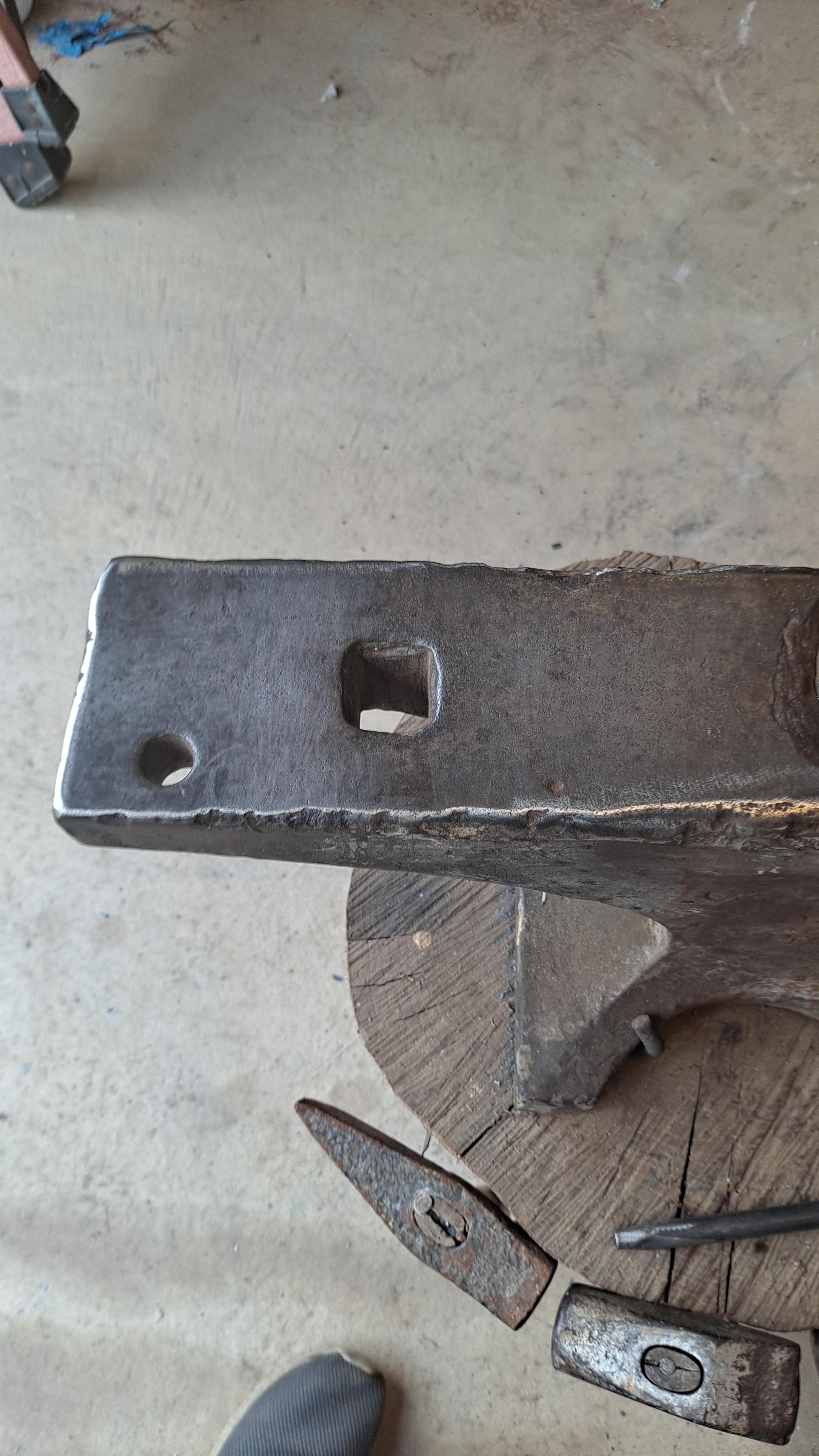
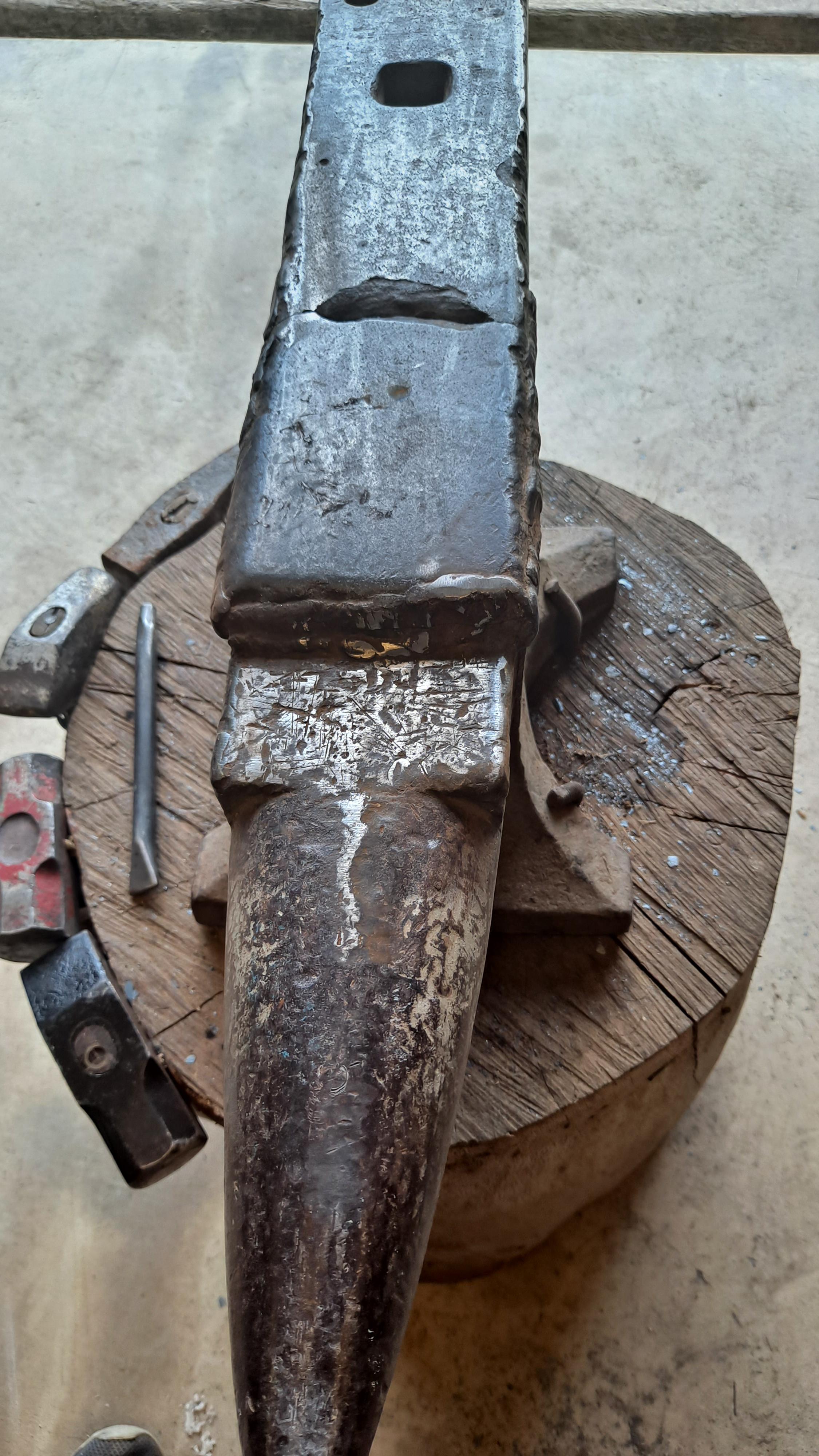
Hello everyone I'm starting out blacksmithing and have an anvil from my wife's grandfather that I'm using. Seems like a part of the face came off and he tried to weld it back on. The rest of the face seems fine but is really rough. Do you folks think it would be worth it to try and repair the anvil or should I just leave it alone and just do what I can with it. Also if anyone can identify anything about it and let me know I would appreciate it.