Evergreen_Forge_Works
Members
-
Joined
-
Last visited
-
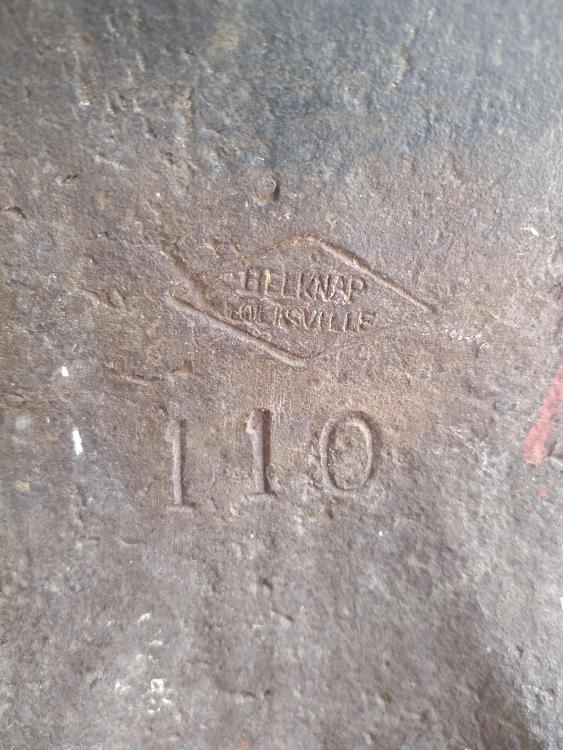
MS- I haven't weighed it. Because its an American brand anvil, I assumed it's used pounds instead of hundredweight. But we are mounting it today, so I'll weigh it first BF - I haven't been able to find a date. I haven't found any markings other than the one I posted. I might need to clean it up some and see if I can find a date.
-
Thank you everyone for the responses. I'm very excited about the information that you all provided
-
If there isn't an s/n on the front feet or under the horn, could it be somewhere else on the anvil?
-
When you say cast, do you mean cast iron or cast steel? The anvil has quite a loud, almost deafening ring so I assumed it was not cast iron.
-
Thank you for the advice! I'll put my location up. And thanks for the greeting
-
Evergreen_Forge_Works changed their profile photo
-
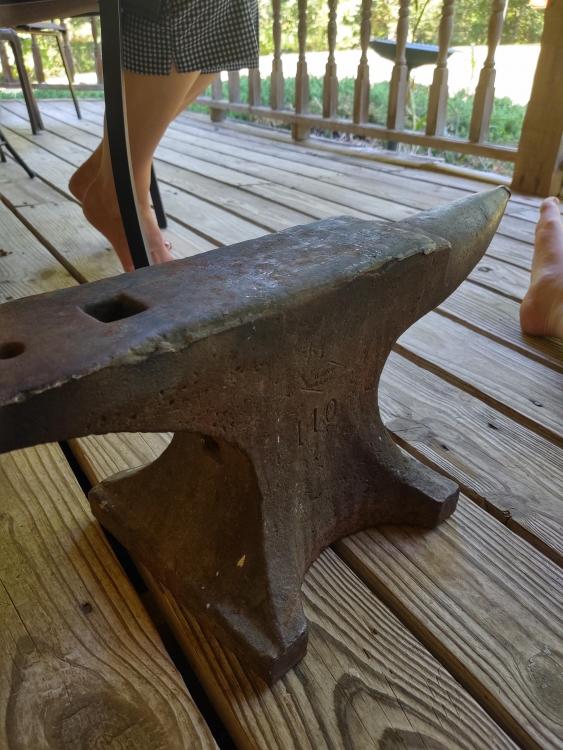
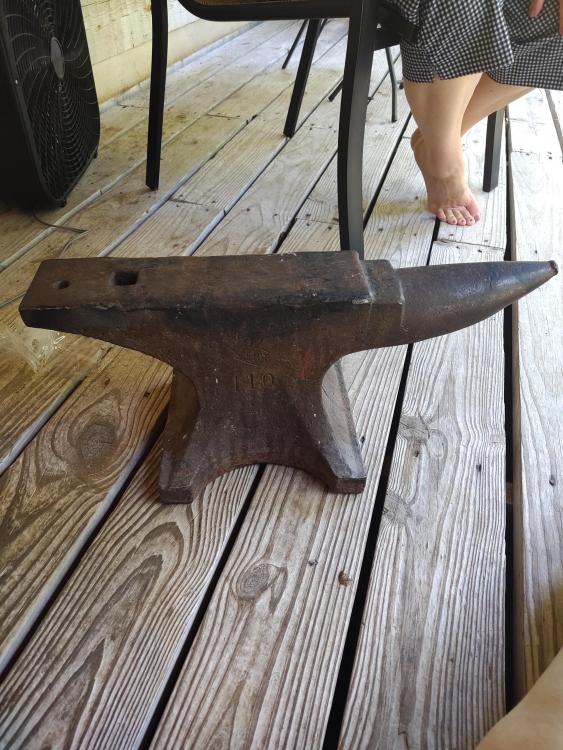
I recently purchased a Belknap anvil, 110lbs. I was hesitant to buy it because I couldn't find much info on their anvils. Fortunately it has turned out to be a pretty good anvil. I was wondering if anybody had any info on Belknap anvil, especially a date for the anvil's year of manufacturing. I did what research I could and found a 1917 catalog from Belknap but found the markings on my anvil to be different from the catalog and the company's logo in later years. Anyways, I appreciate any info.