Skip to content
View in the app

A better way to browse. Learn more.

I Forge Iron

A full-screen app on your home screen with push notifications, badges and more.

To install this app on iOS and iPadOS
  1. Tap the Share icon in Safari
  2. Scroll the menu and tap Add to Home Screen.
  3. Tap Add in the top-right corner.
To install this app on Android
  1. Tap the 3-dot menu (⋮) in the top-right corner of the browser.
  2. Tap Add to Home screen or Install app.
  3. Confirm by tapping Install.

Kyle Jones

Members
  • Joined

  • Last visited

  1. Thanks everyone for the input... not looking to sell, just seeking information on it. Have a wall in our horse barn of all the old tools from past generations used on our farm Some are hand forged and the swage most likely was used to create... Thanks again for your time...
  2. Thanks, will update profile..
  3. Kyle Jones posted a topic in Swage Blocks
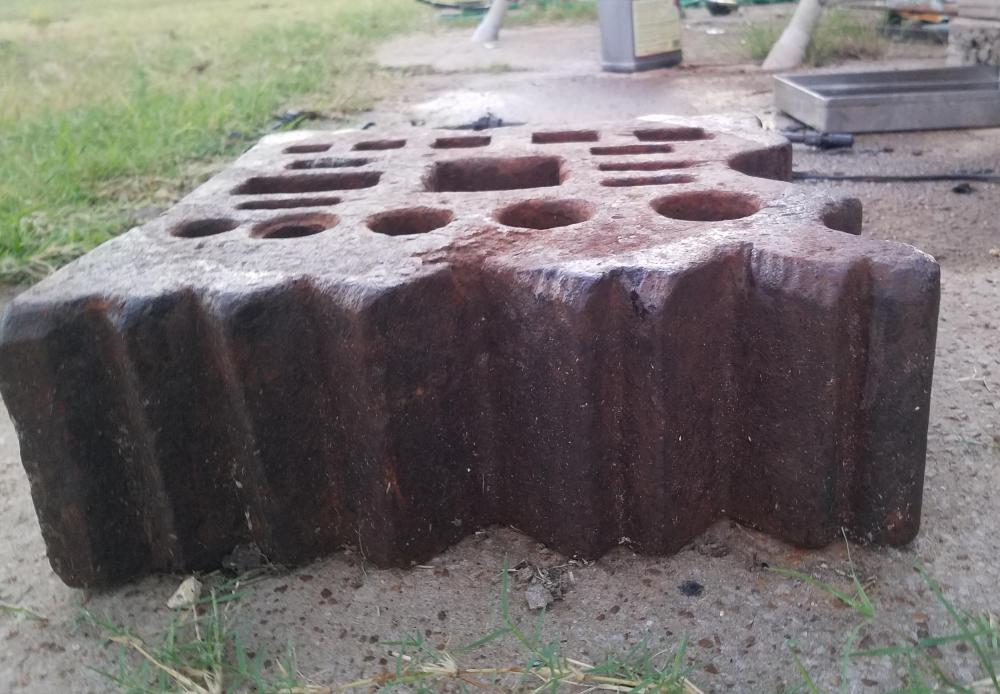
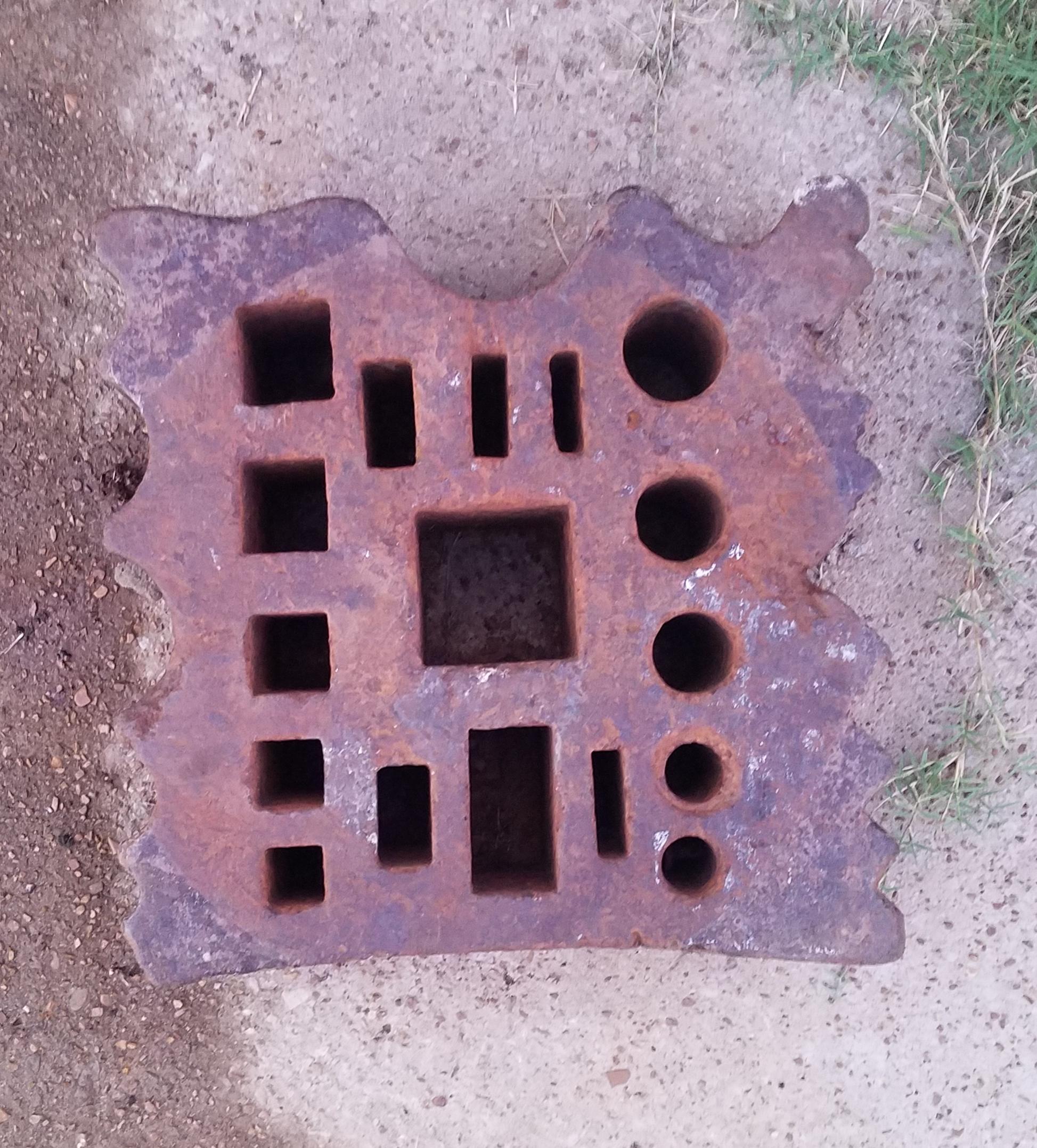
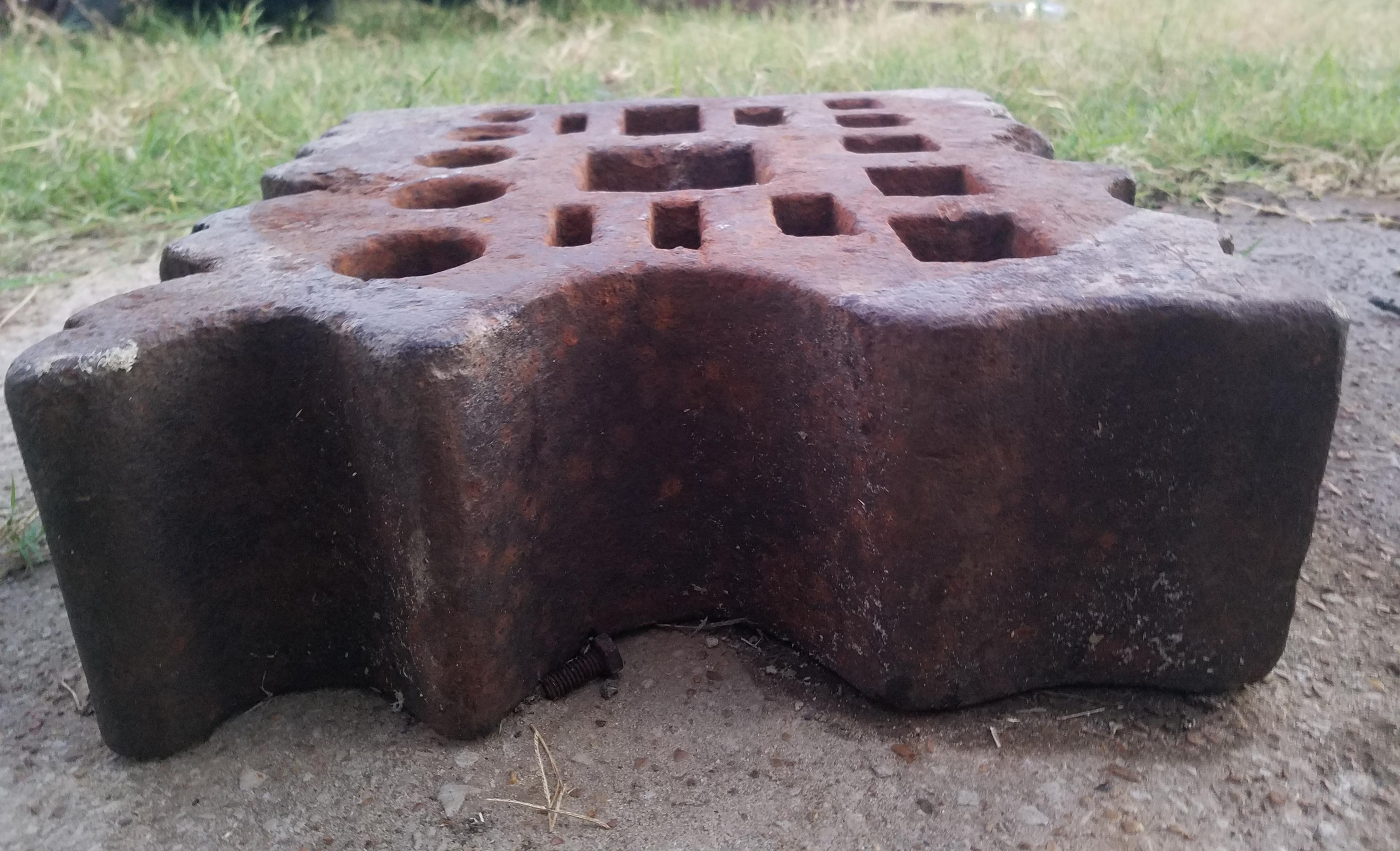
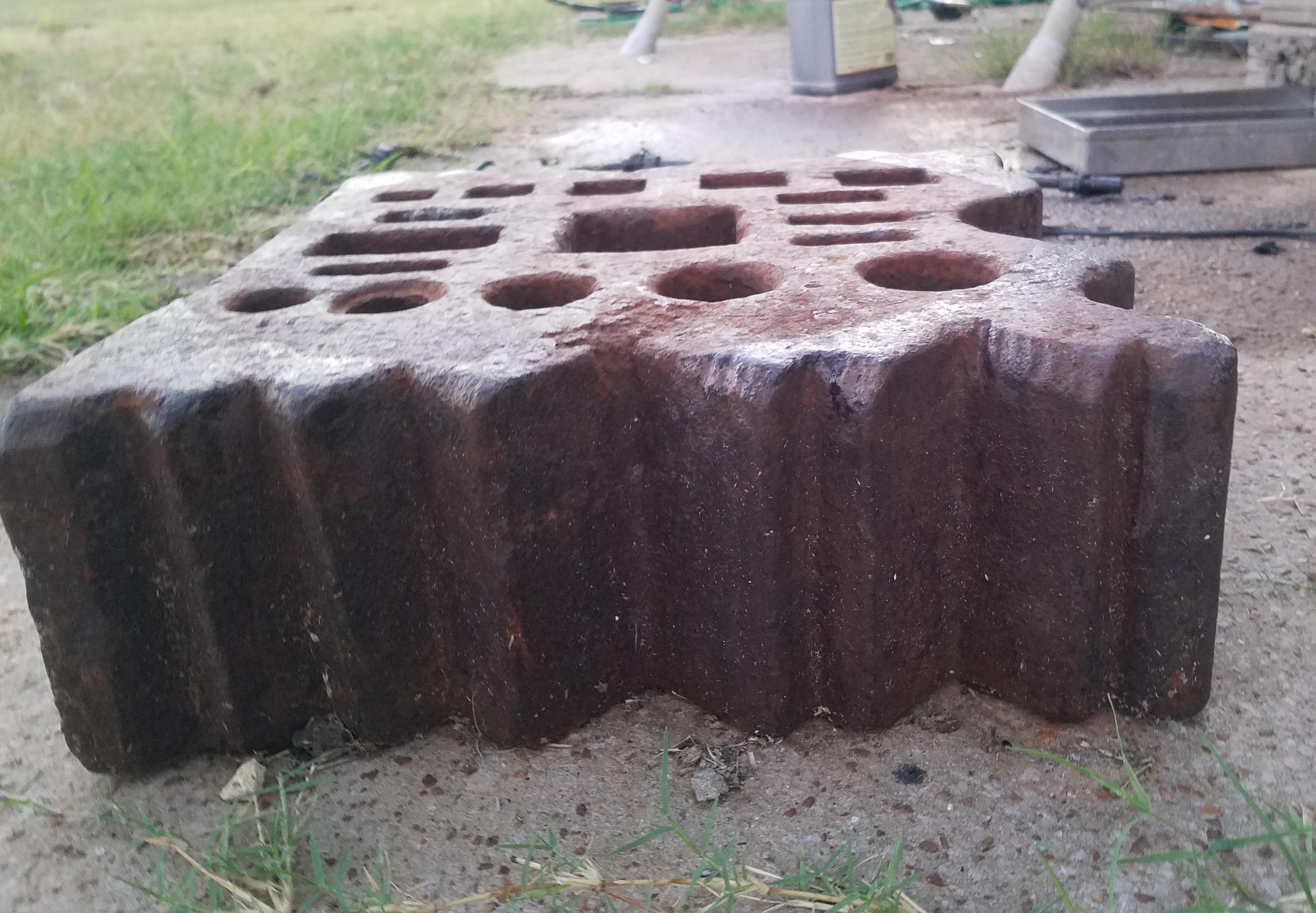
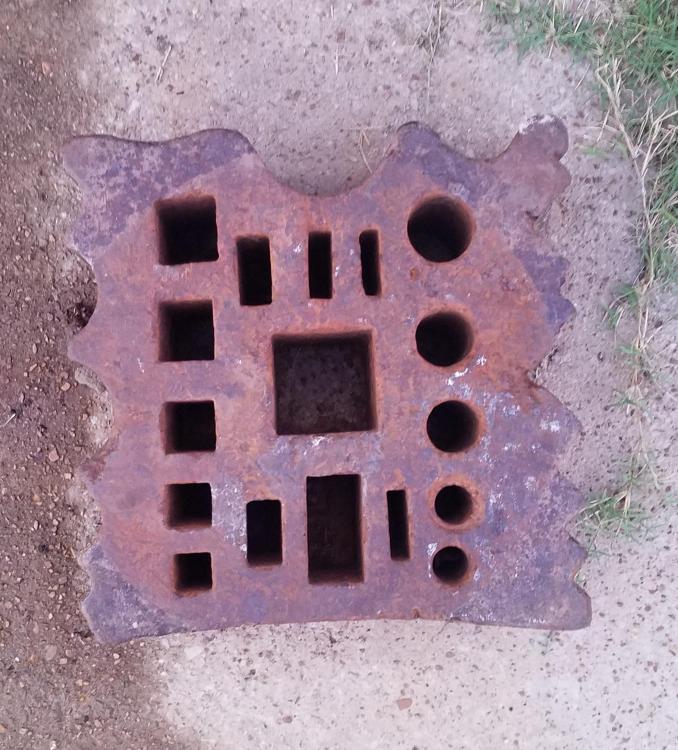
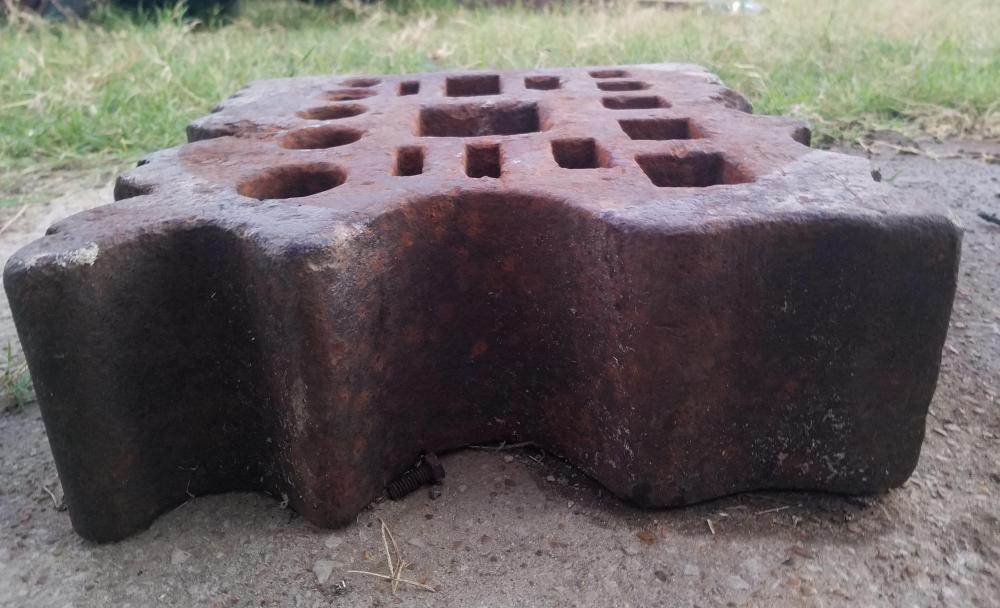
    My great uncle picked up a swage block over 80 yrs ago. Looking for some info.and value of it.. Thanks for your time... Kyle Jones
Account

Navigation

Search

Search

Configure browser push notifications

Chrome (Android)
  1. Tap the lock icon next to the address bar.
  2. Tap Permissions → Notifications.
  3. Adjust your preference.
Chrome (Desktop)
  1. Click the padlock icon in the address bar.
  2. Select Site settings.
  3. Find Notifications and adjust your preference.