Lonny75
Members
-
Joined
-
Last visited
Everything posted by Lonny75
-
Thank you. Yes it was, probably worked a lot harder and burned more gas than I should. Guess a self taught education costs you in sweat and money. Seen your videos and subscribed. Take care and thanks again. True, just wanted to see what I could do with a hammer and chisel and how the metal moves. Will be firing up the grinder the next go around. Take care
-
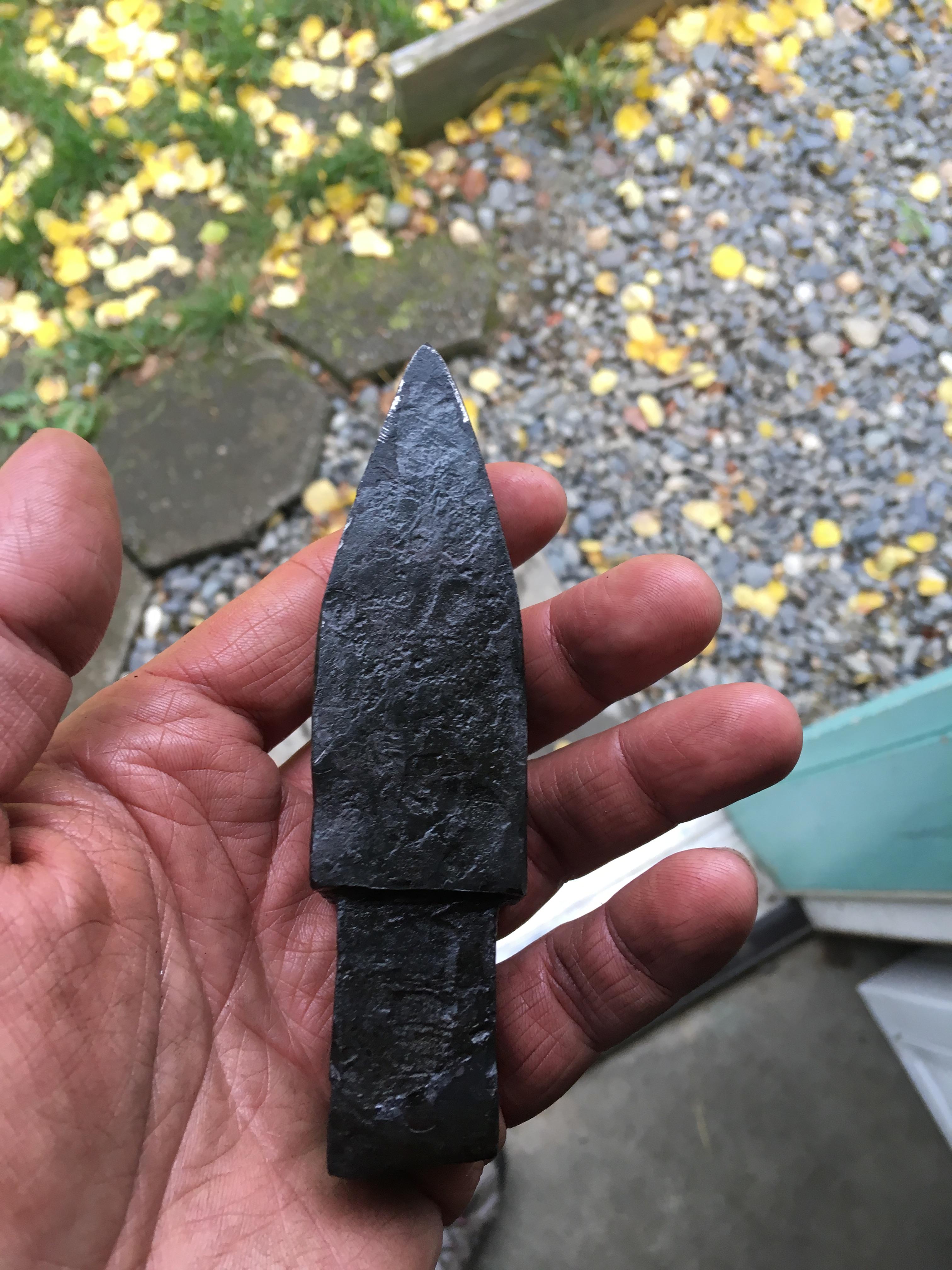
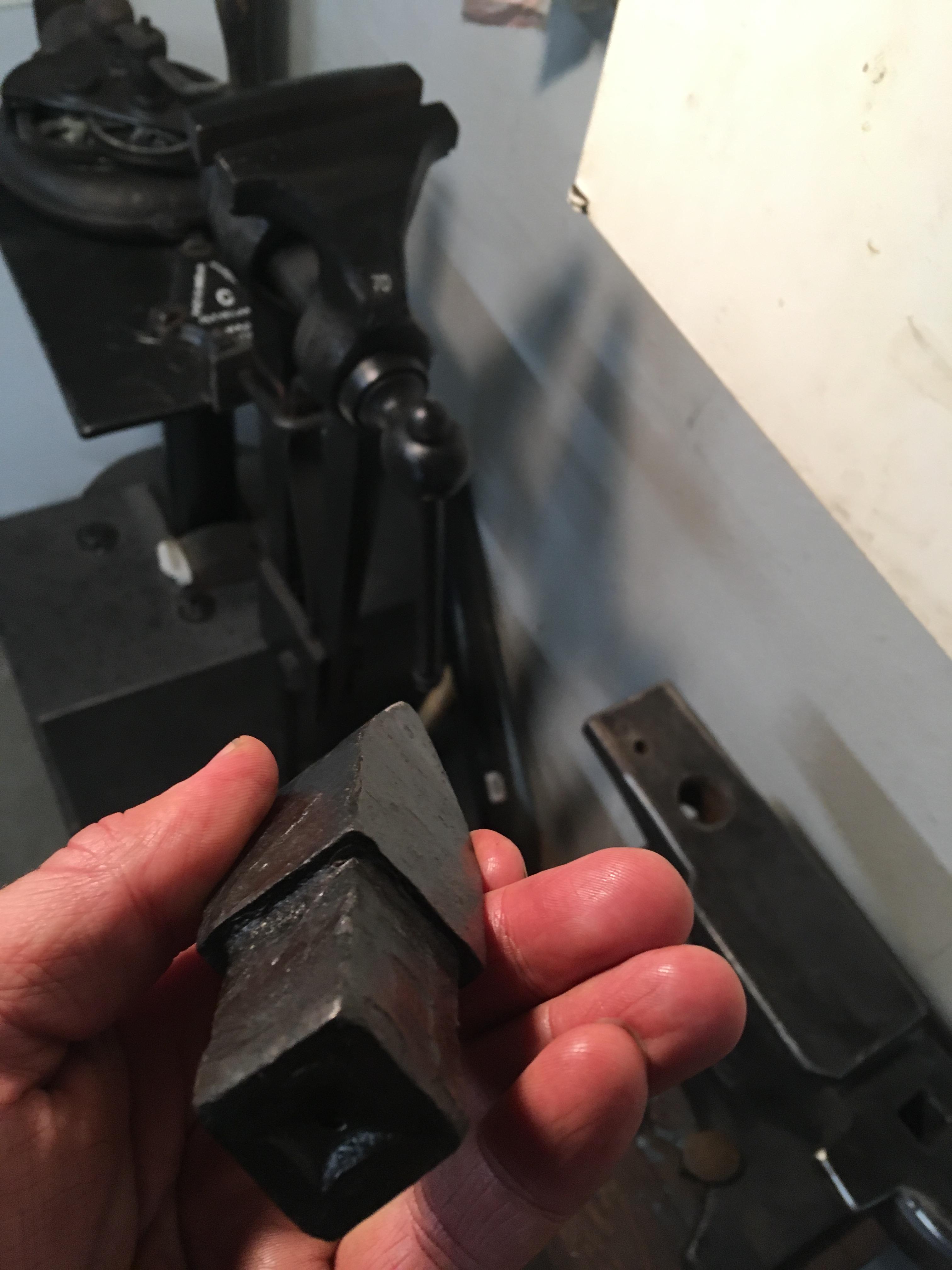
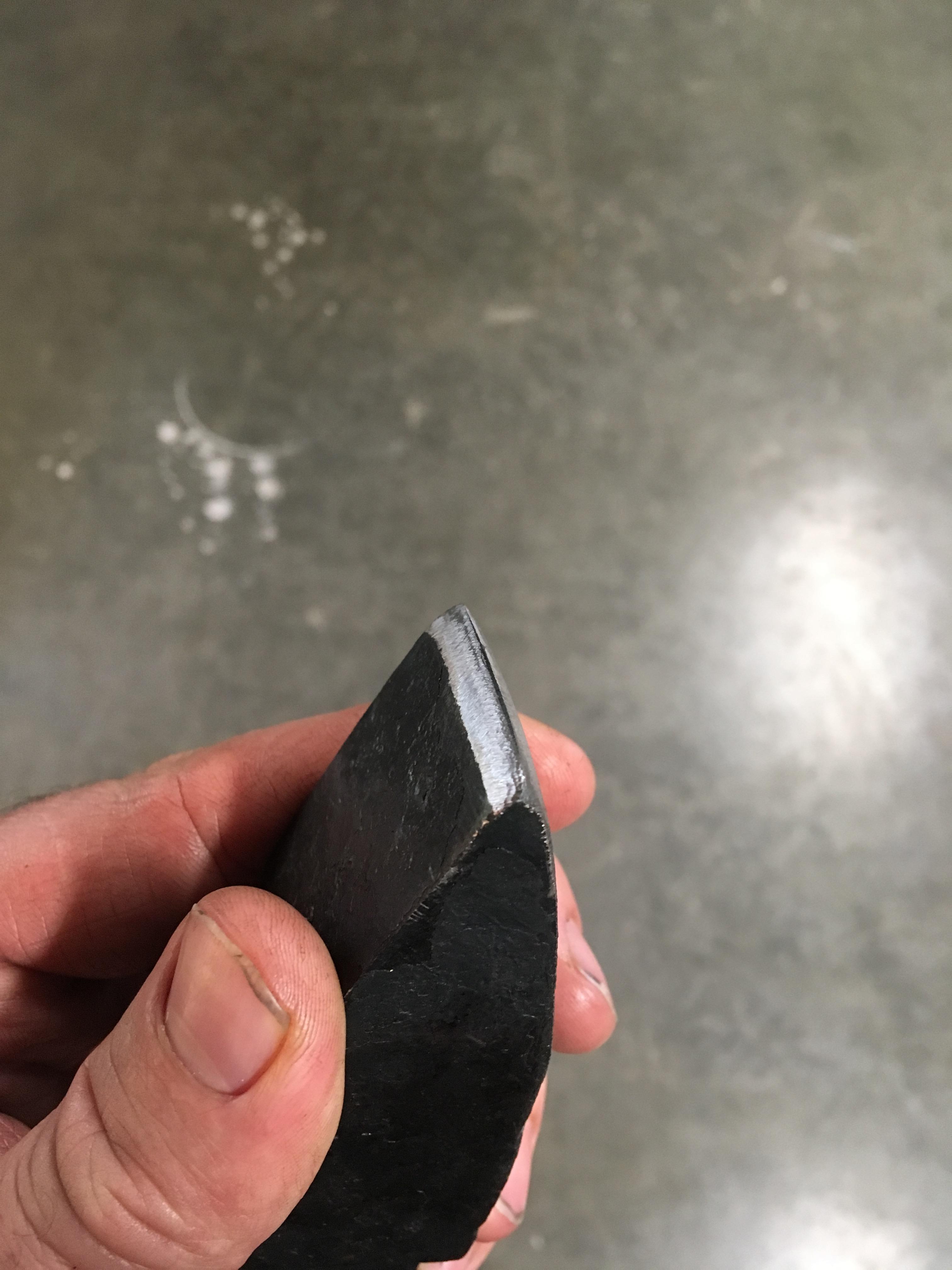
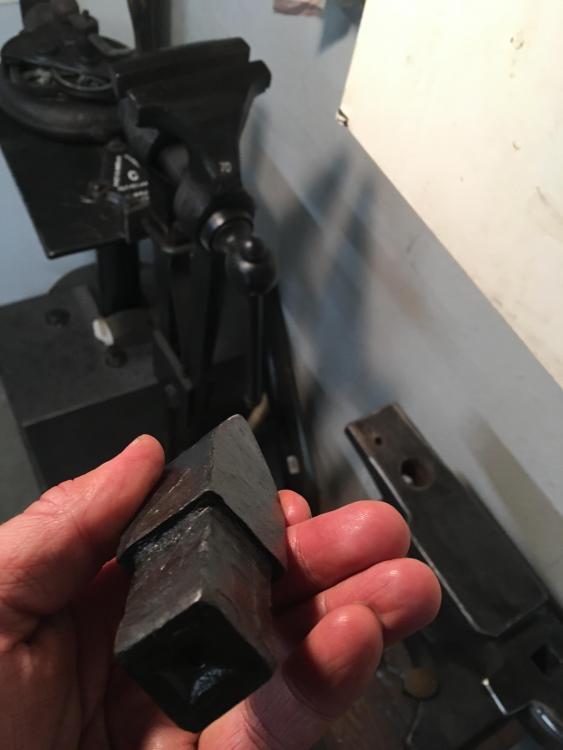
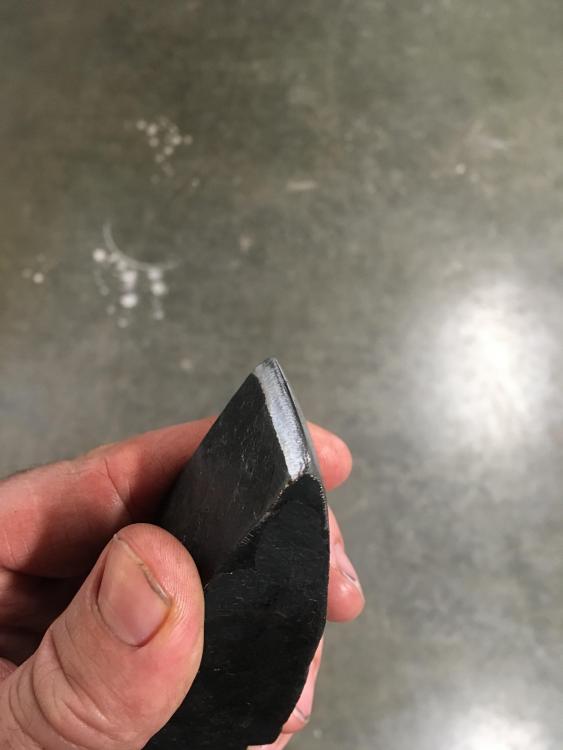
This is my very first attempt at forging anything. My intent was to make a hot cut . Frosty kindly pointed out what I made was actually a cold cut. Will be trying to make a hot cut again soon, this time with a little more knowledge than last time. Anyway here it is . 4140 pin used in heavy equipment.
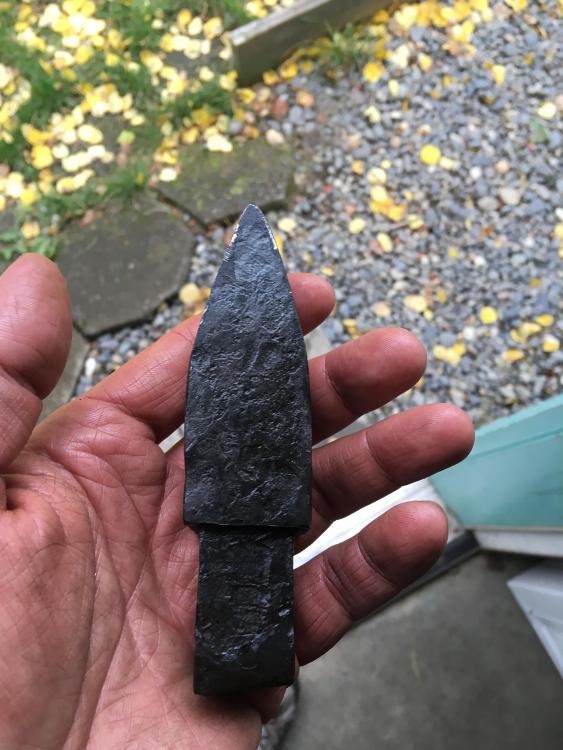
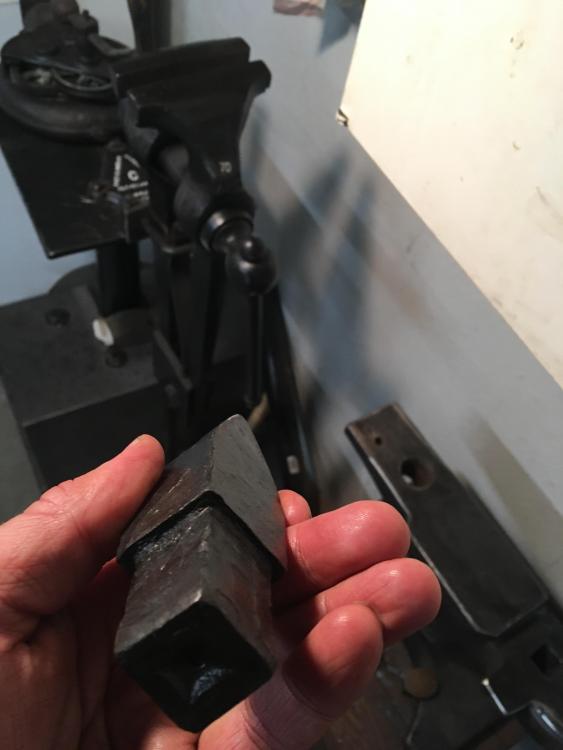
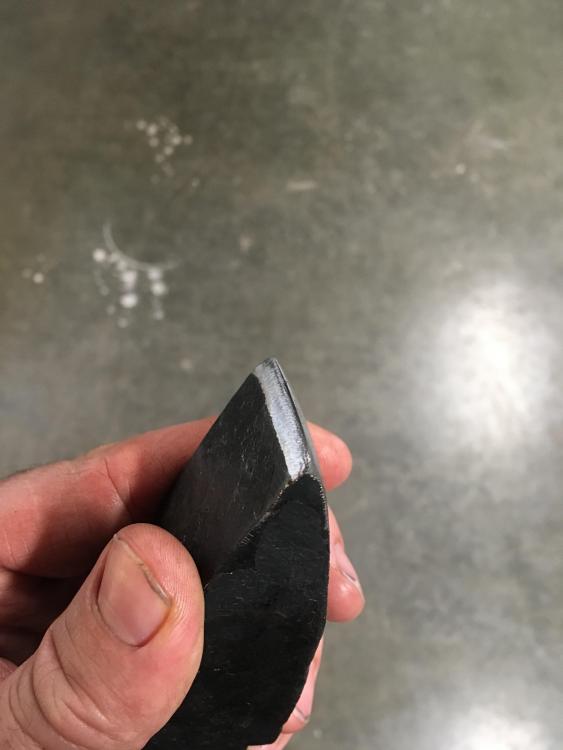
-
Sorry about that, I thought I put my actual location in the first time around, guess not. I am located in Alaska.
-
Hello i am looking for a part for my blower. I am missing the top end gear box cover. Does anybody have one for sale? A quick search on google located quite a few #400 gear box covers, however nothing for the #40. Any help is appreciated. thanks
-
Hello i realize this post is a few months old. I was curious if you made any progress on you #40 blower? I have one myself, unfortunately it is missing the gear cover. I am trying to track one down if you gave up on your project and looking to part yours out? I will consider selling you mine, I do love in Alaska shipping the entire blower out may prove a bit costly however. thanks