matt walker
Members
-
Joined
-
Last visited
Everything posted by matt walker
-
-
-
-
-
-
-
-
-
-
Hardy........? Matt
-
Check here http://elliscustomknifeworks.com/. Darren is a friend of mine and a really good person to work with. He builds a quality forge with some neat features at very competive prices, I think. good luck .. Matt
-
Lots of choices here http://www.hammersource.com/index.html Matt
-
-
-
-
-
-
-
-
-
-
Built as shop 2001. Mostly dirt floor. 30X60. Matt
-
Really neat site. Thanks Matt
-
Don A. We have a blacksmith group that meets every second Sunday around 1:30pm at Rocky Mount Museum. That is between Johnson City and Bluff City(on Hwy. 11E) if you are close, It's this Sunday the 11th. Group site here; http://bfrm.abana-chapter.com/ Group photos; here http://bristolforge.shutterfly.com/action/ including photos of Tyree's new shop and power hammer and some of our members work. More about Rocky Mount here; http://www.rockymountmuseum.com/ Matt
-
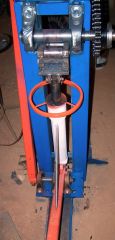
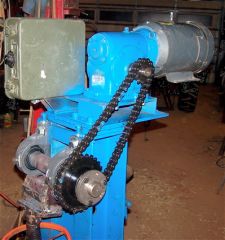
This might help. http://www.matthewdwalker.com/files/Download/MattsPress.pdf I mostly use it for damascus. The article was intended for general blacksmiths. Matt