Skip to content
View in the app

A better way to browse. Learn more.

I Forge Iron

A full-screen app on your home screen with push notifications, badges and more.

To install this app on iOS and iPadOS
  1. Tap the Share icon in Safari
  2. Scroll the menu and tap Add to Home Screen.
  3. Tap Add in the top-right corner.
To install this app on Android
  1. Tap the 3-dot menu (⋮) in the top-right corner of the browser.
  2. Tap Add to Home screen or Install app.
  3. Confirm by tapping Install.

Woodsmoke

Members
  • Joined

  • Last visited

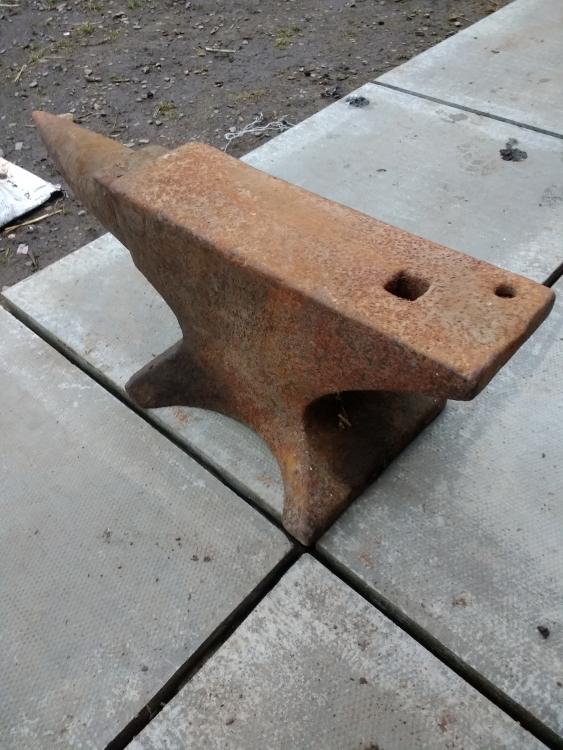
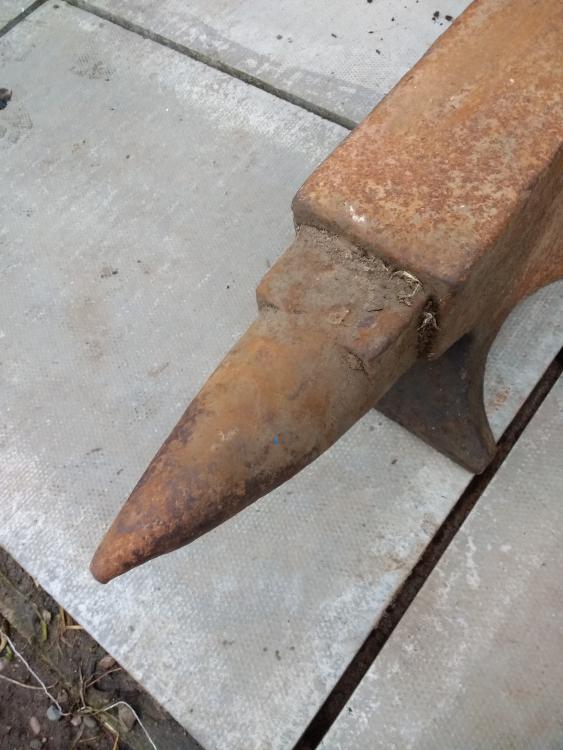
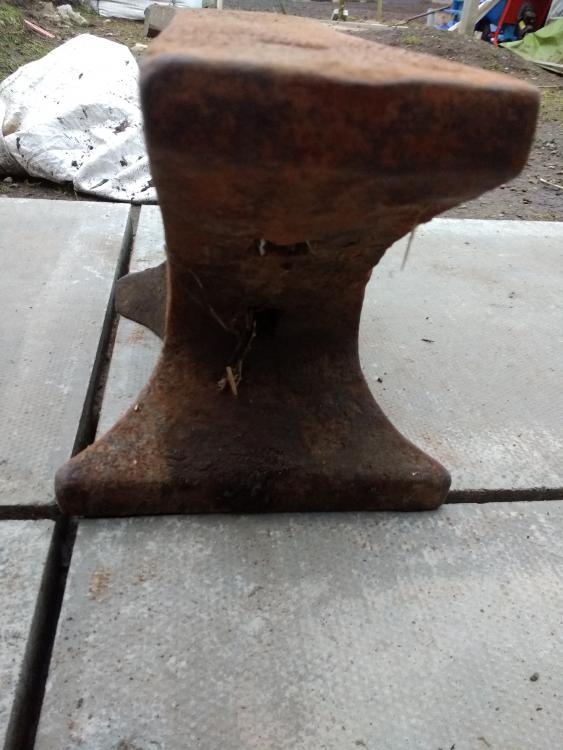
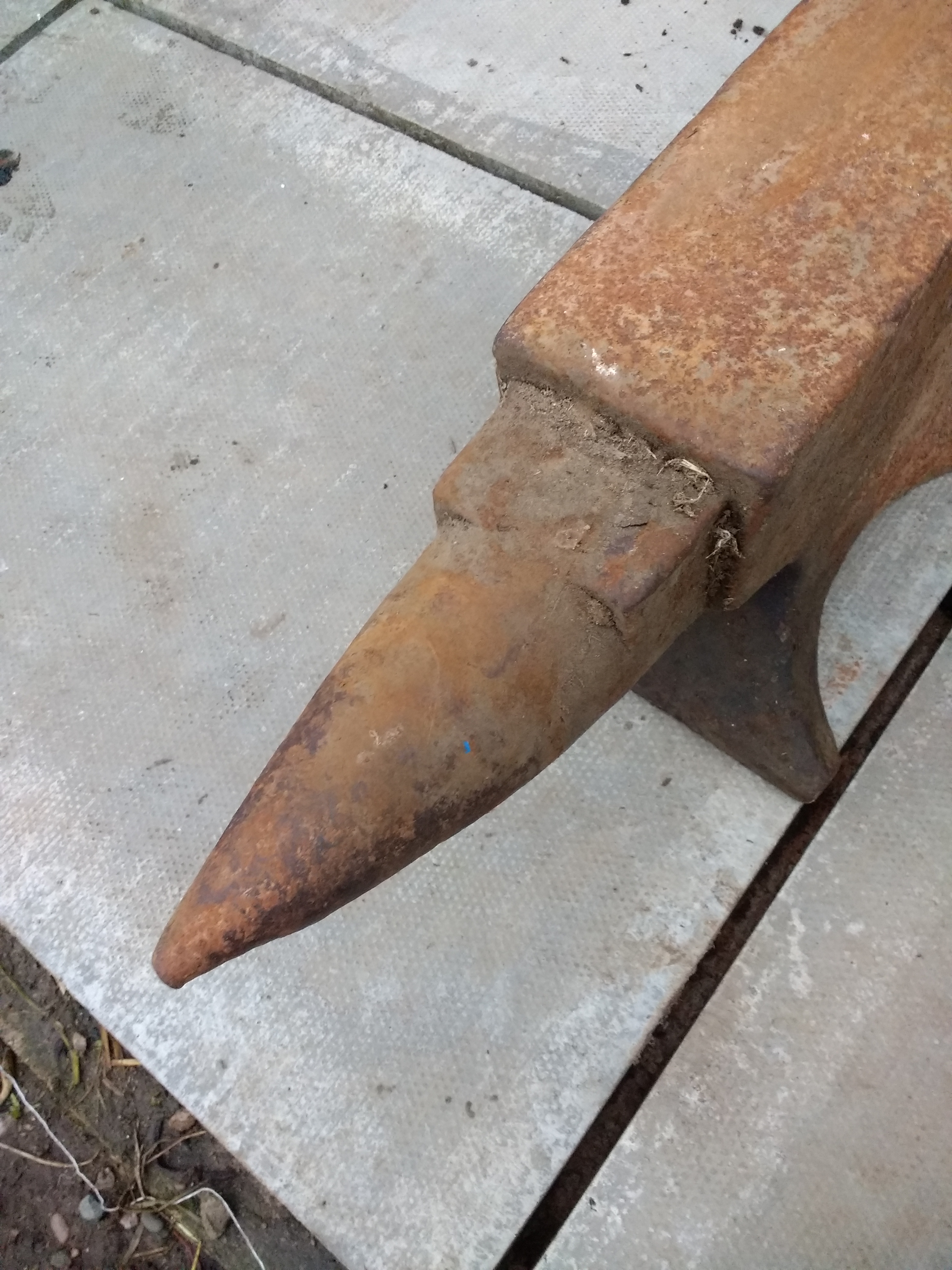
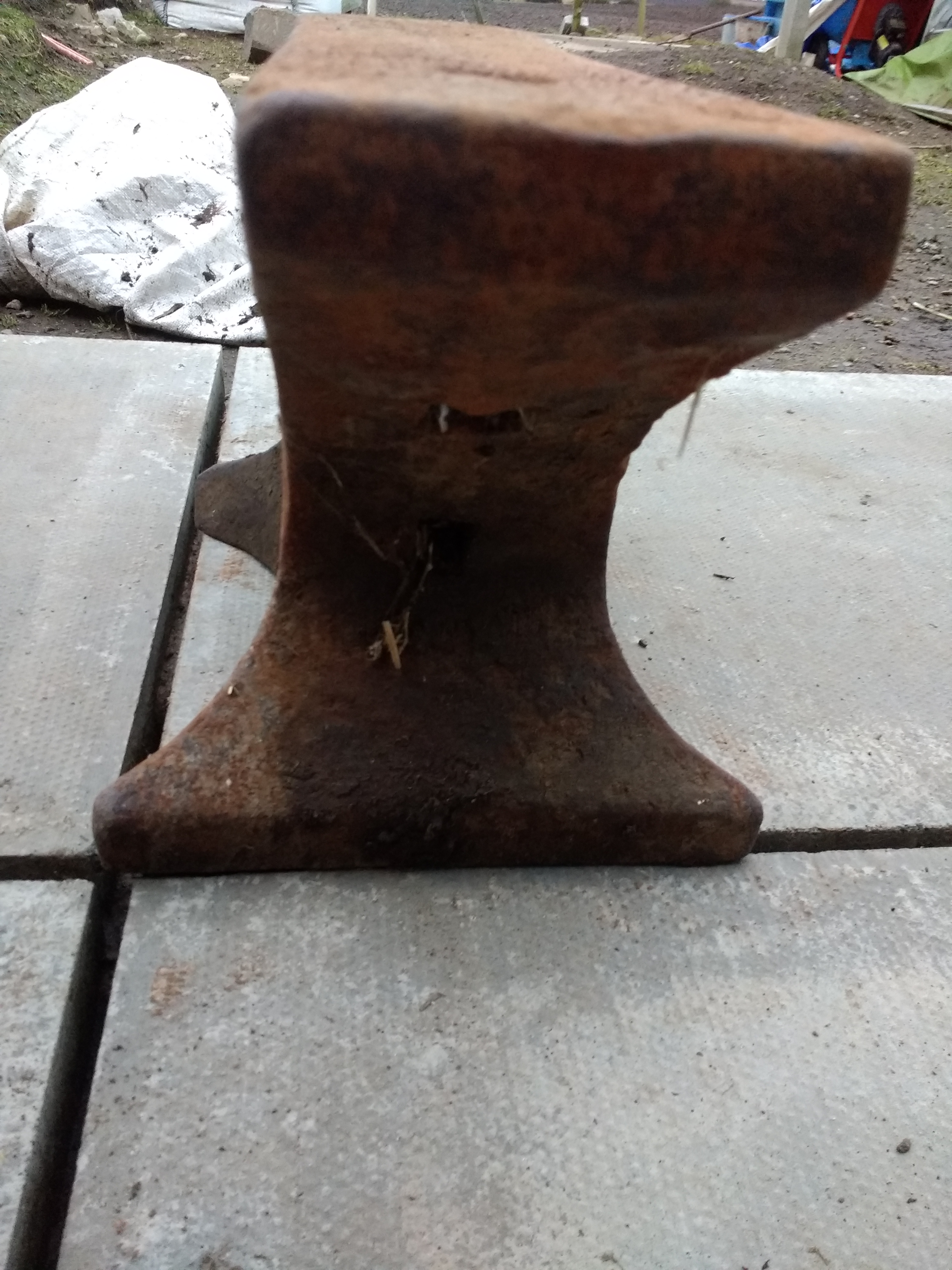
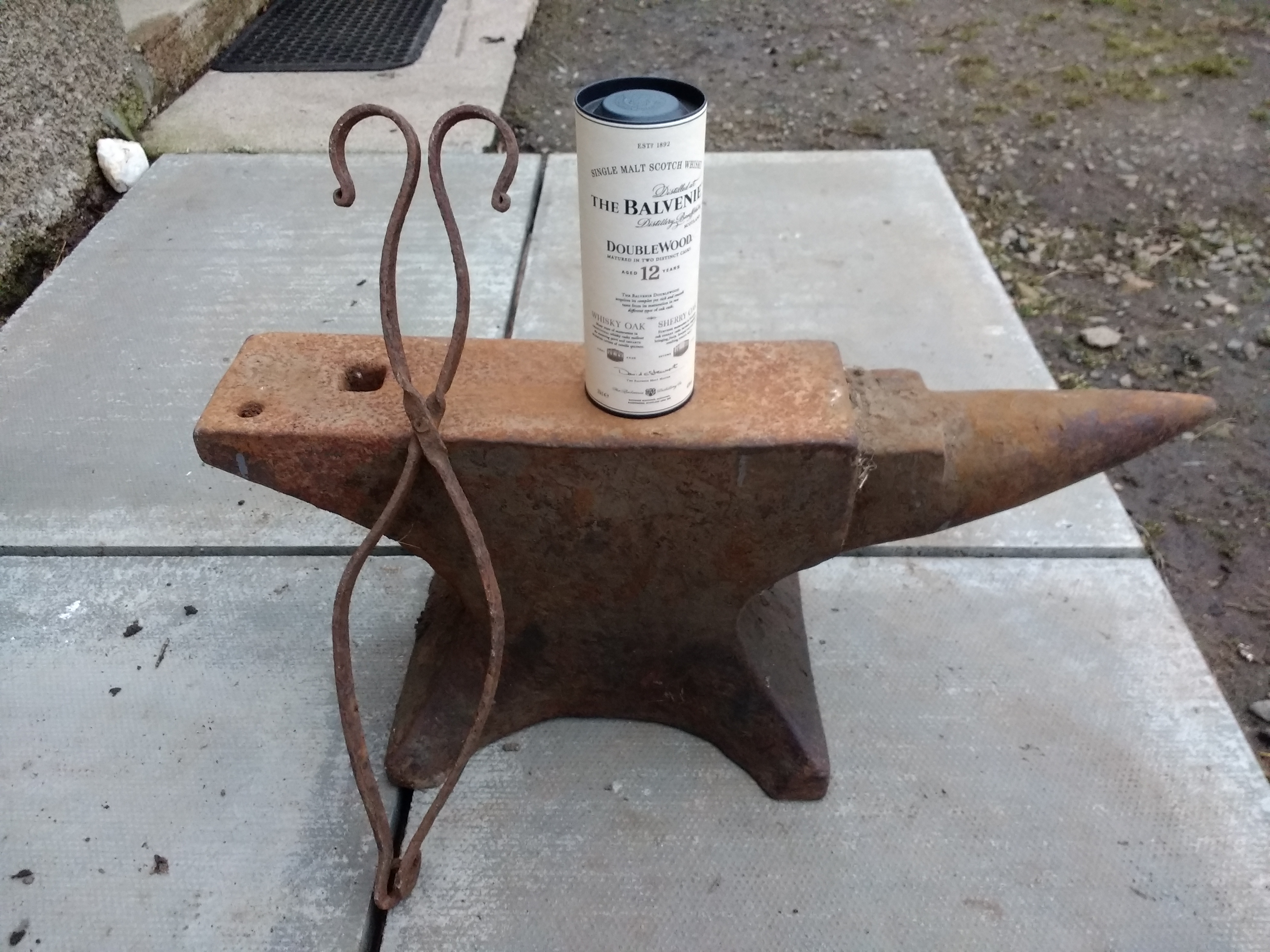
  1. My awesome brother and my sister in-law brought around my bday presents. Very lucky, just have to get the forge built and get started proper.
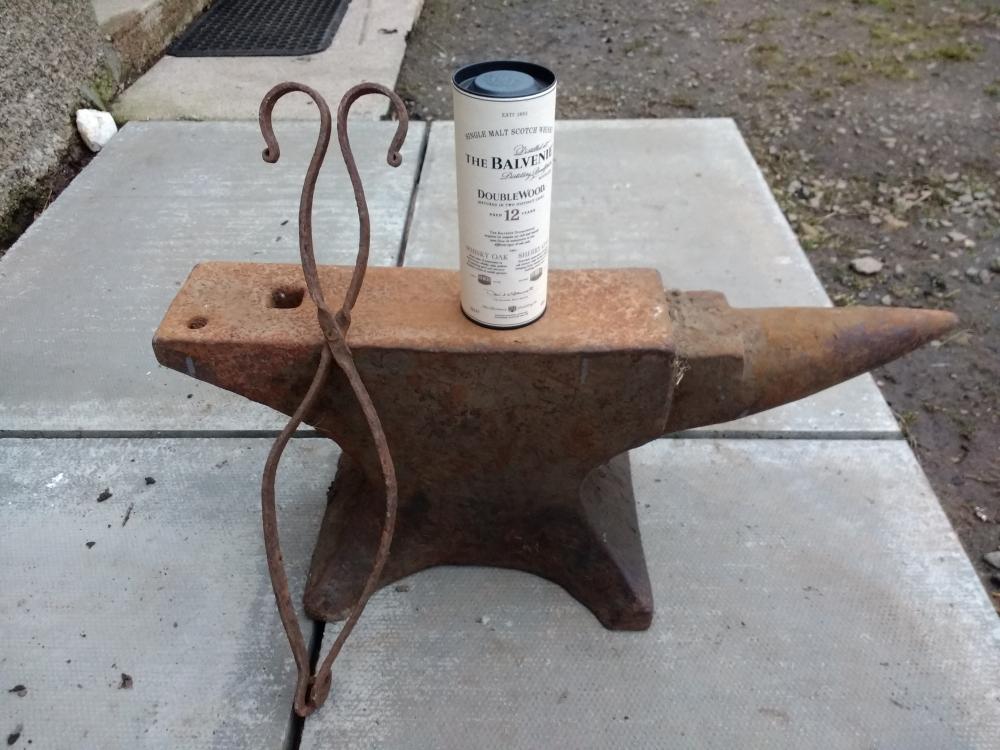
  2. Hi folks, Name is Craig, im from the North of Scotland. Just been biten by the blacksmithing bug. After I get a bit of experience under my belt I would like to make practical pieces as well as tools and mabey a few decorative bits. I have a pile of scrap waiting to made into a coal/coke forge of some kind ( still undecided what type). That will be my first step on hopefully a long and rewarding journey. I look forward to learning from you all( you guys certainly know your stuff) and mabey able to contribute in time. Right of to read as many files as I can. Thanks and all the best Craig

Account

Navigation

Search

Search

Configure browser push notifications

Chrome (Android)
  1. Tap the lock icon next to the address bar.
  2. Tap Permissions → Notifications.
  3. Adjust your preference.
Chrome (Desktop)
  1. Click the padlock icon in the address bar.
  2. Select Site settings.
  3. Find Notifications and adjust your preference.