0rion
Members
-
Joined
-
Last visited
-
Jake! Glad I found this I was becoming concerned at the lack of Central Valley smiths. I am in Fresno. I'm only a few months in but after joining CBA and attending forging on the fault line I've been seeking closer forges and hammer ins. I will send you a PM and FB request, thanks.
-
-
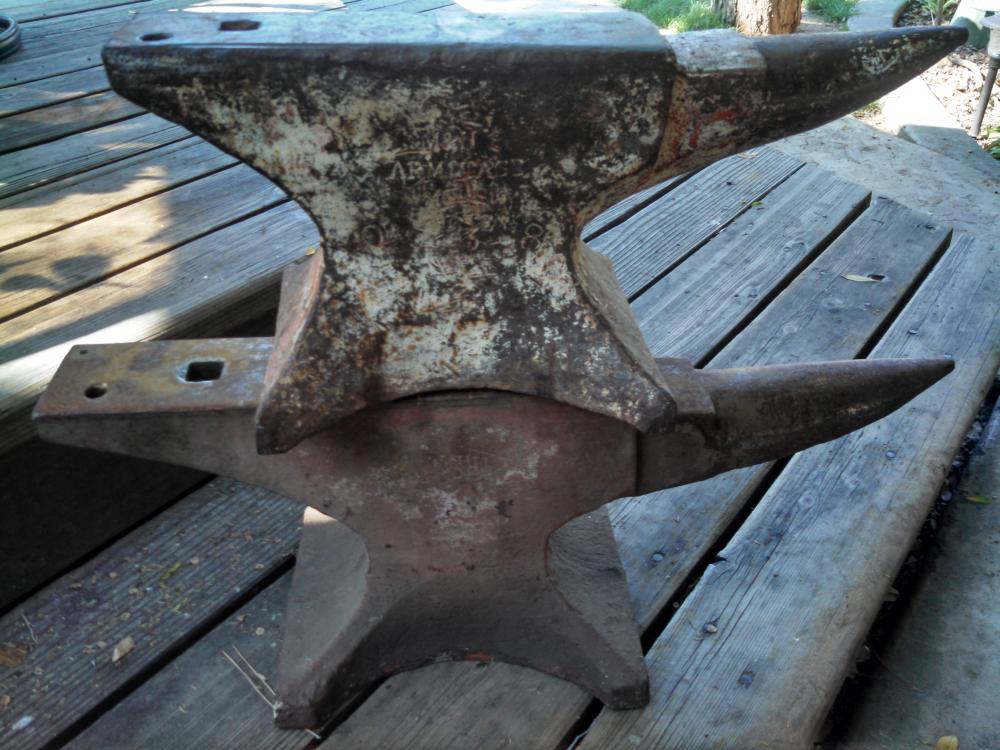
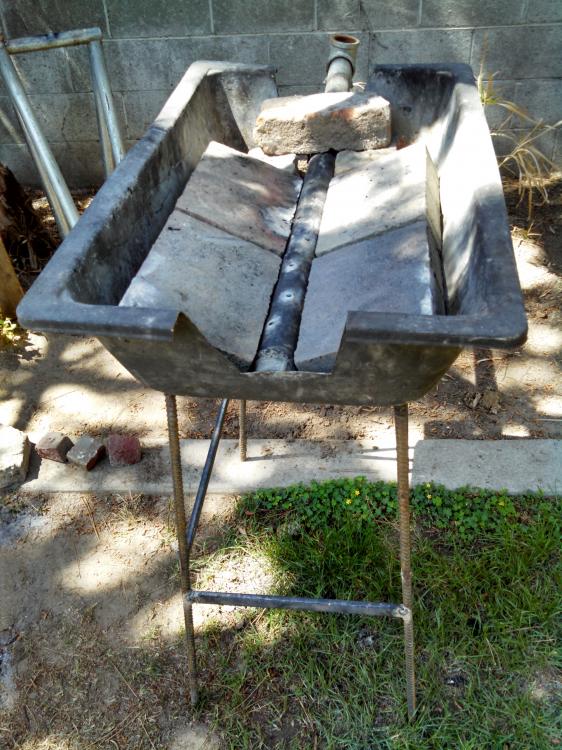
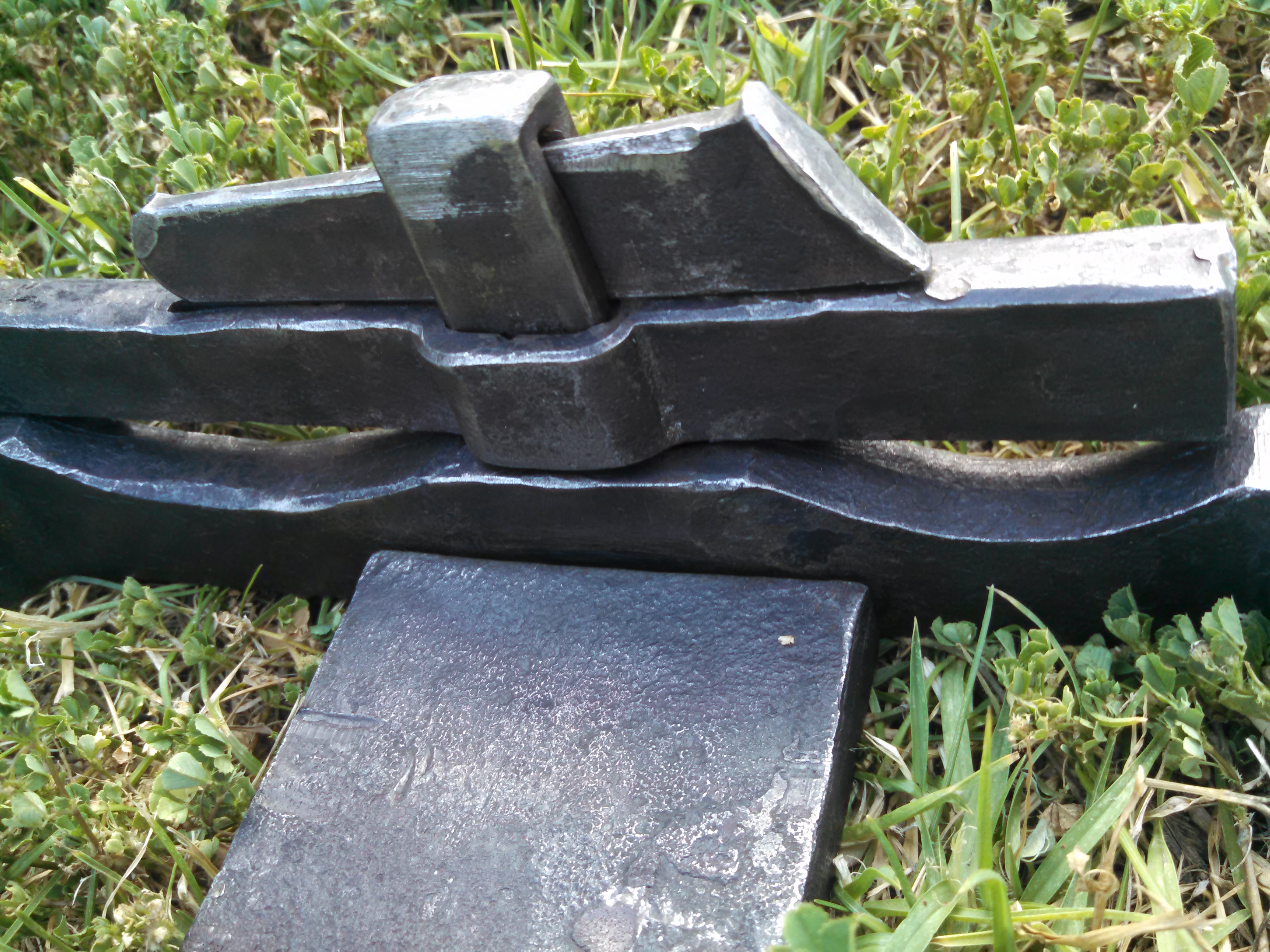
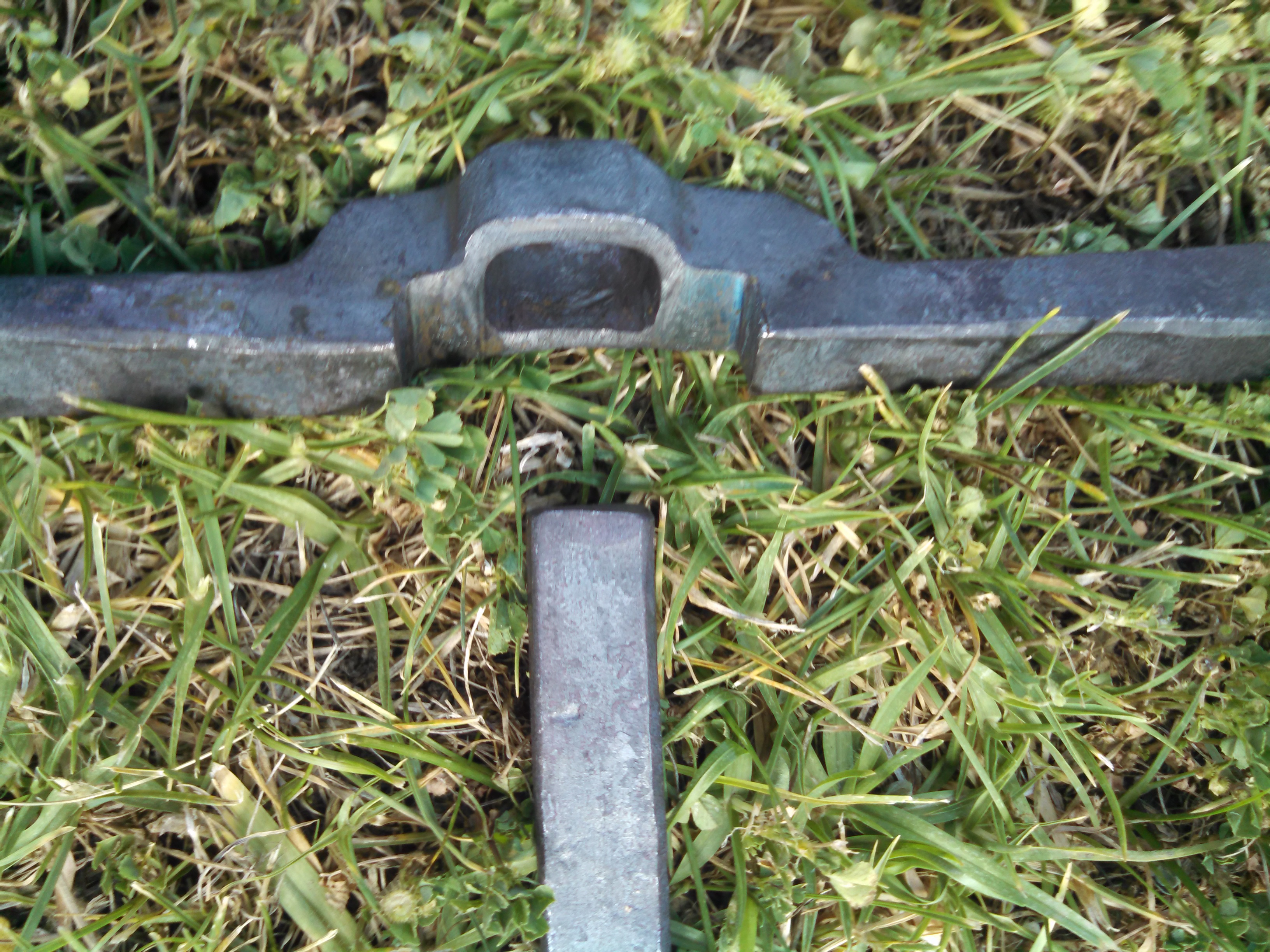
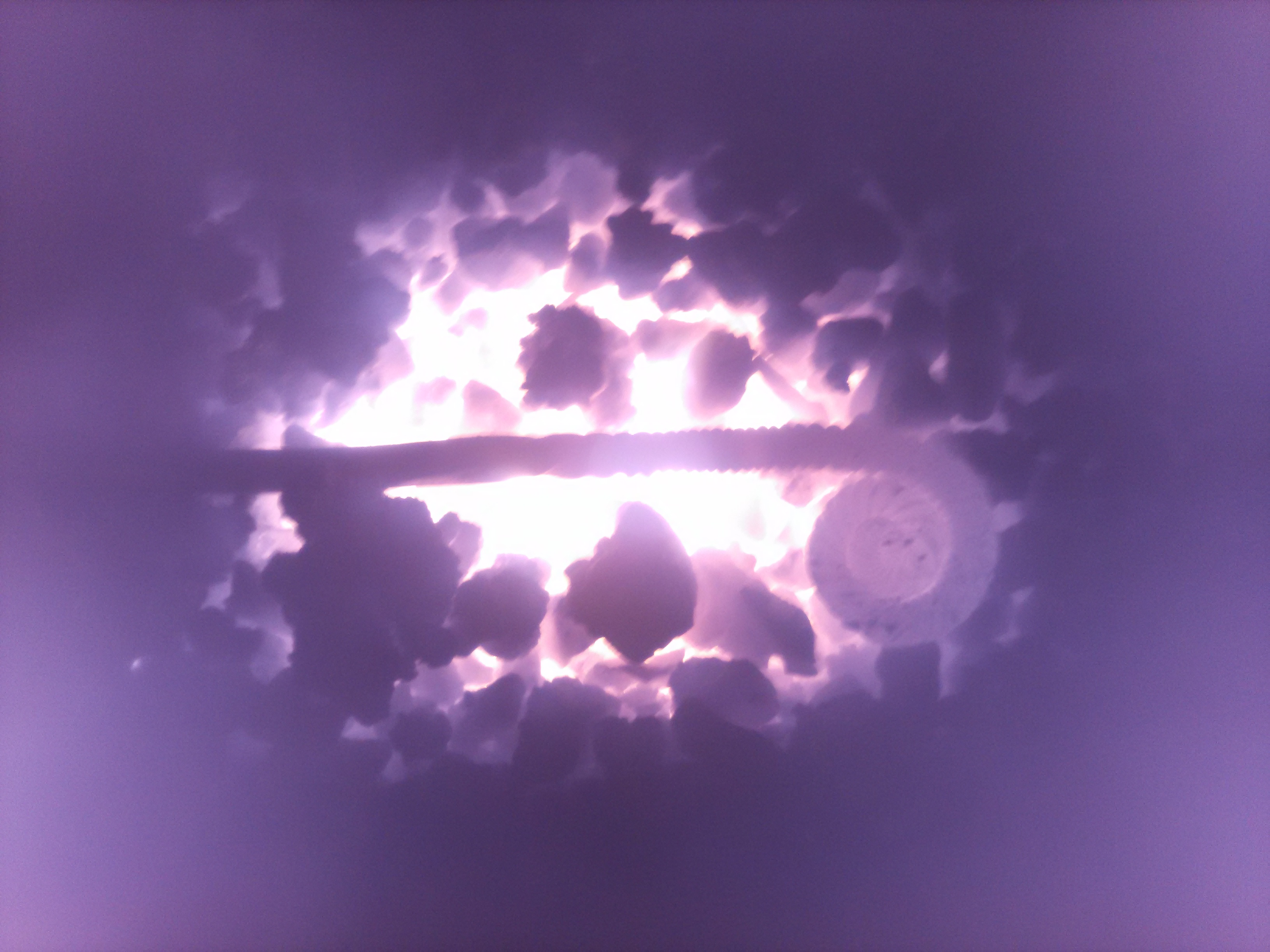
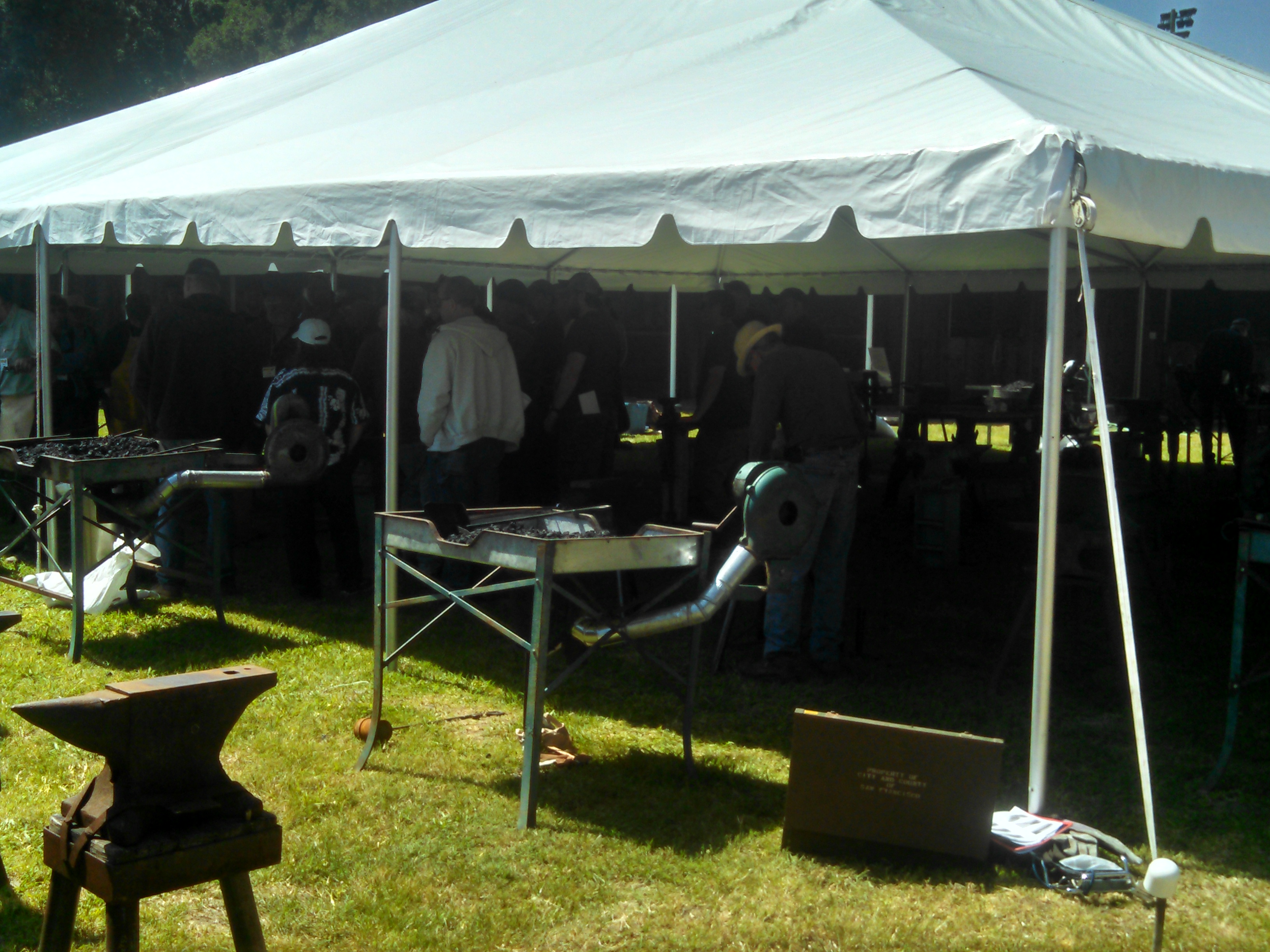
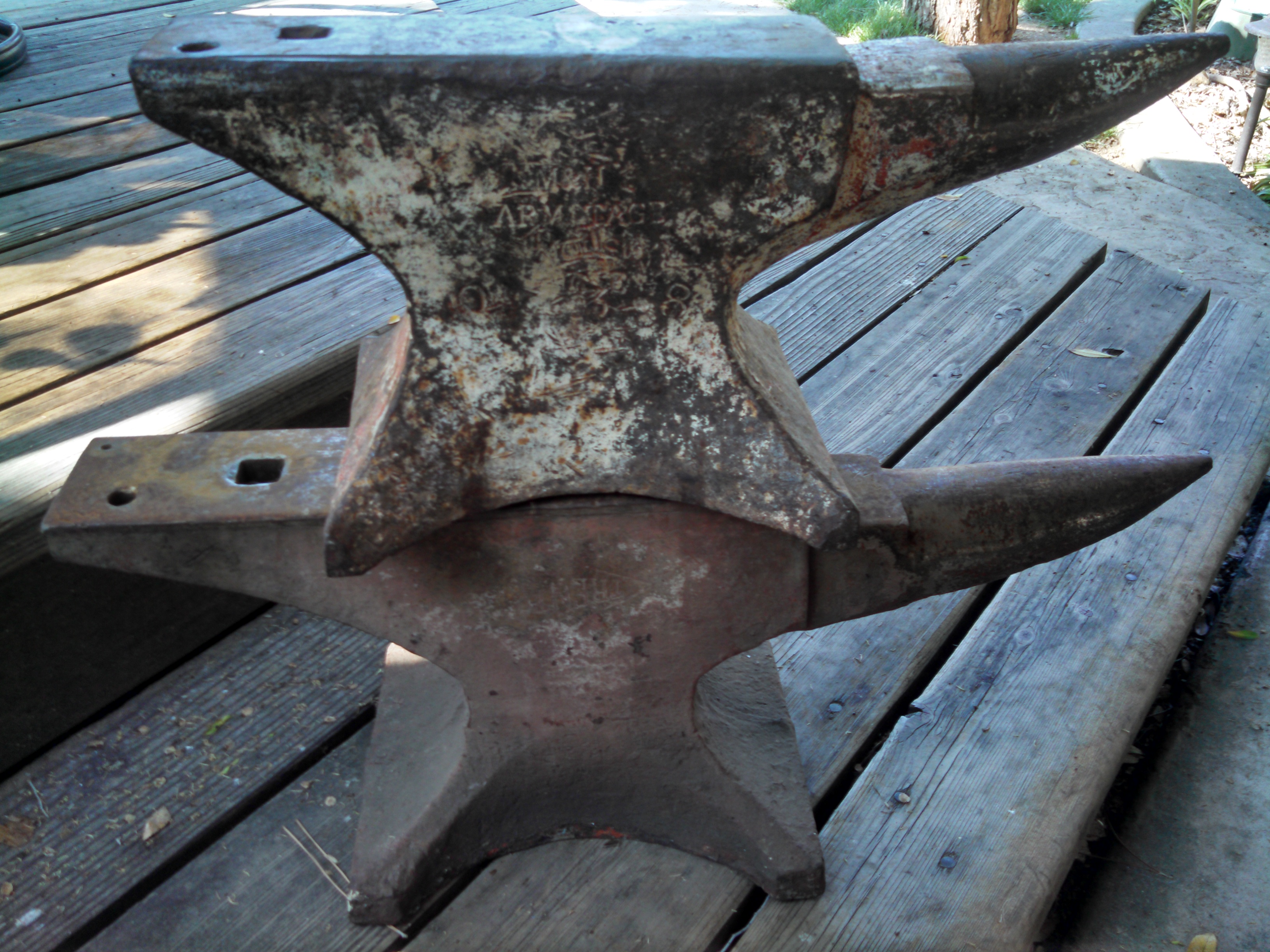
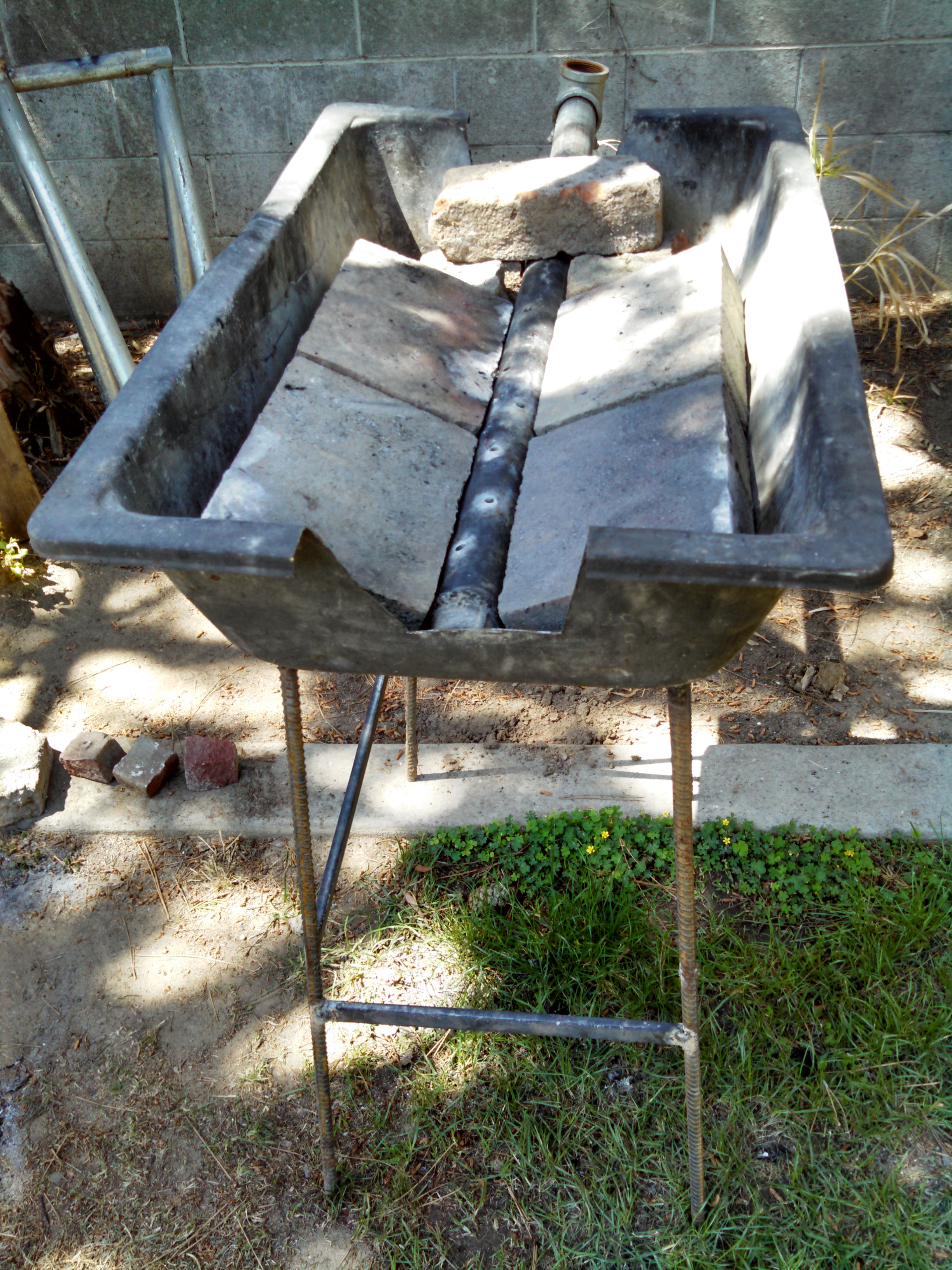
Thanks for the tips and greetings fellows. I am currently at the spring conference and joined CBA. It was definetly a good choice to come here. So far I've made tongs and a hold down tool and a mangled seahawk head. Also gained a huge amount of knowledge that I am desperately trying to retain. I am using hard wood lump charcoal and have been covering the extra holes with brick but will switch to clay now. Did not know about the slag sticking. I bought the 95# mouse hole for $250 at infinity forge in reno. The 110# M&H I got at an estate sale for $100. Lol they were stacked just for the pic. I chisled out a depression in a good sized tree stump and fit them in. Pincher bugs like to live underneath it so I coated it in rustolium paint.
-
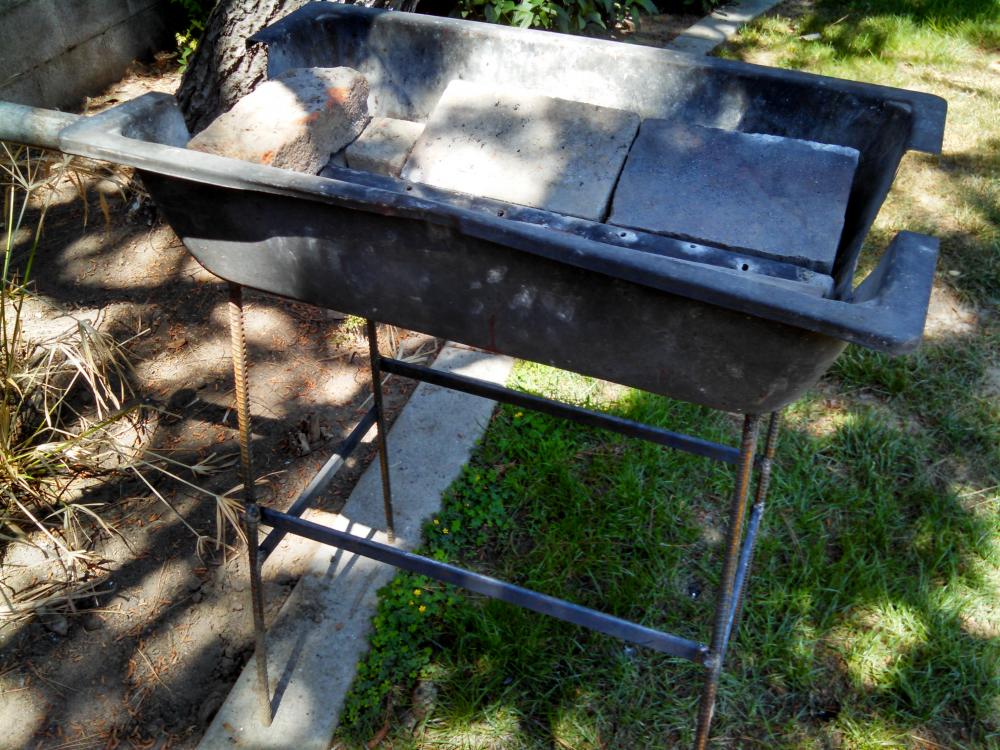
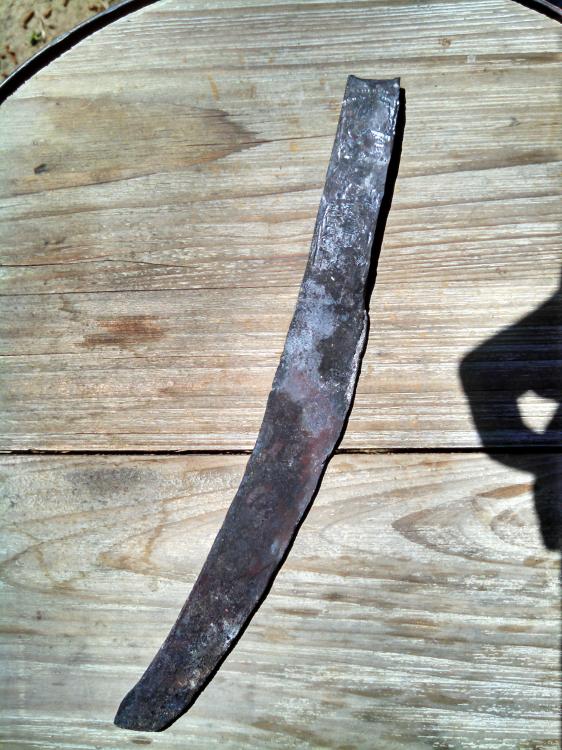
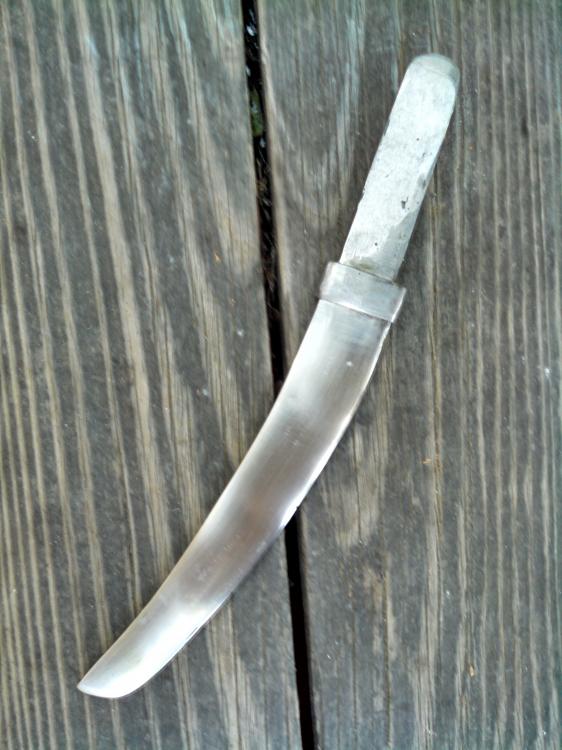
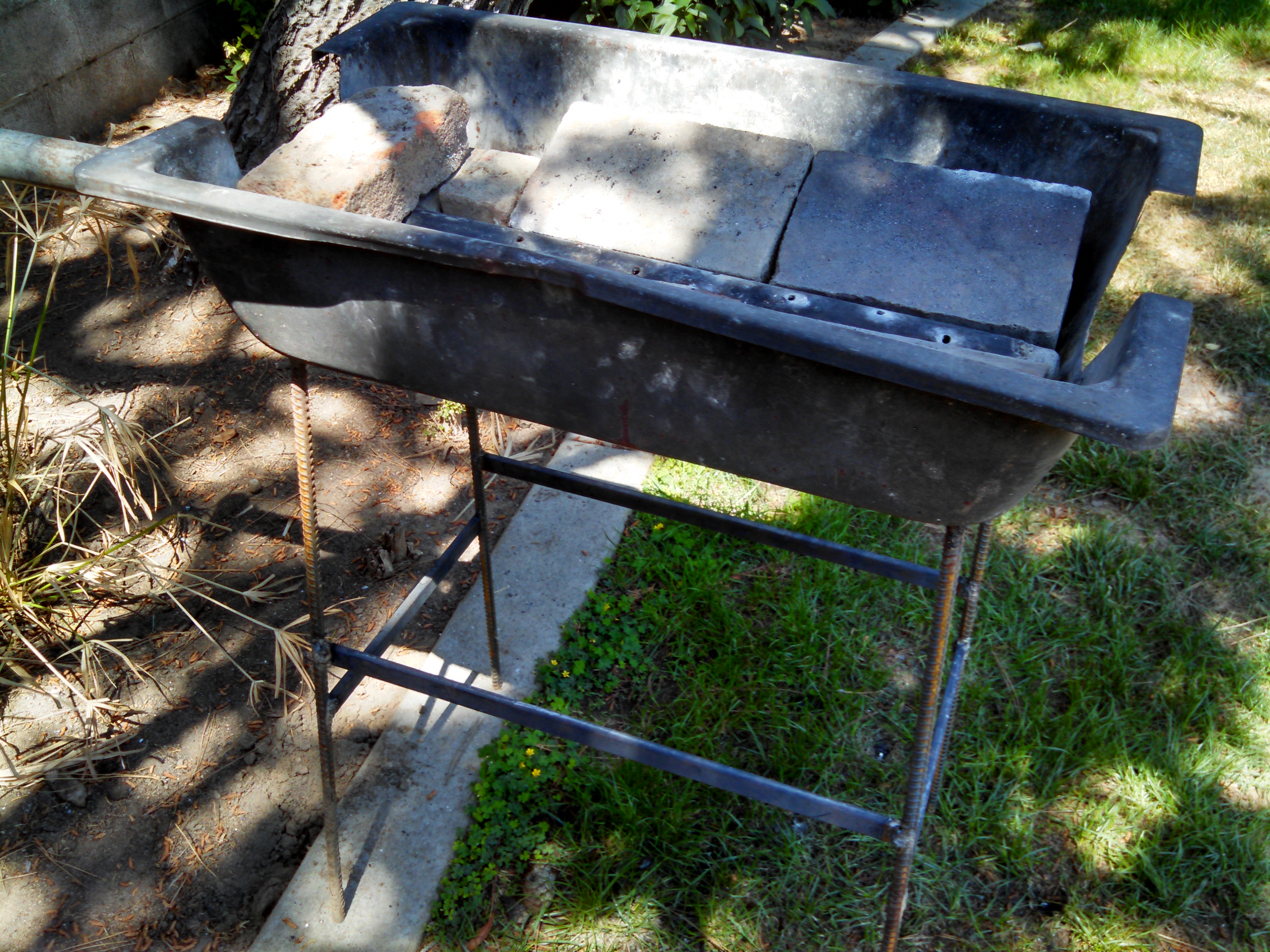
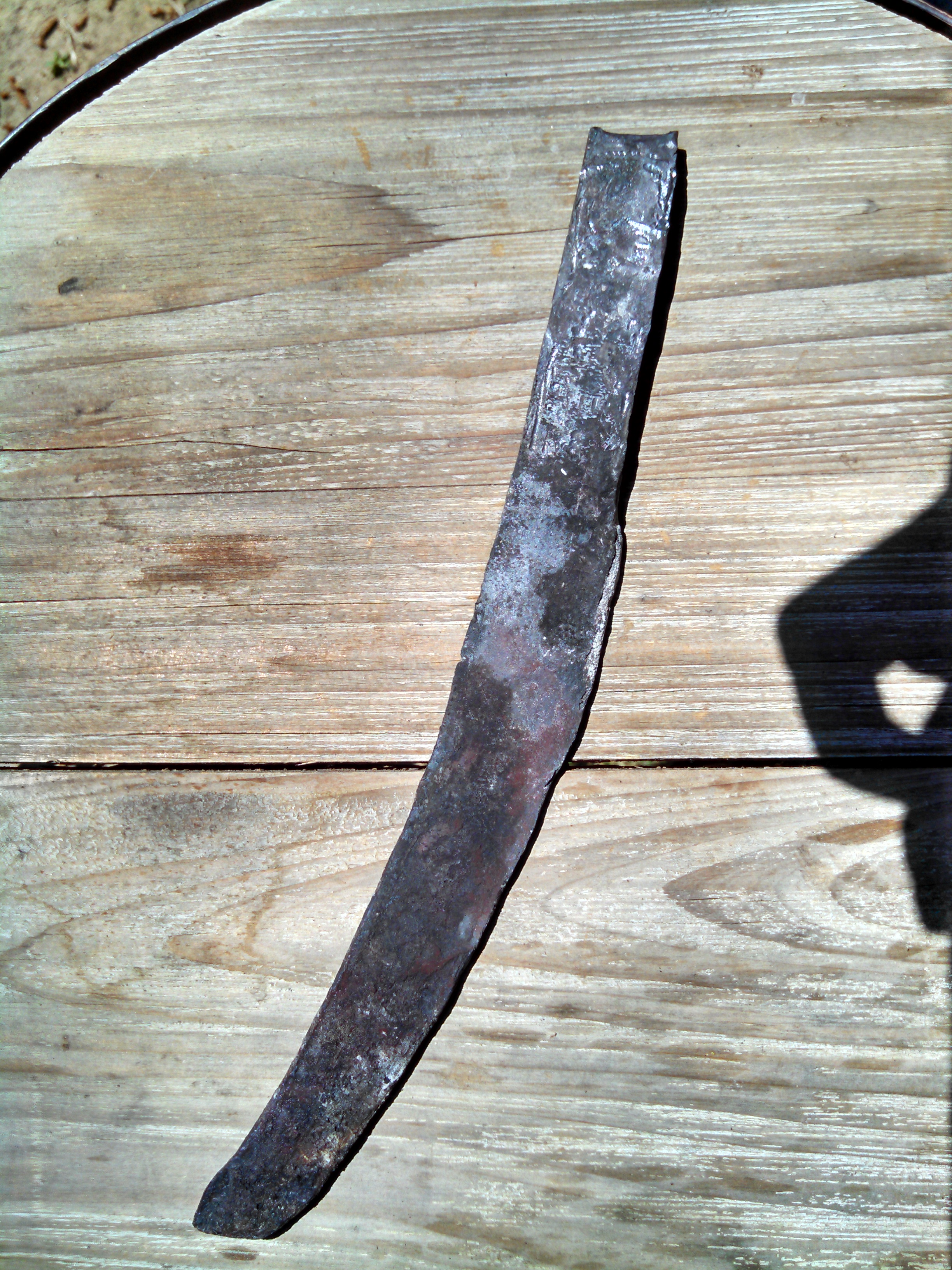
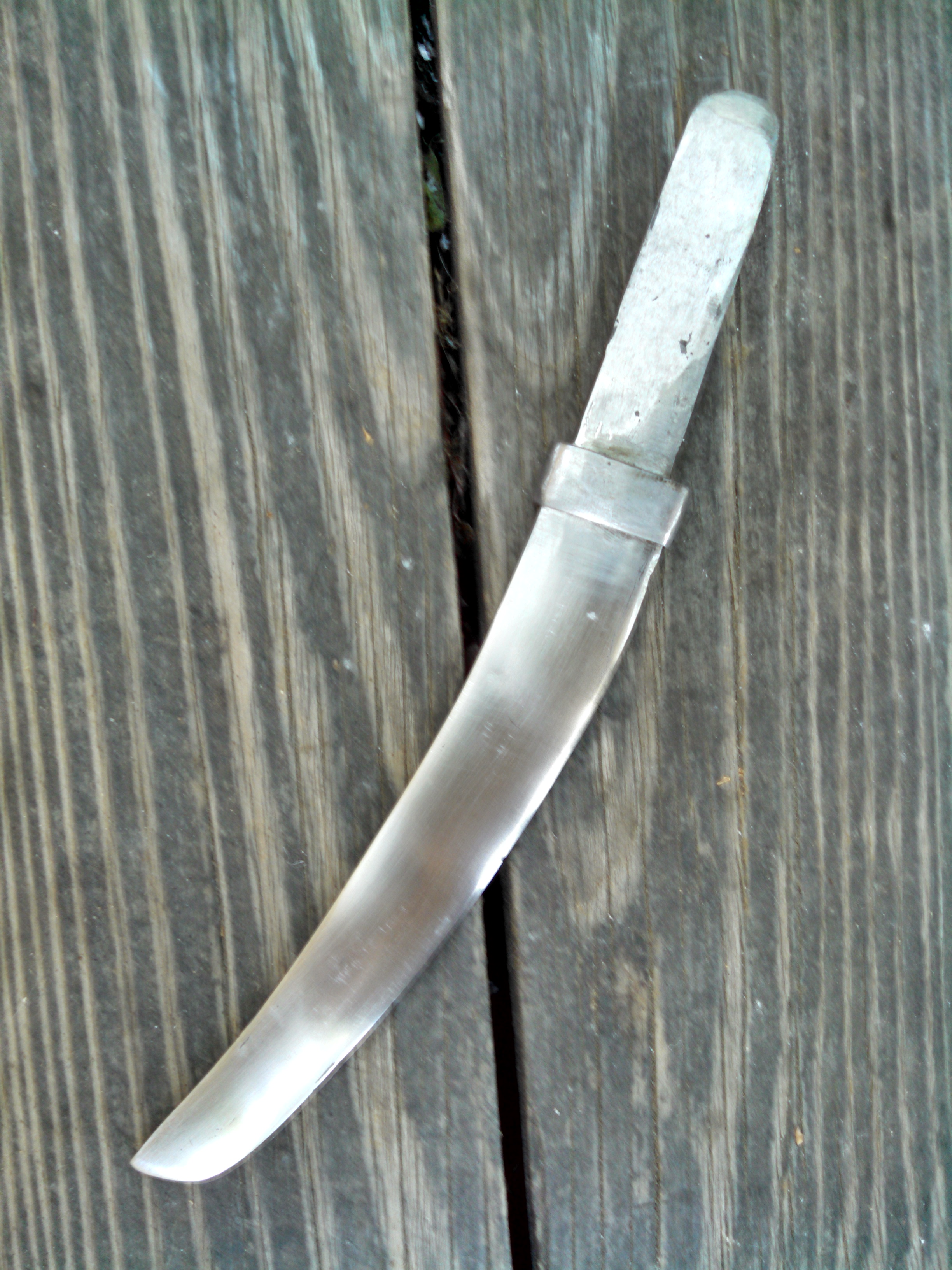
Howdy all Im a few months in and feel like I don't know much still, but I know I like metal. Metal good... Here are the anvils I collected and forge I made. Of course I made a knife out of a railroad spike for my first project. Yes, I hate myself for it as much as you do. Anyway lots of good info here I look forward to increasing my knowledge and skills until I can contribute. Thanks