Christian Spencer Pearson
Members
-
Joined
-
Last visited
-
I agreed with them. They are good stock to keep. I have pressed one and made a hammer out of. It moved well hot. It punched well. And hardened well. I think axes would be good if your using power tools too. By hand it would be hard seeing of how long they are. But could be done.
-
I would like to welcome you to the group advise.. keep learning. Knowledge is power. And pratice make better ha. You will find that alot of Smith's are here to help you work through your problems. Work on control of the hammer and offsets. As they help alot. Stay active on the site. I've been reading here for yes and still show a newbie ha . Ask nothing wrong with not knowing.
-
Christian Spencer Pearson changed their profile photo
-
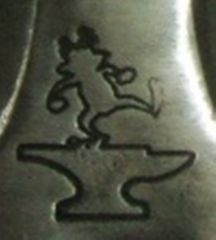 i really want to know how you make this. so me and pat can make our own
 -
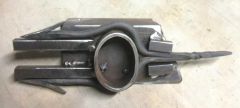 thats the way to do it. i never would have thought of that