
bill s
Members
-
Joined
-
Last visited
Everything posted by bill s
-
I like that look! No question about it...it's custom made. That's no store bought knife.
-
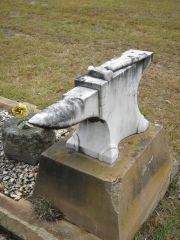 Wow, what a cool memorial to a young blacksmith. Thanks for sharing.
 -
Okay thanks for the info.
-
O&R Do you quench or cool the head of the spike before twisting? With my luck, I'll get the head too hot and end up rounding it off and just spinning the wrench on it.
-
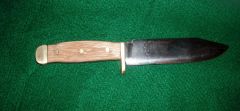 That's a very nice looking knife.
 -
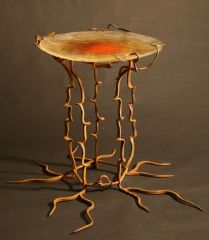 Great artpiece! Photography well done also.
 -
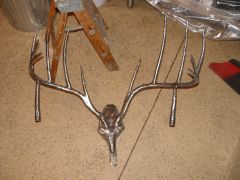 Good shot! What is the Boone and Crockett score on that one?
 -
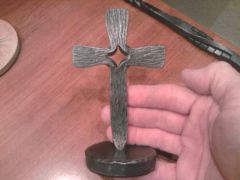 Great texturing on the Frederick's Cross. That's an interesting bar of steel in the background too.
 -
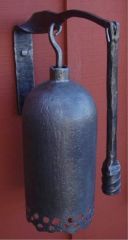 Yeah, I like it too! You could also forge a little bend at the top of the hammer (shape it like a number 7), put the pivot point at the bend and tie a halyard to it....pull on the halyard to ring the bell. Think I'll make one too! Thanks for posting it.
 -
-
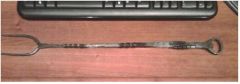 Great fork! Looks like you can take turn the beers too. :D
 -
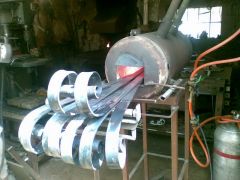 Welding, or just too many irons in the fire? :lol: