Skip to content
View in the app

A better way to browse. Learn more.

I Forge Iron

A full-screen app on your home screen with push notifications, badges and more.

To install this app on iOS and iPadOS
  1. Tap the Share icon in Safari
  2. Scroll the menu and tap Add to Home Screen.
  3. Tap Add in the top-right corner.
To install this app on Android
  1. Tap the 3-dot menu (⋮) in the top-right corner of the browser.
  2. Tap Add to Home screen or Install app.
  3. Confirm by tapping Install.

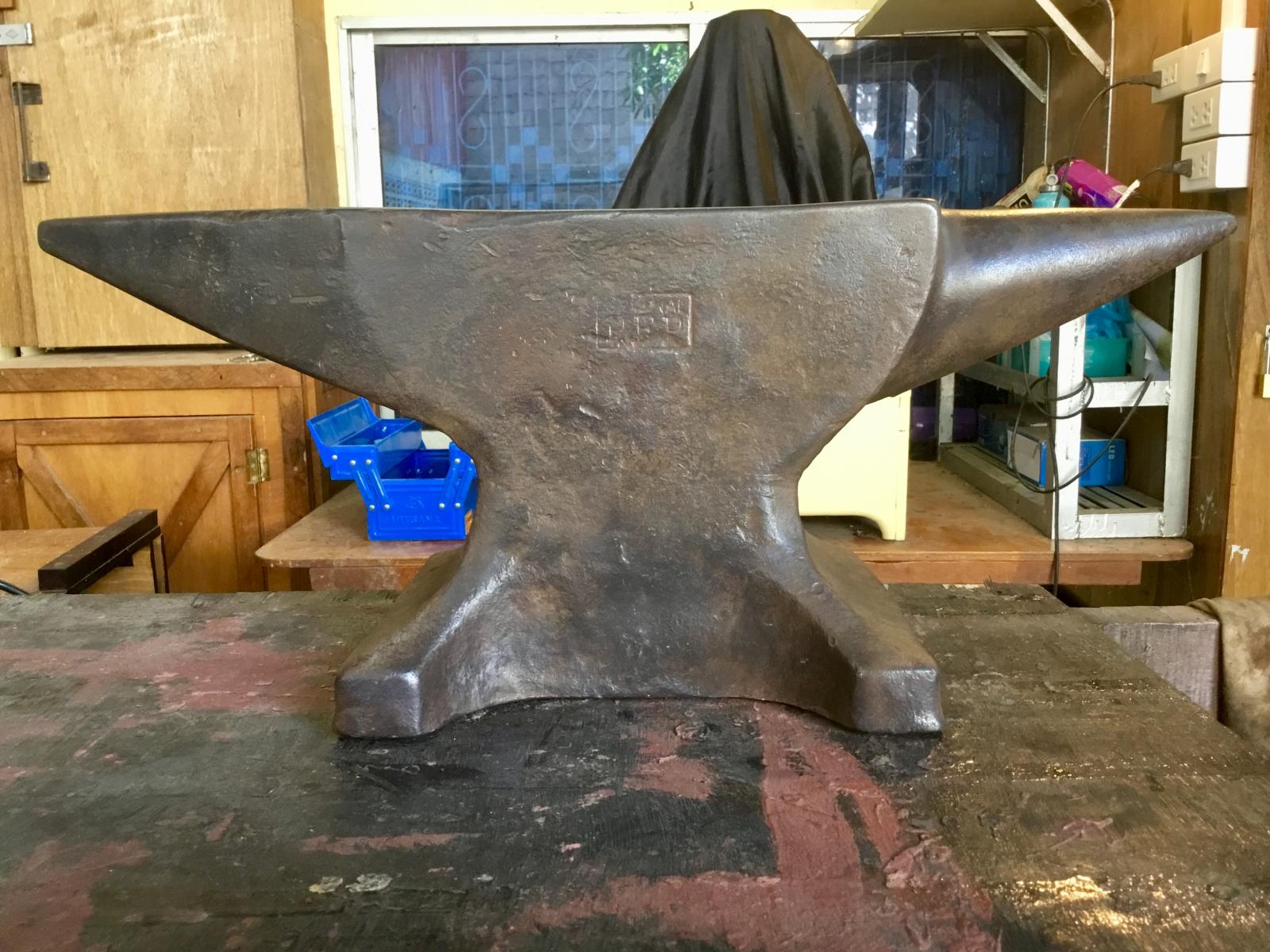
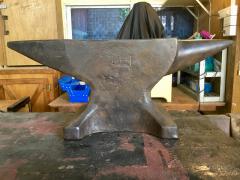
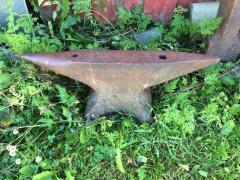
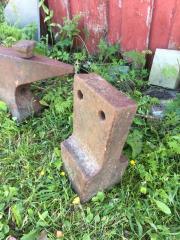
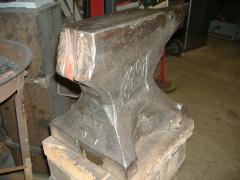
My recently purchased "Original P.F.P." anvil

I'm a Canadian living in Cambodia and I bought this anvil from an old man who found it in a ditch in 1979 shortly after the Vietnamese invaded Cambodia thus toppling the Khmer Rouge. I'm guessing people fleeing the violence tossed this anvil in the ditch in order to lighten their load.

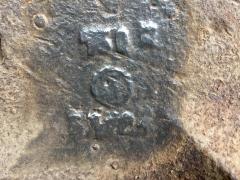
After cleaning it up I found the "Original P.F.P." stamp on the side. It's a beautiful anvil!

  • From the category:

    Anvils

    · 442 images

    Photo Information

    • Taken with Apple iPad (5th generation)
    • Focal Length 3.3 mm
    • Exposure Time 1/33
    • Aperture f/2.4
    • ISO Speed 125

    Account

    Navigation

    Search

    Search

    Configure browser push notifications

    Chrome (Android)
    1. Tap the lock icon next to the address bar.
    2. Tap Permissions → Notifications.
    3. Adjust your preference.
    Chrome (Desktop)
    1. Click the padlock icon in the address bar.
    2. Select Site settings.
    3. Find Notifications and adjust your preference.