Bmoney3
Members
-
Joined
-
Last visited
-
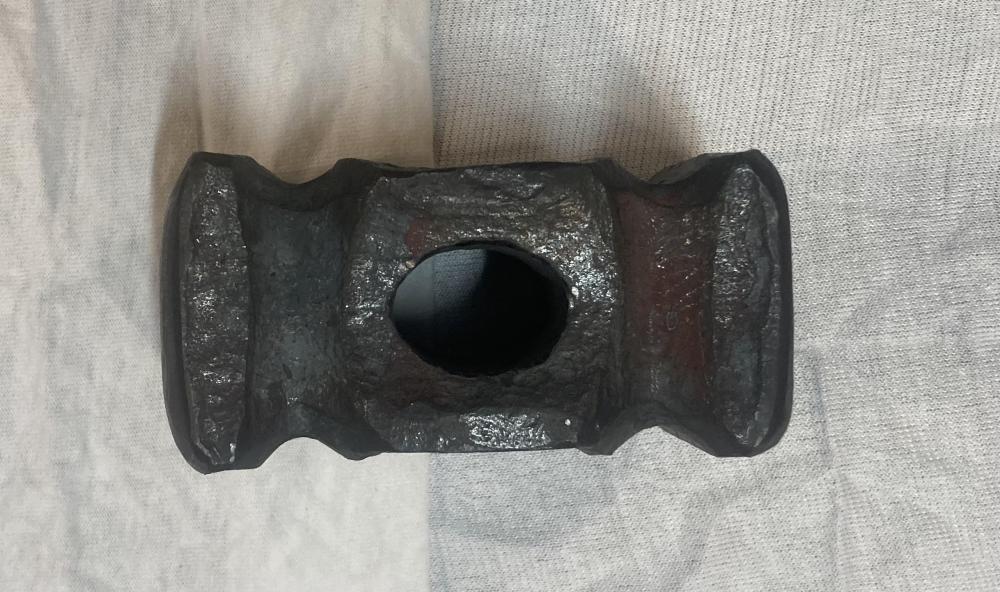
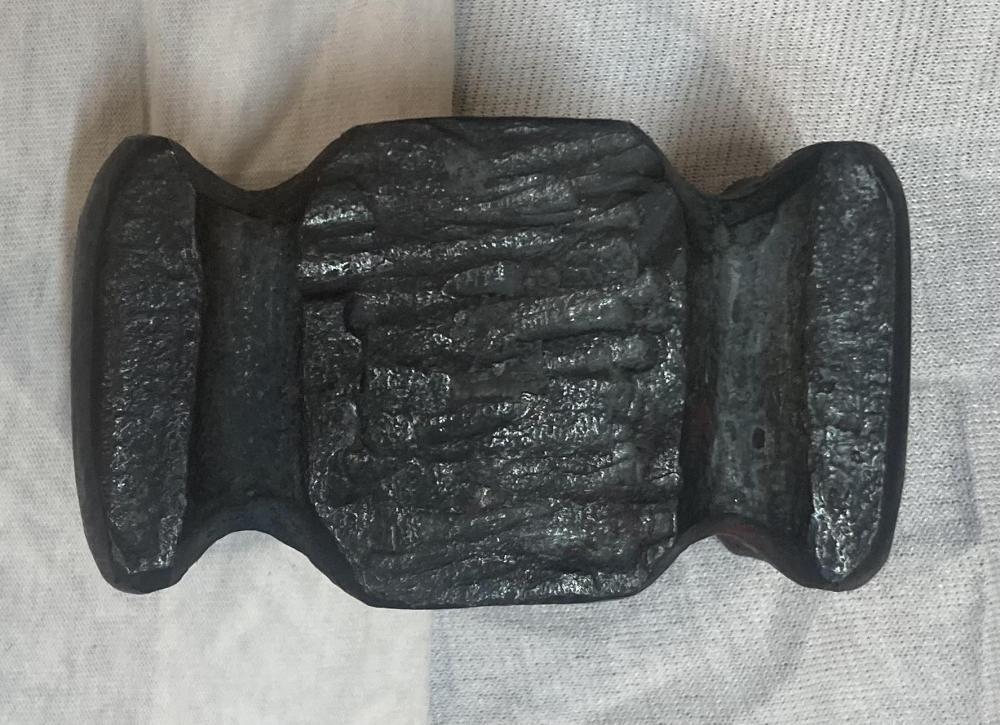
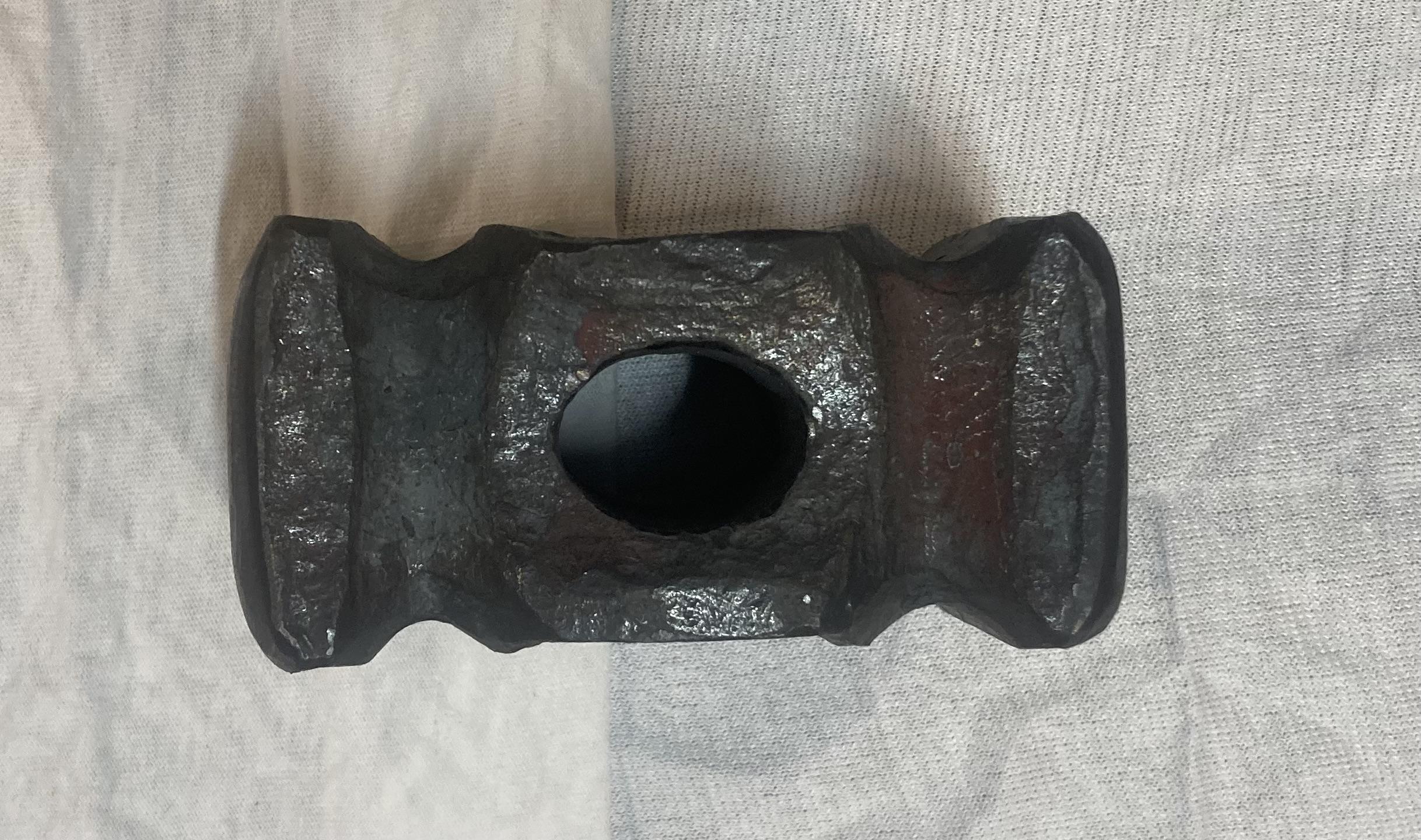
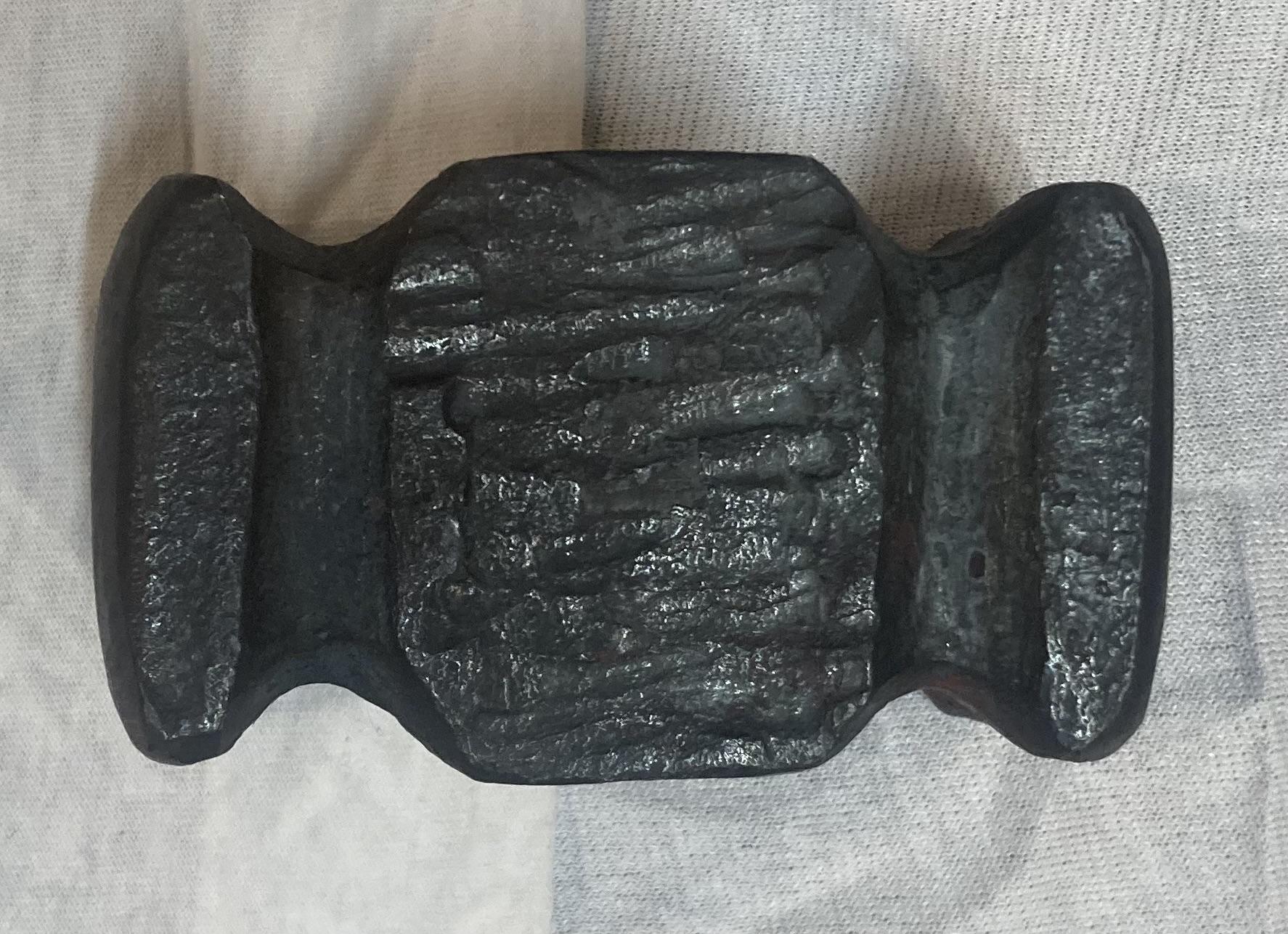
Thank you, I have not heat treated it yet. I was planning on quenching in water and throw in the oven somewhere between 350/400 for two hours letting it cool to room temp at the one hour mark. It weighs 2.6lb. It took me a long time to punch and drift so thank you. Punching it was probably the hardest part, its crazy to me how much different it was compared to a mild steal. I never look at anything like that, i know with enough time and patience i can do just about anything. I instead look at what its gonna cost me, so i ordered the blank for $15 and figure at that price if i couldn't manage to make a good usable hammer within ten tries ( since if i was to purchase one already made it would be at least $150) i probably better find something else todo.
-
Just looking for some feed back on this, please and thank you. Its 1.75 square 4140. Ive only been forging for 2.5/3 months.