
SkyDaddy66
Members
-
Joined
-
Last visited
About Me
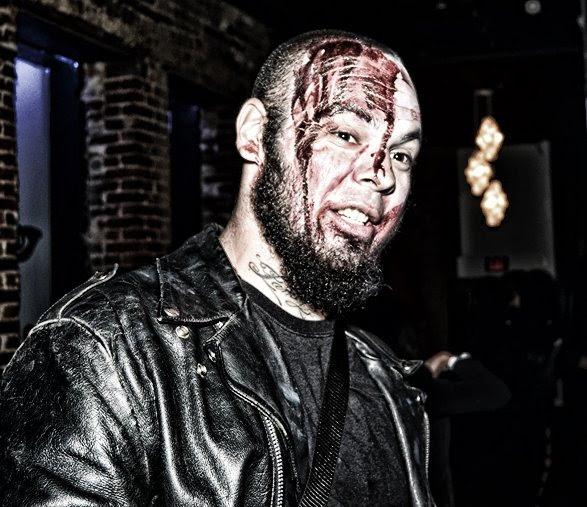 Well I've always had an interest in blacksmithing in my uncle was a master welder so I knew how to weld before I knew how to walk pretty much. I always said that when I would have found a anvil I would build my forge and recently through some dickering and swapping I got myself up pretty decent anvil so now it's time to build a forge!!!