Scwootz
Members
-
Joined
-
Last visited
-
Thank you Stash. Will do! I plan on documenting the entire process. one more question. should I mix in some clay and wood ash as is done to make tamahagane?
-
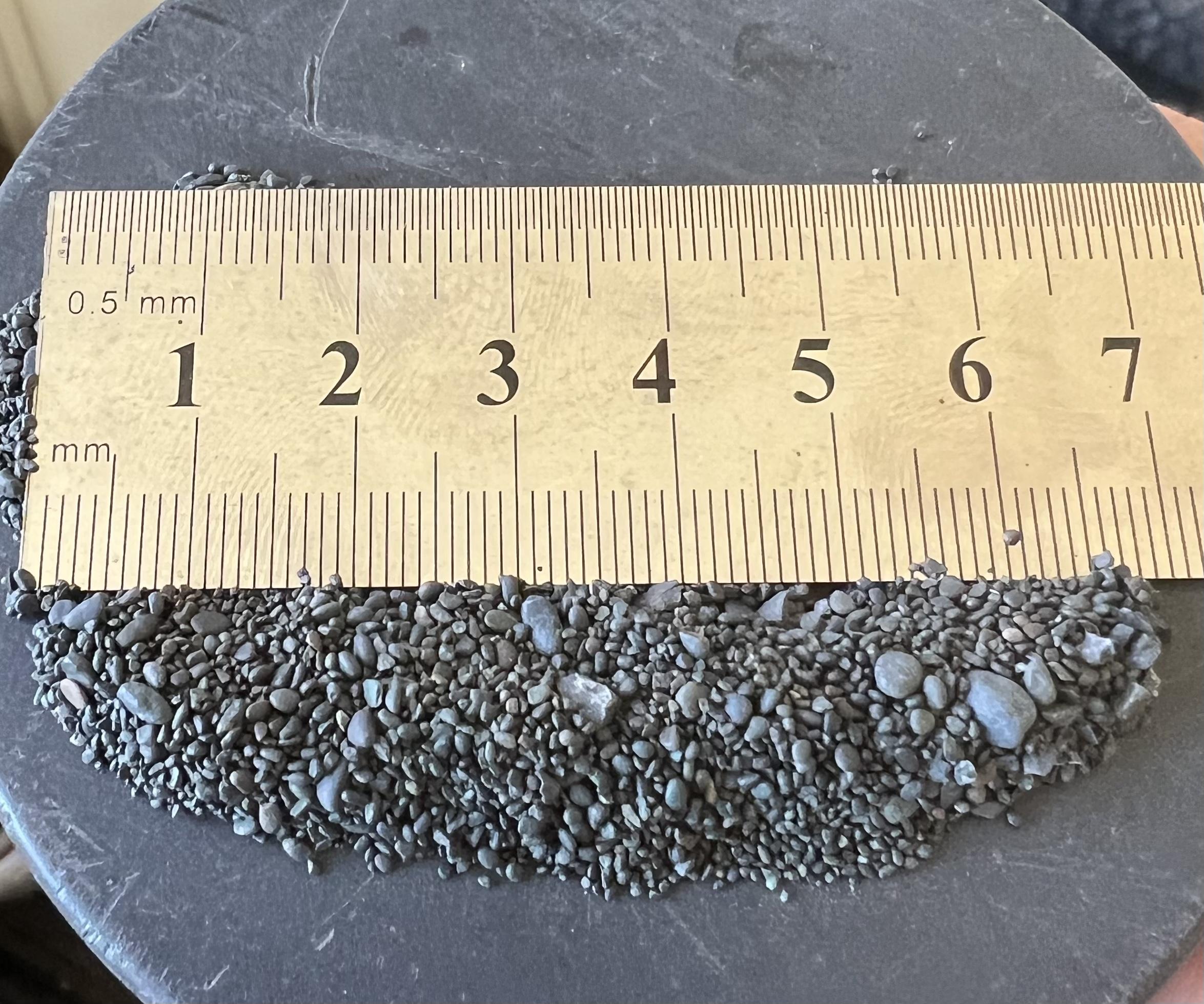
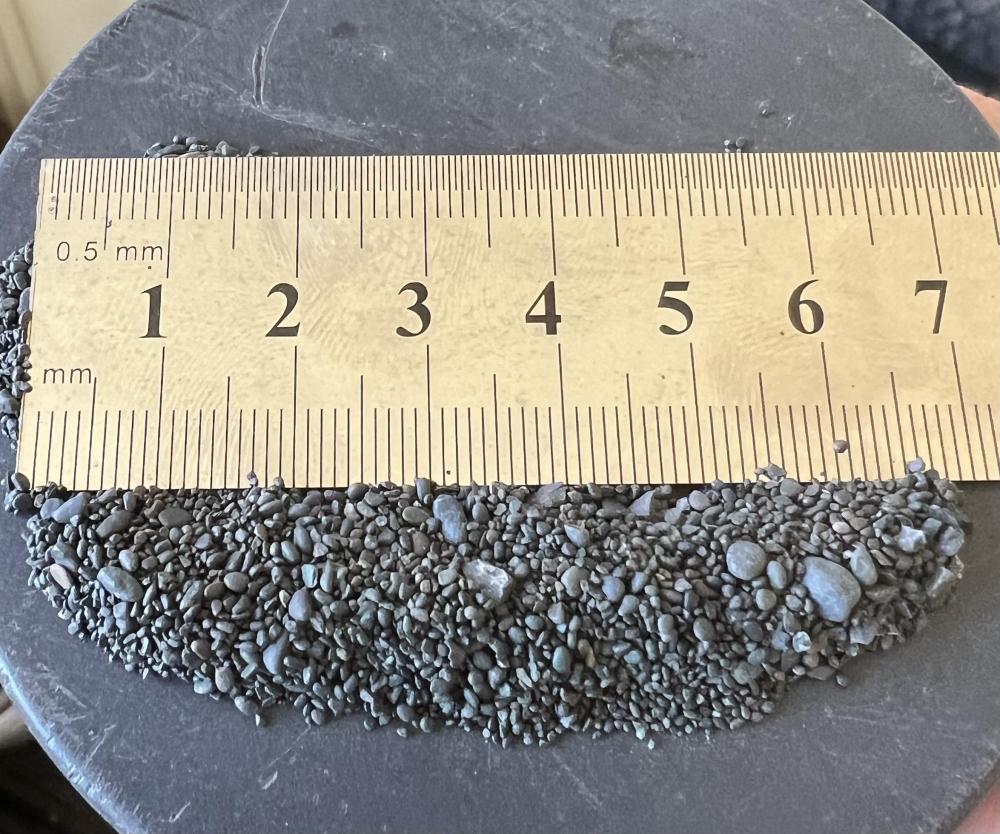
Hey JHCC, Thanks for the reply. couldn't find a quarter but I found a ruler. All 25lbs are pretty consistent like this:
-
Thanks for the replies everyone. I am considering taking a smelting workshop in Oakland just need to mígueme out the scheduling.
-
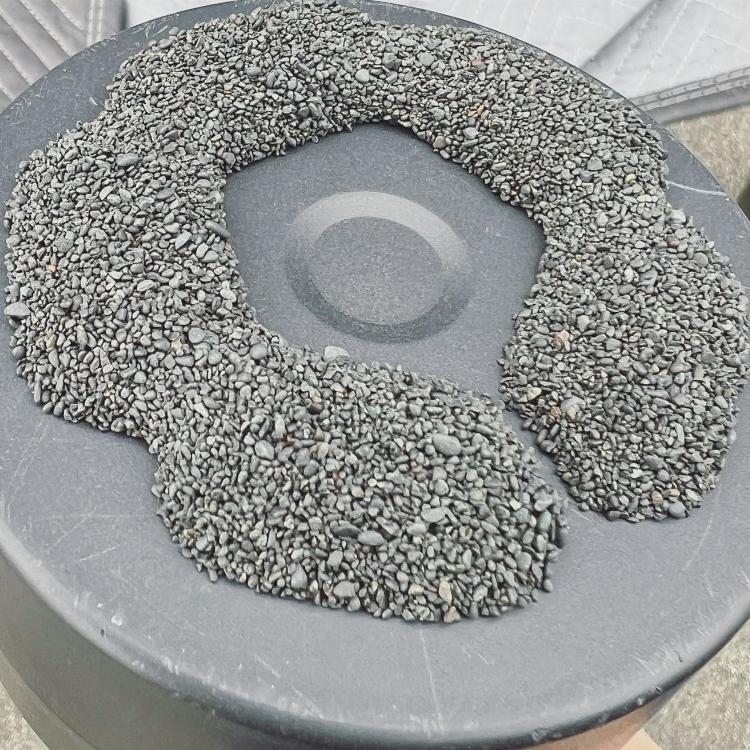
Hi everyone, I have about 25lbs of coarse magnetite I was hoping to smelt in a bloomery furnace. Do you suggest crushing the material to a more consisten powder or can I run it through the furnace like this? I appreciate any the suggestions
-
Thank you! I’m in CA- Oakland I will definitely learn the basics before I venture into crucible steel. My journey will start from the basics meaning smelting my own iron, making my own tools and crafting some blades with purchased stock and it will all serve as experience to make my own wootz. got to crawl before you can run.
-
Hi everyone, Im new to the community and new to blacksmithing. I find myself obsessing over ancient history from from Sumerians and prior to medieval times. Somehow I ended going down the rabbit hole on wootz and its origins which led me to Al Pendray and his work. I am here to learn as much as possible and to put everything I learn to practice. I’m happy to join and be part of the community.