Killerchef69
Members
-
Joined
-
Last visited
-
Thanks, I'm in the northern California foothills (gold country we like to say! )
-
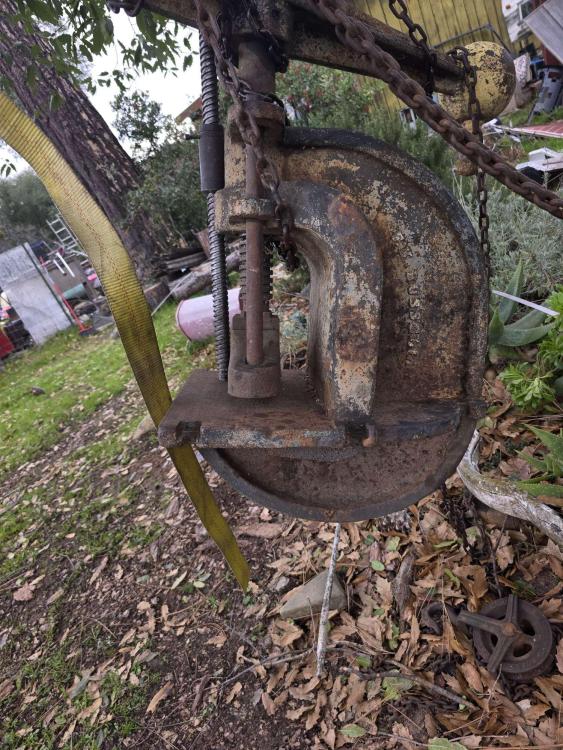
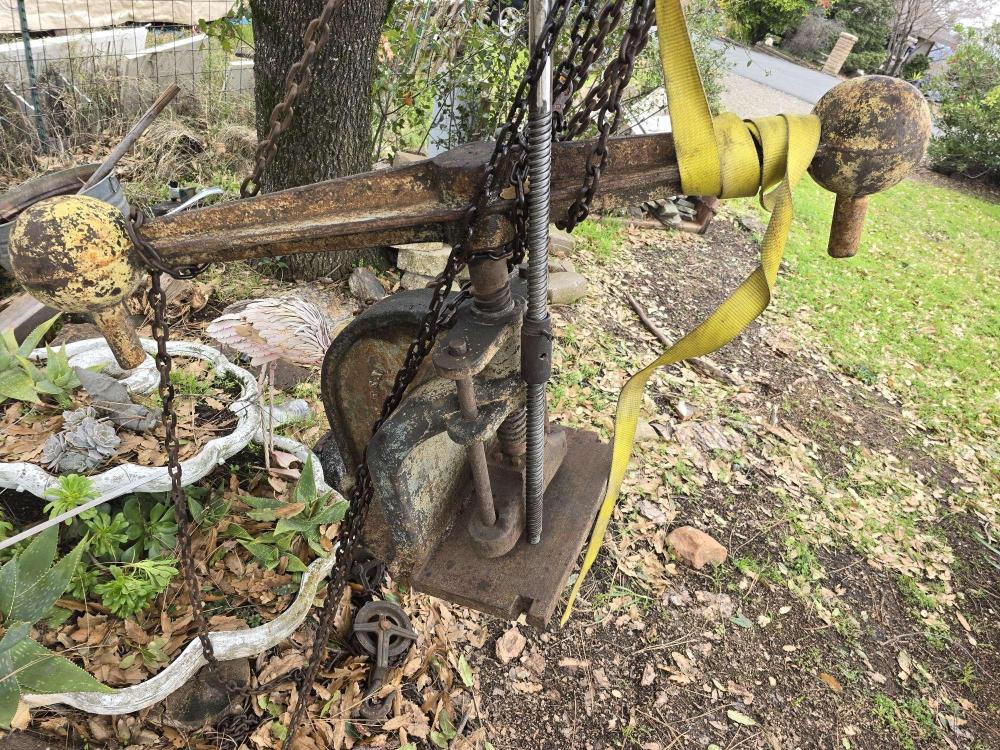
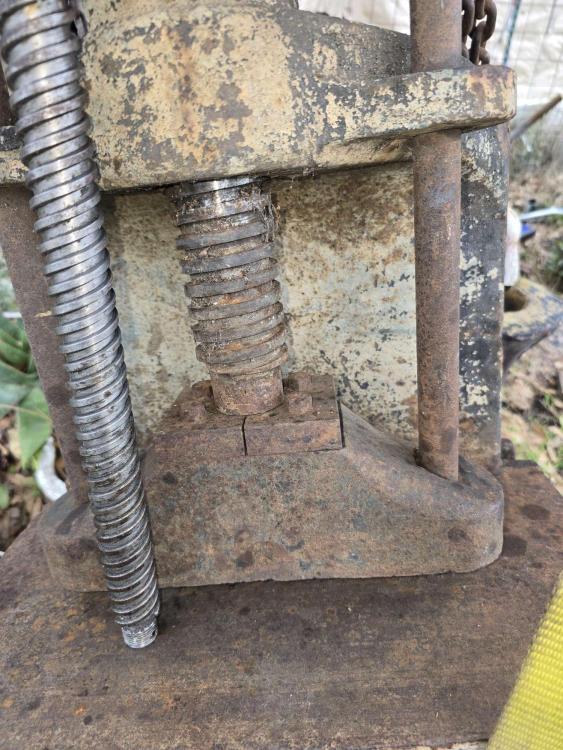
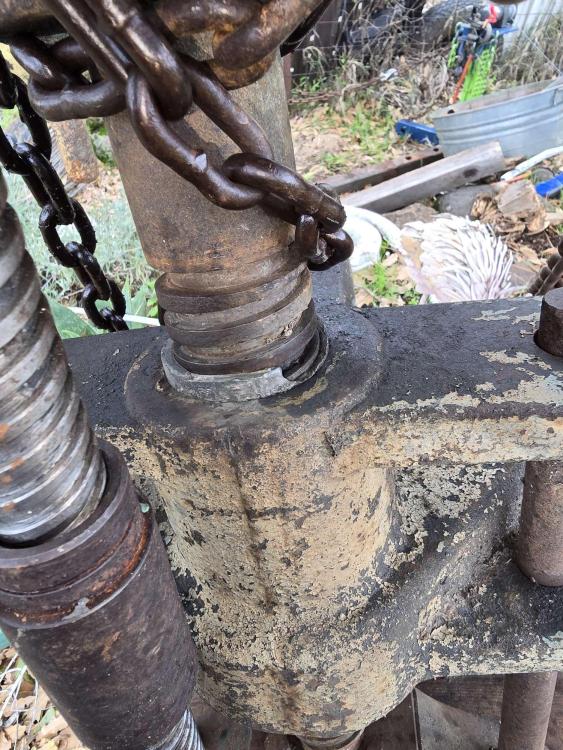
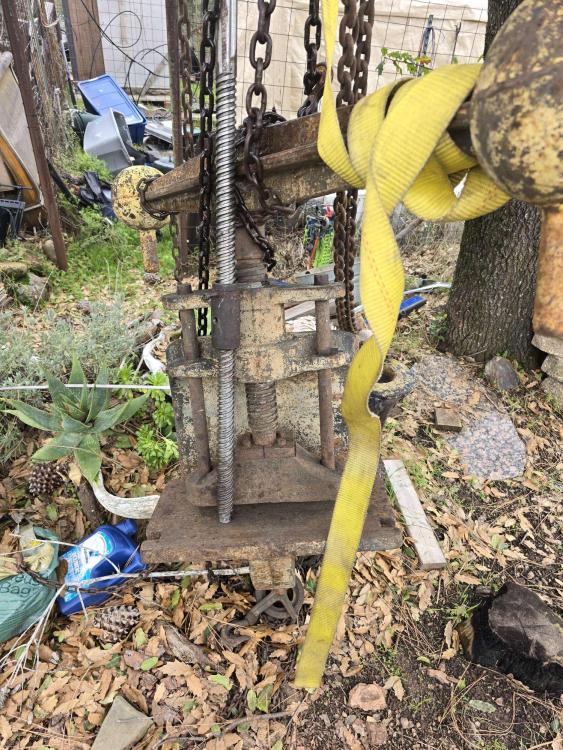
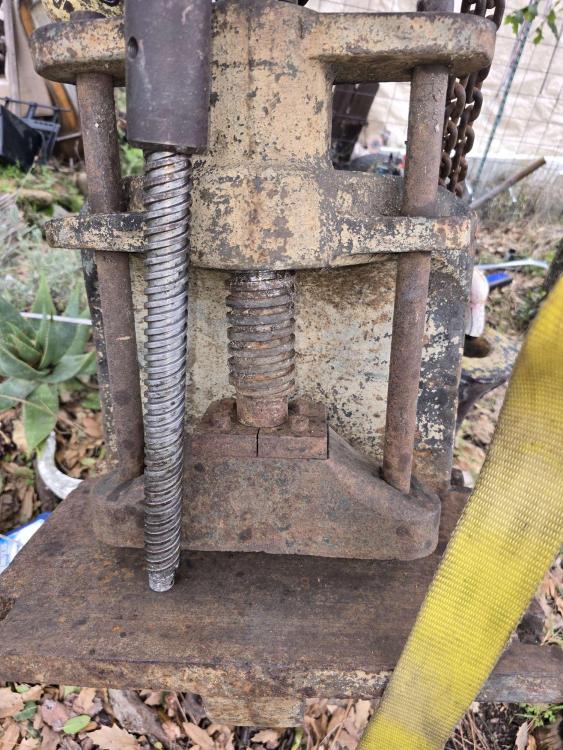
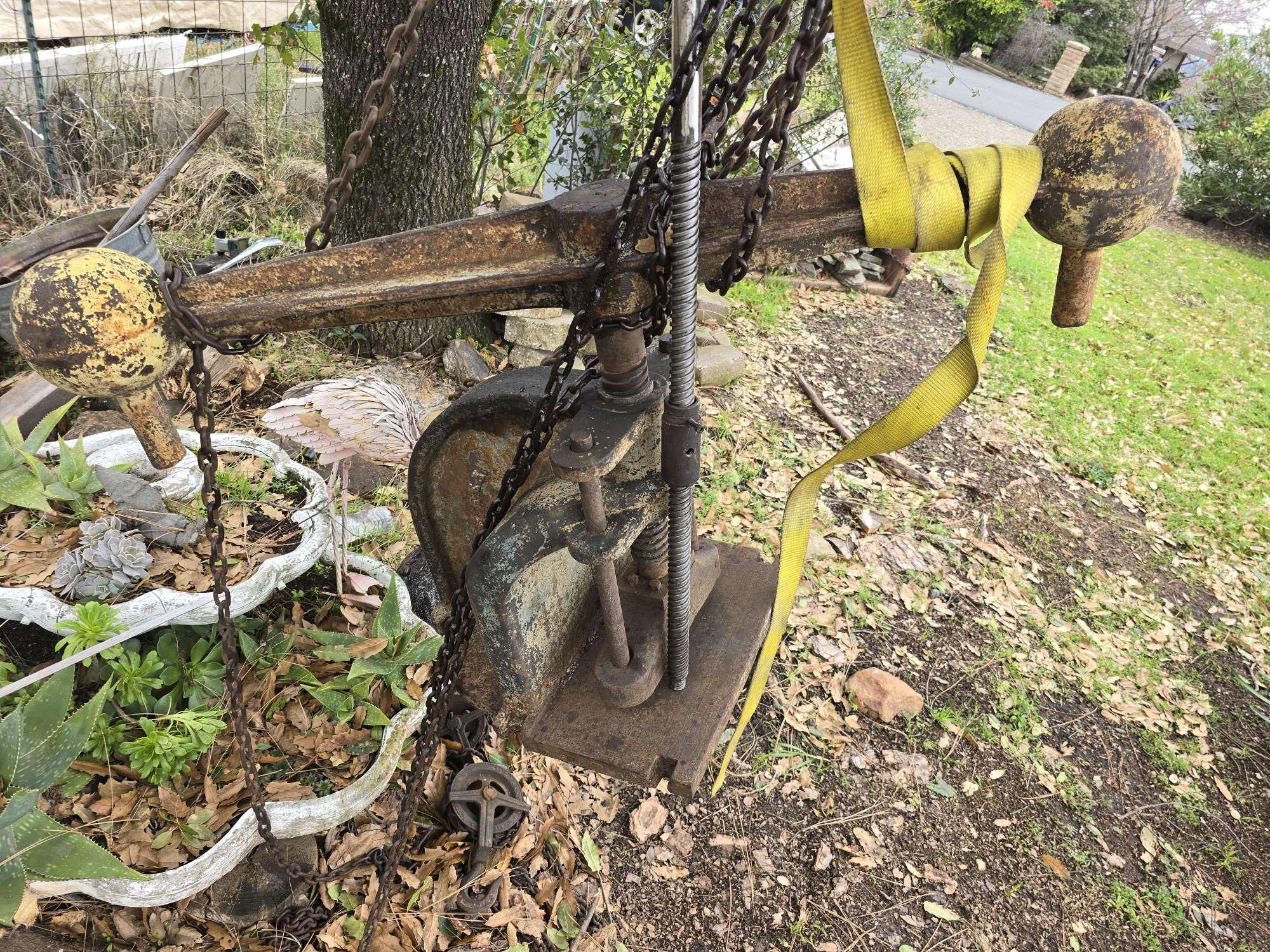
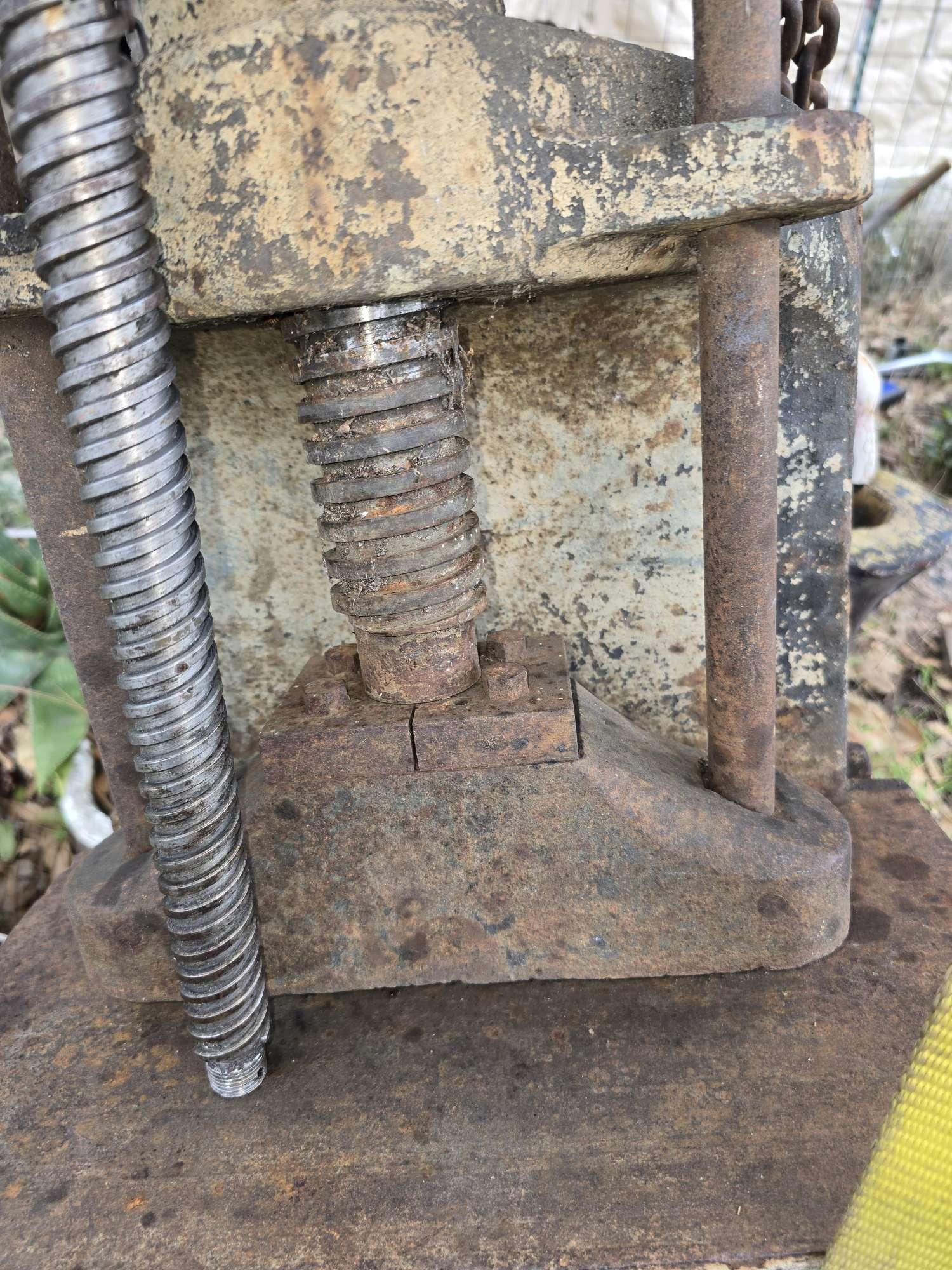
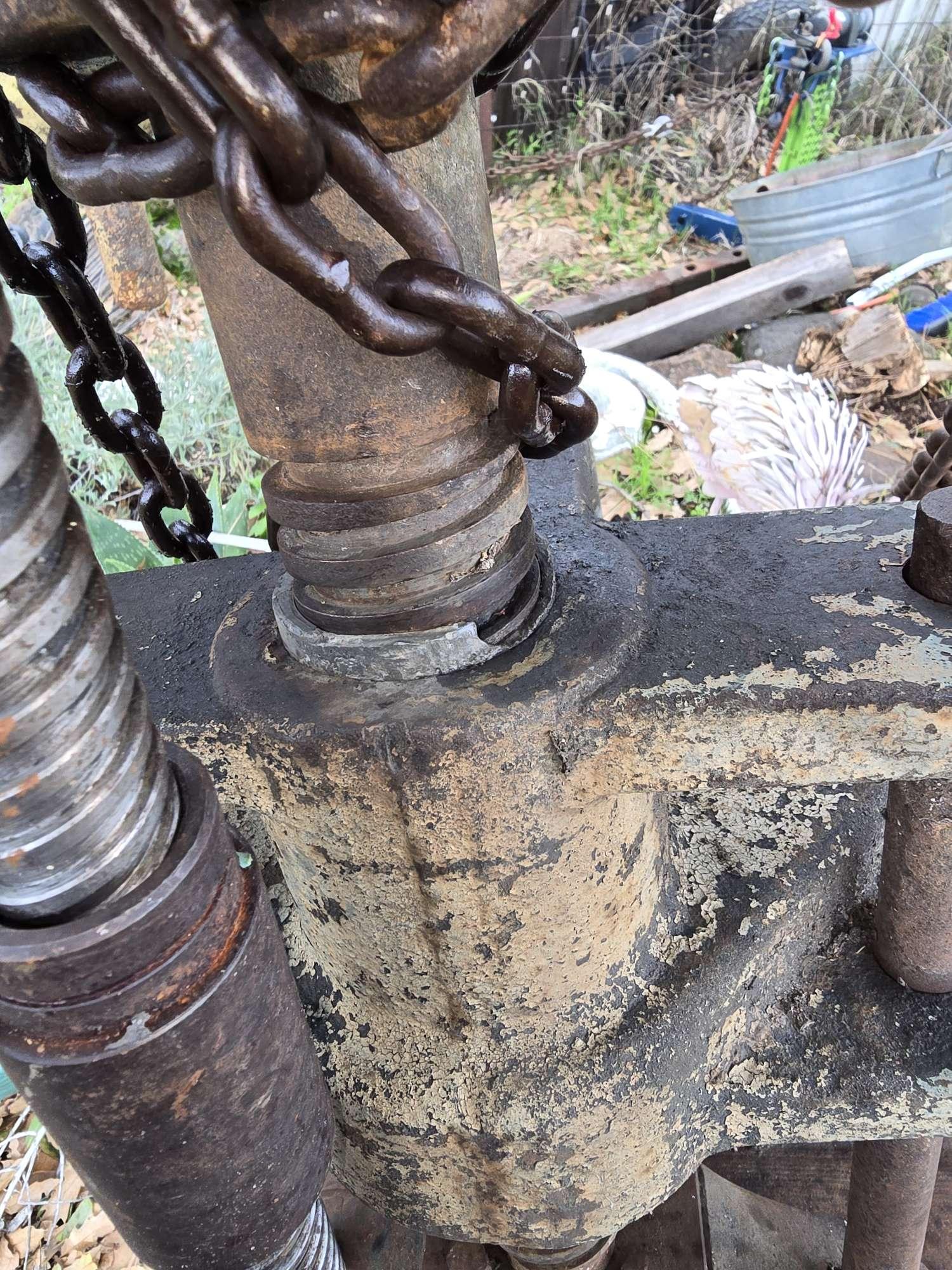
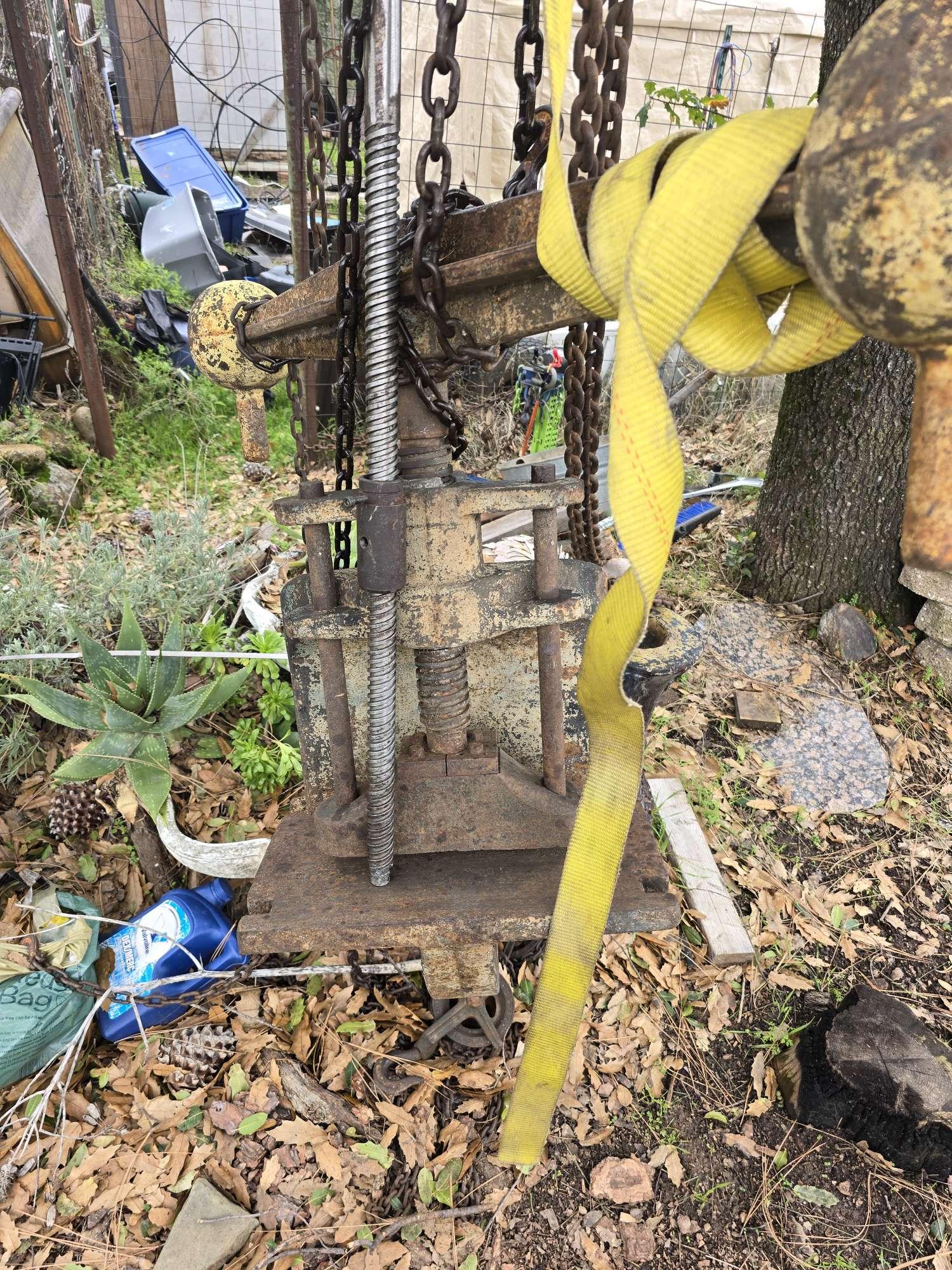
Looking for some guidance/ ideas to turn this screw press (originally a leather embossing press). The shape and strength are there, but the main issues I'm seeing are flat pitch lead screw (about 3 turns per inch), needs a ram block and guide, work holding/ tooling retention It currently has a flat platen that is supported by the big C frame, so I'm thinking of boring a hole for holding dies(not all the way through) and adding a plate with t-slots Adding a plate in the back of the throat to support ram block guides. The biggest constraint I'm seeing is a fast lead screw/ nut, so Looking for ideas for that. I currently have a pretty fast lead screw (1" 3 start, with just over an inch of travel per turn), but the nut that is on it is only threaded for a couple of inches and appears to be cast iron, soooo another dilemma. I also feel that the fly arm that is on the press would be too much for a 1" shaft (it's probably 75#). Working on a stout base with 2"x4" box tube (sort of perimeter frame to accommodate the C frame) with flared legs of 1/2" thick 3" angle iron. Any suggestions on approaching these challenges would be greatly appreciated!