Jeremy Ramsey
Members
-
Joined
-
Last visited
-
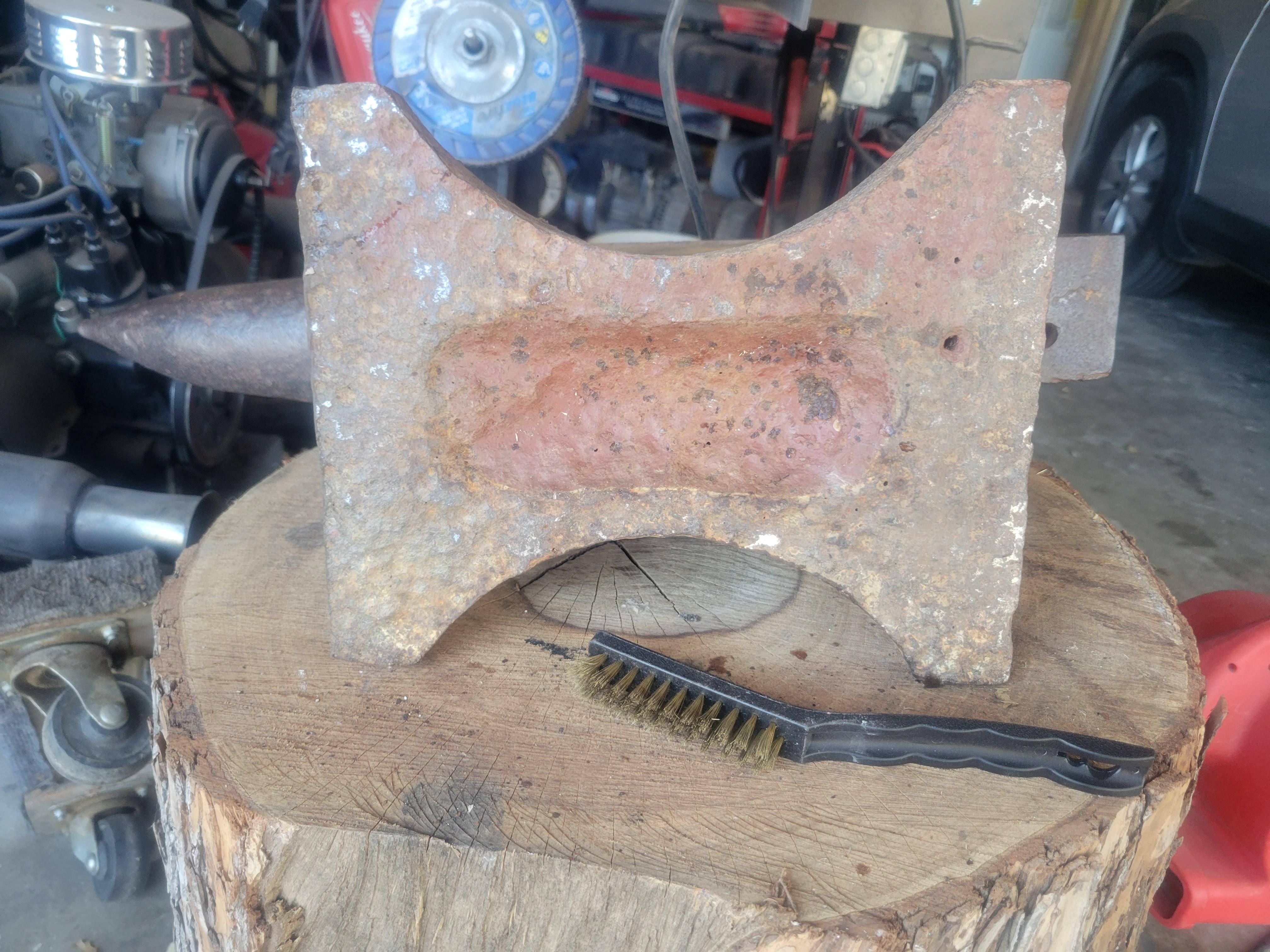
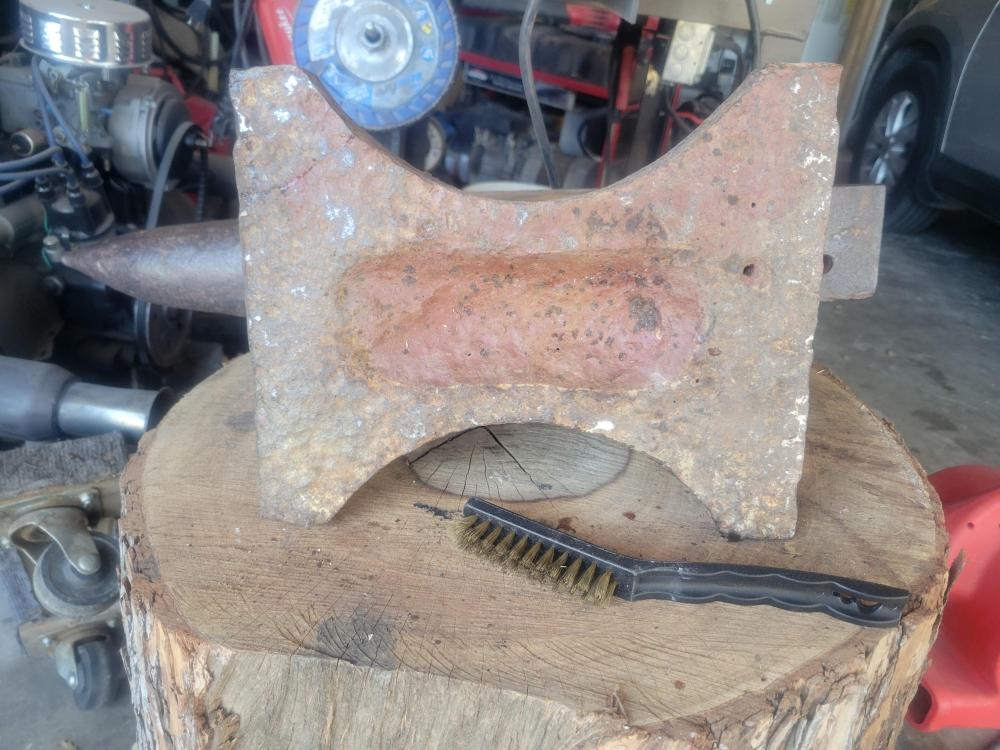
Here is a picture of the bottom as requested. That's clever
-
Thanks for for the good and bad news. So here is the next question then. I have access to heavy duty machinery, shapers, mill’s, CNC type stuff. I was thinking about milling the top flat and welding a new pieces of tool steel on the top. Any thought?
-
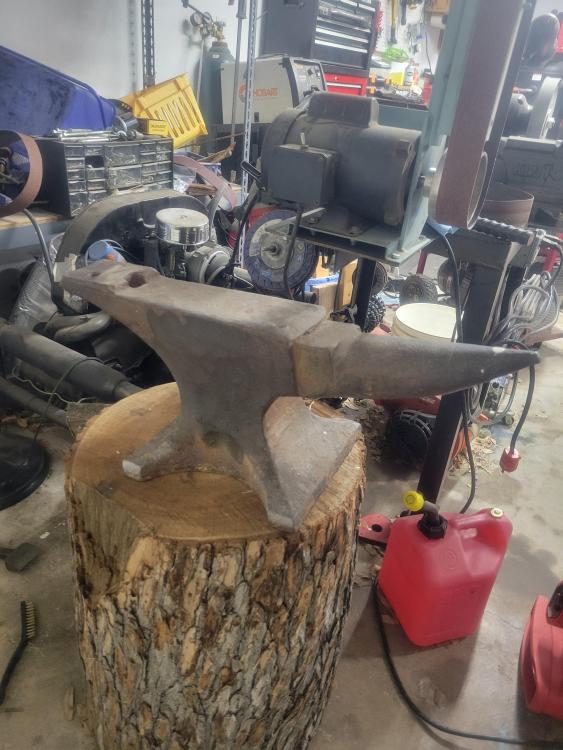
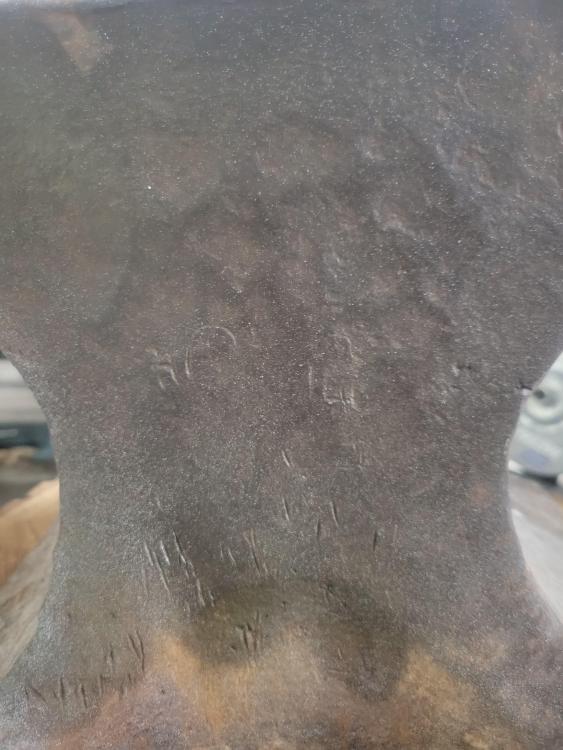
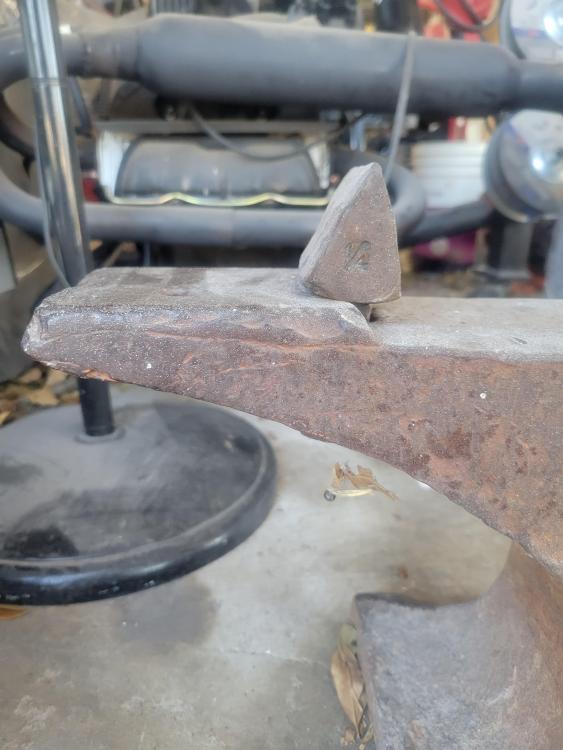
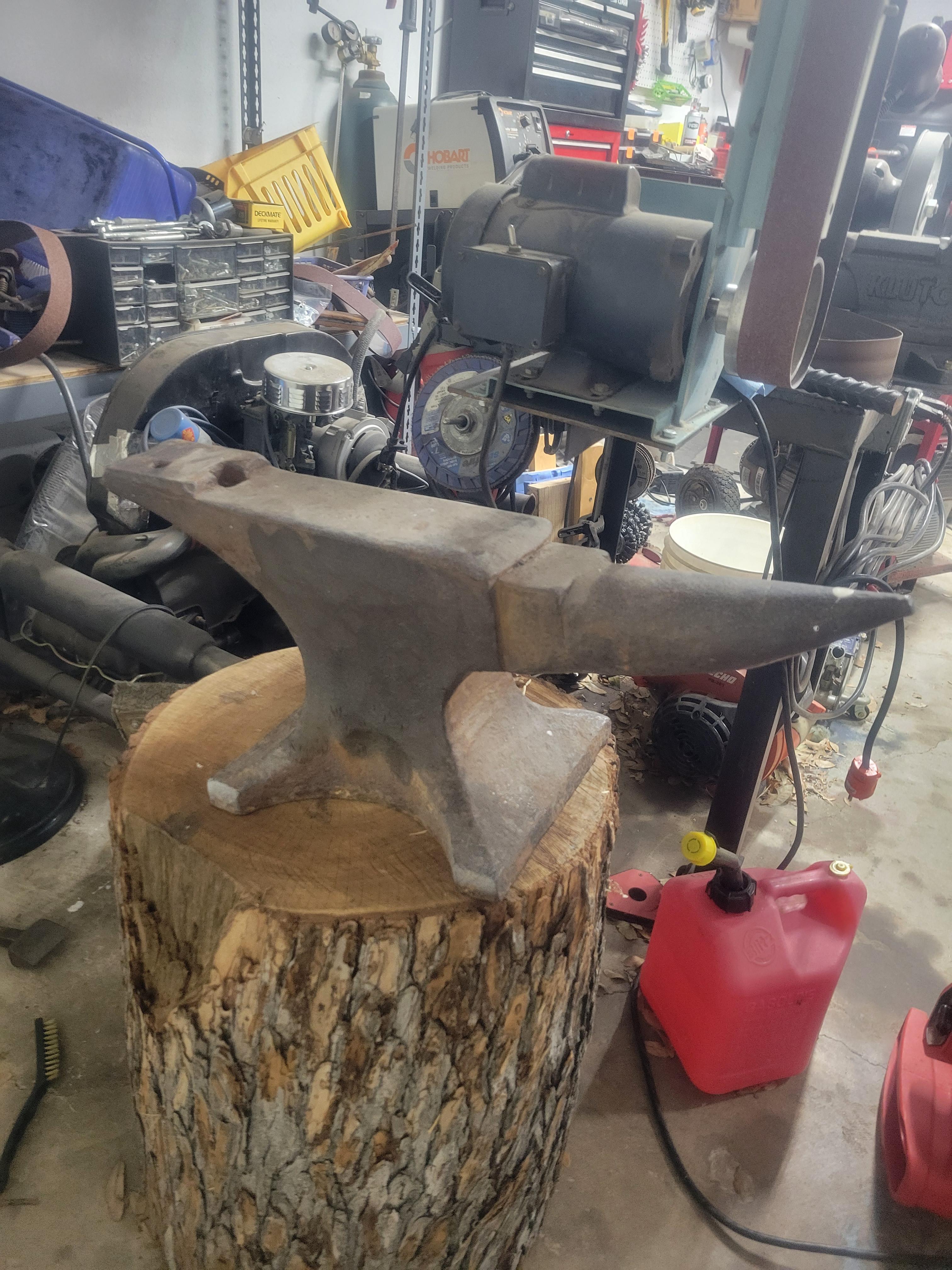
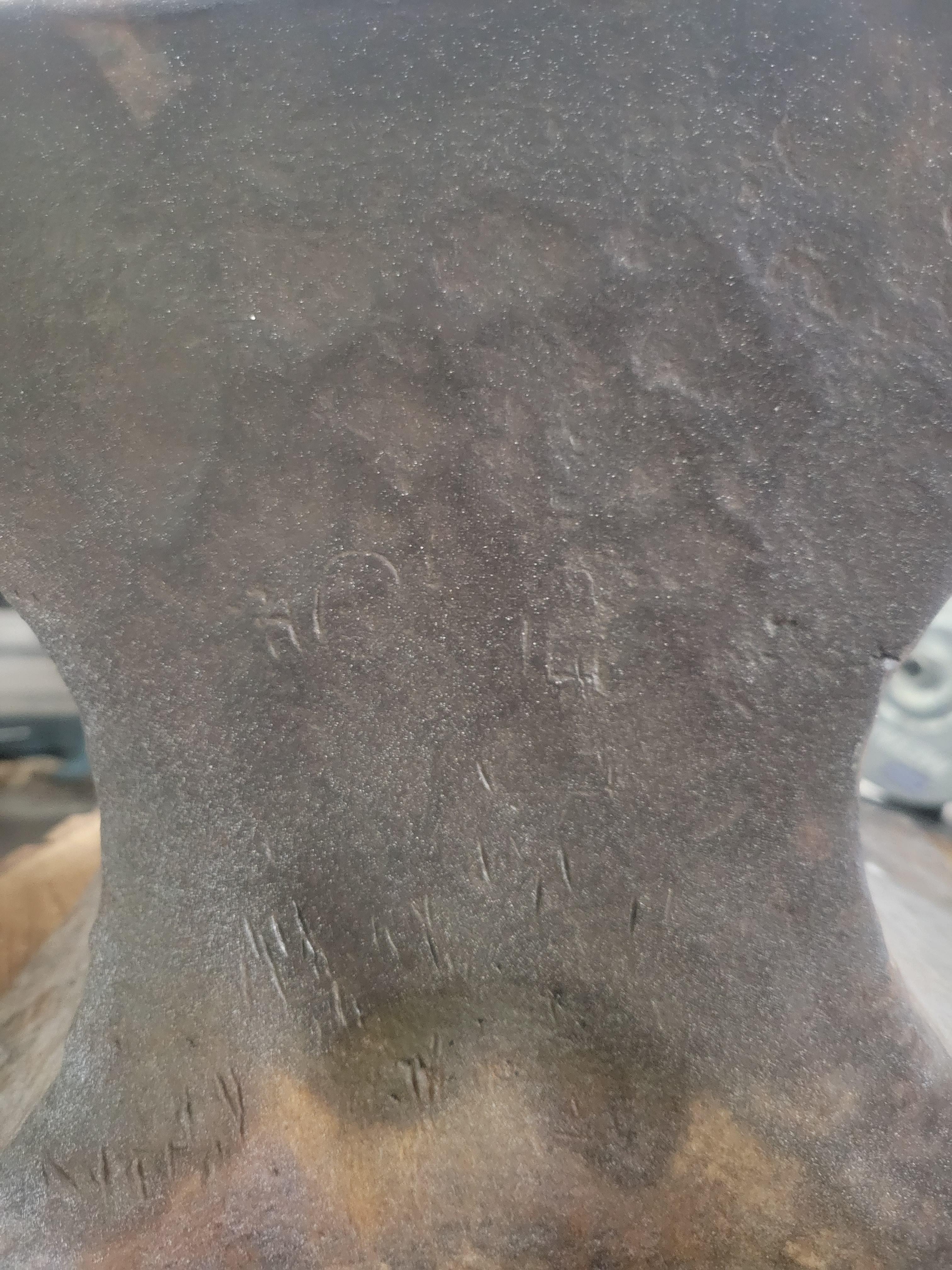
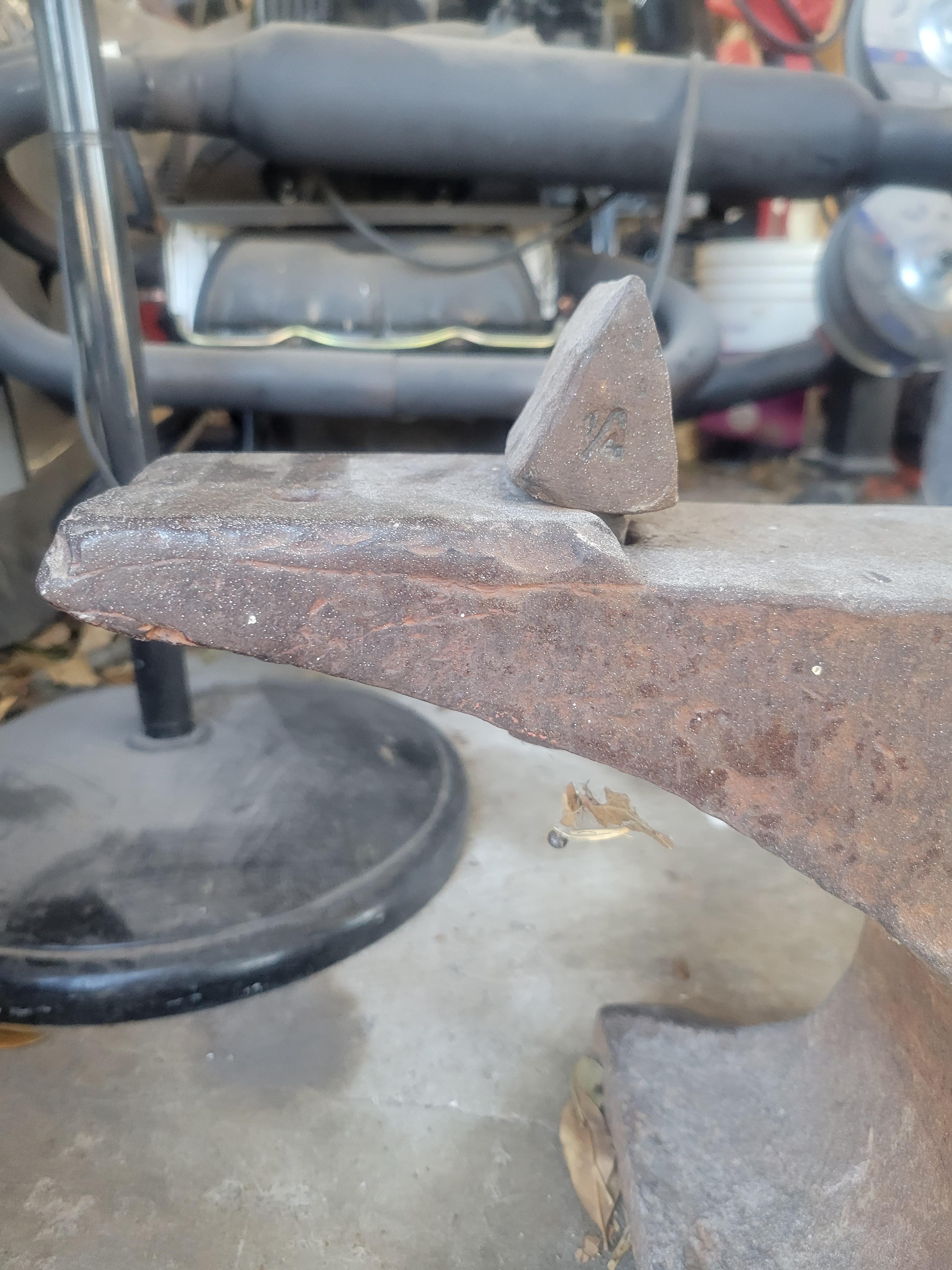
I am sure there are a lot of people that might be tired of helping the newbies with identifying old anvils. Put i need help. I have searched the net will little help. I might not be looking in the right spot. Not sure if the pictures good enough. I noticed the hardy hole was raised but not sure if a piece of the face might be missing or broken. It weights 118lb and not sure if that’s just a 120lb. The total length is 26”, its 10” tall and the face is 4”. The only makings i can see are the ones in the second picture. Thank in advance.