DDayton
Members
-
Joined
-
Last visited
-
Thank you, I shall definitely look into getting a copy. I have a feeling I am going to develop an obsession with metal working. Haze gray paint. Usually if it isn’t a moving part it’s painted.
-
Read you loud and clear on the grinding! I’ll probably end up tossing a coin about the paint though! Thank you!
-
I had done some slight reading on Cupping stones being a viable option to resurface without taking off too much face. Also, I have heard/read mixed opinions on painting the non-working surfaces of the anvil. What are some preferences?
-
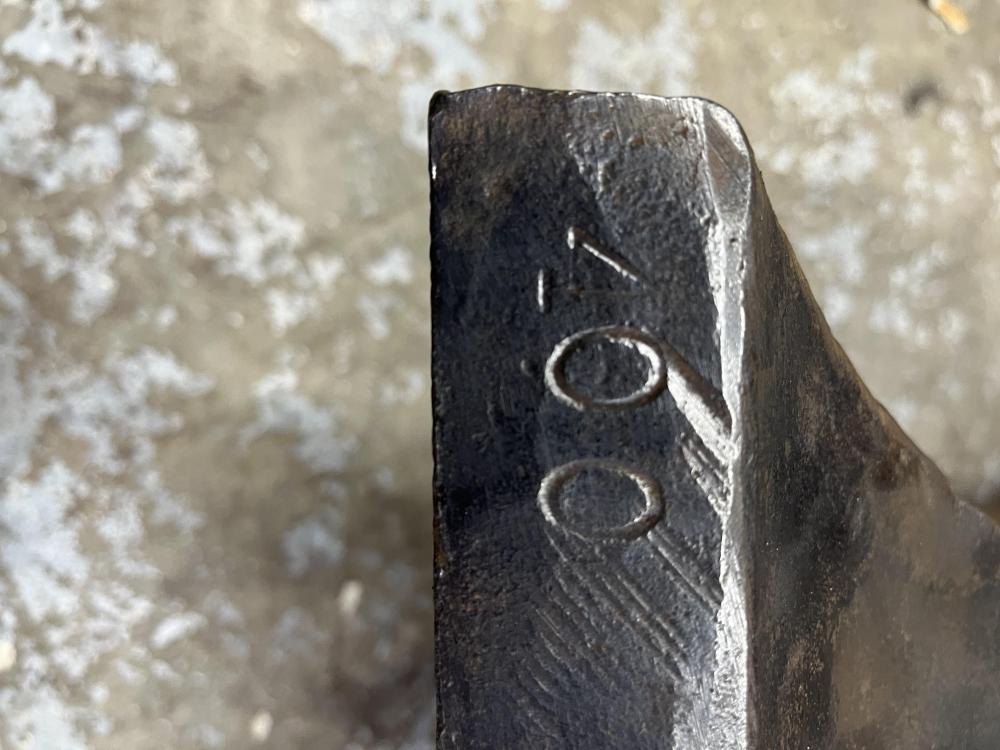
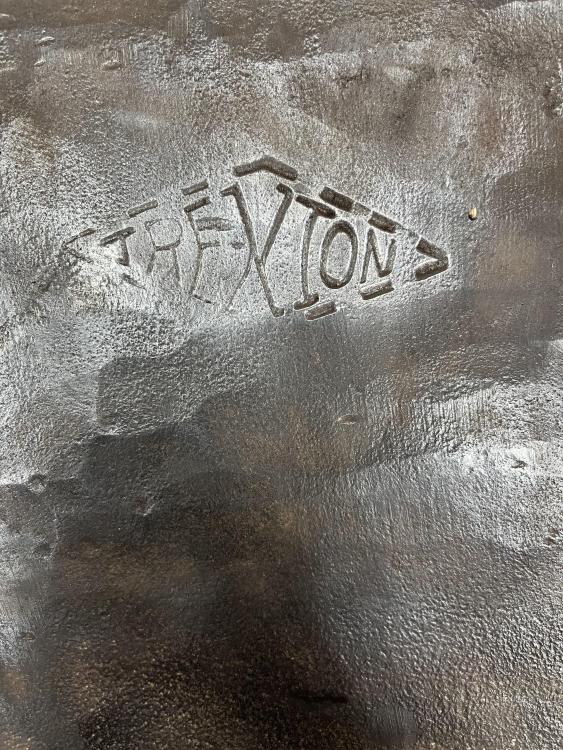
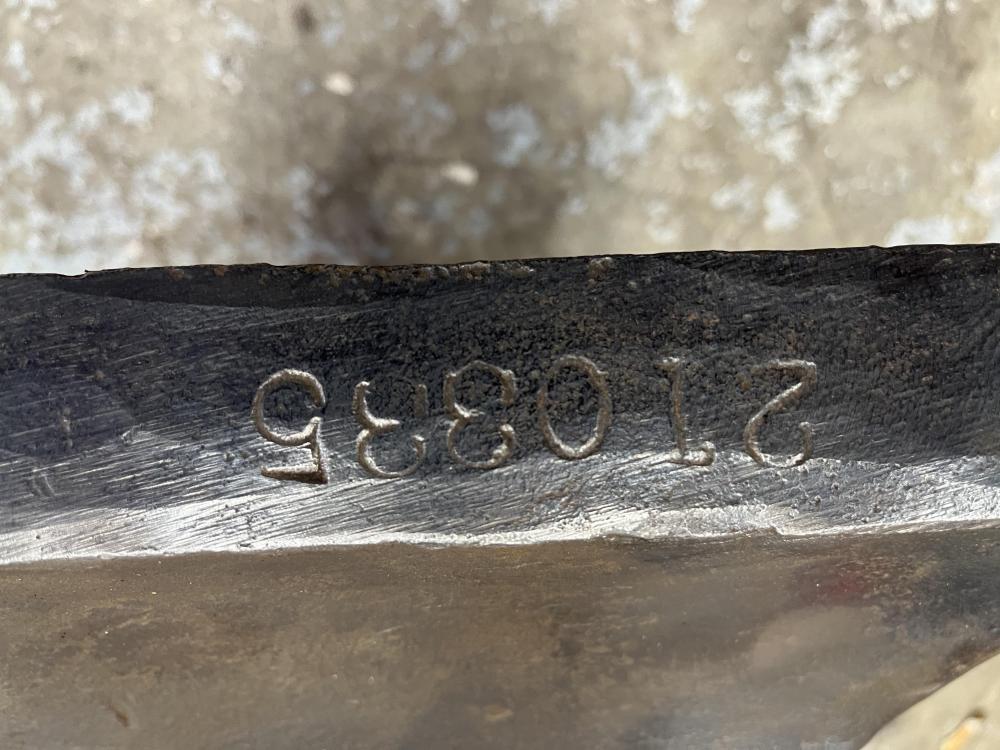
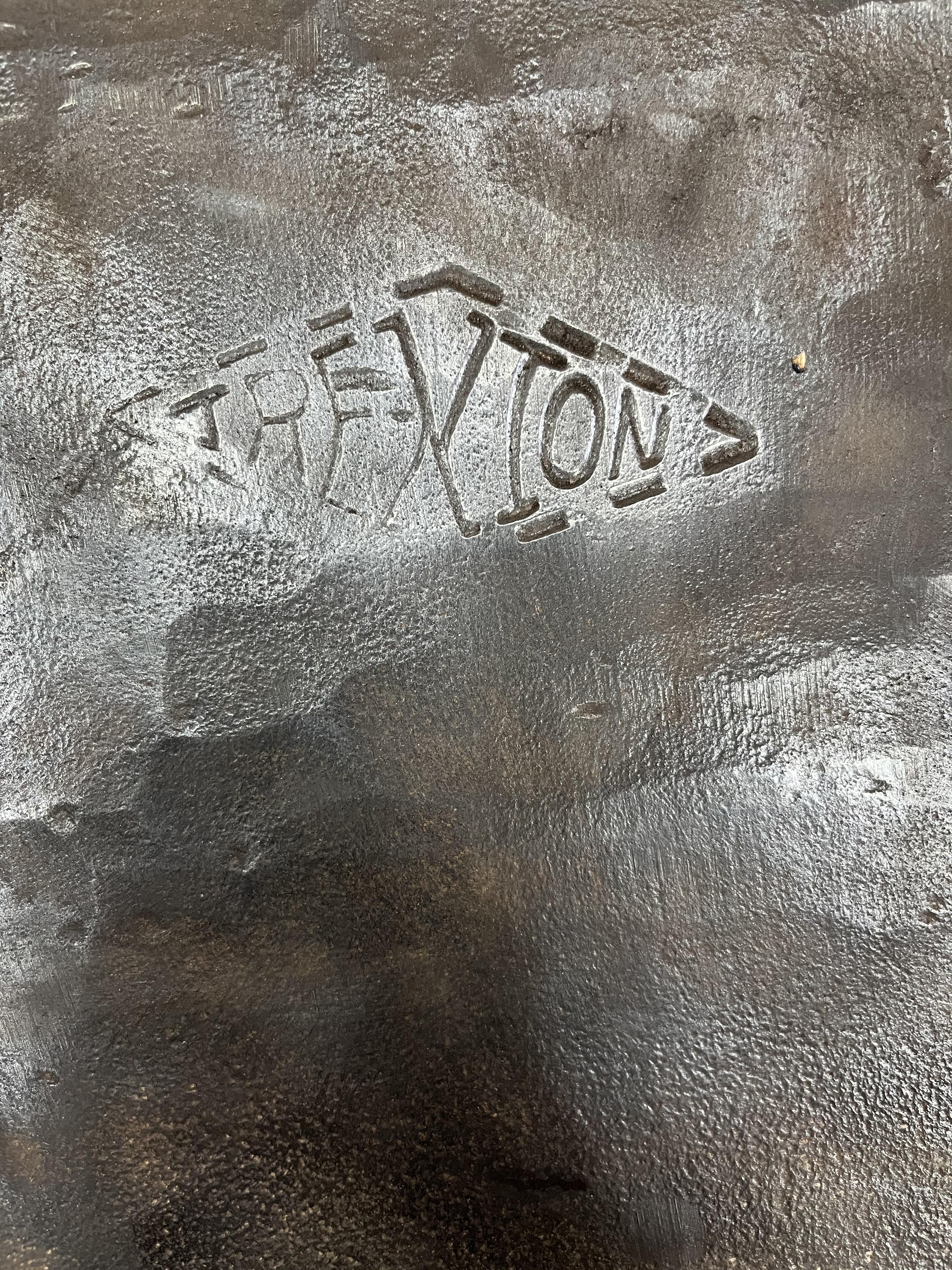
To be honest, yes. I have idle hands at the moment and would like to make her right before putting it through the ringer. Any advice on preservation and restoration of the face and table would be much appreciated. How would I go about finding the date of manufacture? All I’ve found is Trenton stopped making anvils decades ago, and even that info may not be accurate. Any insight is much appreciated as well!
-
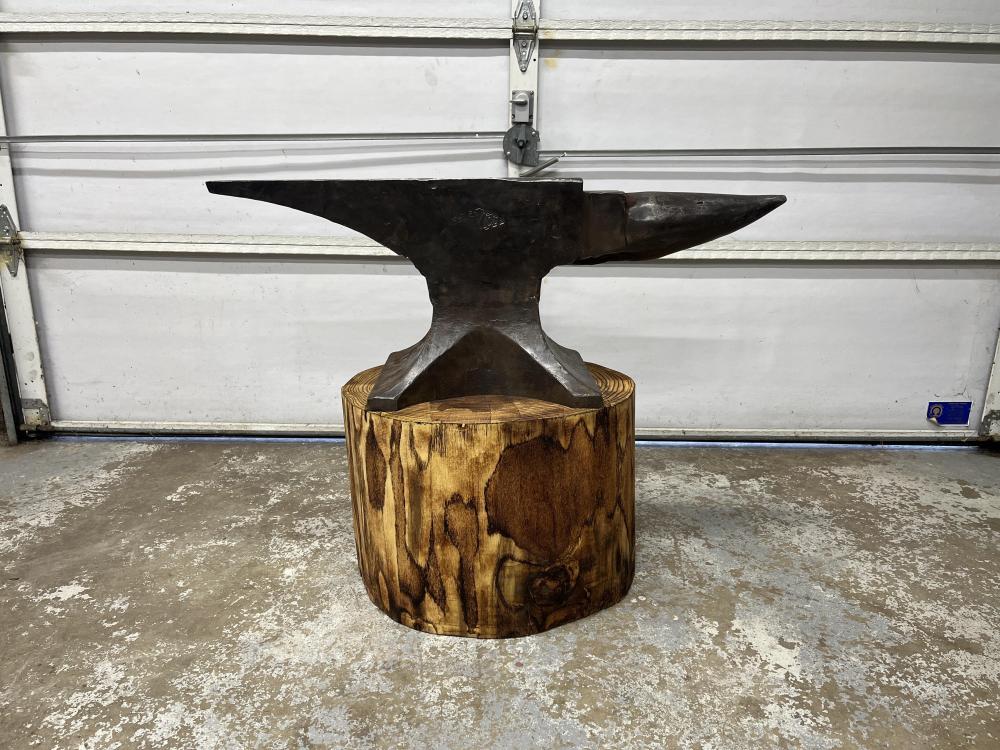
Current progress on restoration. Any recommendations for oil for the surface of the anvil. I’ve got banding to put on and 2 more coats of teak oil to help the base.
-
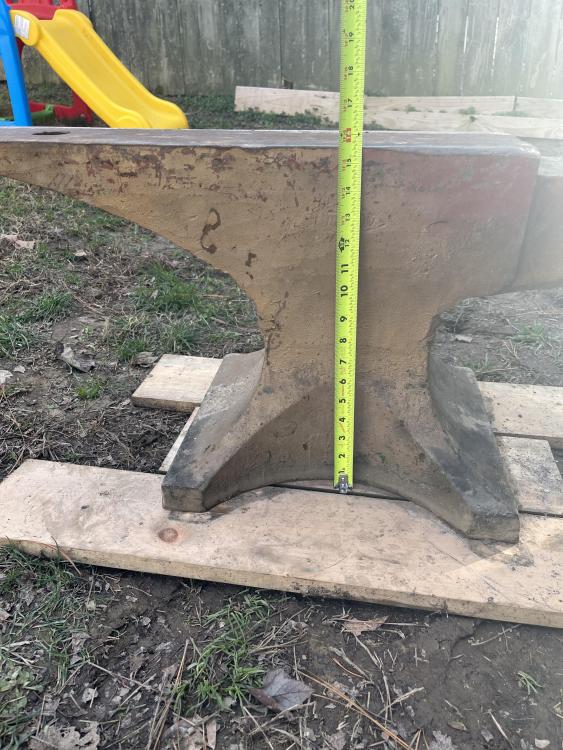
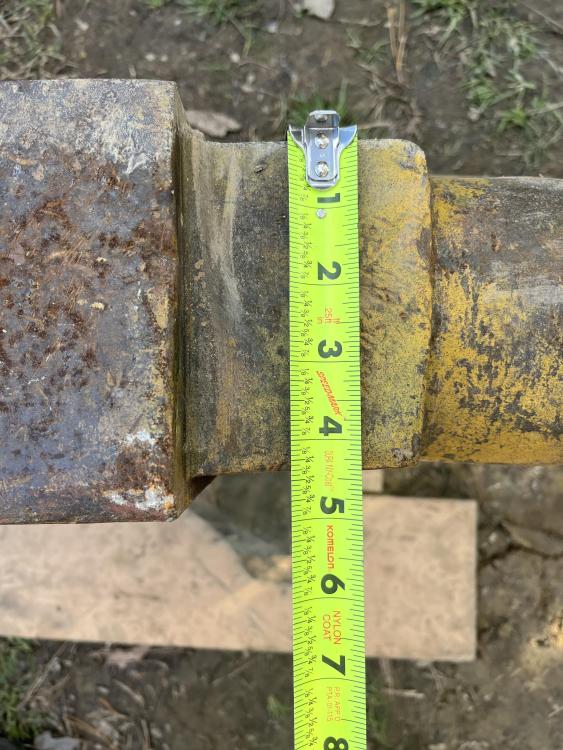
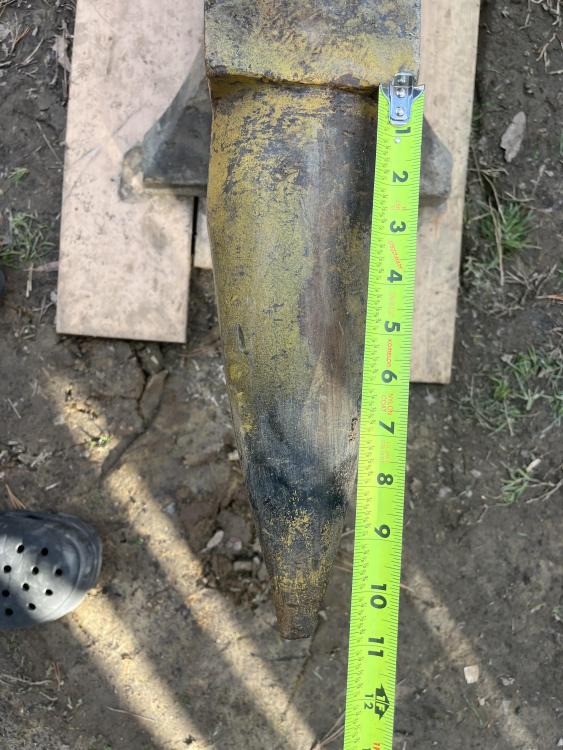
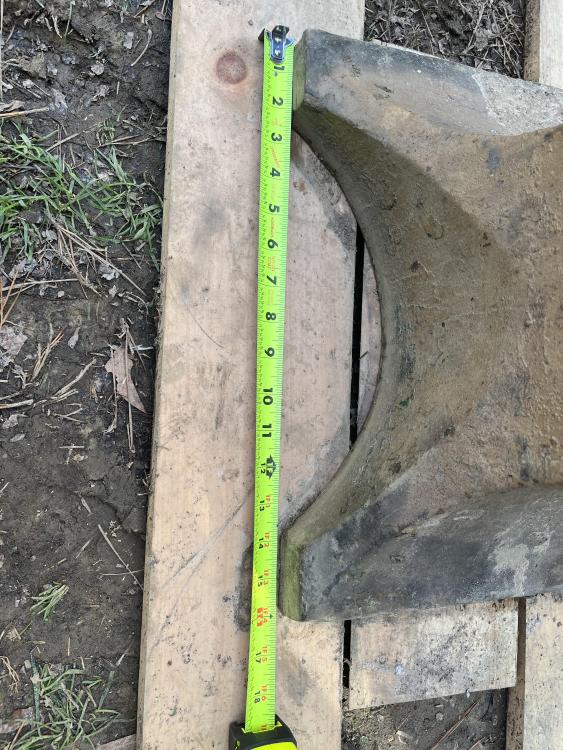
I accidentally hit submit instead of attach. There should be several photos attached now.
-
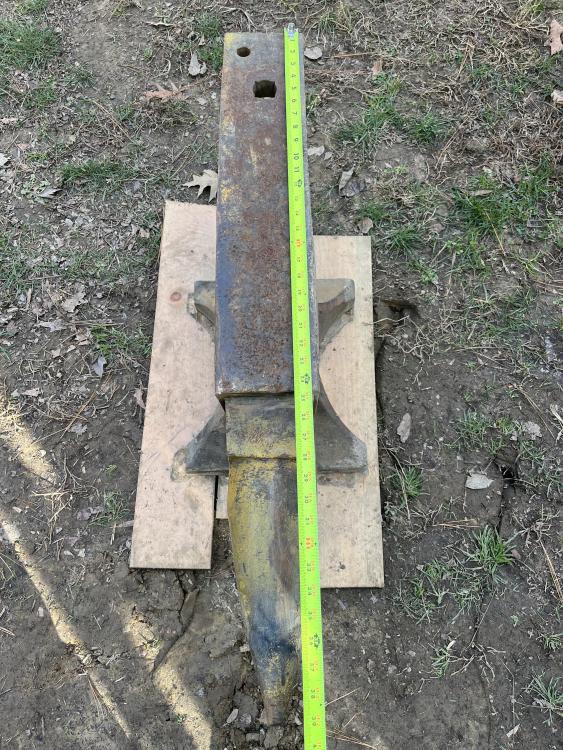
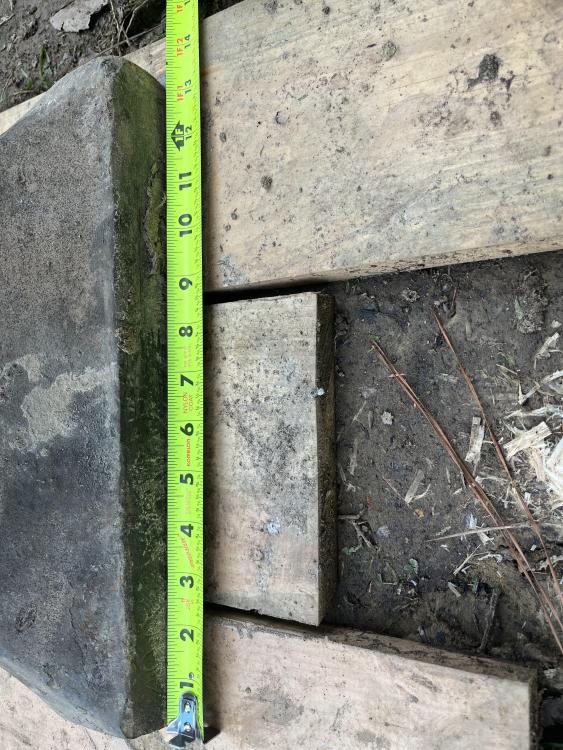
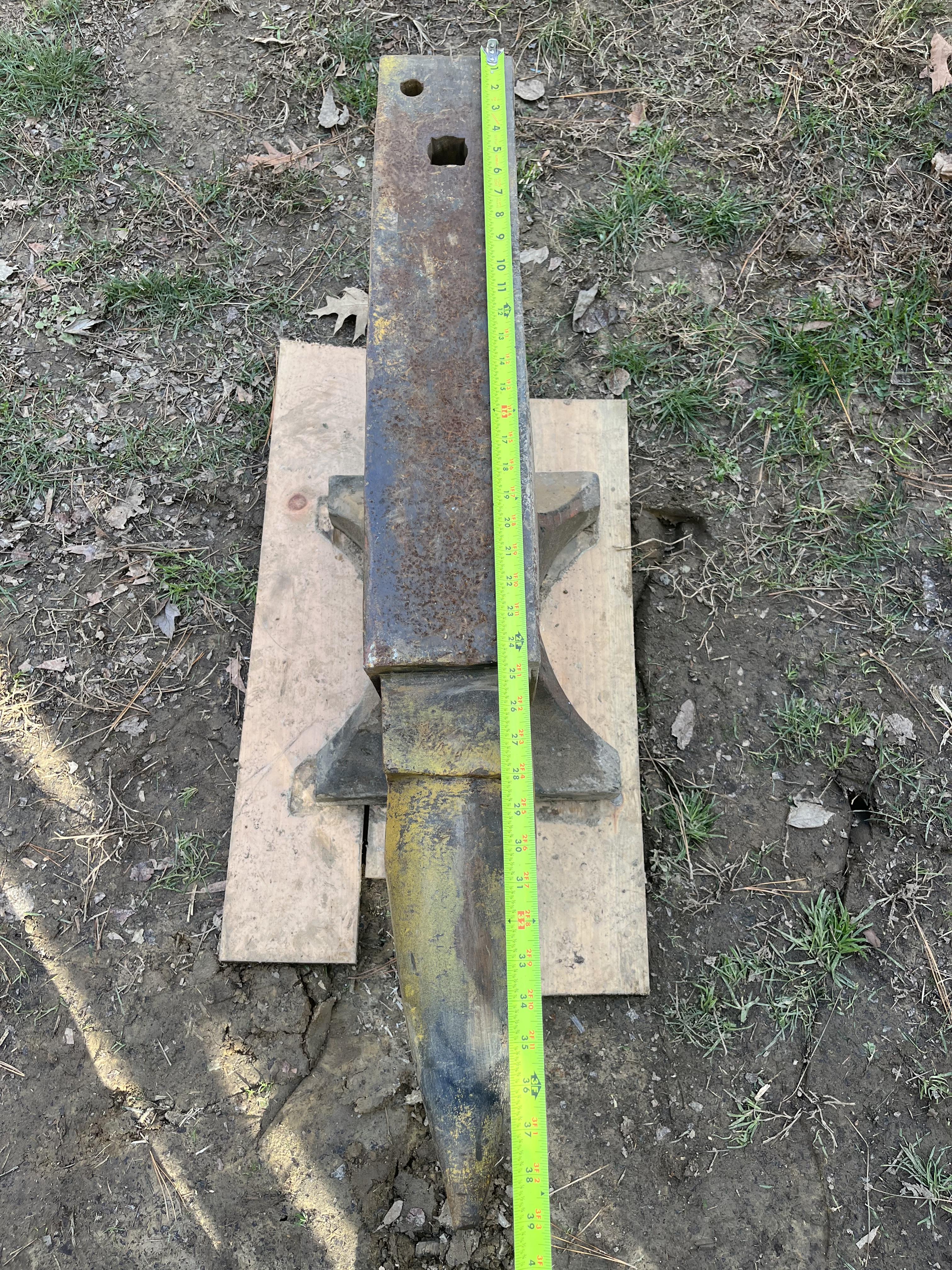
Good afternoon, I recently stumbled upon this beauty and have been cleaning off the layers of paint and neglect. So far this is what I have found for identification. I am fairly new to this community and have only followed YouTube as to cleaning her up.