
Jwestra
Members
-
Joined
-
Last visited
-
I will most definitely keep that in mind and steer clear from that, I greatly appreciate the advice!
-
Yes I have, not planning on touching the face at all
-
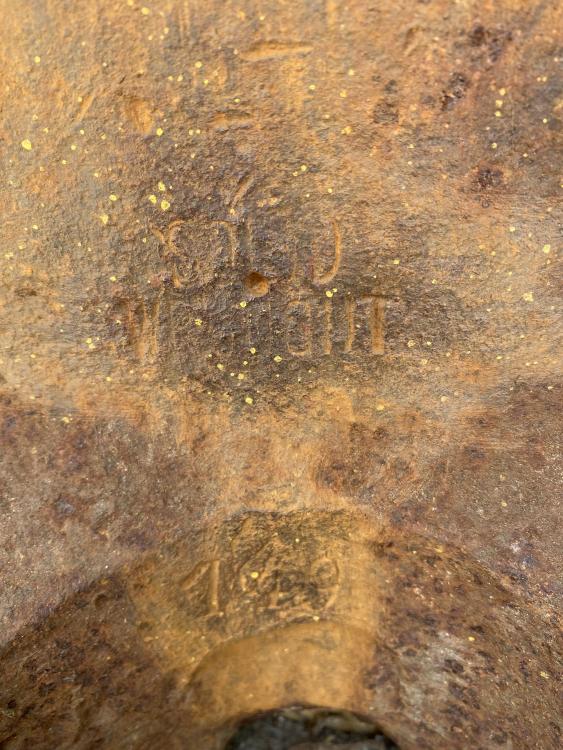
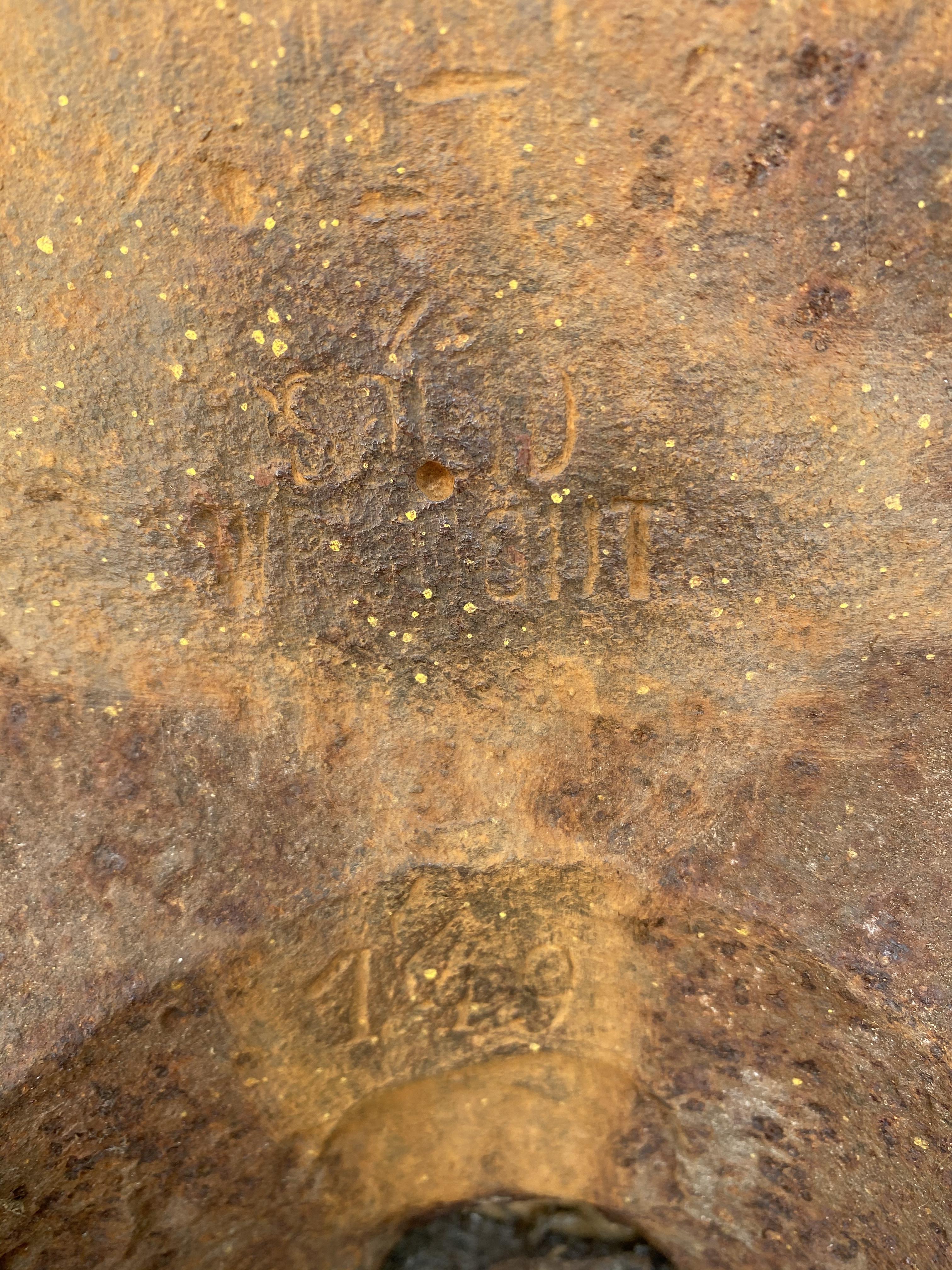
I think it may be 149, there is a lot of build up i am going to try and clean off so i could not for sure tell if it was a 119 or 149.
-
Doing a little research i am leaning towards it being a Trenton, he are some more pics though. Any information is appreciated very much.
.thumb.jpeg.4148daf1599e50b62ac703b51921f89e.jpeg)
.thumb.jpeg.f383408a0945943768db3a069b692592.jpeg)
-
Looking to see if anyone would have any info regarding age and such on this anvil i just picked up, i believe its a peter wright although i may be wrong, 119# for the hundredweight
.thumb.jpeg.a70162b70d5d848d88fd38492e4748e0.jpeg)
.thumb.jpeg.1c9349ee6c8033de8542bb65497c28e7.jpeg)
.jpeg.6709dbdb46efe4970ca57a6d364e2ac9.jpeg)
.jpeg.2a7a75b9e4a2fdccfc343e37d5a198d0.jpeg)
.jpeg.9feed5a22ab785462eb9b32c4a07df4a.jpeg)
.jpeg.825bc52f51f1e4cfa81c944f2c207aaf.jpeg)