Skip to content
View in the app

A better way to browse. Learn more.

I Forge Iron

A full-screen app on your home screen with push notifications, badges and more.

To install this app on iOS and iPadOS
  1. Tap the Share icon in Safari
  2. Scroll the menu and tap Add to Home Screen.
  3. Tap Add in the top-right corner.
To install this app on Android
  1. Tap the 3-dot menu (⋮) in the top-right corner of the browser.
  2. Tap Add to Home screen or Install app.
  3. Confirm by tapping Install.

Avirgo

Members
  • Joined

  • Last visited

  1. Avirgo started following njanvilman
  2. Thank you Clay, I read the link you added it was very informative I will have to reference it for a while I think!
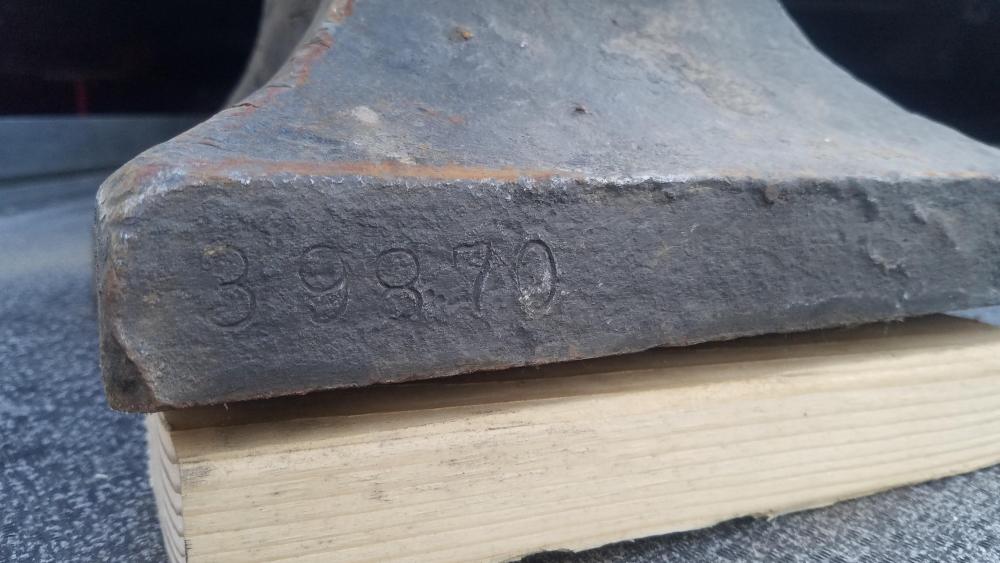
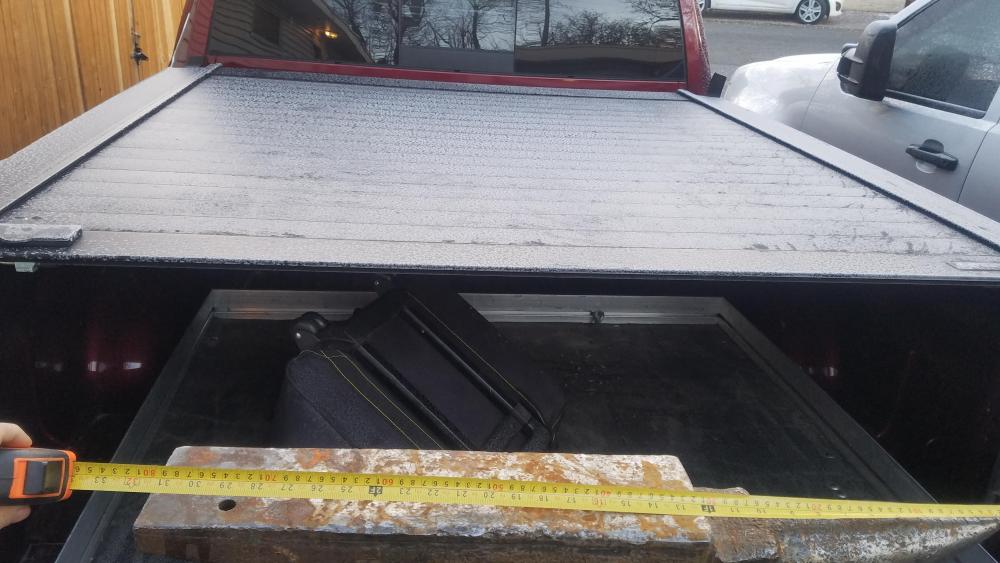
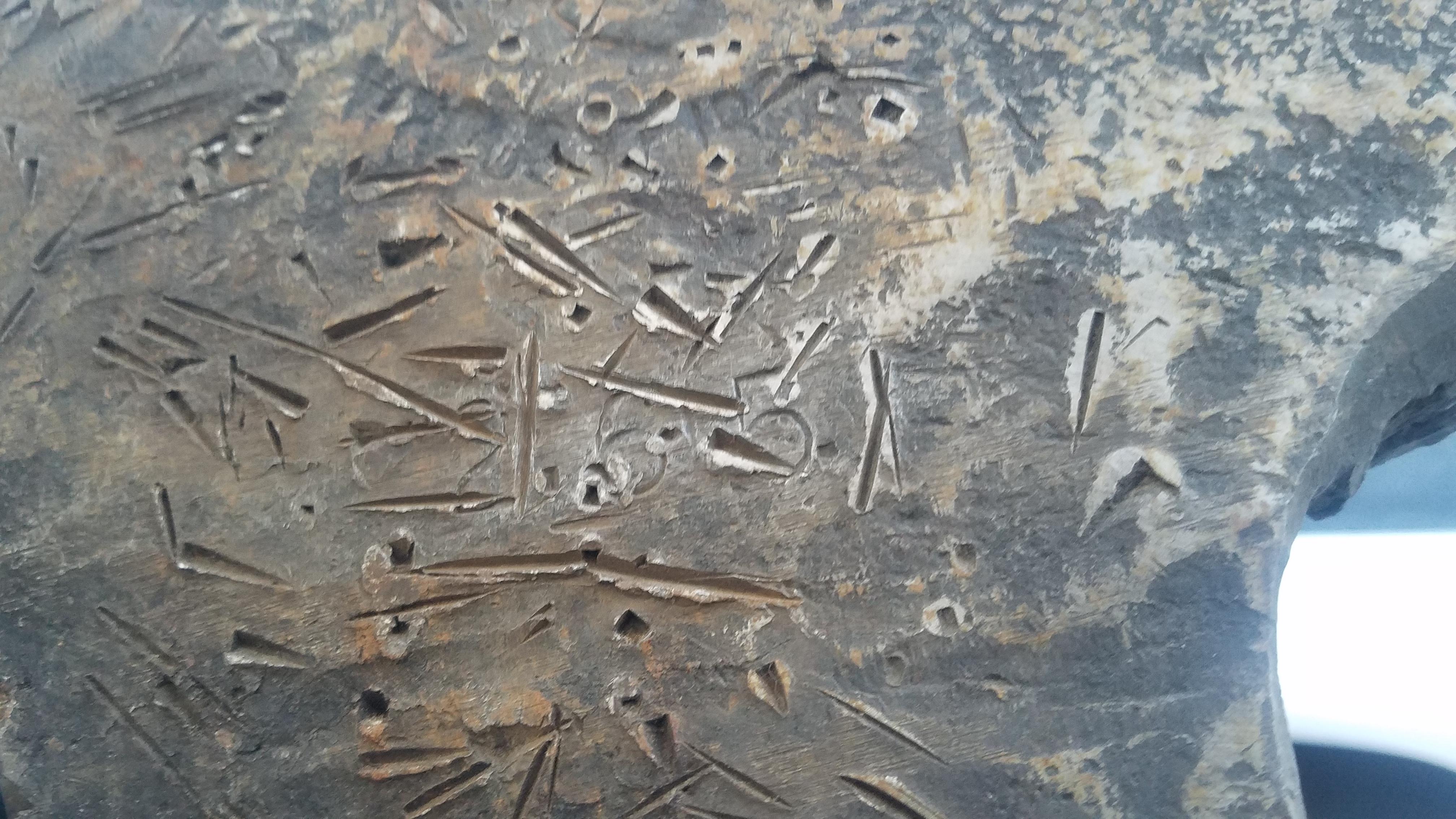
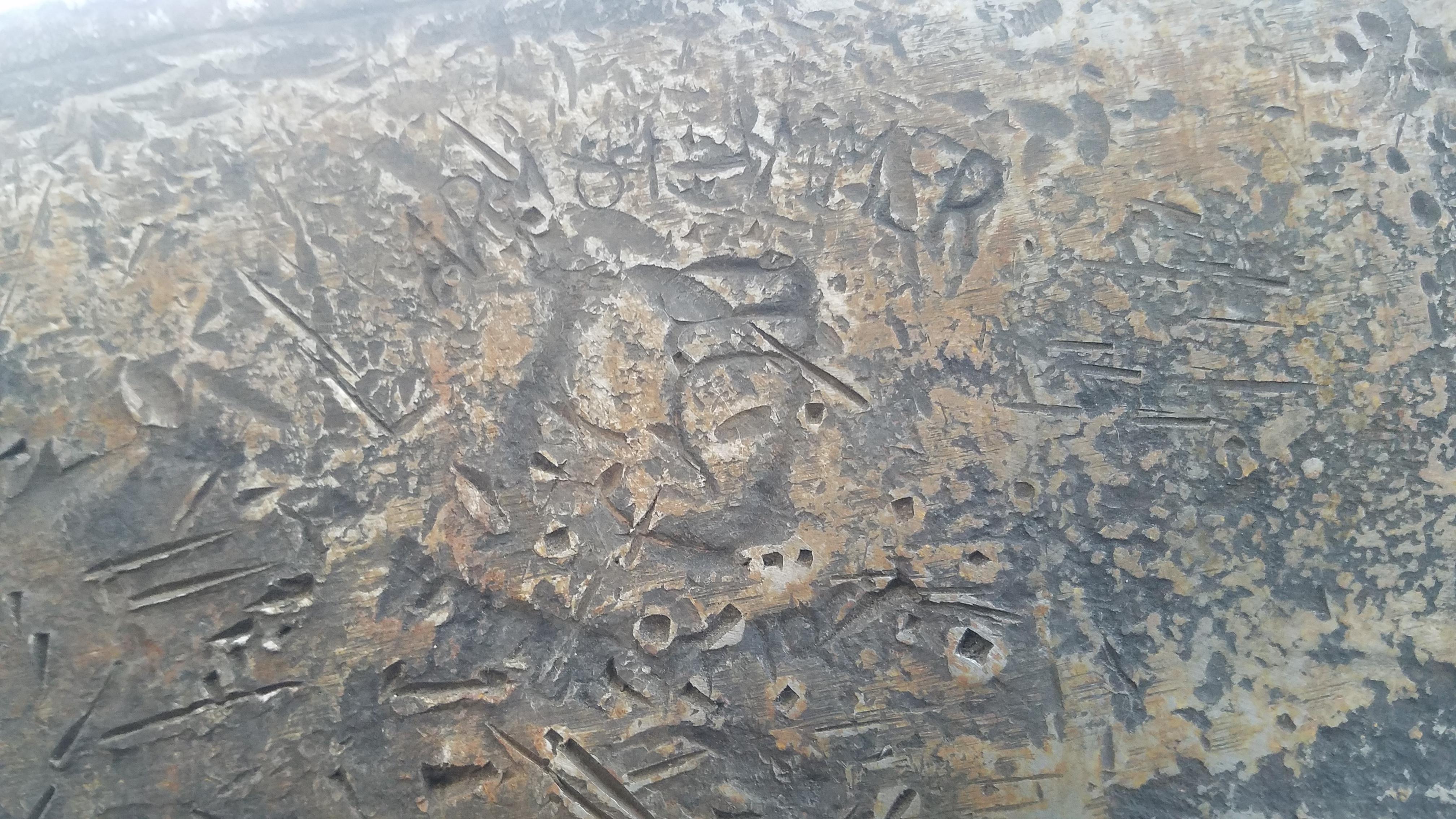
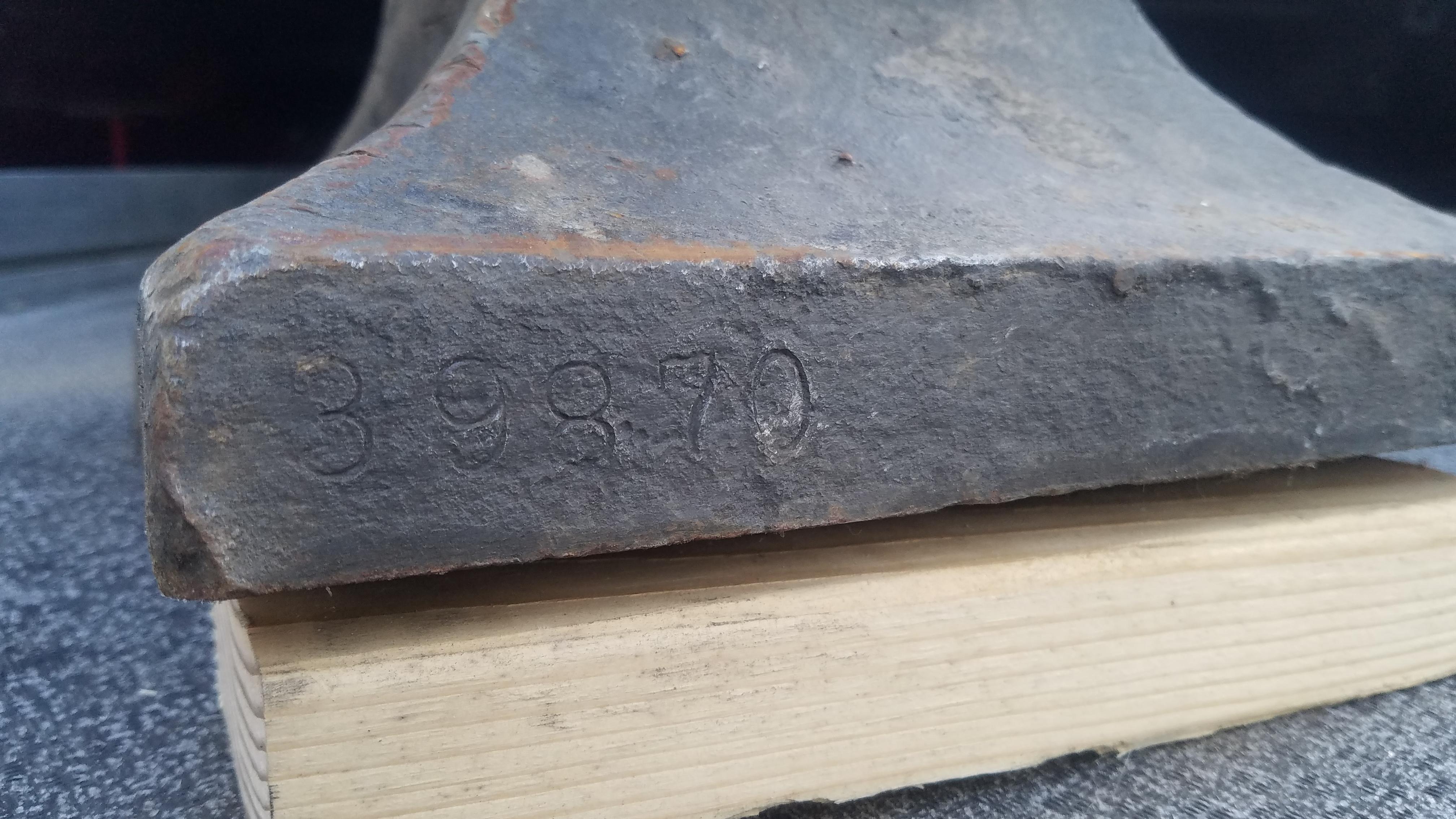
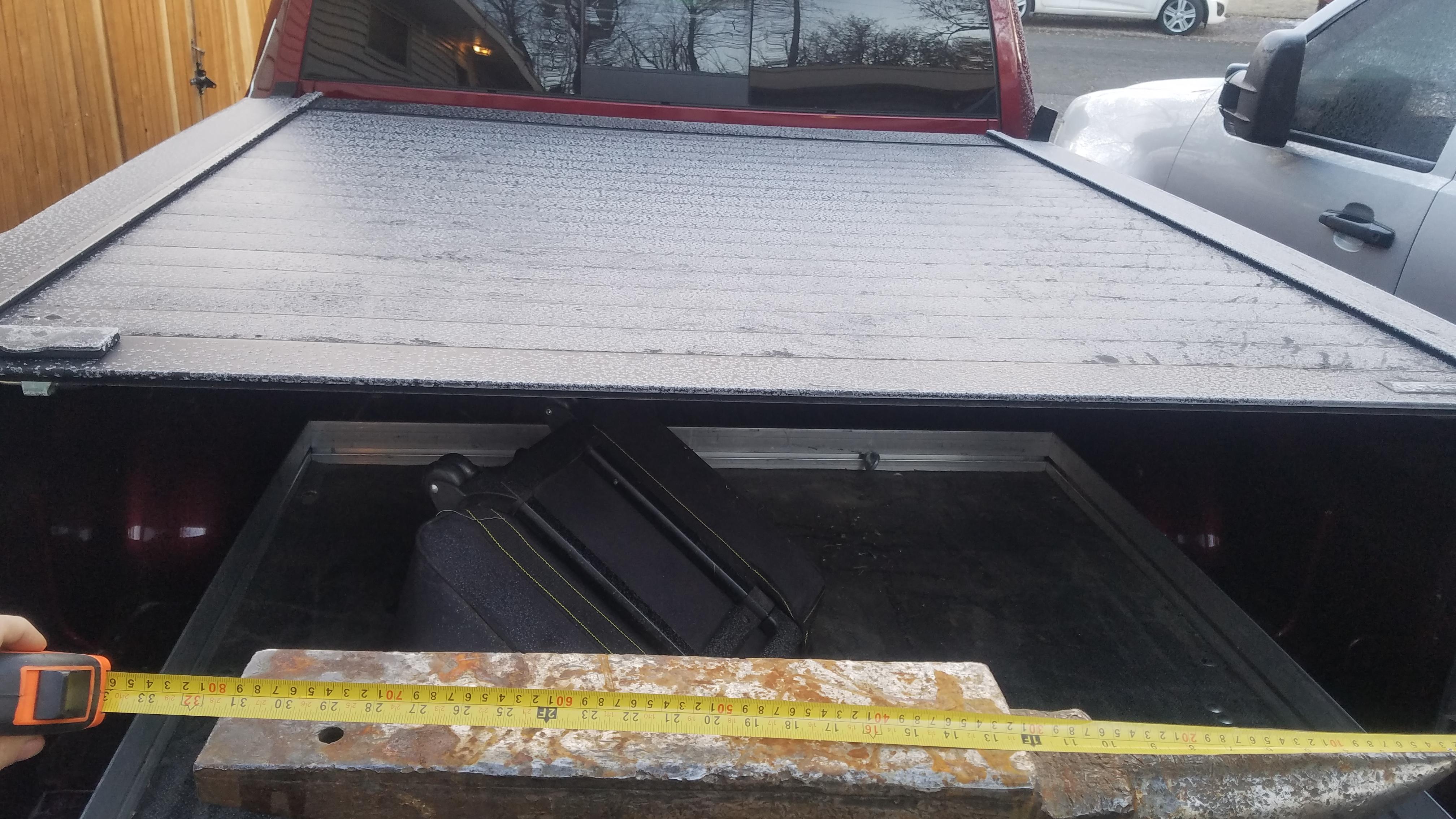
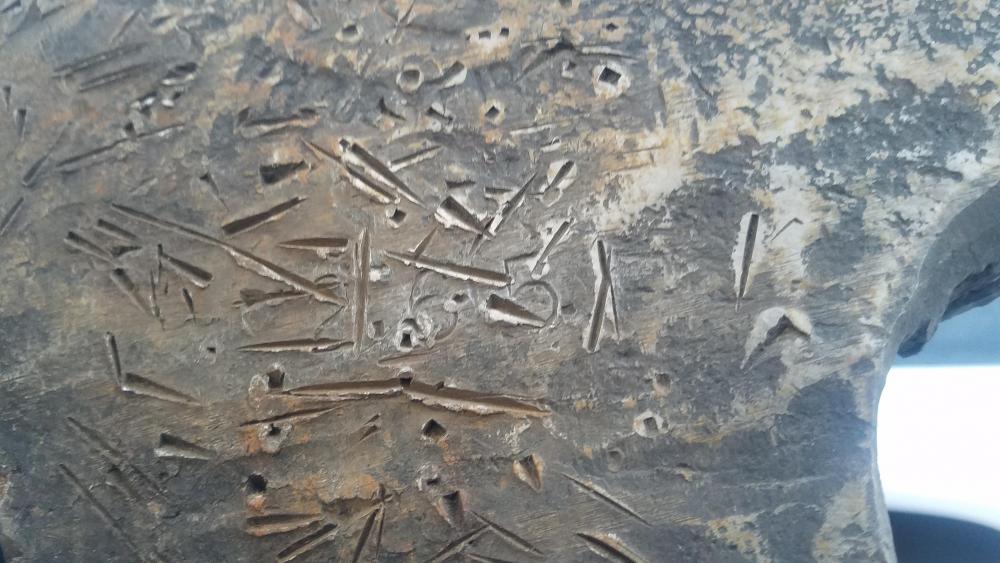
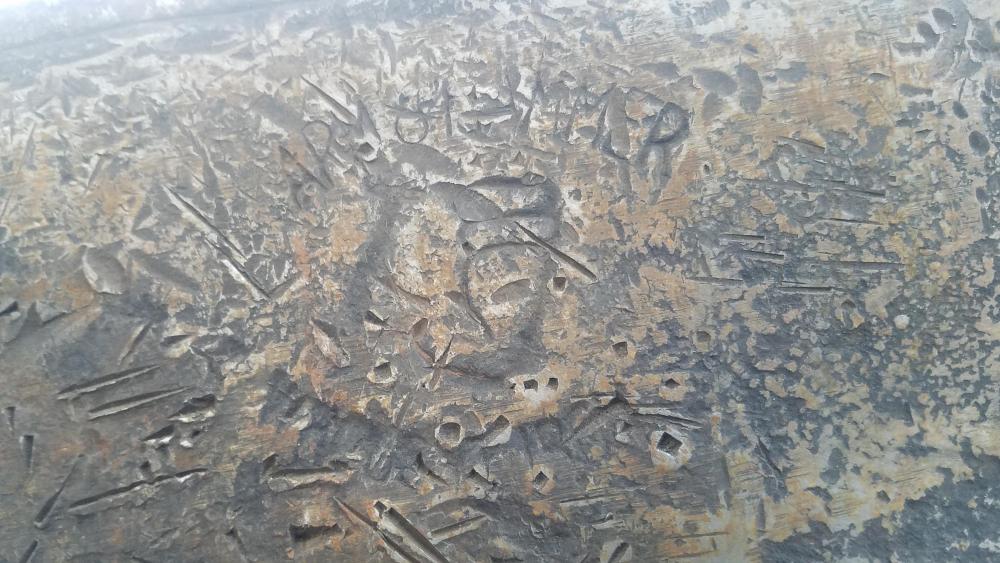
  3. Hi all, not trying to hijack this thread but have the same question and this seems like a good place for this information to live. I just picked up an Arm & Hammer anvil and would like to know the sam info on mine! on the Arm & Hammers is the weight marked as lbs or do have to do the stone conversion thing like a Peter Wright? my anvil says 265 for the weight? and the SN# is 39870 thank you "ALL" for all the info on this site!!
Account

Navigation

Search

Search

Configure browser push notifications

Chrome (Android)
  1. Tap the lock icon next to the address bar.
  2. Tap Permissions → Notifications.
  3. Adjust your preference.
Chrome (Desktop)
  1. Click the padlock icon in the address bar.
  2. Select Site settings.
  3. Find Notifications and adjust your preference.