WillForge
Members
-
Joined
-
Last visited
Everything posted by WillForge
-
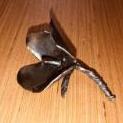
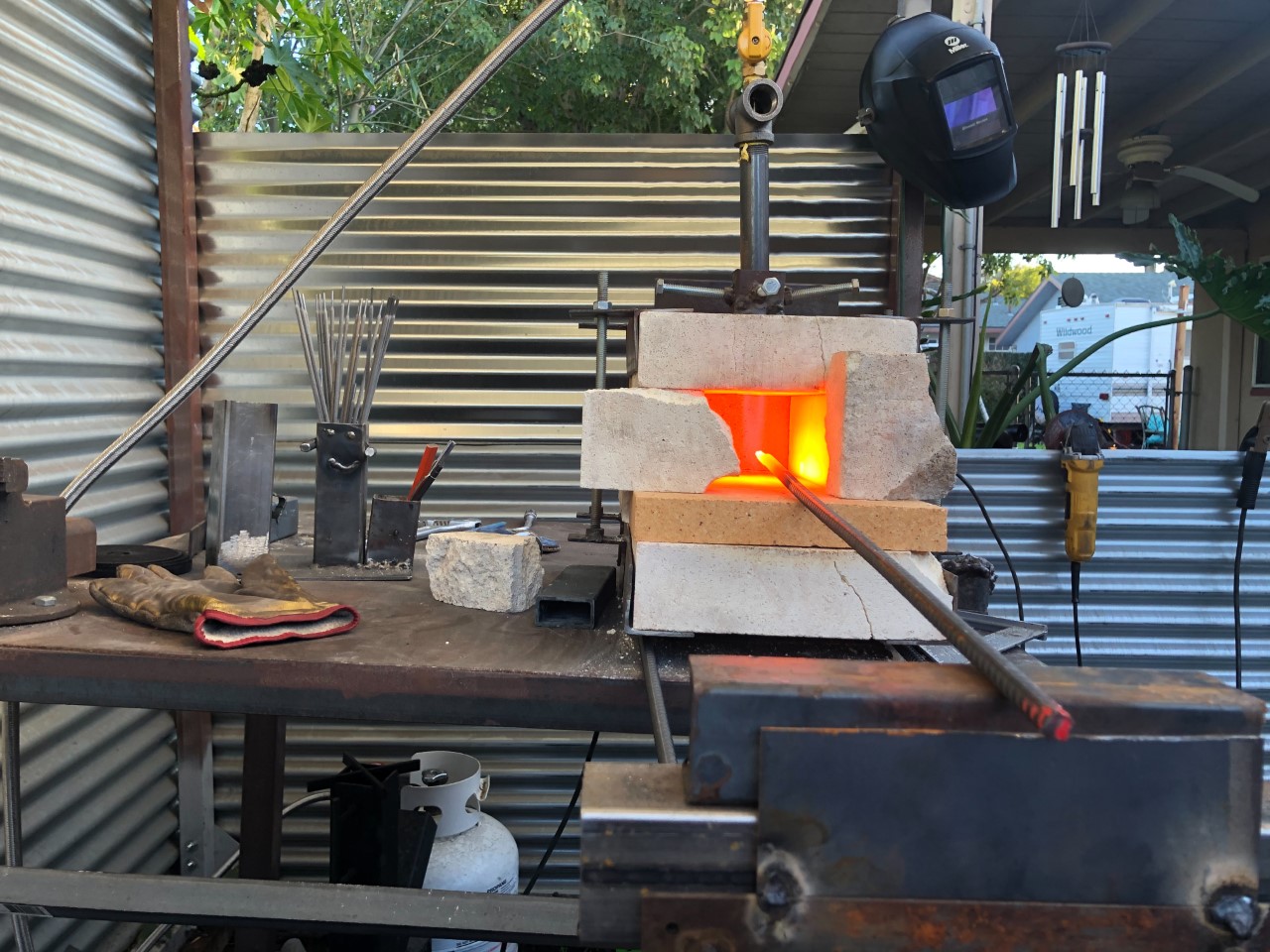
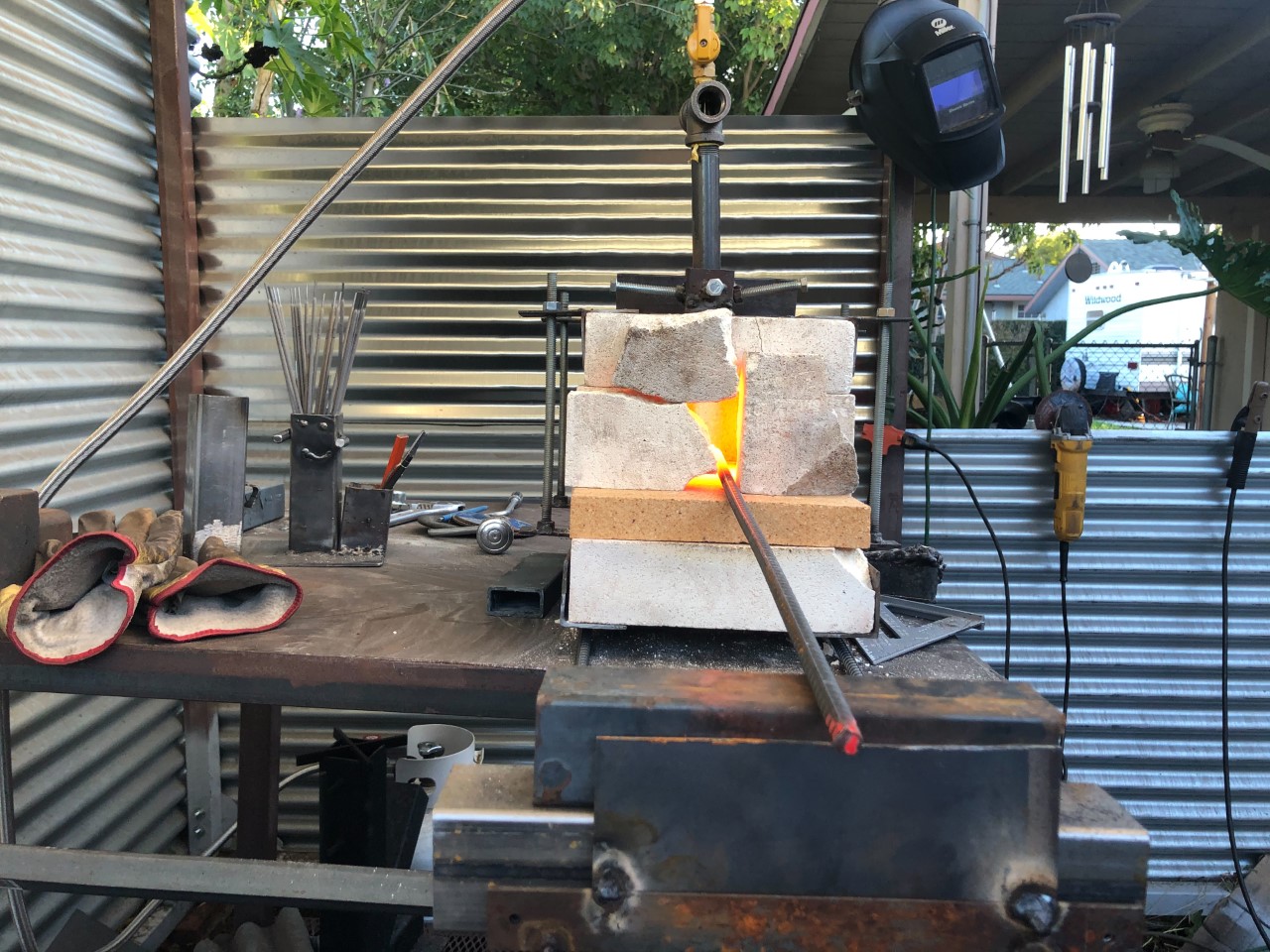
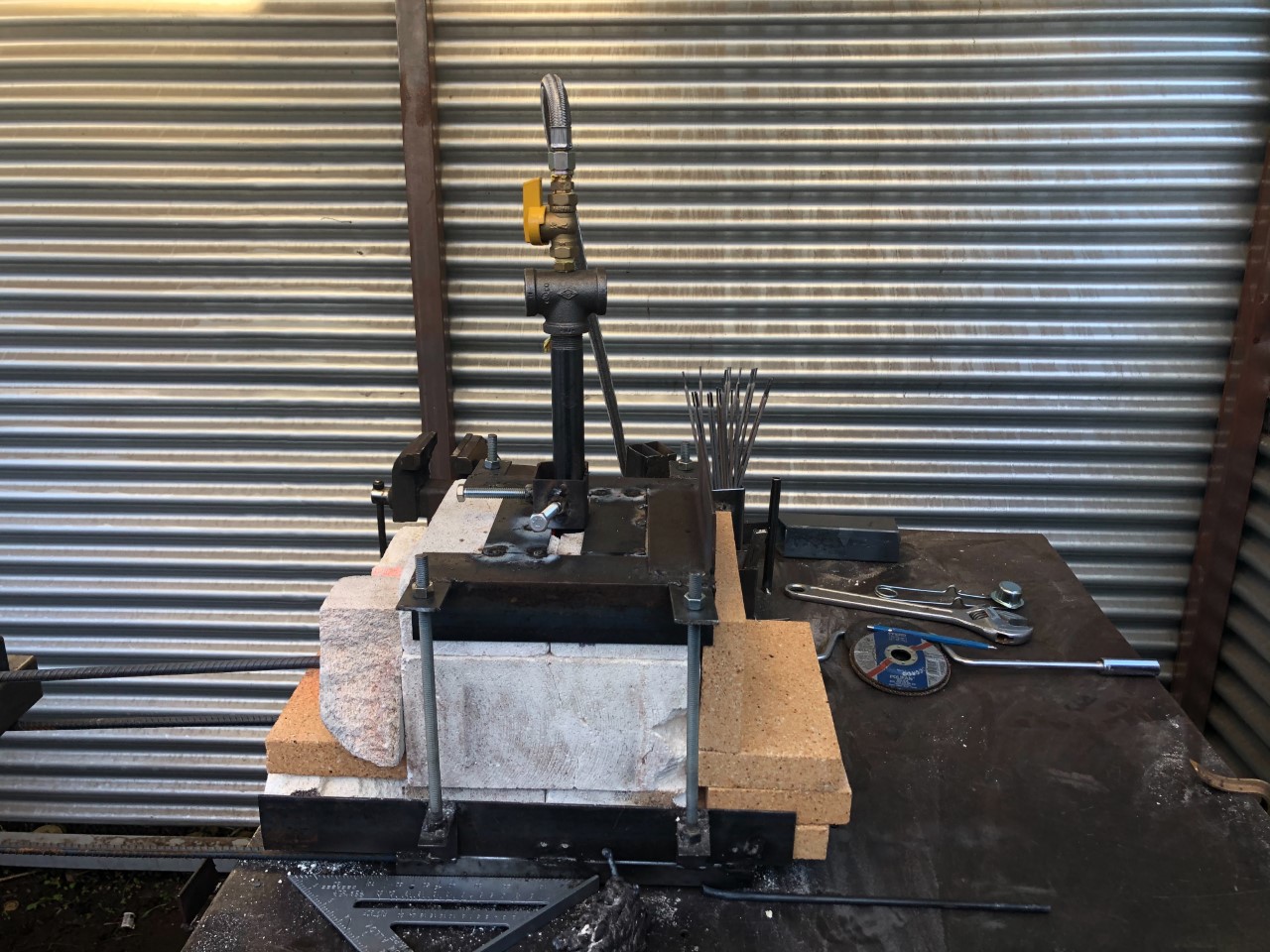
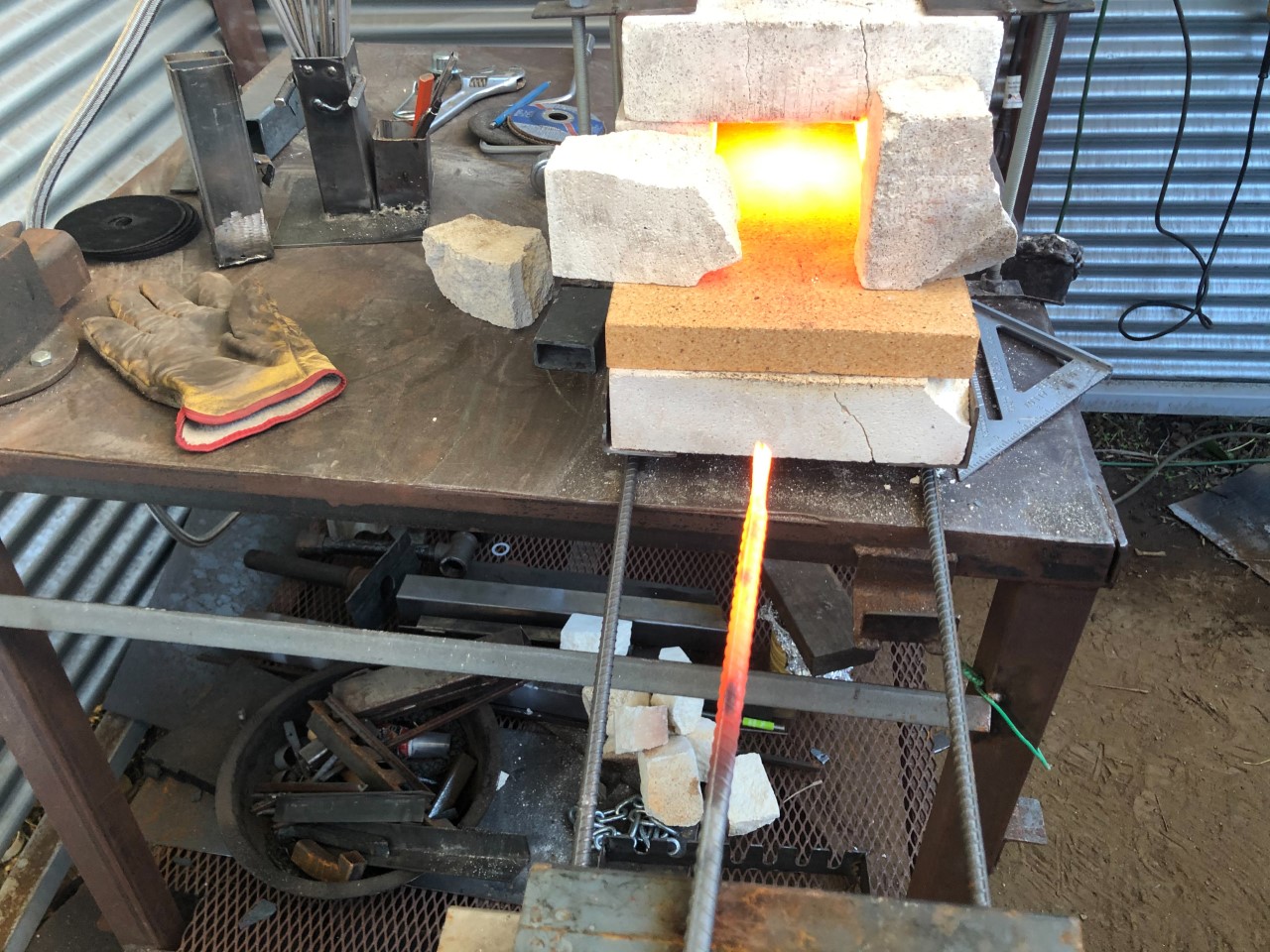
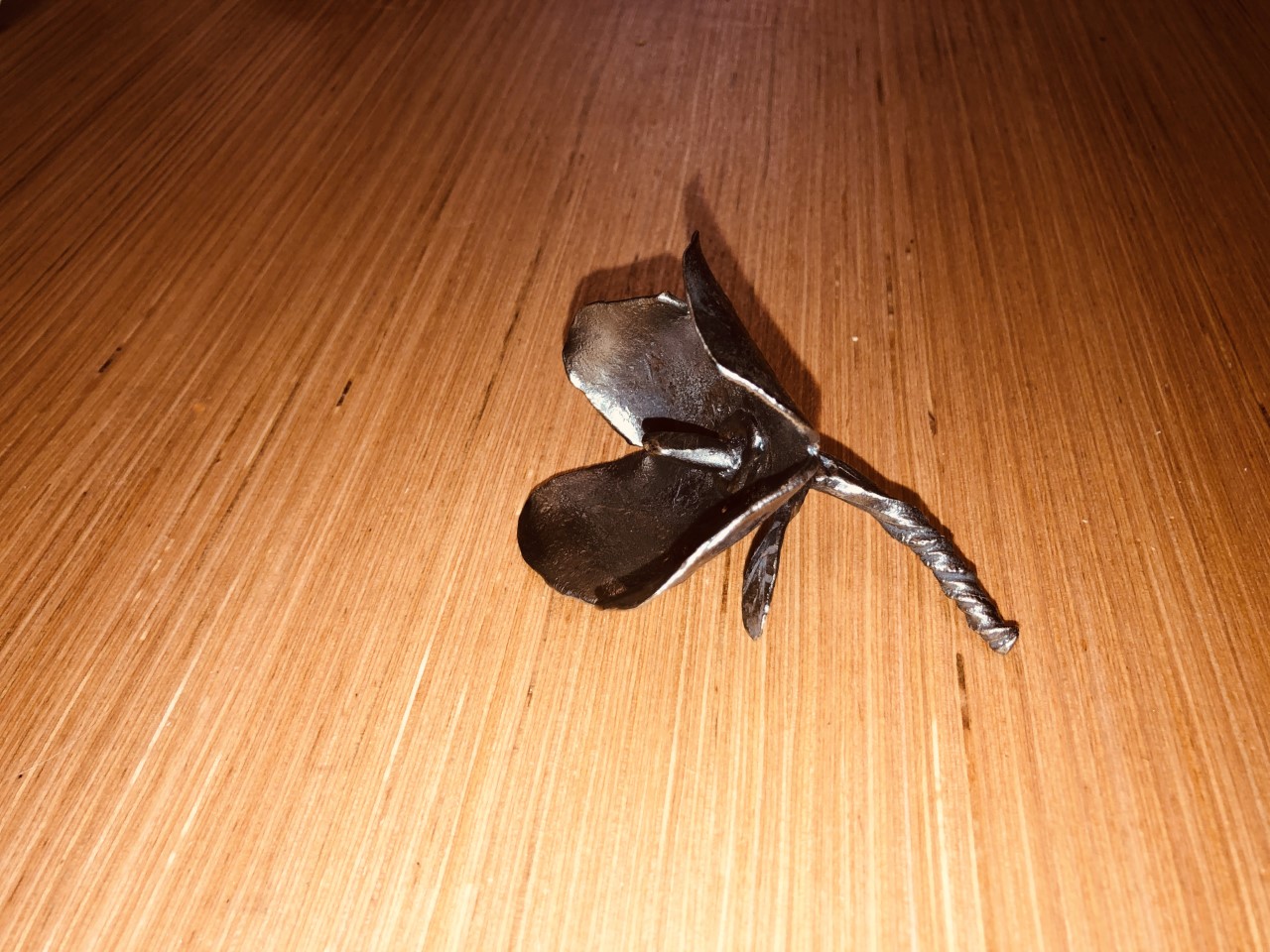
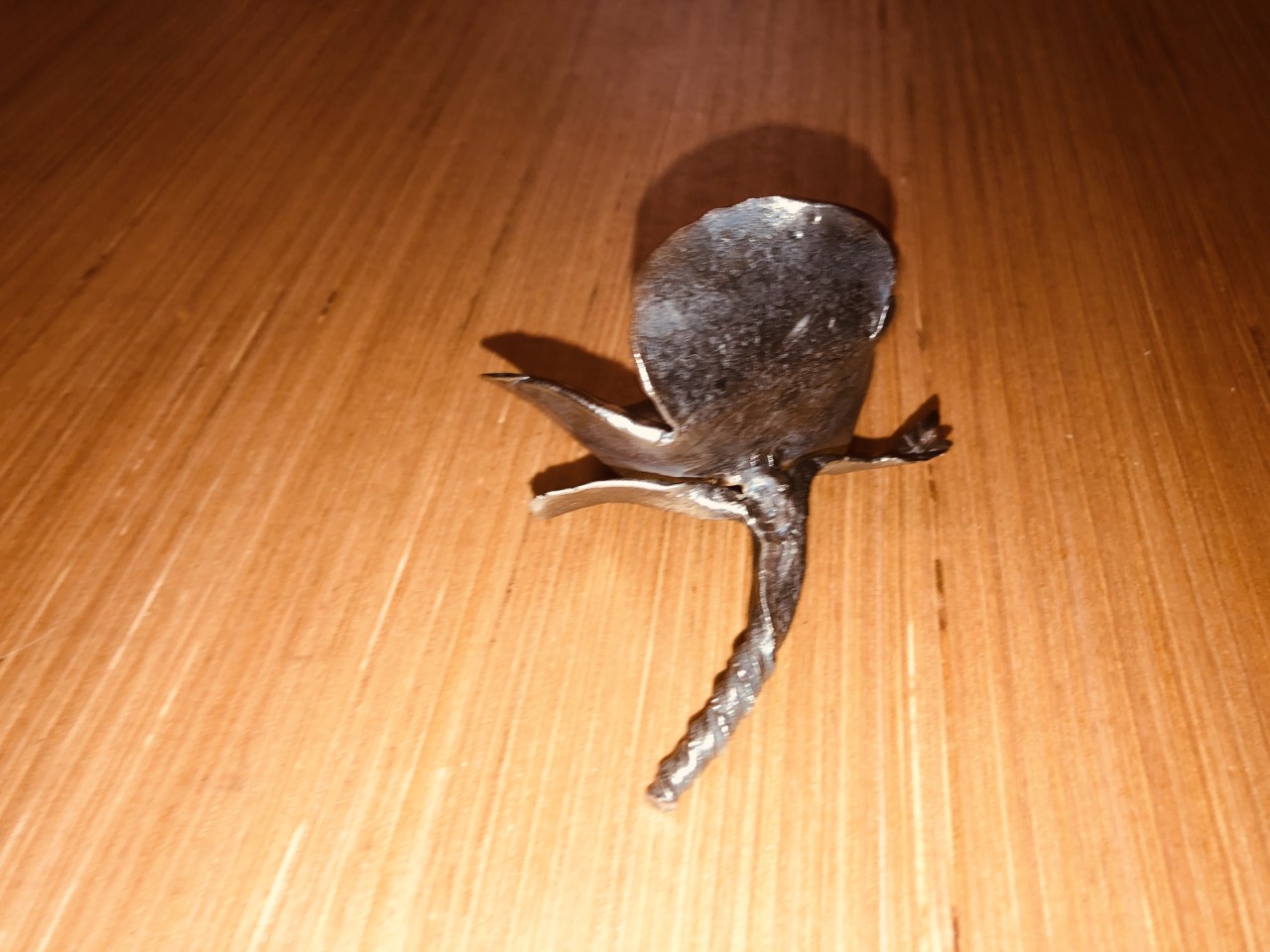
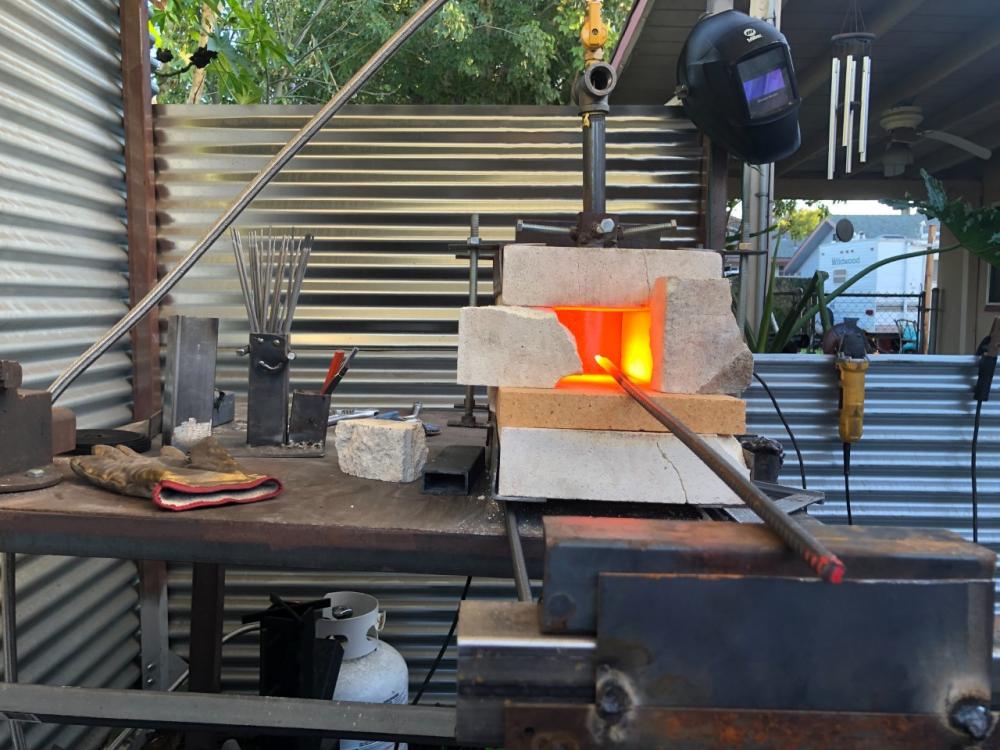
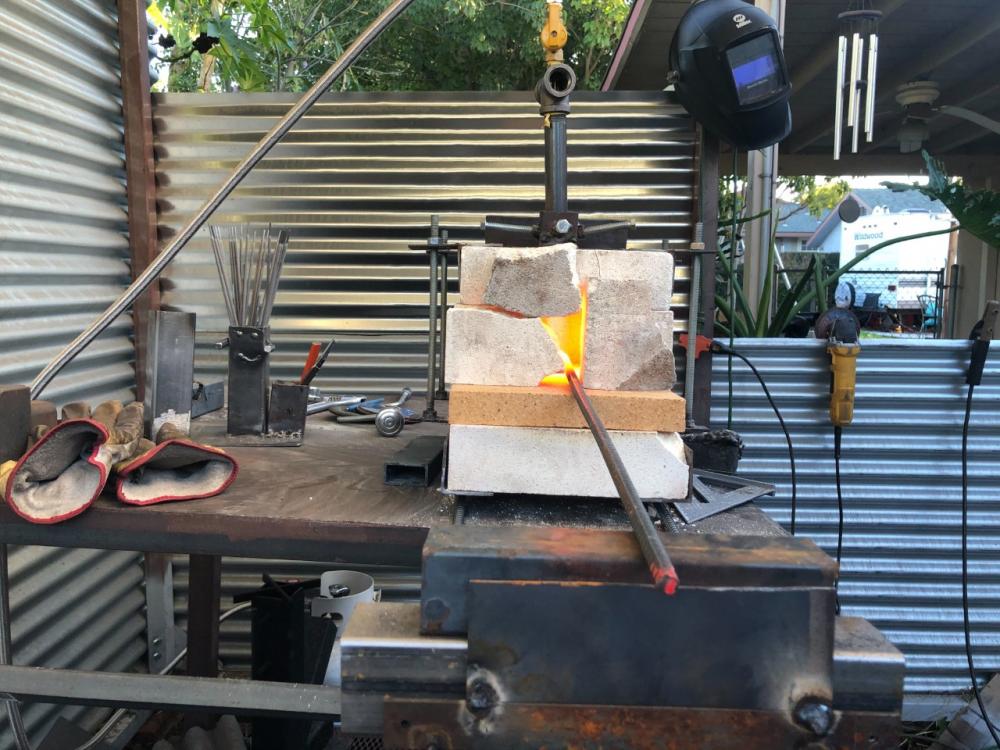
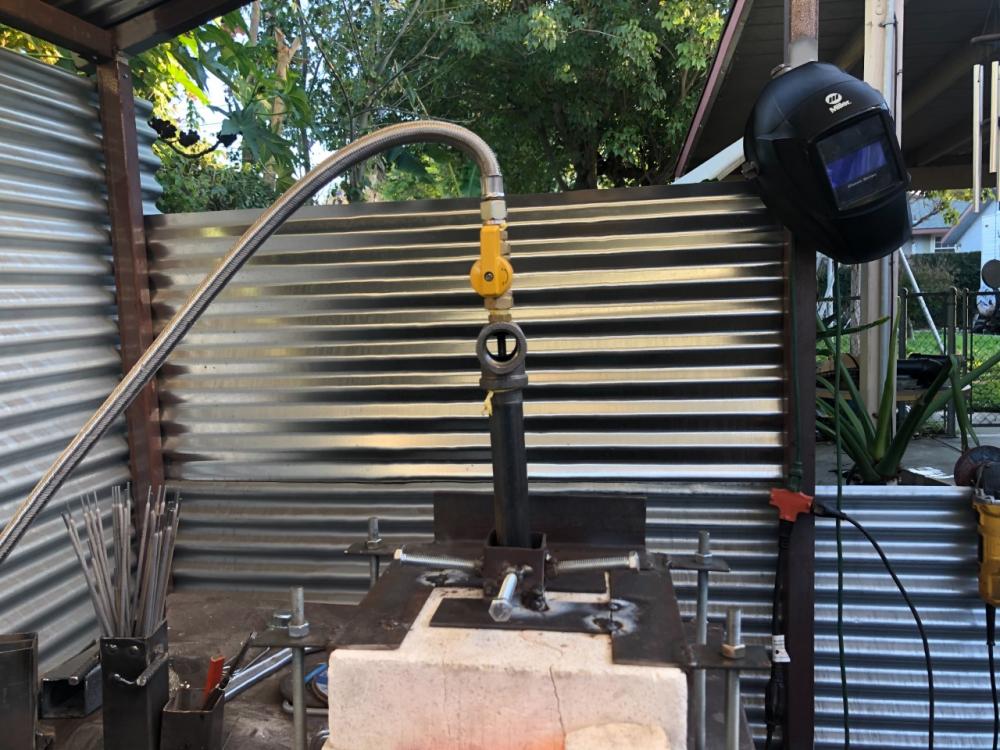
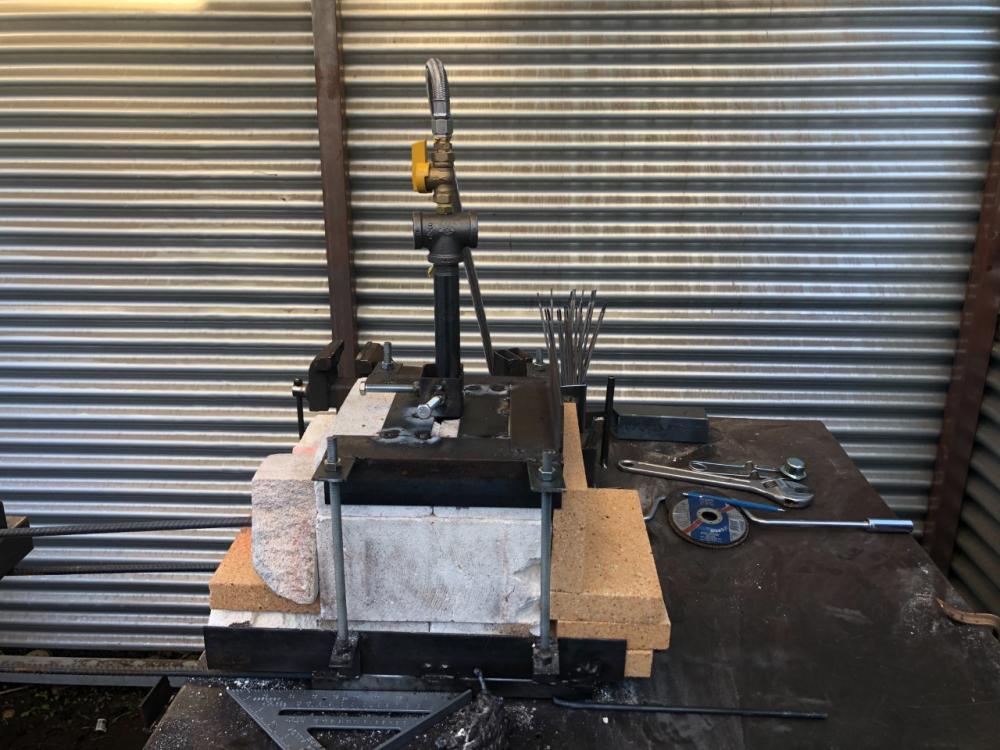
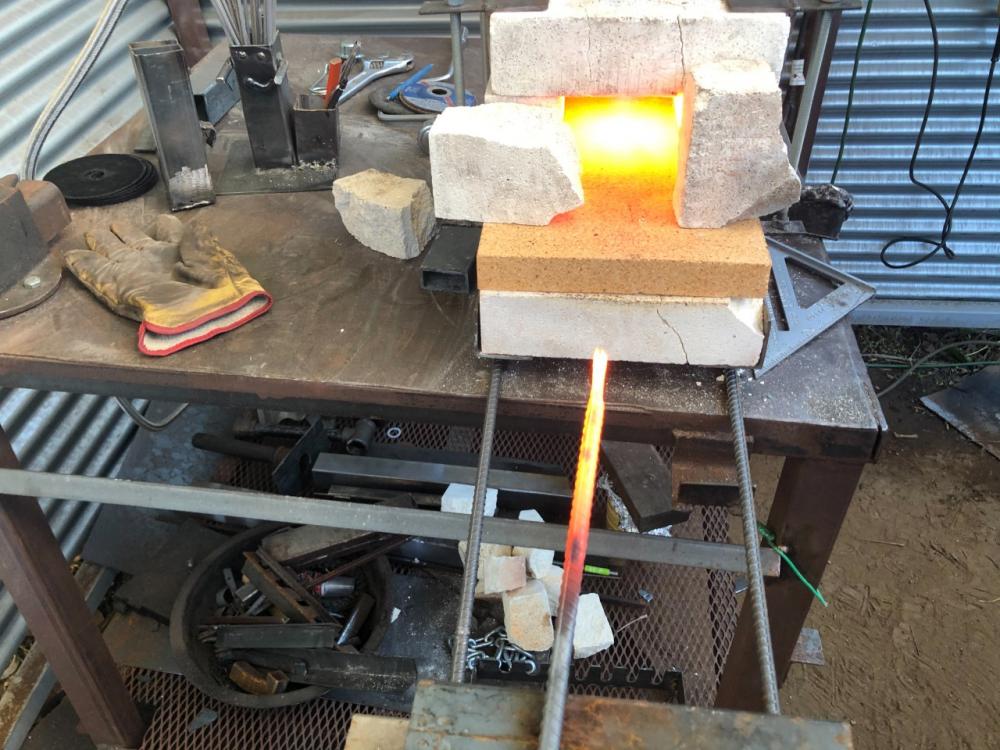
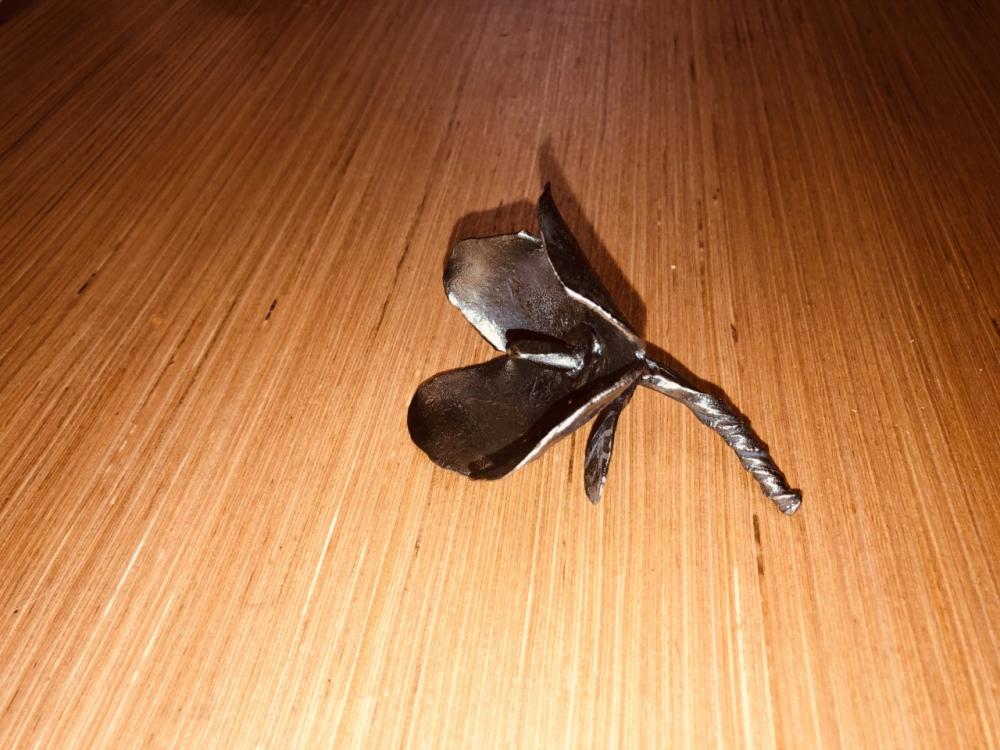
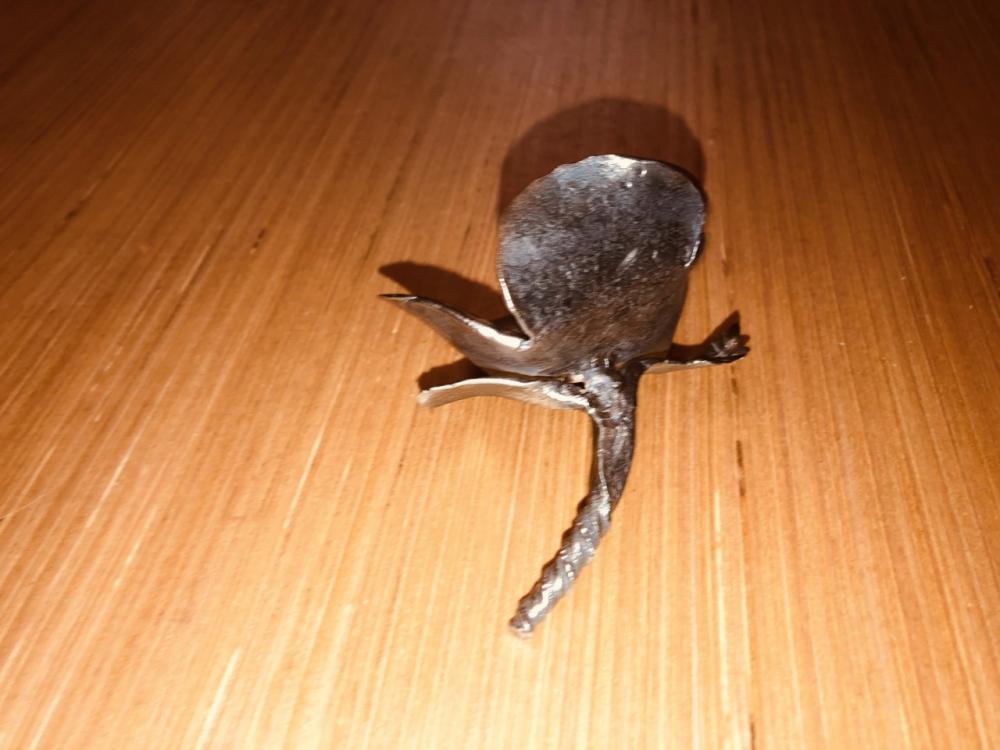
I have a fire brick forge with a frosty tee style burner of 3/4" this is the second time I have build it since all my fire bricks have cracked. I finally ordered some Rutland refractory cement abut 15lbs of it hoping that will help my heating issues before this I could get 1" square mild steel up to a yellow heat now I can only get to a orange heat just barely at 6-12 psi on 1/4" rebar. I'm getting a vector edge 2.0 high flow reg. hoping that will also help. I'm not in an enclosed shop but in a 3 walled 10x9 shed that I build on my parents land (I think its called a run-in shed) so I'm exposed to the elements and I know that will have some effects on it. "Just do it but, be ready to run like xxxx." i this was the 1st thing I made before all the bricks cracked
-
As the title says. I’m new to the industry and want to go for my LA Cert along with my AWS Cert, and I wanted a little stick welder for under $250 that I can use for home projects. Railings, gates, building a gas forge and just more practice for welding tests. It needs to be 110v input since that is our house current, although I wouldn’t mind it being a 110v/220v fo a later dedicated circuit since I have the space for it. I don’t know much about electrical, so that being said is there a big difference between 110v and 120v.