Skip to content
View in the app

A better way to browse. Learn more.

I Forge Iron

A full-screen app on your home screen with push notifications, badges and more.

To install this app on iOS and iPadOS
  1. Tap the Share icon in Safari
  2. Scroll the menu and tap Add to Home Screen.
  3. Tap Add in the top-right corner.
To install this app on Android
  1. Tap the 3-dot menu (⋮) in the top-right corner of the browser.
  2. Tap Add to Home screen or Install app.
  3. Confirm by tapping Install.

lola

Members
  • Joined

  • Last visited

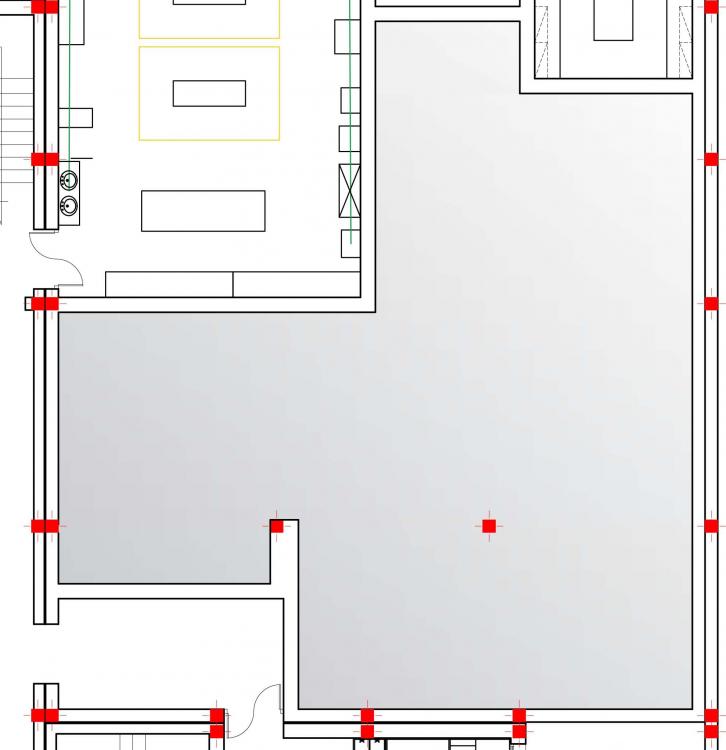
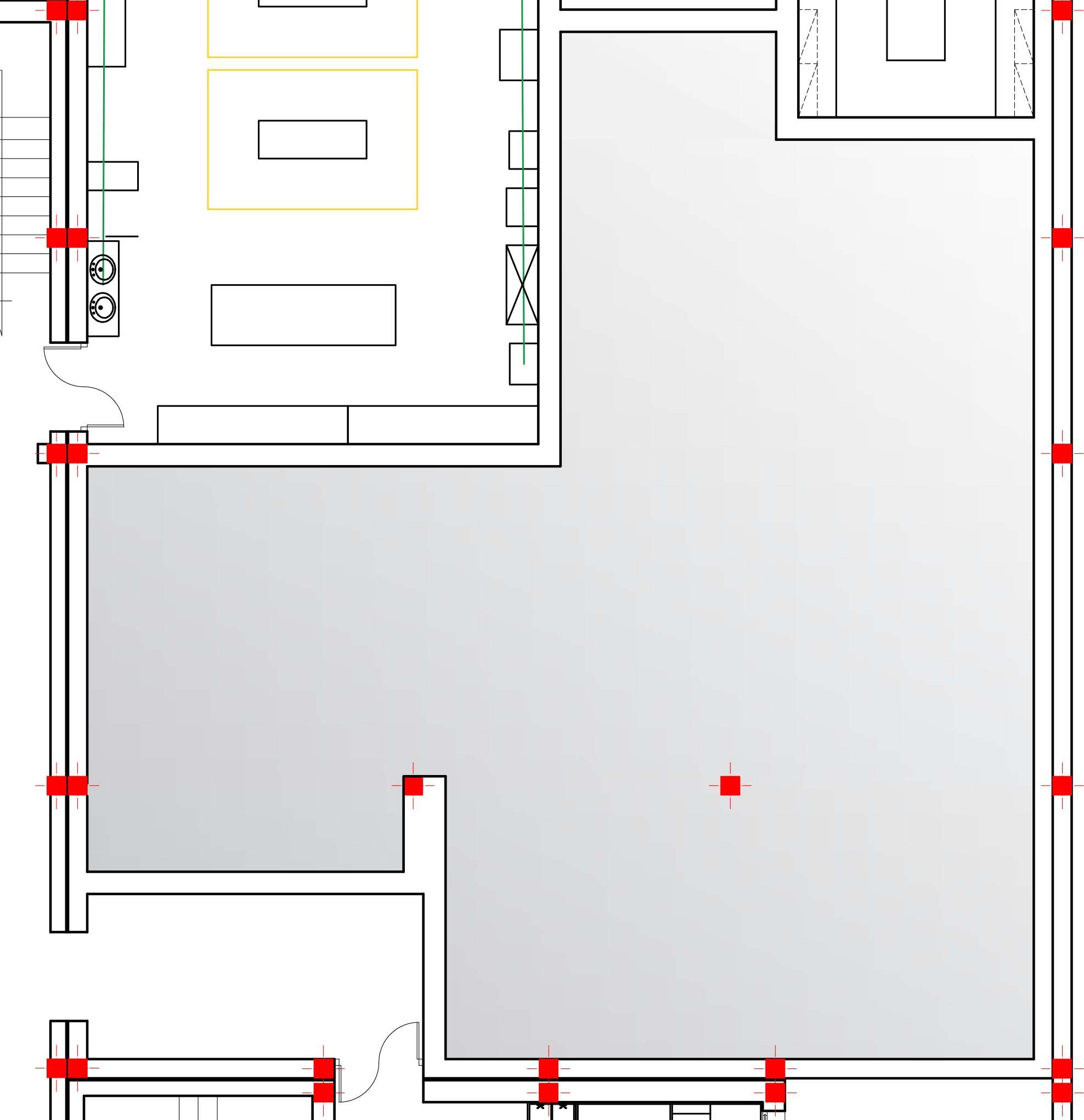
  1. Hi guys, I'm trying to design a layout for a blacksmith shop for industrial design students. To be honest I don't know much about blacksmithing or the machinery used.. But I have a general idea. The machinery or tools required are: metal guillotine, sand blaster, forge, grinding, metal saw, plasma cutter, MIG, TIG and spot welding. I will also need a Foundry (metal casting). I am currently doing research about the machinery and the security measurements. However any help from you guys would be welcomed, especially about the workflow in the shop or how to organize the equipments etc. P.S: I added the floor plan where the shop will be (The space in grey) Thank you
Account

Navigation

Search

Search

Configure browser push notifications

Chrome (Android)
  1. Tap the lock icon next to the address bar.
  2. Tap Permissions → Notifications.
  3. Adjust your preference.
Chrome (Desktop)
  1. Click the padlock icon in the address bar.
  2. Select Site settings.
  3. Find Notifications and adjust your preference.