Steven Mcclellan
Members
-
Joined
-
Last visited
-
NC USA
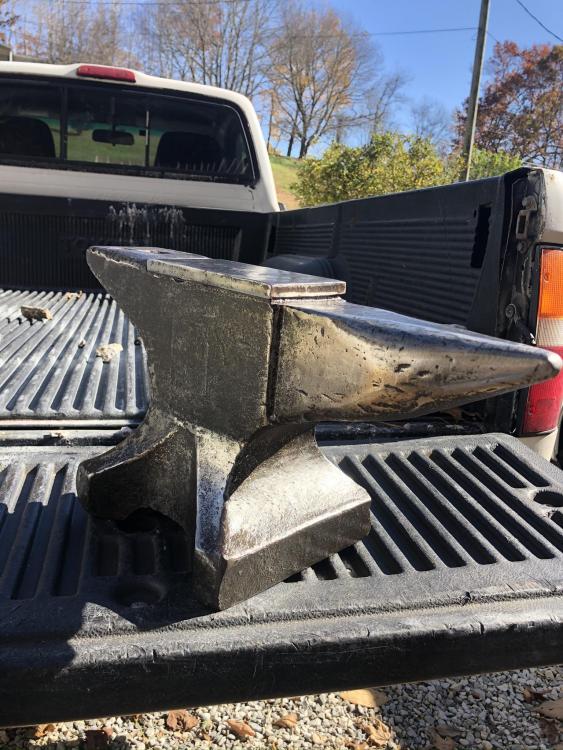
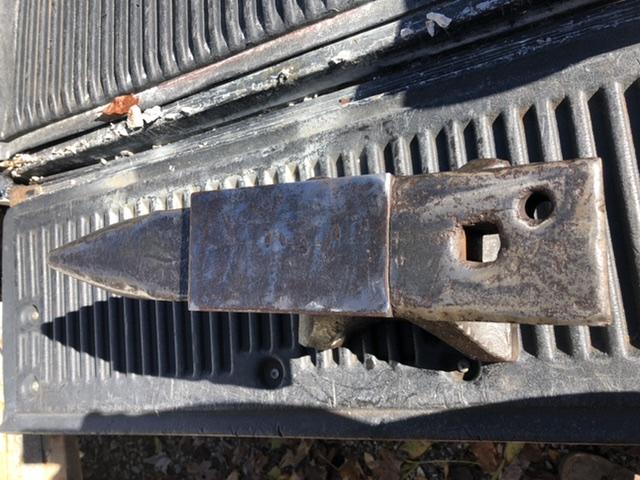
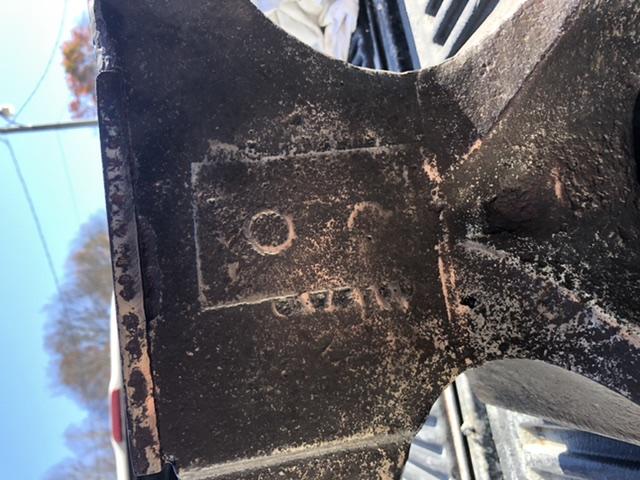
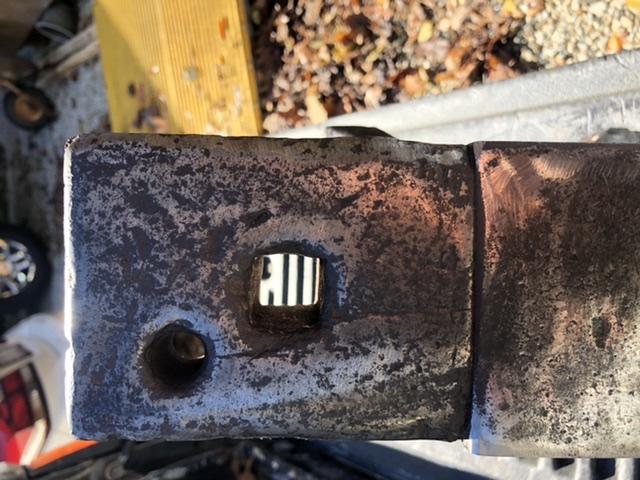
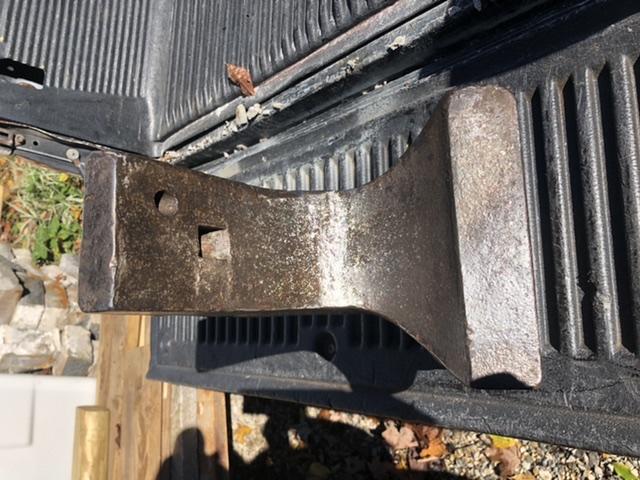
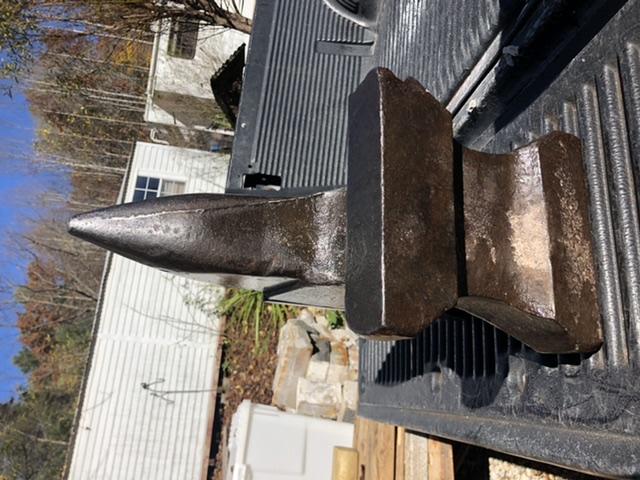
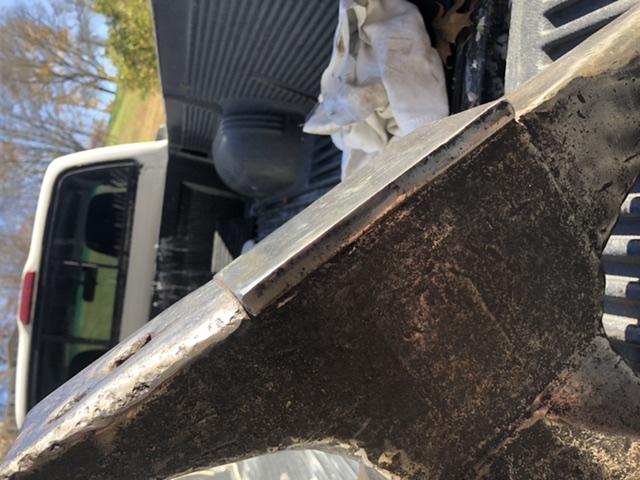
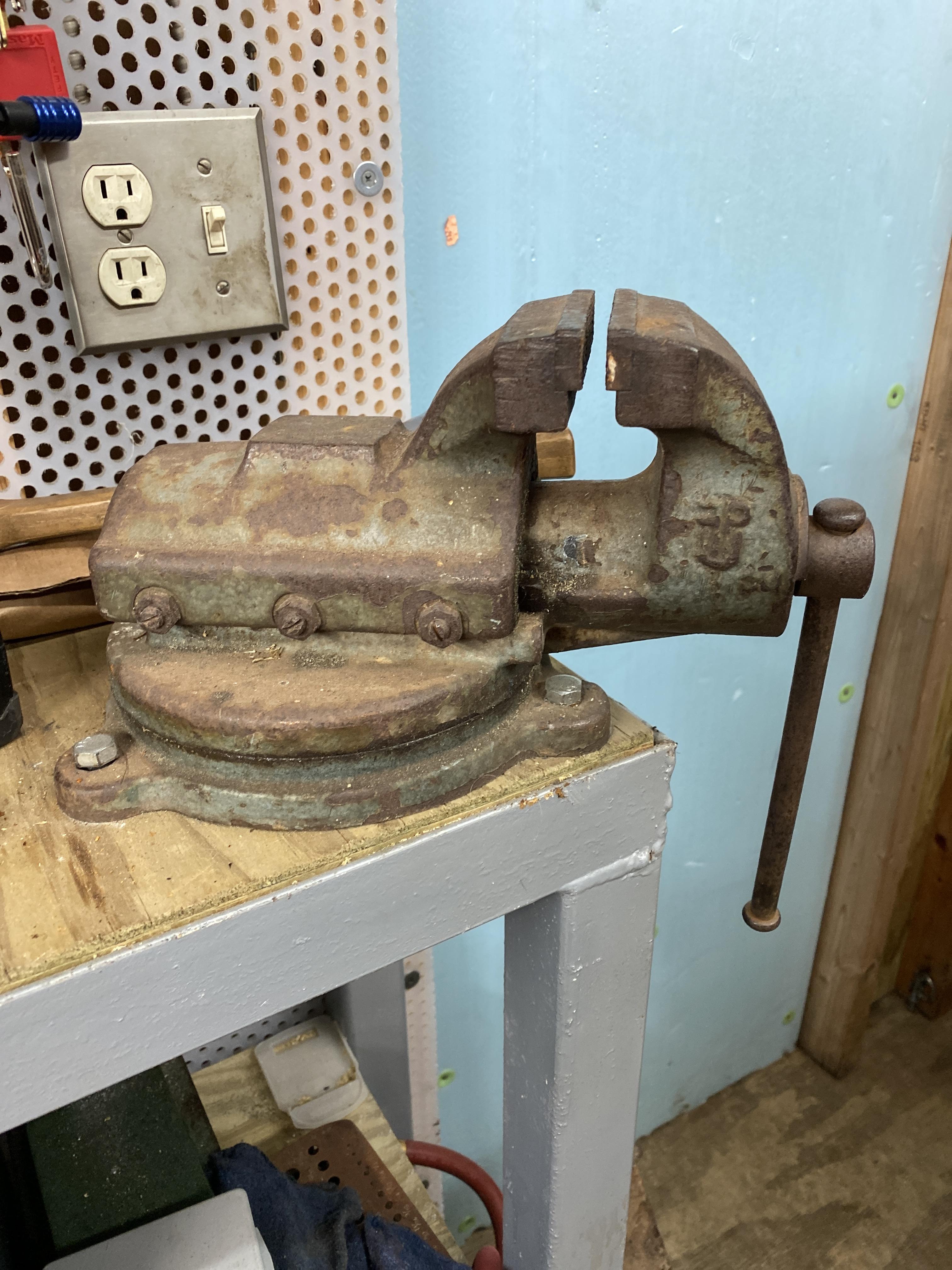
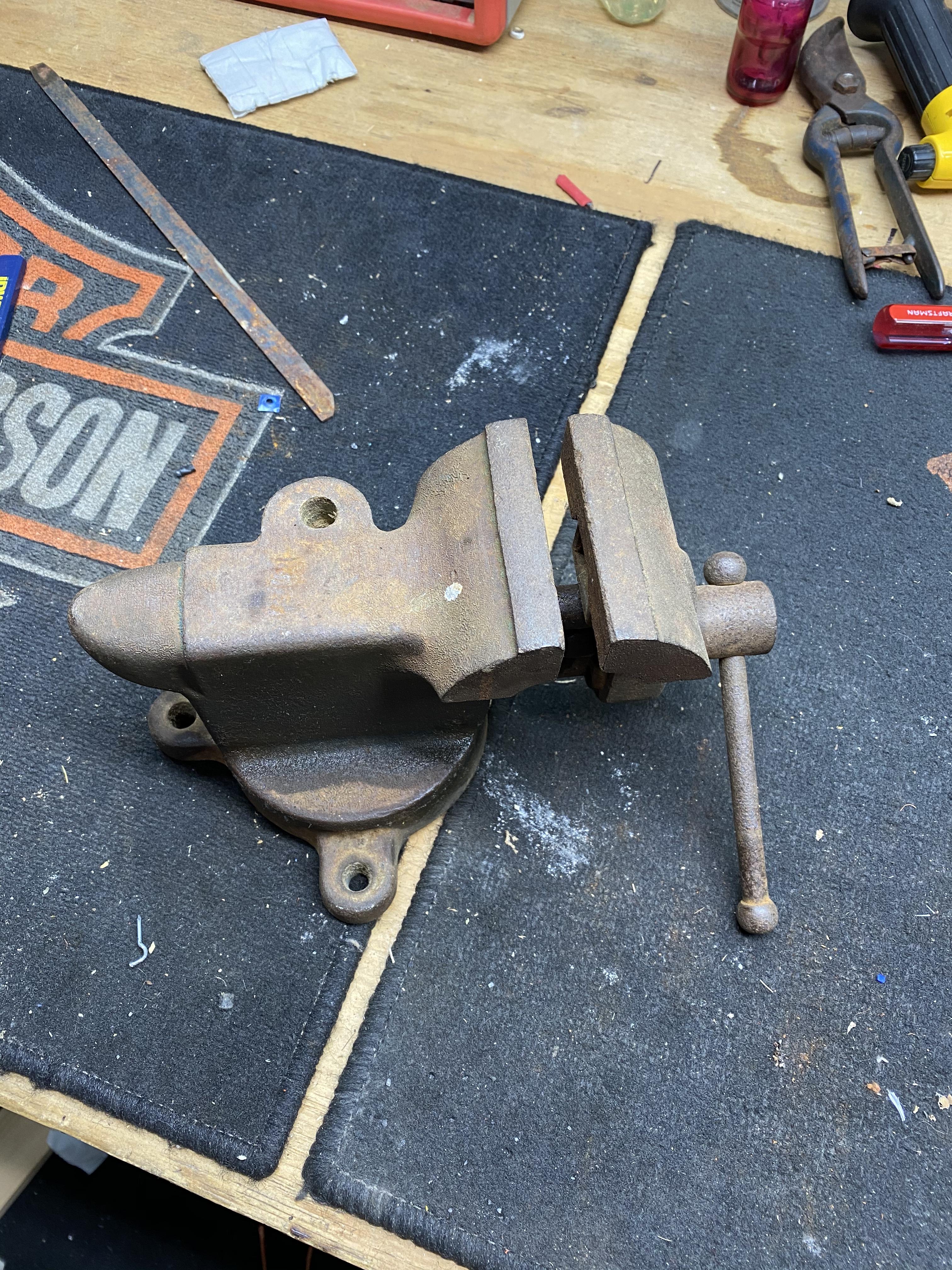
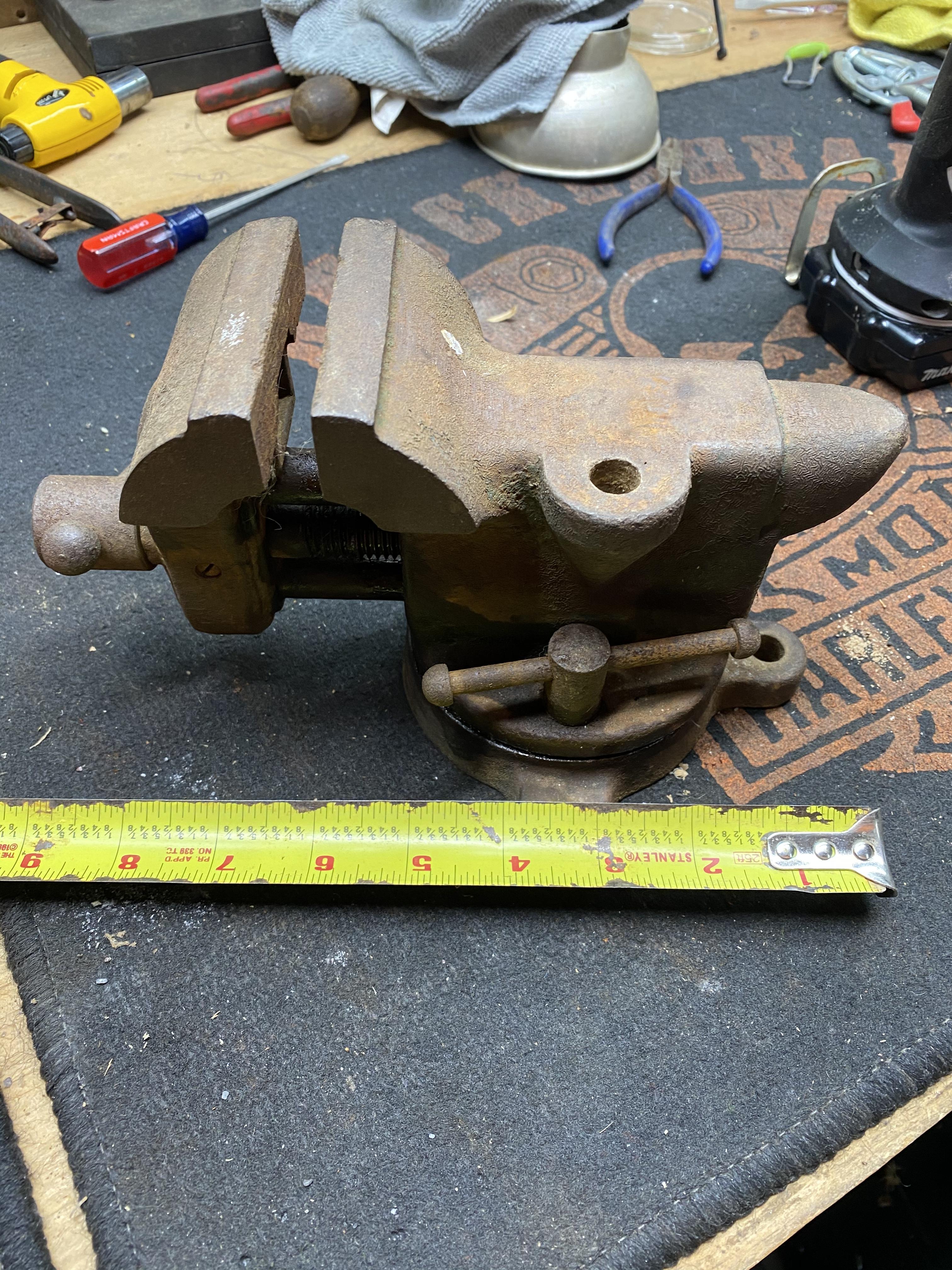
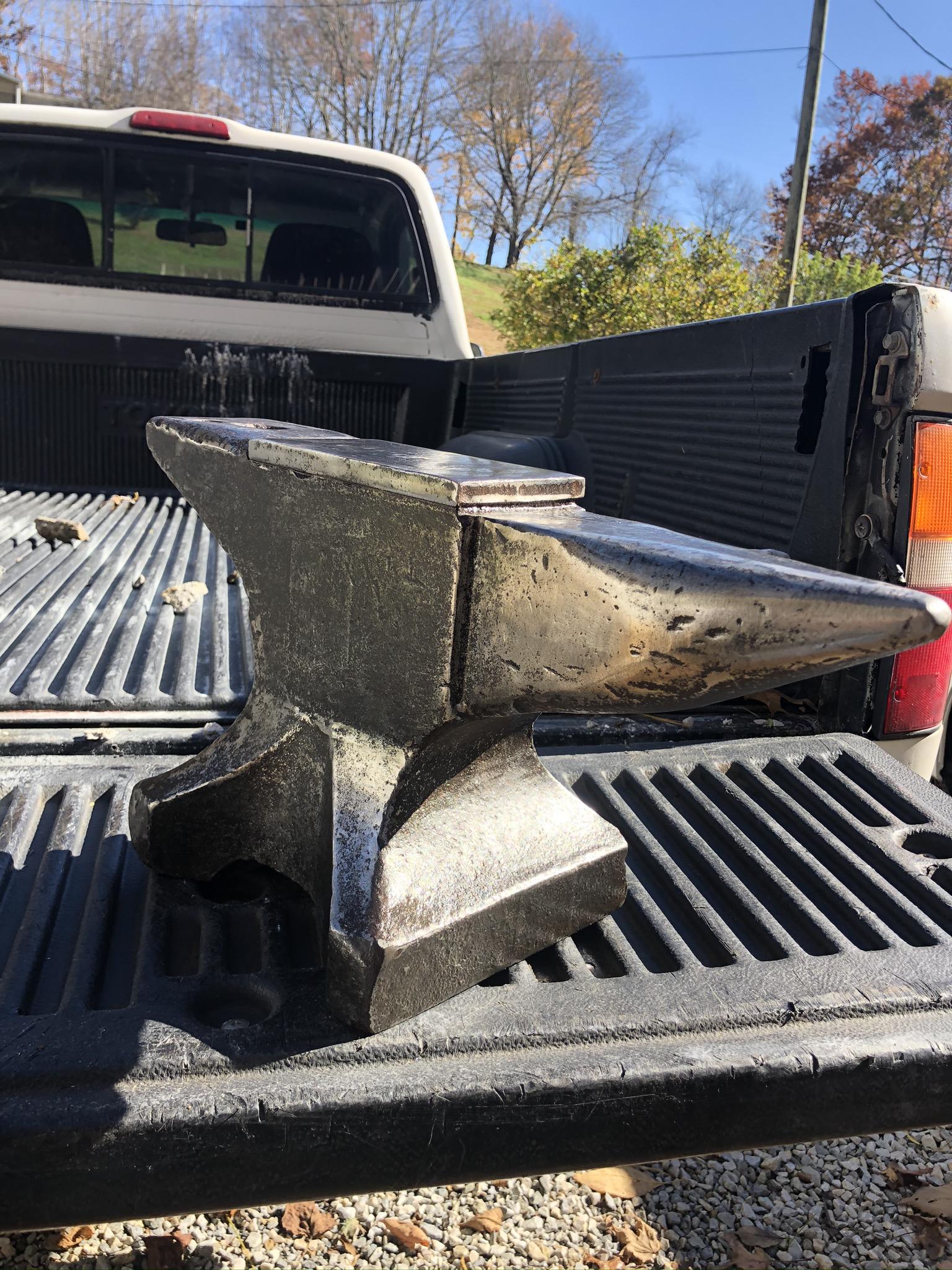
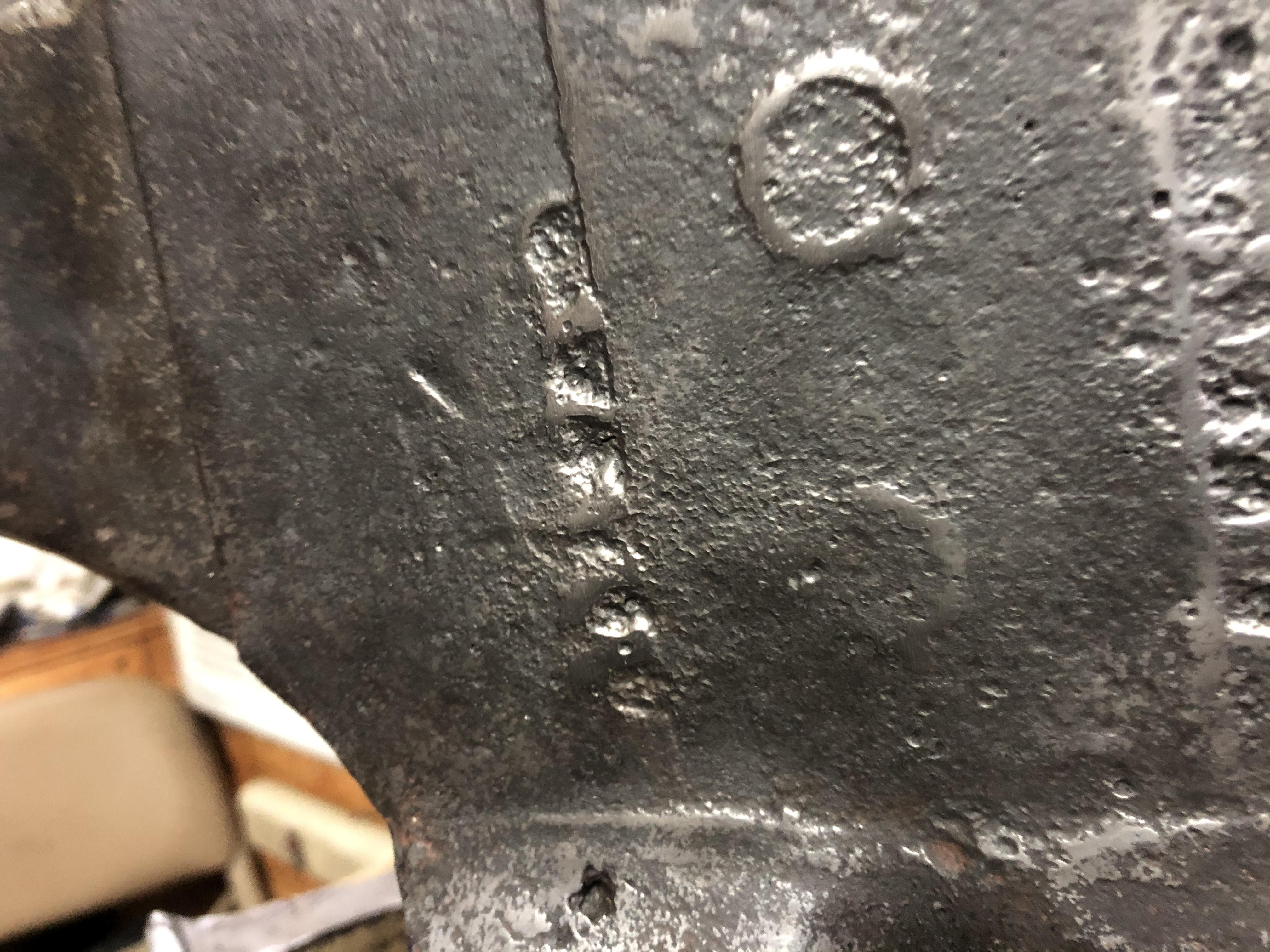
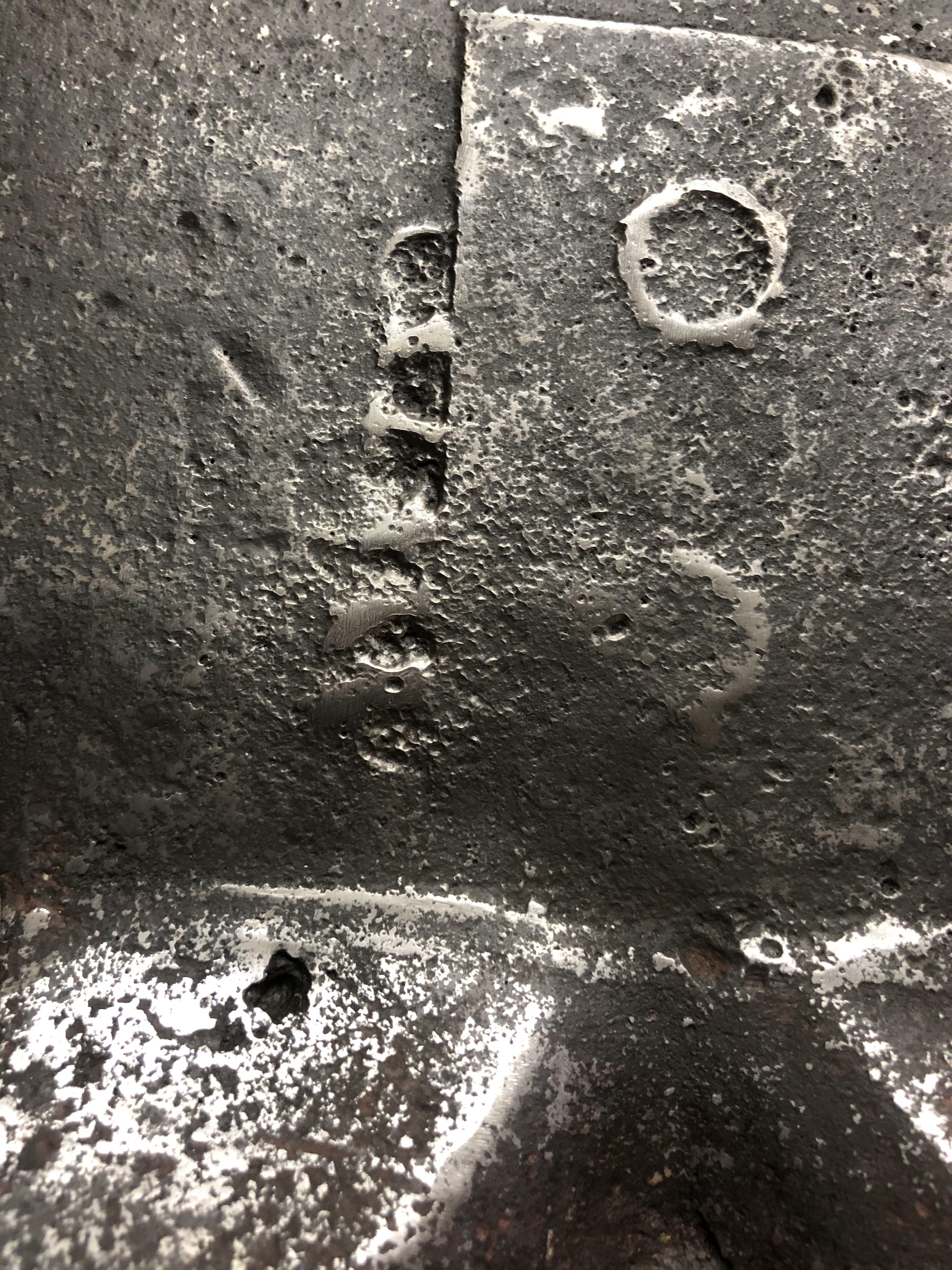
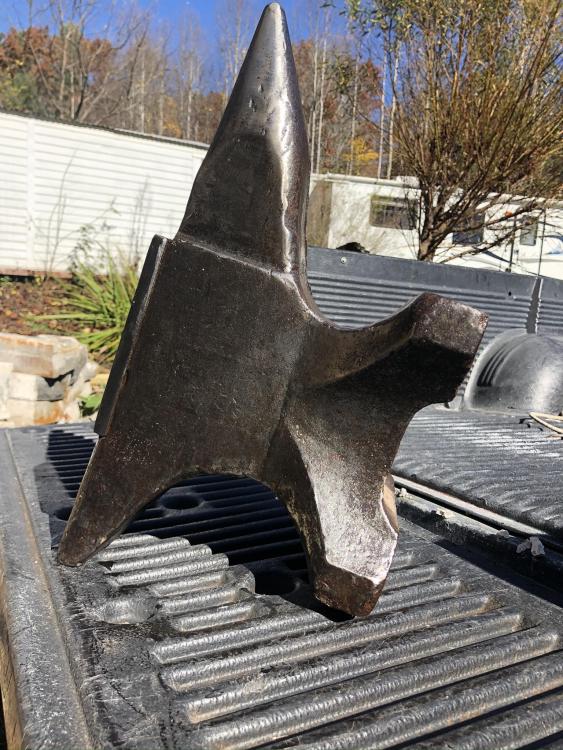 I paid 100 dollars for it is it worth itOn top of the anvil looks like some one grounded it down and welded a piece of metal on too it where the heal is it looks original the corners are wore off maybe from useThe only thing I can find is on the body of it is some kind of letters maybe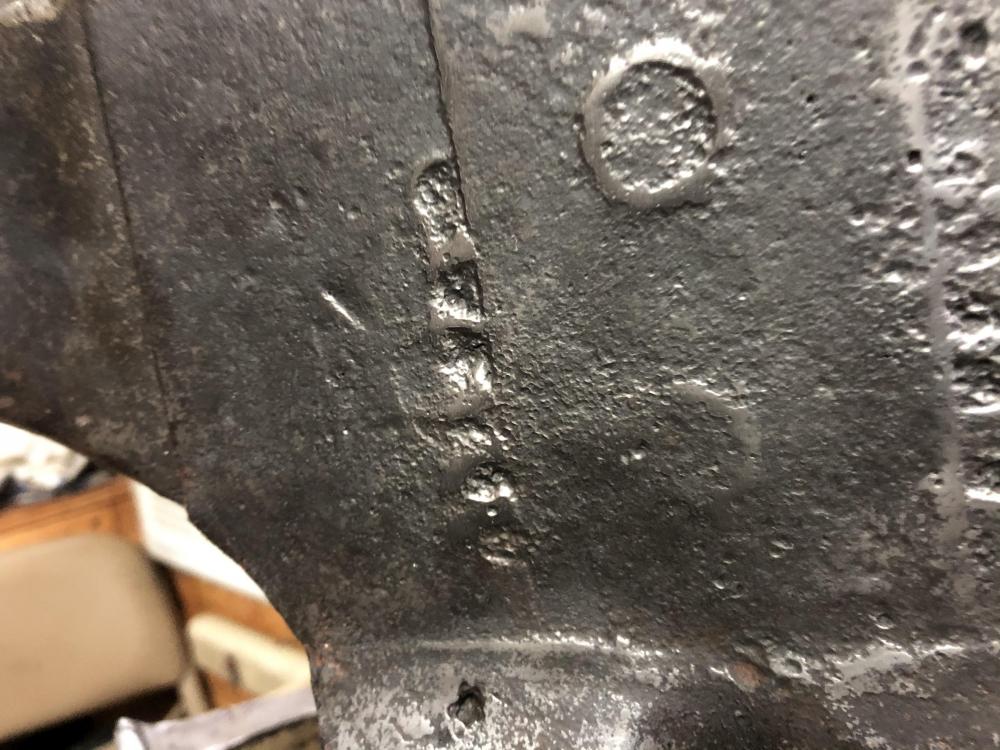
 I heard that there a lot of interesting things about blacksmithingWOW you guys are the best
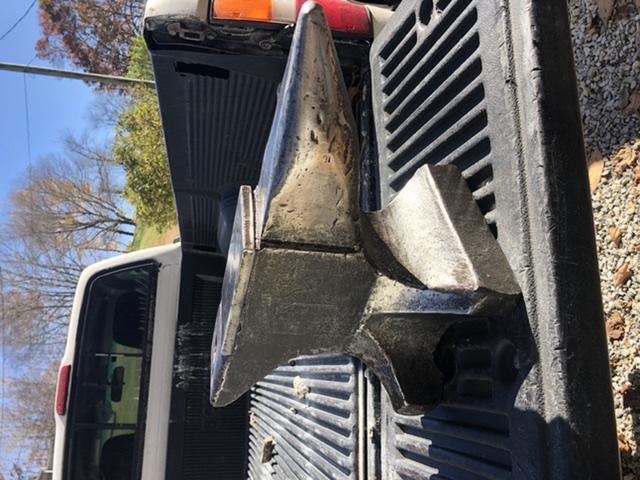
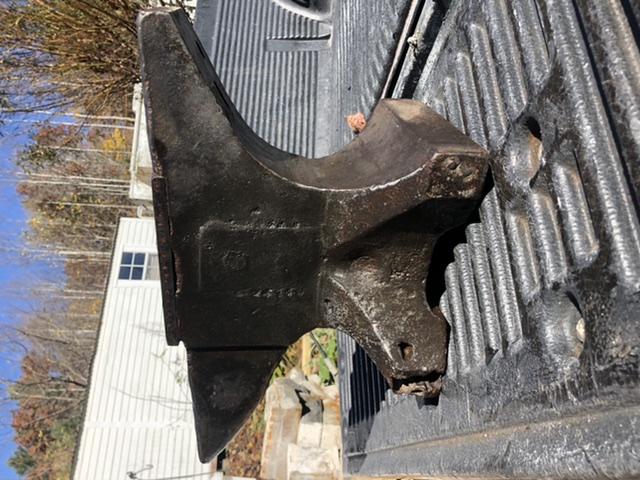
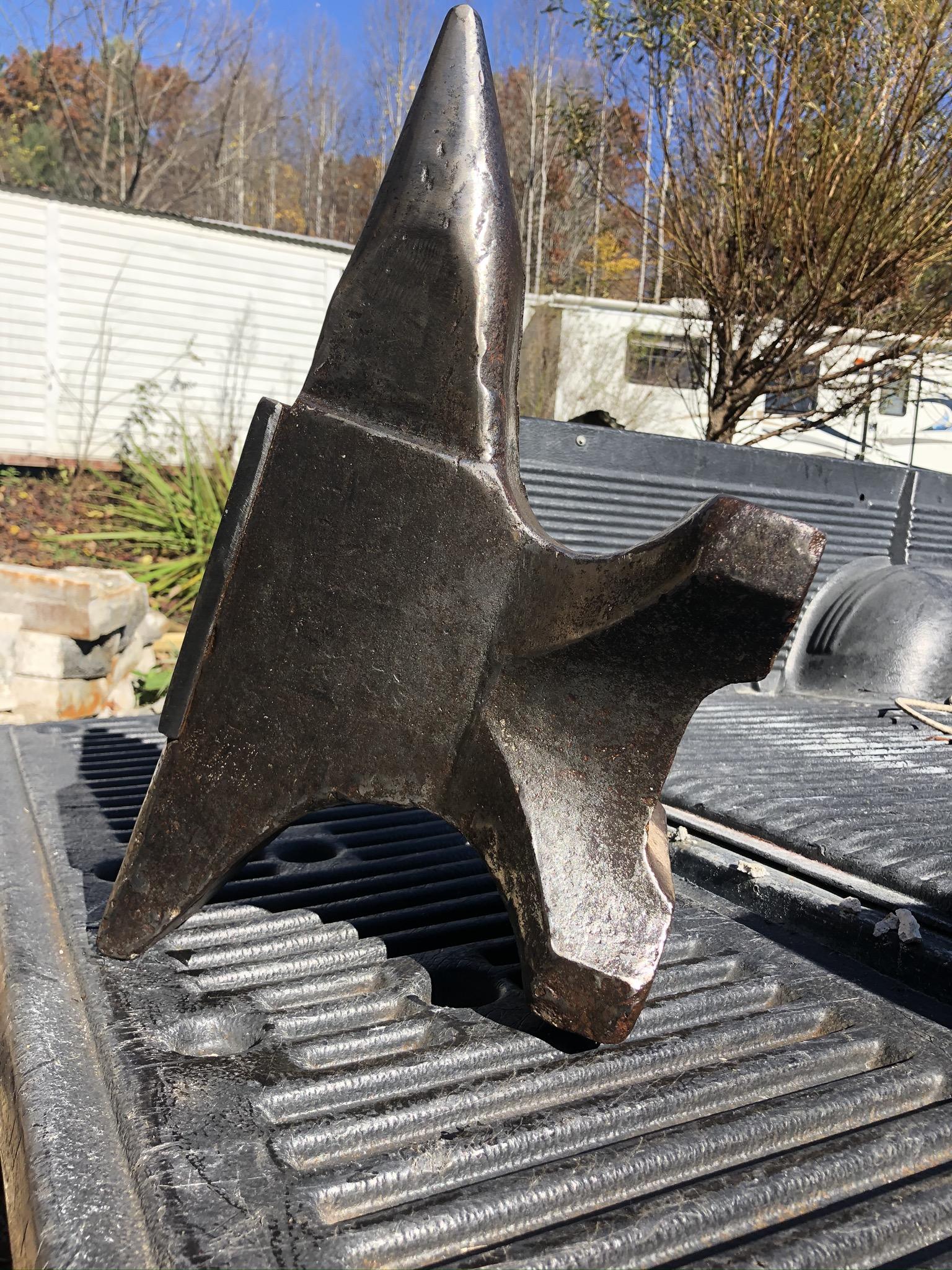
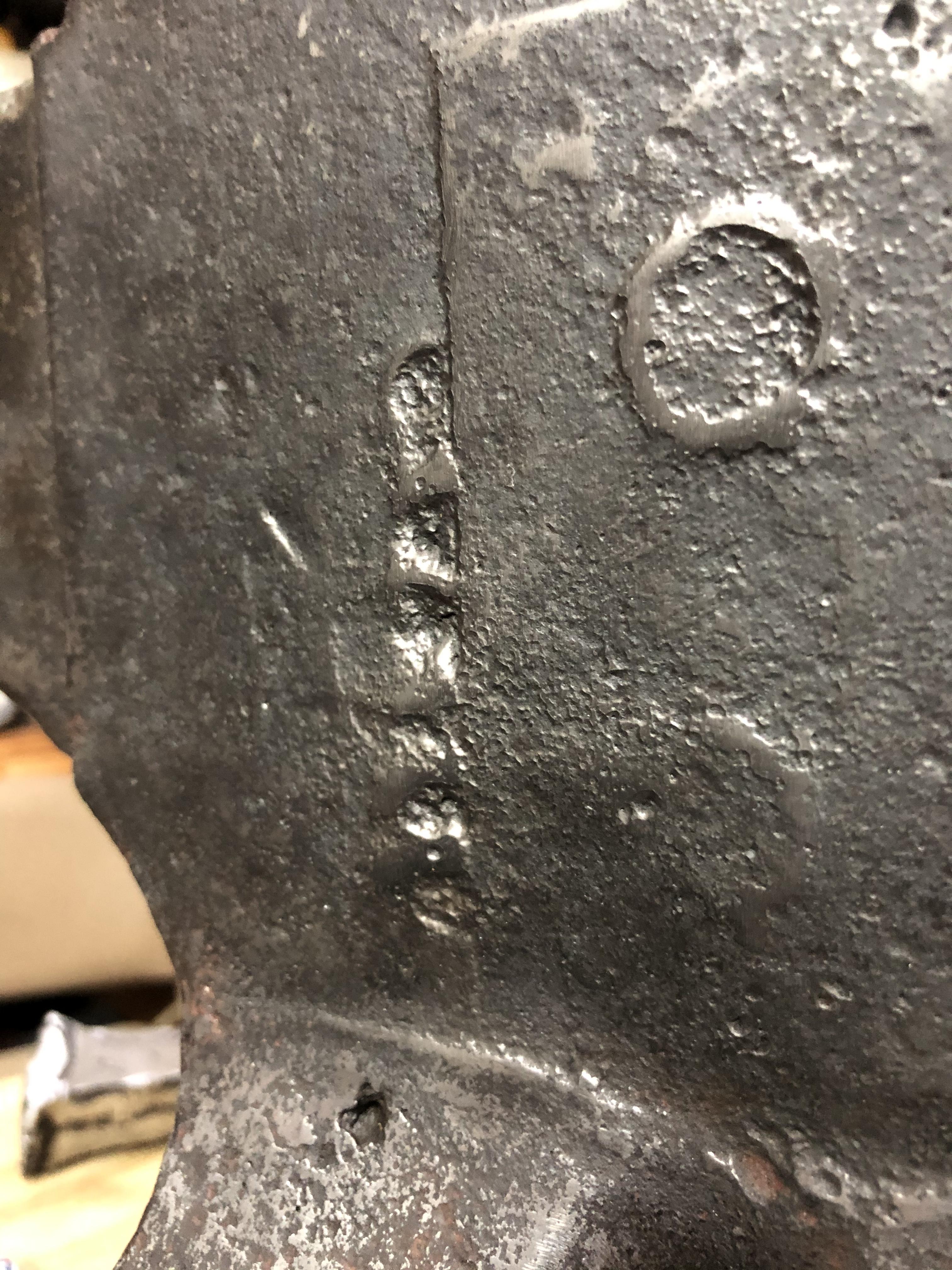
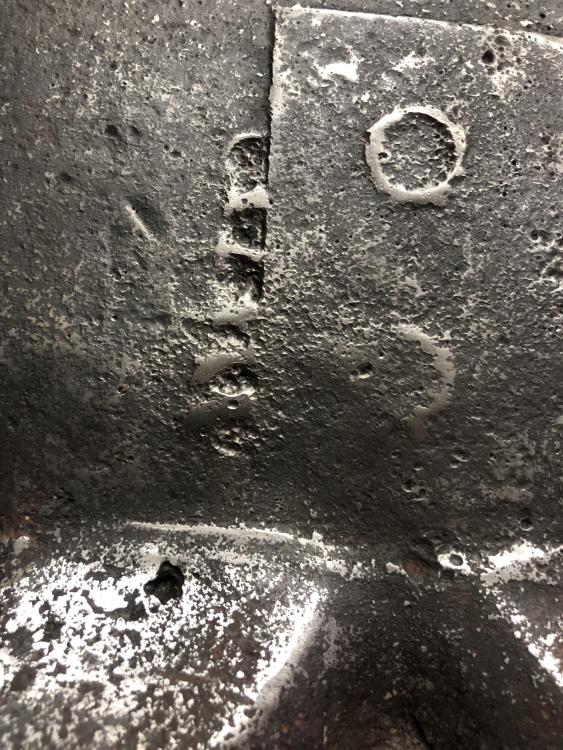
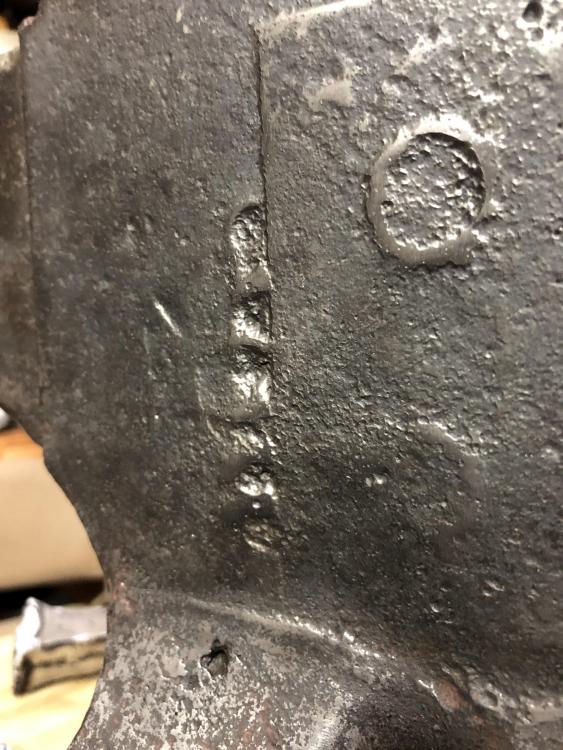
 Wow I have something here don’t I how much do you think it worthWell I hit the start button and you won’t believe the stuff I am making I’ll send pictures later thank you frostyAre you kidding or did they make a electric anvil what could a electric anvil doYeah maybe I don’t know it crazy anti but the mystery marks are raised out from the body of the anvil and the too circle are to if you look close on the other side you can see the same square vaguely on the other side of the bodyYeah maybe I could try speaker’s then I’d know what I haveOk I don’t know how to go about that maybe google his name I’ll try that thanks for your helpHere are some more pictures it looks like some letters on the side were the square is and the other three feet looks like they have been fixed it could be were some one had it mounded and they didn’t fix the one,and what do you think of how the bottom has the arch It says I edited it i think because I picked medium size for the picture