Skip to content
View in the app

A better way to browse. Learn more.

I Forge Iron

A full-screen app on your home screen with push notifications, badges and more.

To install this app on iOS and iPadOS
  1. Tap the Share icon in Safari
  2. Scroll the menu and tap Add to Home Screen.
  3. Tap Add in the top-right corner.
To install this app on Android
  1. Tap the 3-dot menu (⋮) in the top-right corner of the browser.
  2. Tap Add to Home screen or Install app.
  3. Confirm by tapping Install.

TwoCreative Forge

Members
  • Joined

  • Last visited

About Me

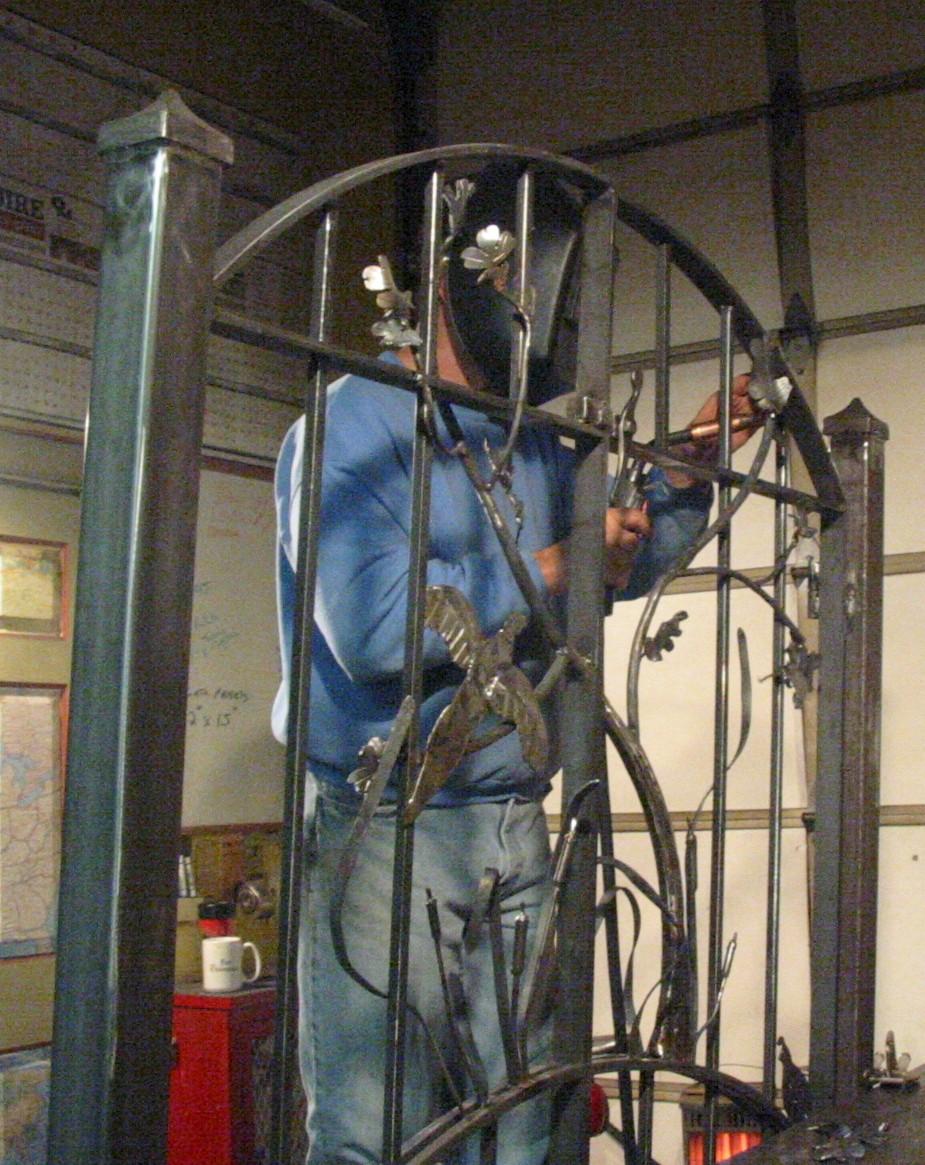
I Retired early as a Police Officer in 2000 .  Being a tool guy and really needing something to focus on, I took a blacksmithing class in Western Oregon.   There was no looking back. Since then I have made hundreds of items, mostly art, garden gates, etc. and was complimented by a few public art pieces.  Most recently I have had to pare back to very small items, due to my old past, Agent Orange and my body catching up with me.  The VA about 18 months ago diagnosed me with Parkinson's disease and pinned it on the Agent Orange I was exposed to in Vietnam.  The real cause? who knows but it is wonderful for our govenment to own up to it.  Regardless, I have set my shop back up in a much smaller format and am forging (pun intended) ahead.  Still every bit as much fun.

Don


19.jpg

Account

Navigation

Search

Search

Configure browser push notifications

Chrome (Android)
  1. Tap the lock icon next to the address bar.
  2. Tap Permissions → Notifications.
  3. Adjust your preference.
Chrome (Desktop)
  1. Click the padlock icon in the address bar.
  2. Select Site settings.
  3. Find Notifications and adjust your preference.