bas_doodeman
Members
-
Joined
-
Last visited
-
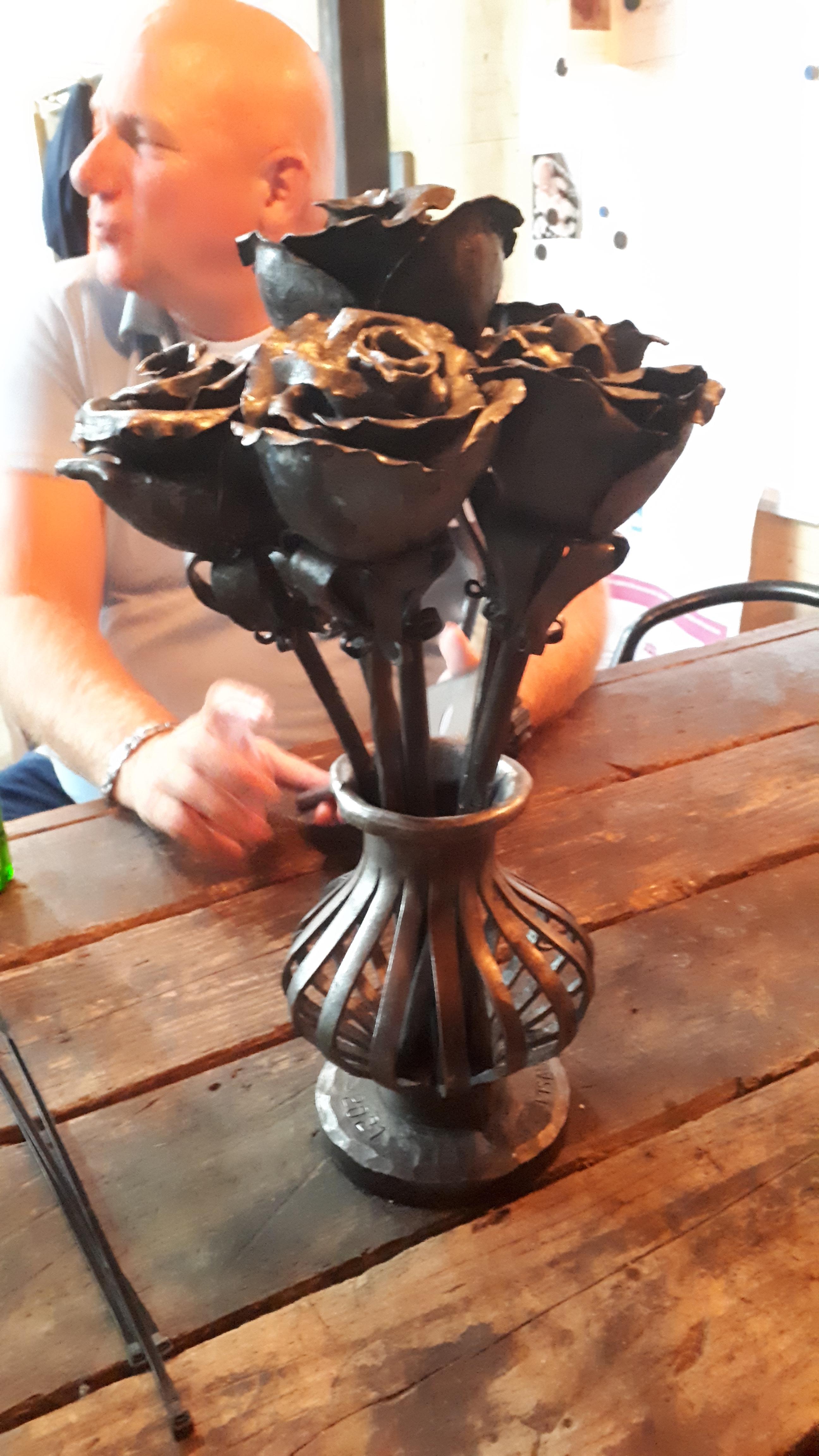
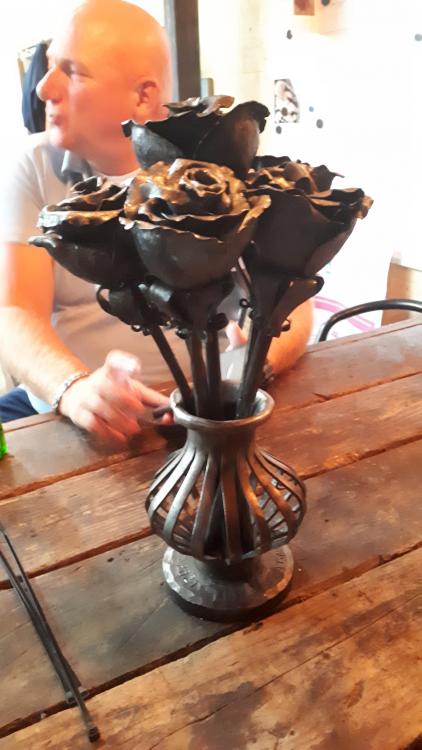
Six roses with a vase, was a nice little project but I do have a lot to learn. It a shame I can't practise more than only in my spare time...
-
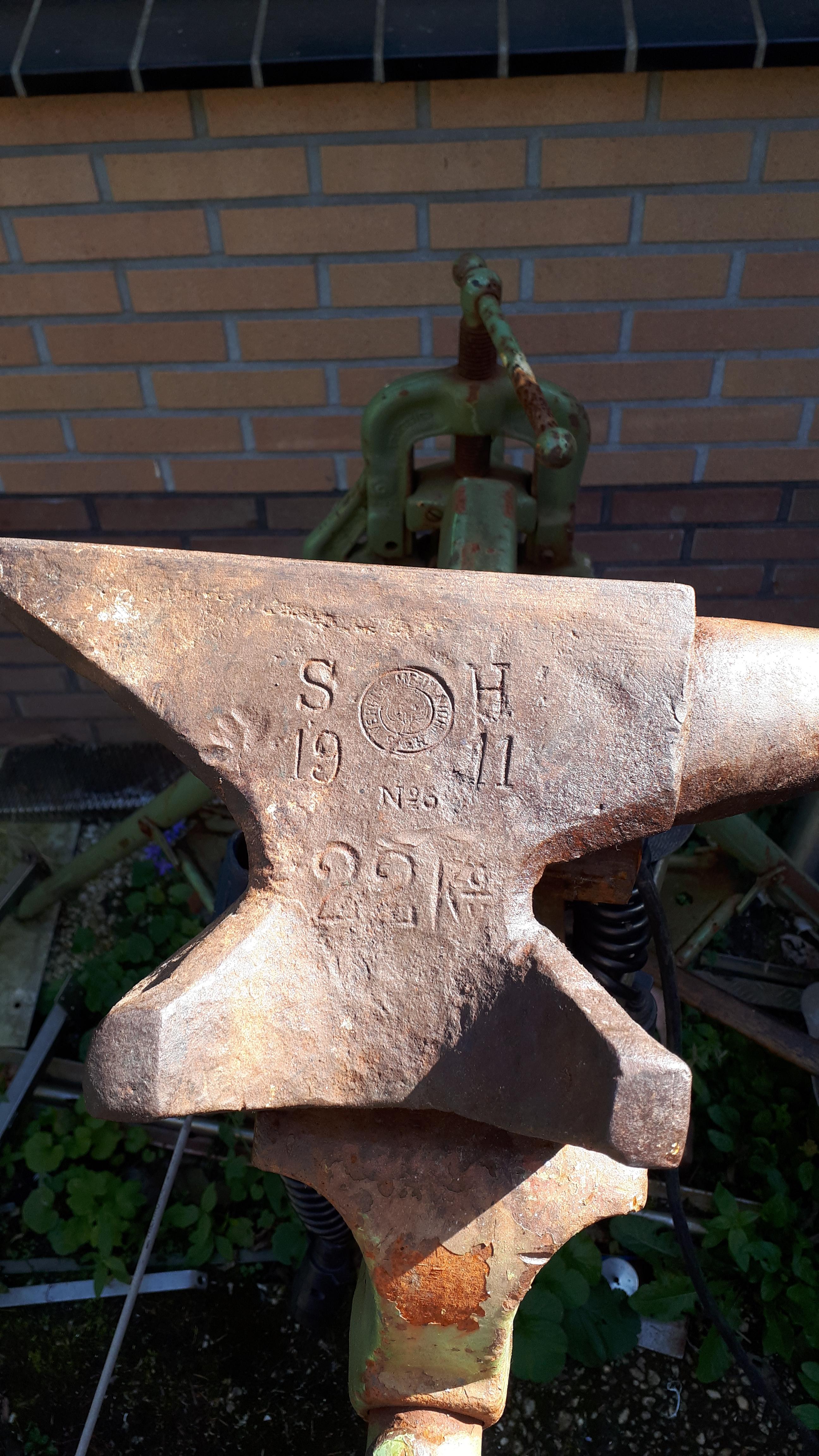
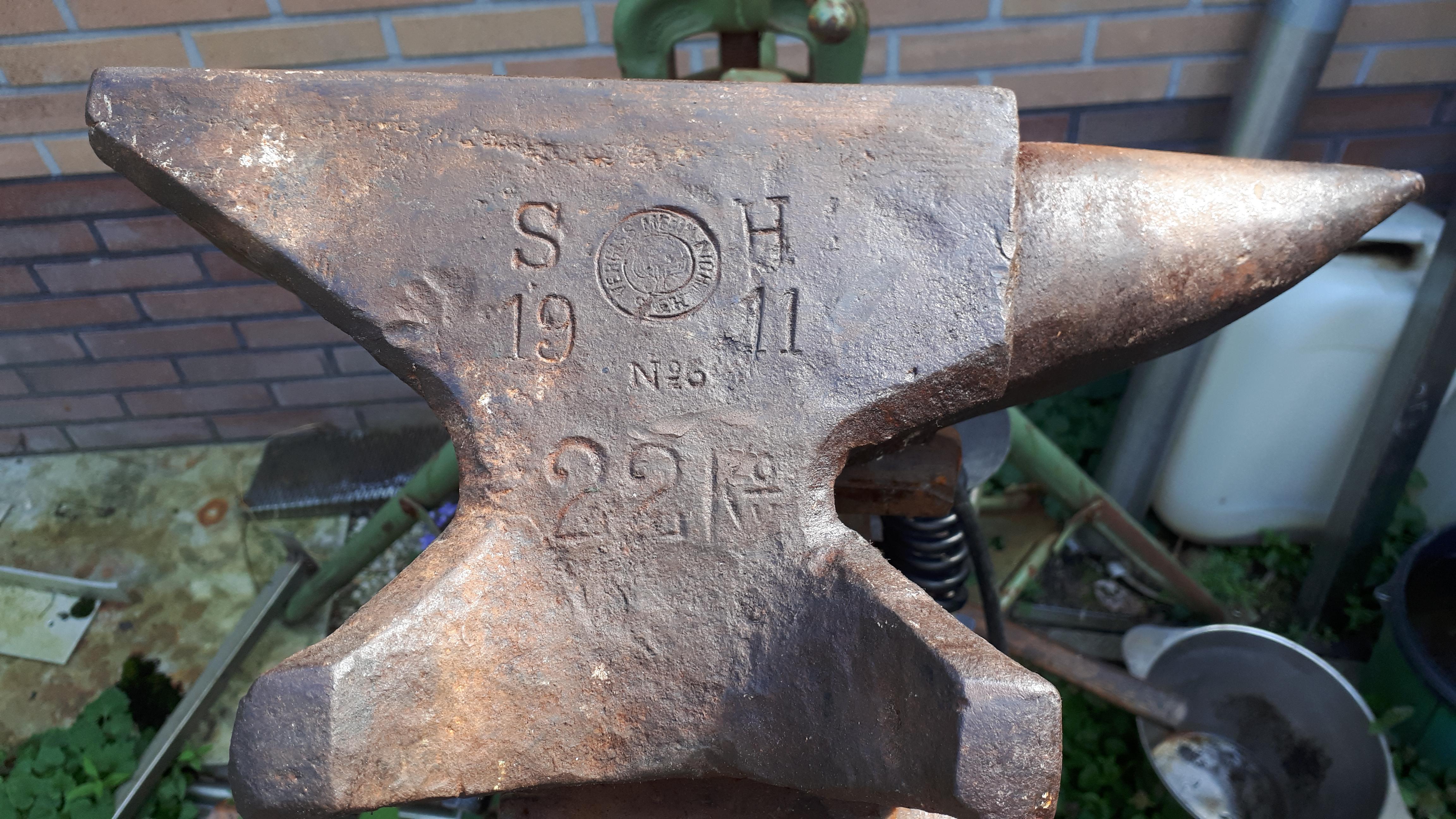
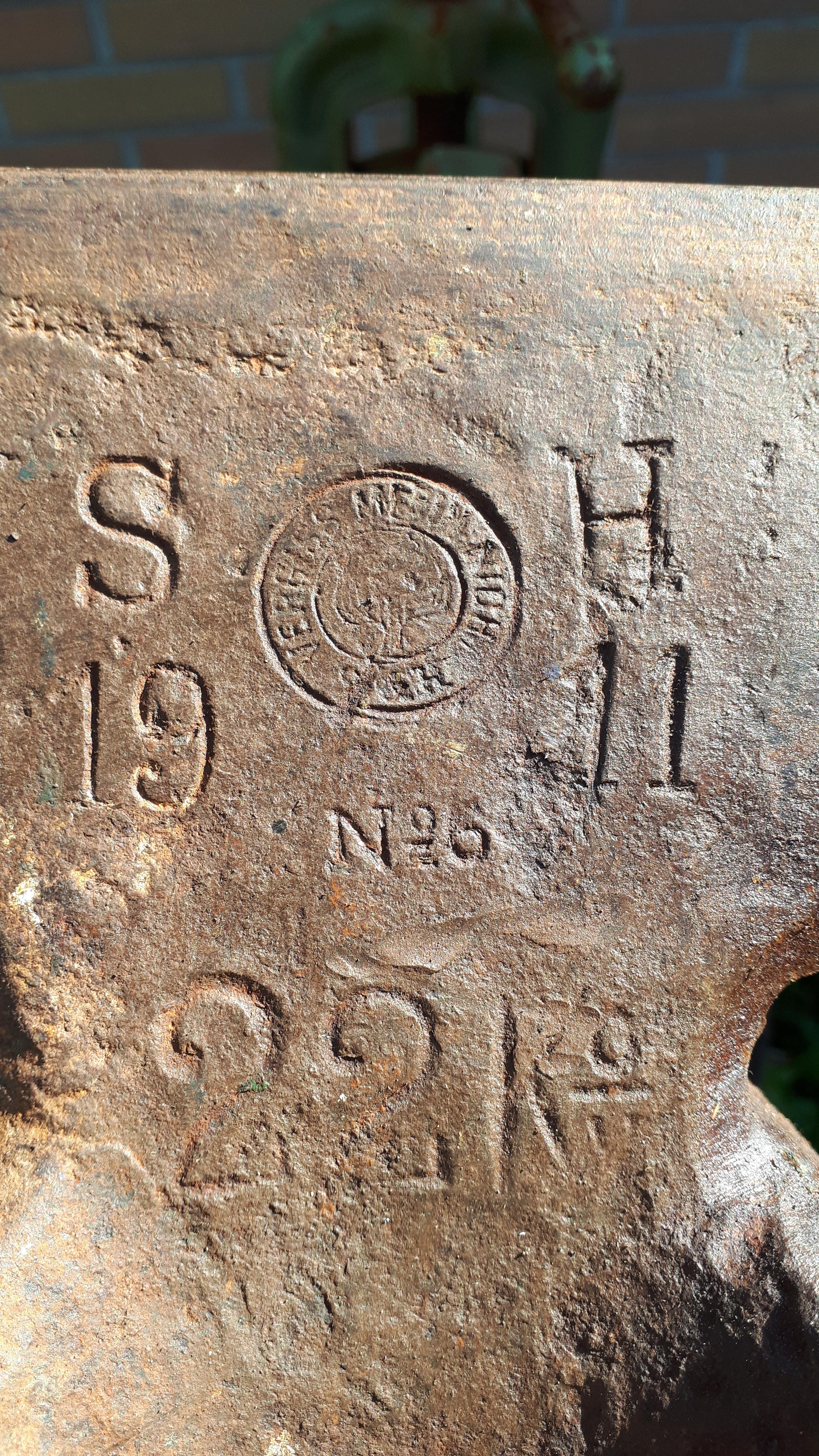
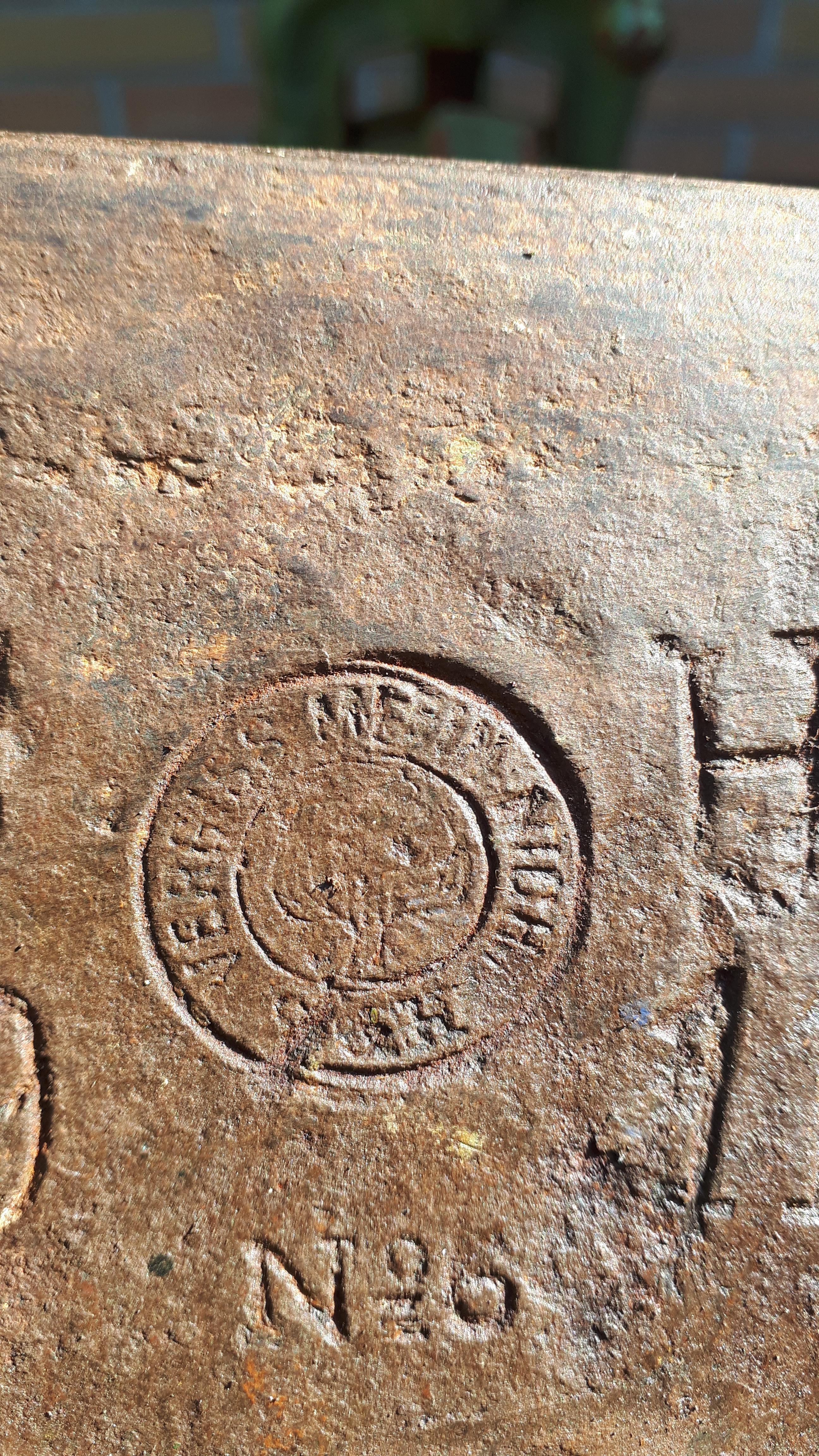
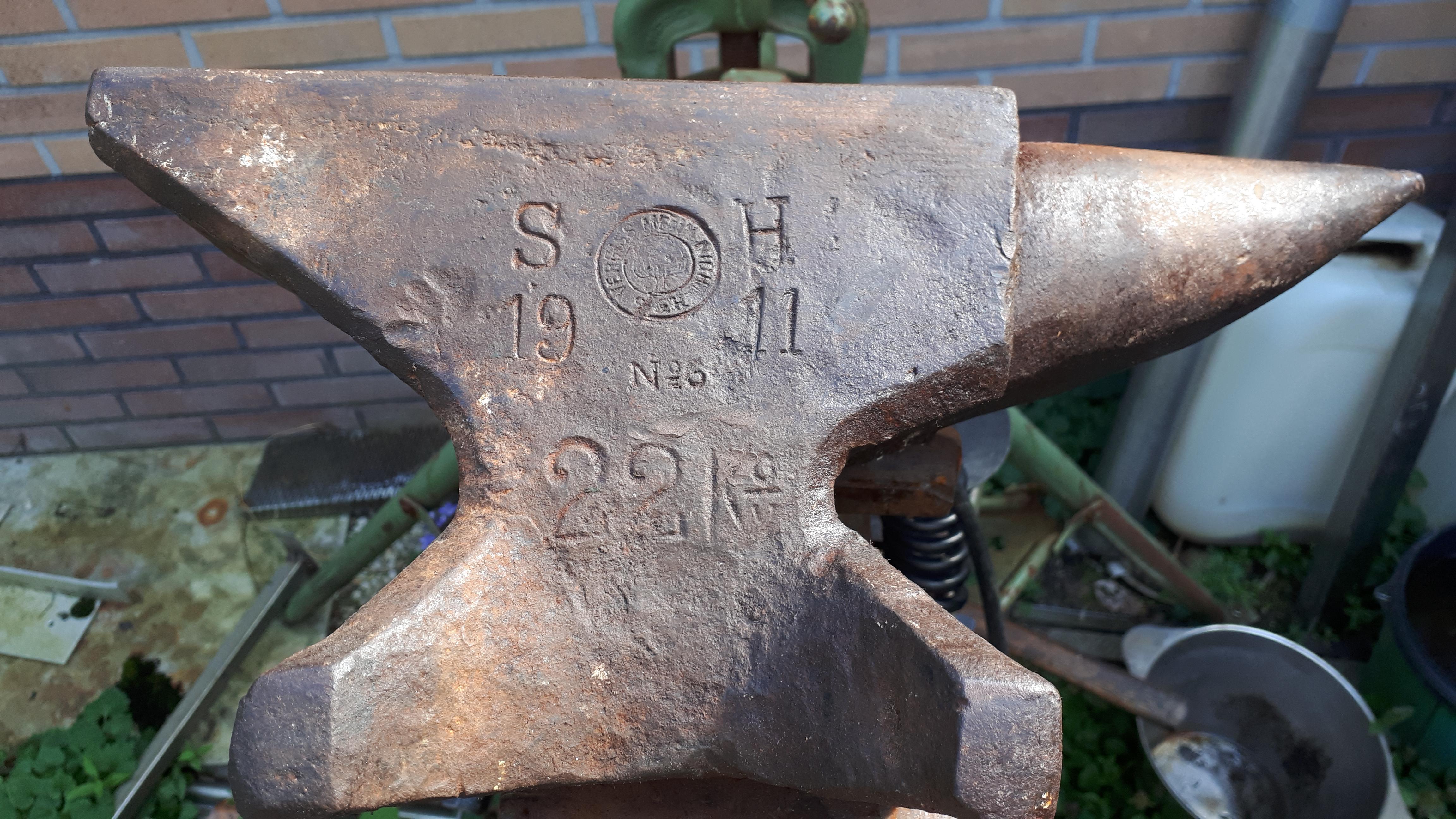
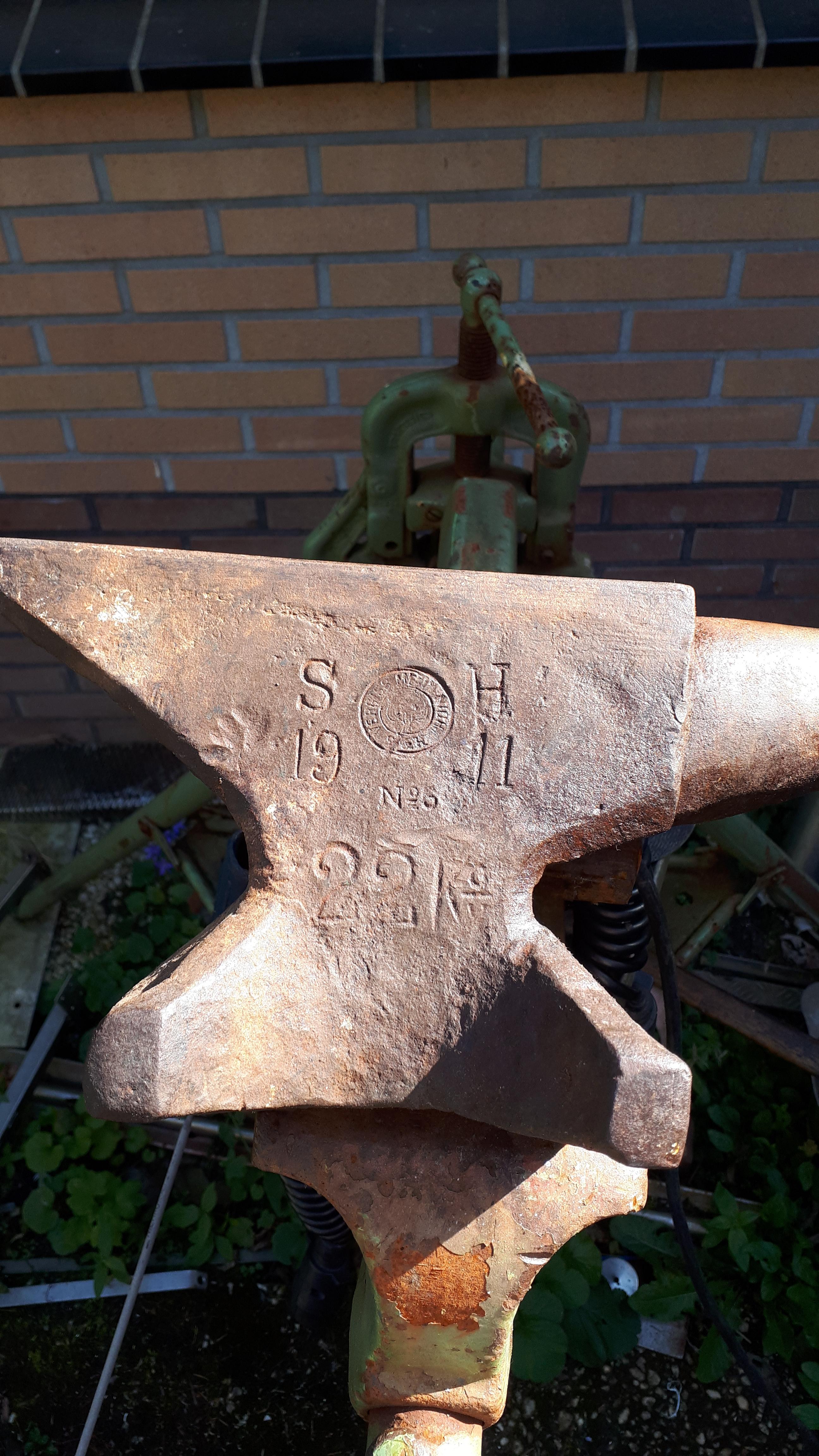
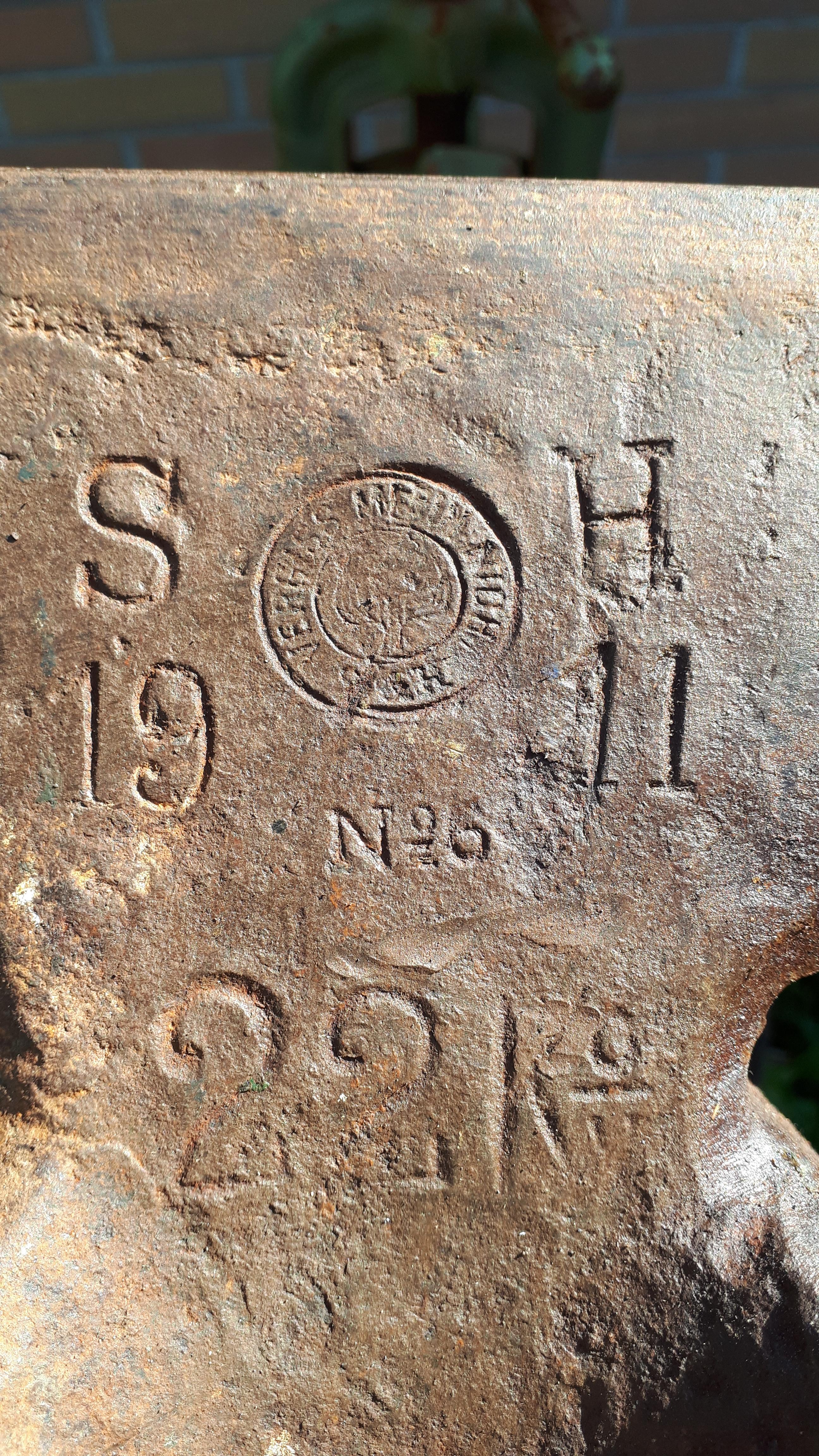
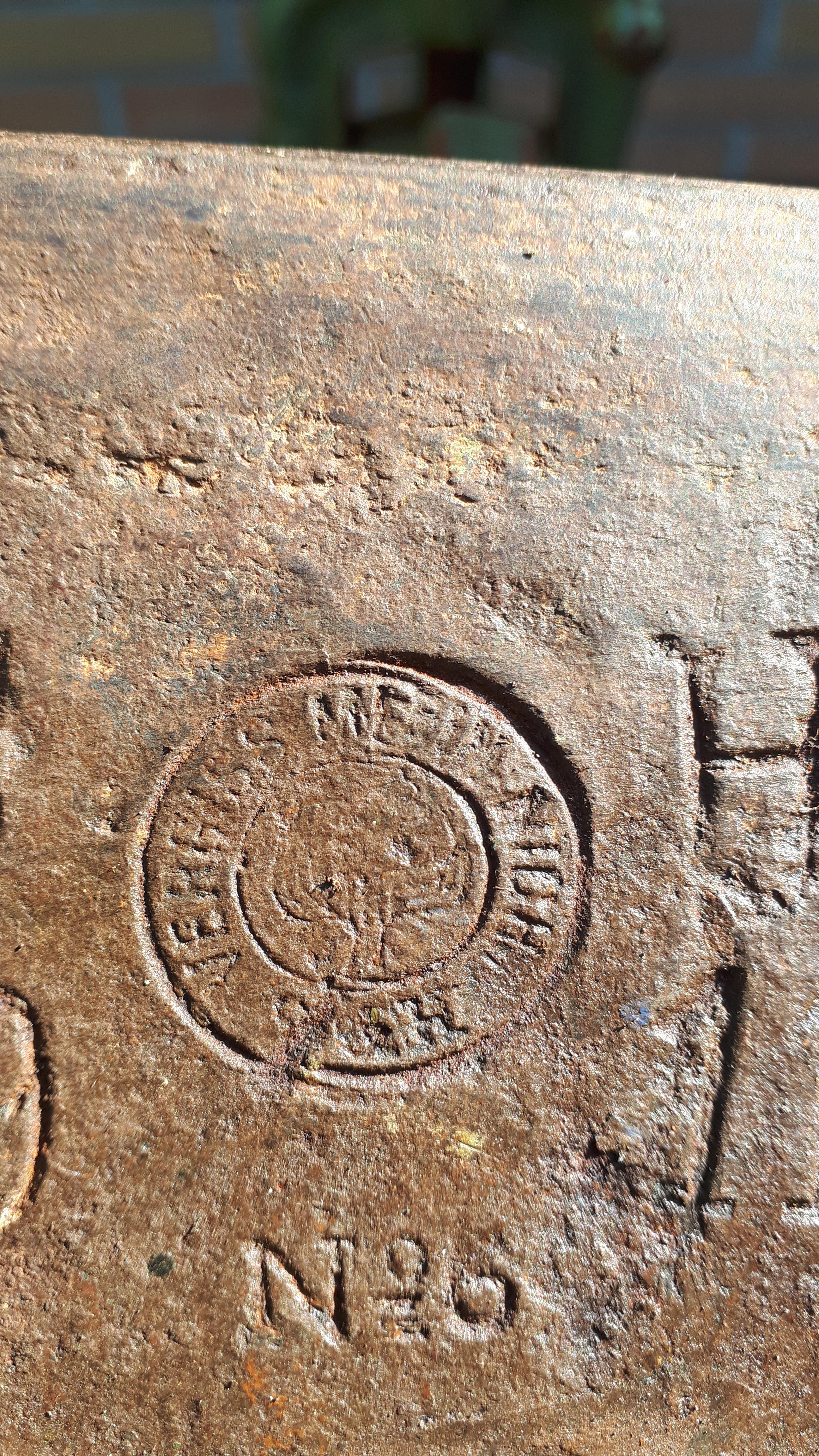
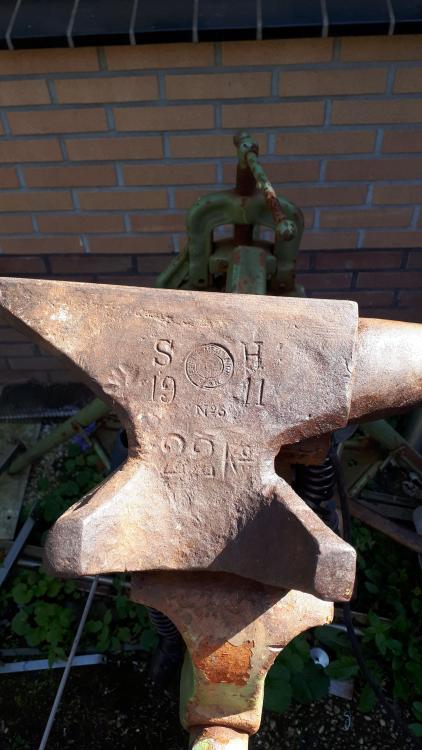
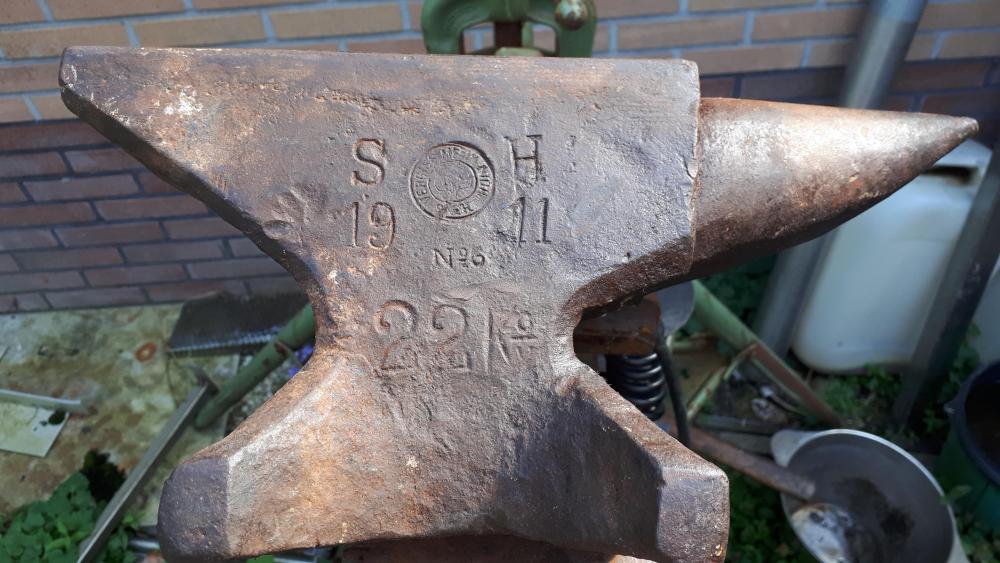
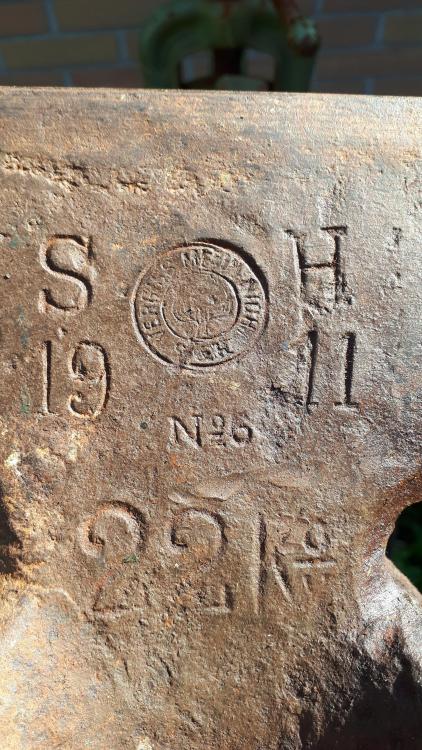
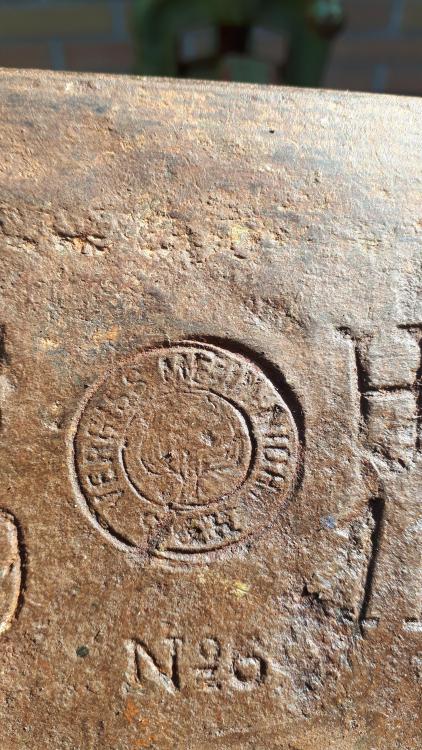
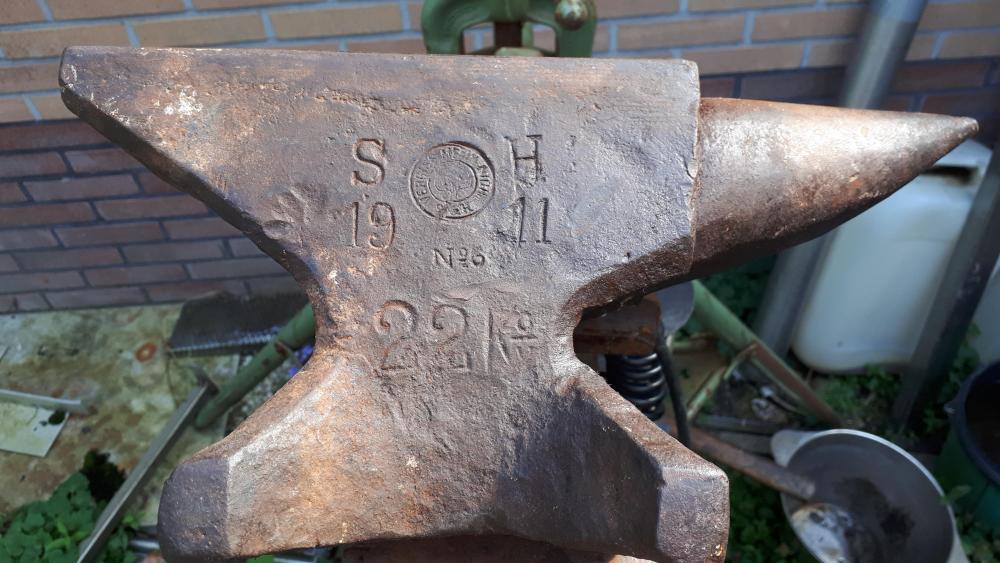
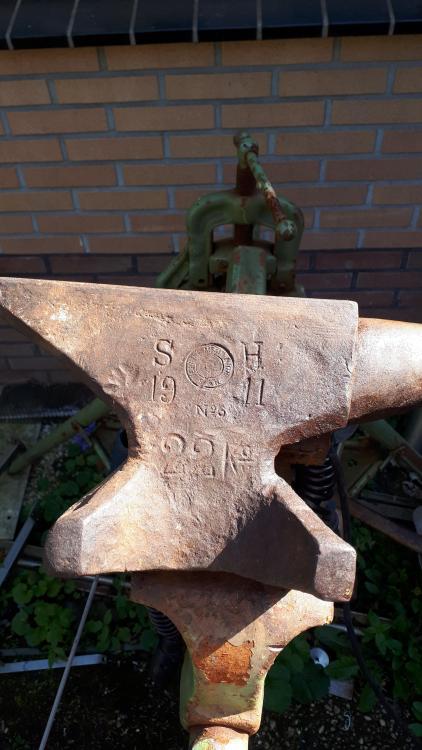
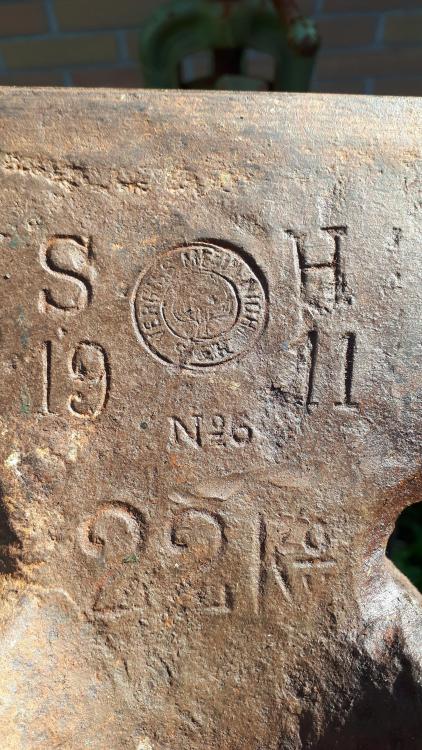
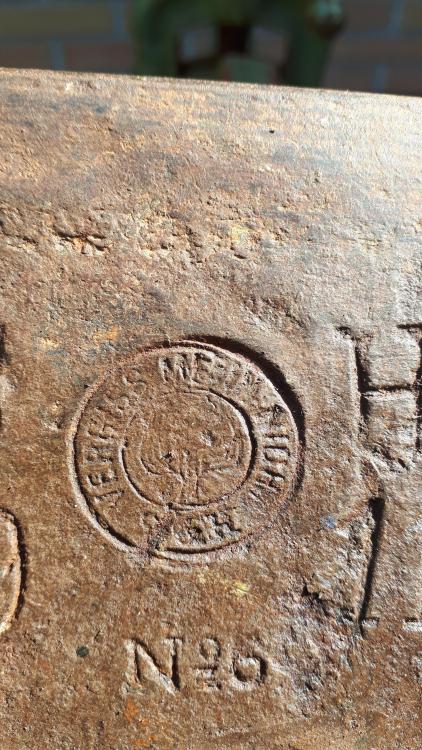
I already post this anvil on this site but what the heck. I got this anvil when I was working at a scrapjard (had to pay them in cookies for it). I am very happy with it. Can anybody tel me how much it is worth just out of curiosity (I will never sell this baby) I life in the Netherlands if that helps?
-
David thank you so much.
-
I have this small anvil that I got when I was working at a scrapjard (second one is on its way) I had to pay them in cookies. I don't know anything about the brand but I love it. Sorry about the English it's not my first language so there are probably a lot of mistakes
-
thank you very much I'm going to try to get more texture in it wiht the next one.
-
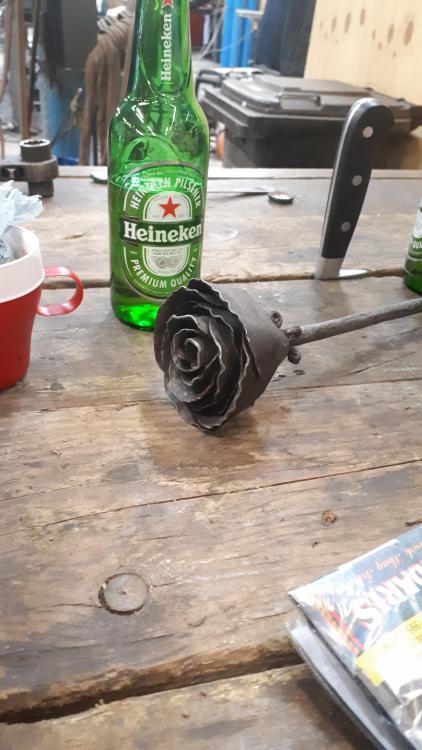
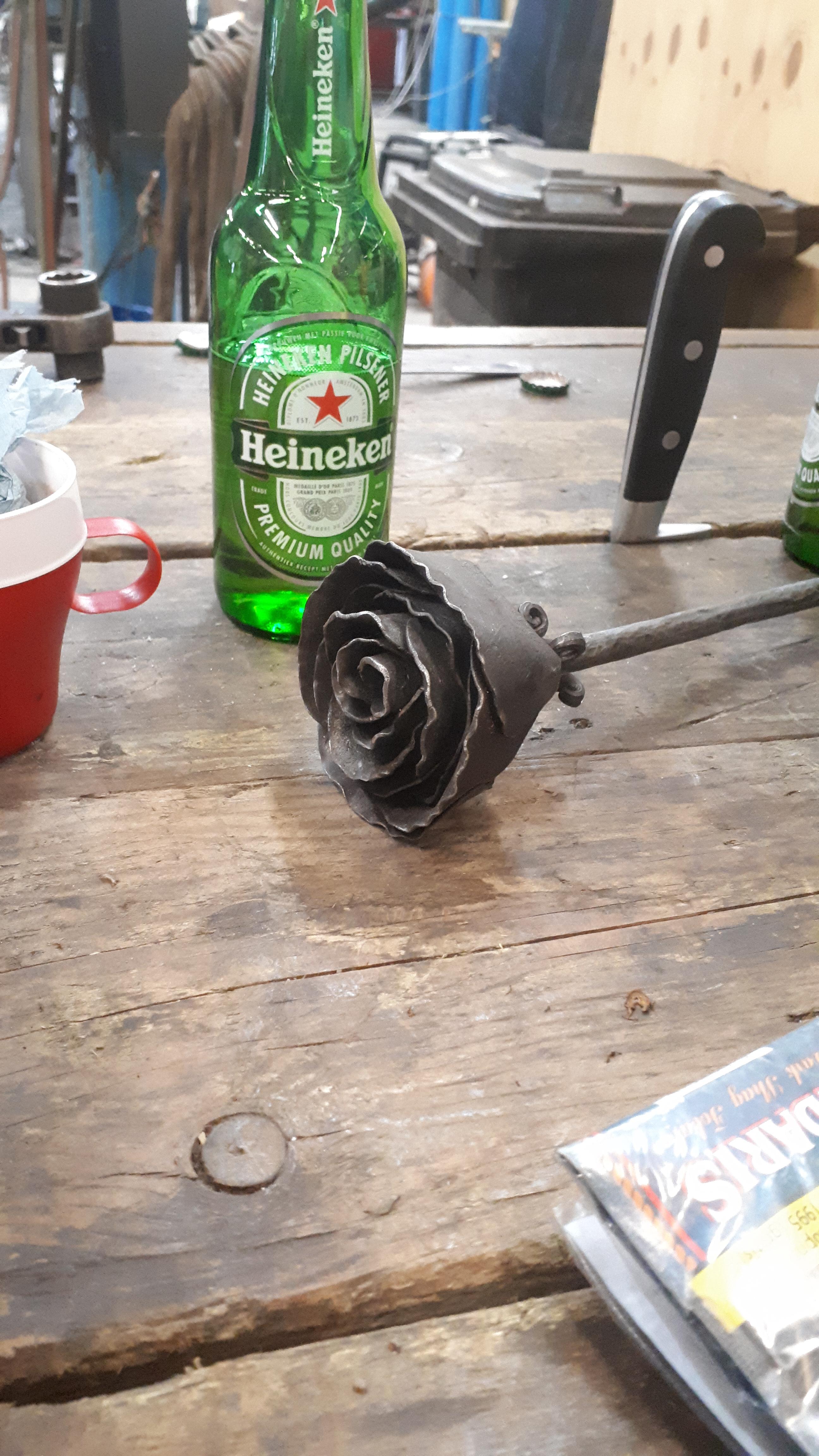
Hey guys it's my first thing that I forged. Was a gift for a girlfriend of me. Please let me know how to improve my work for the next one. Sorry for the bad English