Alexx
Members
-
Joined
-
Last visited
Everything posted by Alexx
-
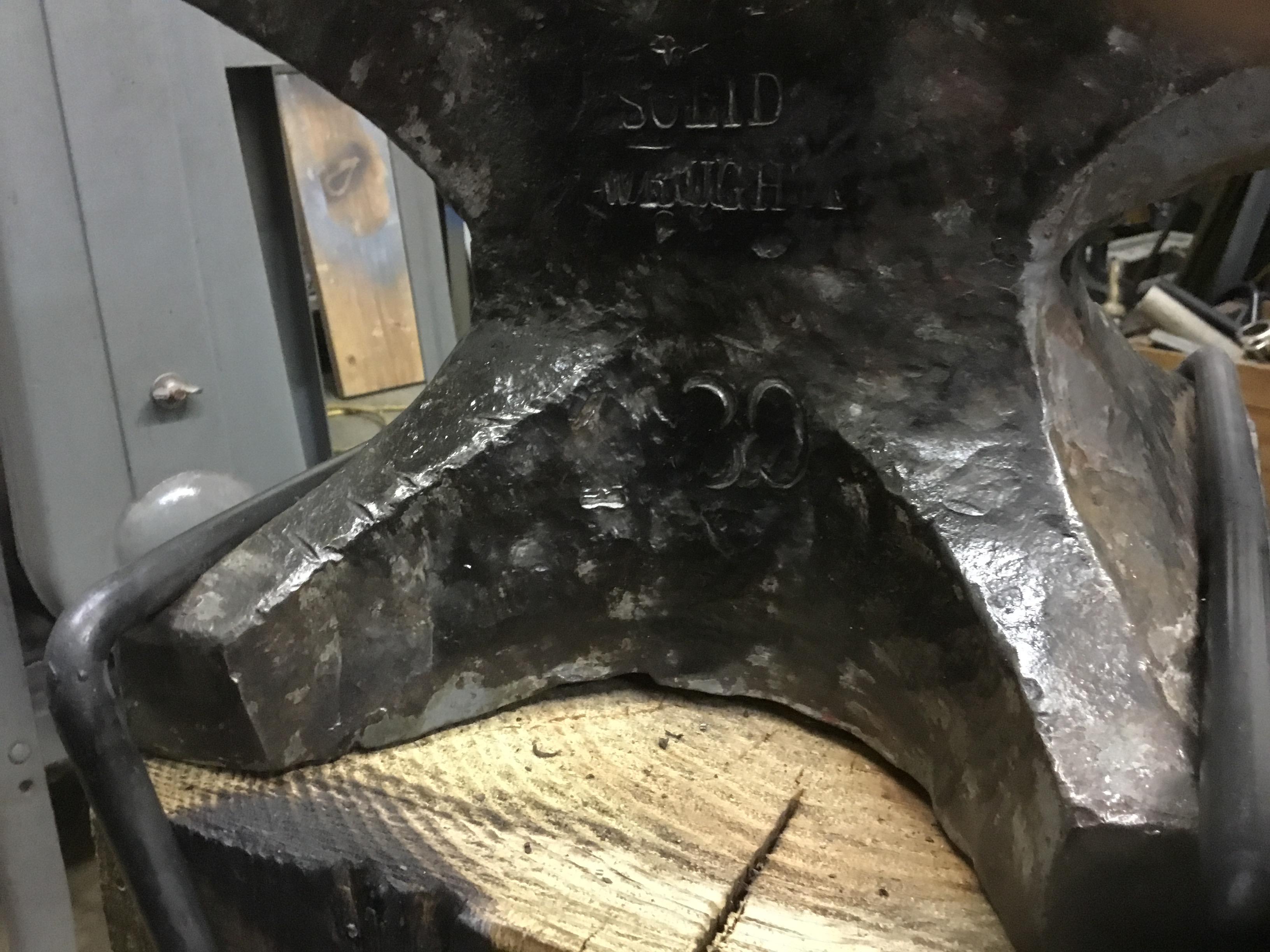
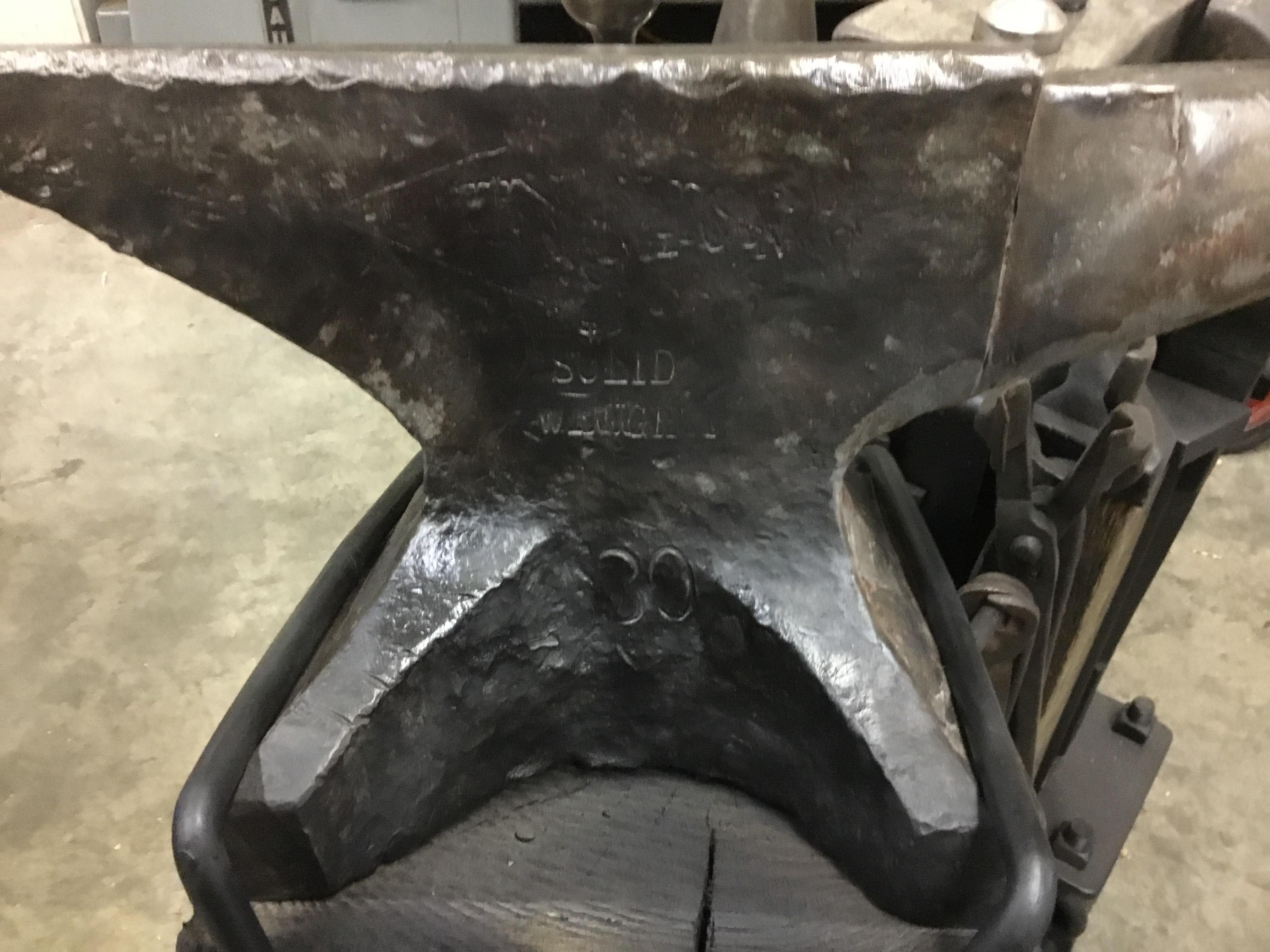
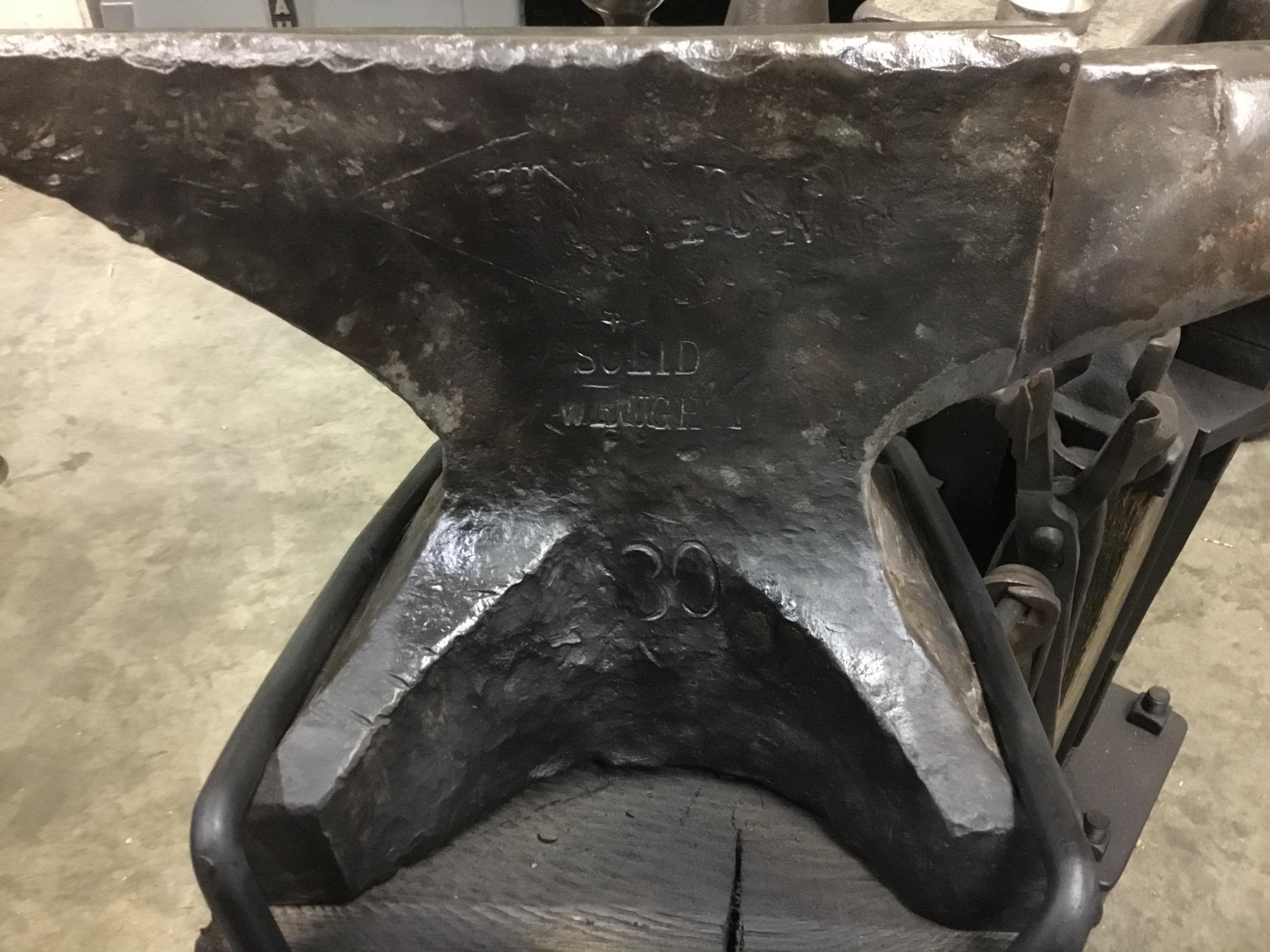
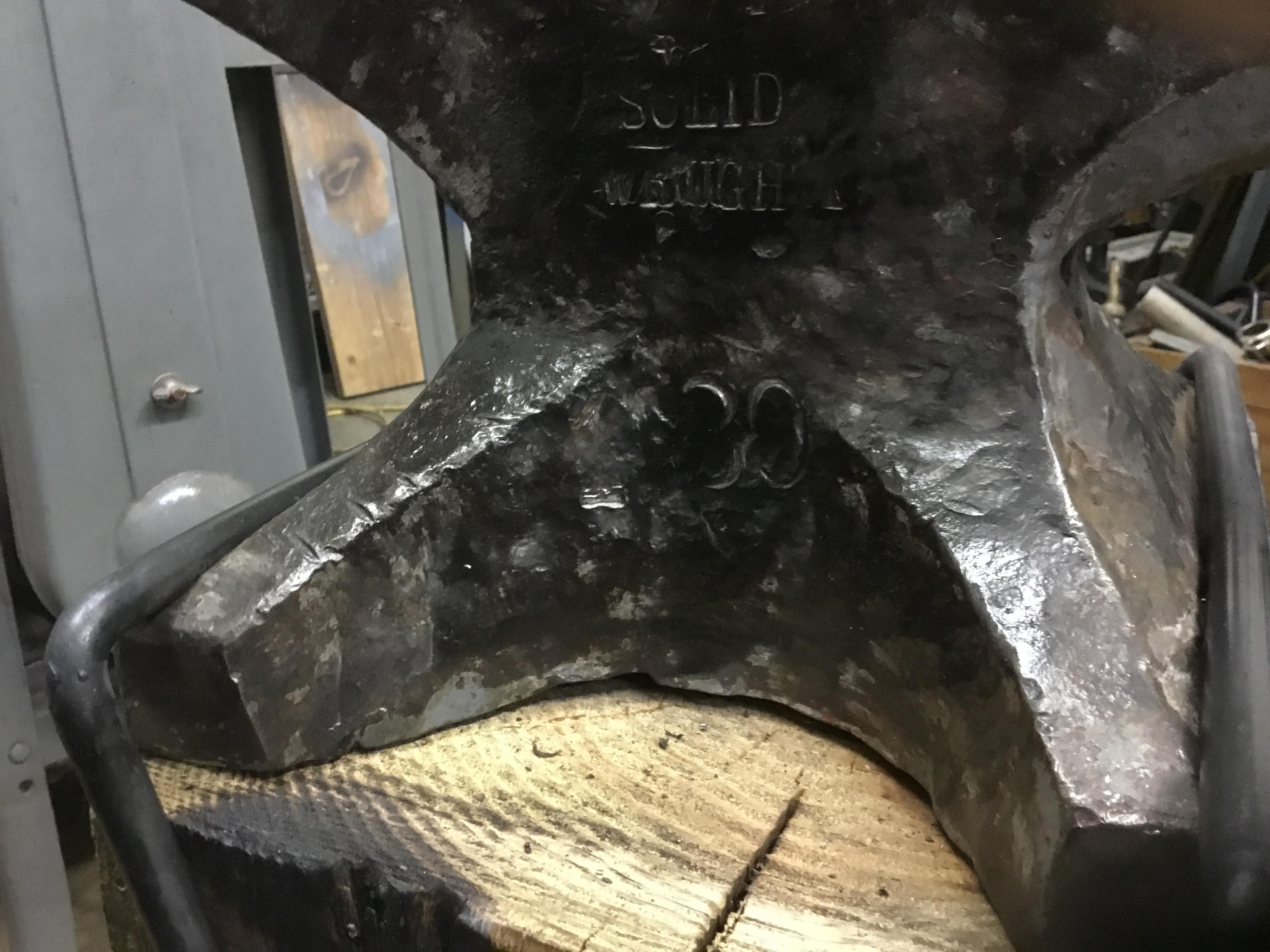
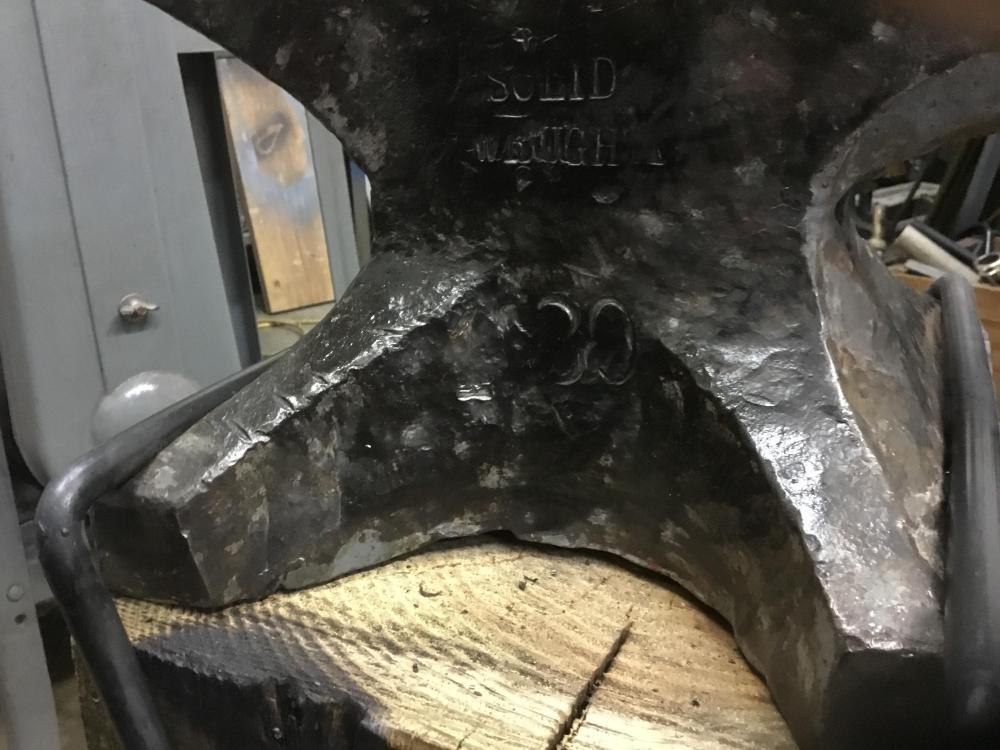
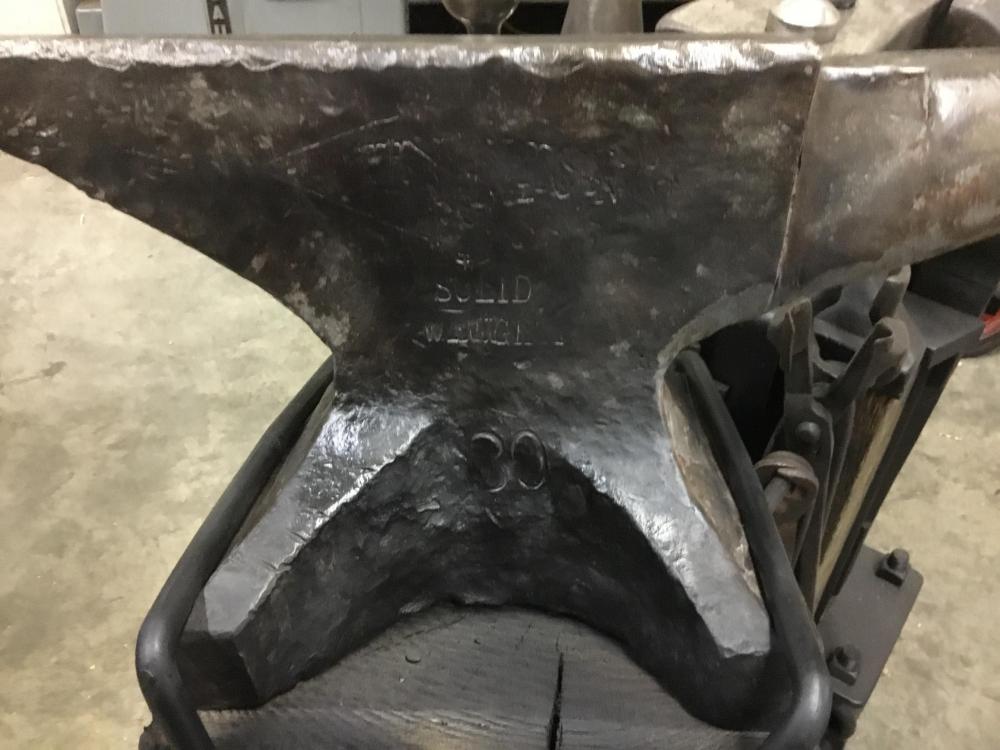
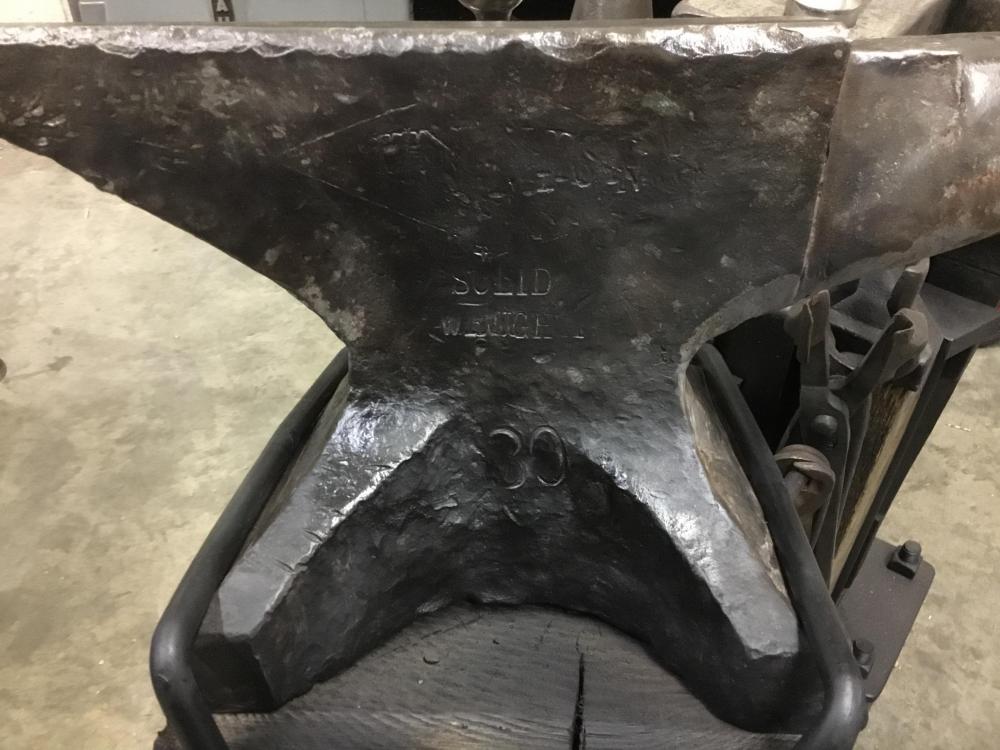
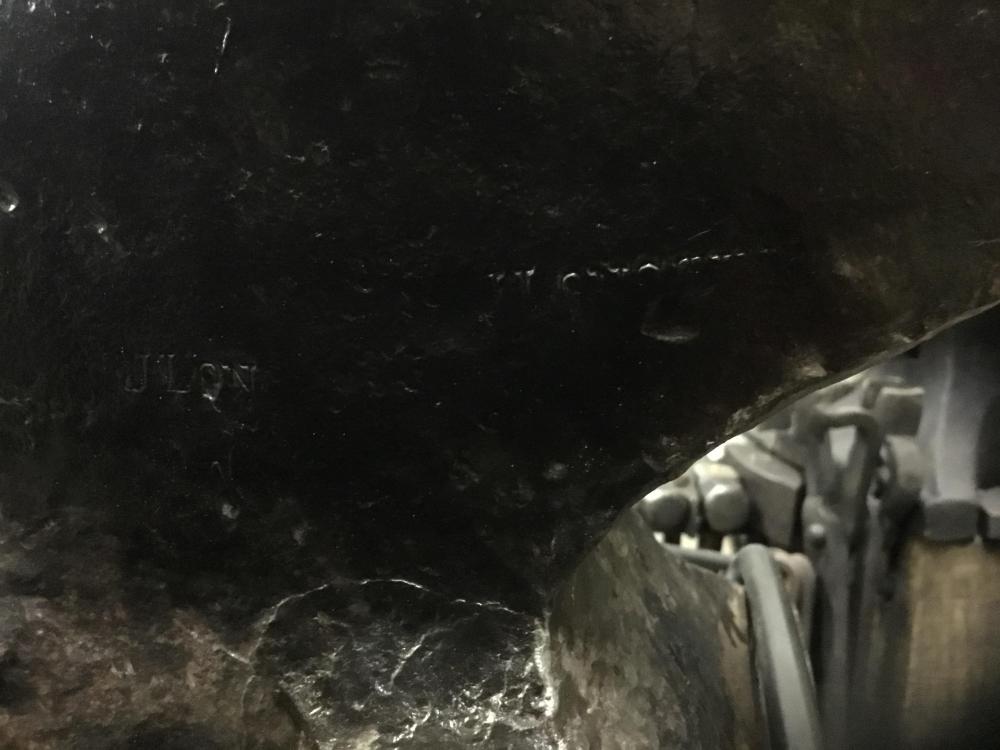
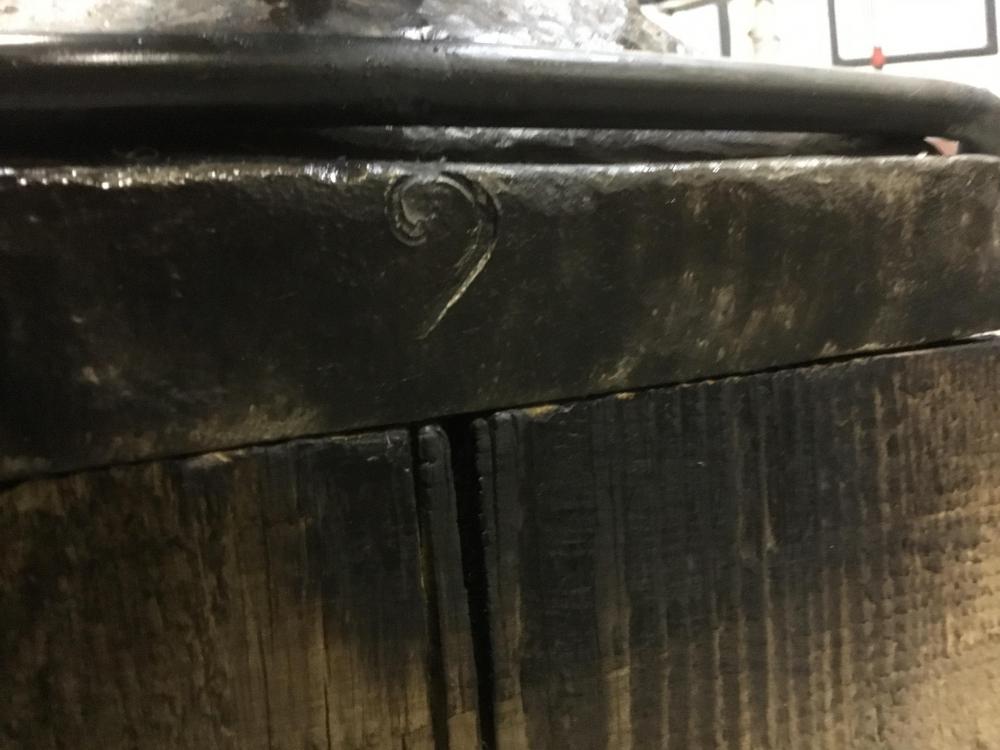
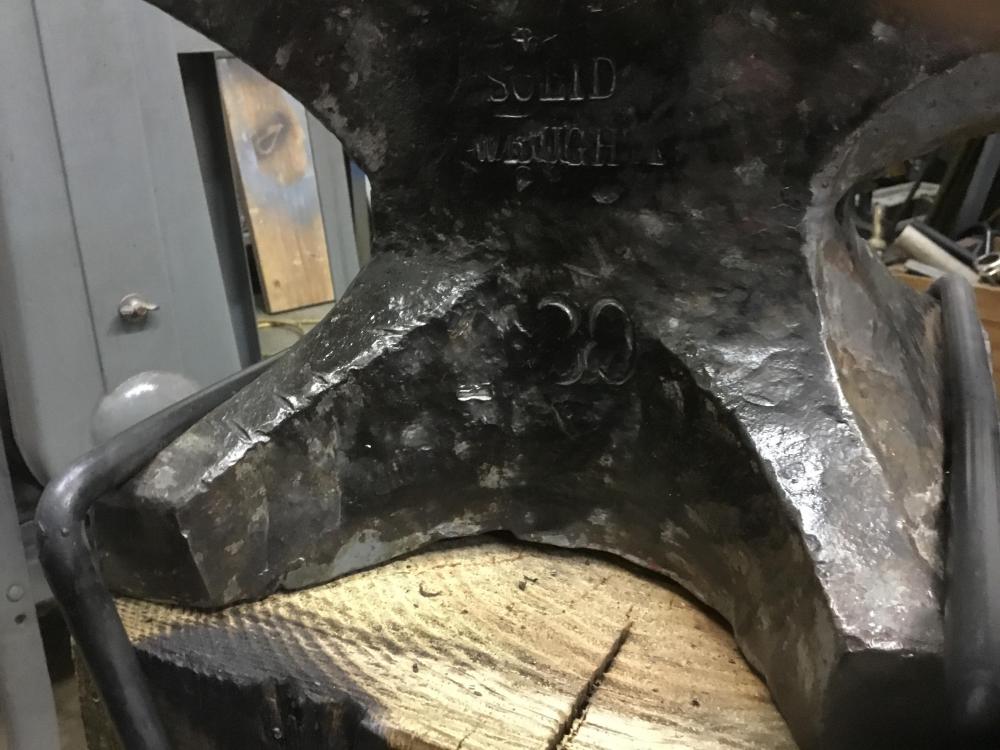
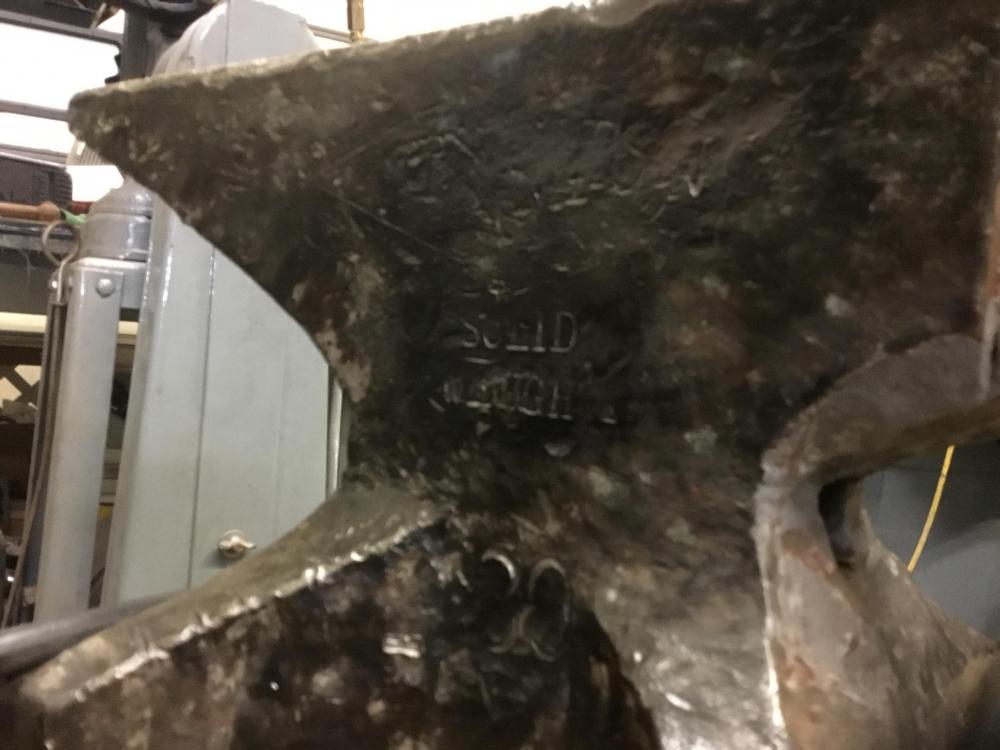
It’s marked 130 lbs Rebound is excellent. Lot of stamping on it.
-
Hi; aaamax; Thank you. Lou
-
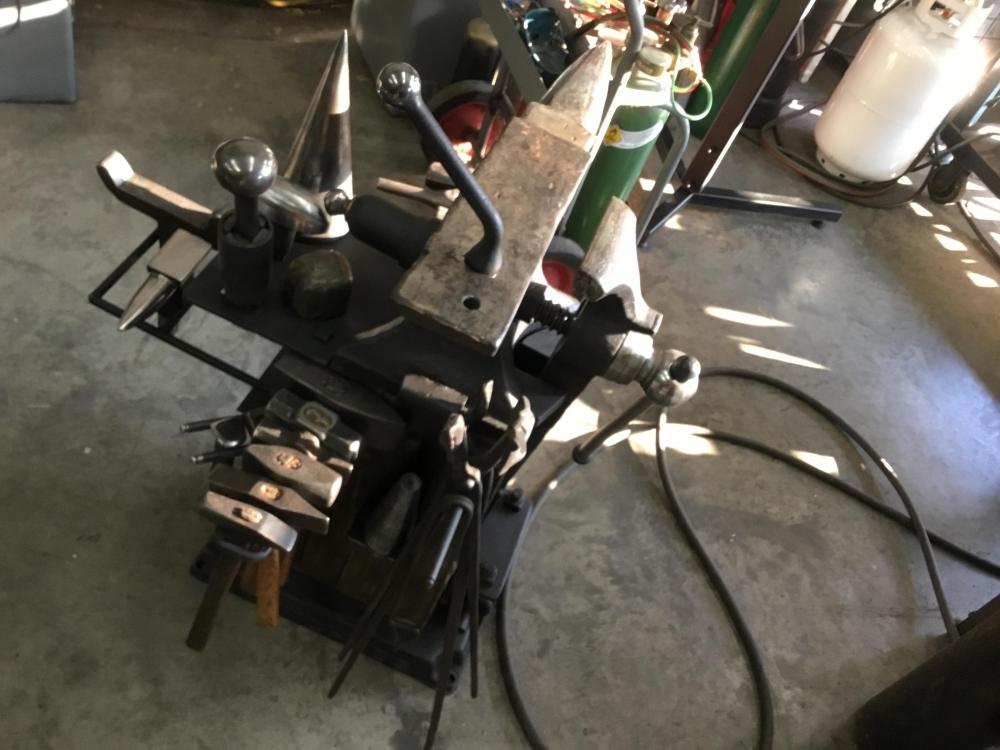
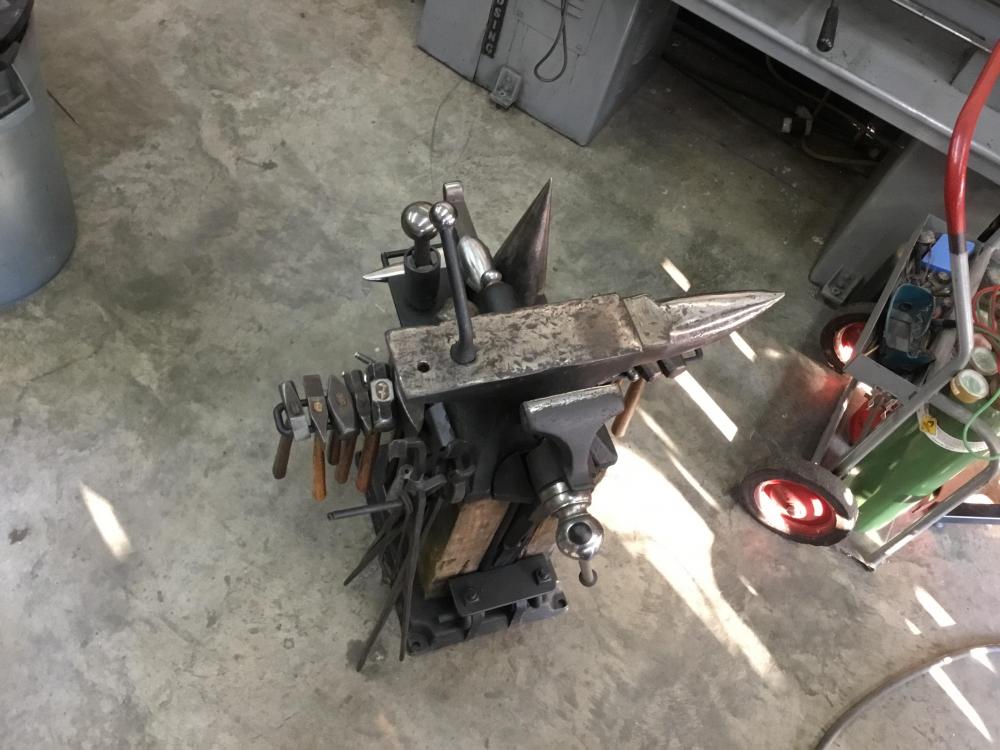
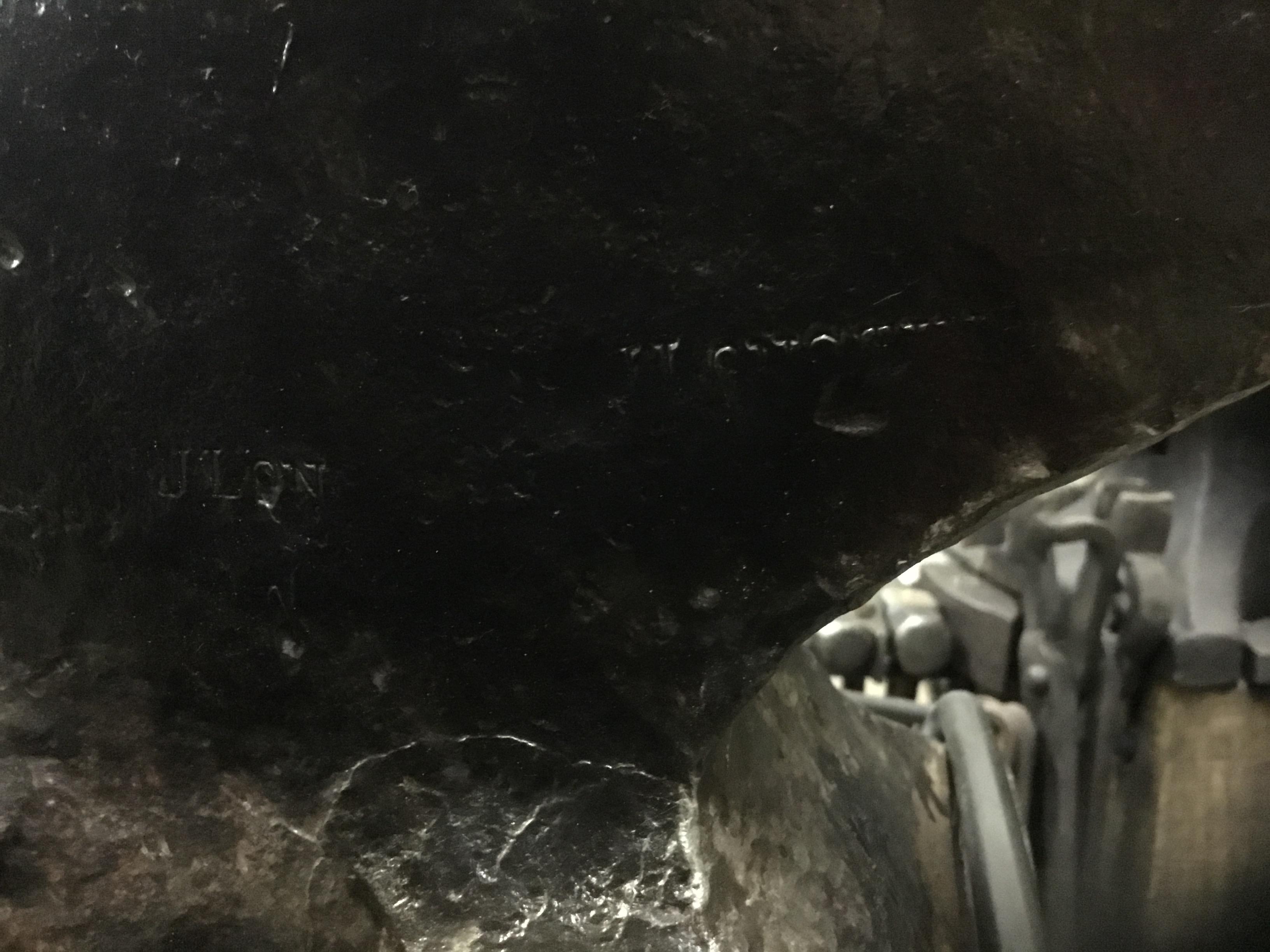
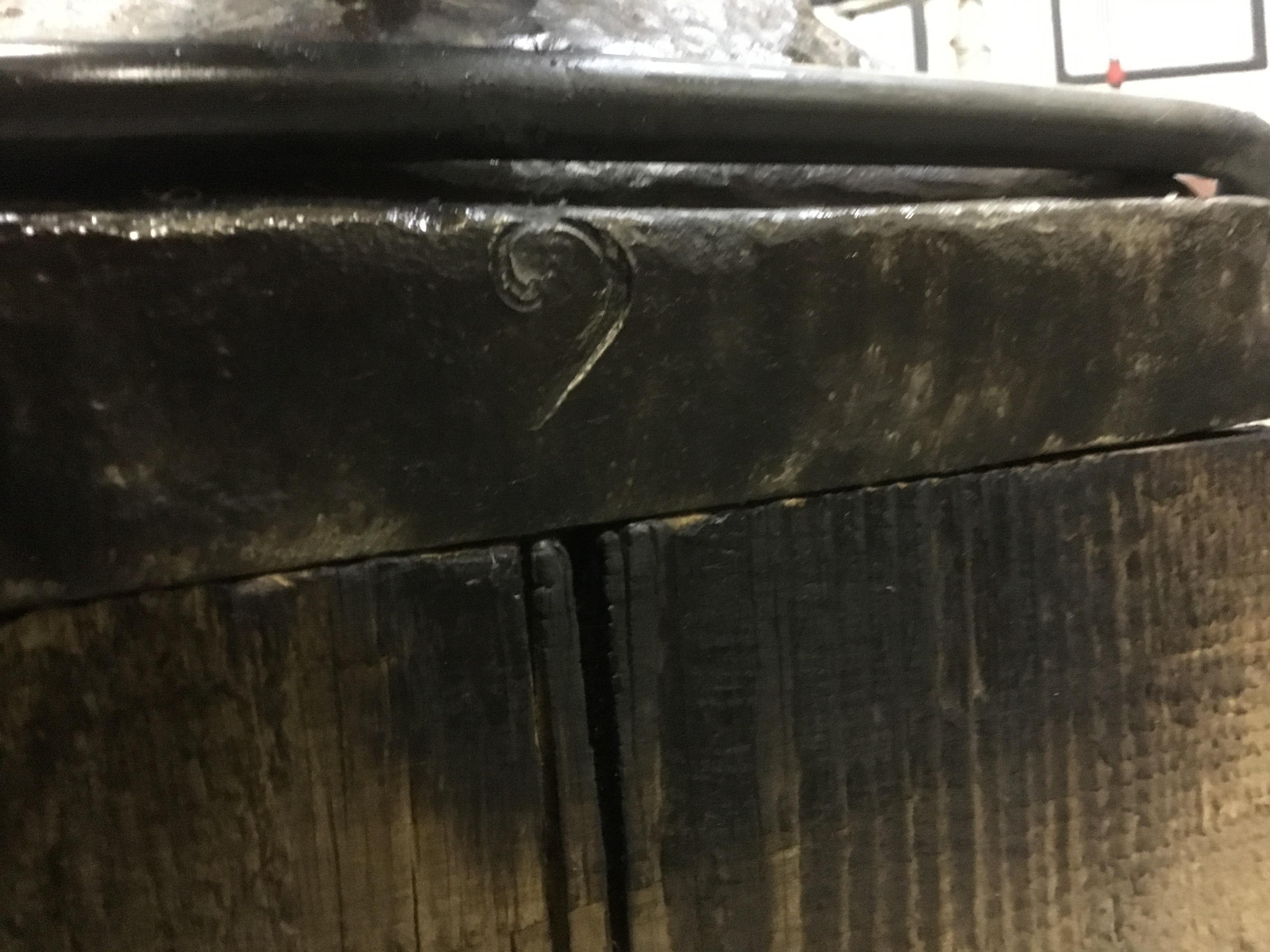
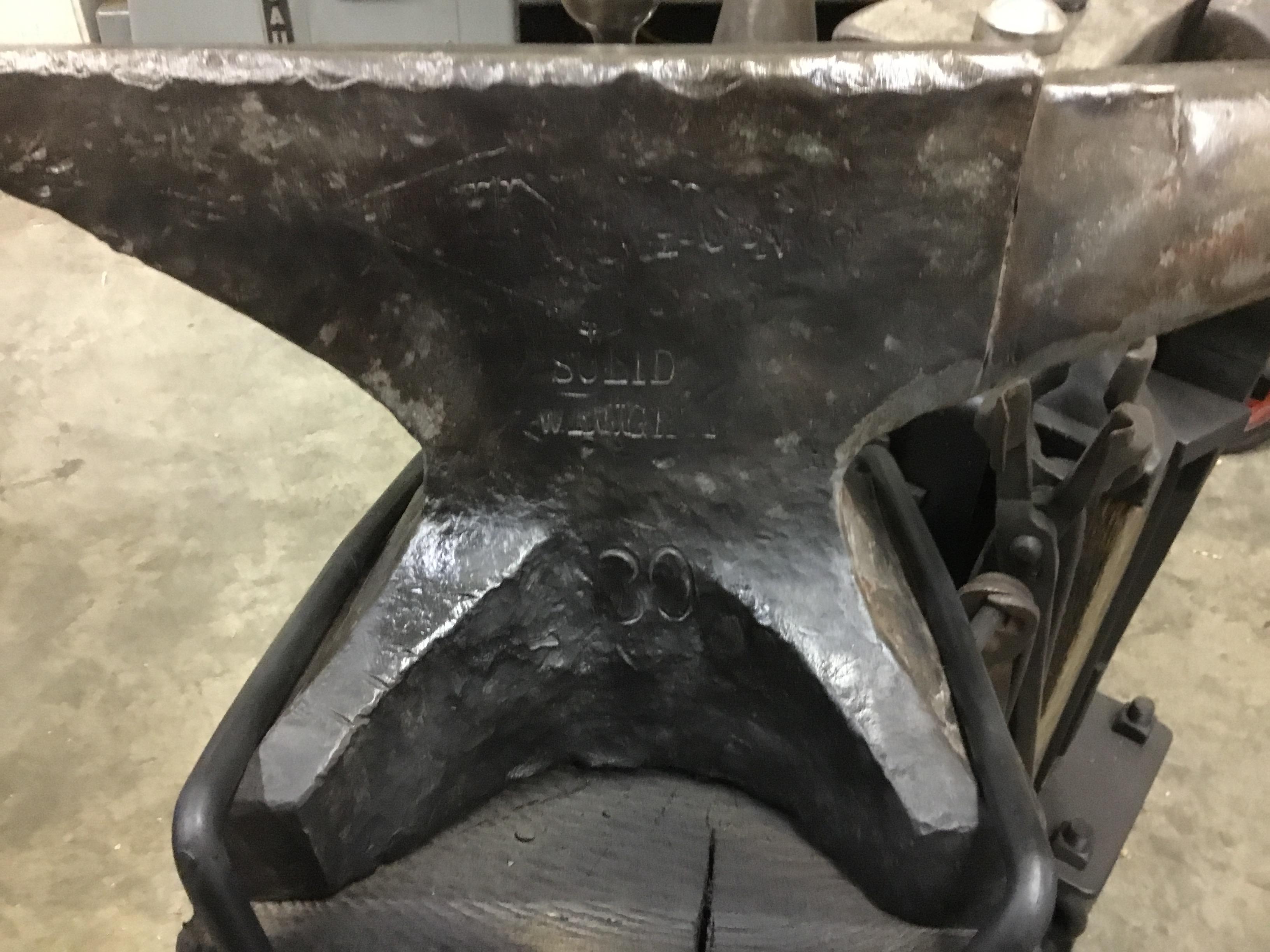
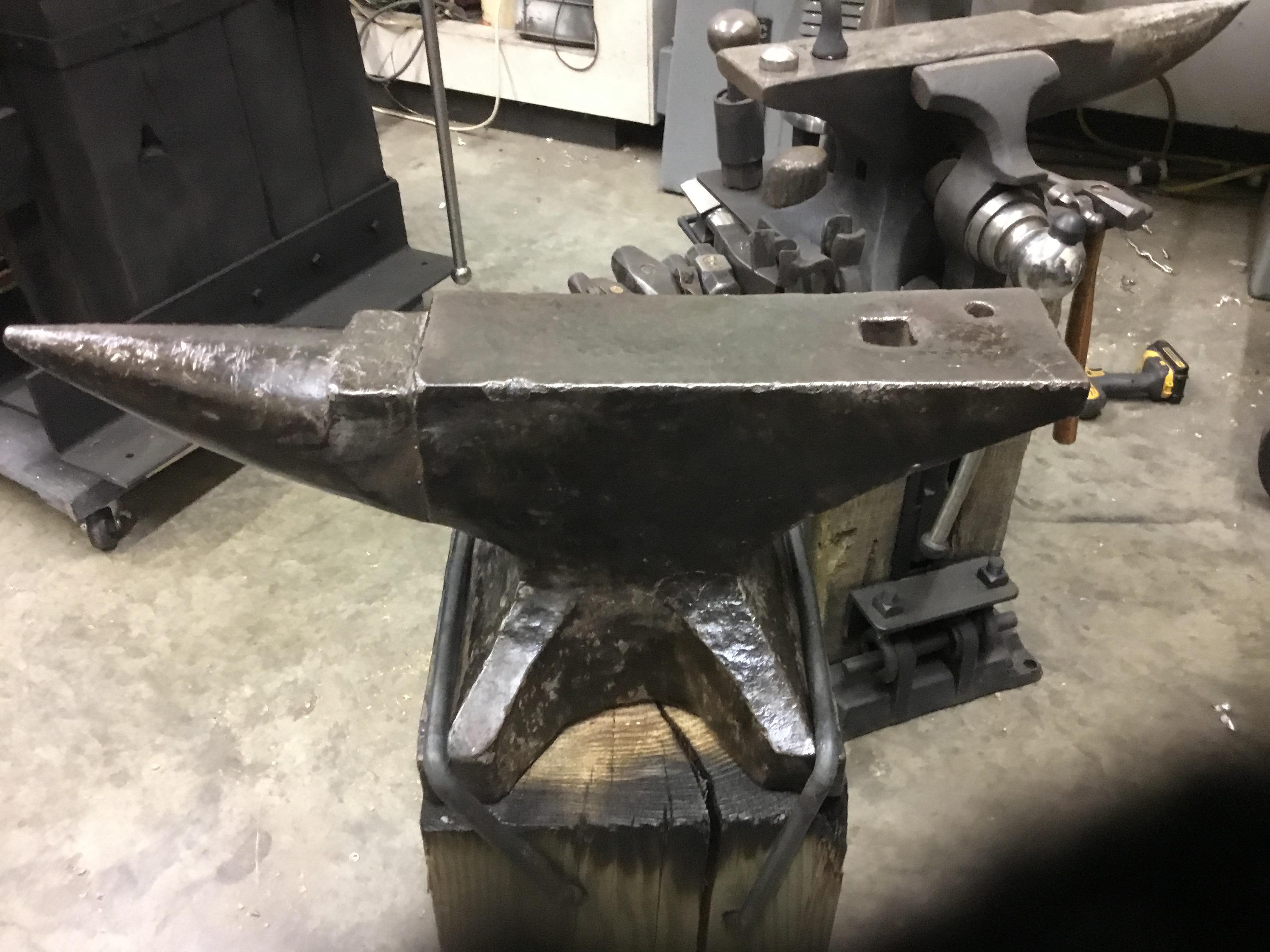
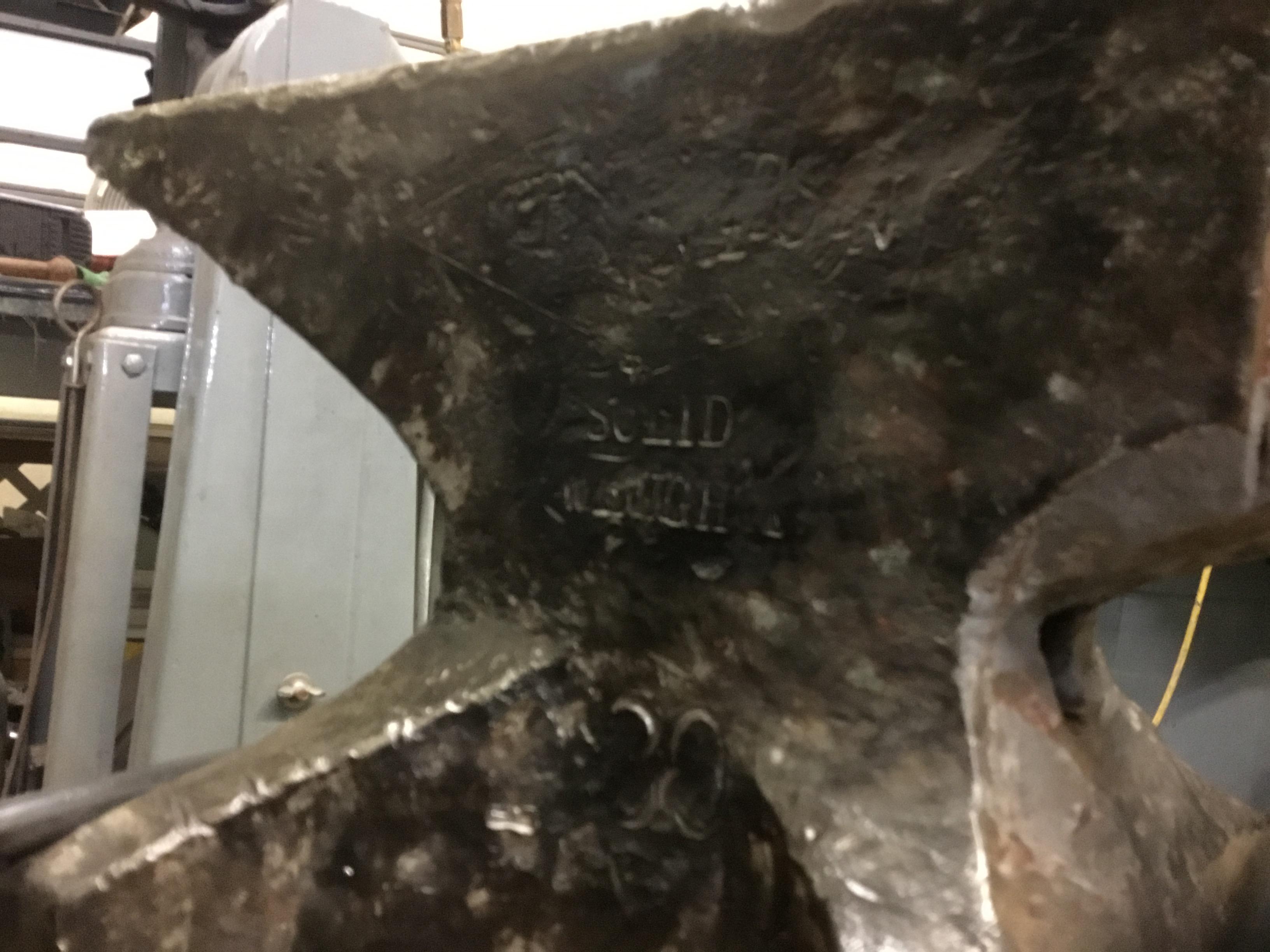
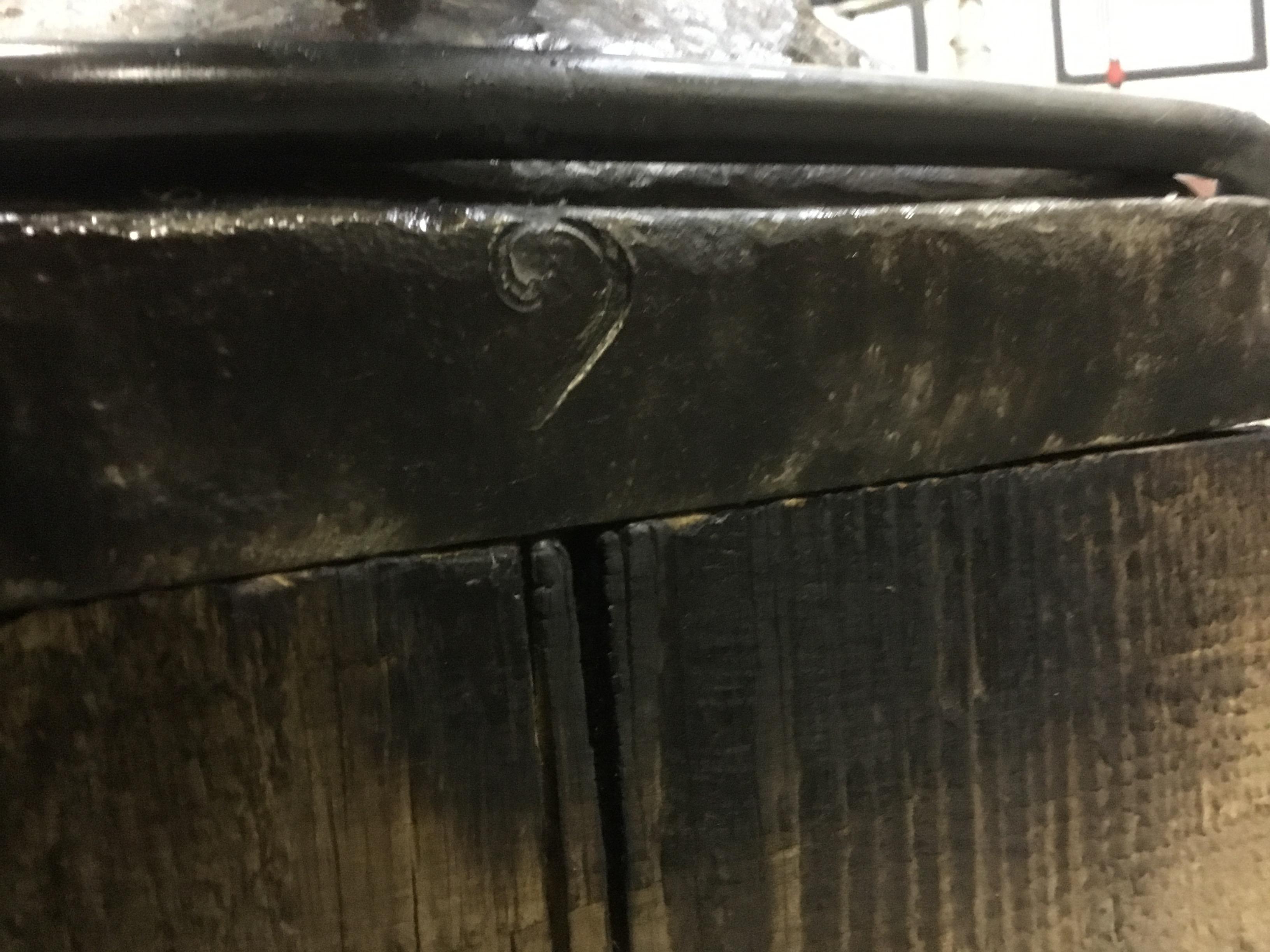
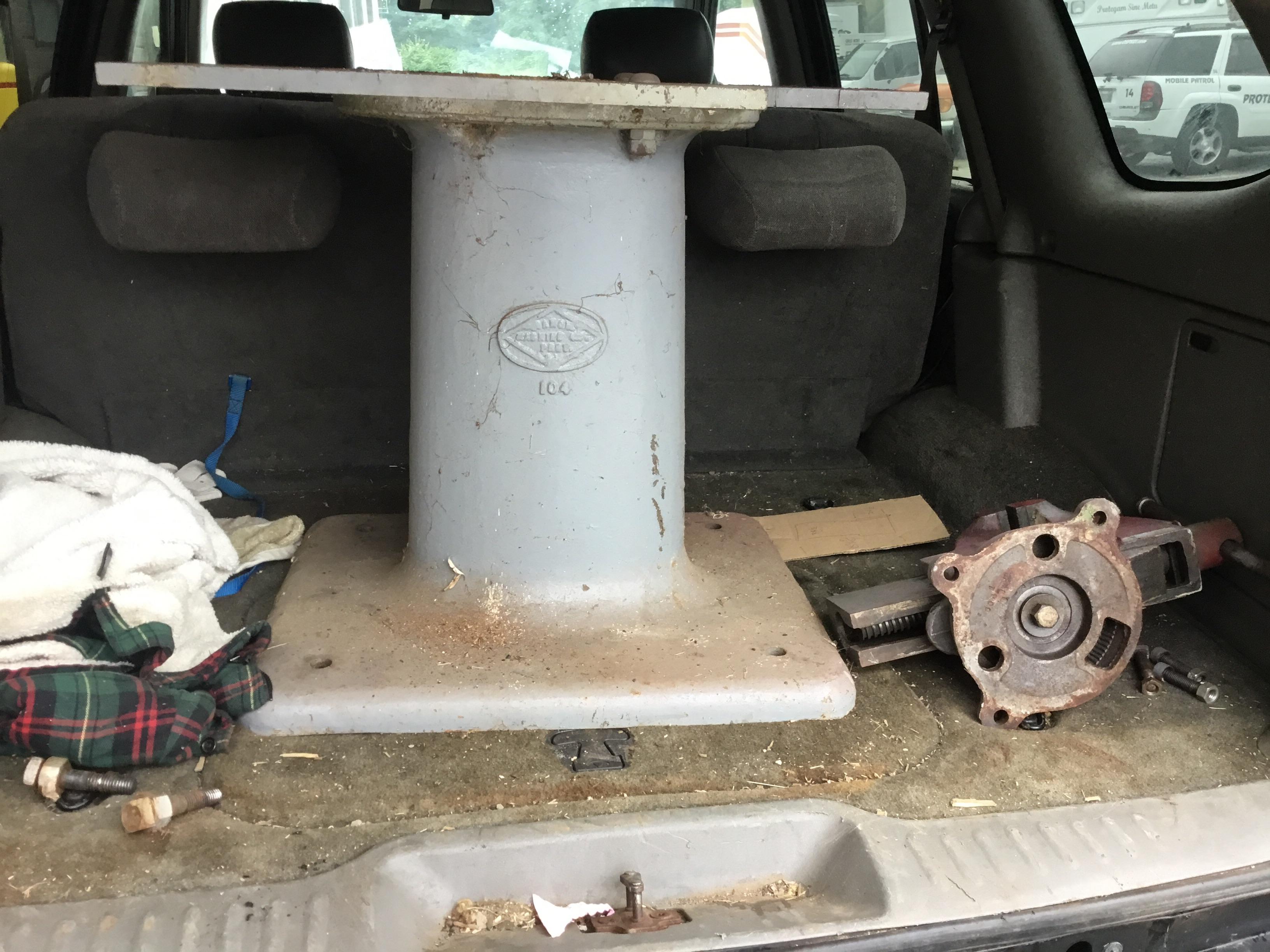
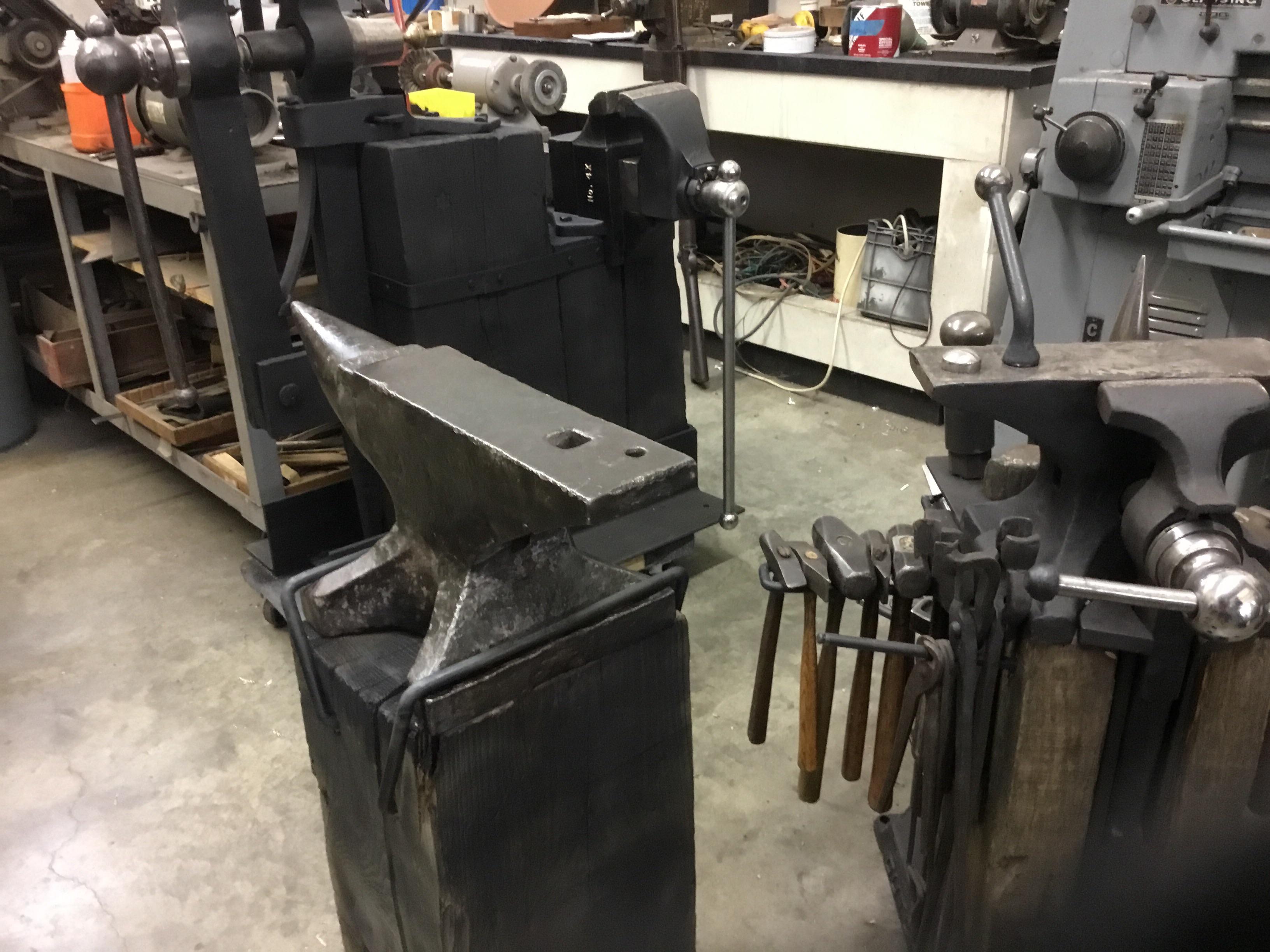
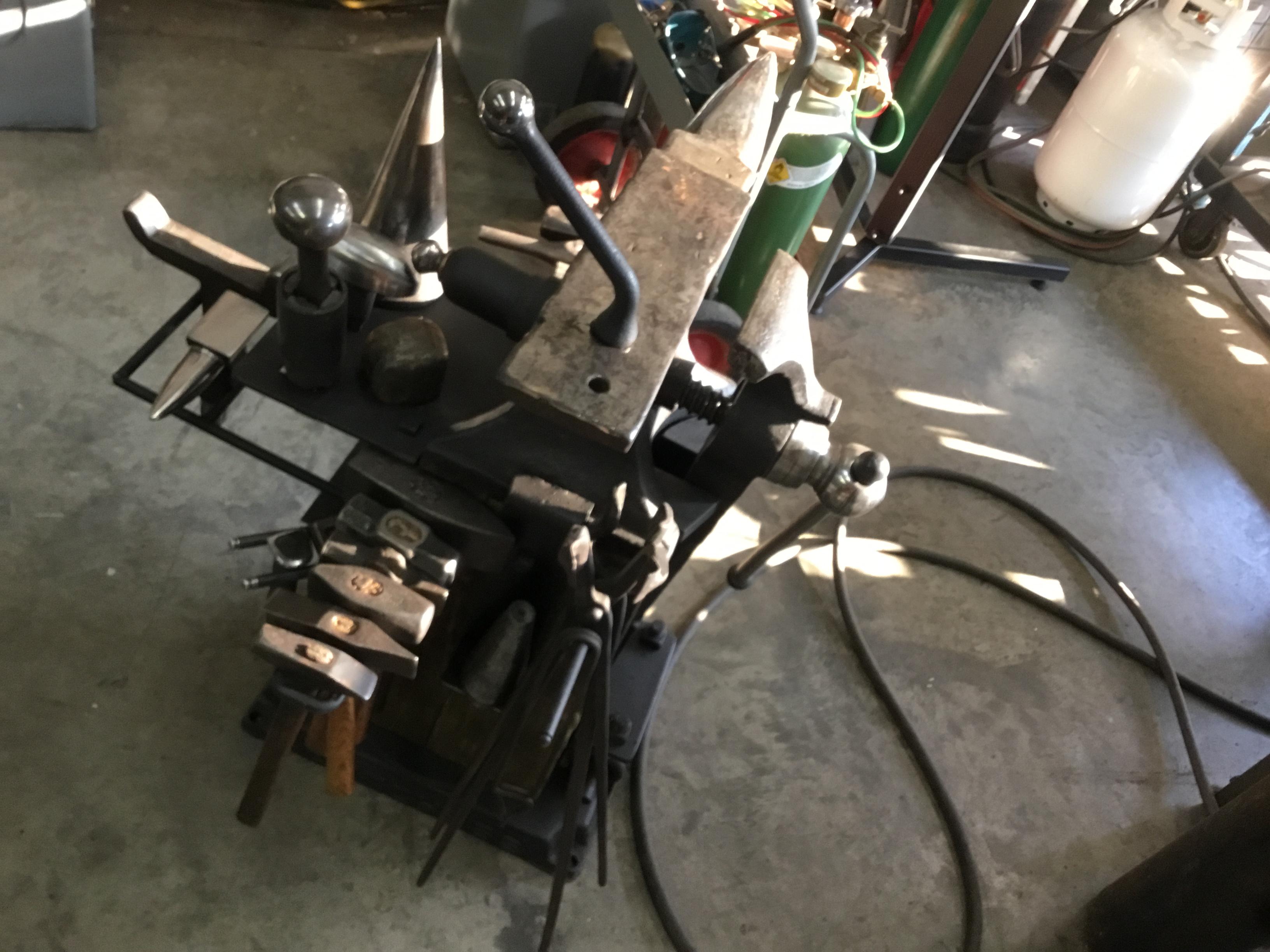
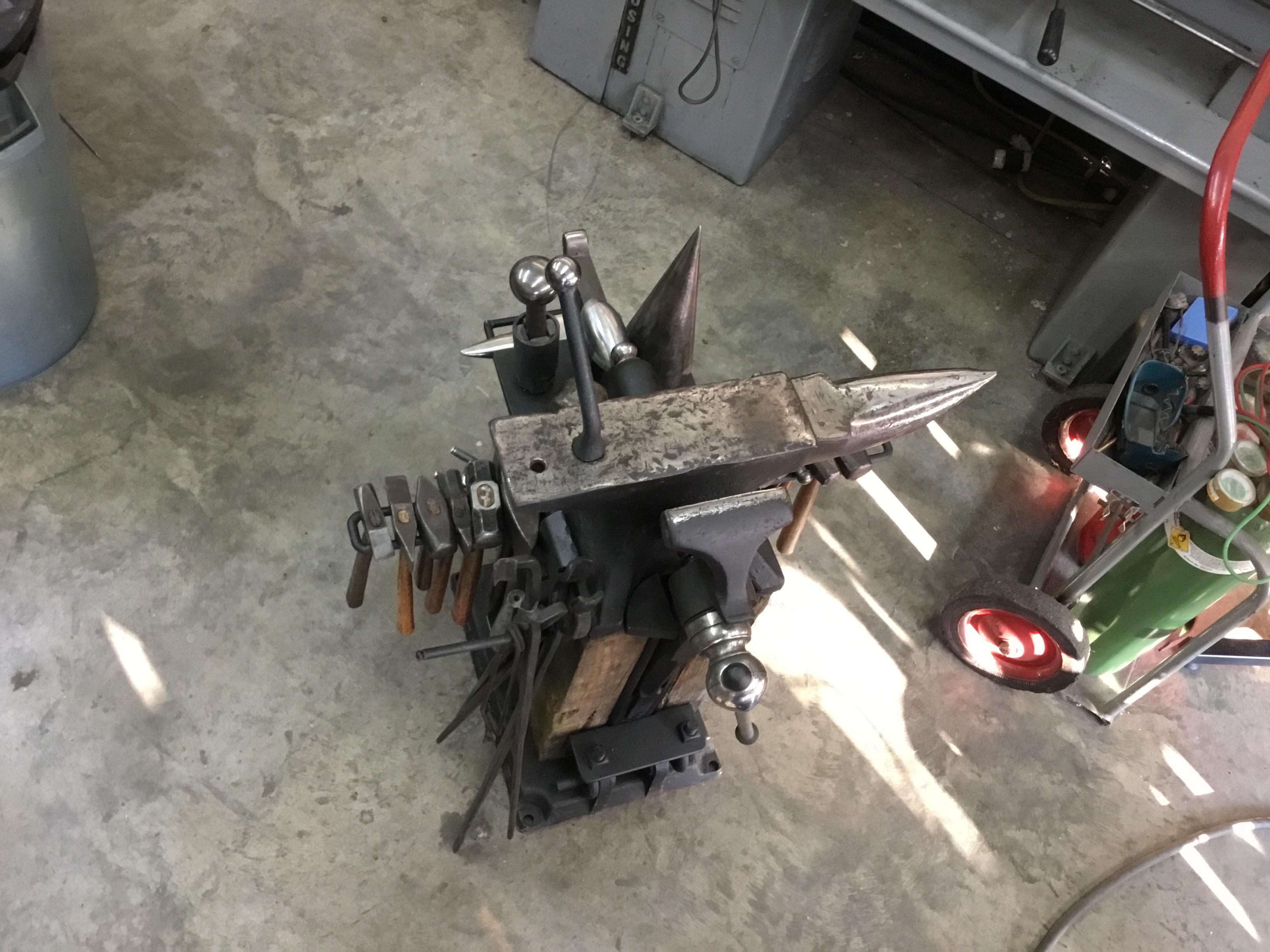
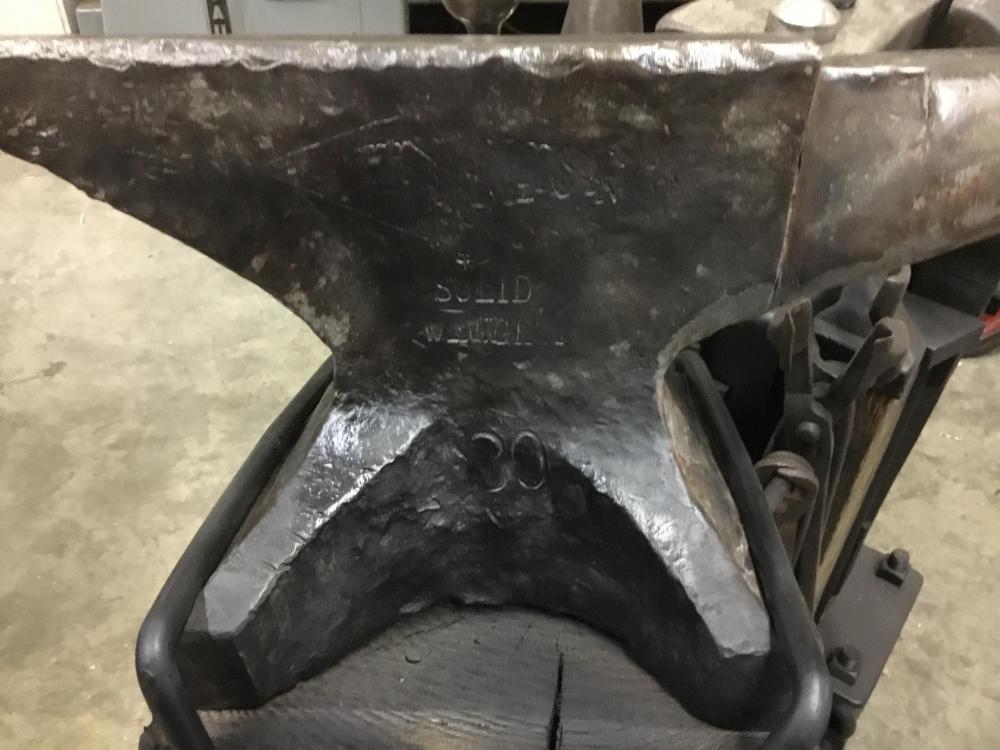
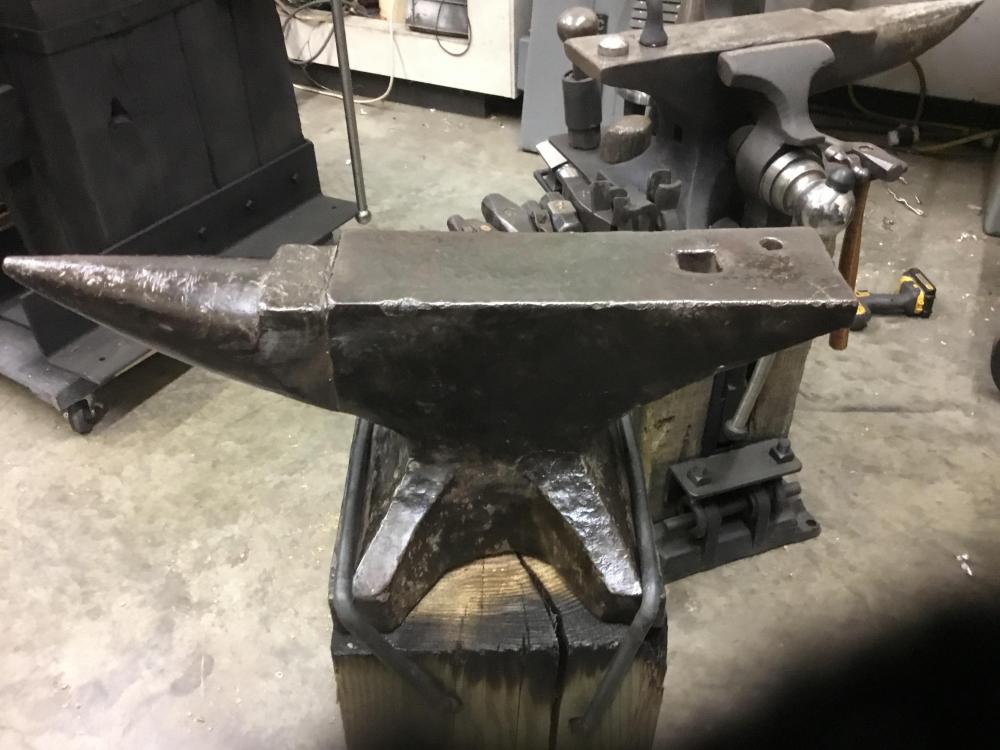
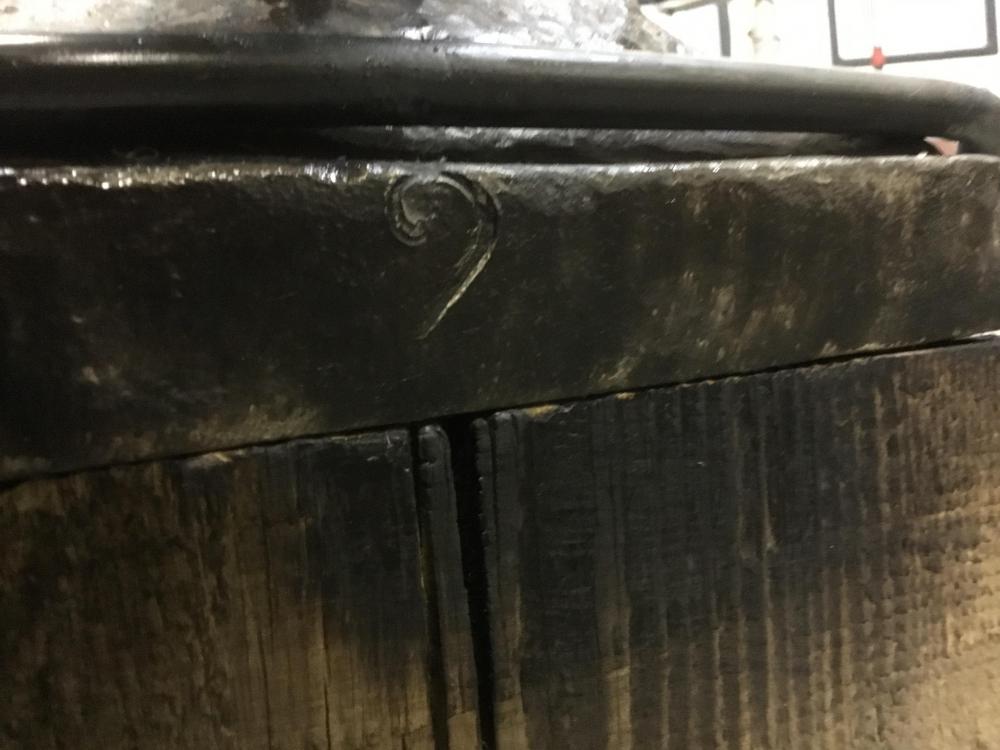
I just picked up a anvil yesterday with no visible name. It was mounted to a 400 lb machine base, wth a large Colombian vise. I took the anvil off and wire brushed it for hours. All kinds of wrighting on it. I think the name is Trenton , is marked 130, marked SOLID WROUGHT. Has. JLION on other side with more stamping, also huge # 2 Any buddy no what all this means. I mounted it to a 12 x 14 beam. THAN YOU IN ADVANCE. LOU This is the base, still in car. Need forklift to get it out. Few pics
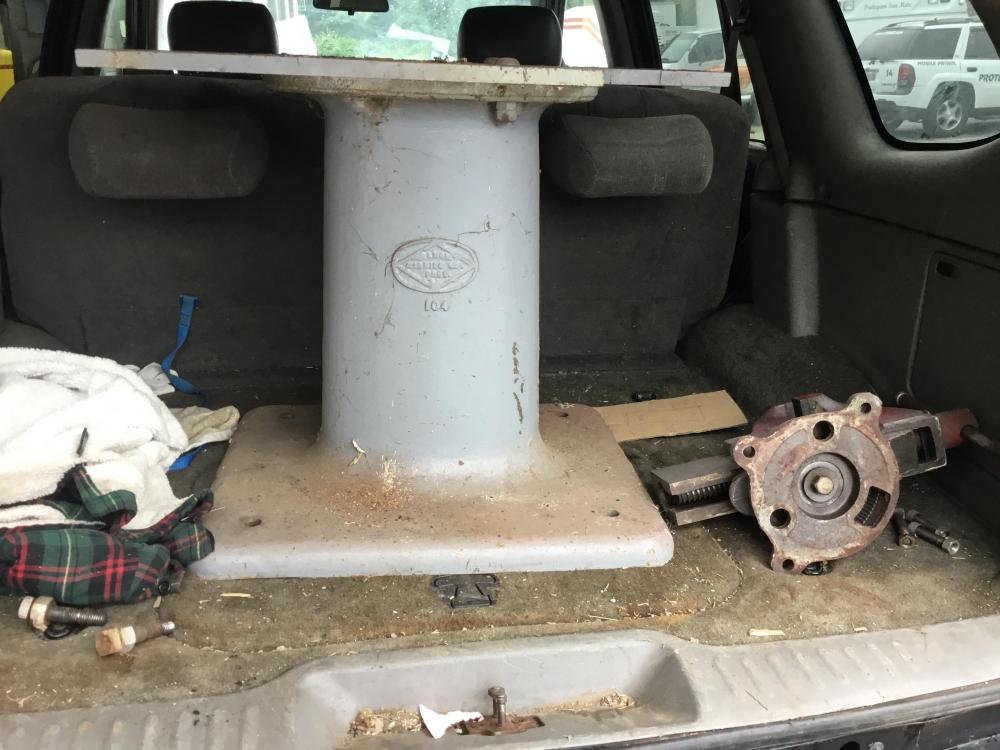
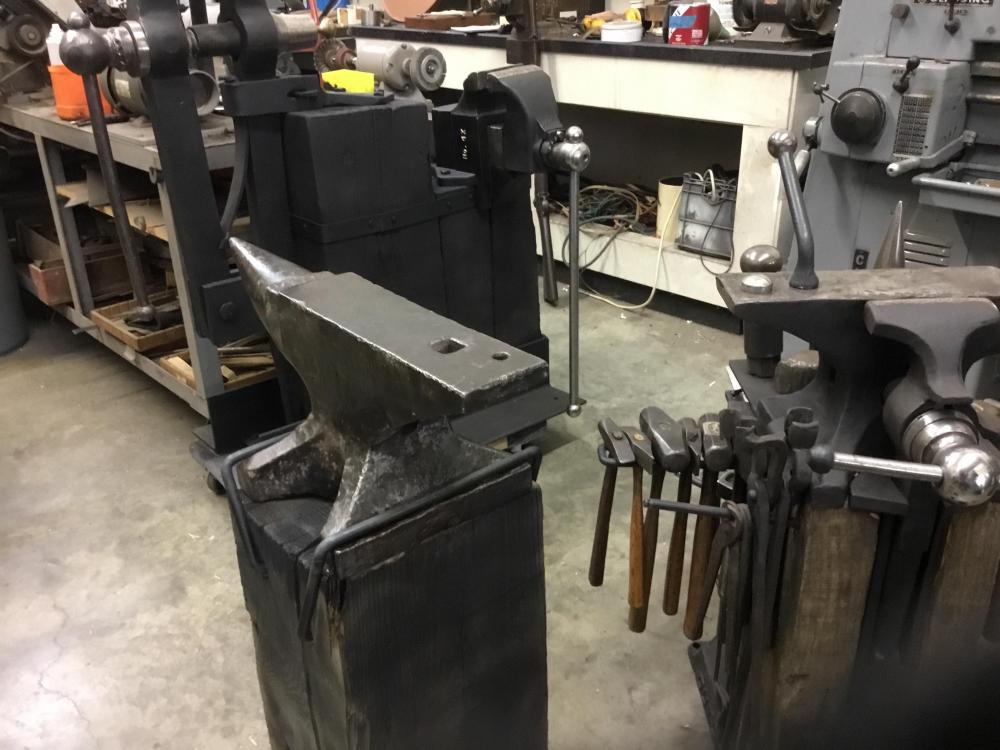
-
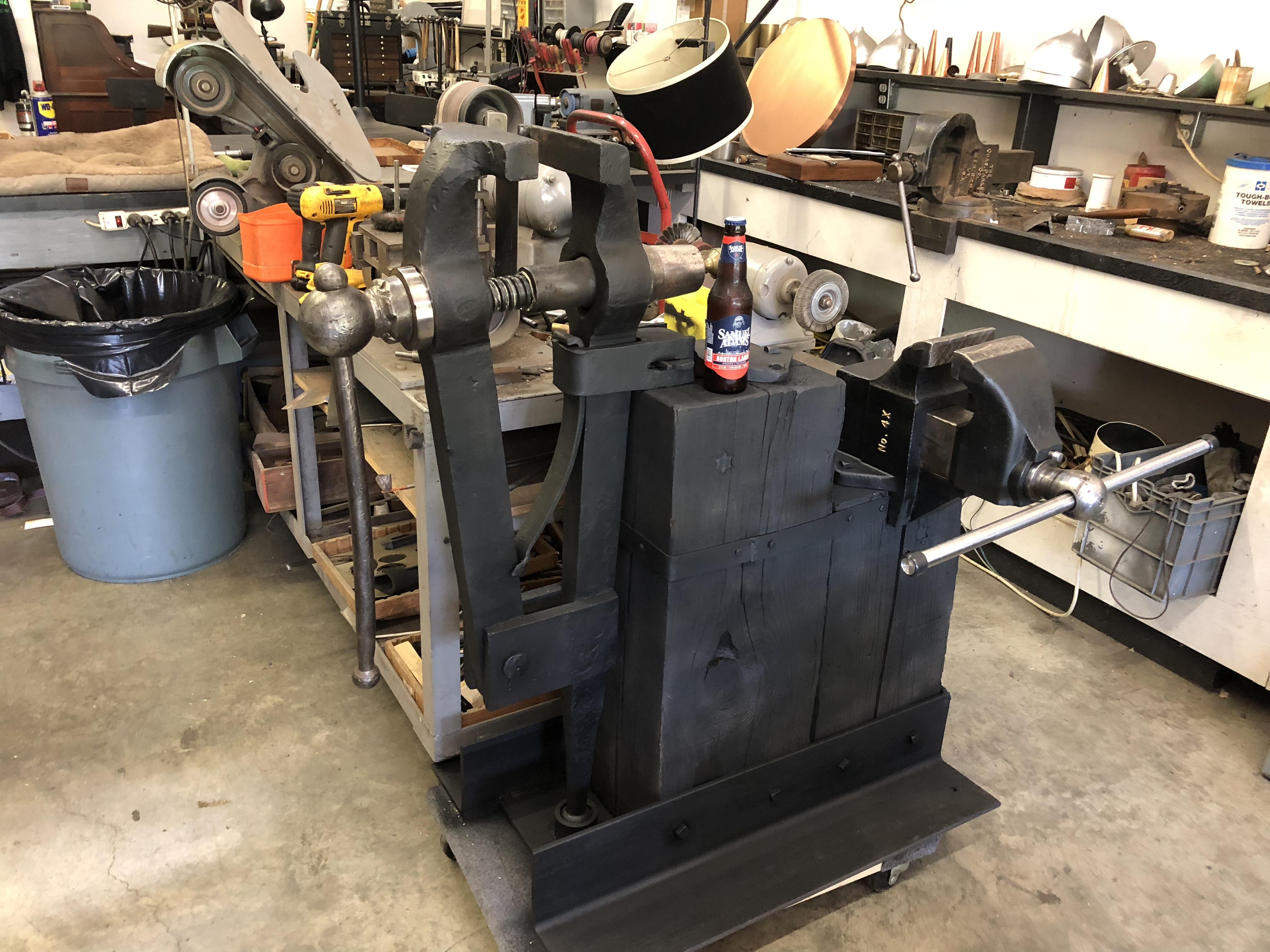
Just found a PARKER 4X for the backside
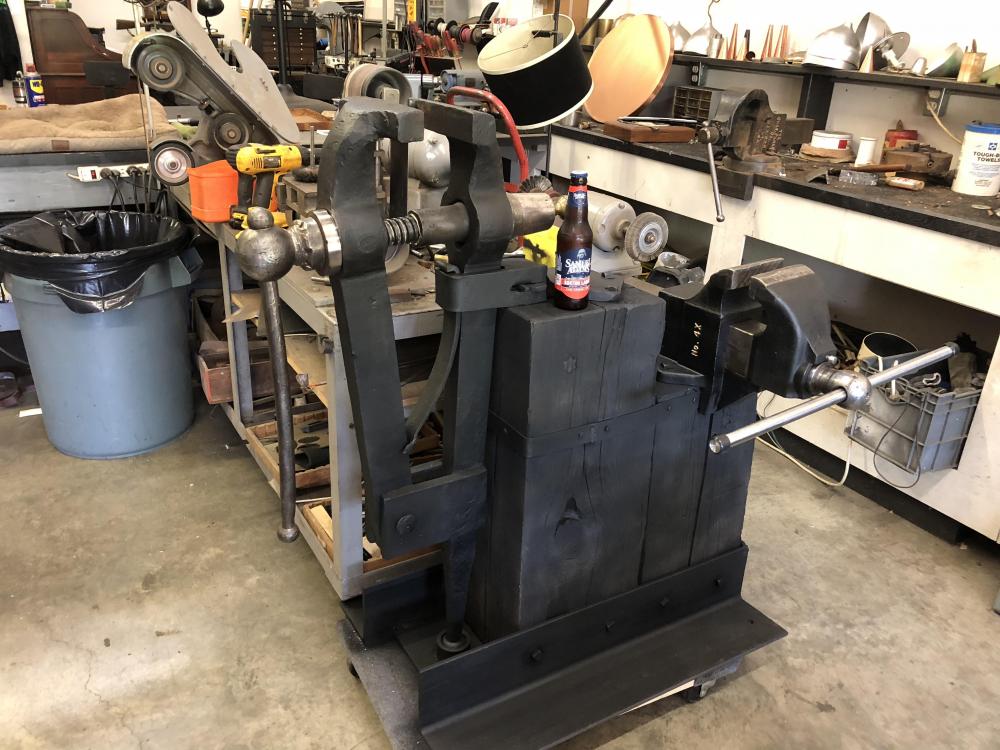
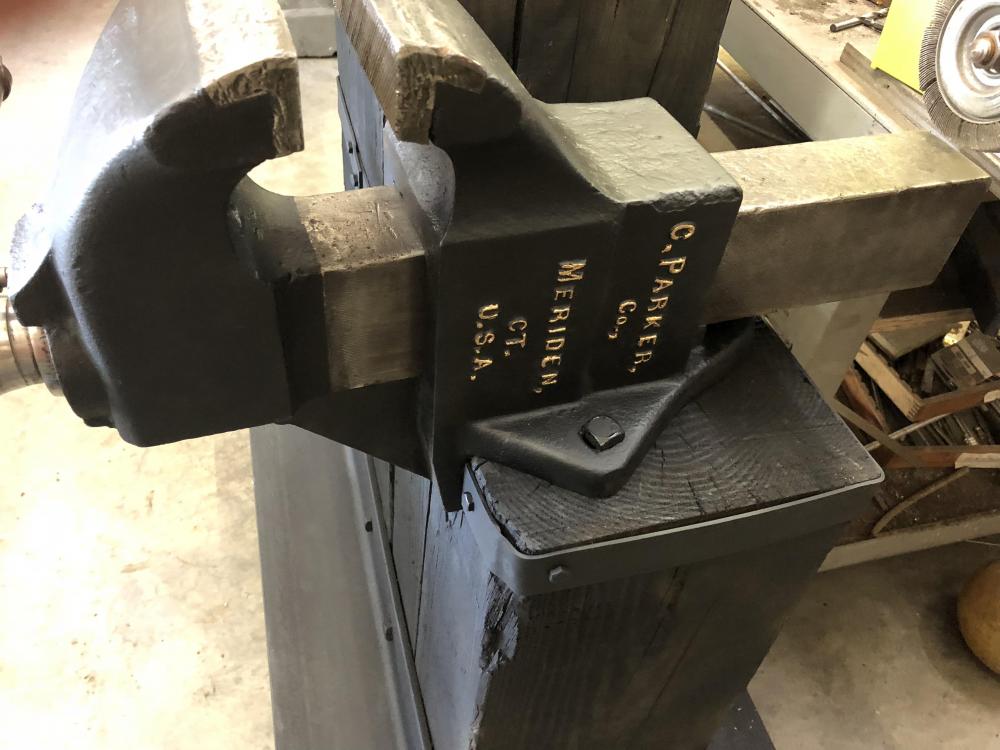
-
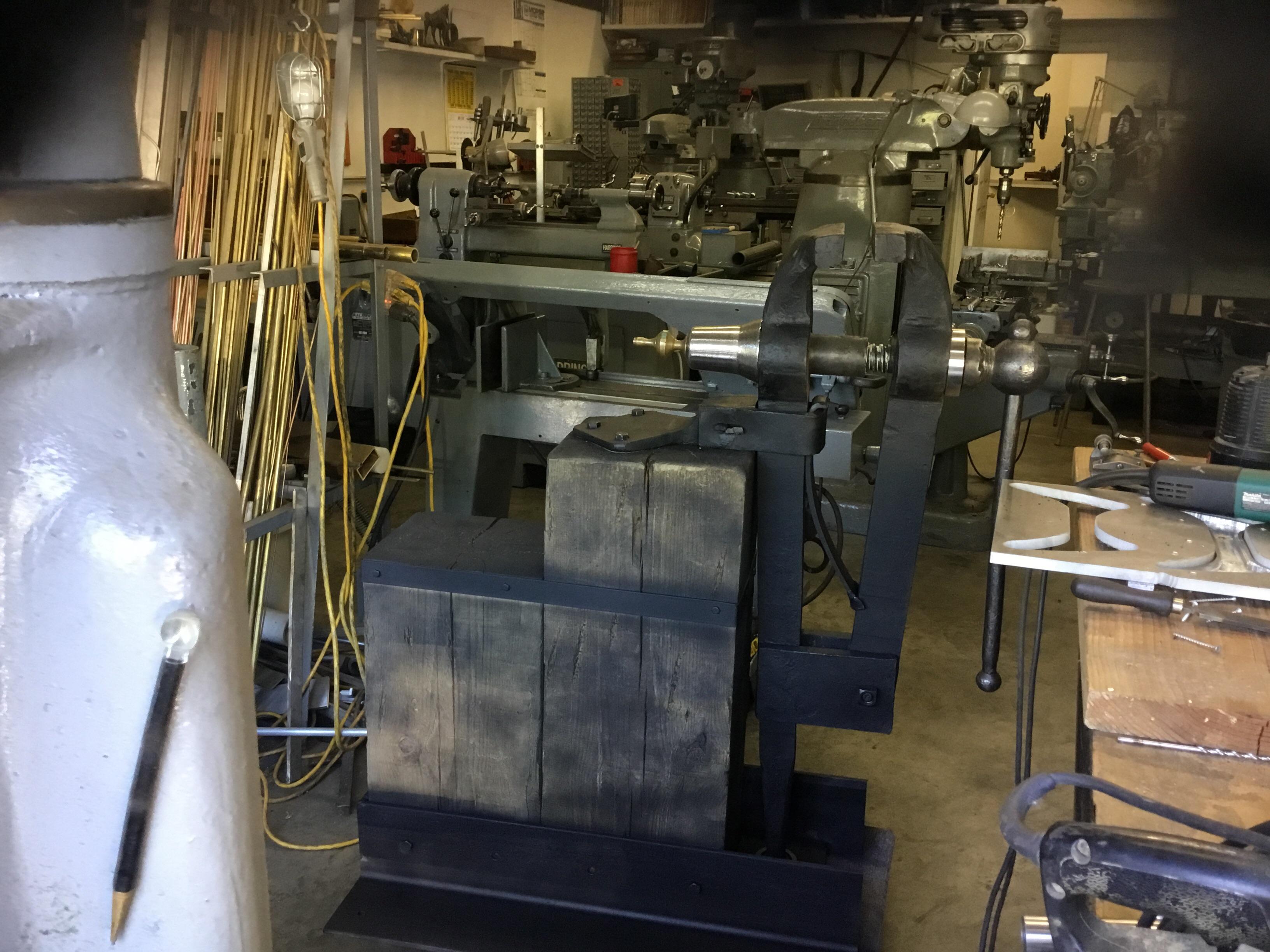
The place this came from made wooden wheels, this was on a huge beam that angled backwards, we think it was used to do something when installing the metal ring.
-
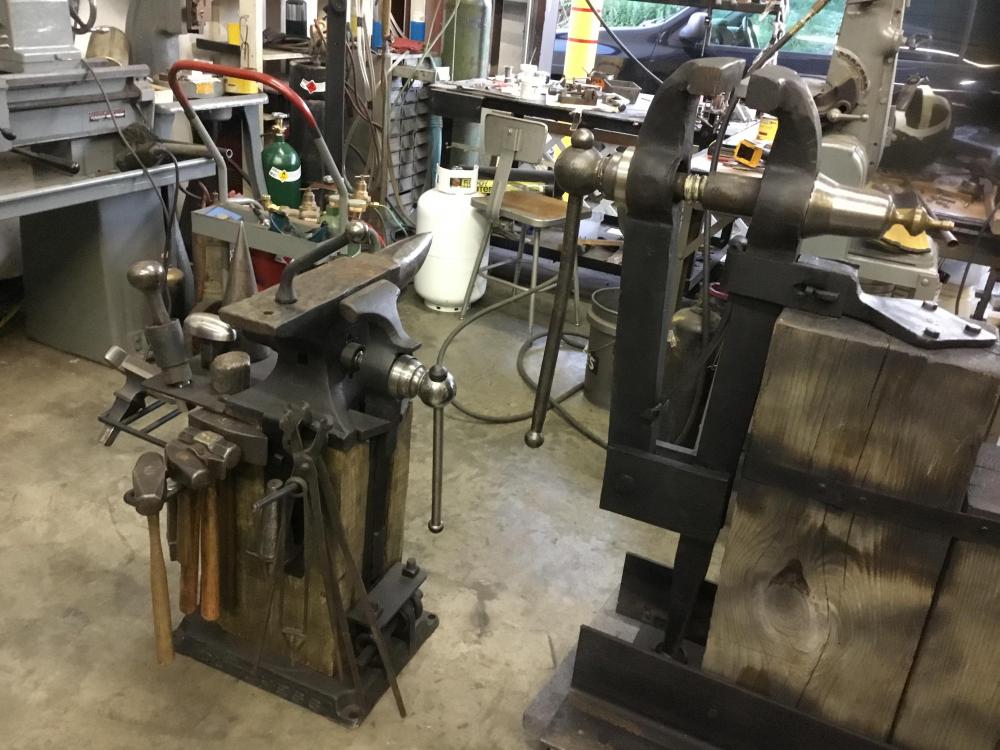
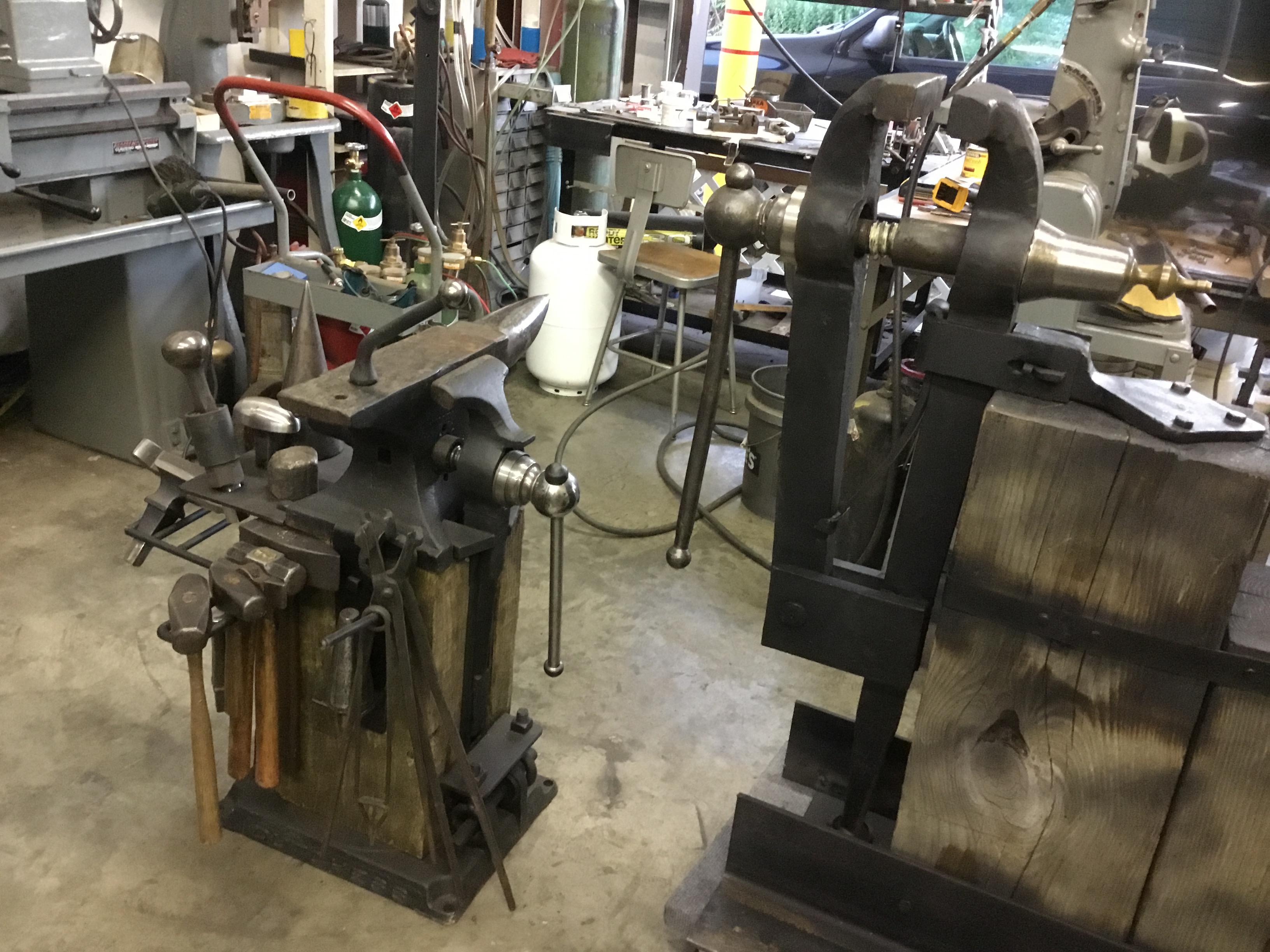
The problem was it was front heavy, and it weighs 300 plus lbs, once it started to go it’s imposible to stop . I’m looking to find a 400 pound anvil for the back end, I’ll never use it but it will look good. This pic shows my place for anvil.
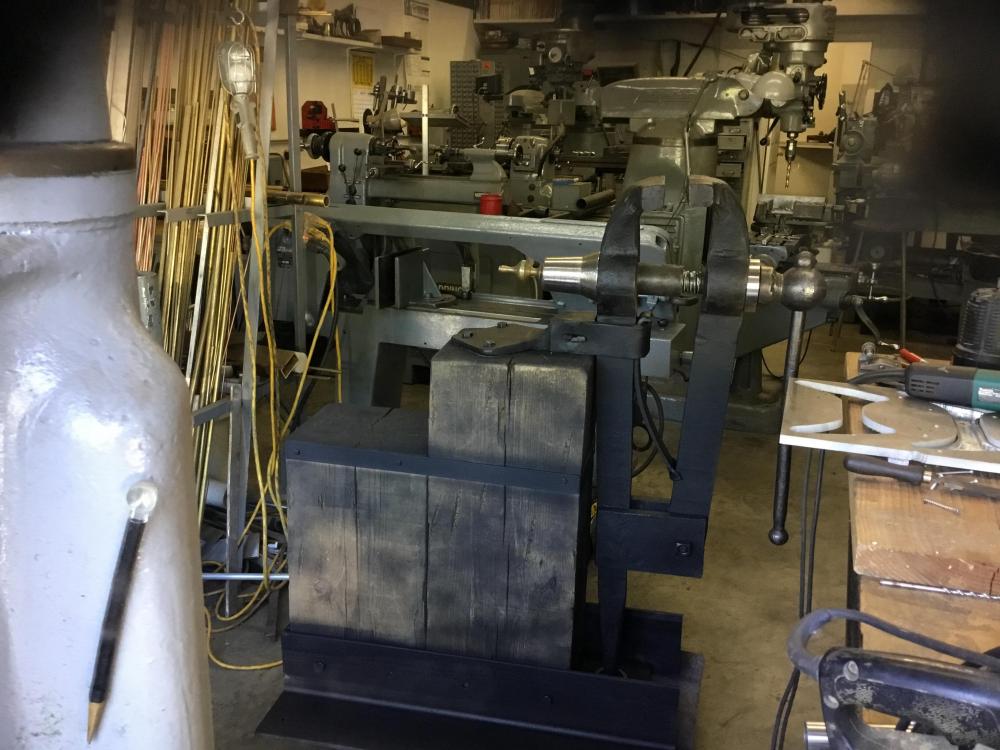
-
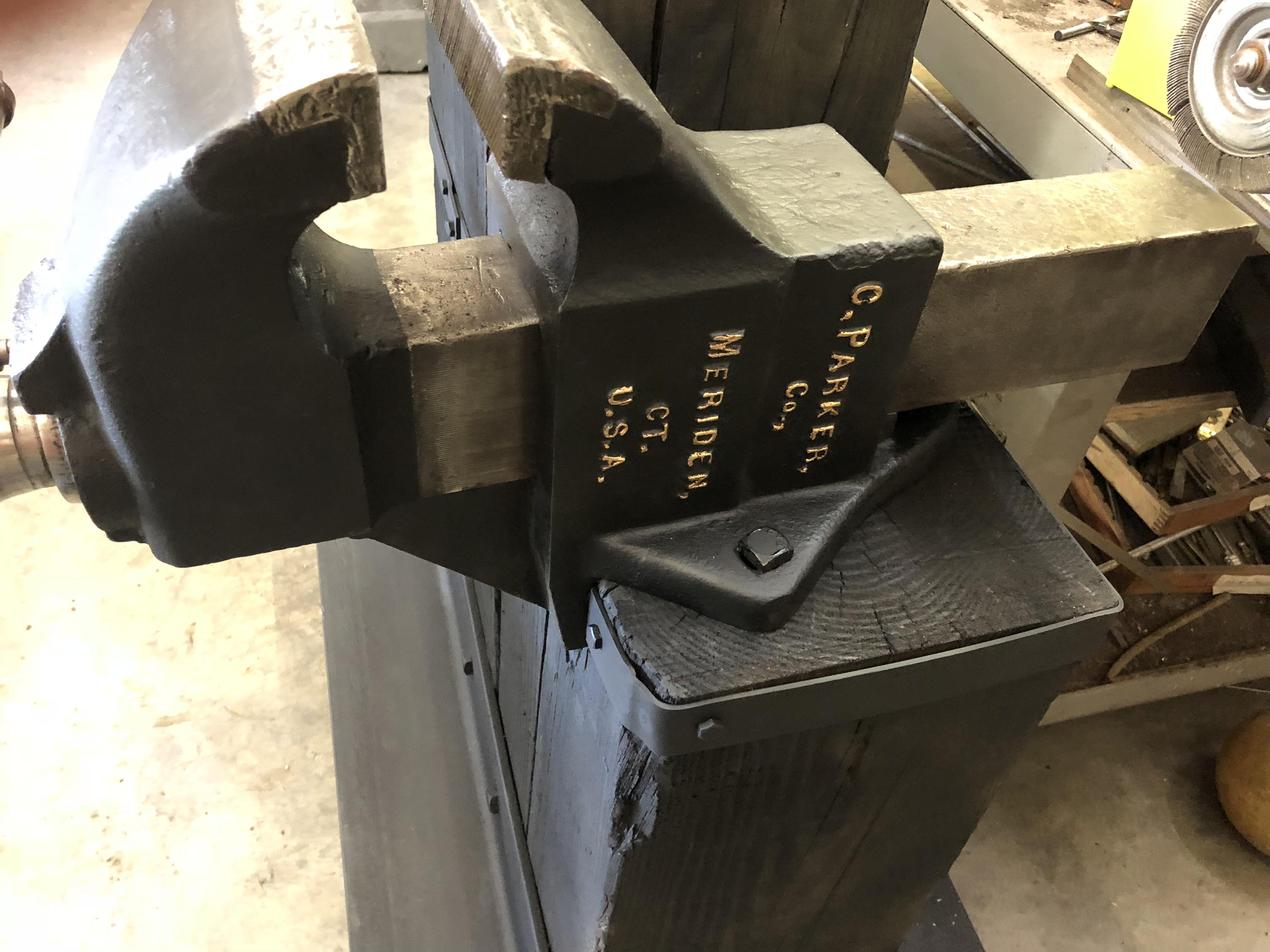
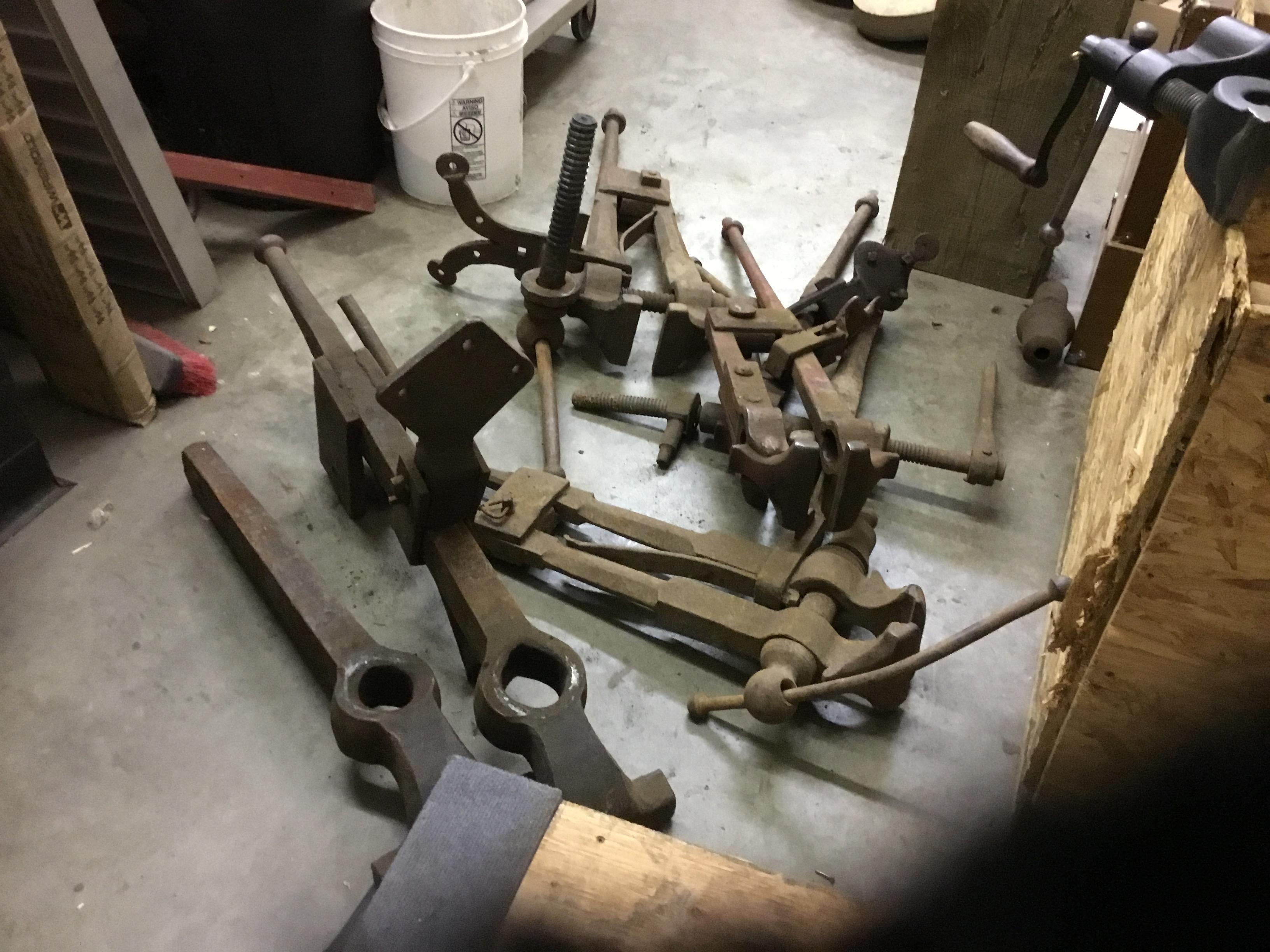
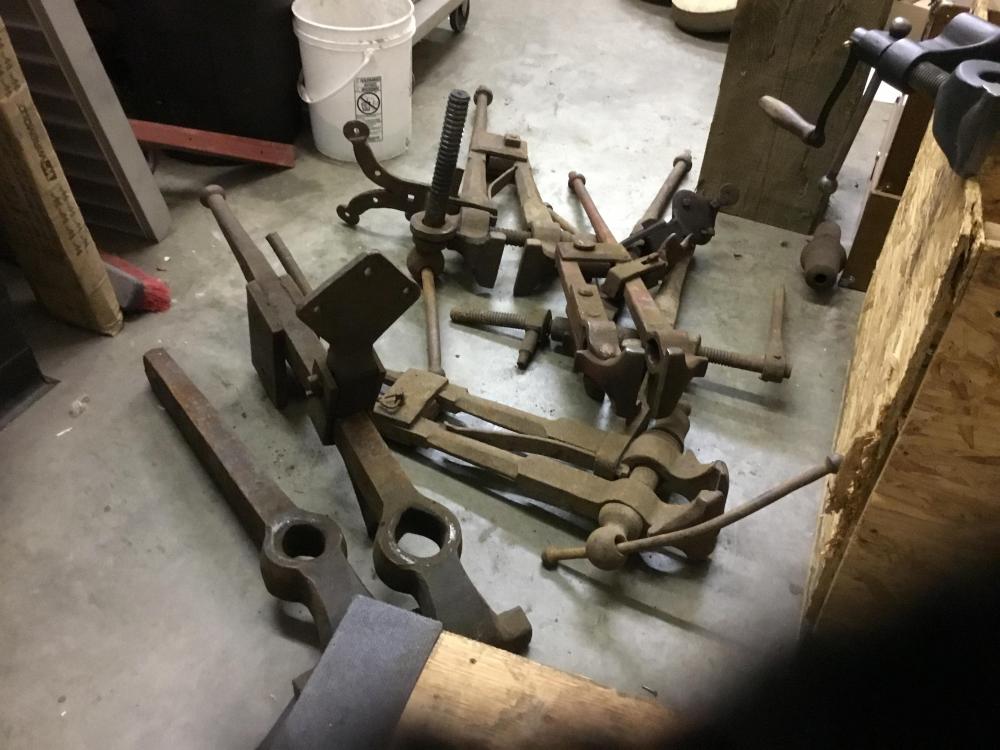
The anvil vise weighs 230lbs . I thought that one was big until I saw this one. I bought several in a lot just to get it.
-
Very nice, the big vise has 10 inch jaws . Just signed up,